

'%3e%3cpath%20d='M12%2020.3333C16.6024%2020.3333%2020.3333%2016.6024%2020.3333%2012C20.3333%207.39762%2016.6024%203.66666%2012%203.66666C7.39763%203.66666%203.66667%207.39762%203.66667%2012C3.66667%2016.6024%207.39763%2020.3333%2012%2020.3333Z'%20stroke='%23F2F2F2'%20stroke-width='2.08333'%20stroke-linecap='round'%20stroke-linejoin='round'/%3e%3cpath%20d='M8.66667%2013.6667C8.66667%2013.6667%209.91667%2015.3333%2012%2015.3333C14.0833%2015.3333%2015.3333%2013.6667%2015.3333%2013.6667'%20stroke='%23F2F2F2'%20stroke-width='2.08333'%20stroke-linecap='round'%20stroke-linejoin='round'/%3e%3cpath%20d='M9.5%209.5H9.50833'%20stroke='%23F2F2F2'%20stroke-width='2.08333'%20stroke-linecap='round'%20stroke-linejoin='round'/%3e%3cpath%20d='M14.5%209.5H14.5083'%20stroke='%23F2F2F2'%20stroke-width='2.08333'%20stroke-linecap='round'%20stroke-linejoin='round'/%3e%3c/g%3e%3cdefs%3e%3cclipPath%20id='clip0_10282_1064'%3e%3crect%20width='20'%20height='20'%20fill='white'%20transform='translate(2%202)'/%3e%3c/clipPath%3e%3c/defs%3e%3c/svg%3e)


AI Photo Editor
Upload a photo and say what to change, in your own words. It's free.
What you can change
Hover or tap a picture to see the original.
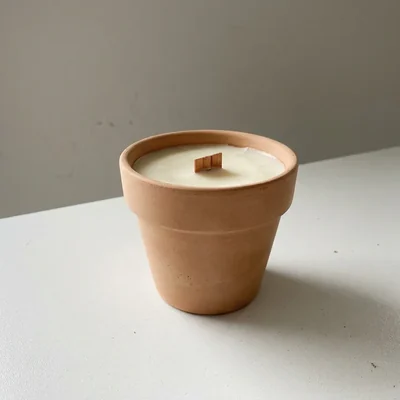
Change the background
Move a person, a pet or a product into any scene, with the light to match.
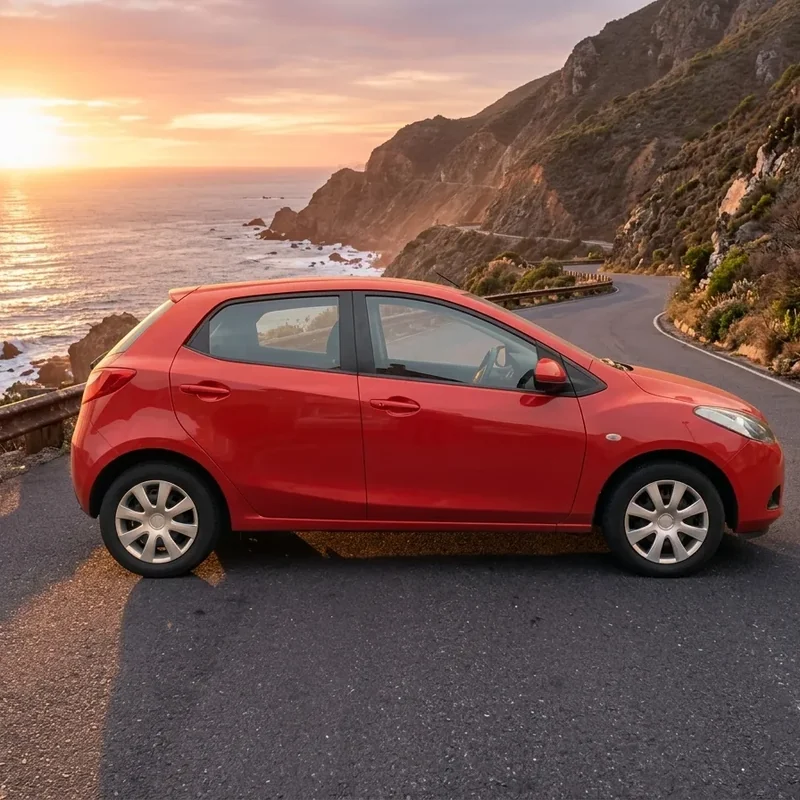
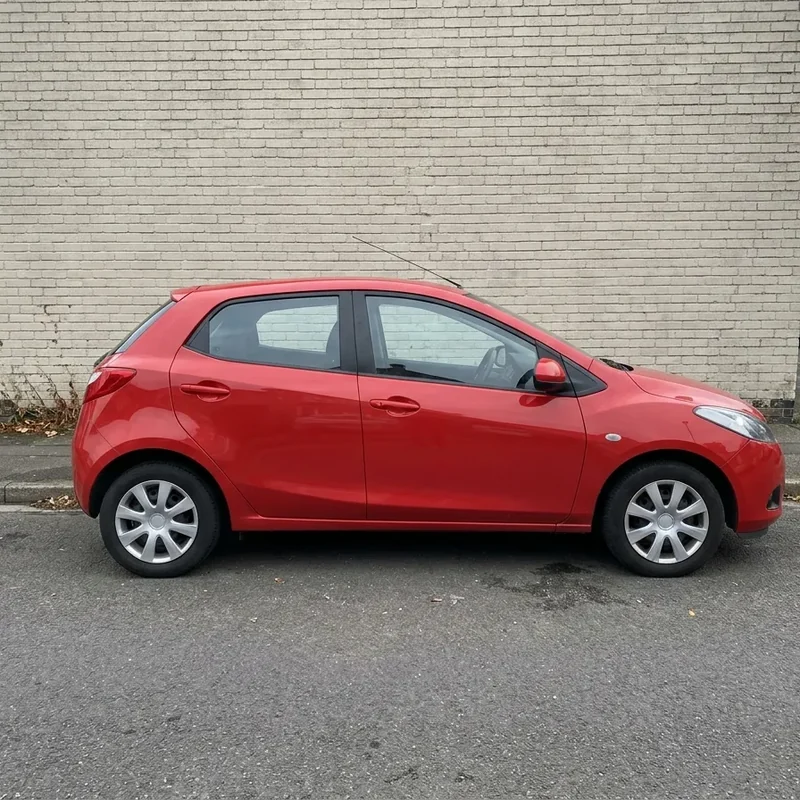
 Before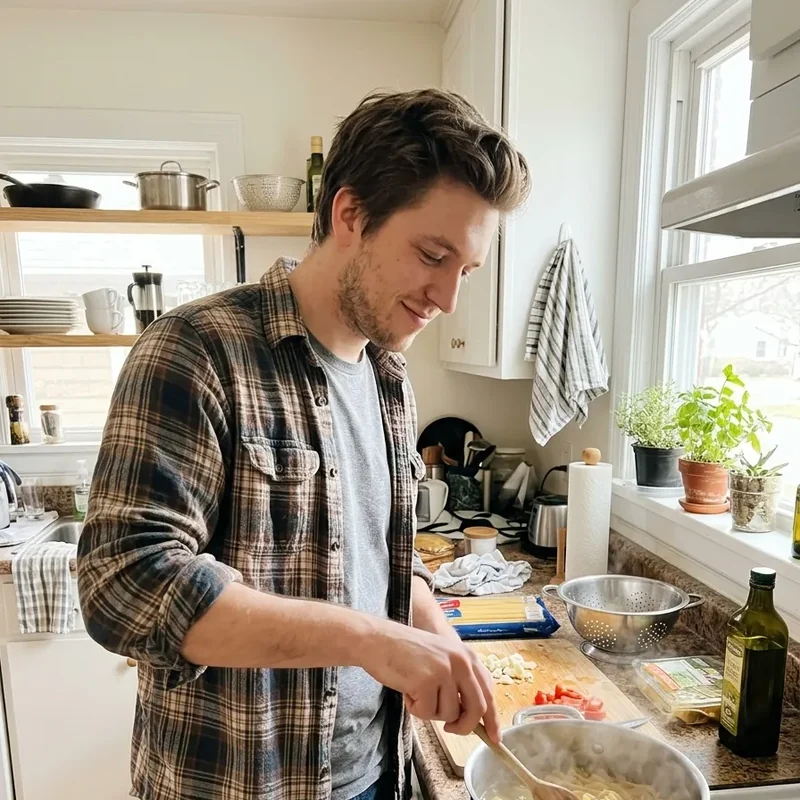

 Before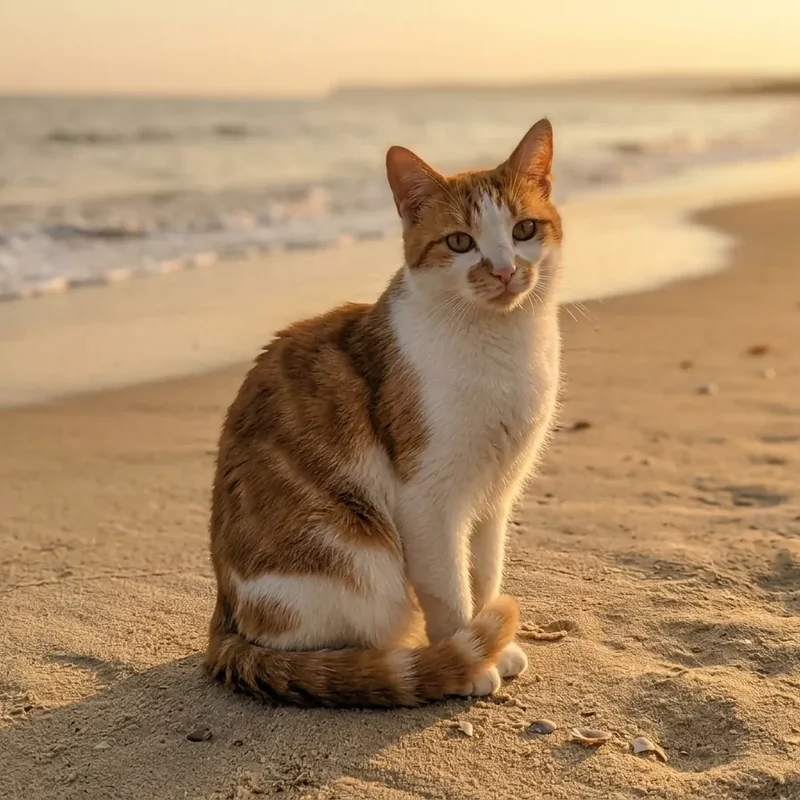
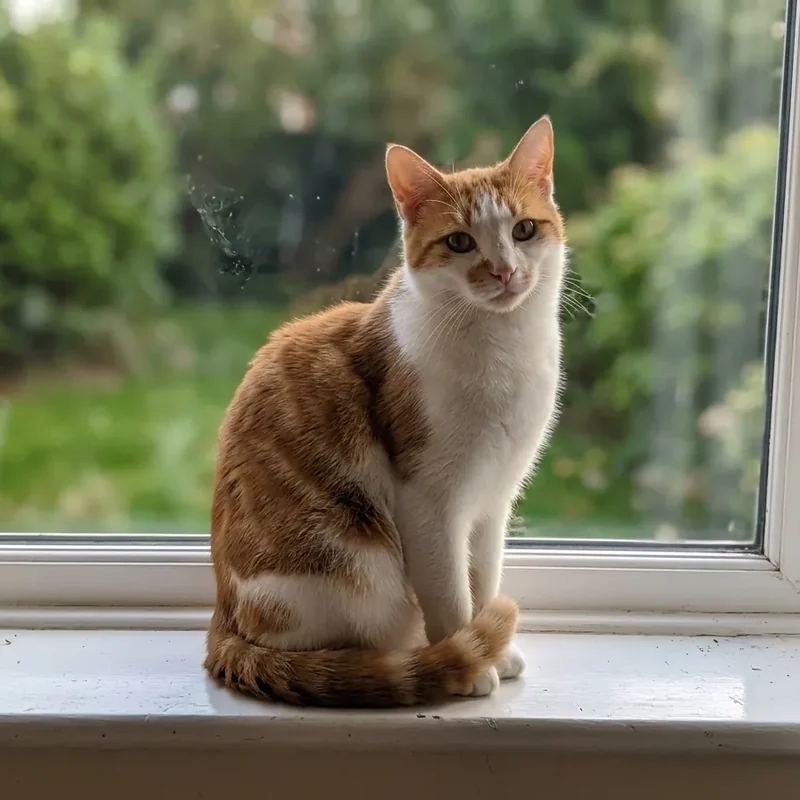
 Before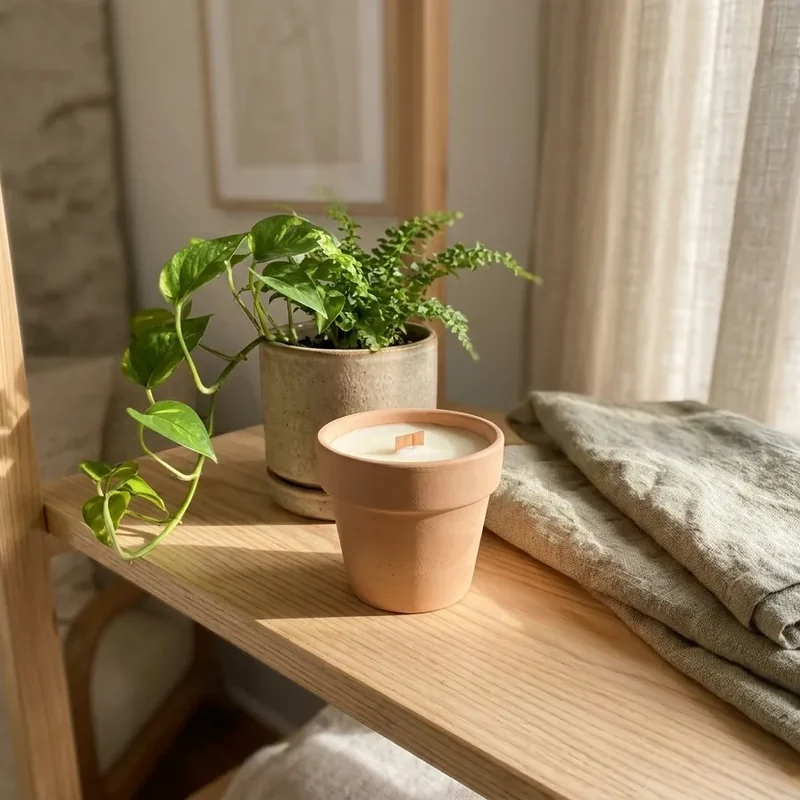
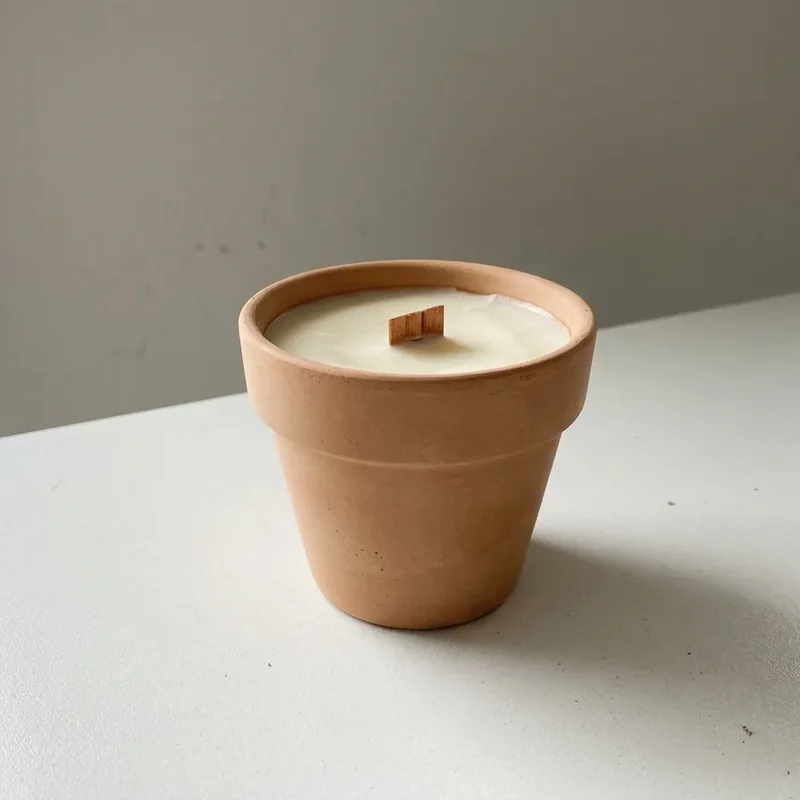
 Before
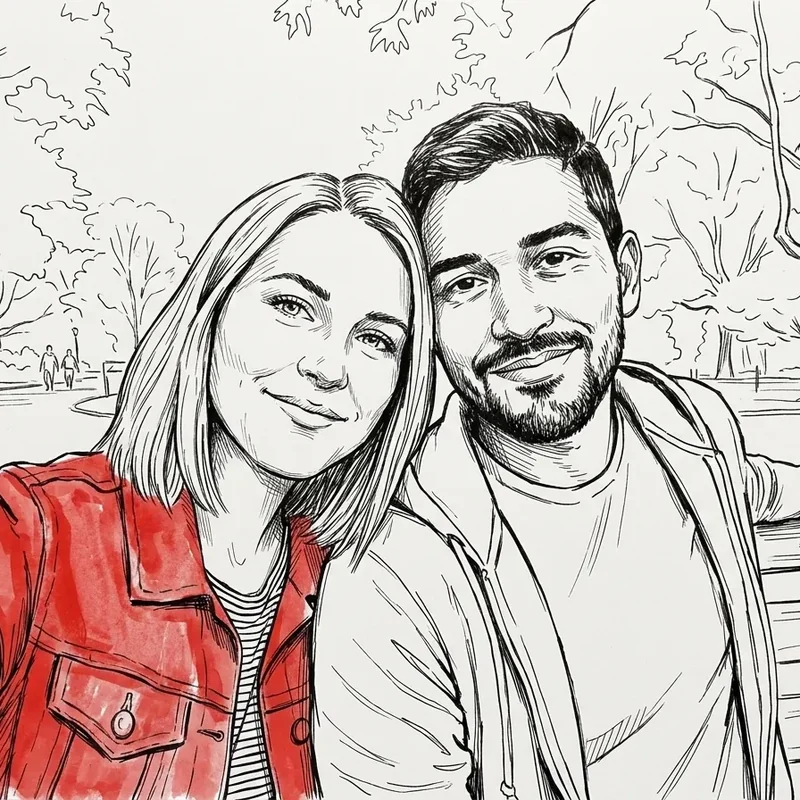
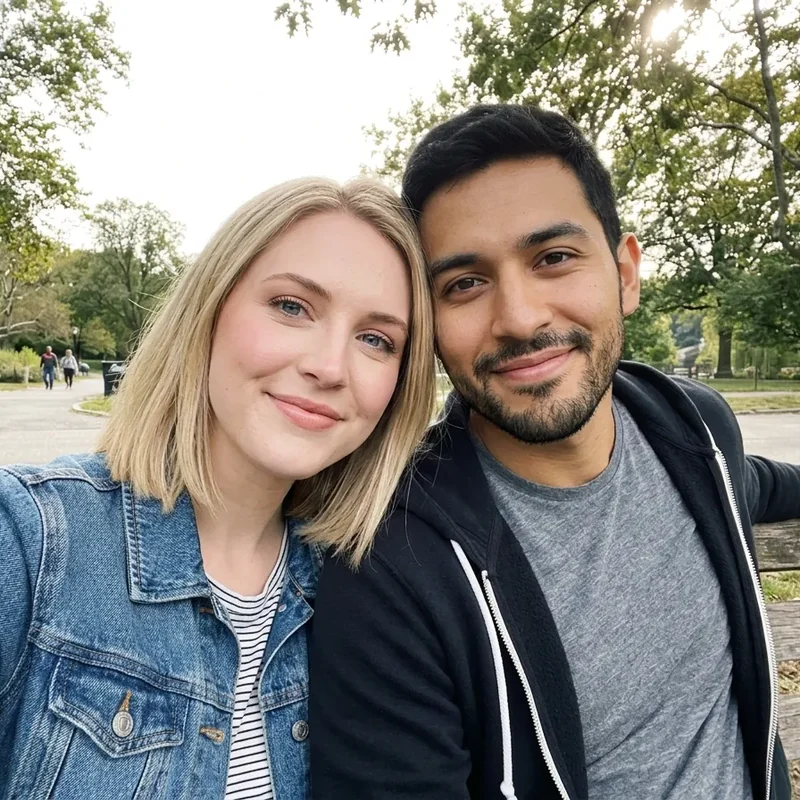
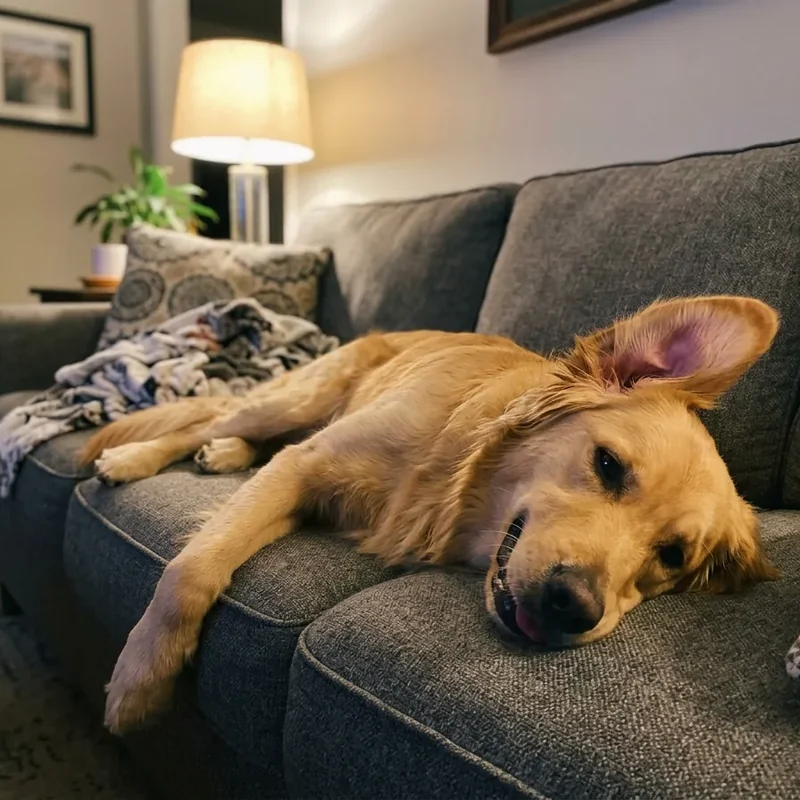
 Turn a photo into art
Ink, watercolour, 3D animation, a vintage poster or stained glass: the same picture in any style.
 Before
 Before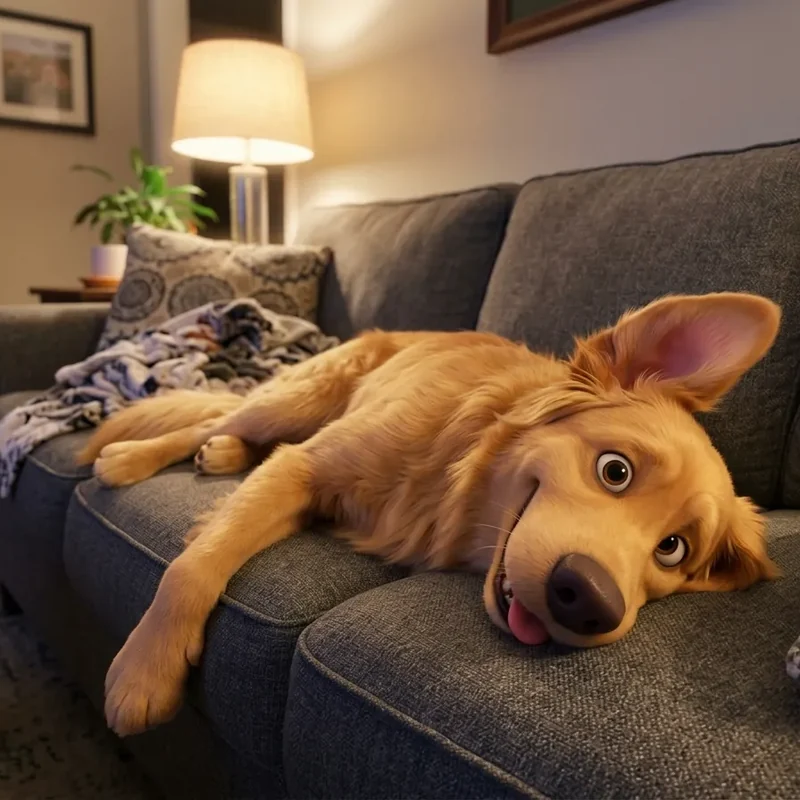
 Before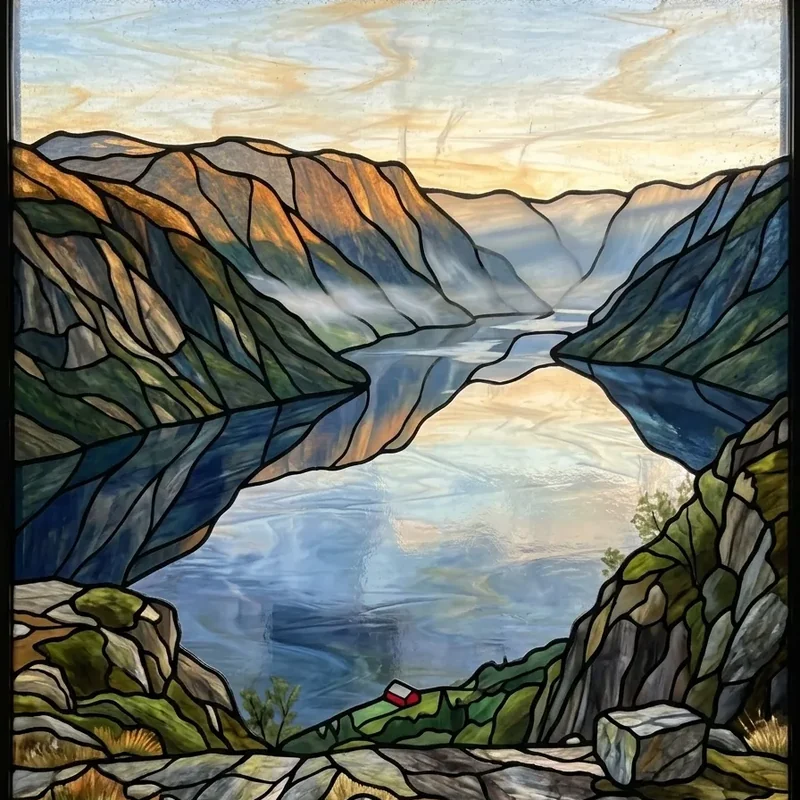

 Before
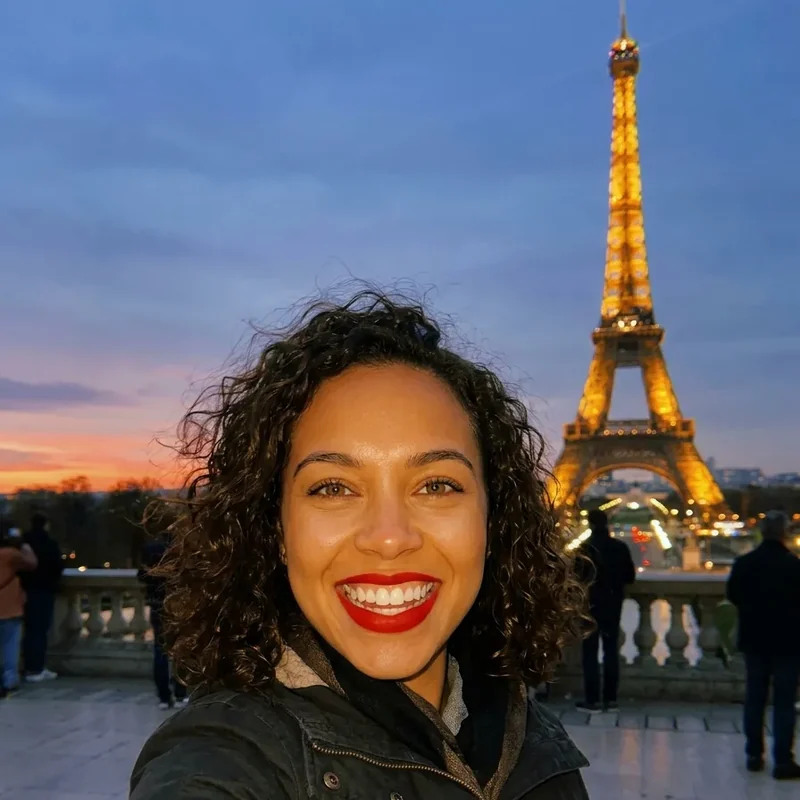
 Change outfits and hair
Try a suit, a new jacket, another hair colour or a costume, and keep the face.


 Before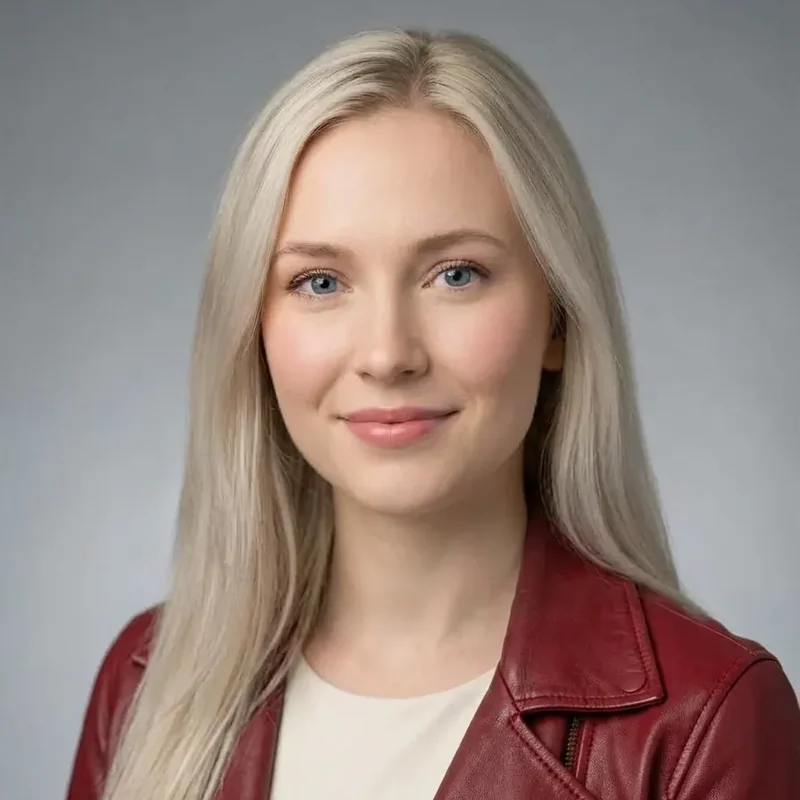

 Before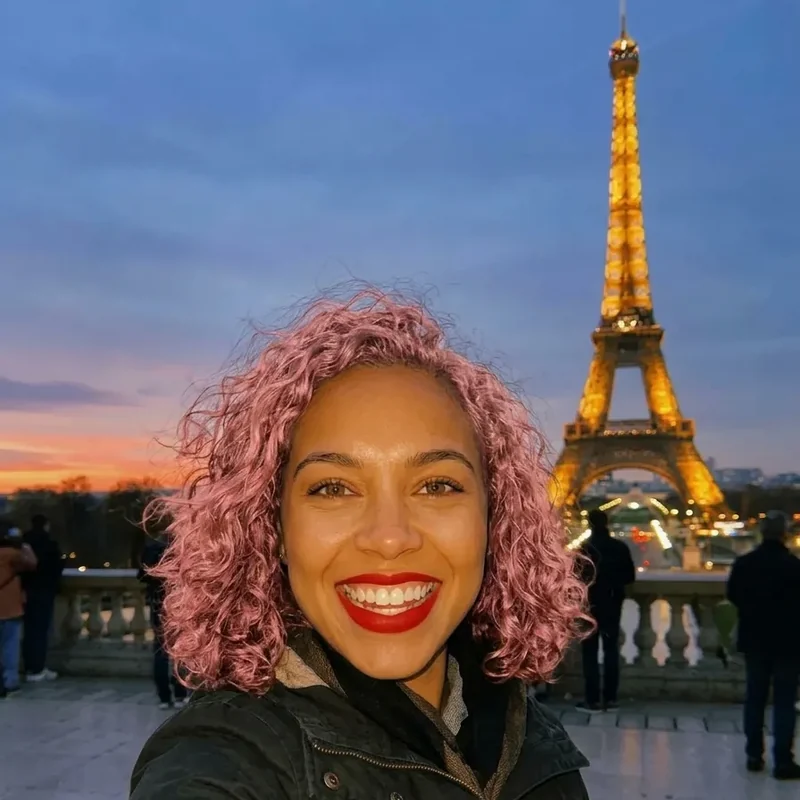
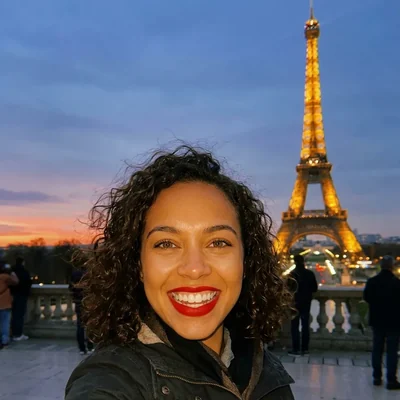 Before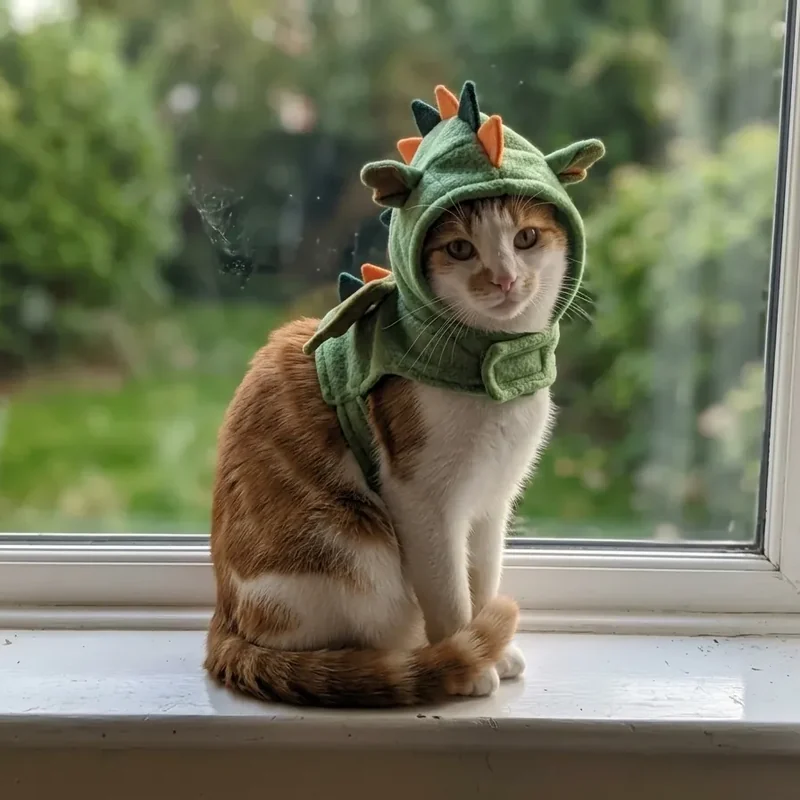
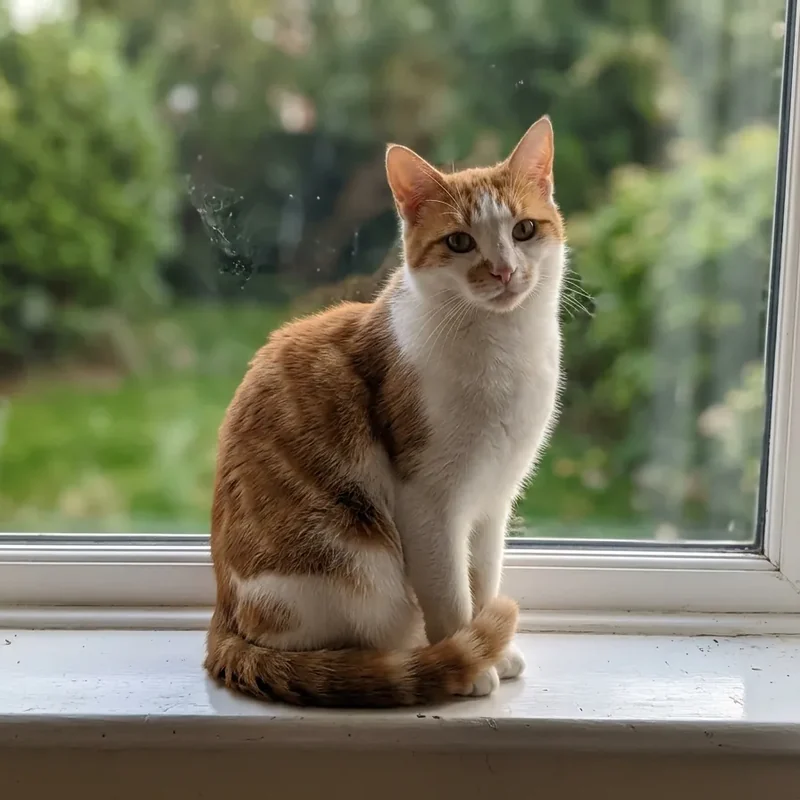
 Before
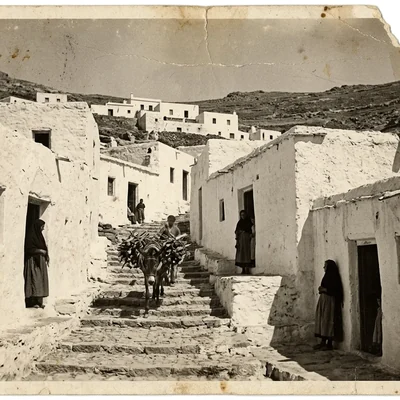
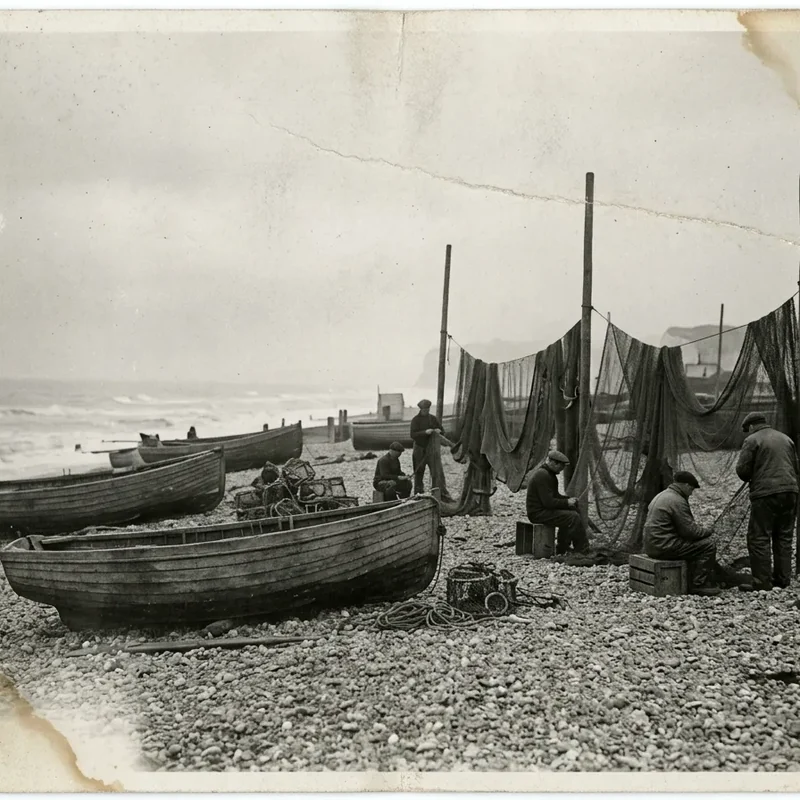
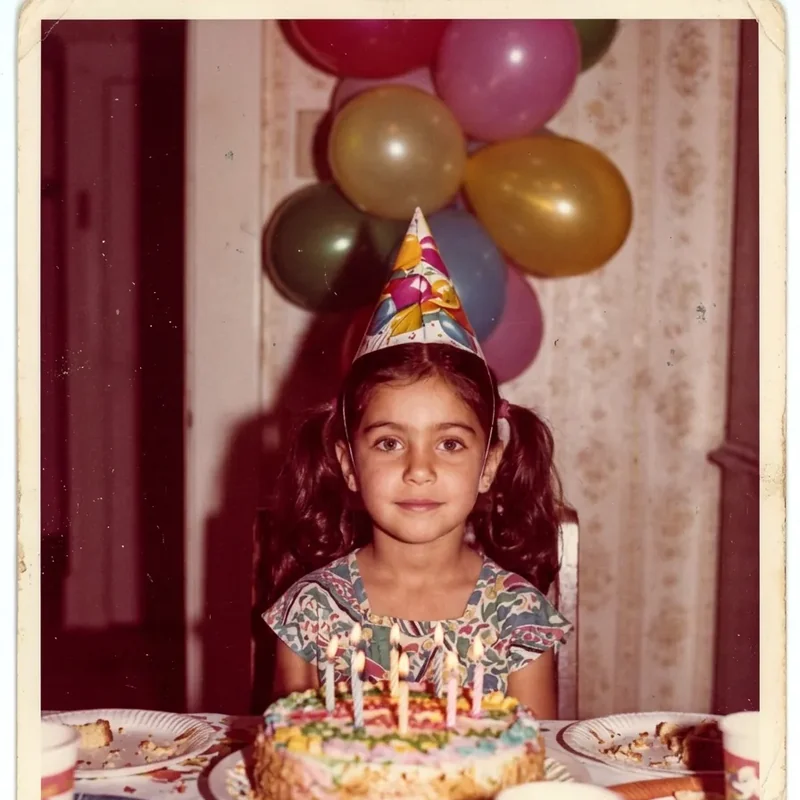
 Restore old photos
Repair tears, stains and faded colours, or bring a black-and-white photo back in colour.
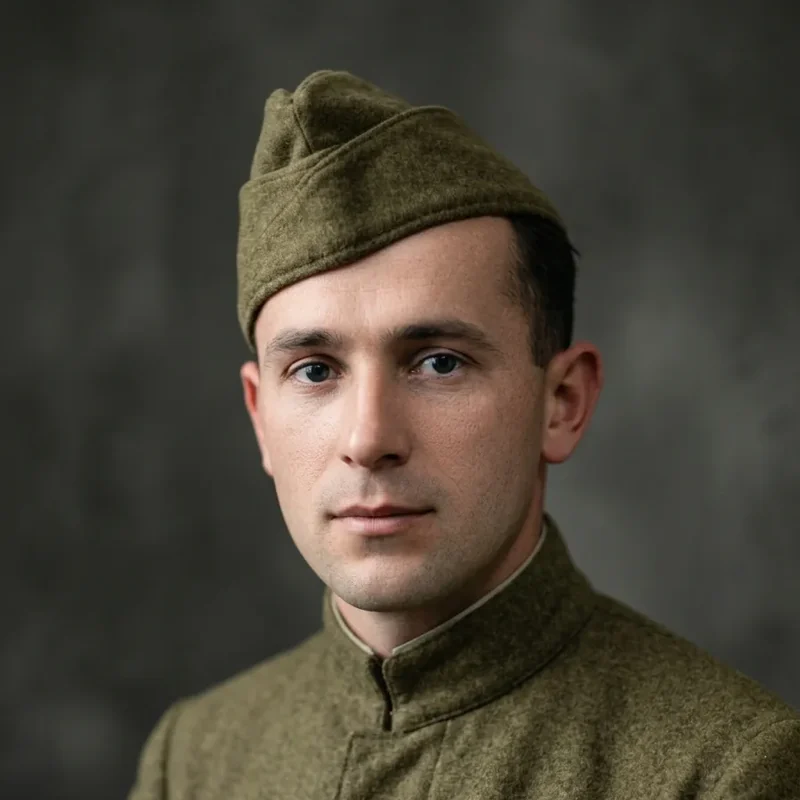
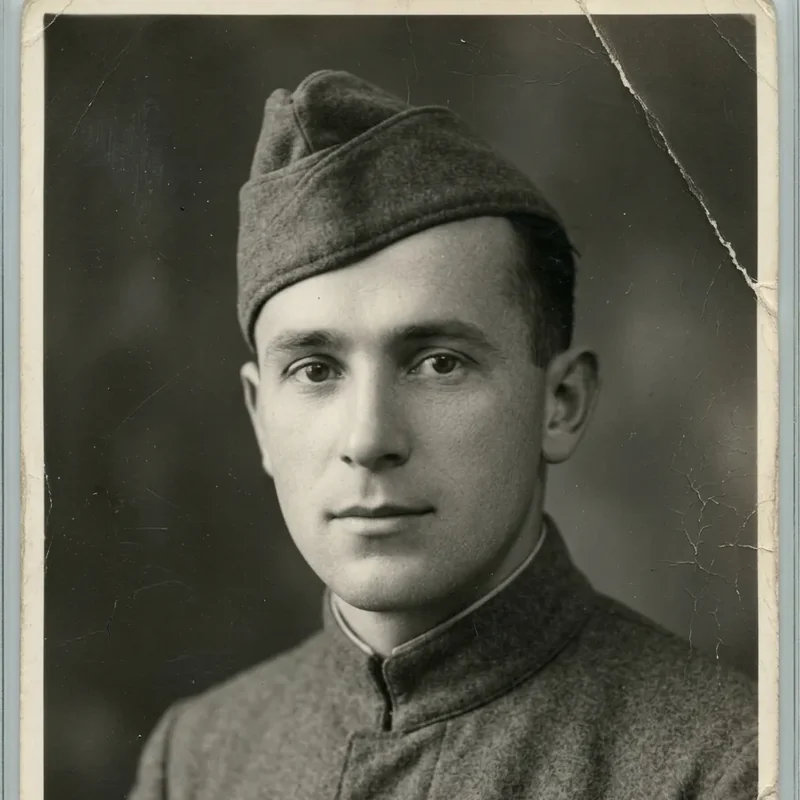
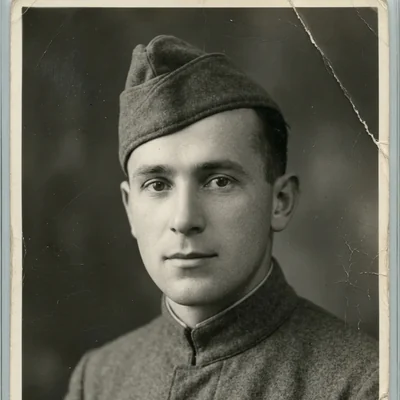 Before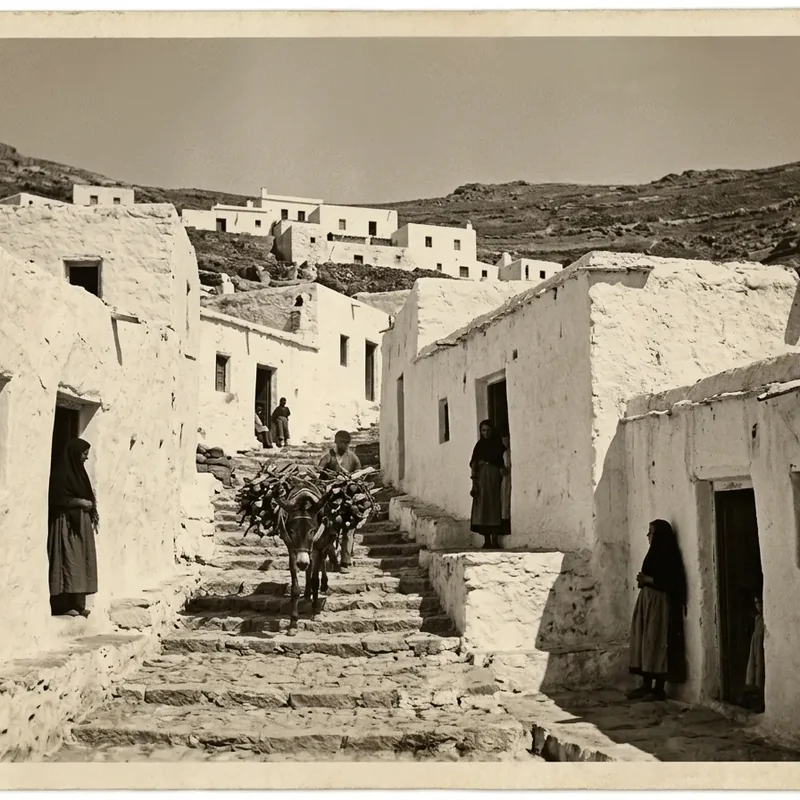
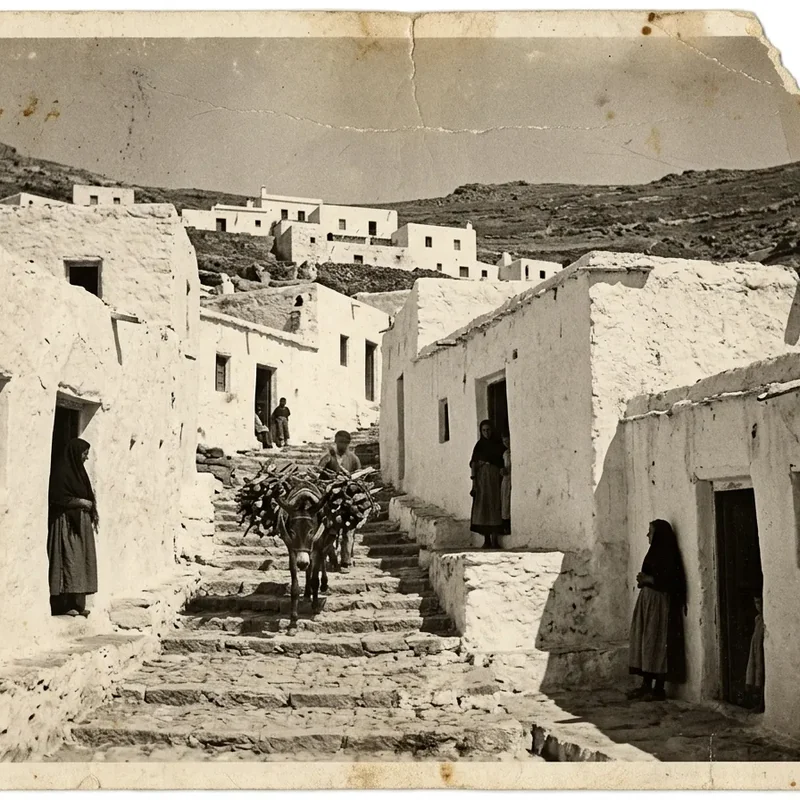
 Before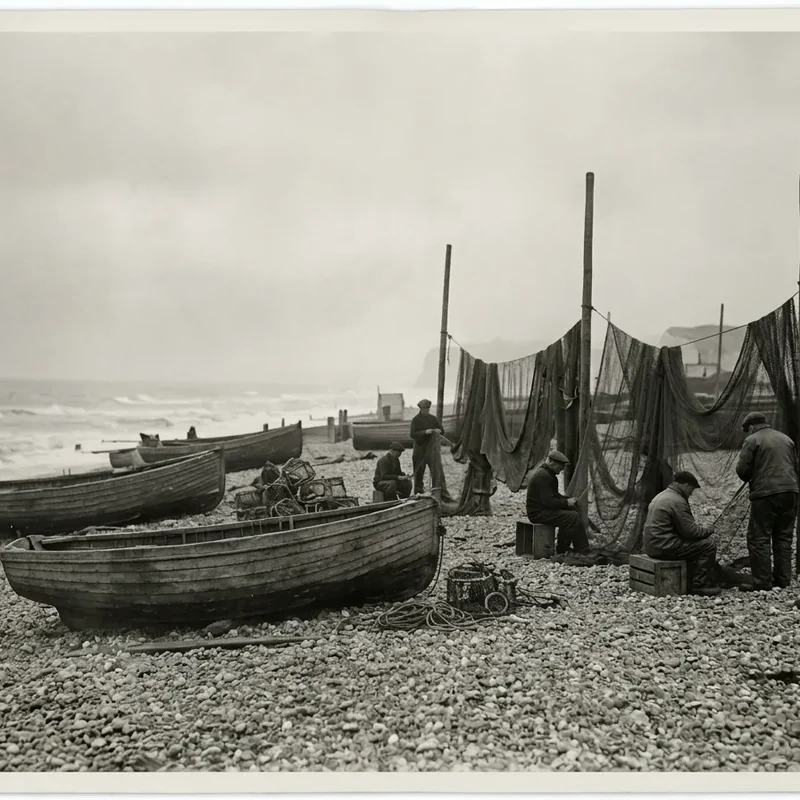
 Before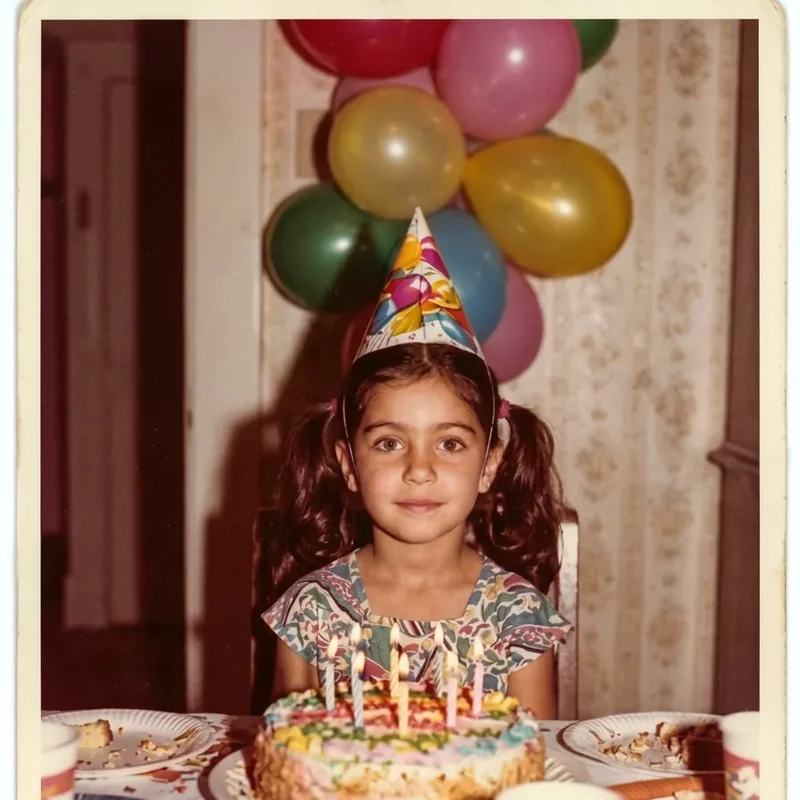
 Before
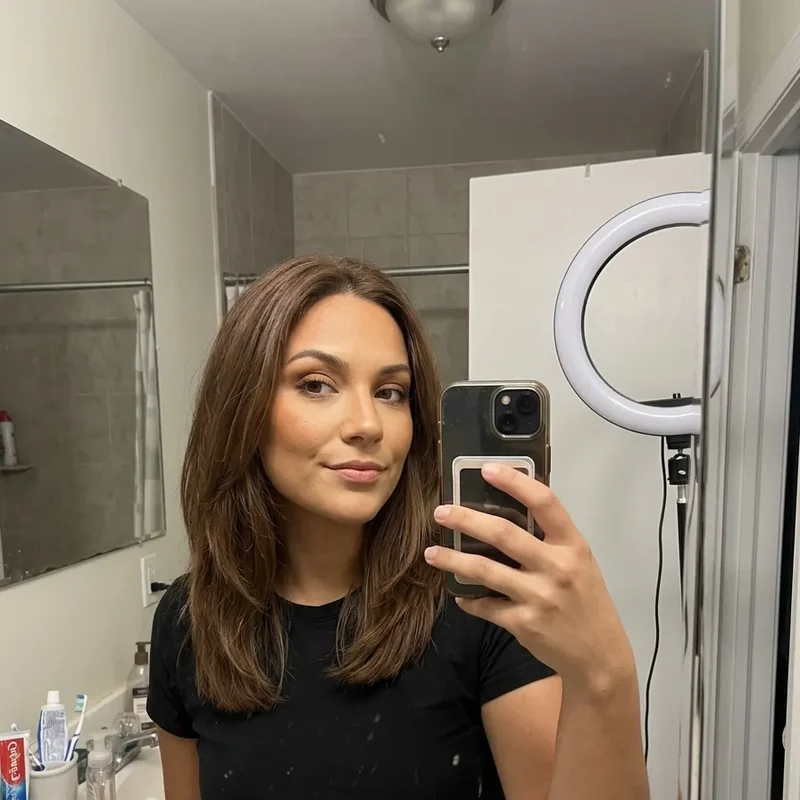
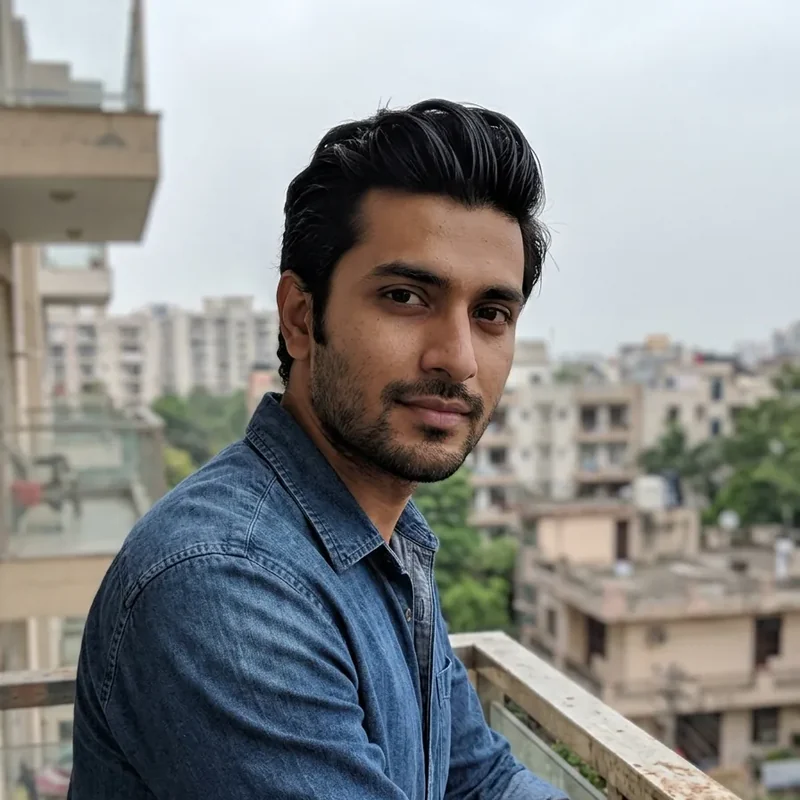
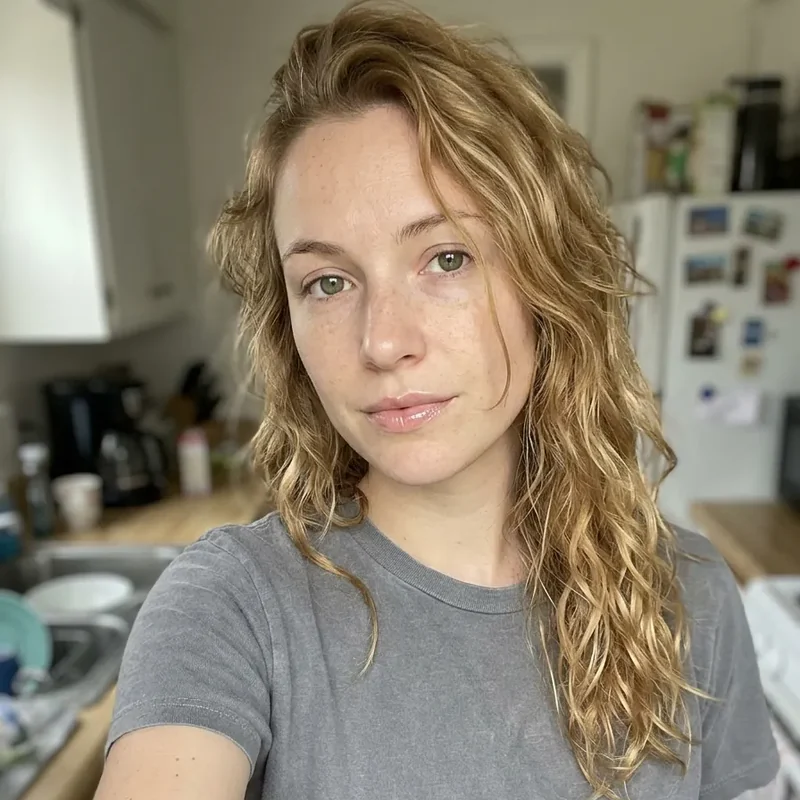
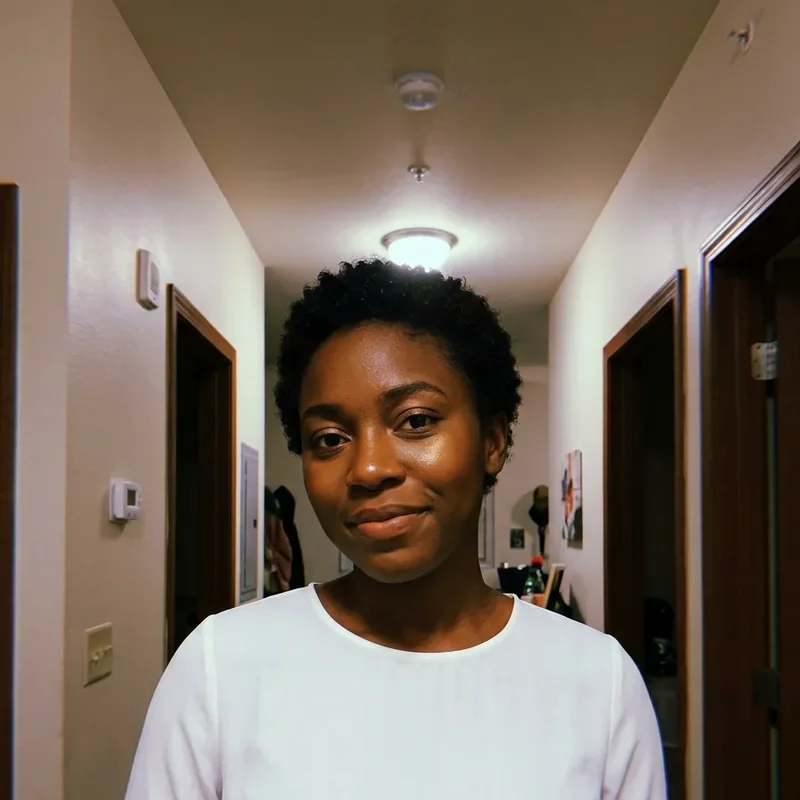
 Professional headshots
Turn a casual selfie into a studio headshot for your CV or your profile.

 Before
 Before
 Before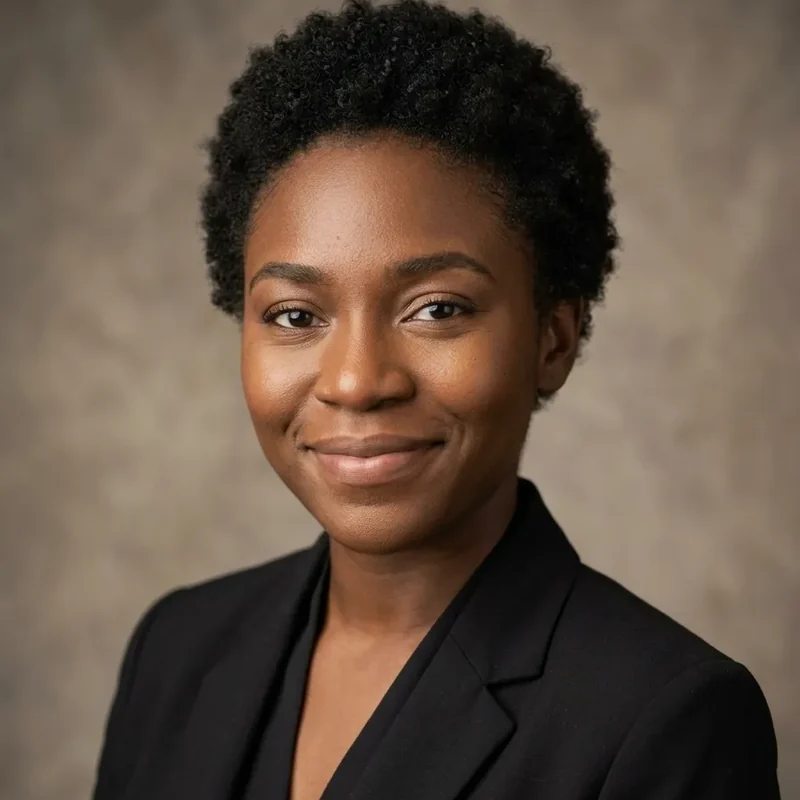
 Before
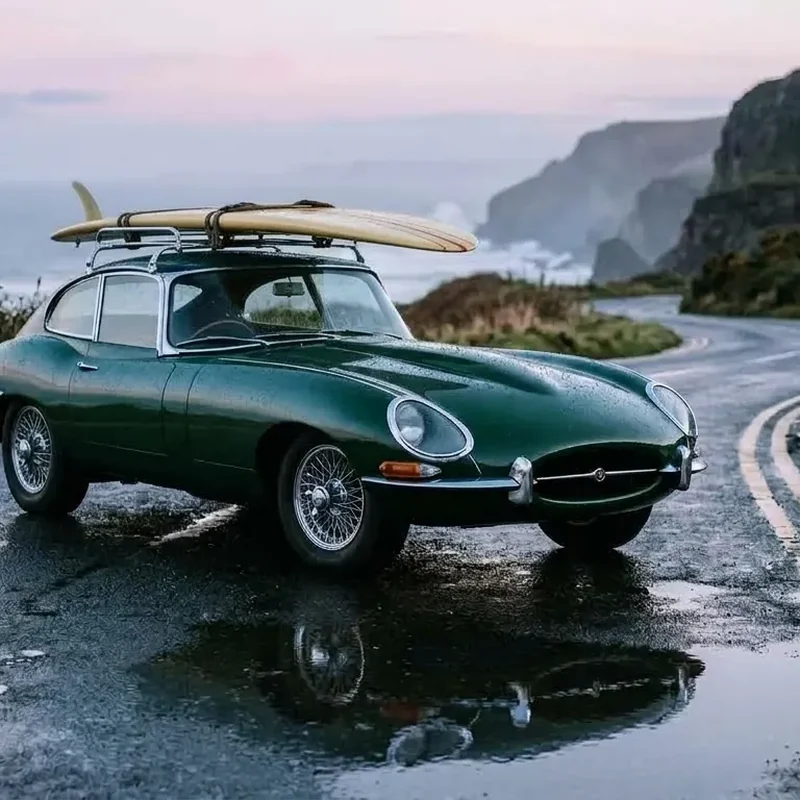
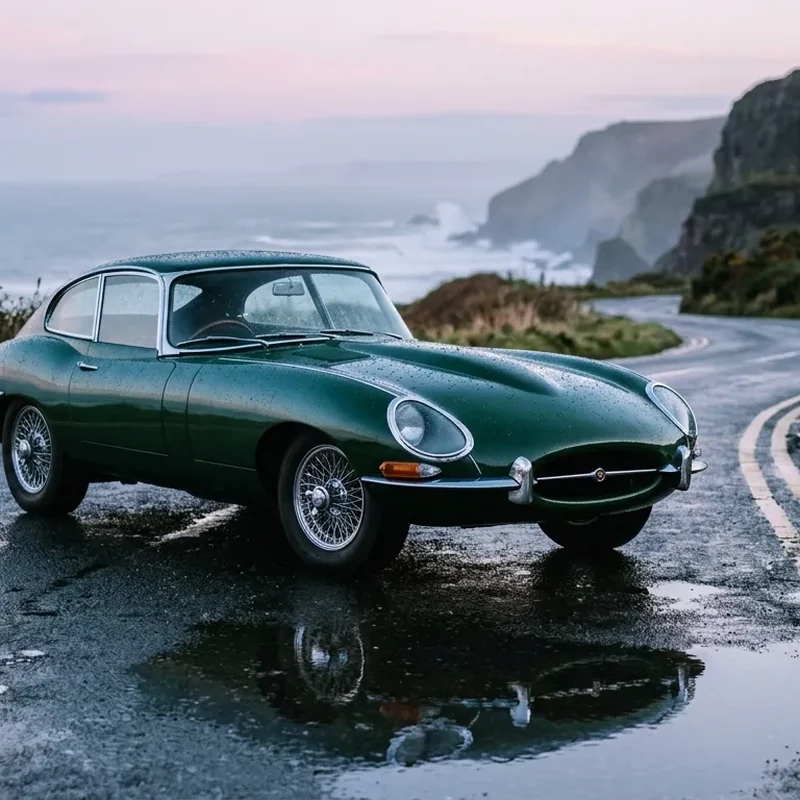
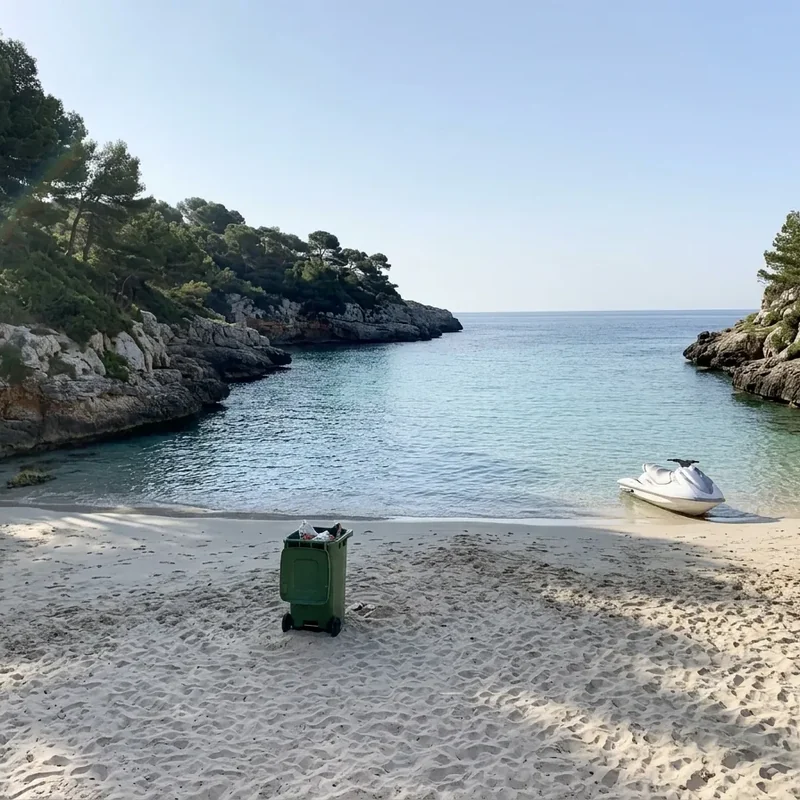
 Add or remove objects
Take out a stranger, a lamppost or the clutter, or add what is missing.
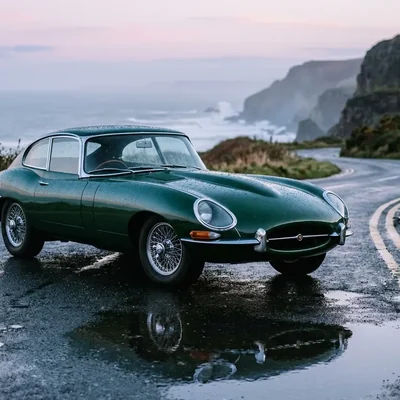 Before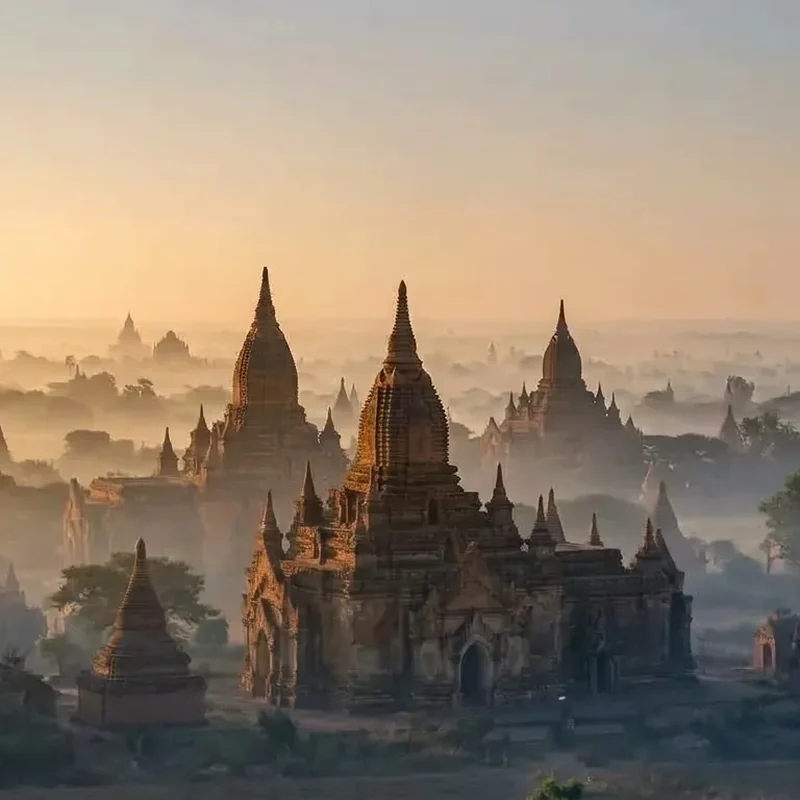
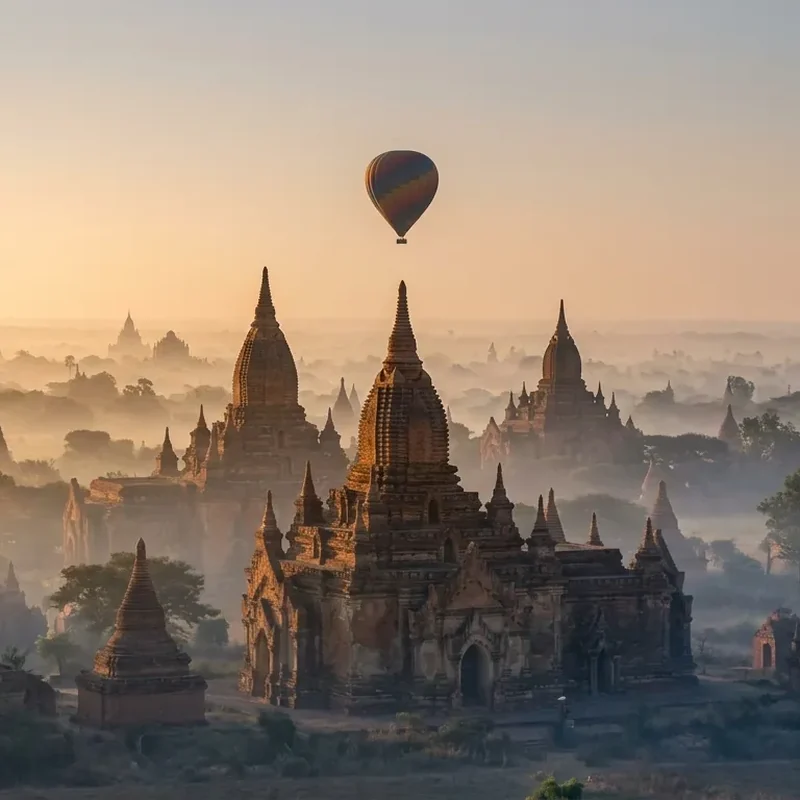
 Before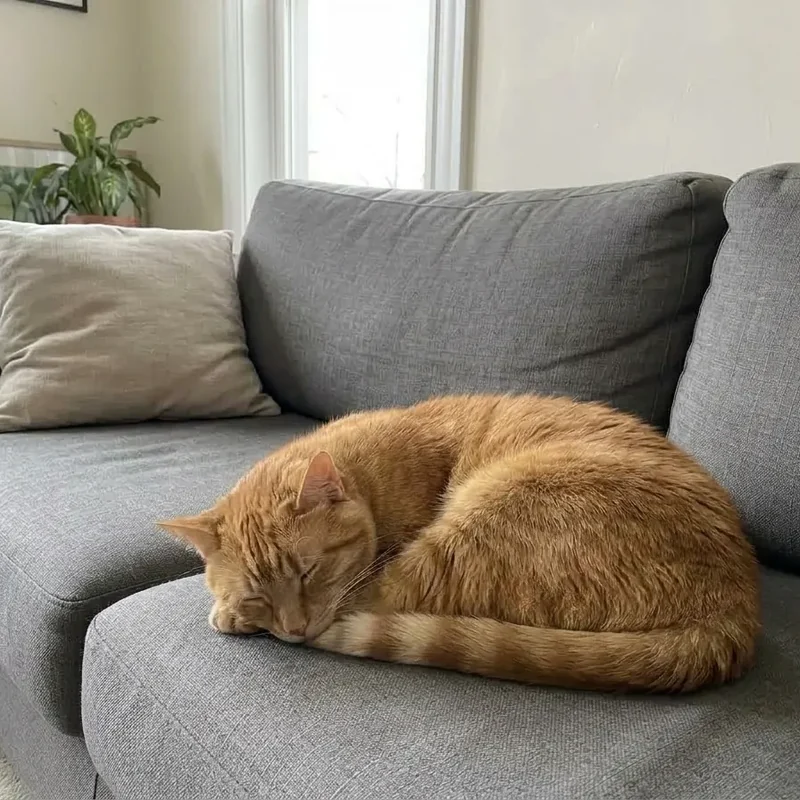
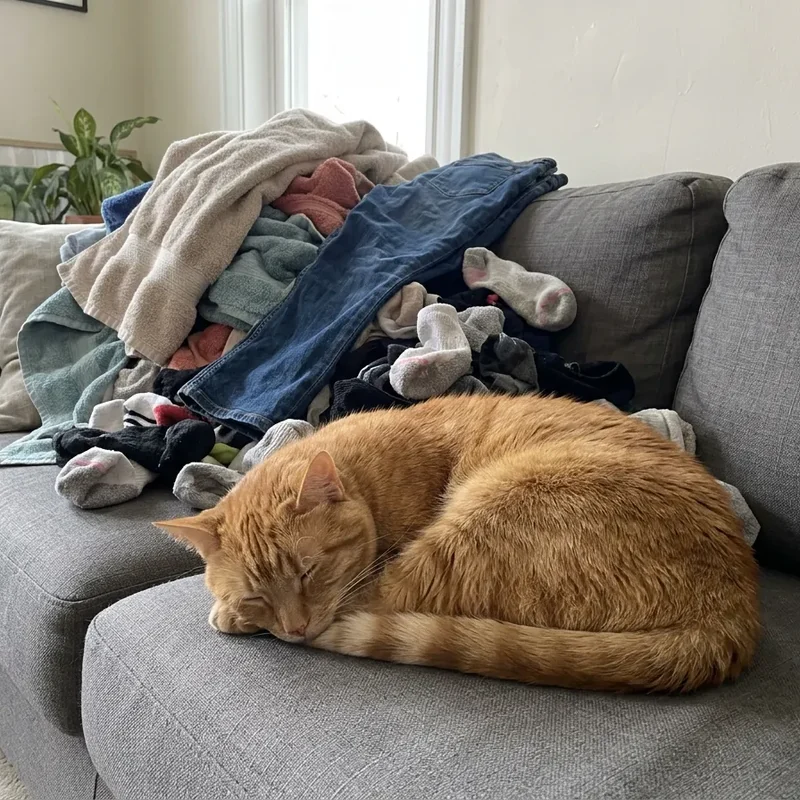
 Before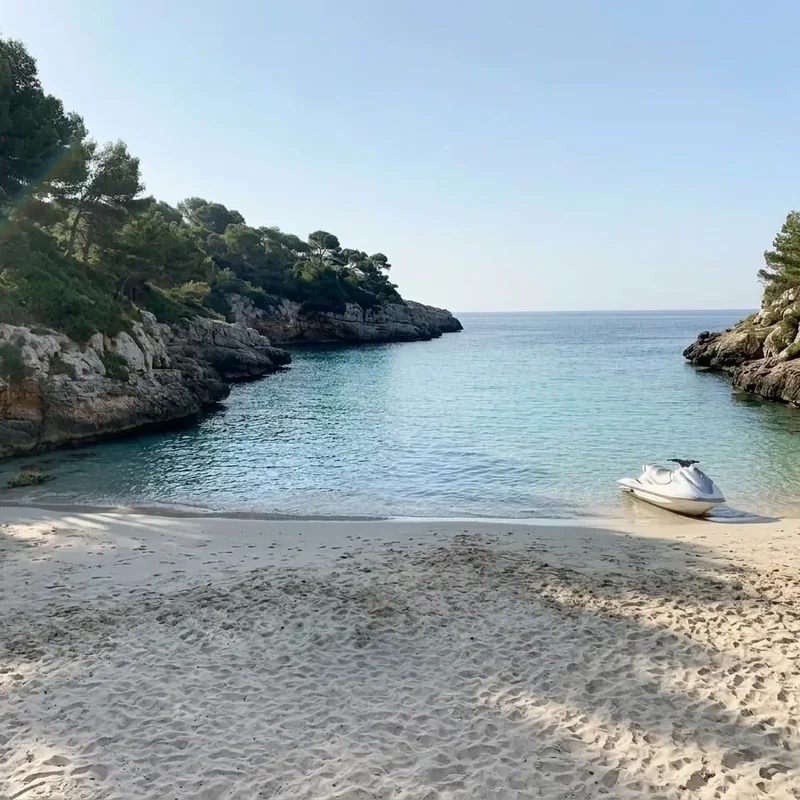
 Before
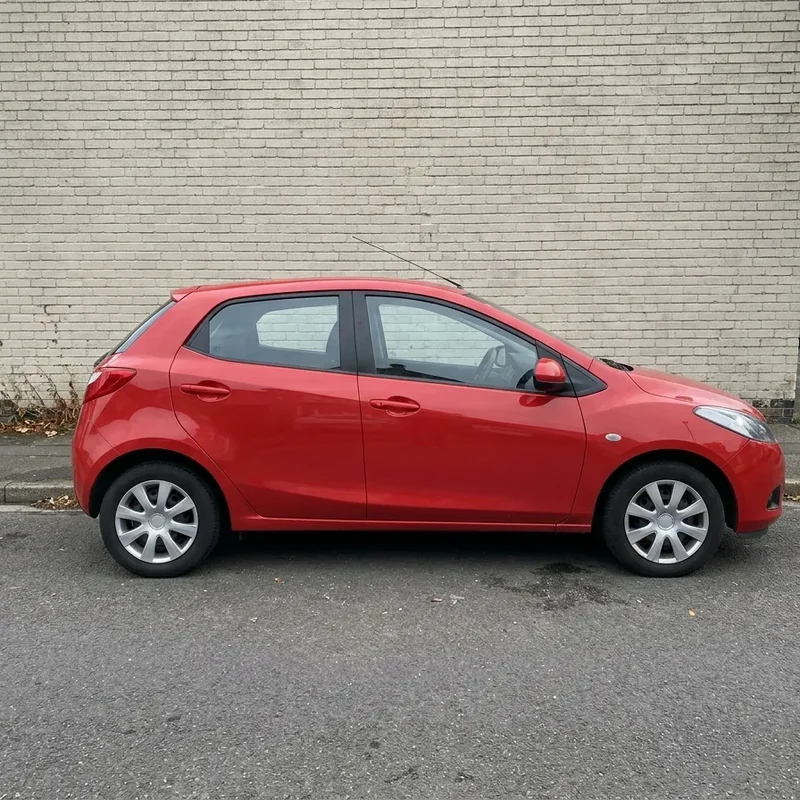
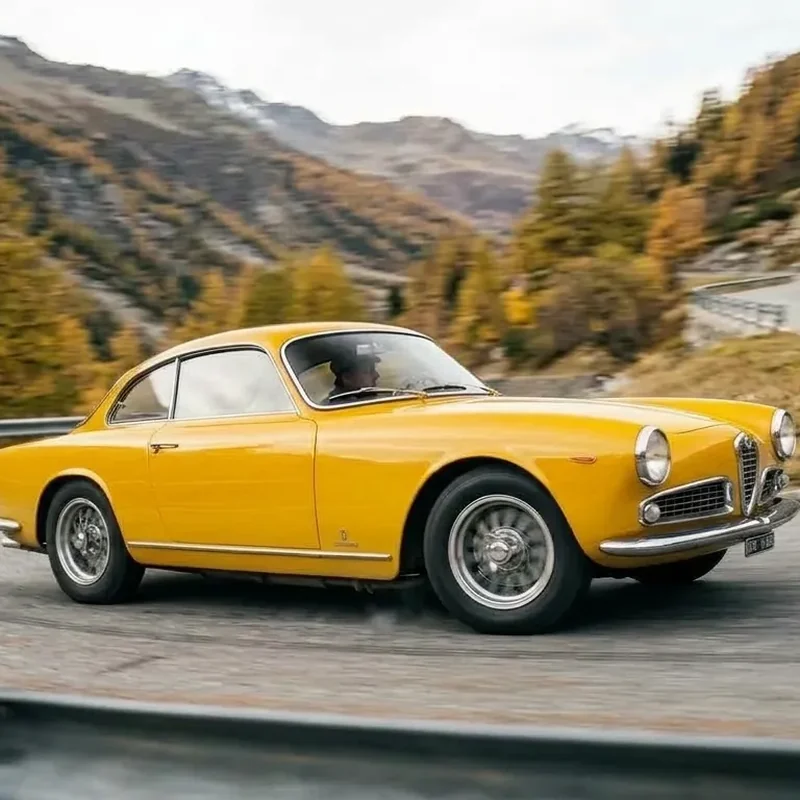
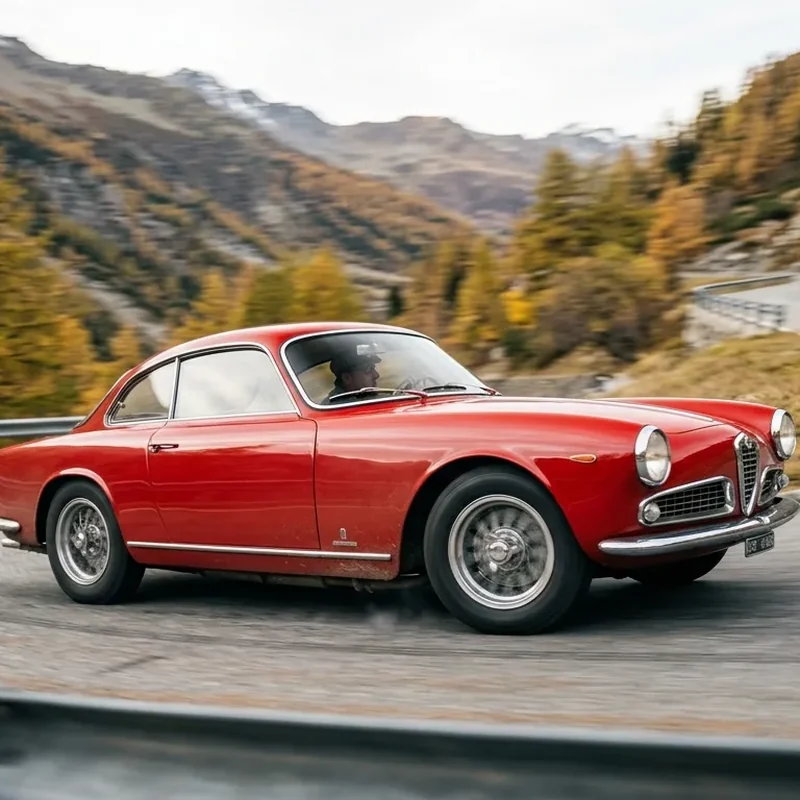
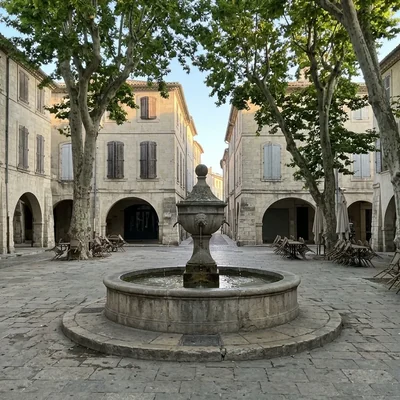
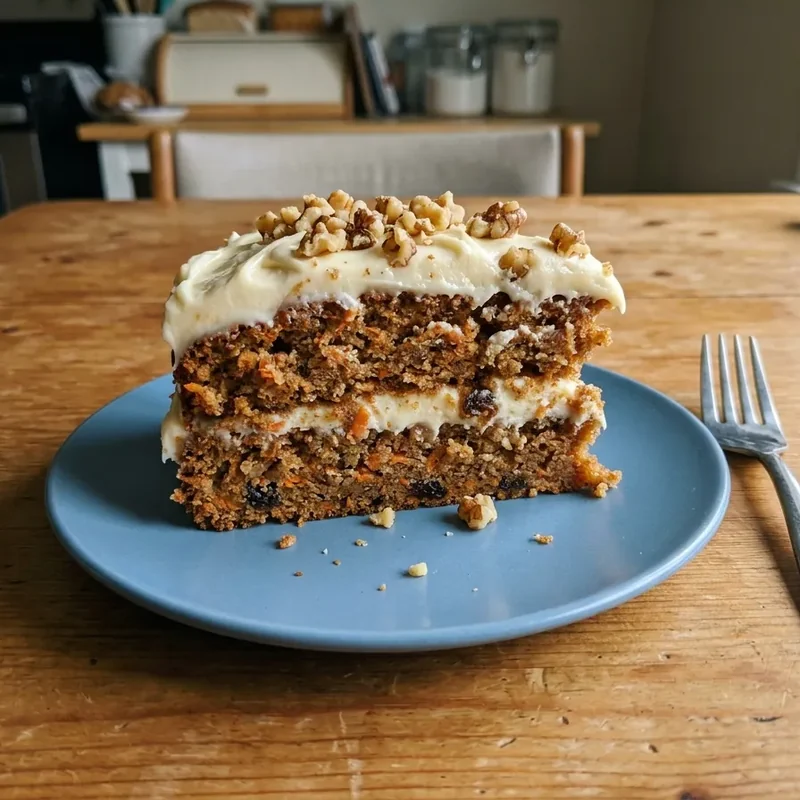
 Change colours, light and seasons
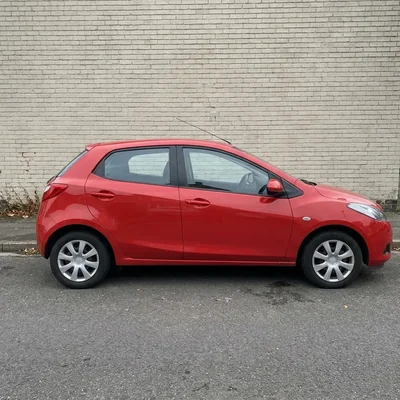
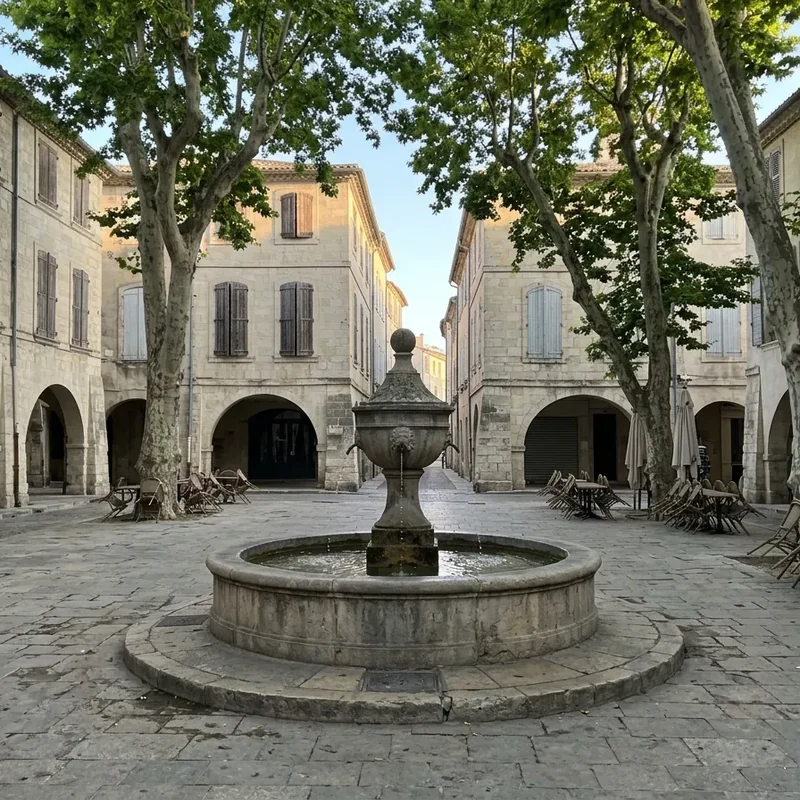
Repaint a car, turn the day into a sunset or the summer into snow.
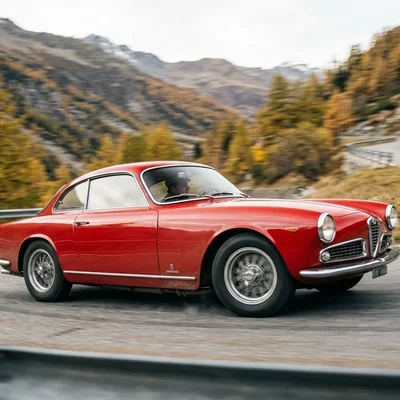 Before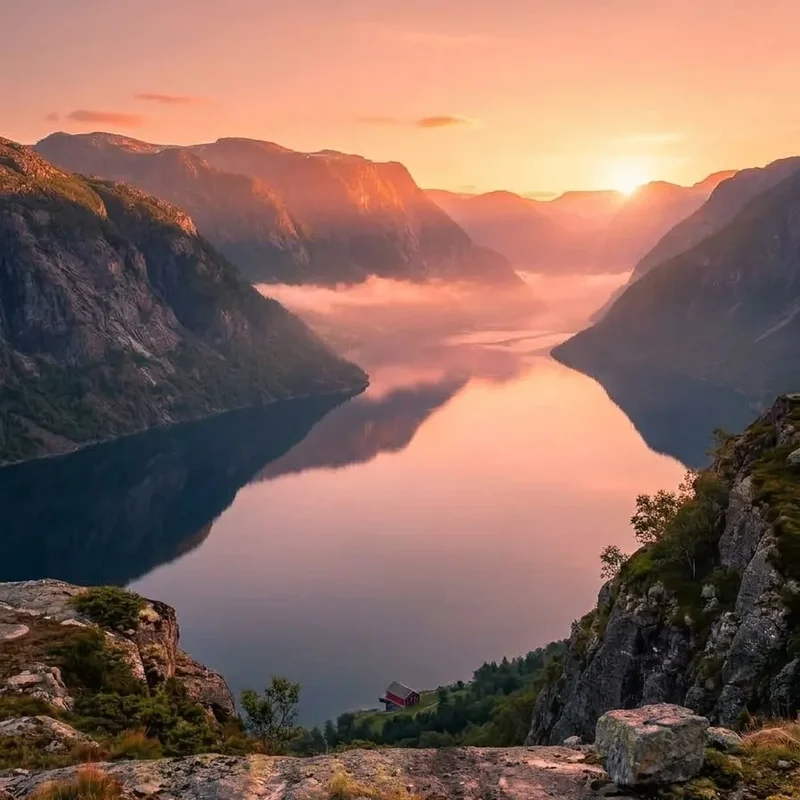

 Before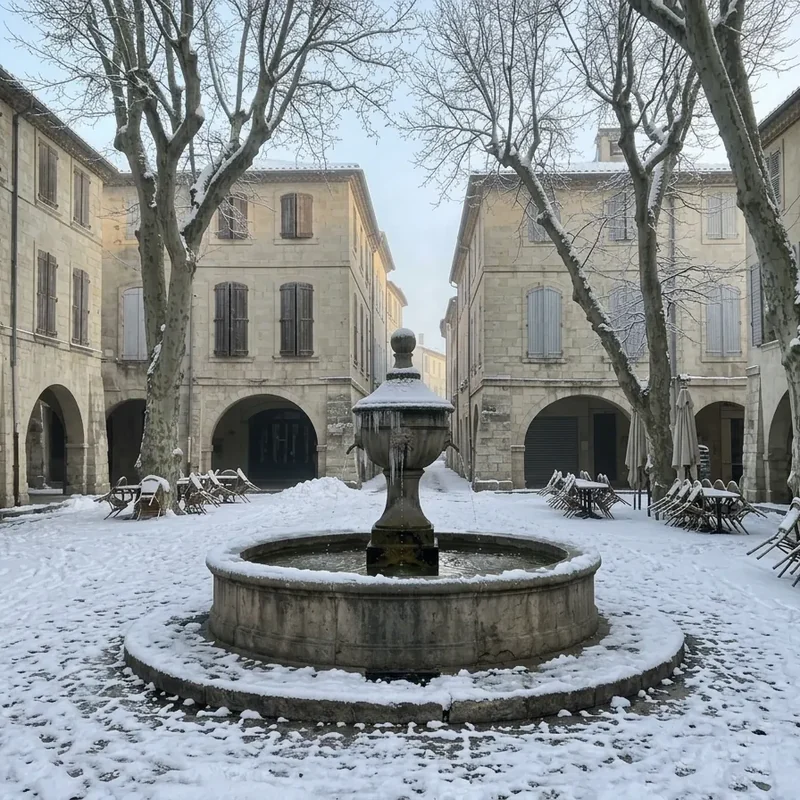
 Before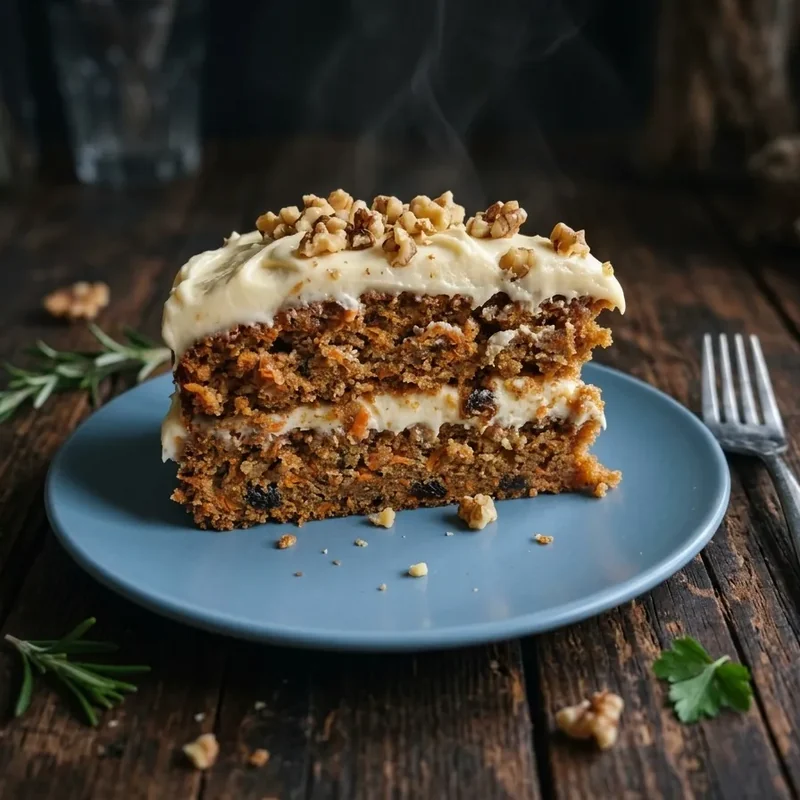
 Before
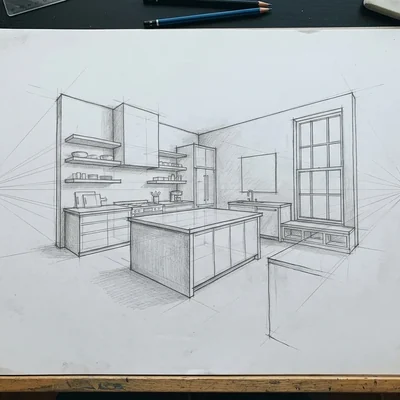
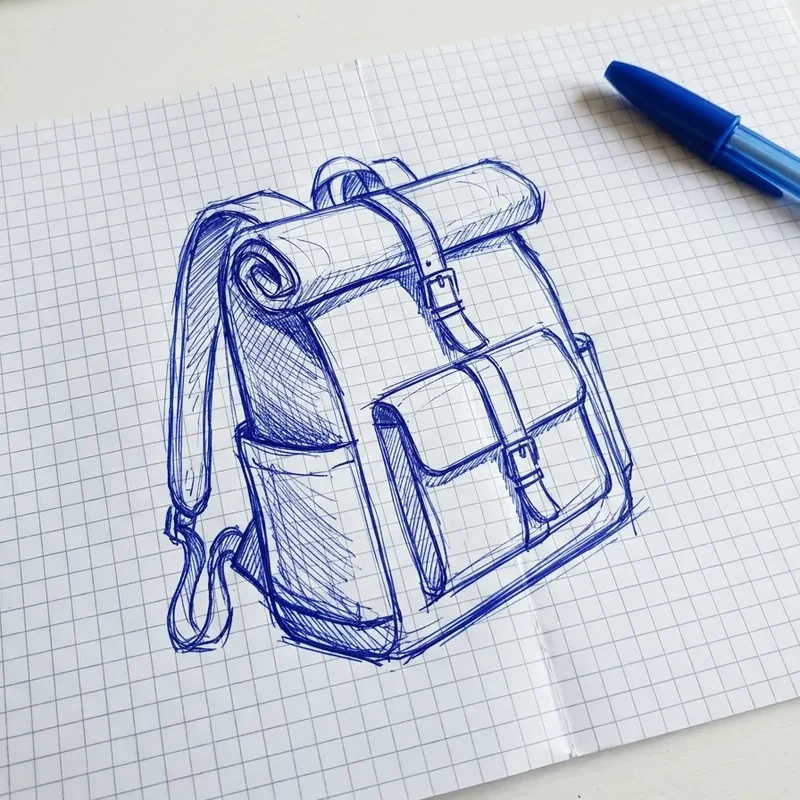
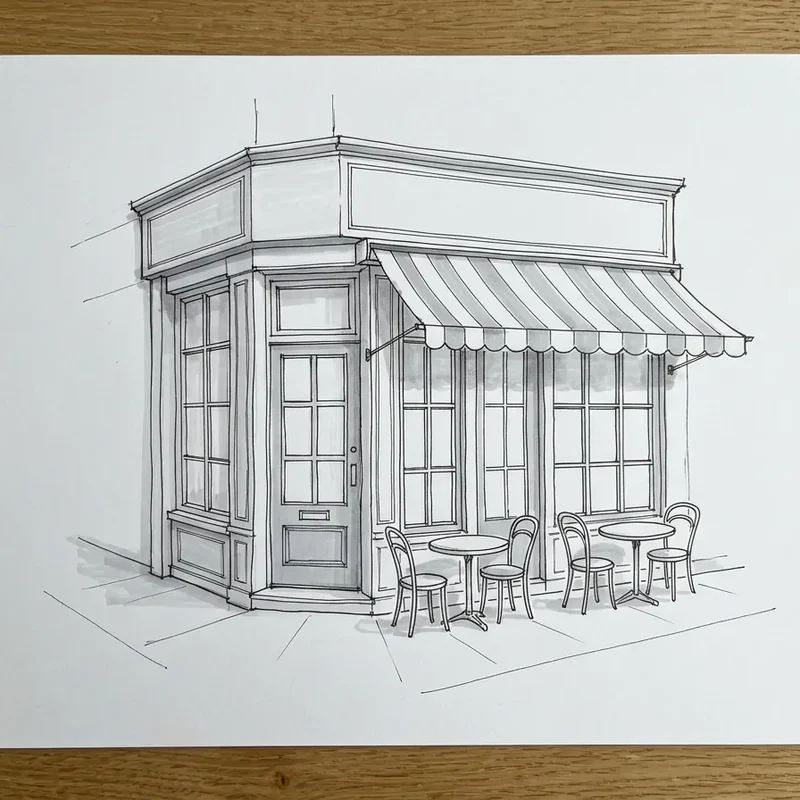
 Sketch to image
Turn a drawing or a design sketch into a photo or a 3D character.
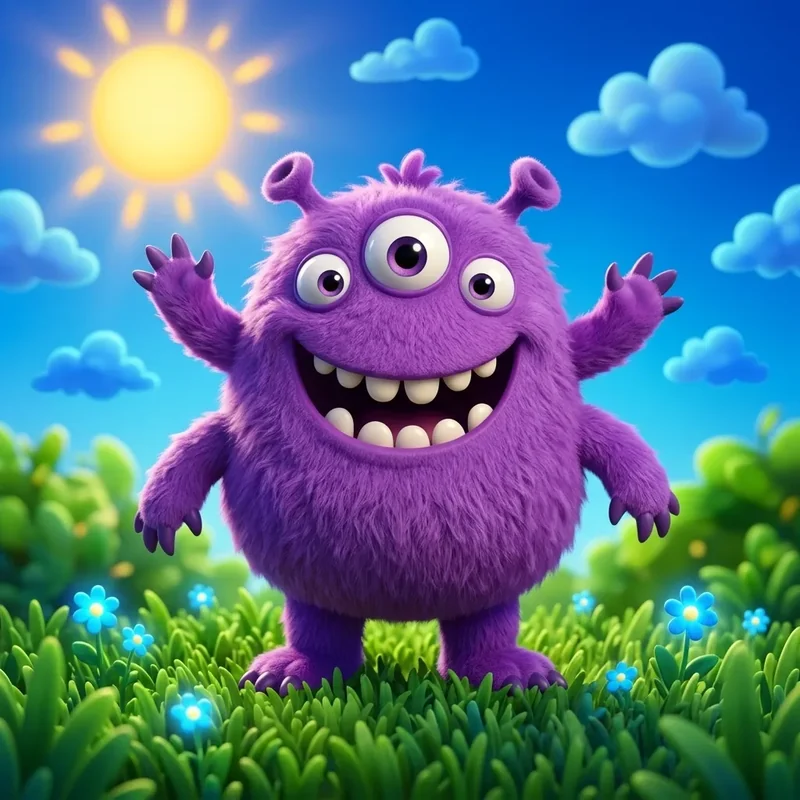
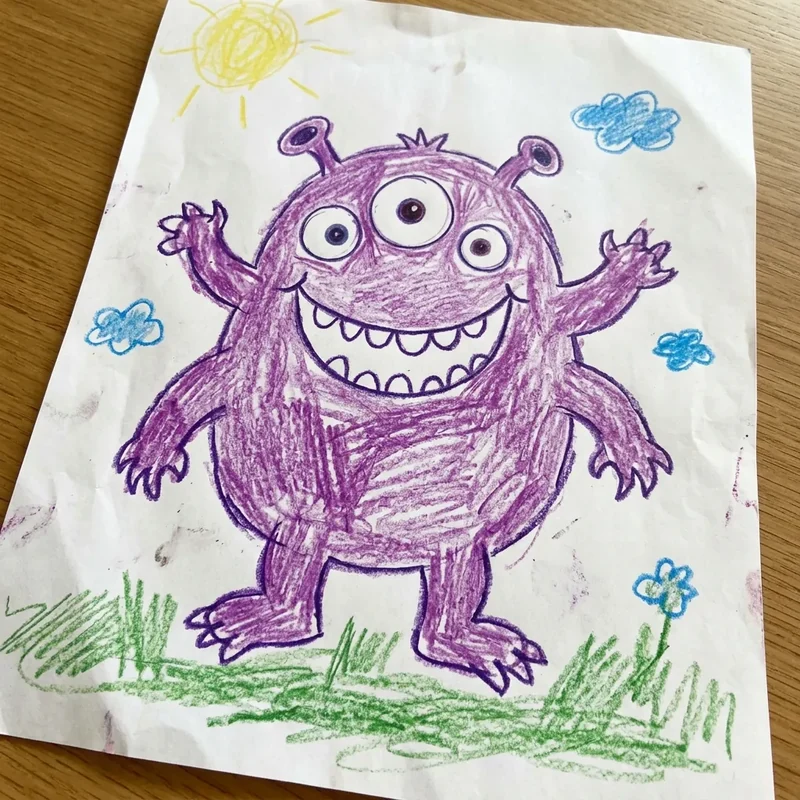
 Before
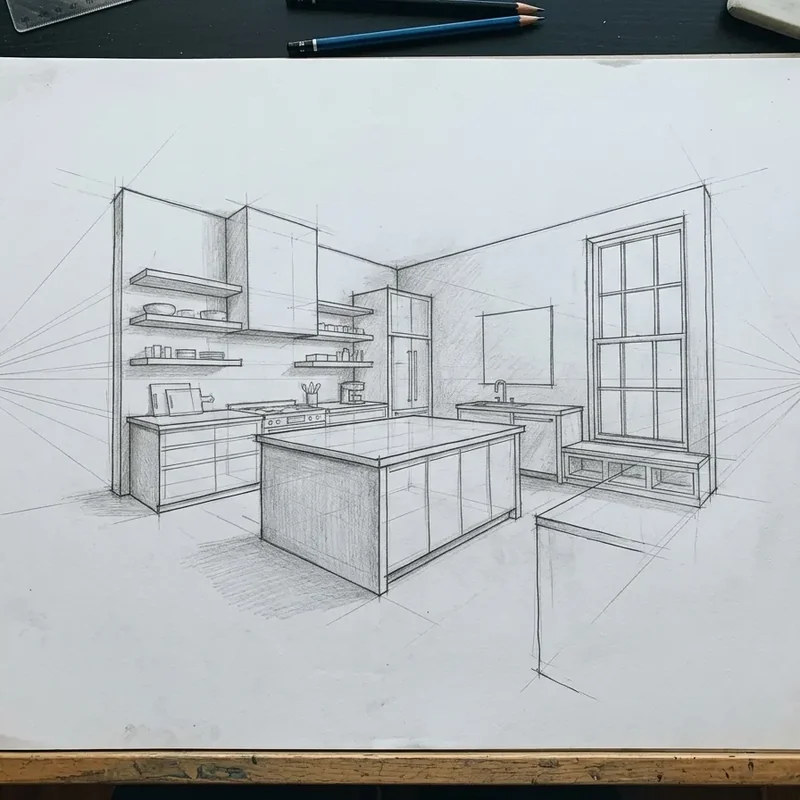
 Before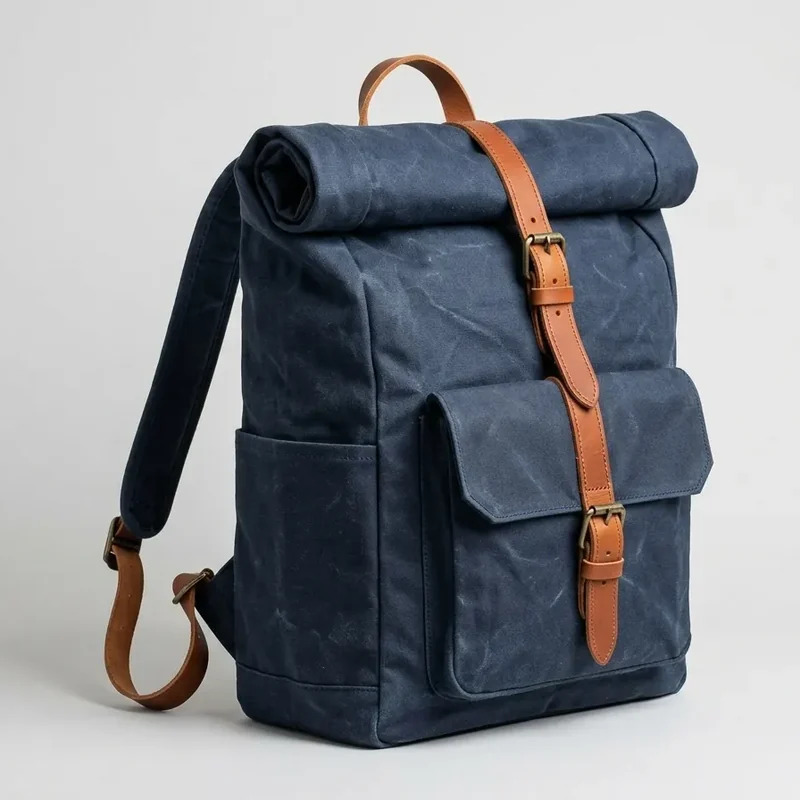
 Before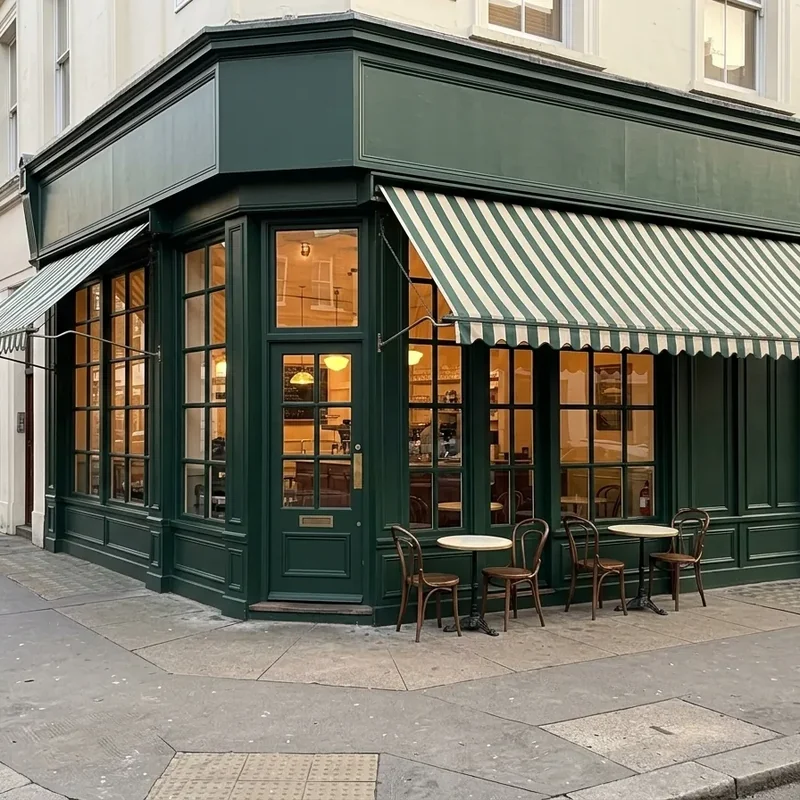
 Before
 Trusted by
'%3e%3cpath%20d='M54.855%2022.6052C54.855%2028.6623%2050.1533%2033.1257%2044.3831%2033.1257C38.6129%2033.1257%2033.9111%2028.6623%2033.9111%2022.6052C33.9111%2016.5053%2038.6129%2012.0846%2044.3831%2012.0846C50.1533%2012.0846%2054.855%2016.5053%2054.855%2022.6052ZM50.2709%2022.6052C50.2709%2018.82%2047.5459%2016.2302%2044.3831%2016.2302C41.2203%2016.2302%2038.4953%2018.82%2038.4953%2022.6052C38.4953%2026.3524%2041.2203%2028.9801%2044.3831%2028.9801C47.5459%2028.9801%2050.2709%2026.3476%2050.2709%2022.6052Z'%20fill='%238F94A3'/%3e%3cpath%20d='M77.4464%2022.6052C77.4464%2028.6623%2072.7446%2033.1257%2066.9744%2033.1257C61.2042%2033.1257%2056.5024%2028.6623%2056.5024%2022.6052C56.5024%2016.5101%2061.2042%2012.0846%2066.9744%2012.0846C72.7446%2012.0846%2077.4464%2016.5053%2077.4464%2022.6052ZM72.8622%2022.6052C72.8622%2018.82%2070.1372%2016.2302%2066.9744%2016.2302C63.8116%2016.2302%2061.0866%2018.82%2061.0866%2022.6052C61.0866%2026.3524%2063.8116%2028.9801%2066.9744%2028.9801C70.1372%2028.9801%2072.8622%2026.3476%2072.8622%2022.6052Z'%20fill='%238F94A3'/%3e%3cpath%20d='M99.0965%2012.7202V31.6079C99.0965%2039.3774%2094.55%2042.5506%2089.1752%2042.5506C84.1157%2042.5506%2081.0706%2039.1402%2079.9222%2036.3512L83.9133%2034.6768C84.624%2036.3891%2086.3654%2038.4097%2089.1705%2038.4097C92.6109%2038.4097%2094.743%2036.2705%2094.743%2032.2435V30.7304H94.583C93.557%2032.0063%2091.5802%2033.121%2089.0858%2033.121C83.8663%2033.121%2079.0845%2028.539%2079.0845%2022.6431C79.0845%2016.7046%2083.8663%2012.0846%2089.0858%2012.0846C91.5755%2012.0846%2093.5522%2013.1993%2094.583%2014.4373H94.743V12.725H99.0965V12.7202ZM95.0677%2022.6431C95.0677%2018.9386%2092.6157%2016.2302%2089.4952%2016.2302C86.3325%2016.2302%2083.6827%2018.9386%2083.6827%2022.6431C83.6827%2026.3097%2086.3325%2028.9801%2089.4952%2028.9801C92.6157%2028.9801%2095.0677%2026.3097%2095.0677%2022.6431Z'%20fill='%238F94A3'/%3e%3cpath%20d='M106.274%201.64943V32.4807H101.803V1.64943H106.274Z'%20fill='%238F94A3'/%3e%3cpath%20d='M123.697%2026.0678L127.255%2028.4584C126.107%2030.1707%20123.34%2033.121%20118.558%2033.121C112.628%2033.121%20108.199%2028.5011%20108.199%2022.6004C108.199%2016.3441%20112.665%2012.0799%20118.045%2012.0799C123.462%2012.0799%20126.112%2016.4247%20126.978%2018.7726L127.453%2019.9679L113.498%2025.7926C114.567%2027.9034%20116.228%2028.9801%20118.558%2028.9801C120.892%2028.9801%20122.511%2027.8228%20123.697%2026.0678ZM112.745%2022.2826L122.073%2018.3789C121.56%2017.065%20120.017%2016.1496%20118.2%2016.1496C115.87%2016.1496%20112.628%2018.2224%20112.745%2022.2826Z'%20fill='%238F94A3'/%3e%3cpath%20d='M16.9867%2019.8683V15.4049H31.911C32.0569%2016.1828%2032.1322%2017.103%2032.1322%2018.0991C32.1322%2021.4478%2031.2238%2025.5887%2028.2964%2028.539C25.449%2031.5273%2021.8108%2033.121%2016.9914%2033.121C8.05844%2033.121%200.546875%2025.7879%200.546875%2016.7852C0.546875%207.78248%208.05844%200.449387%2016.9914%200.449387C21.9332%200.449387%2025.4537%202.40361%2028.0987%204.95075L24.9736%208.10027C23.0769%206.30732%2020.5071%204.9128%2016.9867%204.9128C10.4635%204.9128%205.36162%2010.211%205.36162%2016.7852C5.36162%2023.3594%2010.4635%2028.6576%2016.9867%2028.6576C21.2178%2028.6576%2023.6275%2026.9453%2025.1713%2025.3895C26.4232%2024.1278%2027.2468%2022.3253%2027.5716%2019.8636L16.9867%2019.8683Z'%20fill='%238F94A3'/%3e%3c/g%3e%3cdefs%3e%3cclipPath%20id='clip0_8042_1462'%3e%3crect%20width='128'%20height='43'%20fill='white'/%3e%3c/clipPath%3e%3c/defs%3e%3c/svg%3e)
'%3e%3cpath%20d='M25.9475%200.852676L21.4268%2018.5522L38.8399%2023.1473L43.3606%205.44782L25.9475%200.852676ZM0.908203%202.82017V21.1824H8.89904V14.3839C10.0276%2014.3839%2010.8561%2014.9373%2011.3849%2016.0443C11.9215%2017.1513%2012.265%2018.864%2012.4149%2021.1824H20.7135C20.3346%2017.5805%2019.1705%2014.6486%2017.2211%2012.3864C18.5944%2011.4078%2019.2811%2010.0521%2019.2811%208.31928C19.2811%206.74682%2018.6971%205.43935%2017.529%204.3966C16.361%203.34565%2014.7548%202.8203%2012.7108%202.8203L0.908203%202.82017ZM45.1539%202.82017V21.1824H57.7615C59.7188%2021.1824%2061.238%2020.7212%2062.3193%2019.7986C63.4084%2018.8762%2063.9529%2017.6447%2063.9529%2016.1045C63.9529%2015.1178%2063.7124%2014.2956%2063.2308%2013.6378C62.7495%2012.972%2062.0431%2012.3904%2061.1118%2011.893C62.6823%2010.9864%2063.4677%209.671%2063.4677%207.9463C63.4677%206.36589%2062.8758%205.11845%2061.6919%204.20396C60.516%203.28152%2058.7718%202.8203%2056.4594%202.8203L45.1539%202.82017ZM66.3685%202.82017V21.1824H81.3793V16.5738H74.3711V2.8203L66.3685%202.82017ZM104.031%202.82017L111.087%2011.893L104.031%2021.1824H112.72L115.479%2017.5365L118.344%2021.1824H127.092L119.823%2011.8449L126.654%202.8203H117.977L115.432%206.20147L112.768%202.8203L104.031%202.82017ZM83.8735%202.85685V21.1433H101.864V2.85685H83.8735ZM53.1566%206.51429H53.6419C55.0467%206.51429%2055.7492%207.108%2055.7492%208.29517C55.7492%208.95301%2055.5675%209.4182%2055.2046%209.69101C54.8415%209.95574%2054.226%2010.0881%2053.3579%2010.0881H53.1566V6.51429ZM8.89891%206.59856H9.38434C10.0631%206.59856%2010.5484%206.78299%2010.8404%207.15199C11.1324%207.51304%2011.2785%207.93437%2011.2785%208.4156C11.2785%209.56275%2010.5602%2010.1362%209.1239%2010.1362H8.89904L8.89891%206.59856ZM31.1486%209.84697L34.5117%2010.7345L33.6385%2014.153L30.2757%2013.2655L31.1486%209.84697ZM91.1313%2010.2342H94.6061V13.7658H91.1315L91.1313%2010.2342ZM53.1567%2013.1685H53.7131C55.2046%2013.1685%2055.9506%2013.8583%2055.9506%2015.2381C55.9506%2015.9359%2055.7532%2016.4294%2055.3587%2016.7182C54.9719%2016.9991%2054.3208%2017.1393%2053.4054%2017.1393H53.1567V13.1685Z'%20fill='%238F94A3'/%3e%3c/g%3e%3cdefs%3e%3cclipPath%20id='clip0_8042_1469'%3e%3crect%20width='128'%20height='24'%20fill='white'/%3e%3c/clipPath%3e%3c/defs%3e%3c/svg%3e)




How it works
Upload your photo
A JPG, PNG or WebP from your phone or your computer.
Say what to change
Write it as you would ask a person: “Put me on a beach at sunset”.
Download or keep editing
Each edit keeps the rest of your photo. Edit again until it is right.
Frequently Asked Questions
What can I change with the AI photo editor?
Backgrounds, outfits and hair, the style of the picture (ink, watercolour, 3D animation, a vintage poster...), old photos (tears, stains, faded or black-and-white colours), headshots, objects to add or remove, colours, light and seasons, and drawings or sketches turned into photos. Write the change in your own words.How do I edit a photo?
Upload a photo, write what to change (for example “Put me on a beach at sunset”) and send it. The result keeps the rest of your photo. You can download it or edit it again until it is right.Is the photo editor free?
Yes. Editing a photo is free with your free credits. With a subscription, each edit uses edit credits: the box shows the cost before you send the edit.Will the edit keep my face and the rest of the photo?
The editor changes what you ask for and keeps the rest: the face, the pose, the setting and the light. If a detail drifts, say it again in other words, or edit the result once more.Which photos can I upload?
JPG, PNG and WebP images up to 10 MB, from your phone or your computer.