Step-by-step tutorial infographic in German on how to transfer files from a Samsung S7 smartphone to a Windows laptop, in a clean comic style.

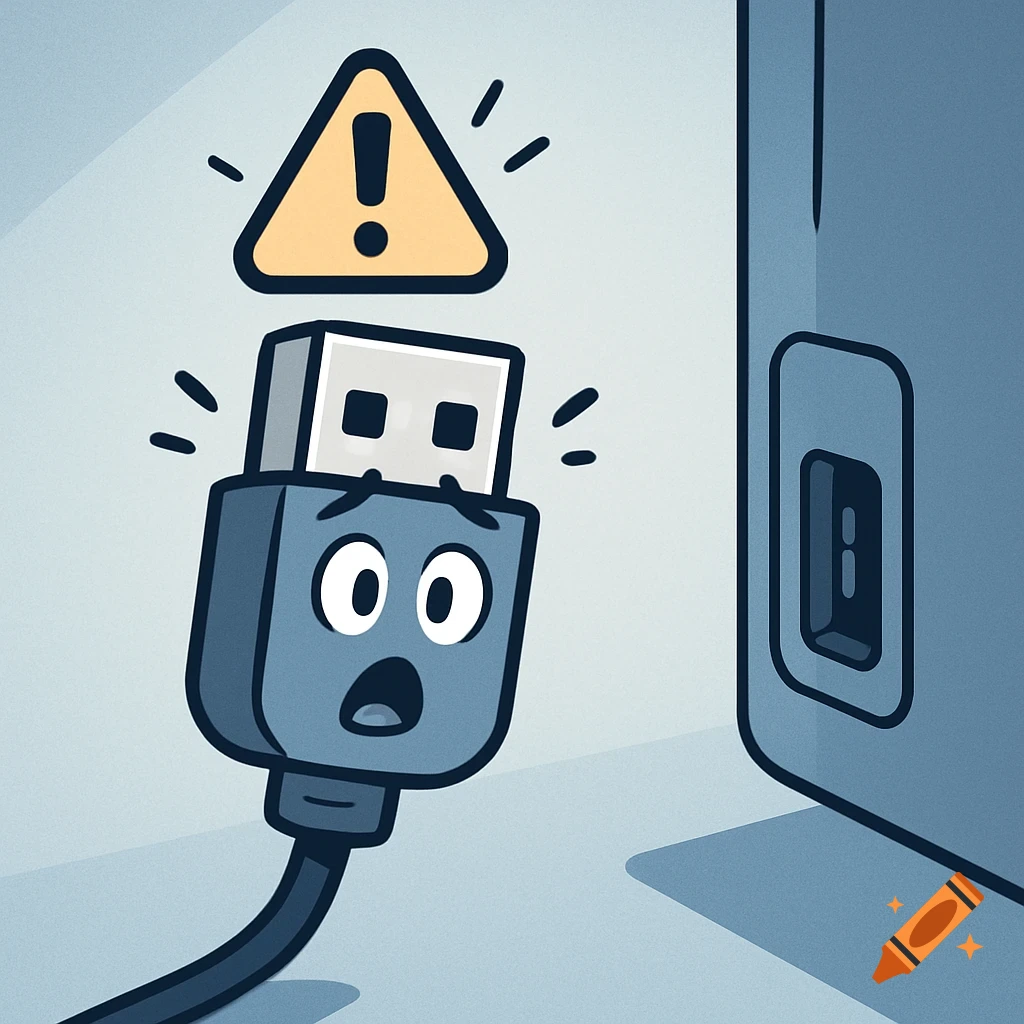
Erstelle eine einfache deutsche Schritt-für-Schritt-Anleitung mit 9 Bildern im Comic-/Tutorial-Stil, flache Icons, heller Hintergrund, Windows-Laptop und Samsung-S7-Smartphone. Bild 1: Handy per USB-Ladekabel mit Laptop verbinden. Bild 2: Computer-Icon auf dem Desktop öffnen. Bild 3: Handy-Ordner im Explorer finden. Bild 4: SD-Karten-Unterordner finden. Bild 5: Dateien markieren. Bild 6: Dateien ausschneiden. Bild 7: Neuen Ordner auf dem Desktop erstellen. Bild 8: Dateien einfügen. Bild 9: S7 sicher entfernen. Klare große Symbole, wenig Text, gut lesbar.“ Ver mais
More images like this