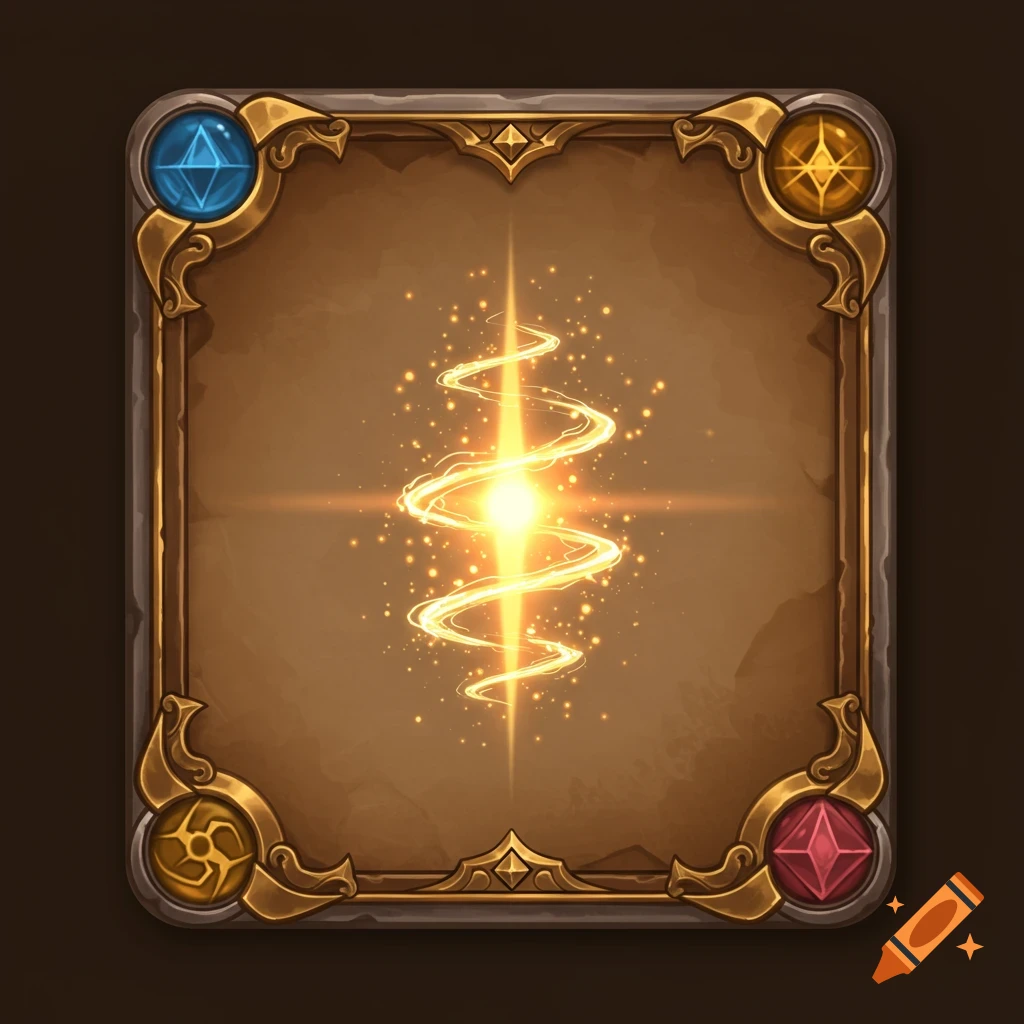
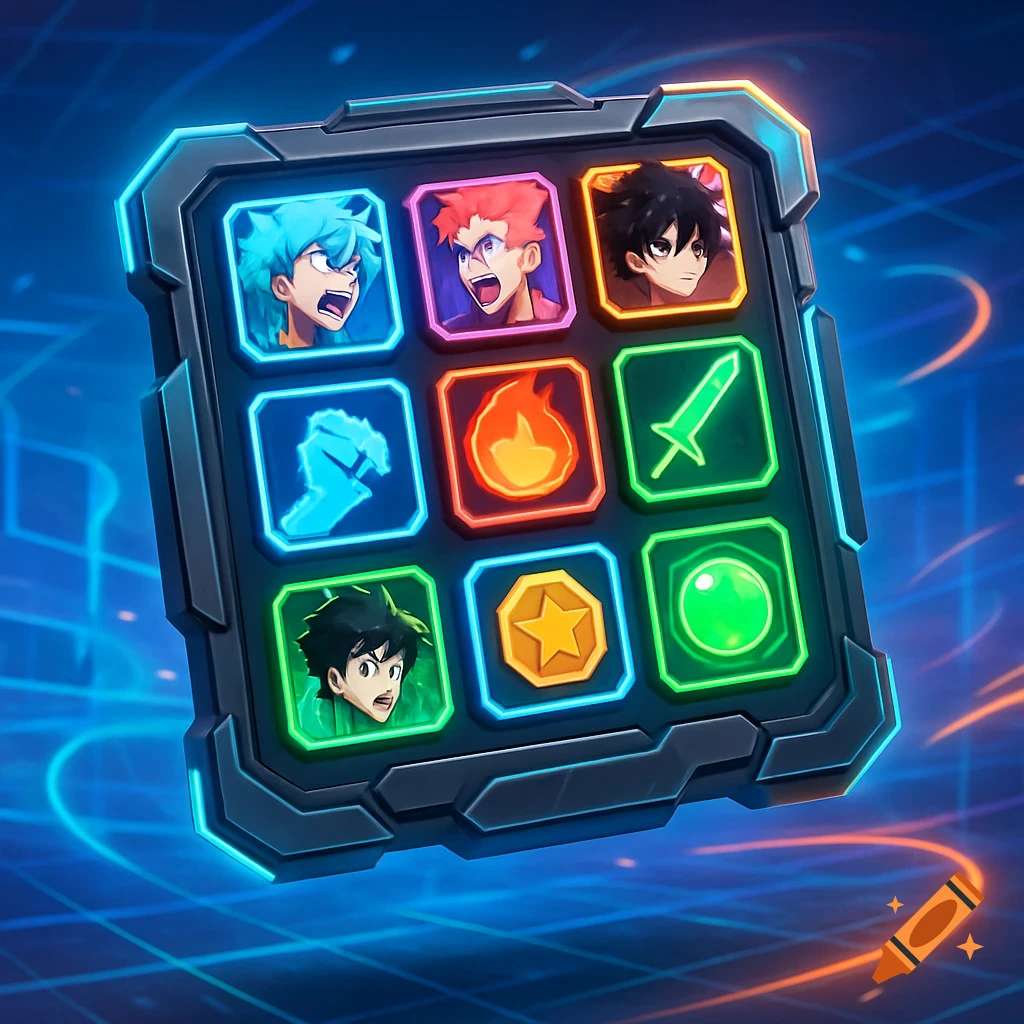
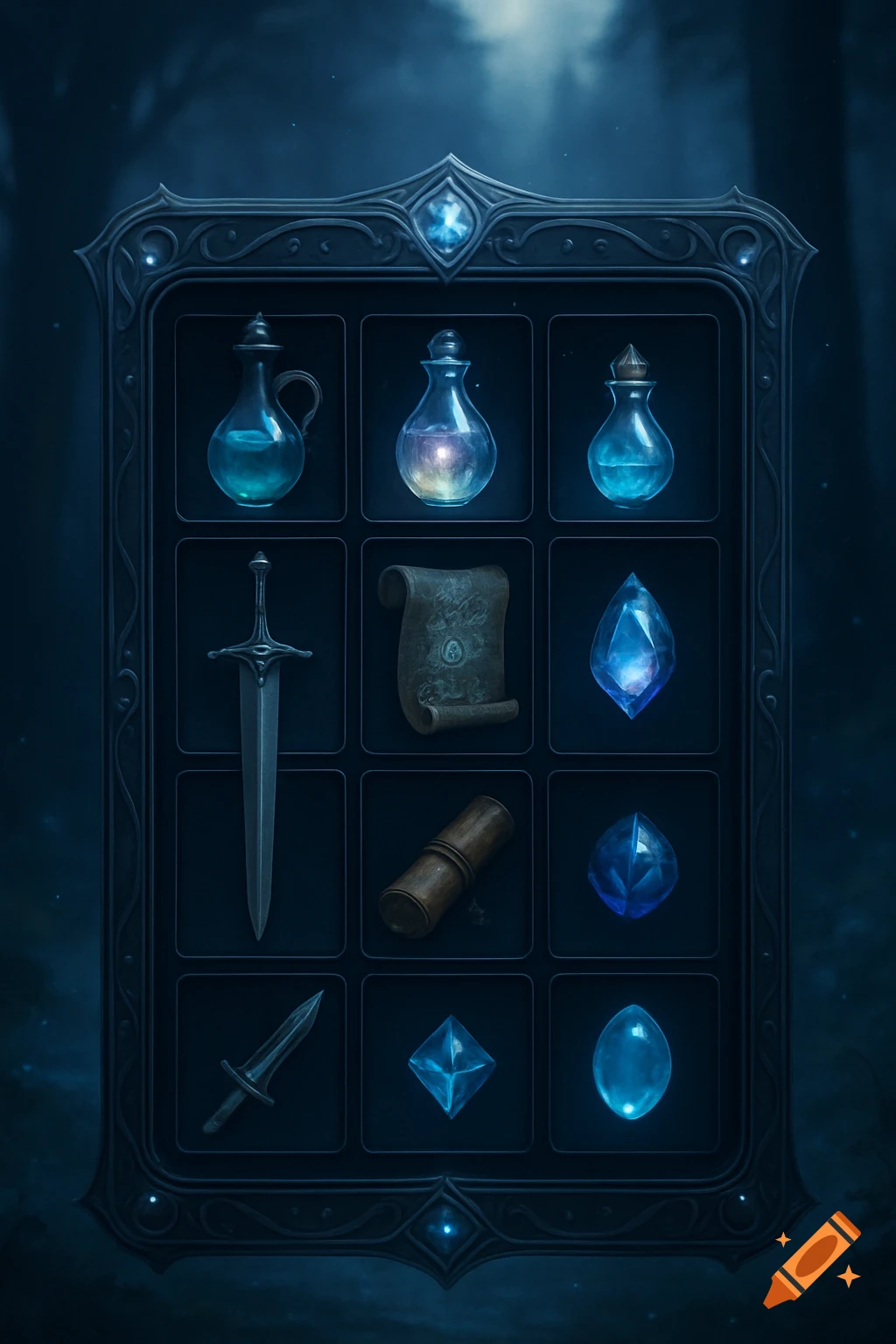
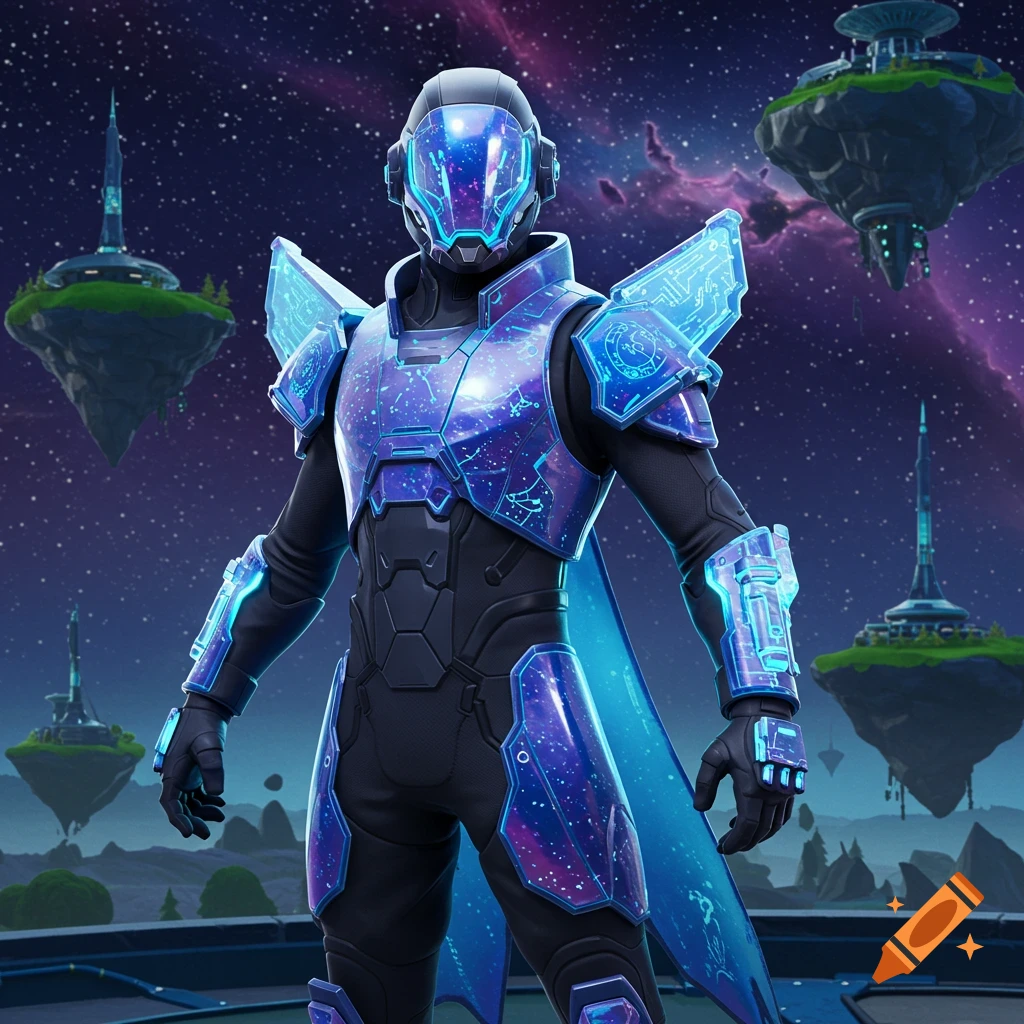
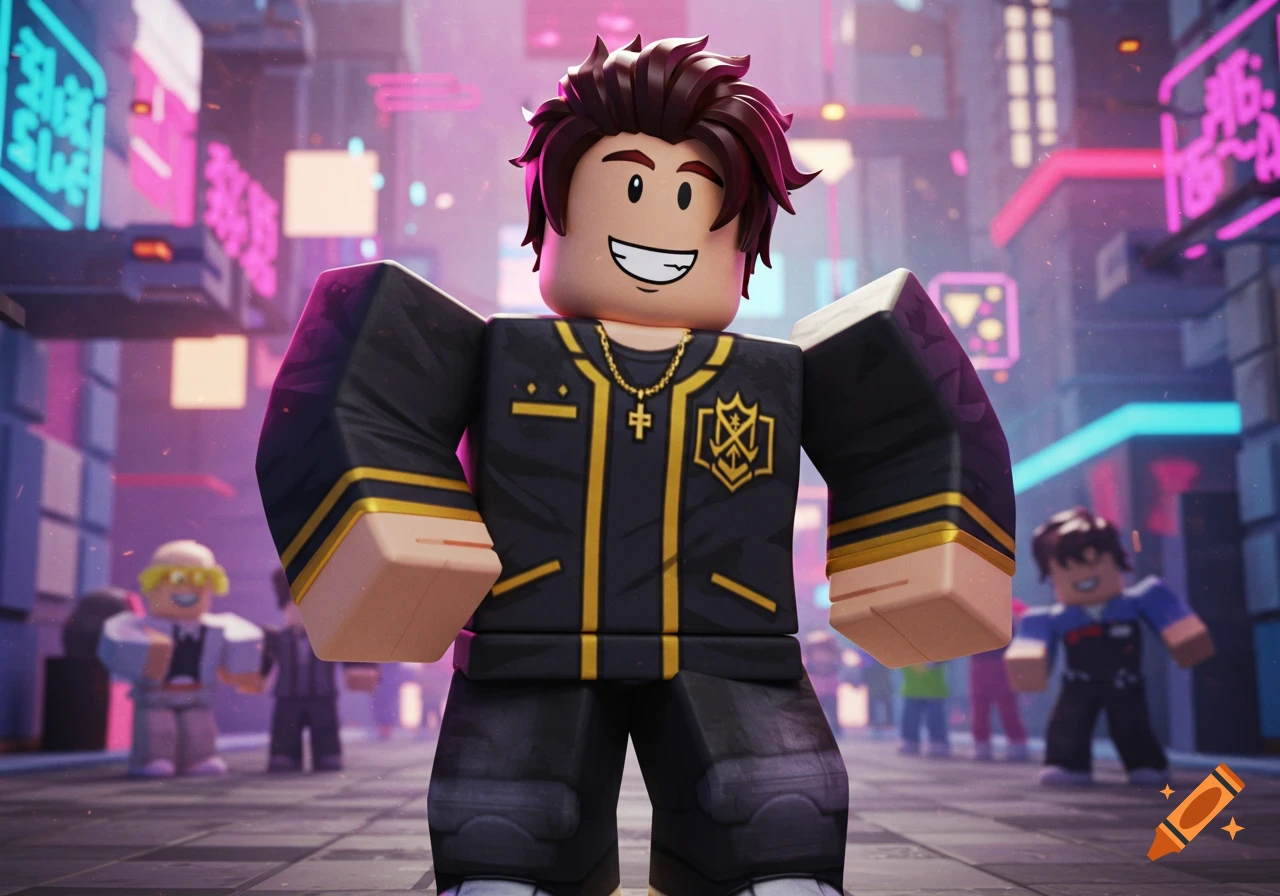
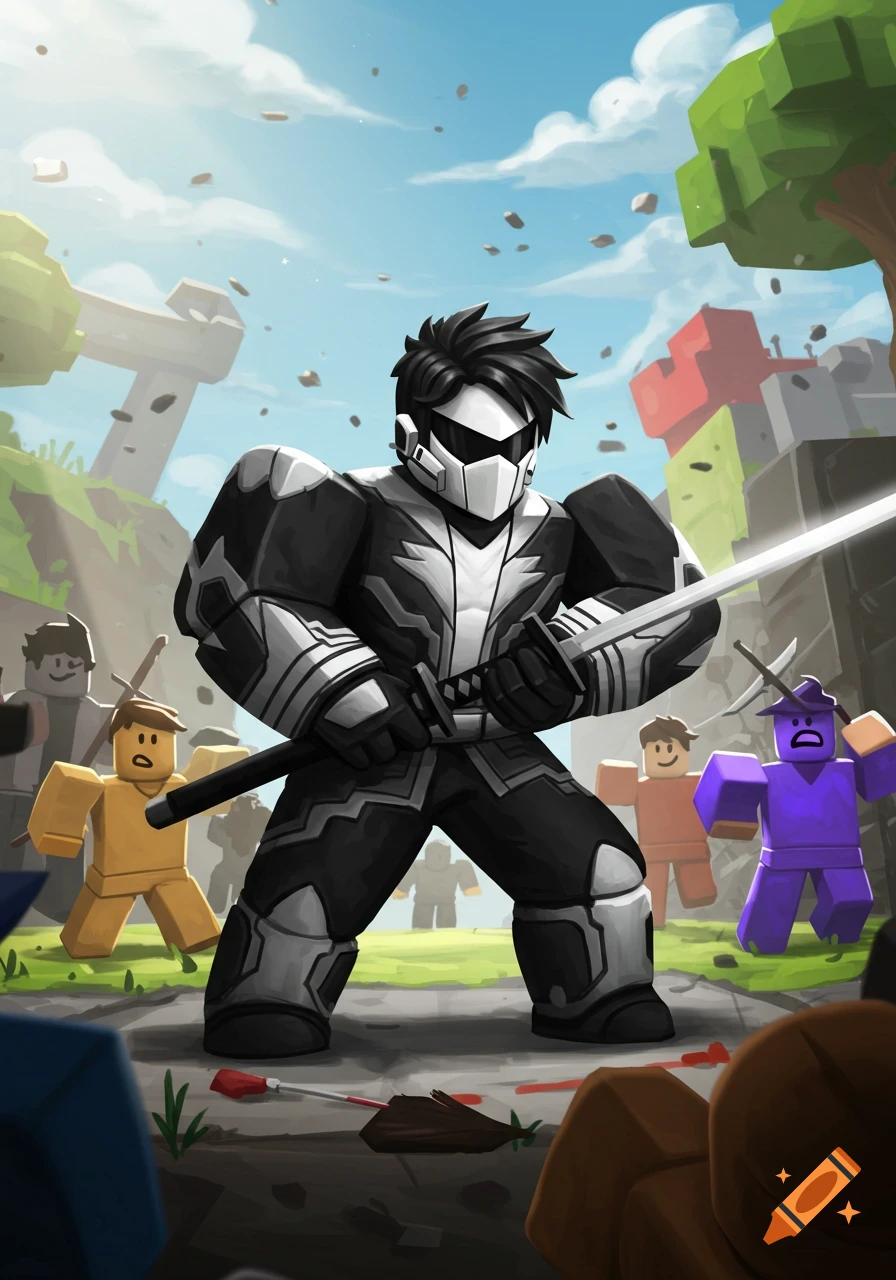
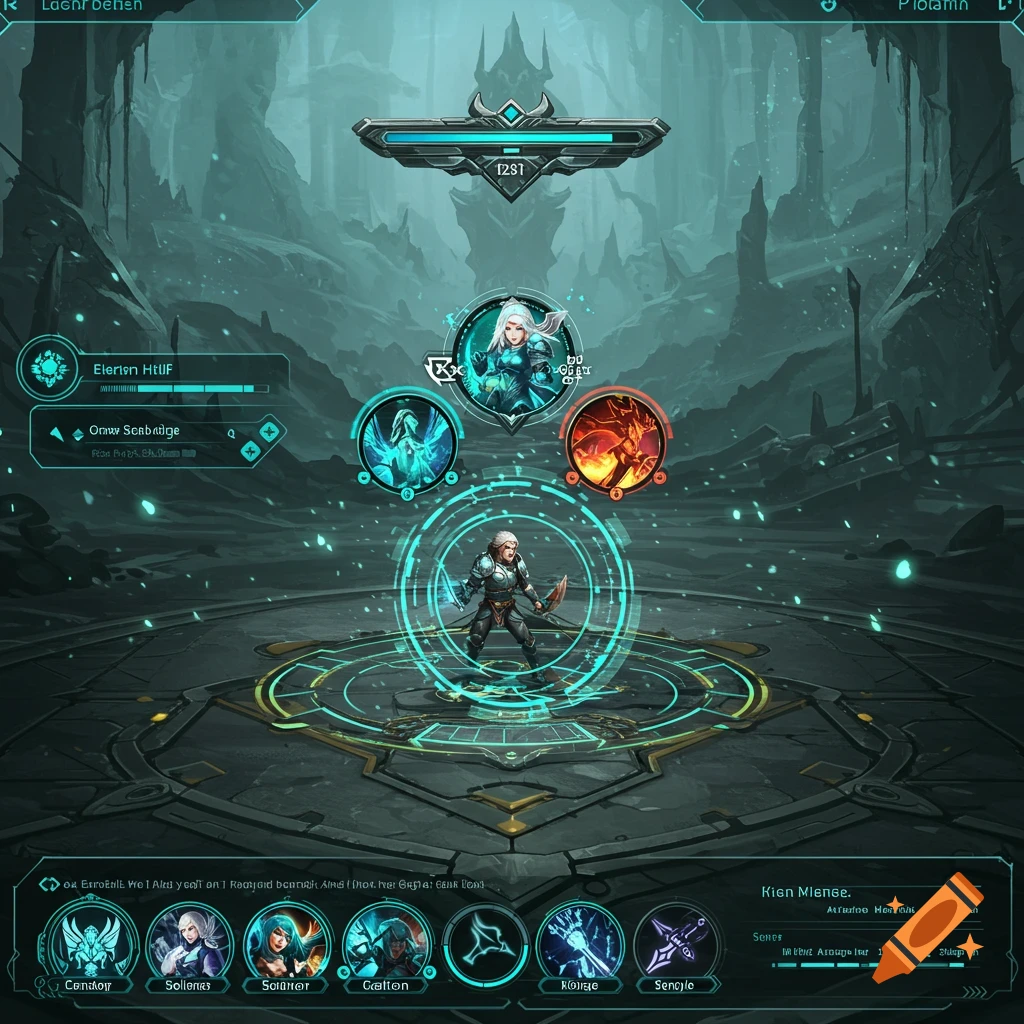
Roblox character UI with a central avatar surrounded by ornate blue and gold equipment slots and glowing gems.
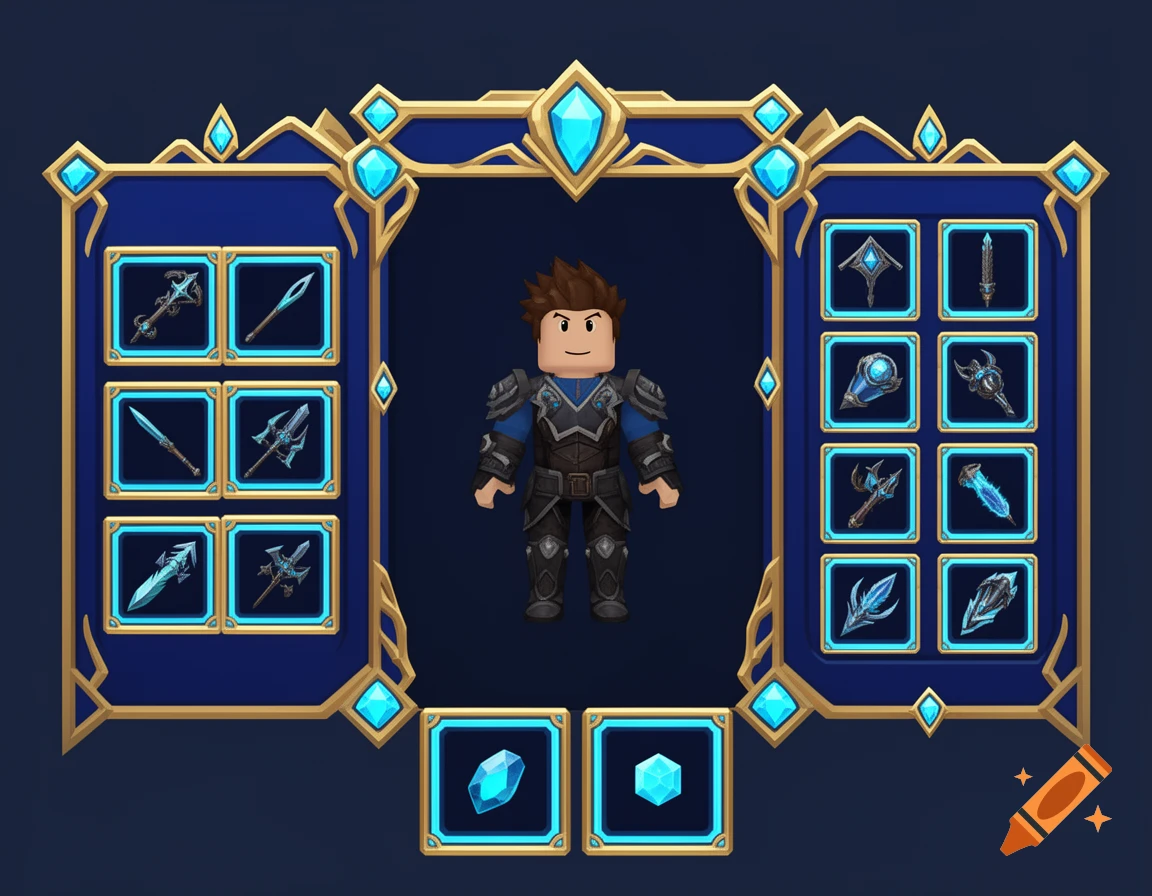
This is for Roblox Use the provided reference image as the EXACT visual and layout reference. I really like this Character UI design. DO NOT redesign it from scratch. Create a refined version of this exact UI with ONLY the following corrections. ================================================== 1. EQUIPMENT SLOTS ================================================== Change ALL equipment slots so they are clearly SQUARE. They should have approximately equal width and height. Do NOT use long rectangular slots. Keep the same ornate frame style, gold trim, blue accents, gems, lighting, and overall appearance from the reference. Keep the same slot positions. LEFT SIDE: - Head - Back - Chest - Neck RIGHT SIDE: - Shoulders - Wings - Hands - Aura - Legs - Feet - Ring 1 - Ring 2 BOTTOM CENTER: - Main Hand - Off Hand Do not add any extra equipment slots. ================================================== 2. REMOVE ALL TEXT ================================================== REMOVE ALL TEXT FROM THE ENTIRE UI. There must be ZERO readable words or letters anywhere. Do not show: - Character - YourName - Level - Equipment Power - Head - Back - Chest - Neck - Shoulders - Wings - Hands - Aura - Legs - Feet - Ring - Main Hand - Off Hand - Stats - Strength - Agility - Intelligence - Vitality - Defense - Critical Chance - Any other text The UI should communicate through the visual placement and icons only. ================================================== 3. CENTER CHARACTER Ver mais
More images like this