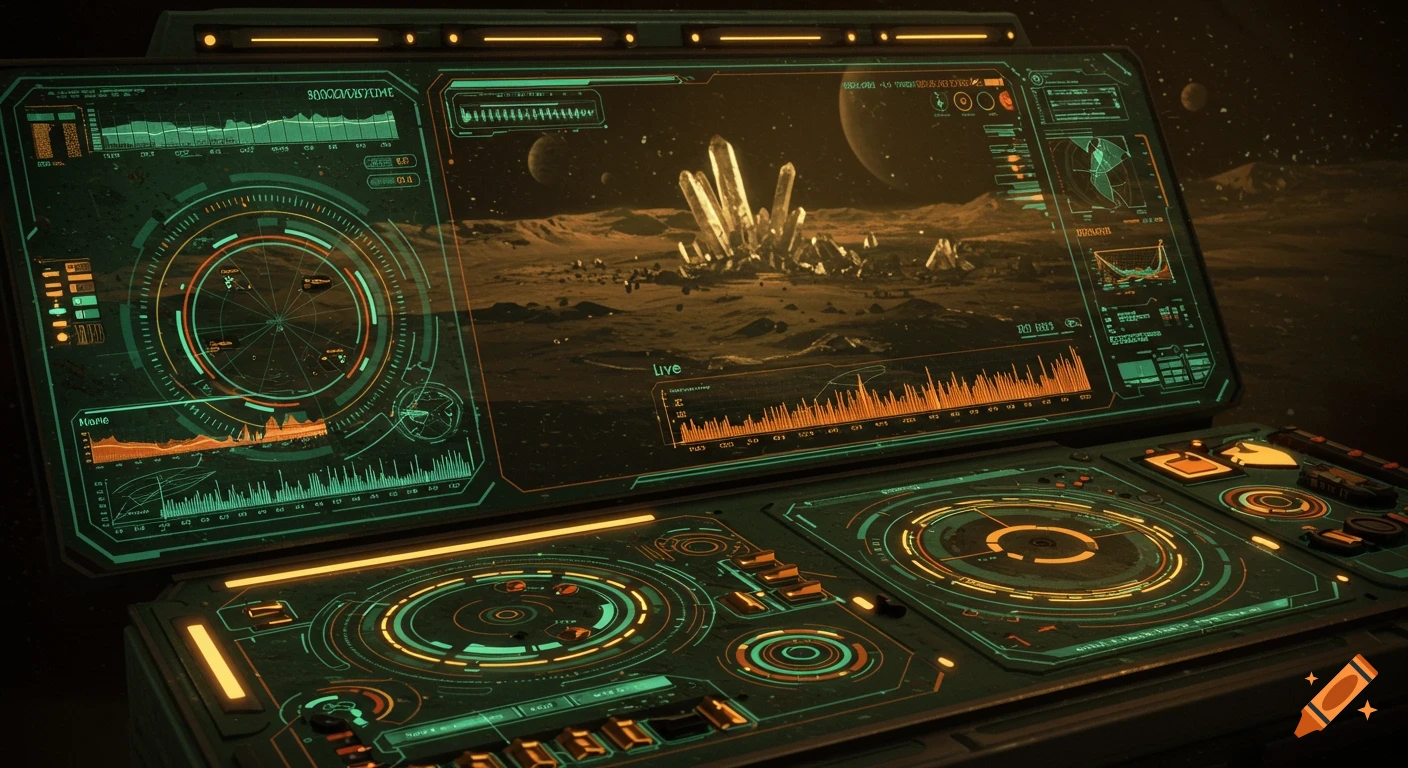
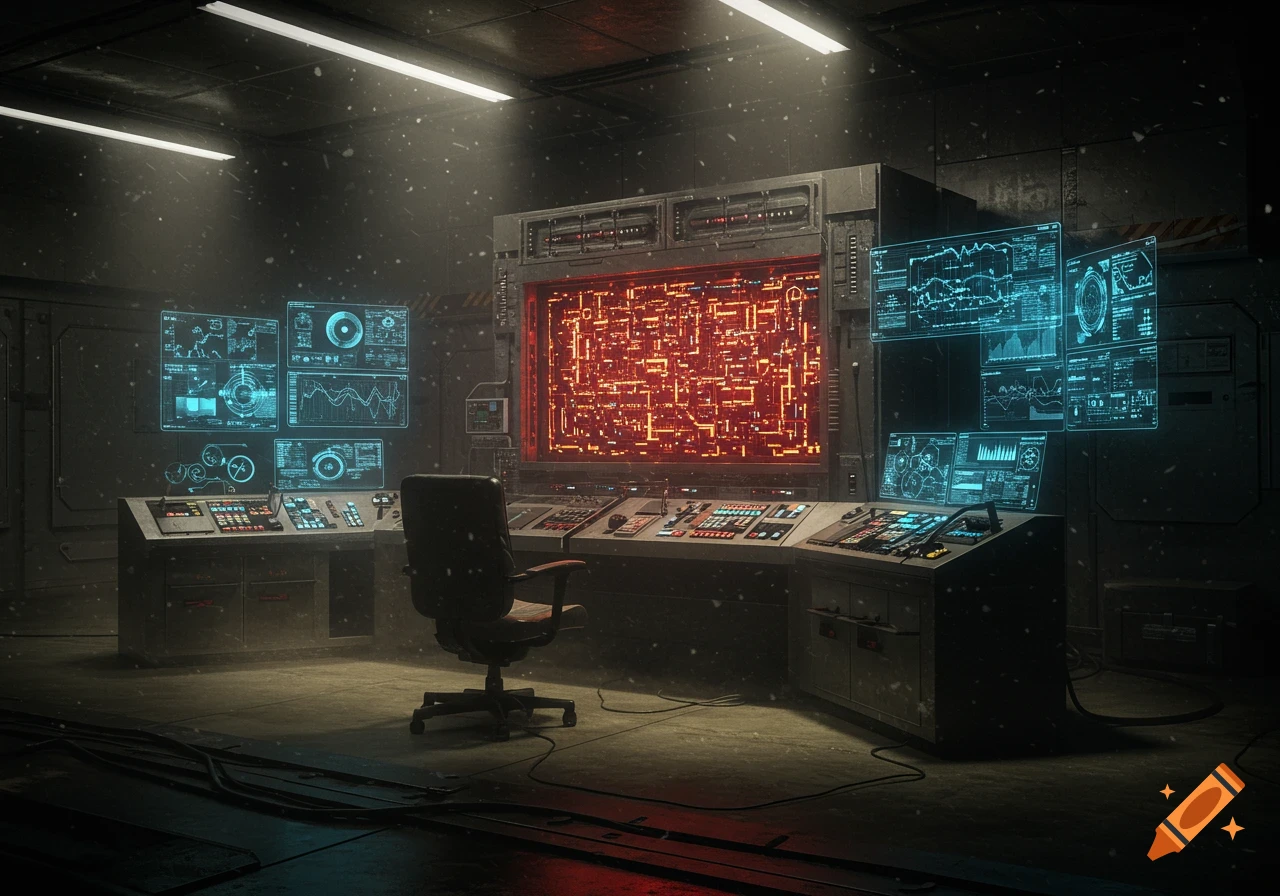
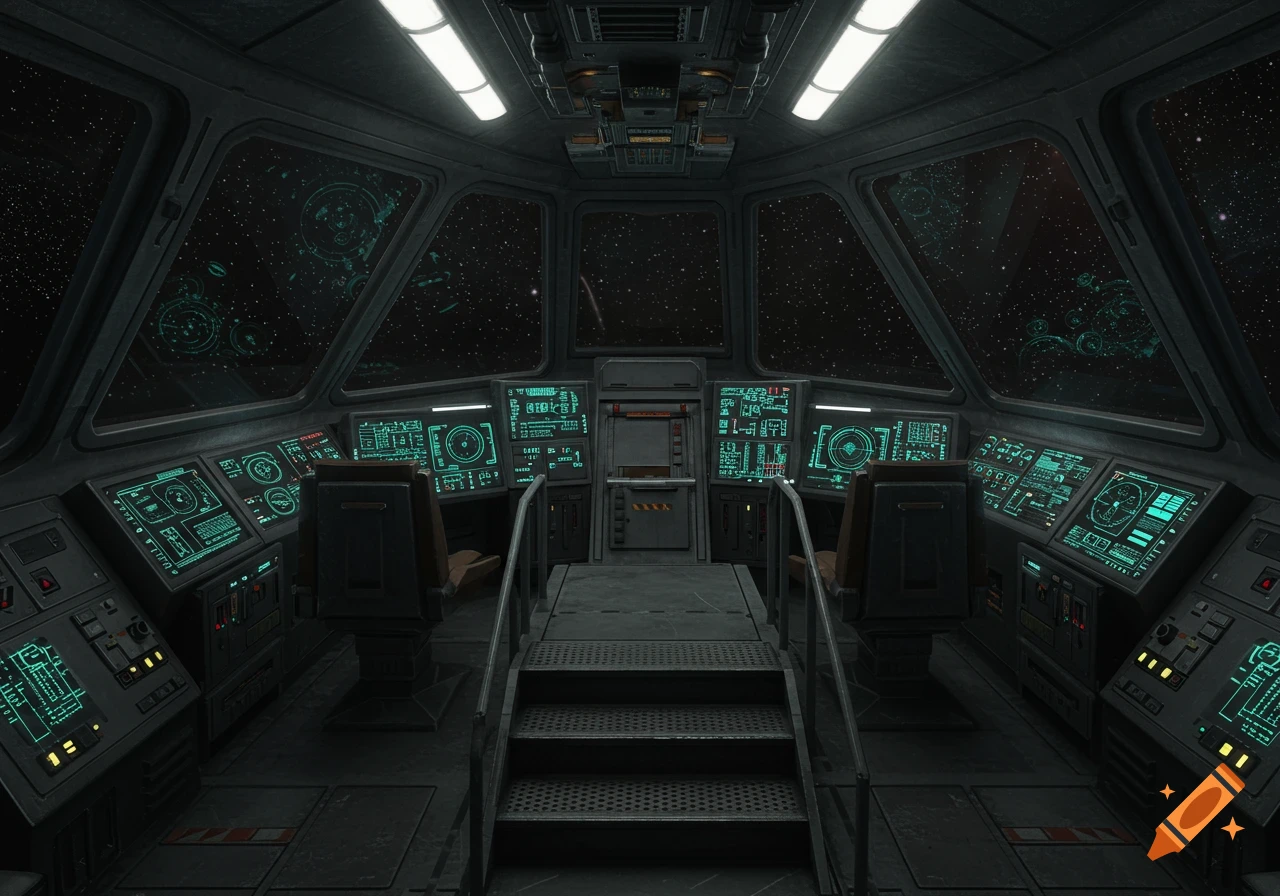
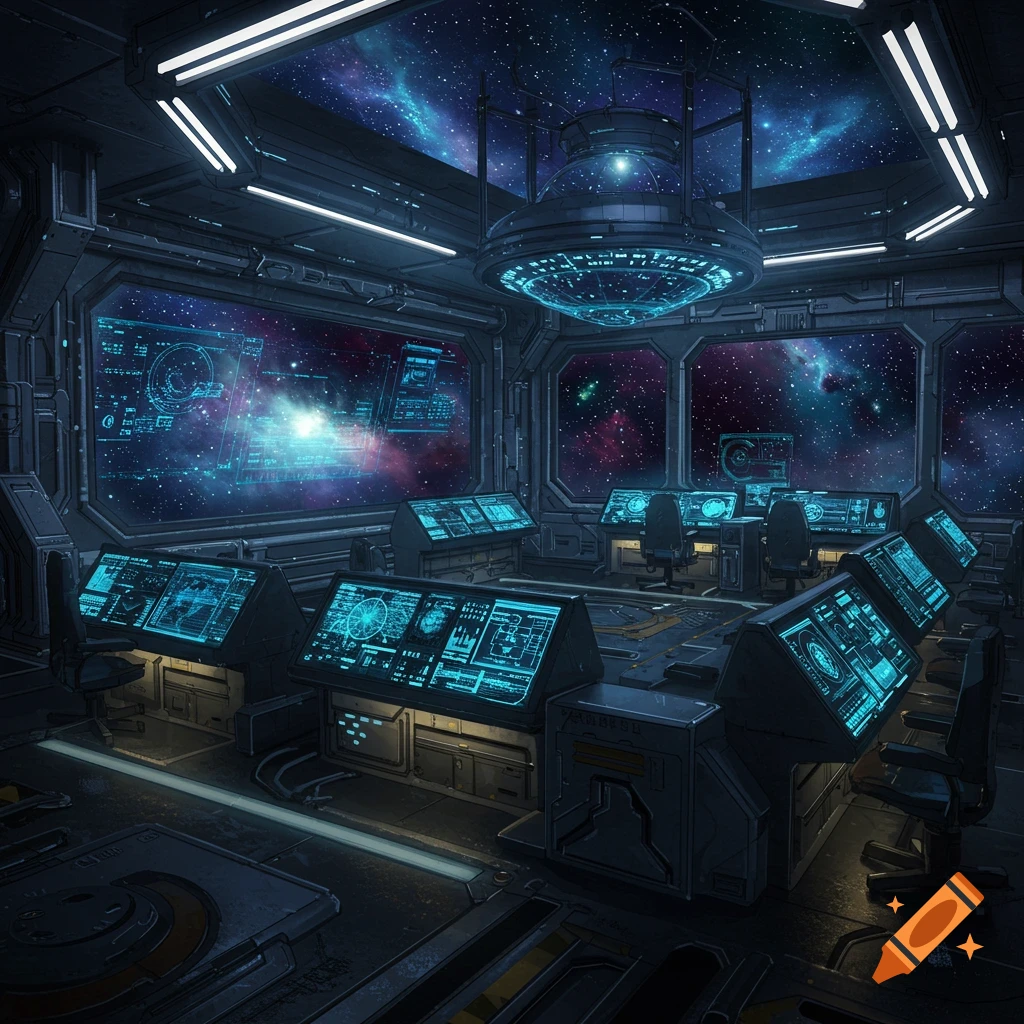
A dark, futuristic control panel with orange and blue illuminated sections, displaying a 'GEOLOGICAL SCAN' and 'Magnetfeld: 42.5 µT' along with various illegible data readings, against a starry background.

import time import random from machine import Pin, SPI import ili9341 # oder deine Display-Bibliothek # LCARS Farbpalette (RGB565) class LCARS_COLORS: ORANGE = 0xFC40 # FF9900 - Primary PEACH = 0xFEB8 # FFCC99 - Secondary BLUE = 0x04BF # 0099FF - Accent RED = 0xF800 # FF0000 - Alert BLACK = 0x0000 # Background WHITE = 0xFFFF # Text PURPLE = 0x801F # 9933FF - Medical class TricorderTR590: def __init__(self, display): self.display = display self.modus = "STANDBY" self.scan_aktiv = False def zeichne_lcars_frame(self): """Zeichnet das typische LCARS-Rahmenlayout""" # Header-Balken (Orange) self.display.fill_rect(0, 0, 320, 30, LCARS_COLORS.ORANGE) # Seitenleiste links self.display.fill_rect(0, 35, 60, 205, LCARS_COLORS.PEACH) # Runde Ecken simulieren durch überlappende Rechtecke self.display.fill_rect(65, 35, 250, 205, LCARS_COLORS.BLACK) def zeichne_knopf(self, x, y, breite, hoehe, text, farbe, callback=None): """Interaktiver LCARS-Button mit abgerundeten Ecken""" self.display.fill_rect(x, y, breite, hoehe, farbe) # Text zentriert self.display.text(text, x + 5, y + hoehe//2 - 4, LCARS_COLORS.BLACK) def geo_scan(self): self.modus = "GEO" self.zeichne_lcars_frame() self.display.text("GEOLOGICAL SCAN", 70, 45, LCARS_COLORS.ORANGE) # Simulierte Scan-Daten mit "Live"-Effekt for i in range(10): magnetfeld = 40 + random.random() * 5 self.display.fill_rect(70, 70, 200, 60, LCARS_COLORS.BLACK) self.display.text(f"Magnetfeld: {magnetfeld:.1f} µT", 75, 80, LCARS_COLORS.WHITE) Ver mais
More images like this