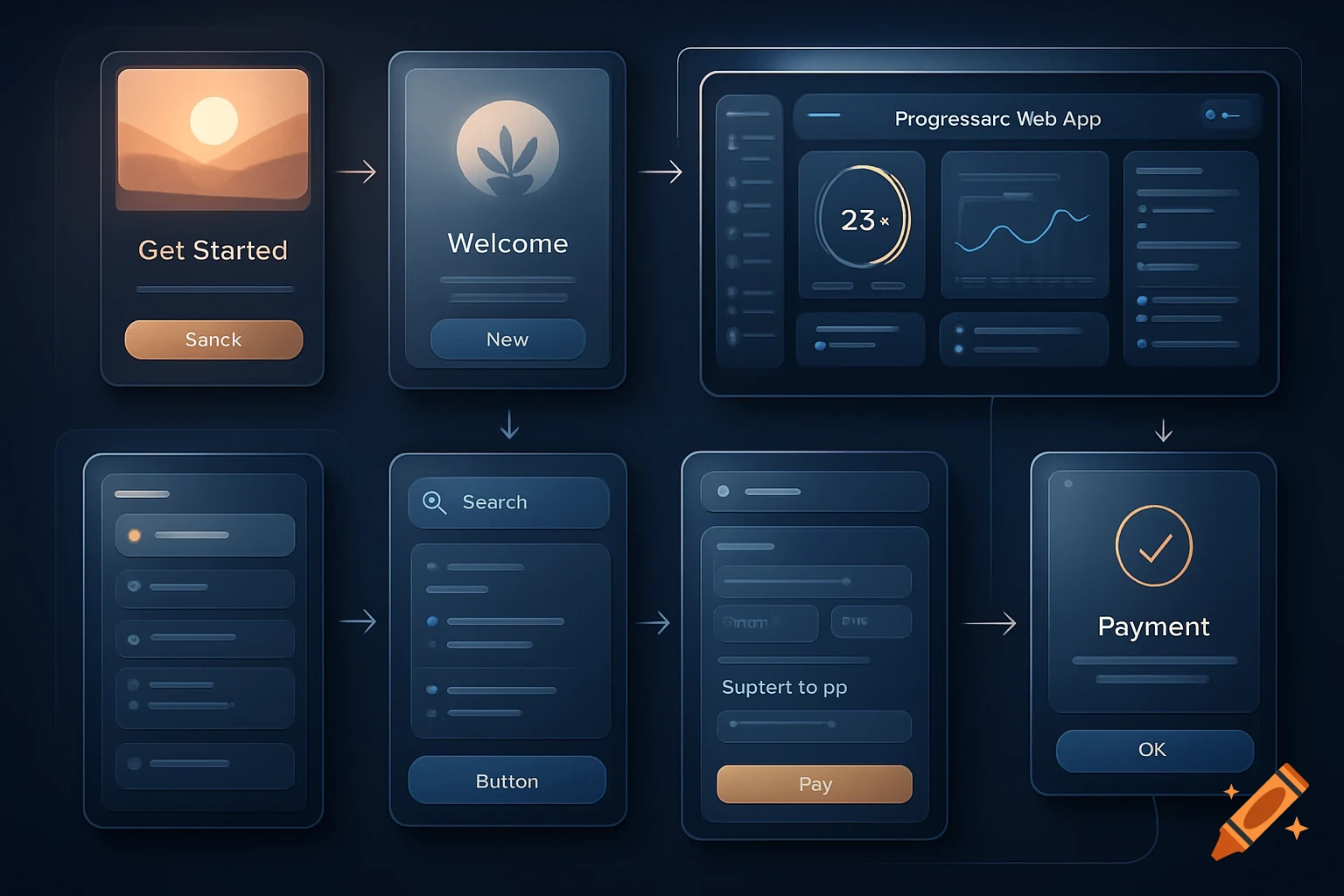
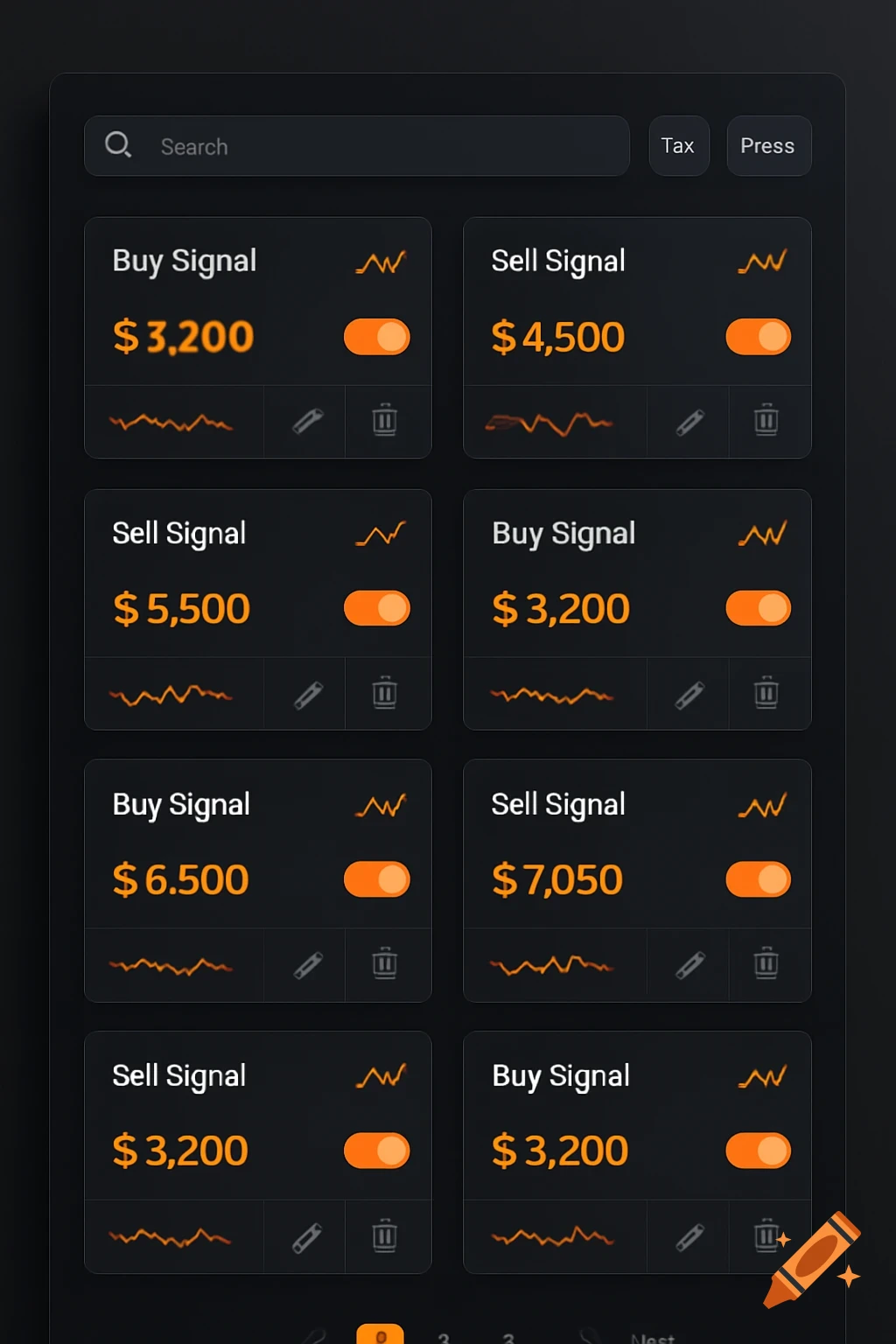
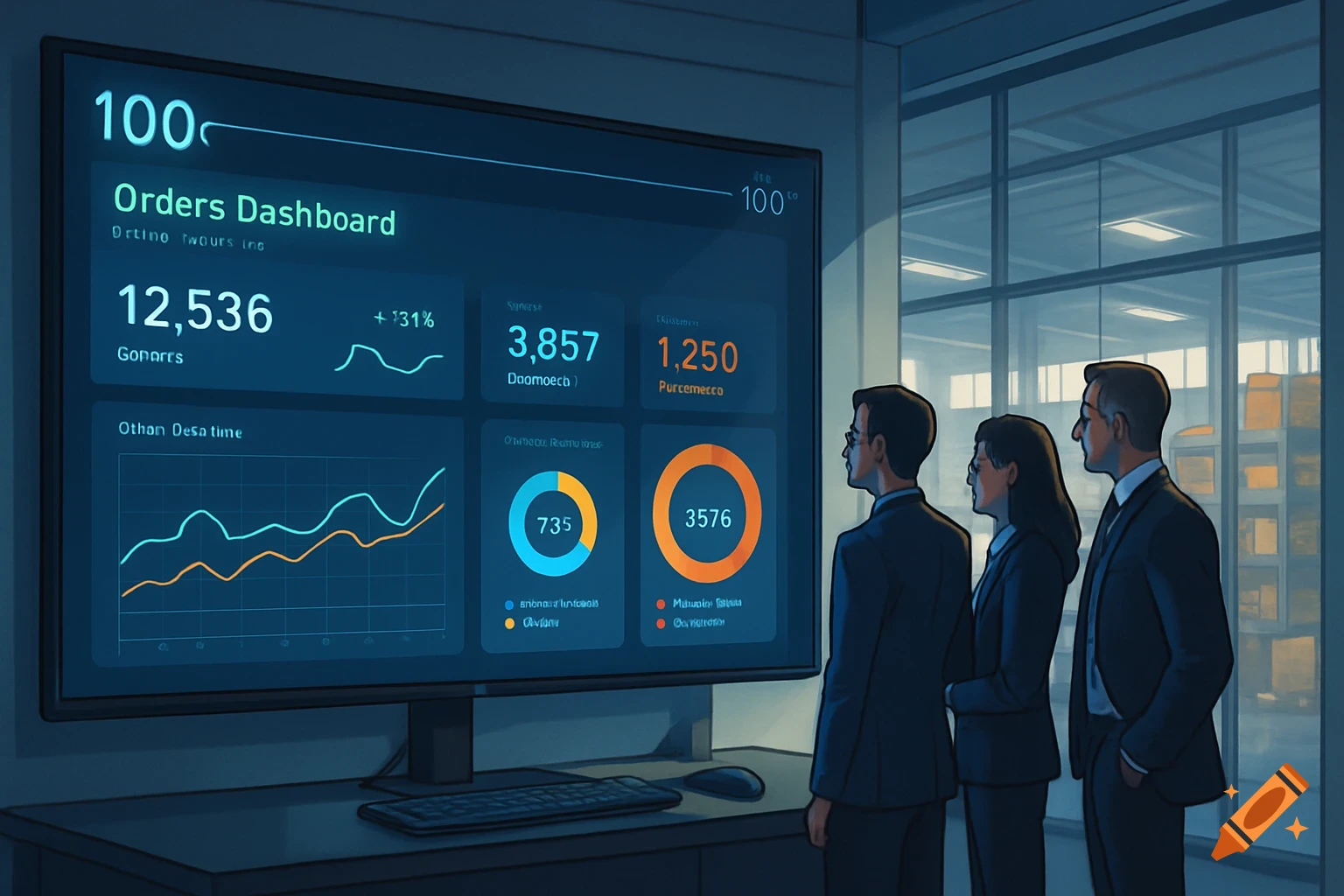
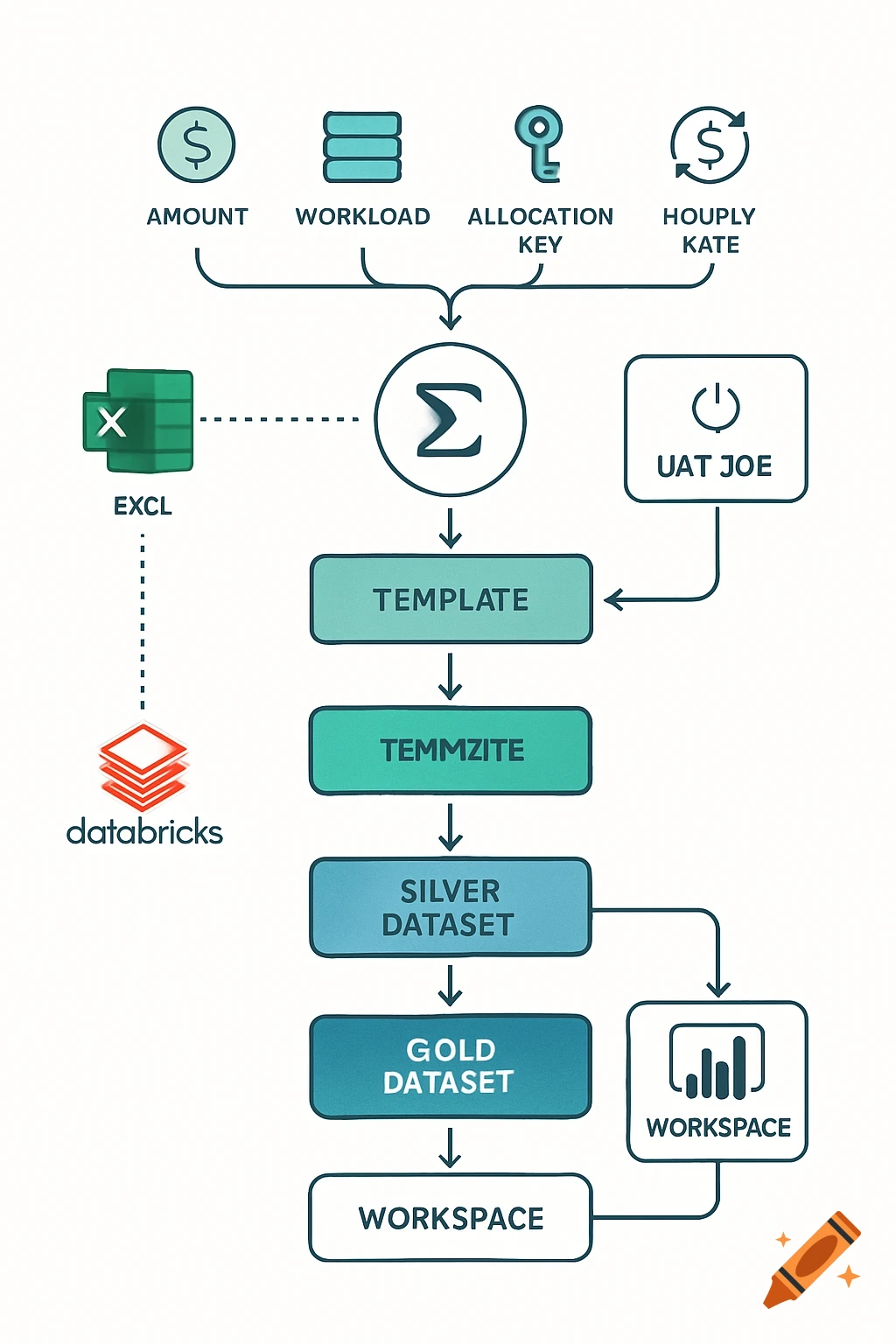
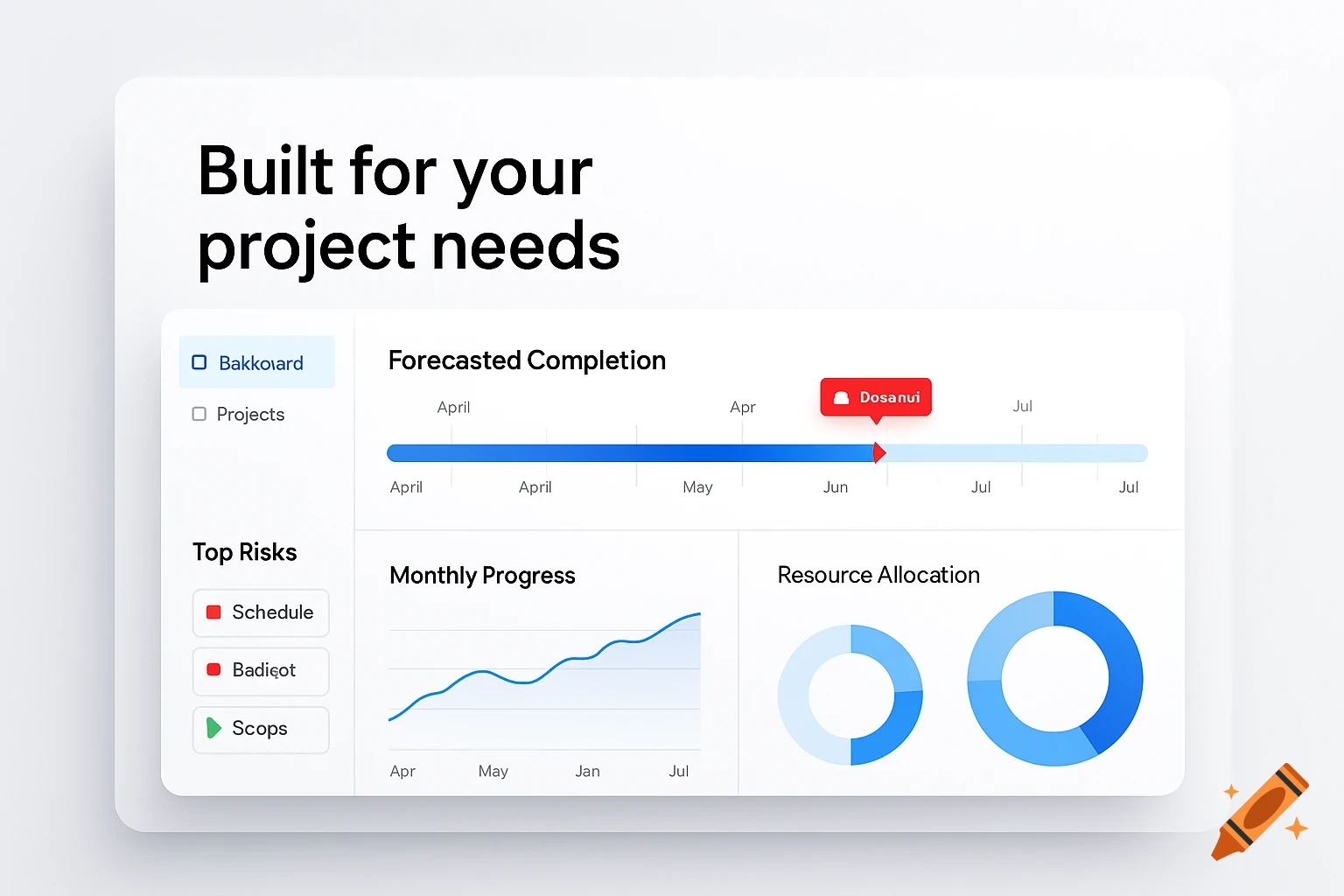
A modern, professional Smart Sales Dashboard UI for a desktop application, featuring KPI cards, package selection, and a process log.

Create a modern, professional Excel-style sales dashboard UI for desktop application. The layout should be sleek, minimal, and user-friendly, with a clear separation of sections. Layout: - Top Header: Dark navy background, white bold text "Smart Sales Dashboard", include current date and status indicator (Ready/Running). - Left Sidebar Menu: vertical menu with icons and labels: - 🏠 Home - 📦 Inventory - 🛒 Orders - 📈 Reports - ⚙ Settings - Main Area (Right): - Top KPI Cards (4 cards horizontally aligned): - Total Sales (blue) - Total Profit (green) - Inventory Count (orange) - Orders Count (purple) - Package Selection Area: - Dropdown 1: Industry (Shop / Logistics / Retail) - Dropdown 2: Package Tier (Starter / Basic / Pro / Premium) - Checklist of included features with check marks: - Stock Shortage Alerts - Automatic Order Generation - Order Consolidation - Shipping Label Generation - Automated Reports - Execution Buttons: - Big green "Run Package" button - Secondary buttons in gray: "Generate Report", "View Data" - Log / Status Area at bottom: - Dark background with white console-style text showing process messages like: - "[10:32] Stock Check Completed" - "[10:33] Order Generation Completed" - "[10:34] Order Consolidation Completed" Style: - Minimalist, clean, professional - No Excel gridlines visible - Use soft shadows for KPI cards and buttons - Rounded corners on cards and buttons - Color palette: navy, blue, white, gray, accent colors for KPIs - Font: modern Ver mais
More images like this