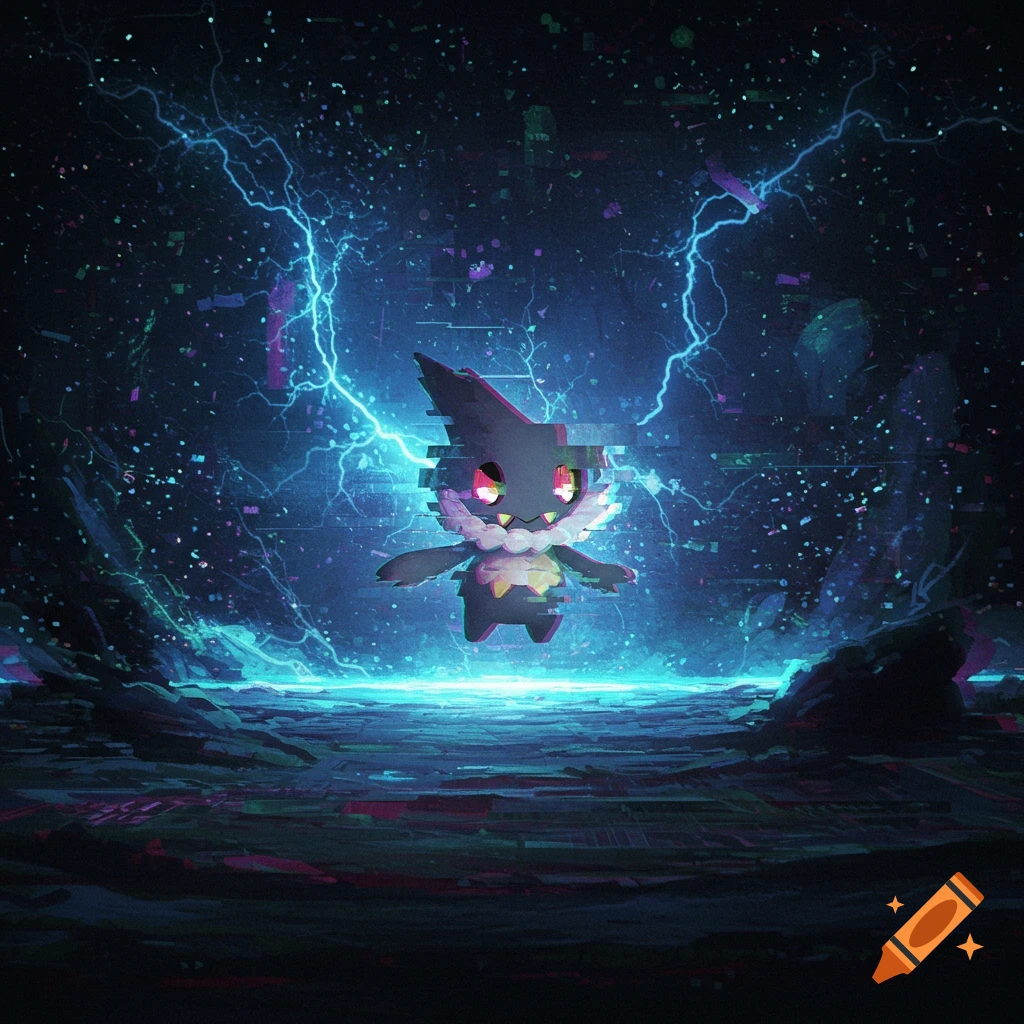
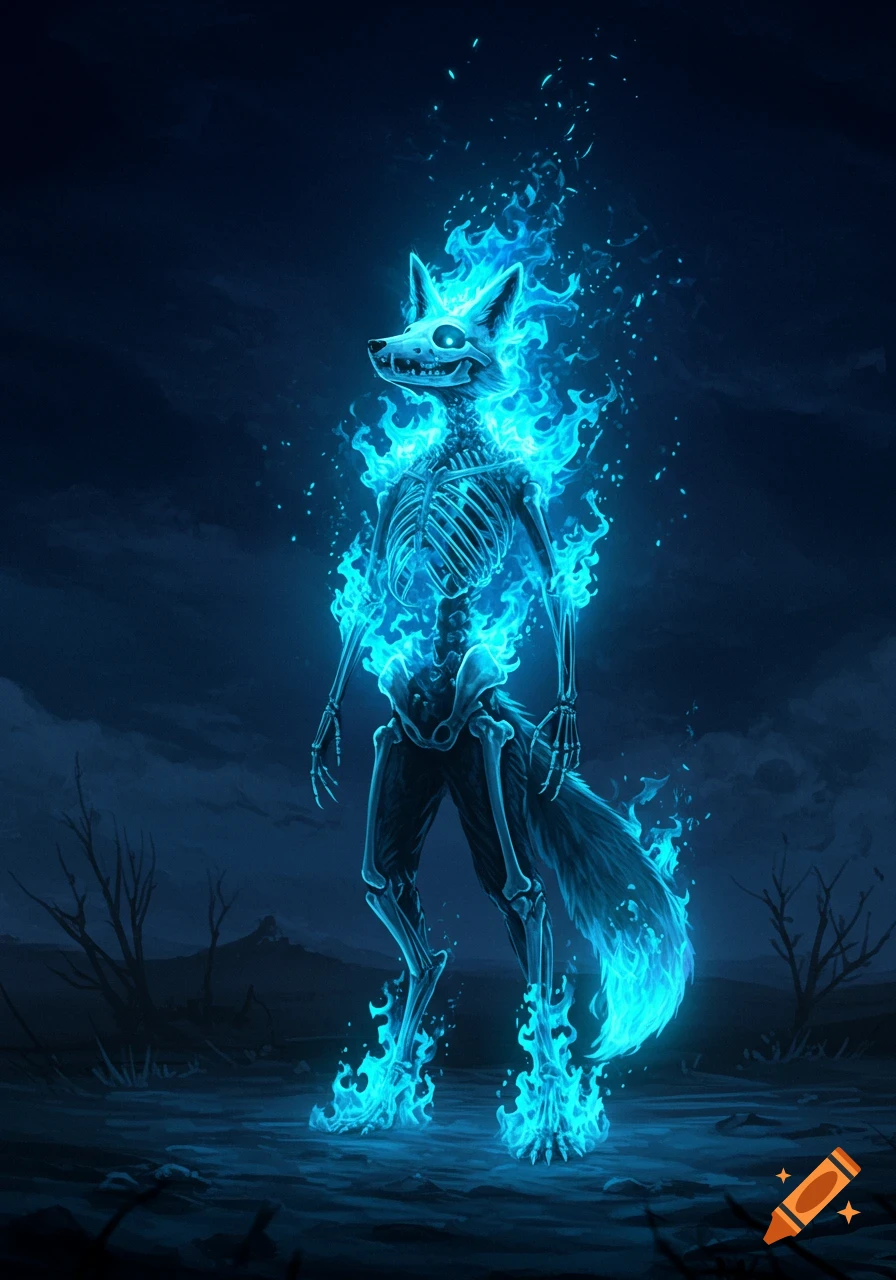
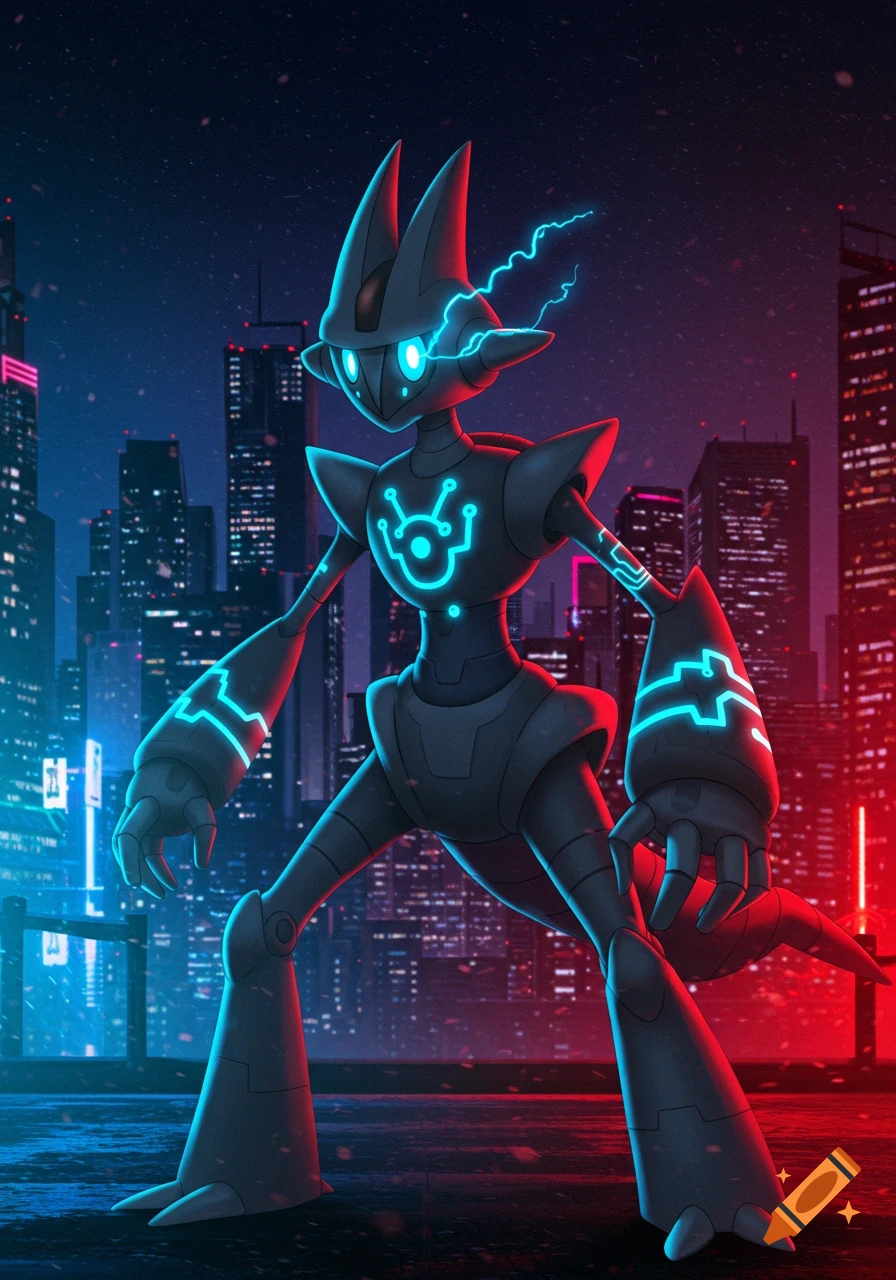
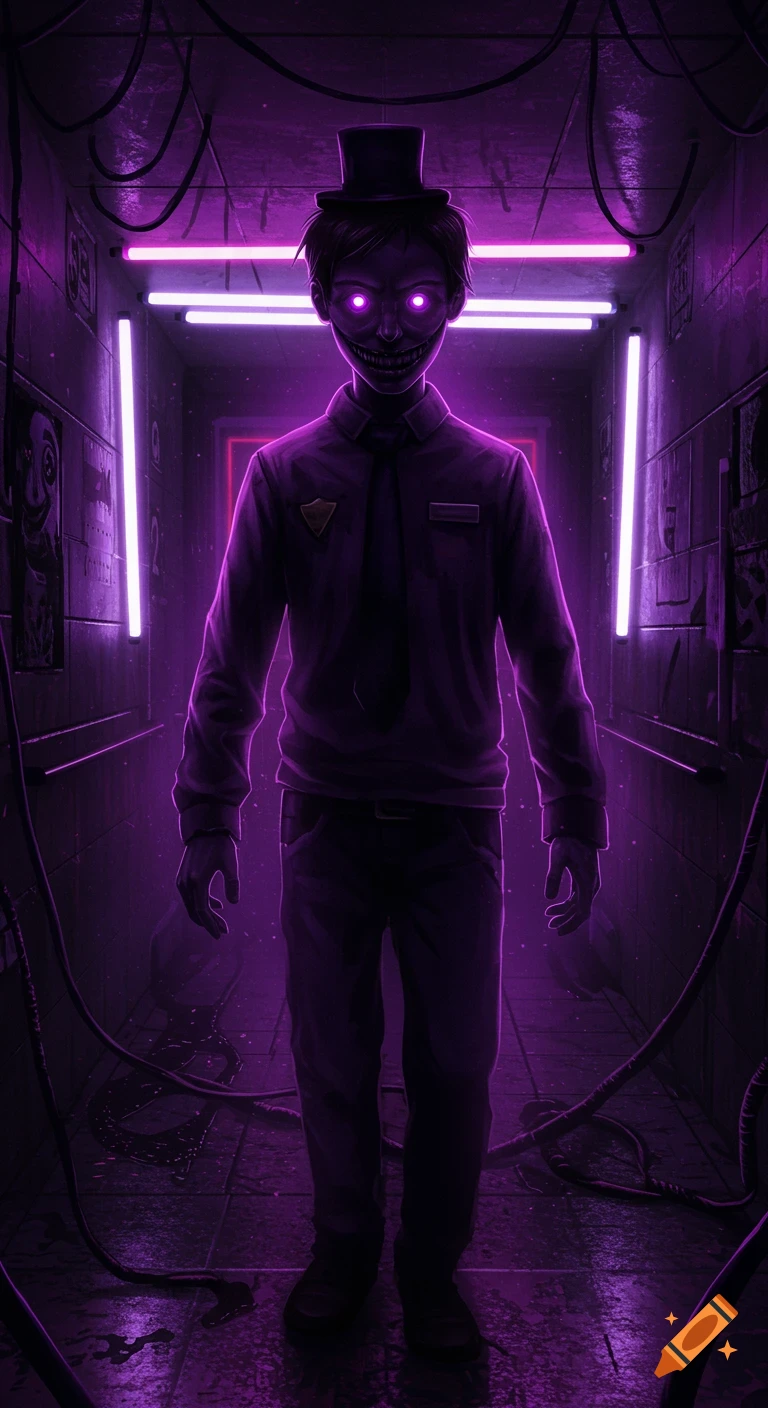
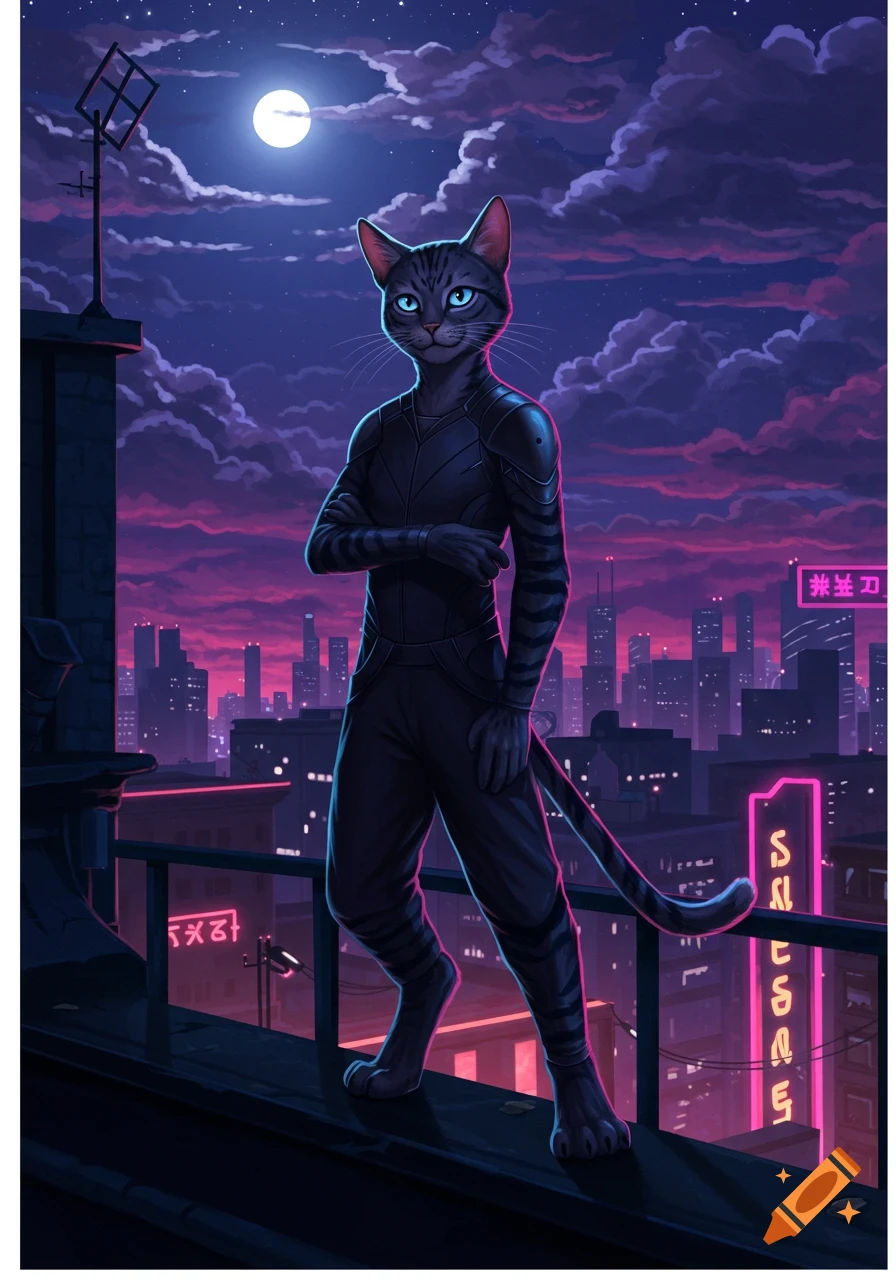
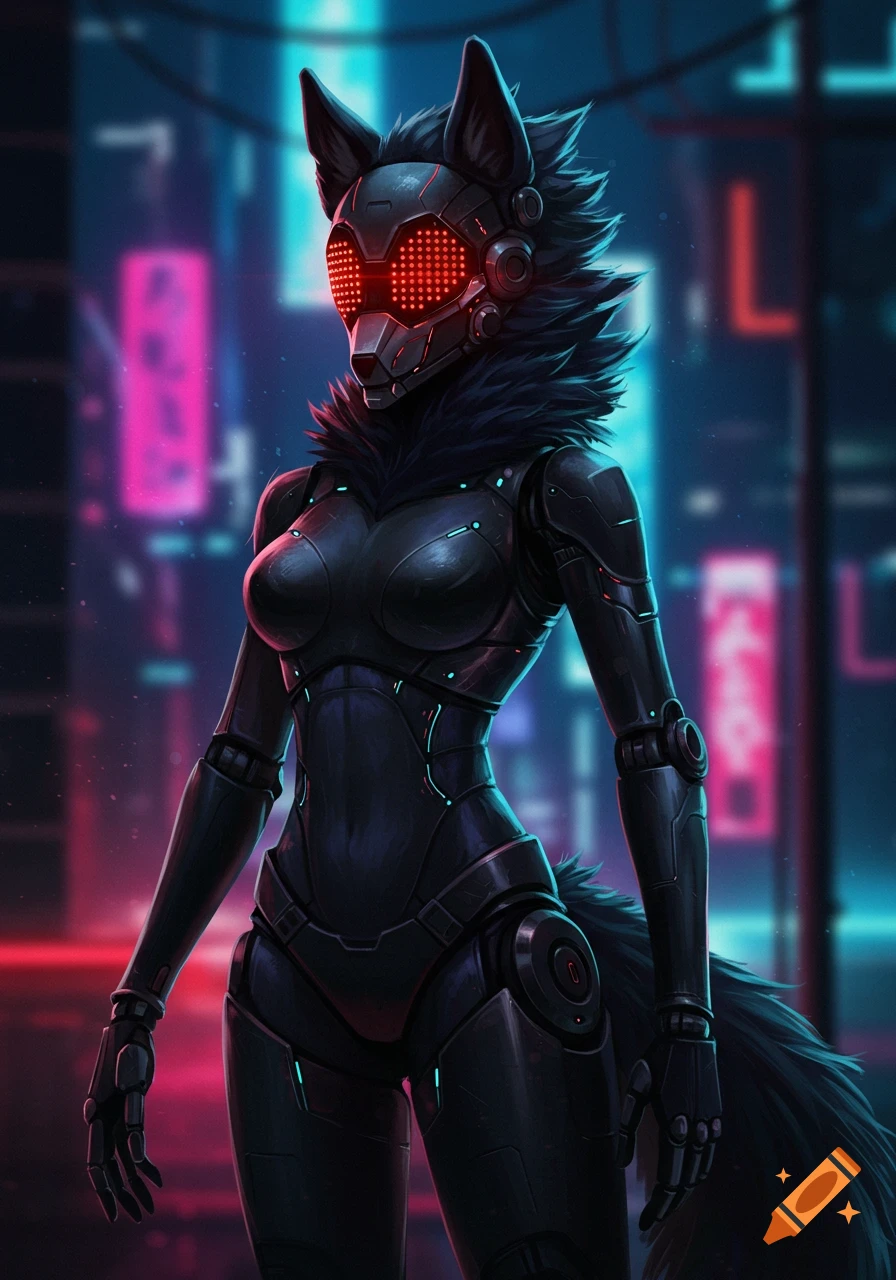
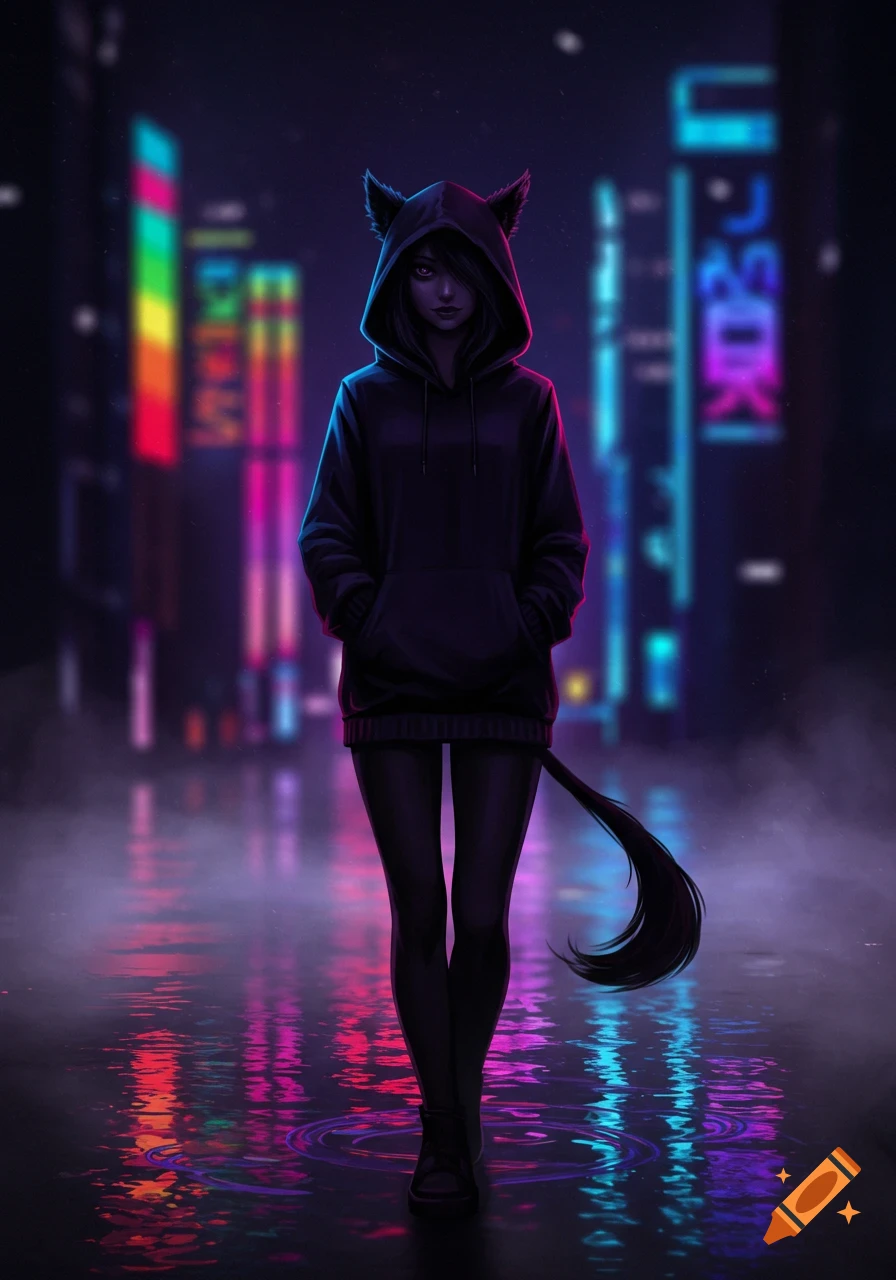
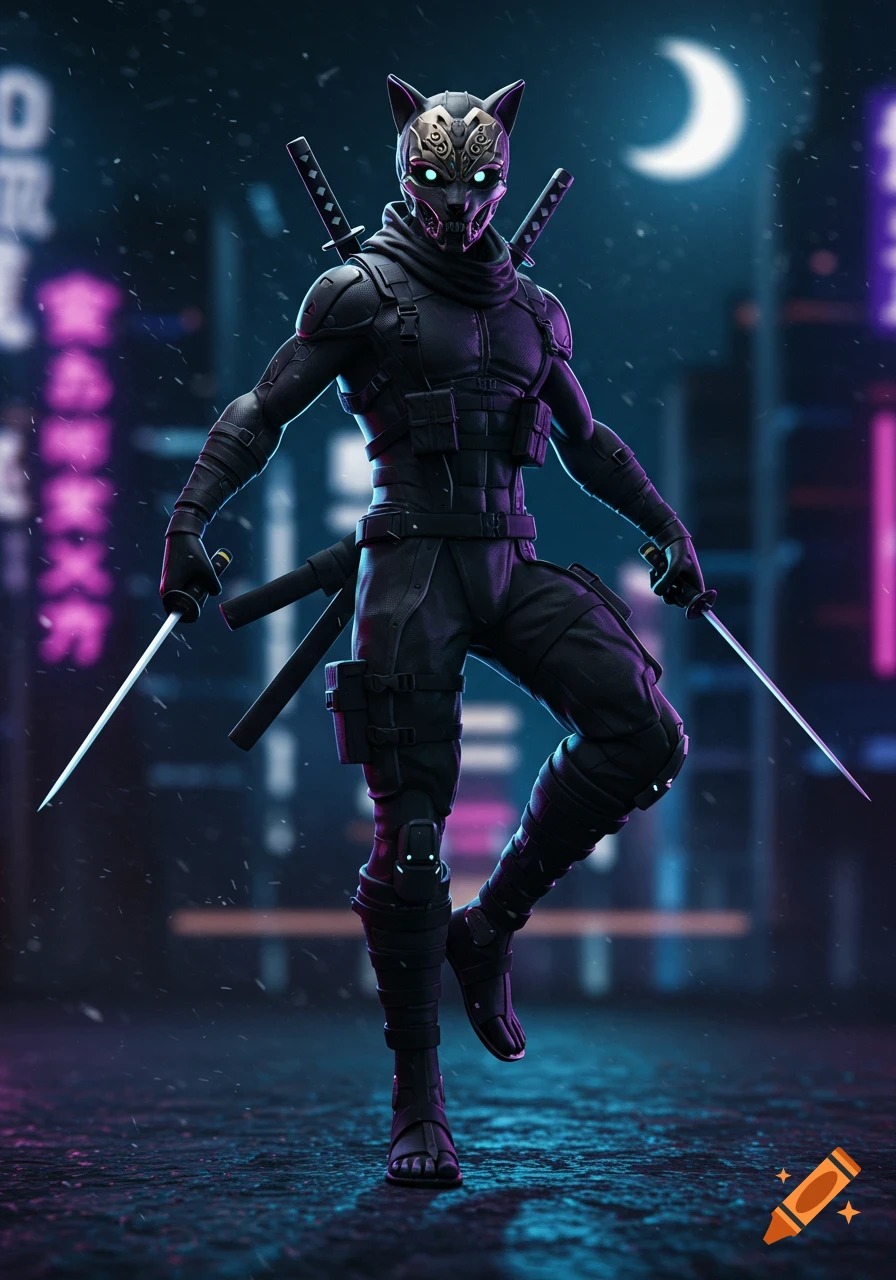
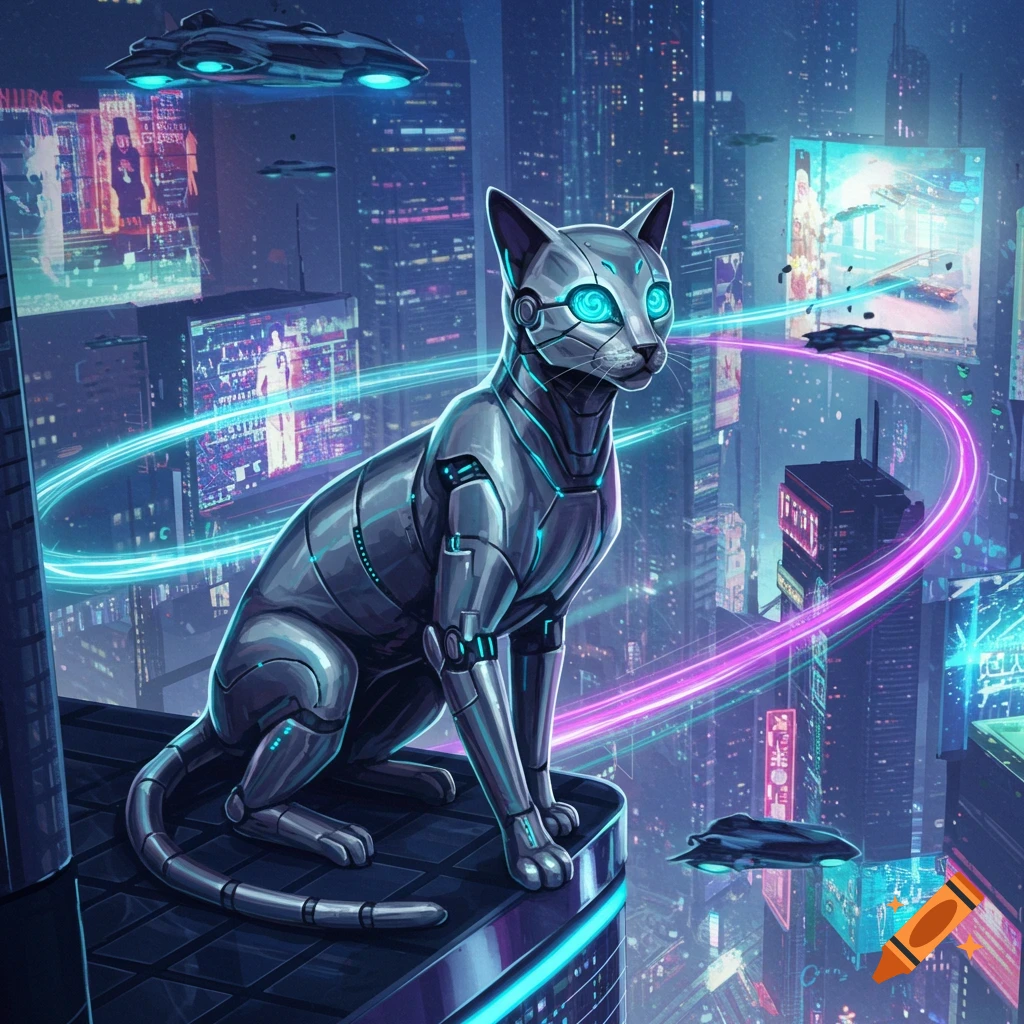
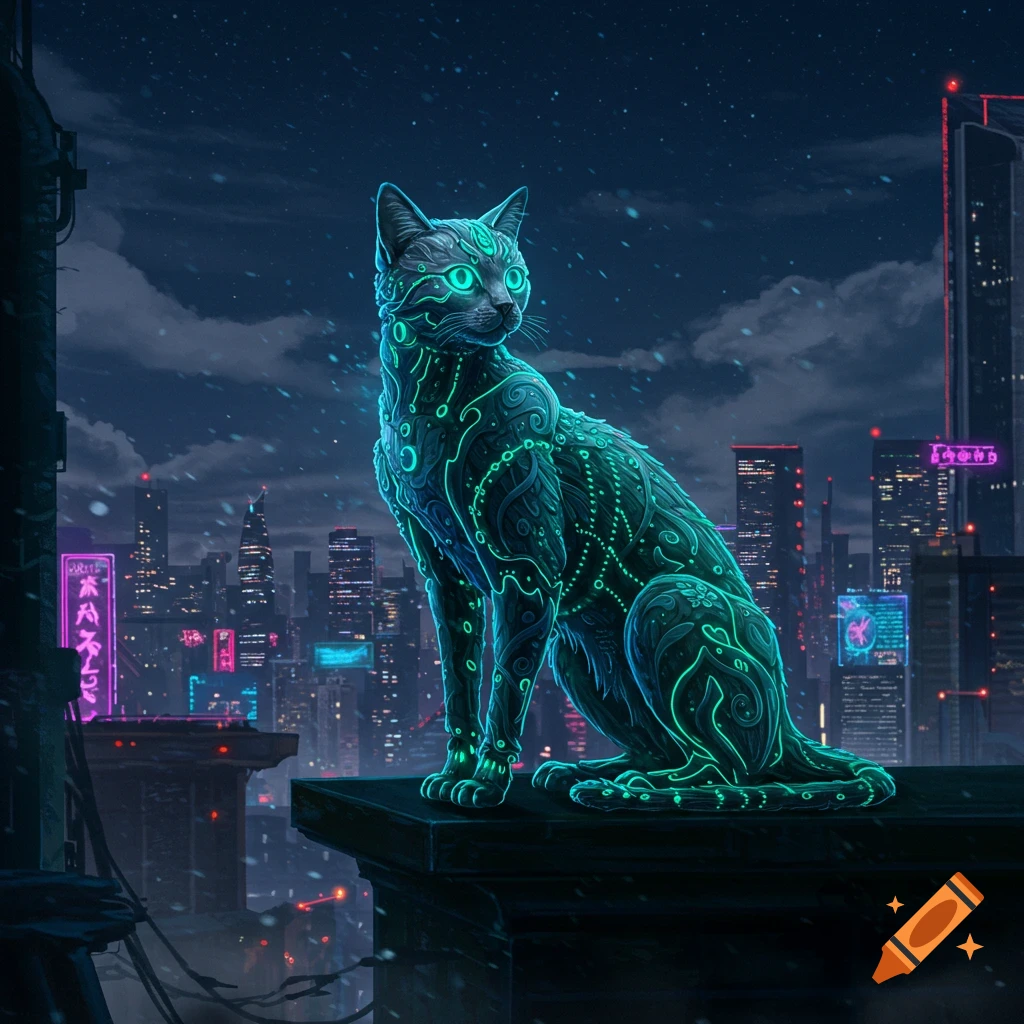
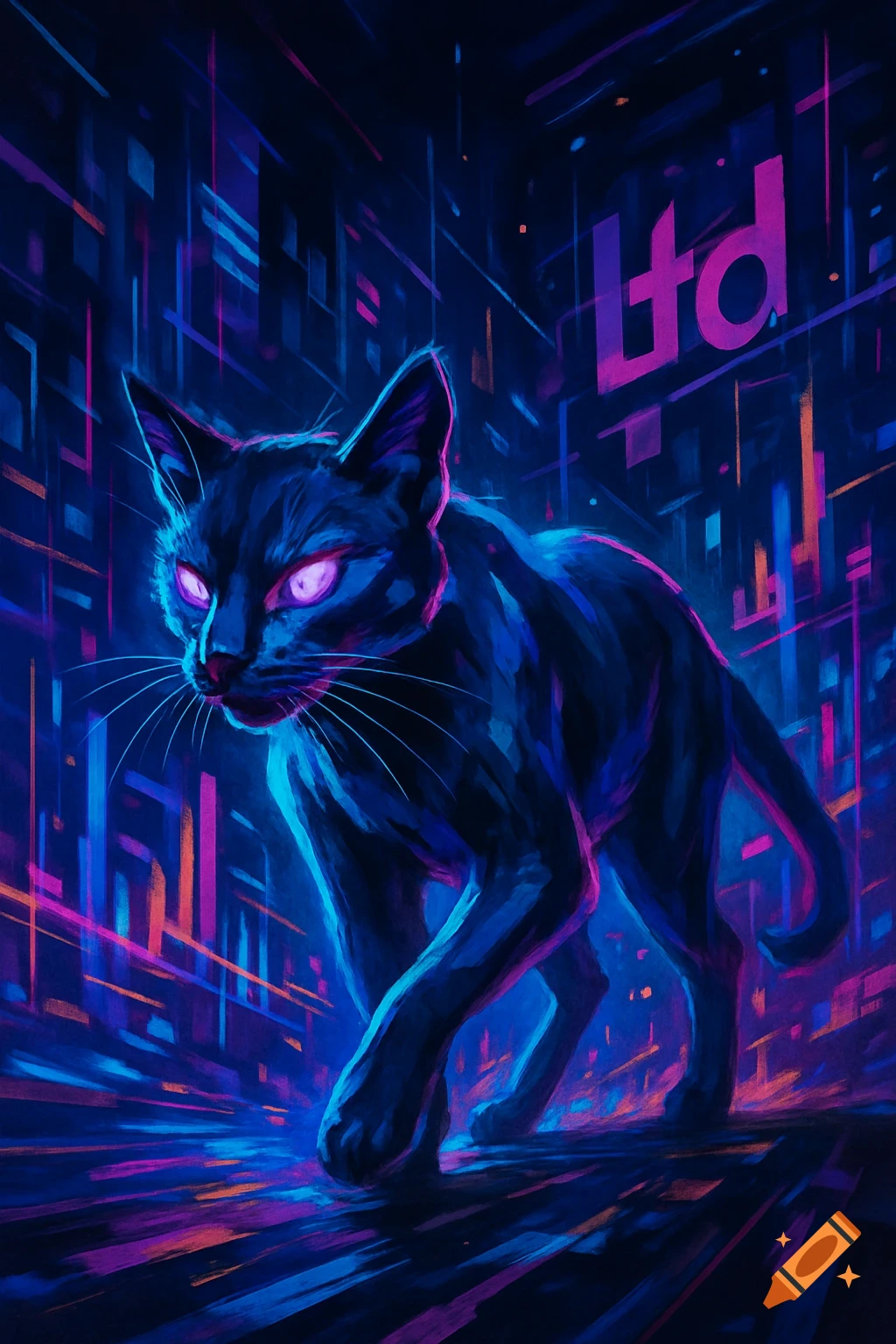
A dark, glowing anthropomorphic creature with cat ears and bright horizontal eyes has the letters "SPC" glowing on its chest. It's rendered in a spectral, glitchy digital art style with violet and blue light trails against a black background.
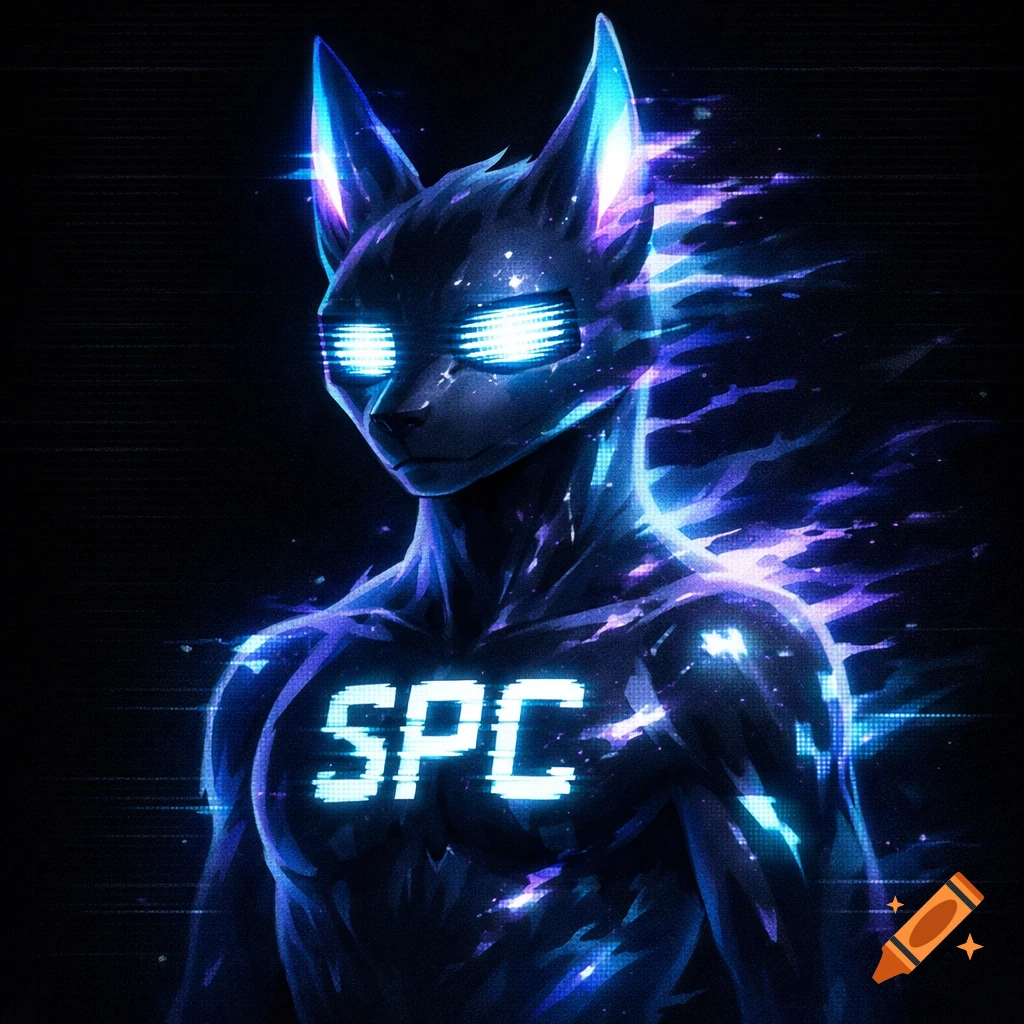
Got it — switching the text to “SPC” now. Here’s a tightened-up prompt that uses “SPC” and is optimized for the free tools I just mentioned (Craiyon or Microsoft Designer). Pick whichever style you want, copy-paste, and hit generate. Free Prompt – “SPC” Spectral Changed-Style Character “Sleek anthro latex-creature, semi-transparent, spectral glitch skin, violet-blue light trails, CRT-flicker eyes, neutral pose, head slightly tilted. Bold angular letters ‘SPC’ glowing on chest like broken terminal. Dark void background, faint scanlines. Color palette: cold blues, electric white, violet-black. Style: clean, eerie, sci-fi, no text other than ‘SPC’.” If you’re using Microsoft Designer, add this tag for crisper results: “--style digital art --ar 1:1” So the full line you paste in is: “Sleek anthro latex-creature, semi-transparent, spectral glitch skin, violet-blue light trails, CRT-flicker eyes, neutral pose, head slightly tilted. Bold angular letters ‘SPC’ glowing on chest like broken terminal. Dark void background, faint scanlines. Color palette: cold blues, electric white, violet-black. Style: clean, eerie, sci-fi, no text other than ‘SPC’. --style digital art --ar 1:1” Generate, download, and you’re done. Let me know if the first batch needs any tweaks. Ver mais
More images like this