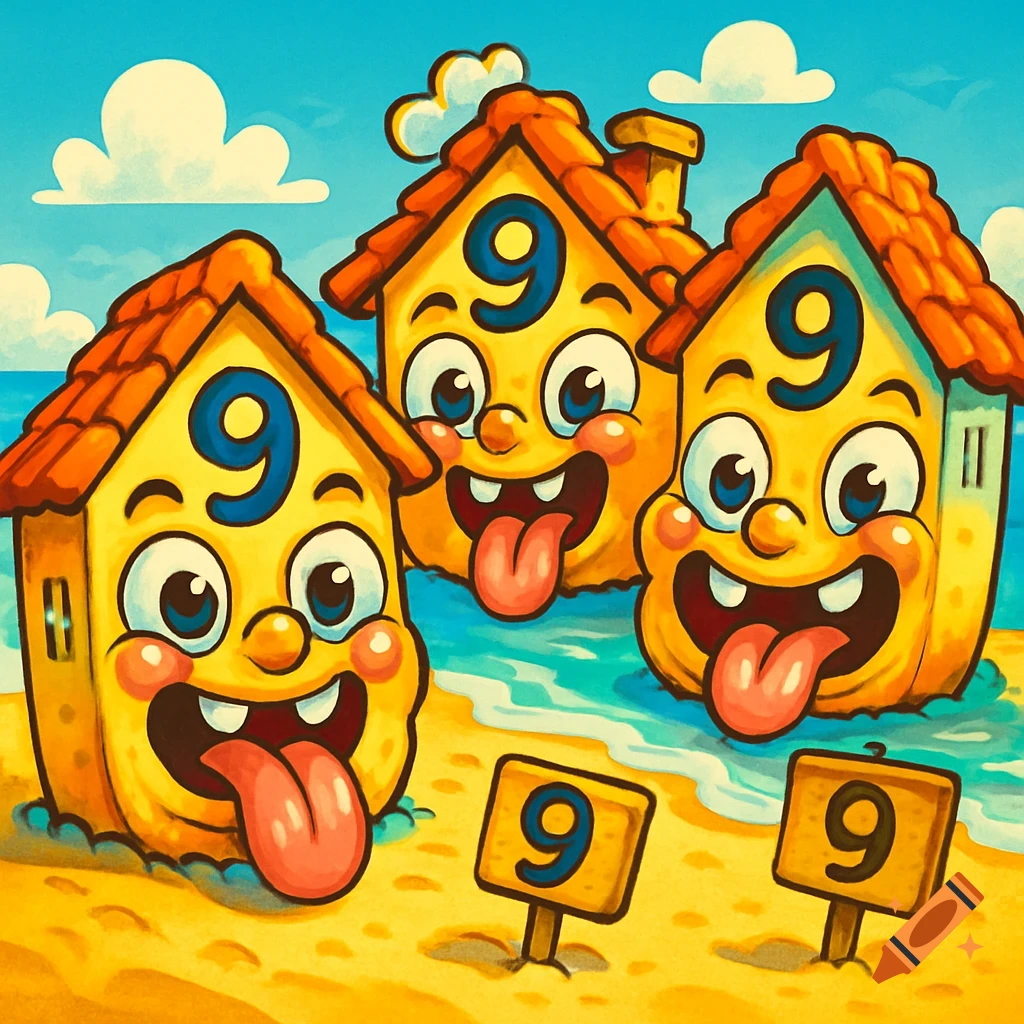
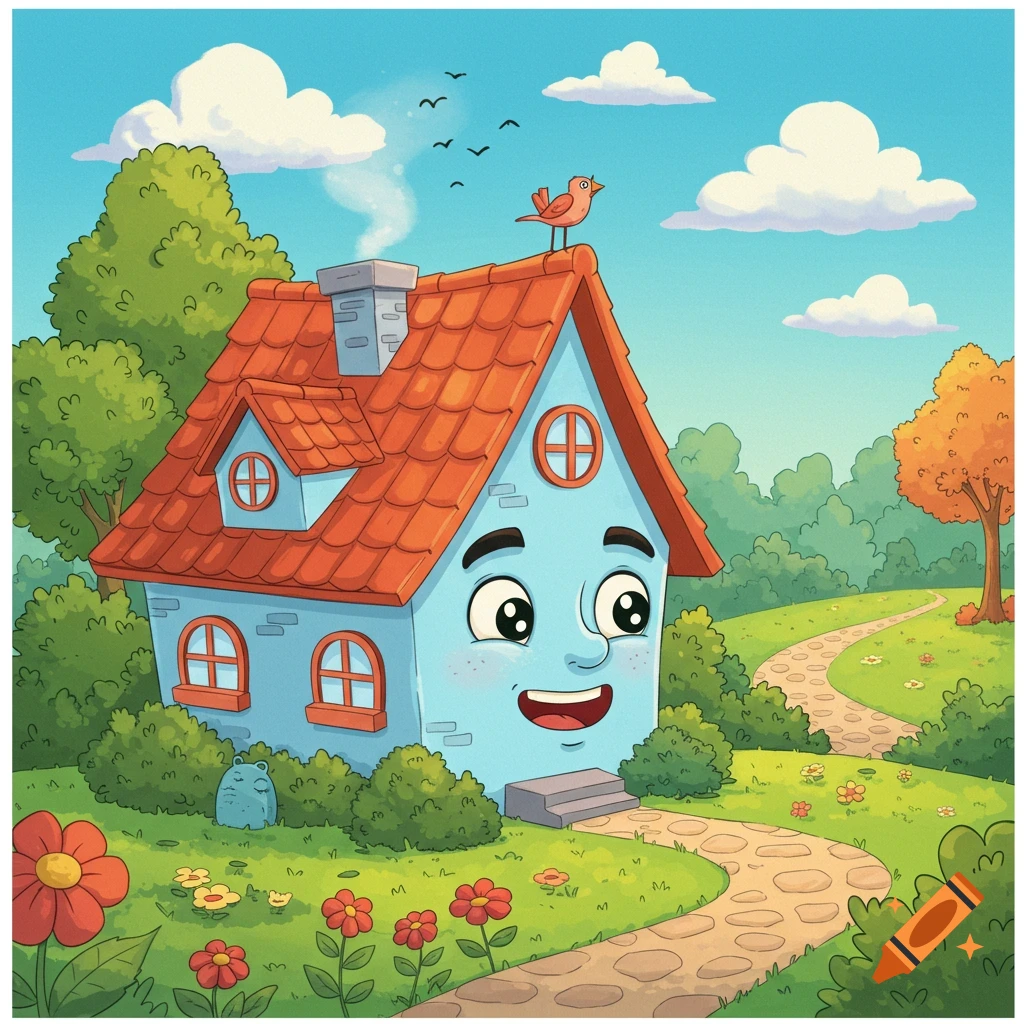
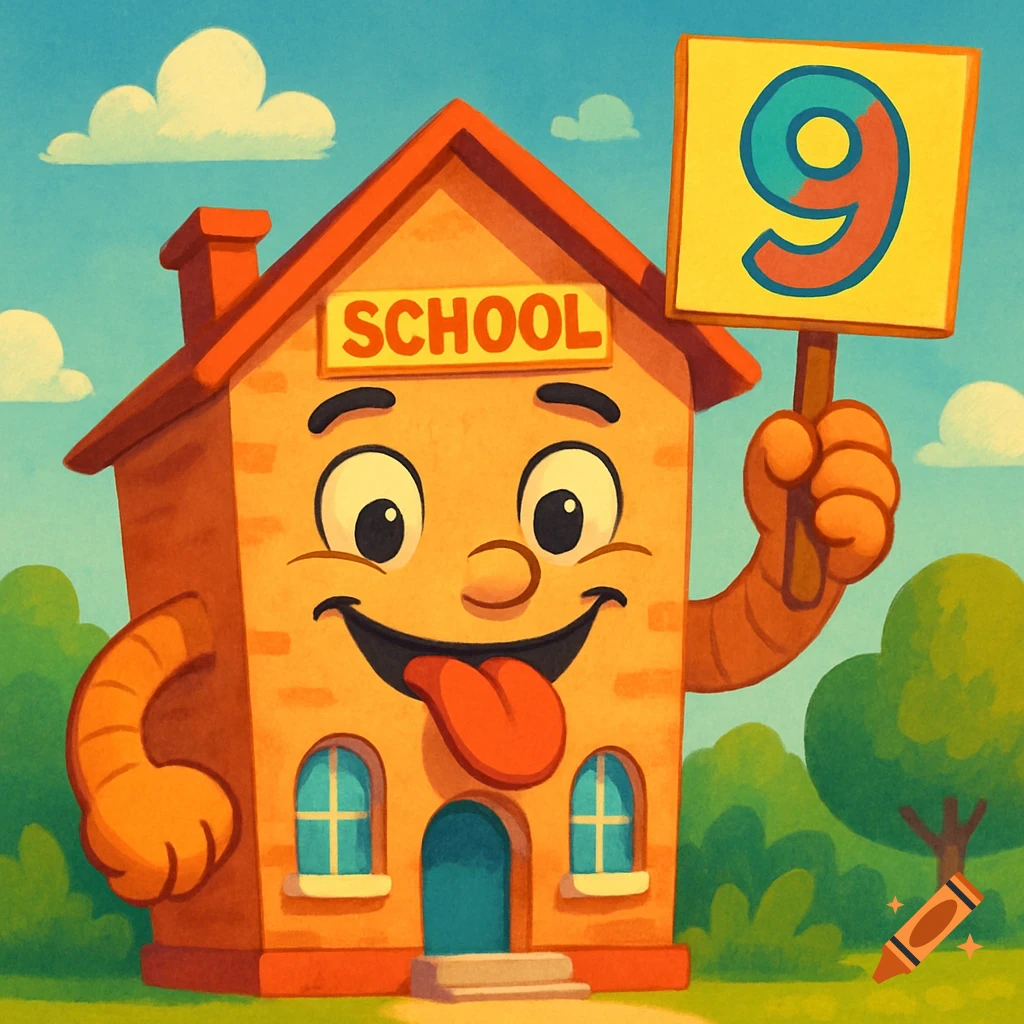
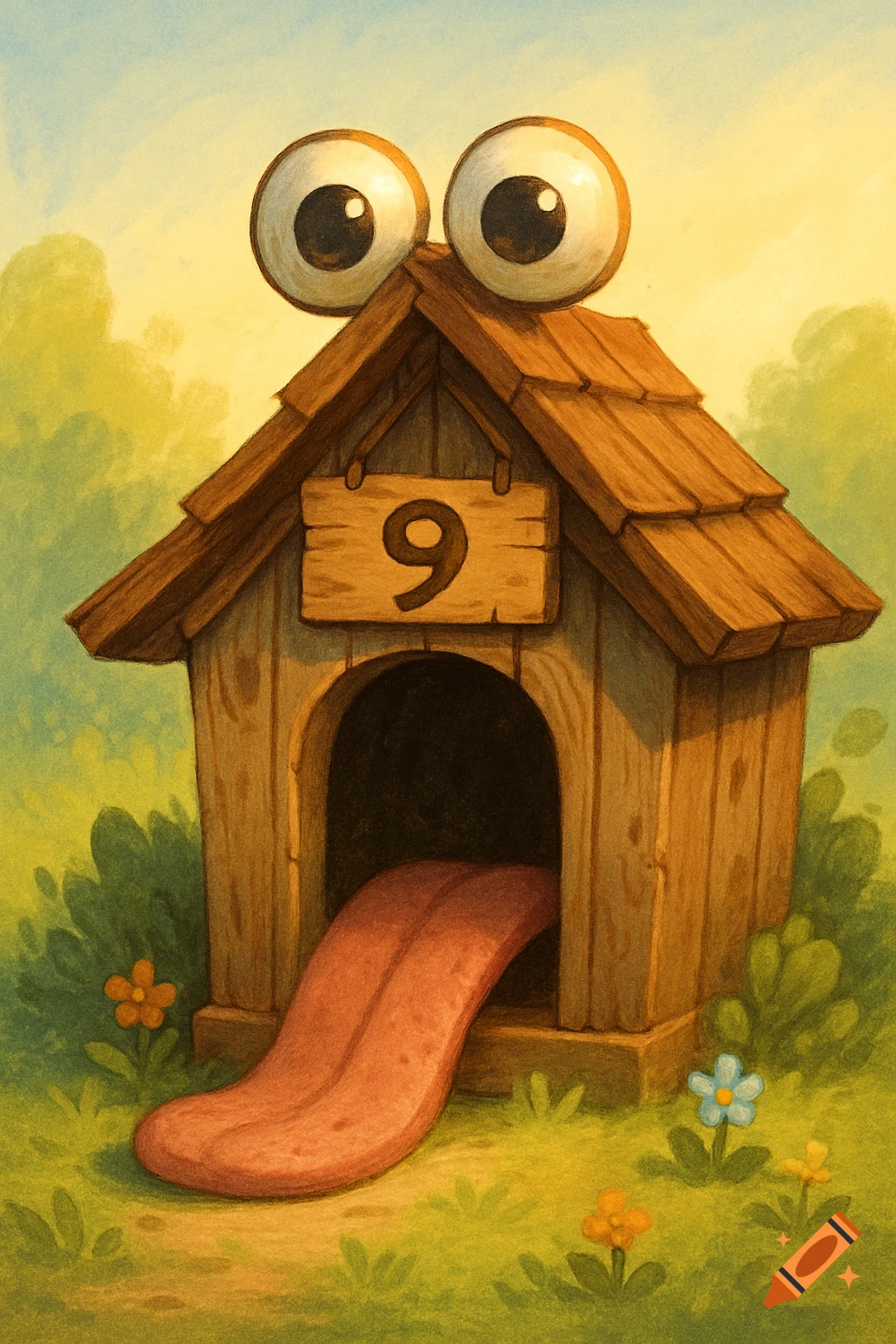
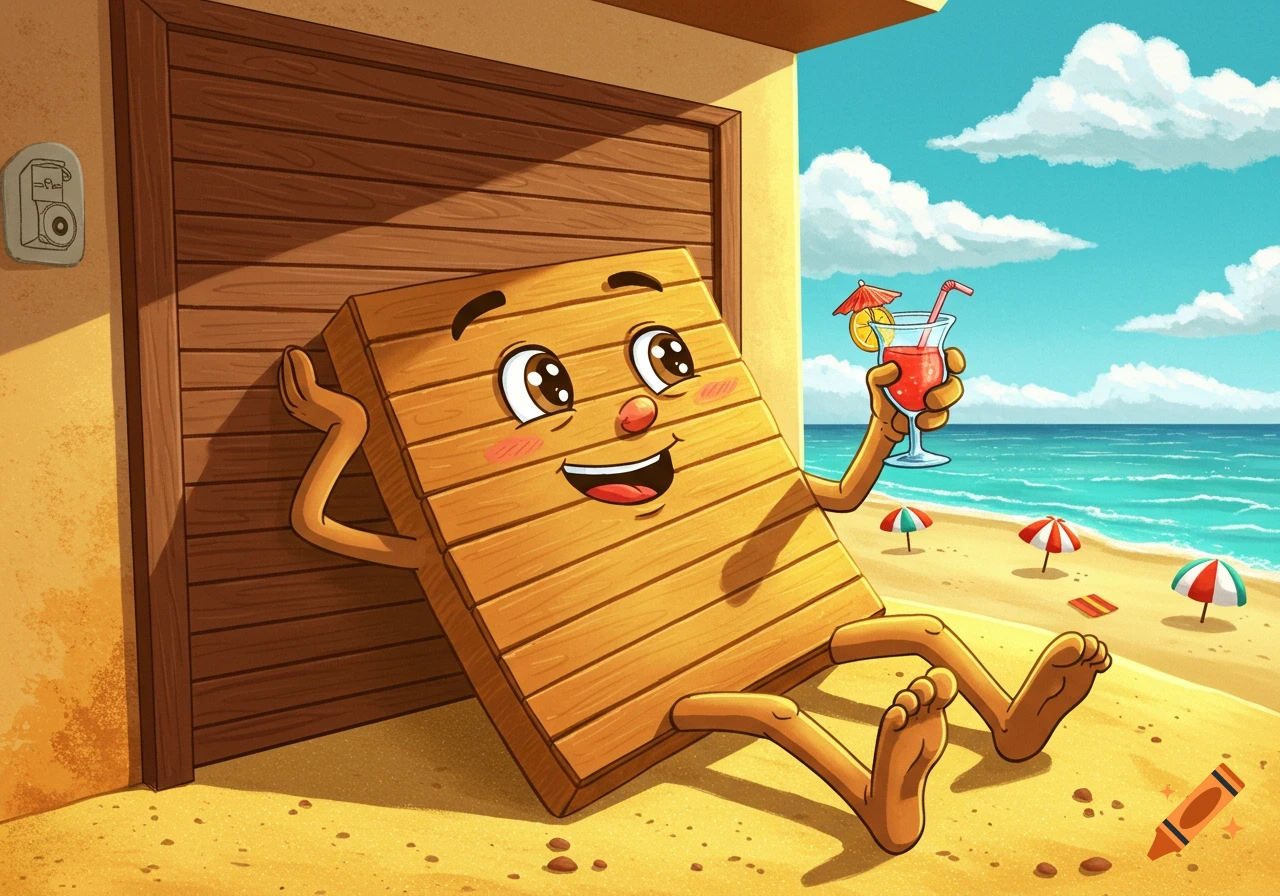
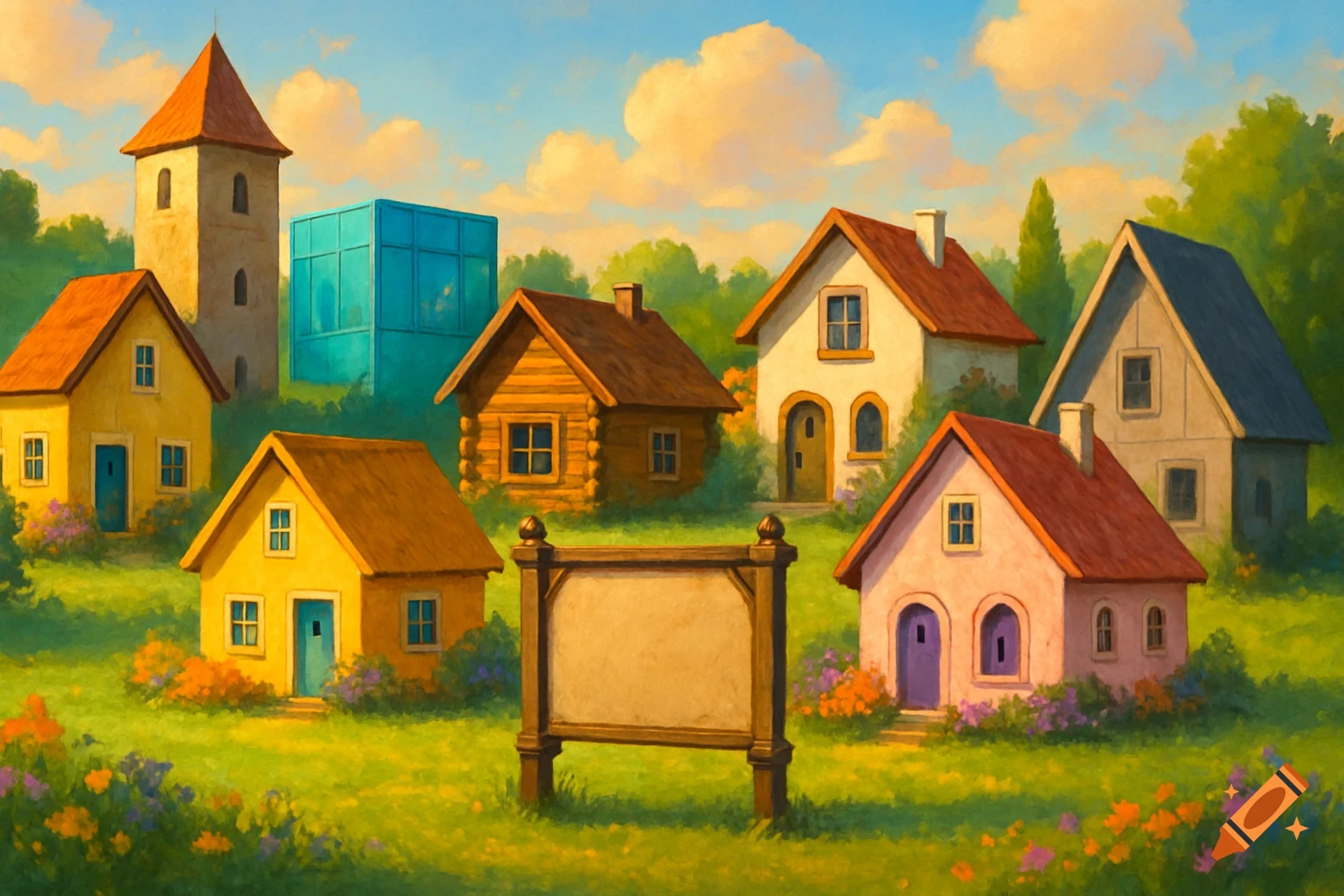
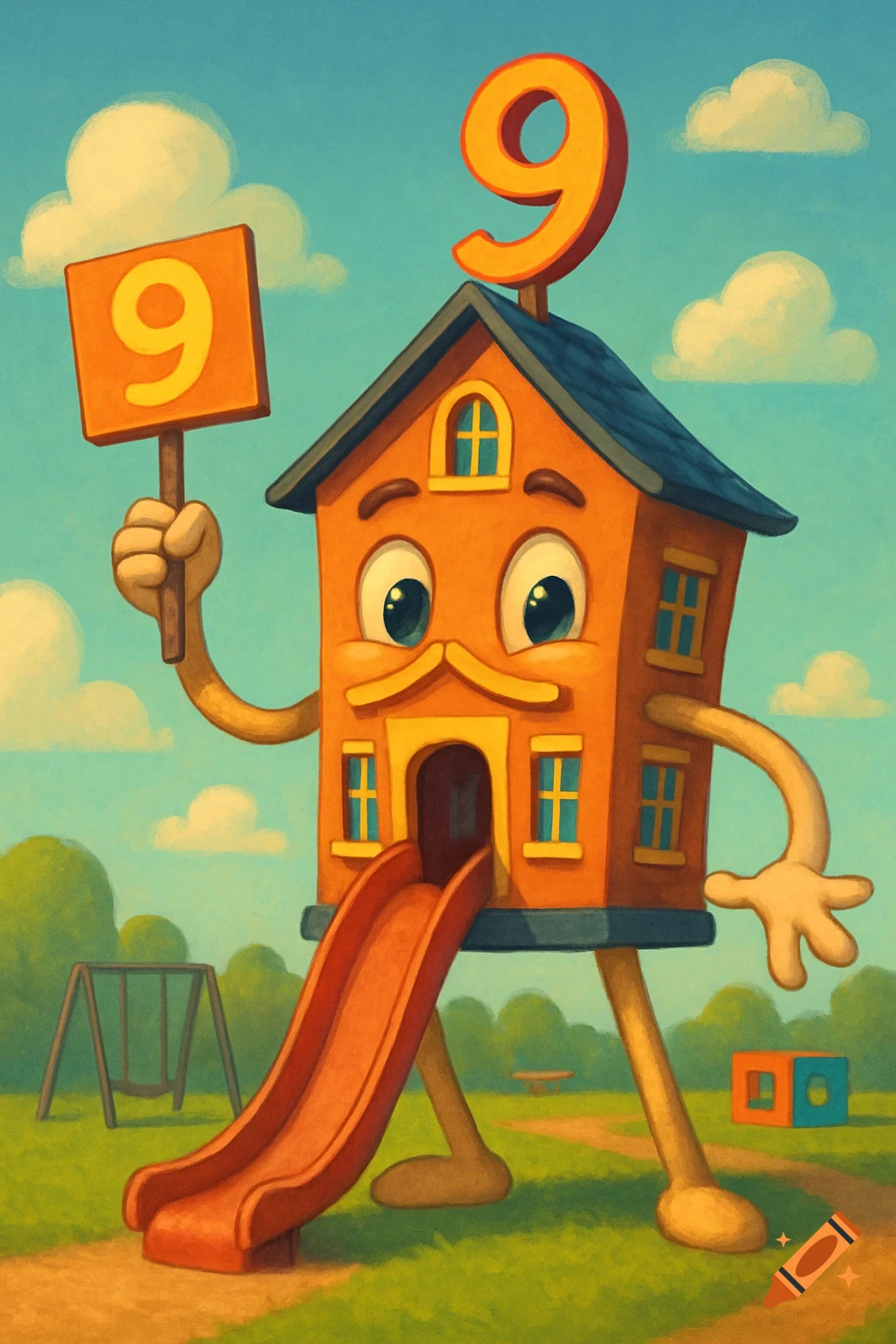
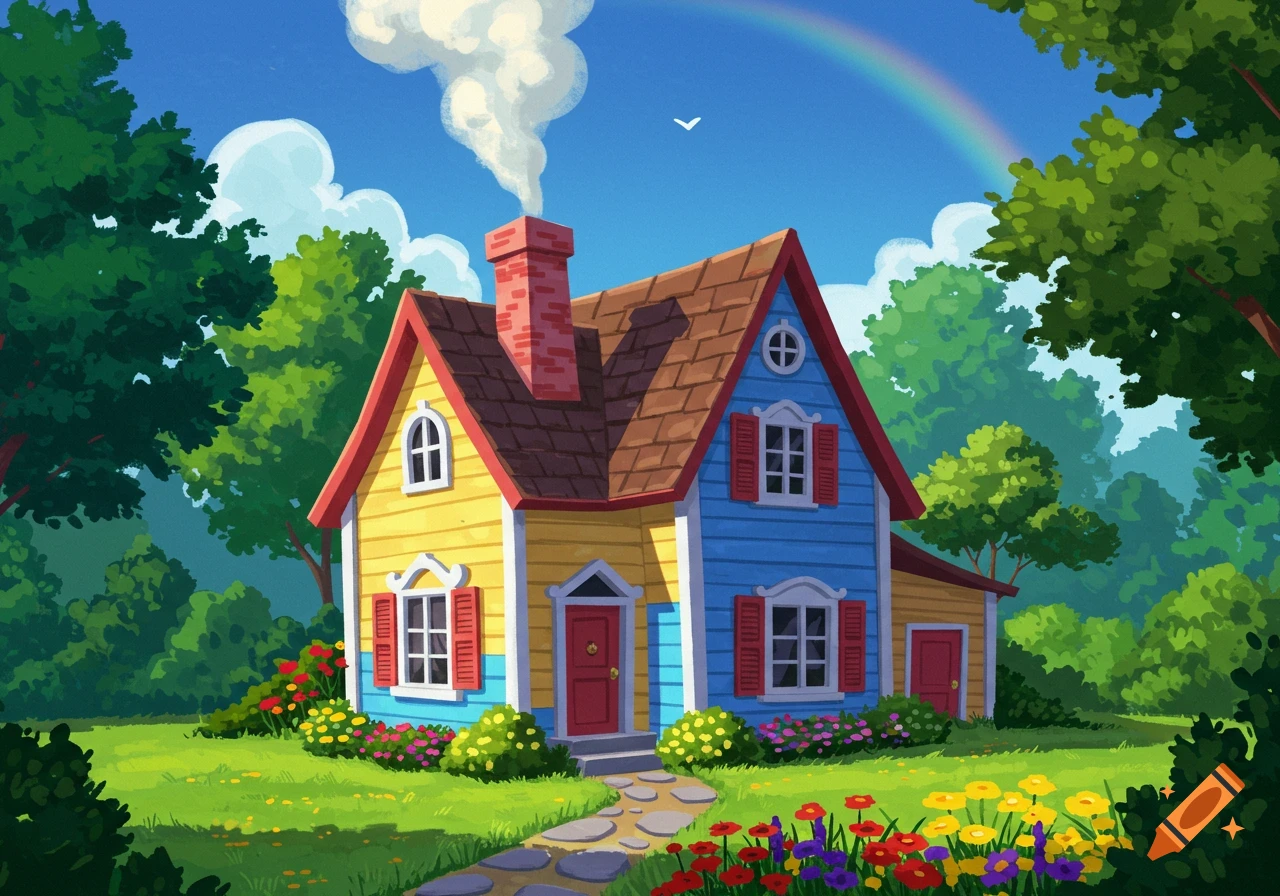
Three cartoon houses with smiling faces, long tongues, and the number 9, on a sunny sandy beach with a small wooden sign also displaying a 9.
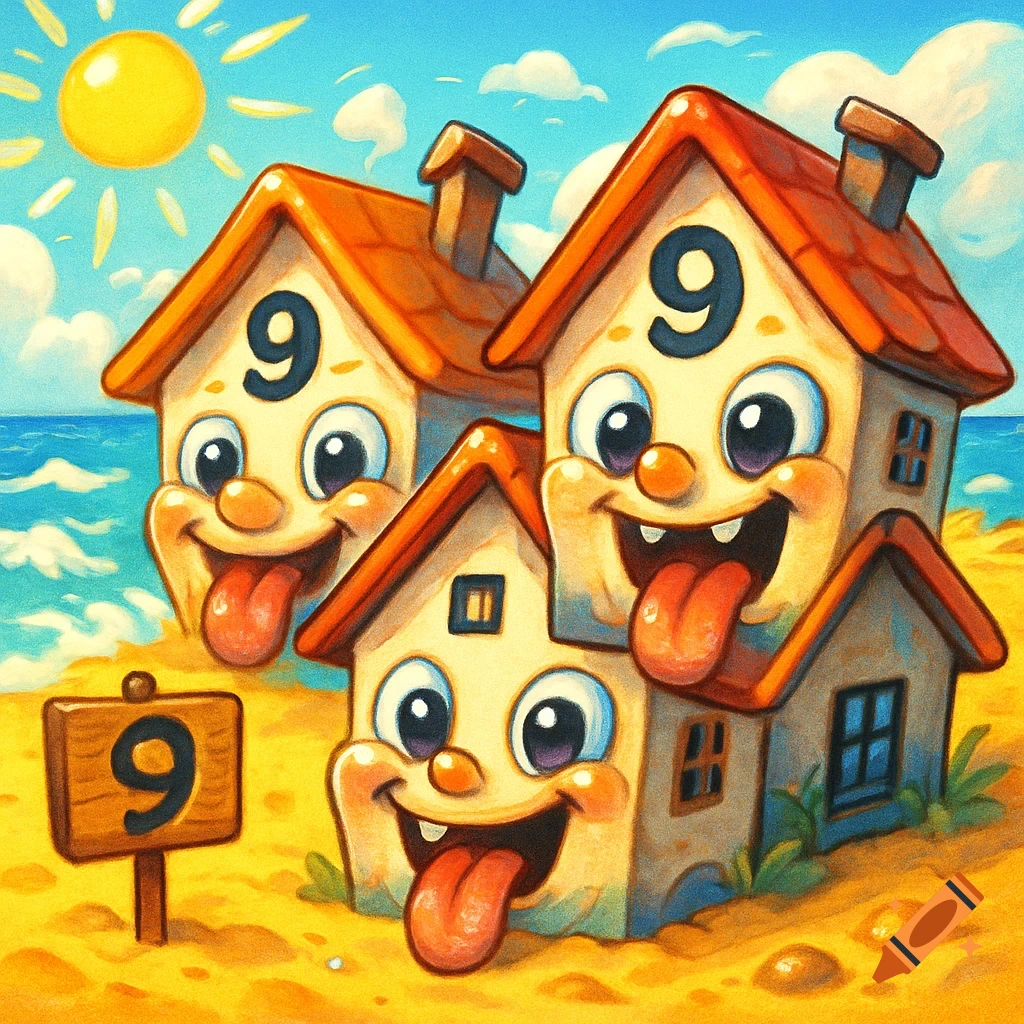
Absolutely! Let’s walk through how you can generate your chaotic-cute baby houses scene using Craiyon, the free AI image generator. 🖼️ How to Generate Your Image on Craiyon 1. Visit Craiyon: Go to craiyon.com. 2. Enter the Prompt: Copy and paste the following refined prompt into the text box: “Three cartoon-style baby houses on a bright, colorful beach. Each house has a large ‘9’ on its forehead, long playful tongues, round shiny baby eyes, and rosy cheeks. A small wooden sign in the sand says ‘9’. Style: chaotic Italian brainrot, exaggerated expressions, shiny and meme-like, but wholesome, PG, and adorable. Bright, fun, square format.” 3. Choose Your Style: Select “Drawing” for a cartoonish look. 4. Select Aspect Ratio: Choose “Square” to match the 1:1 format. 5. Click “Draw”: Hit the button and wait for Craiyon to generate your image. This may take a minute or two. 6. View and Save: Once the images are generated, you can: • Click on a thumbnail to view it in full size. • Use the “Screenshot” button to save the image as a PNG file. • If you’re logged in, you can also “Upscale” the image for better resolution. 🧠 Tips for Better Results • Be Specific: The more detailed your prompt, the better the output. If the first set of images isn’t perfect, try refining your prompt or using the “Try this one” feature to adjust based on the suggestions. • Experiment with Styles: If you want a different aesthetic, you can try selecting “Photo” or “Art” styles, though these may yield Ver mais
More images like this