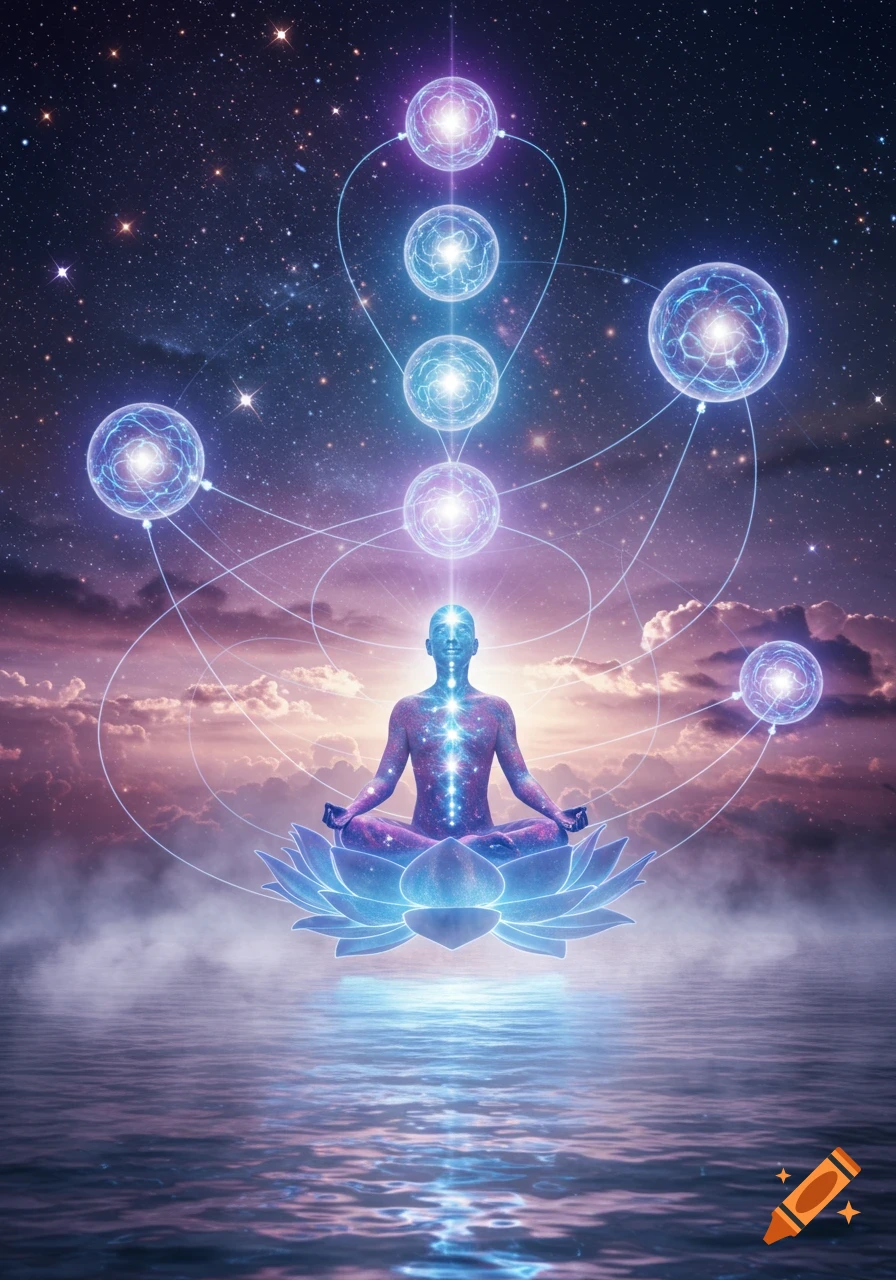
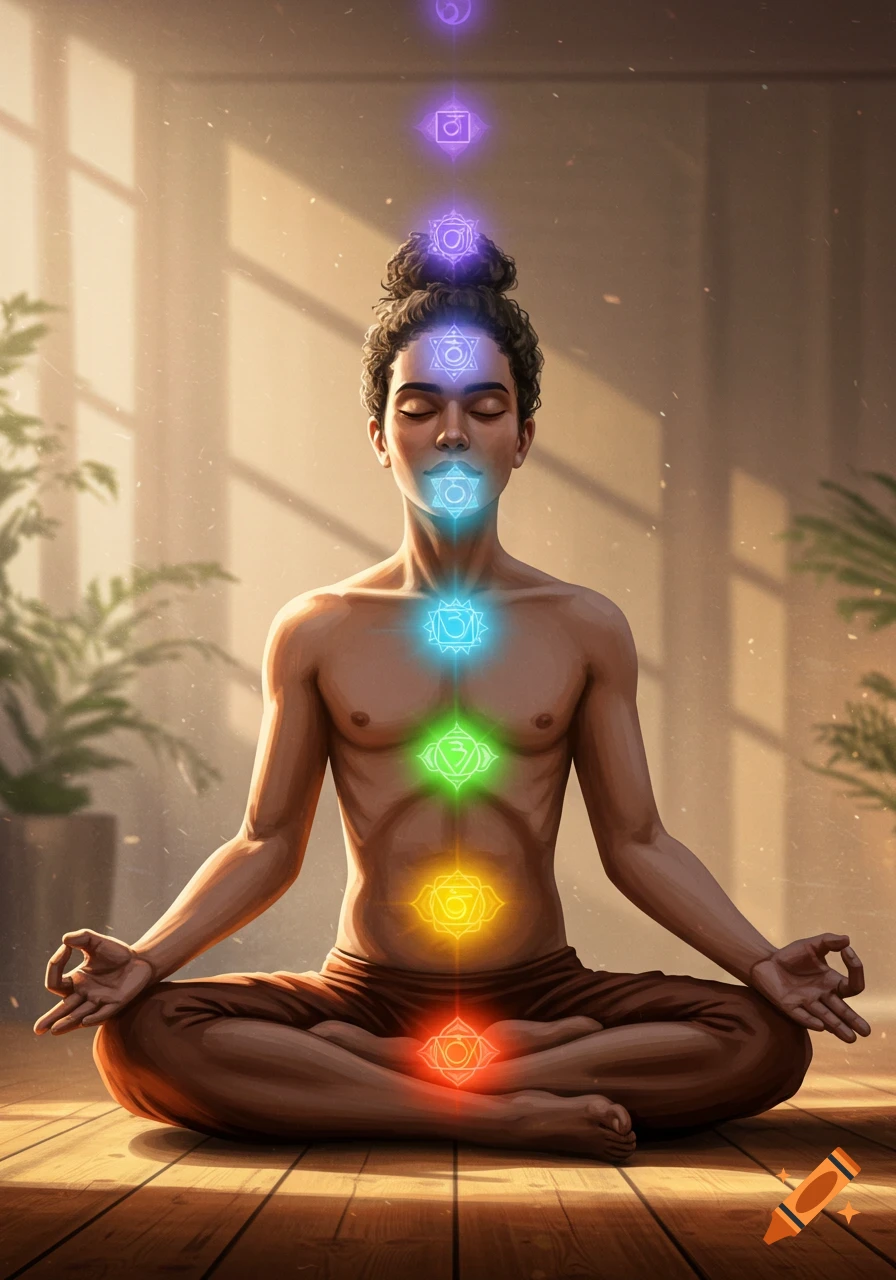
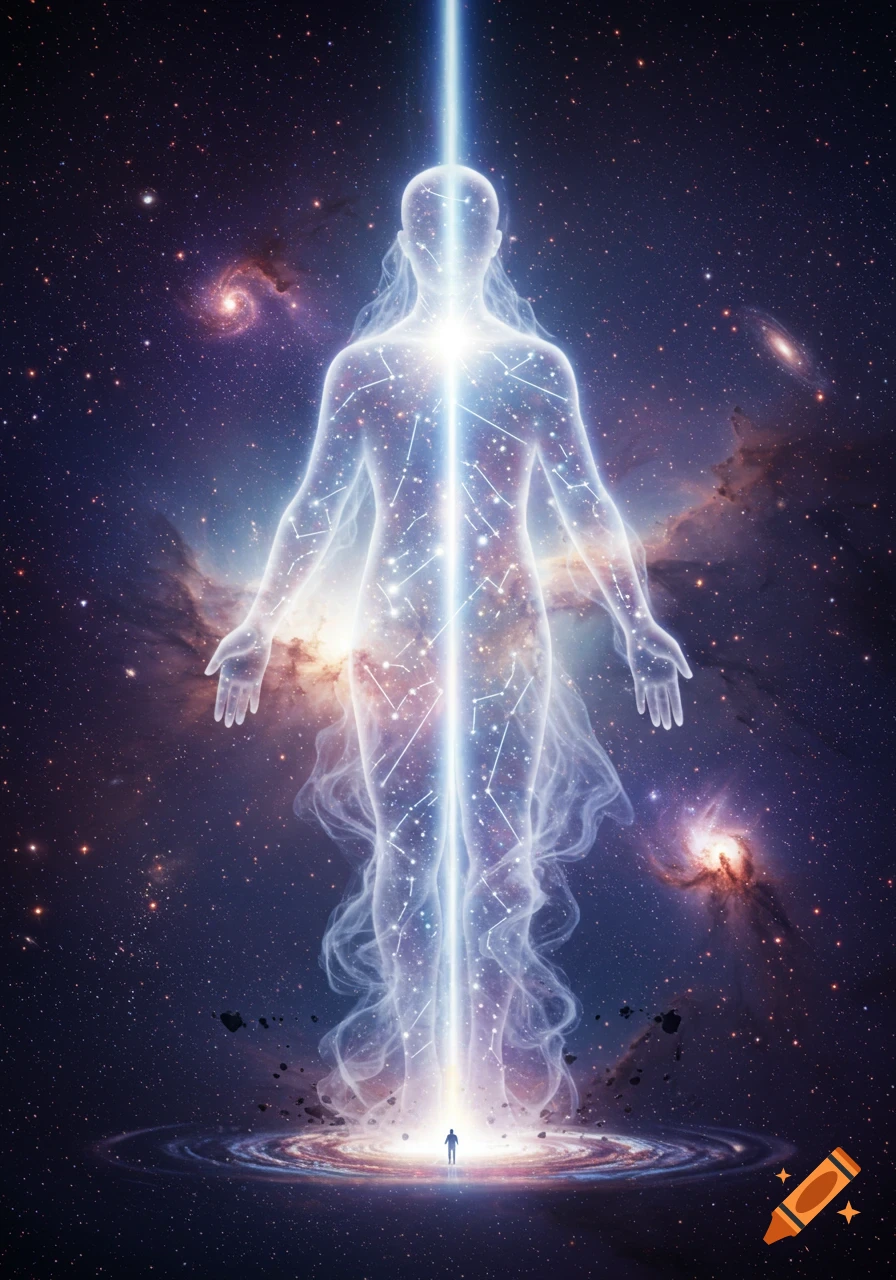
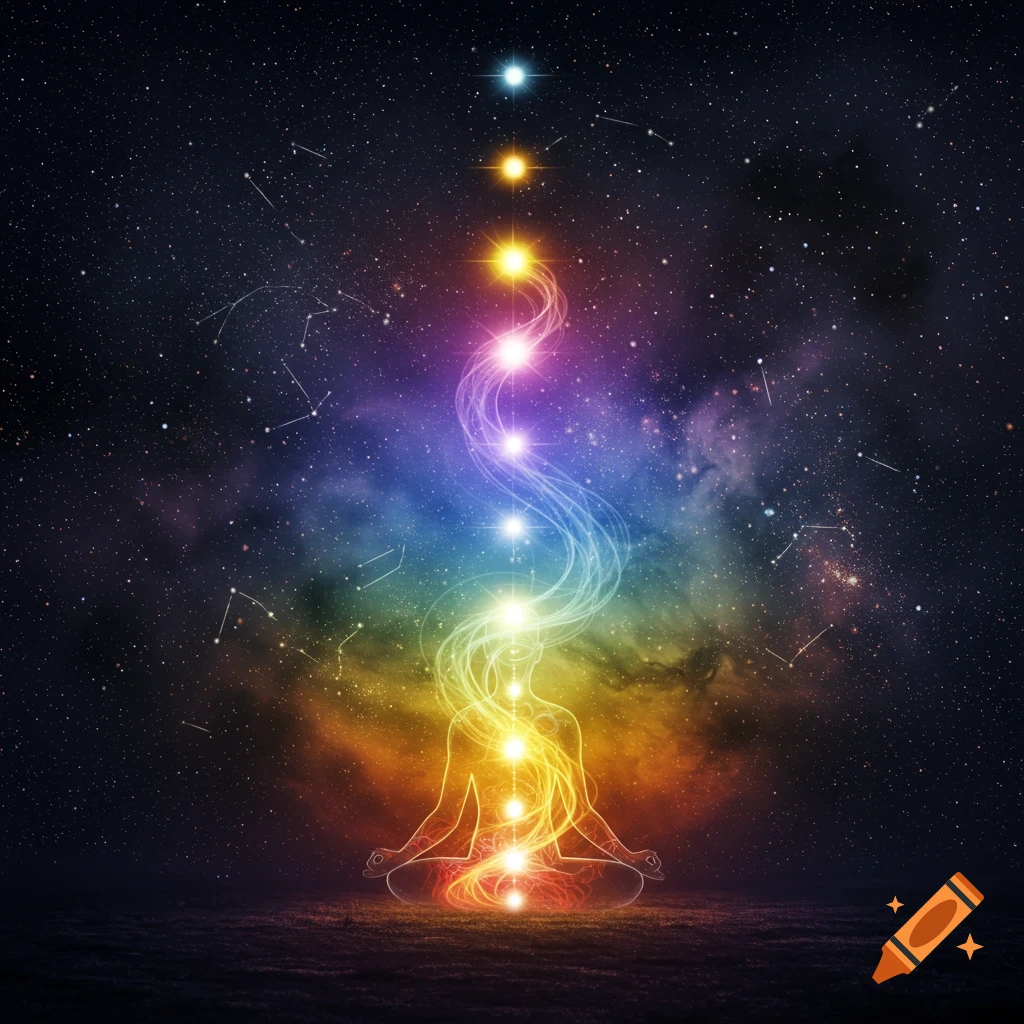
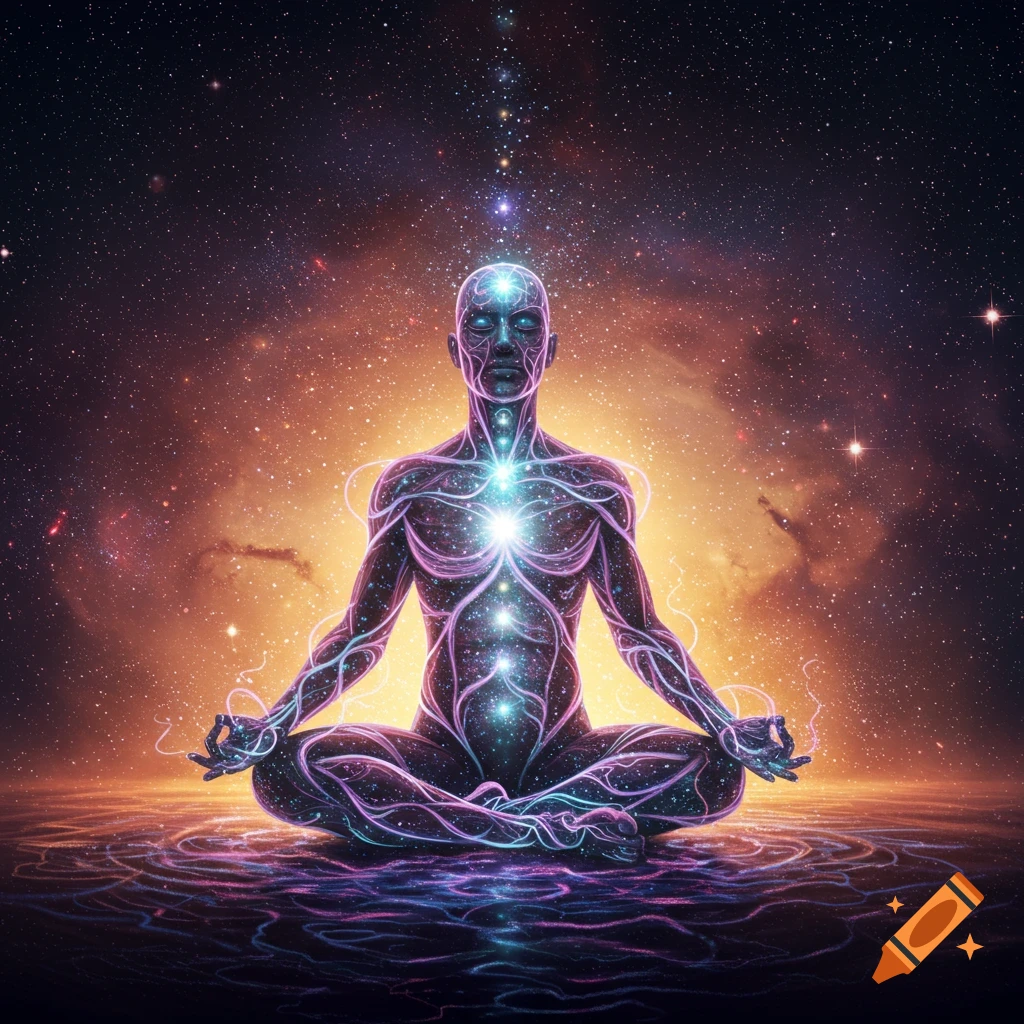
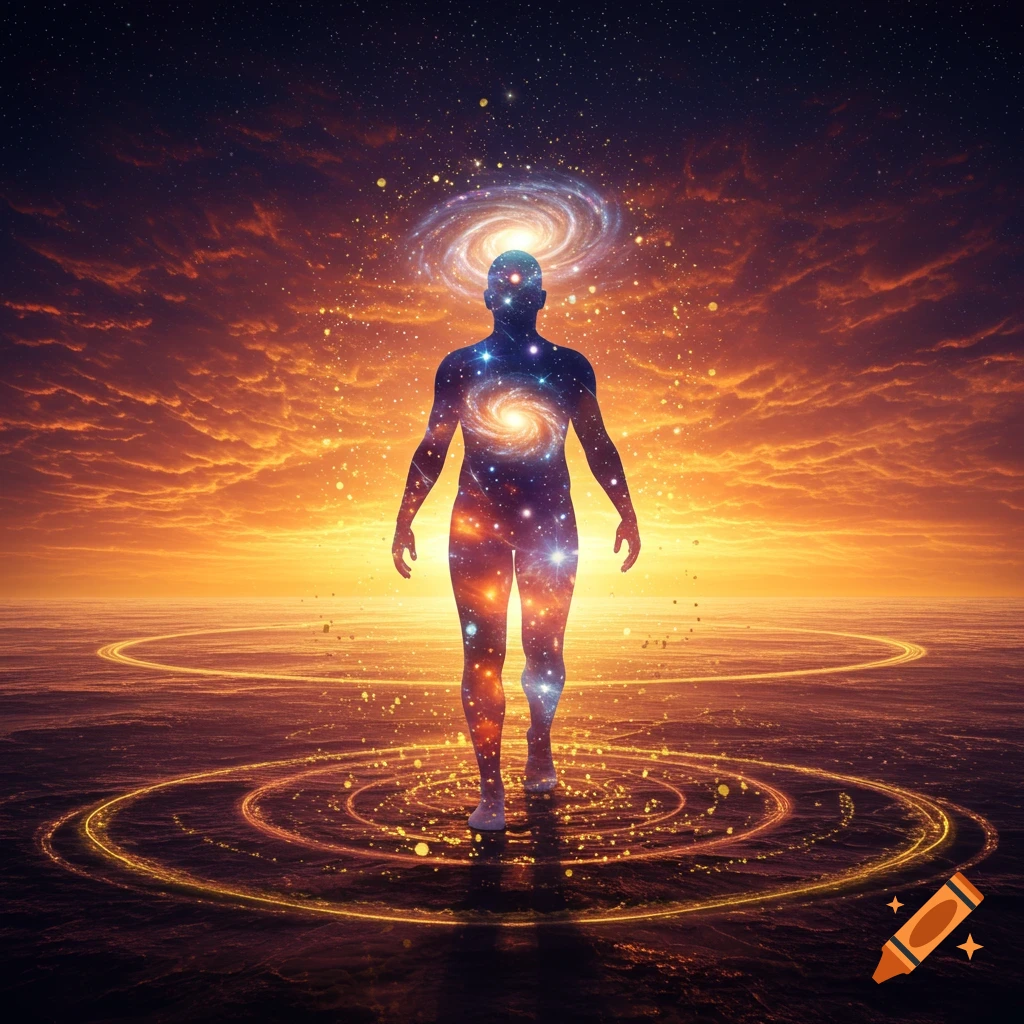
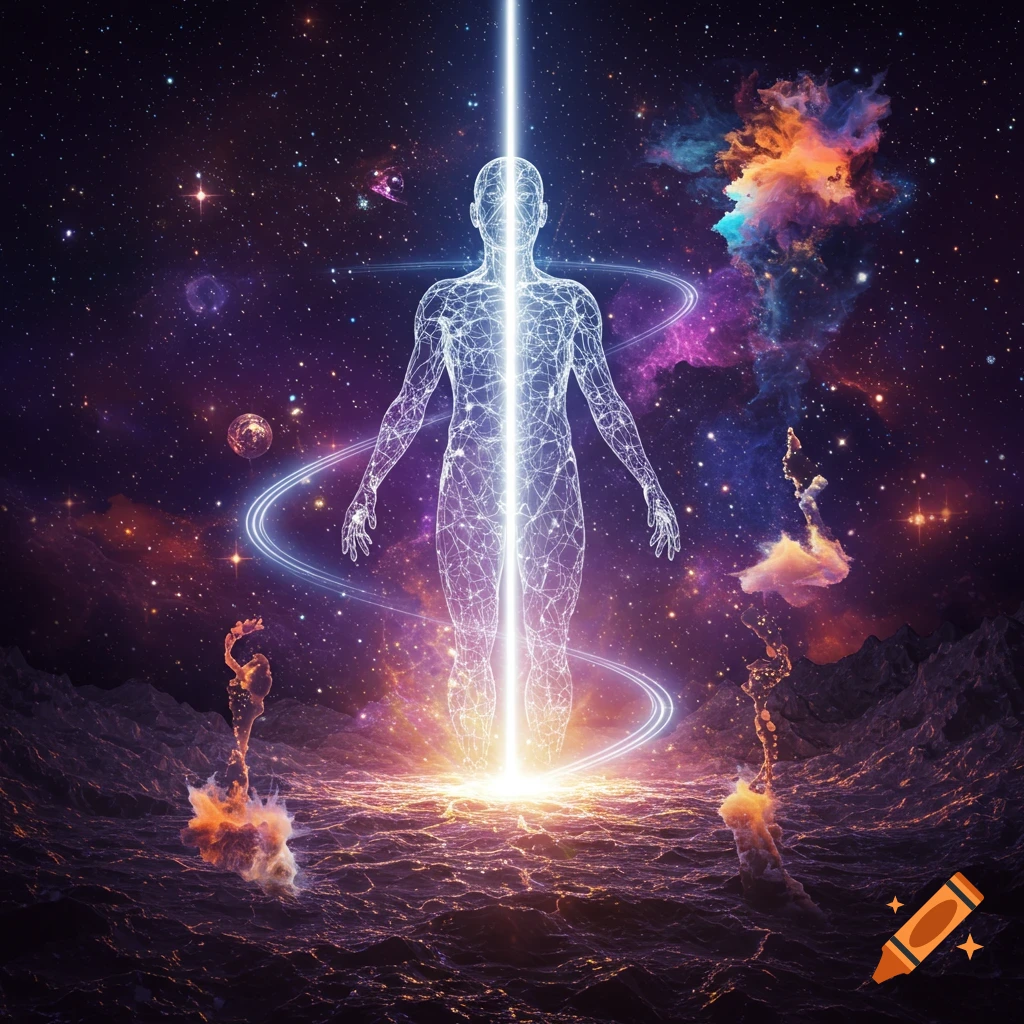
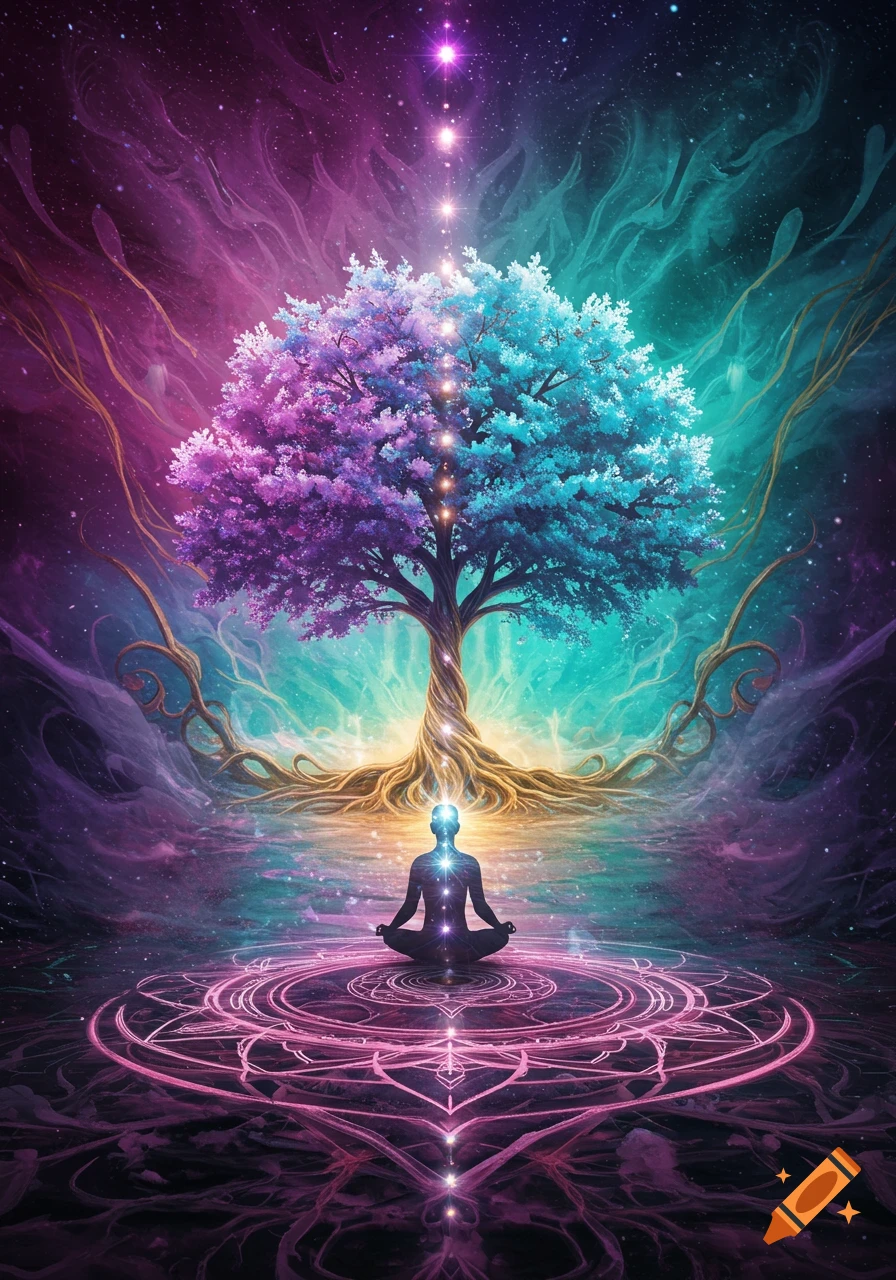
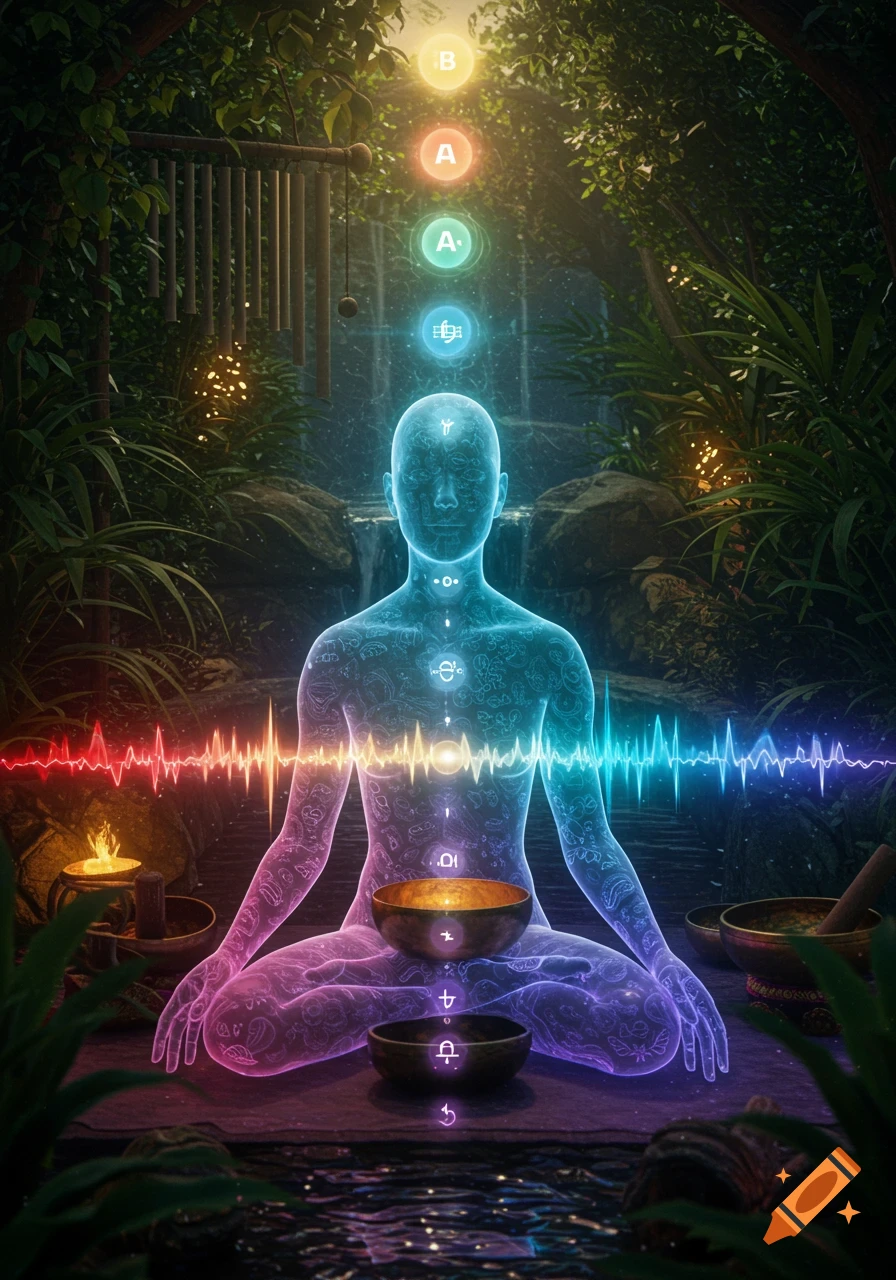
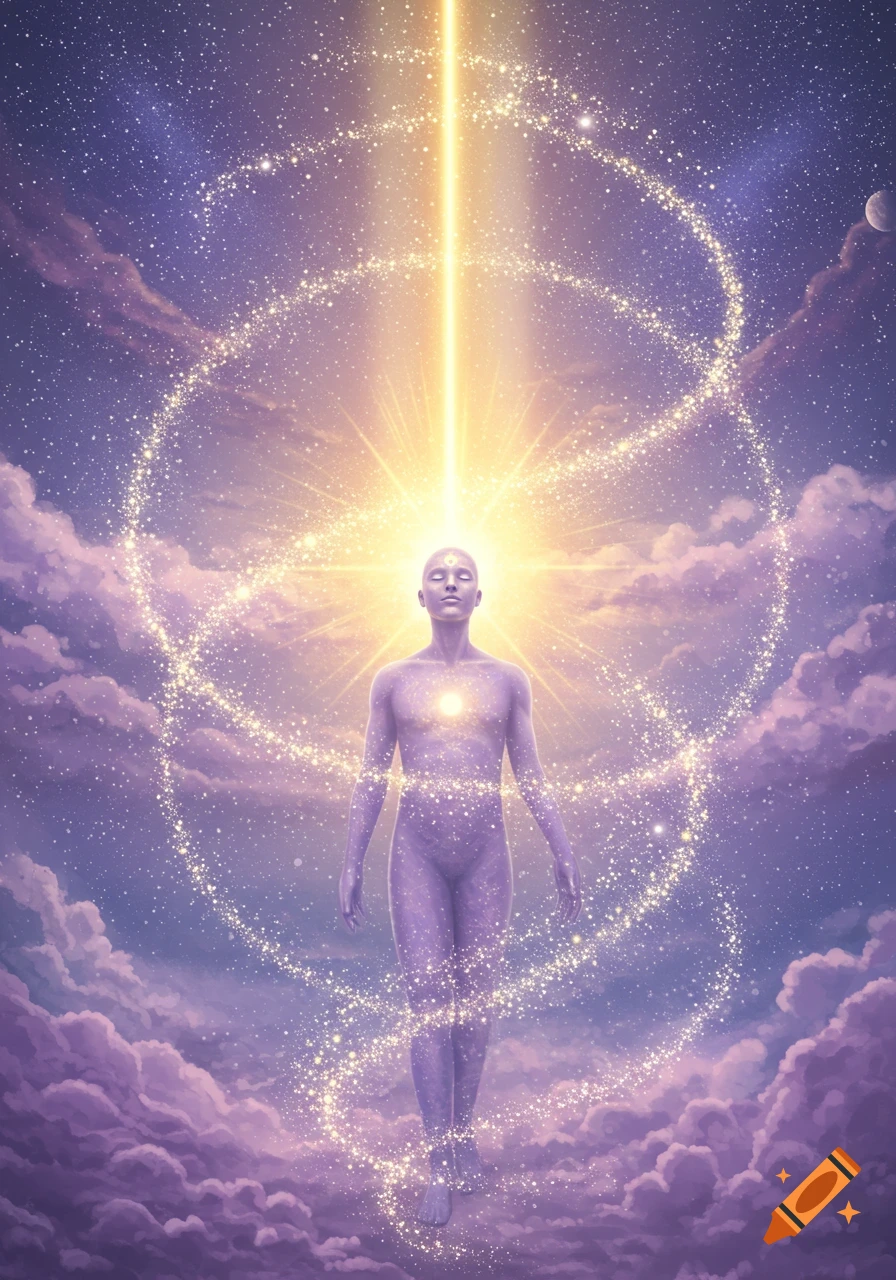
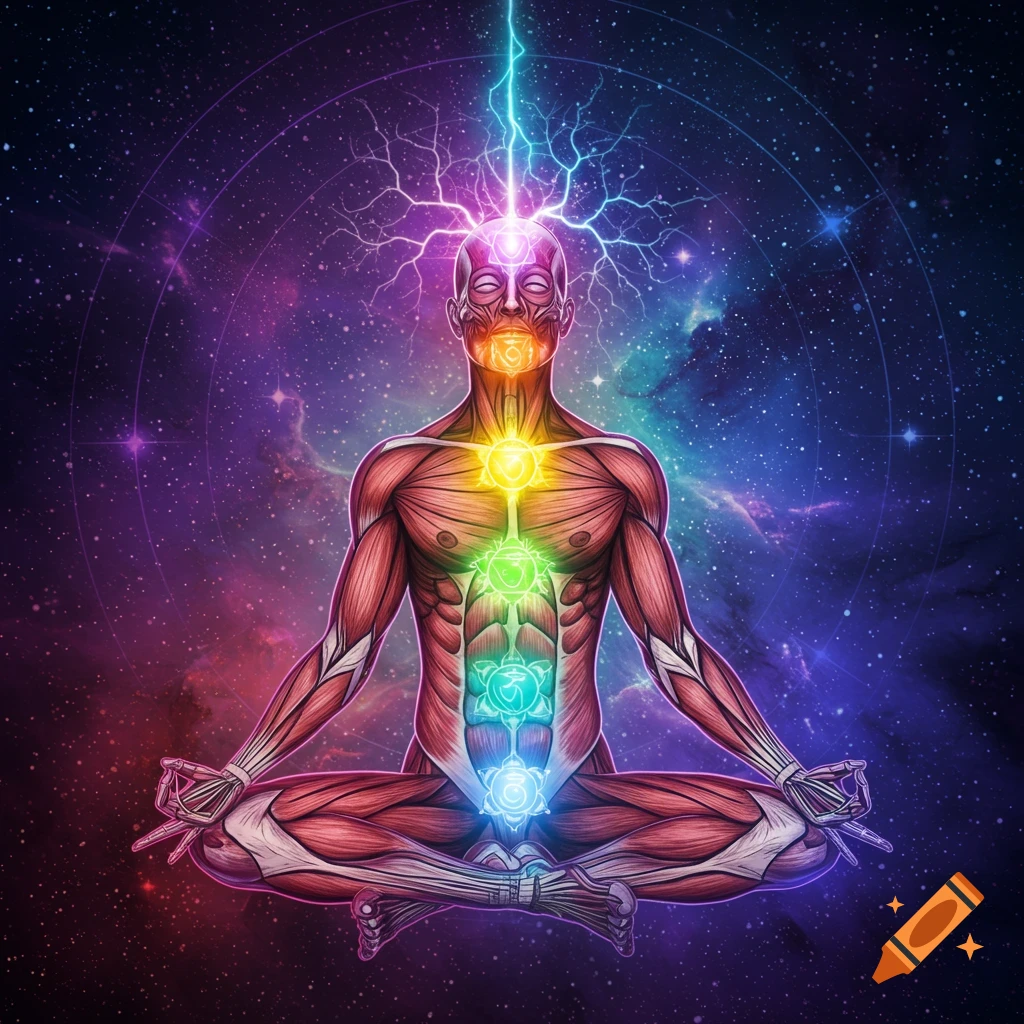
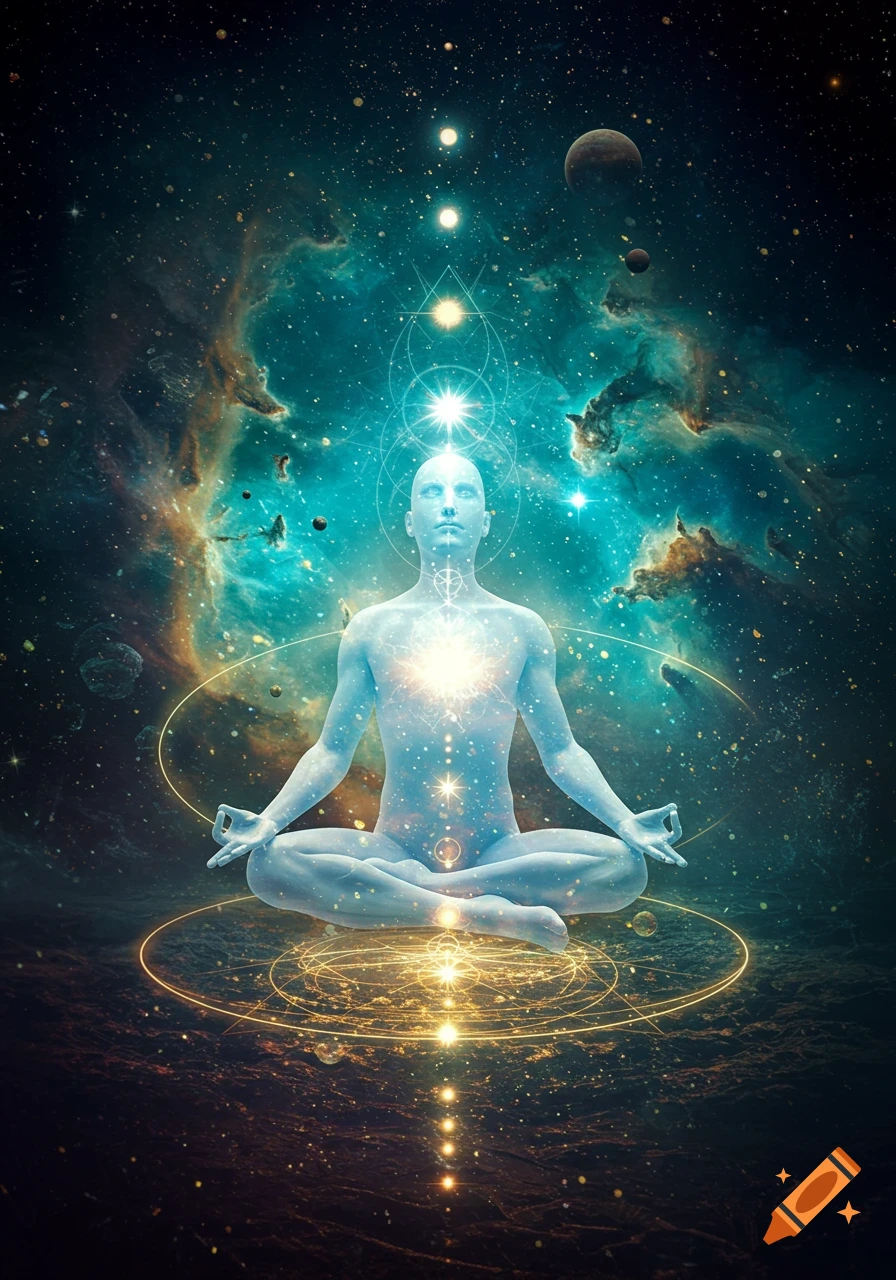
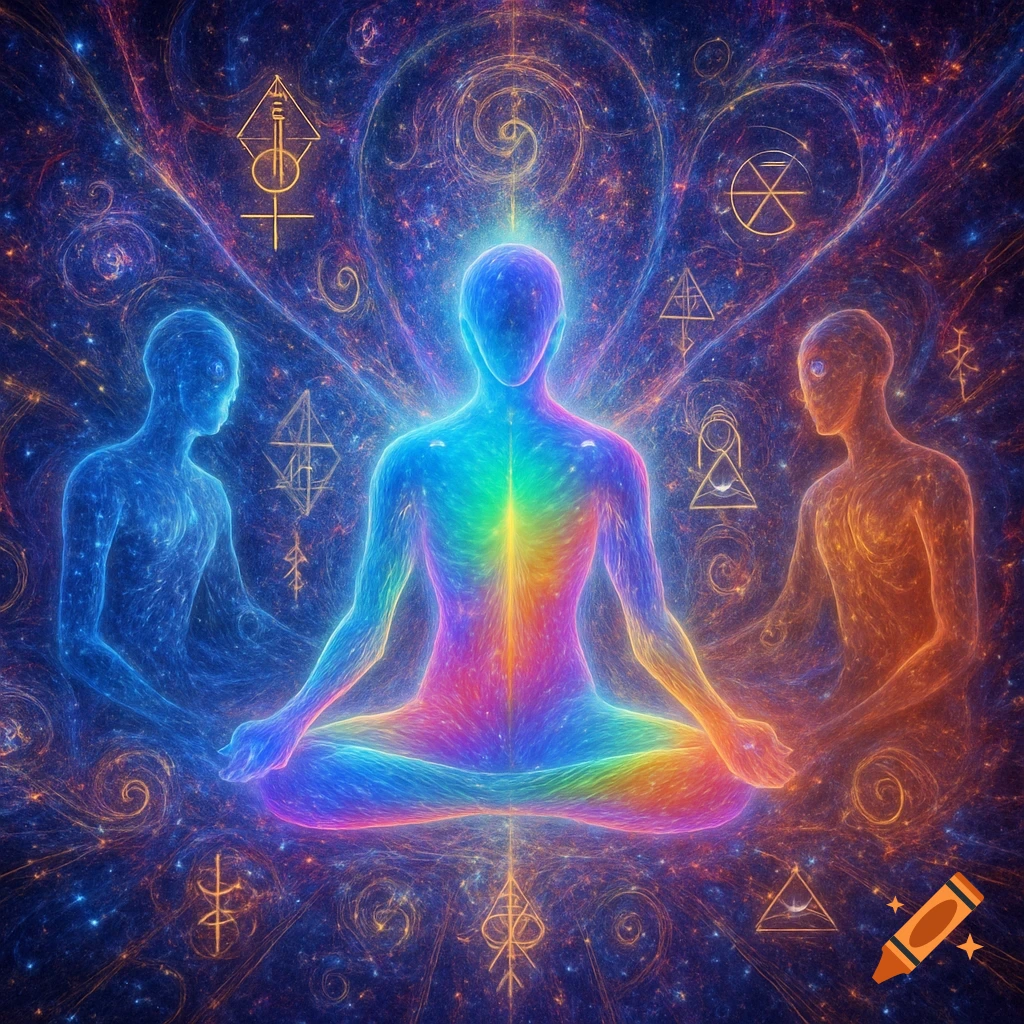
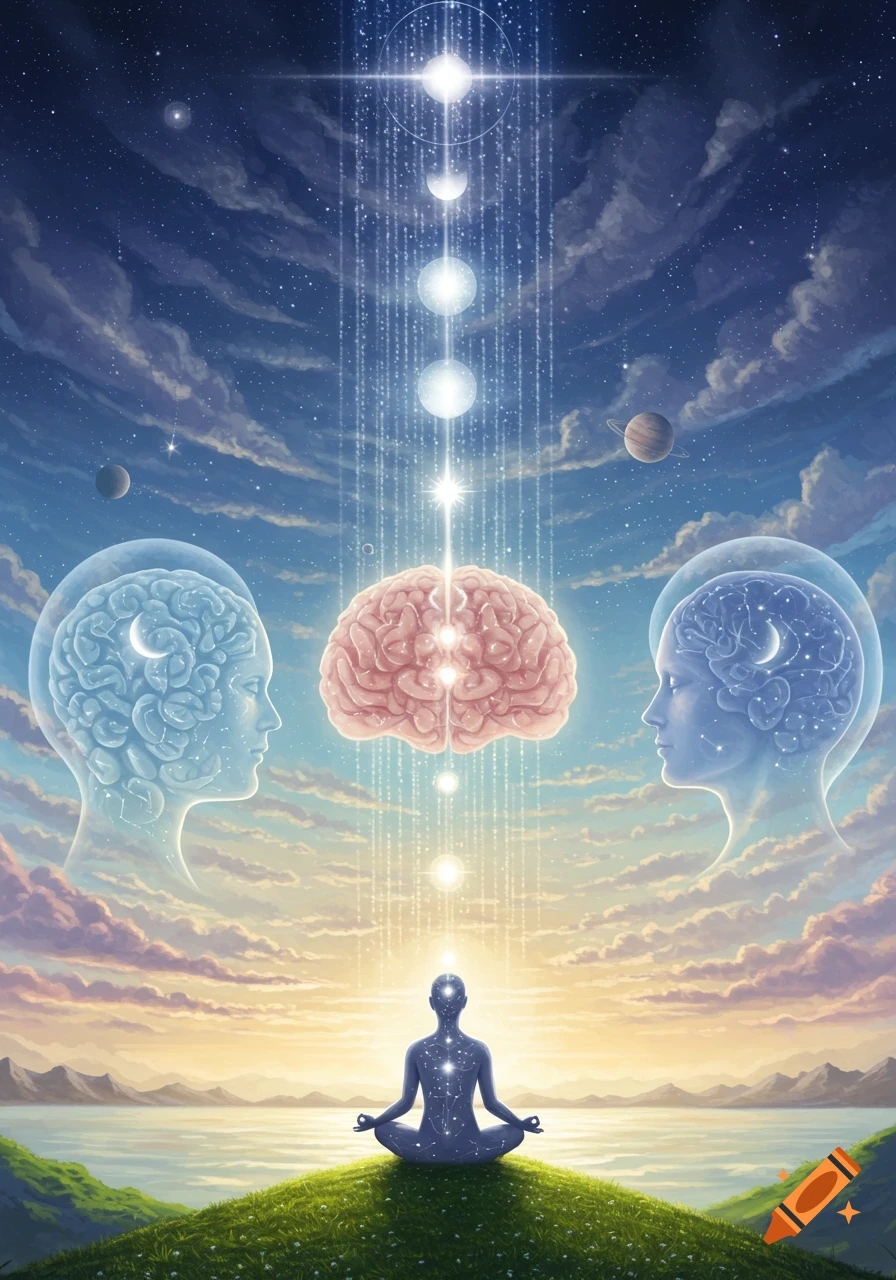
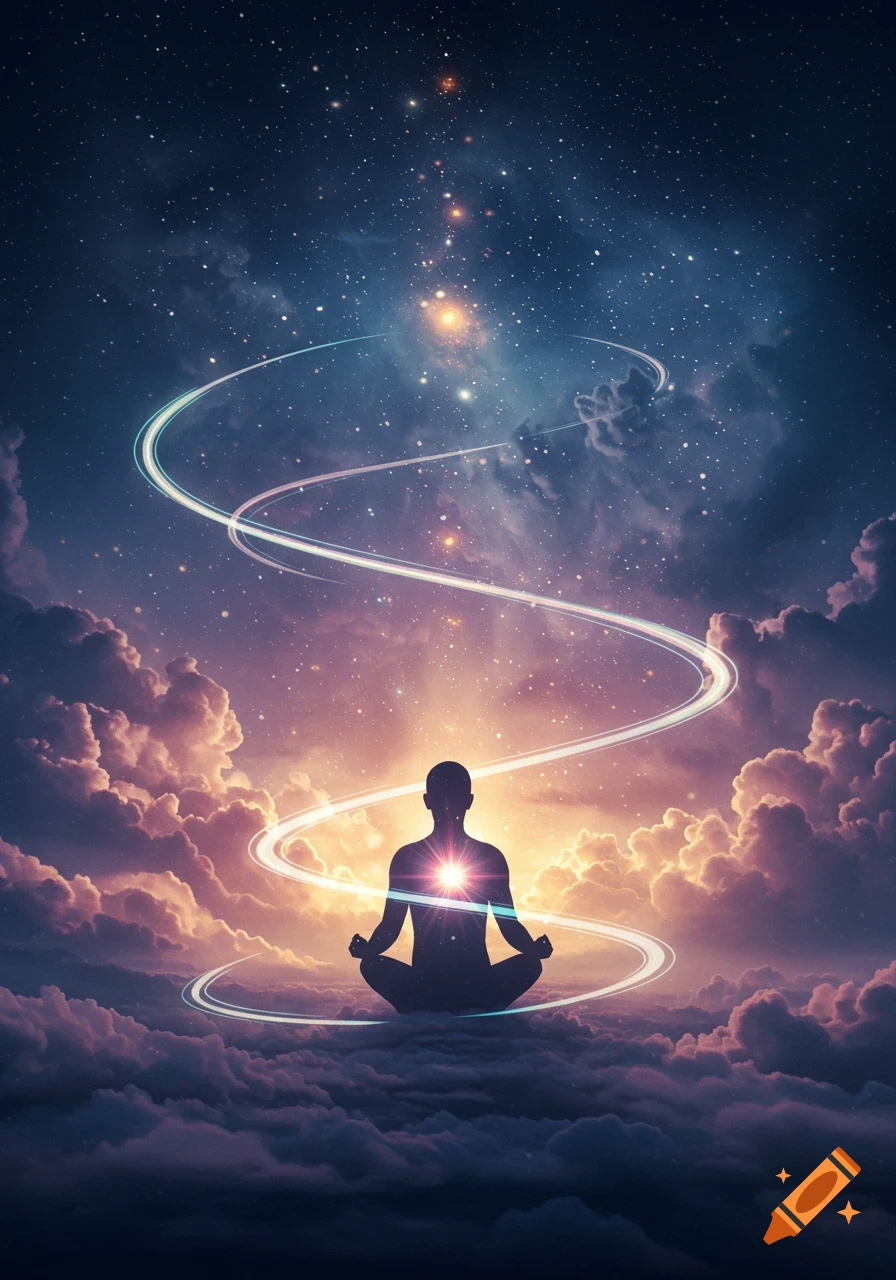
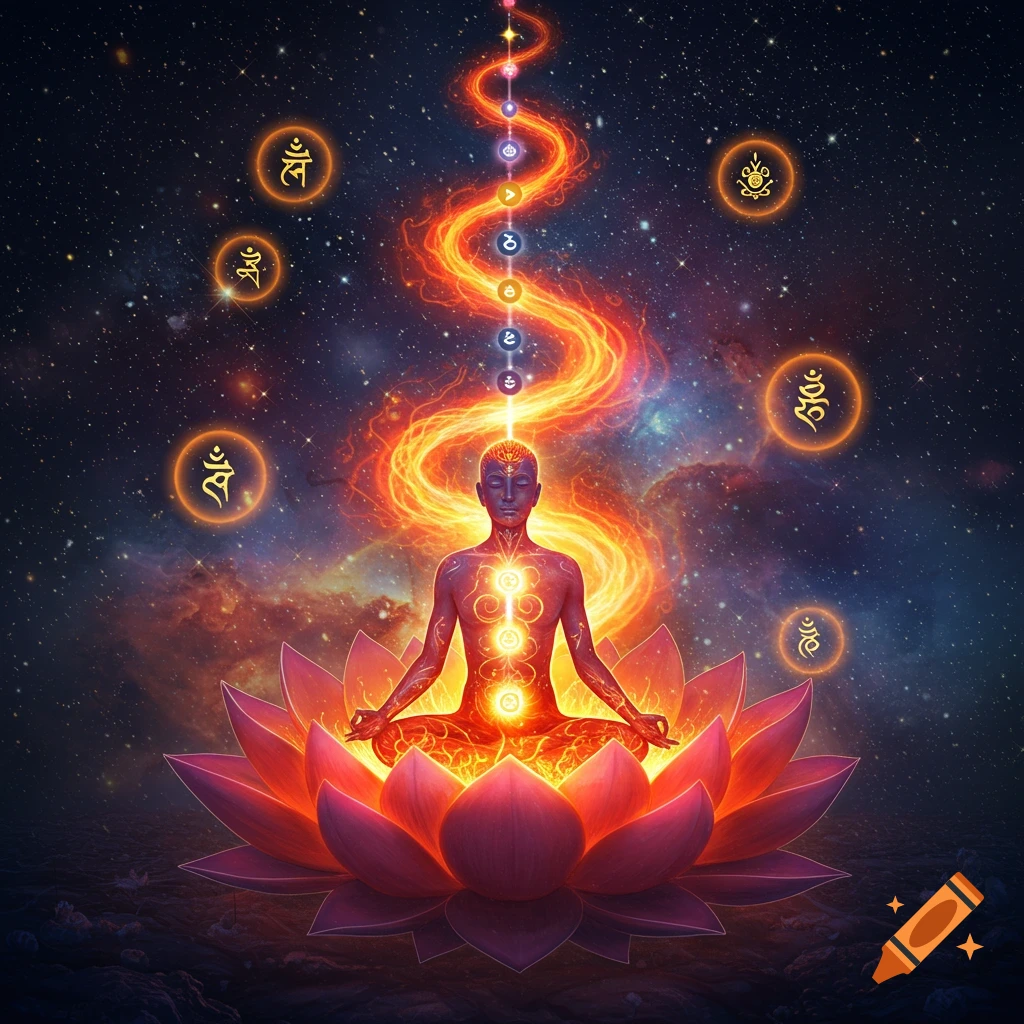
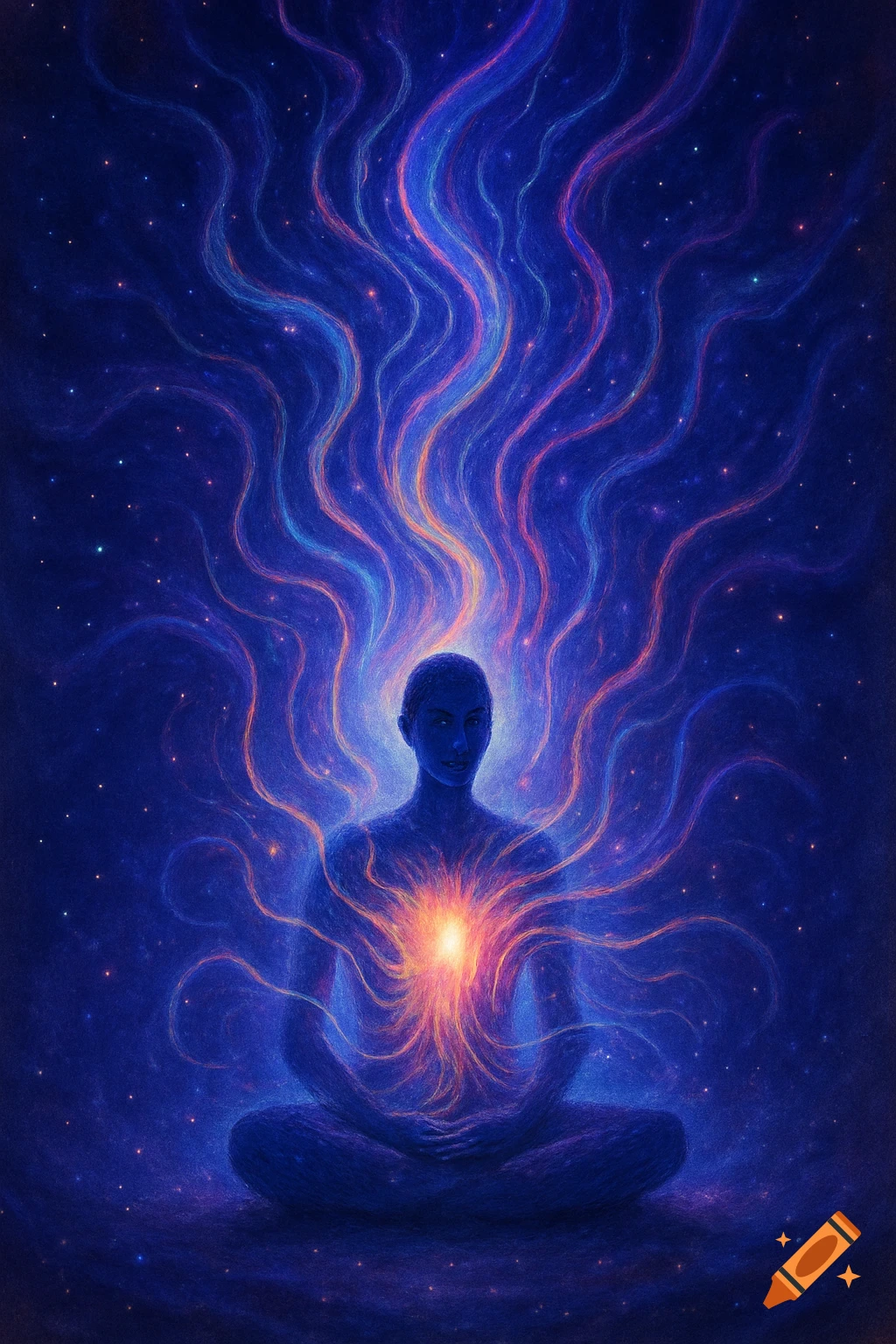
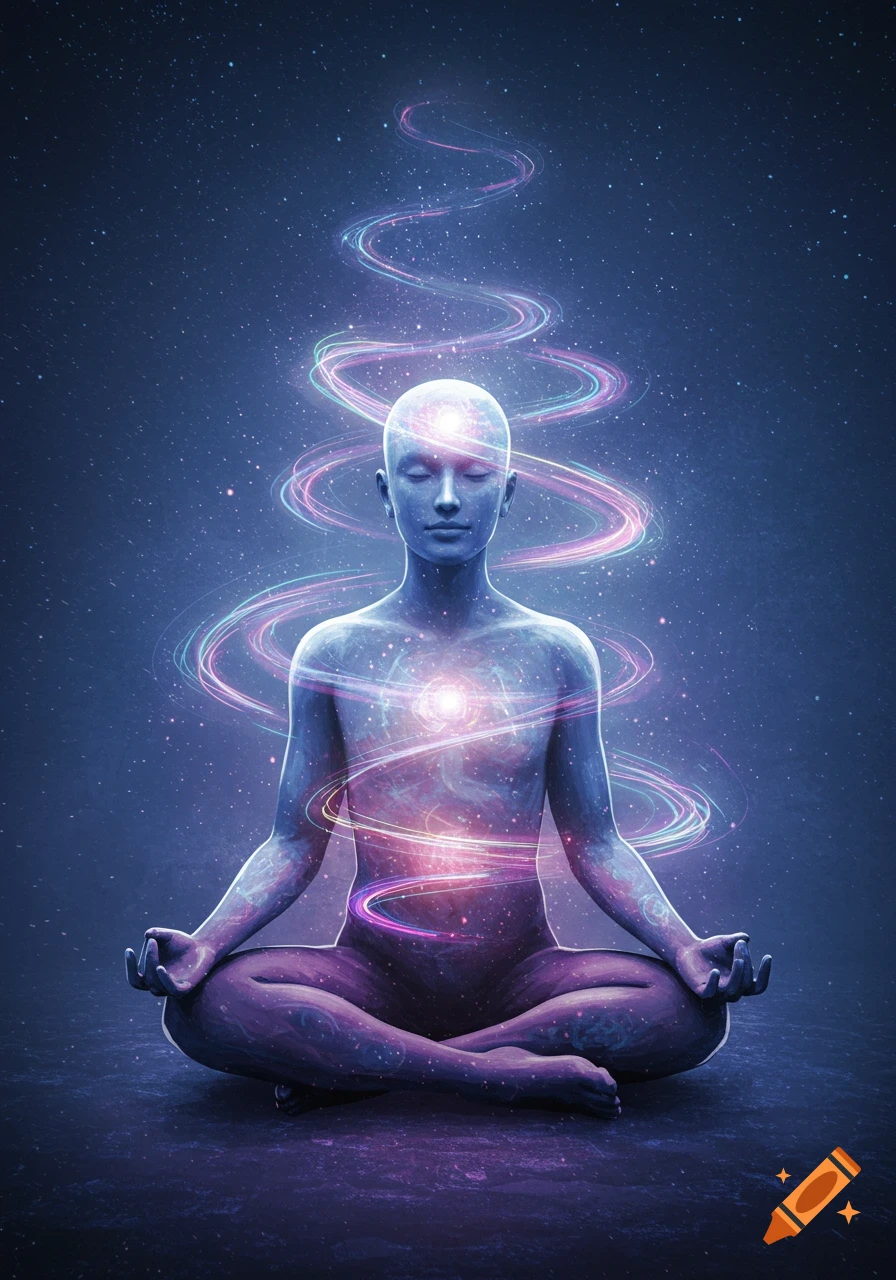
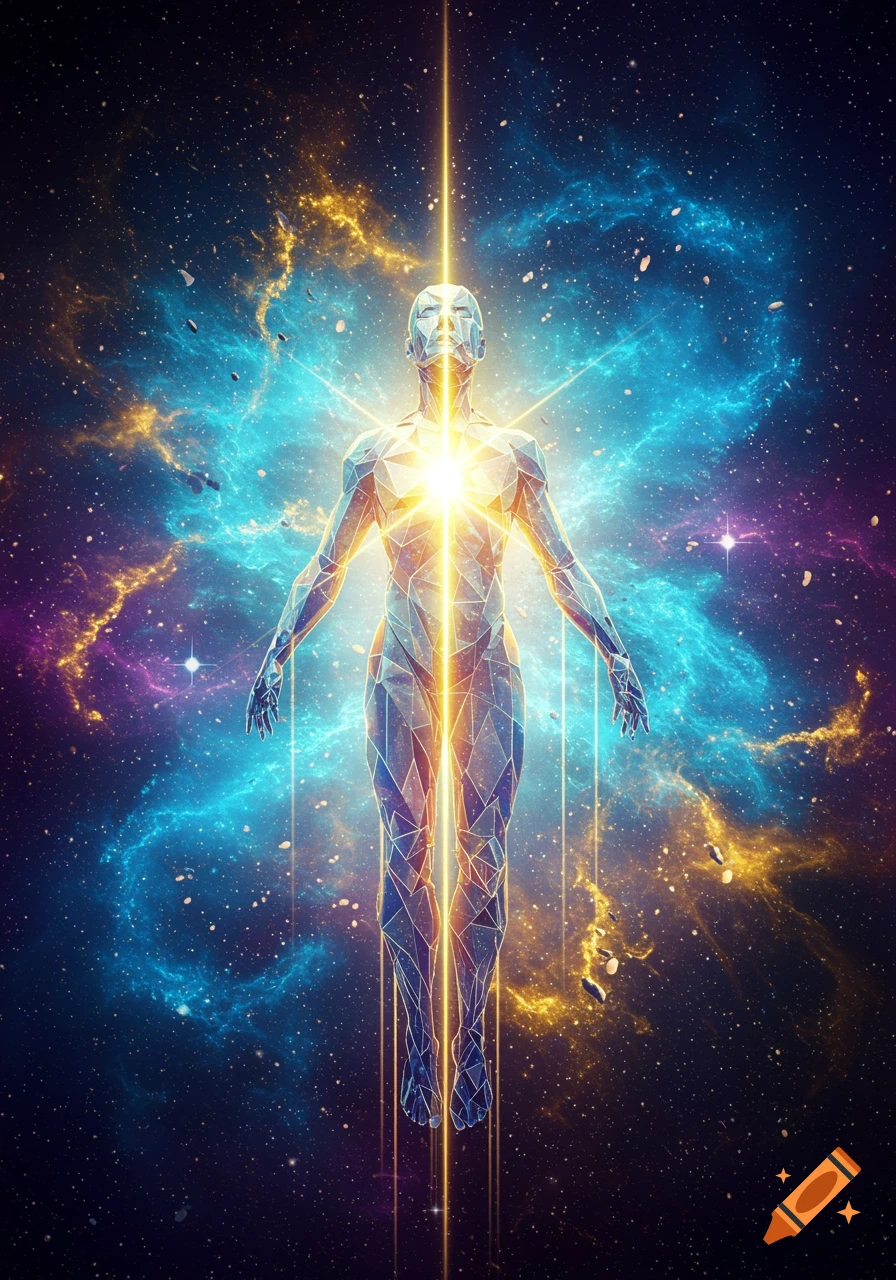
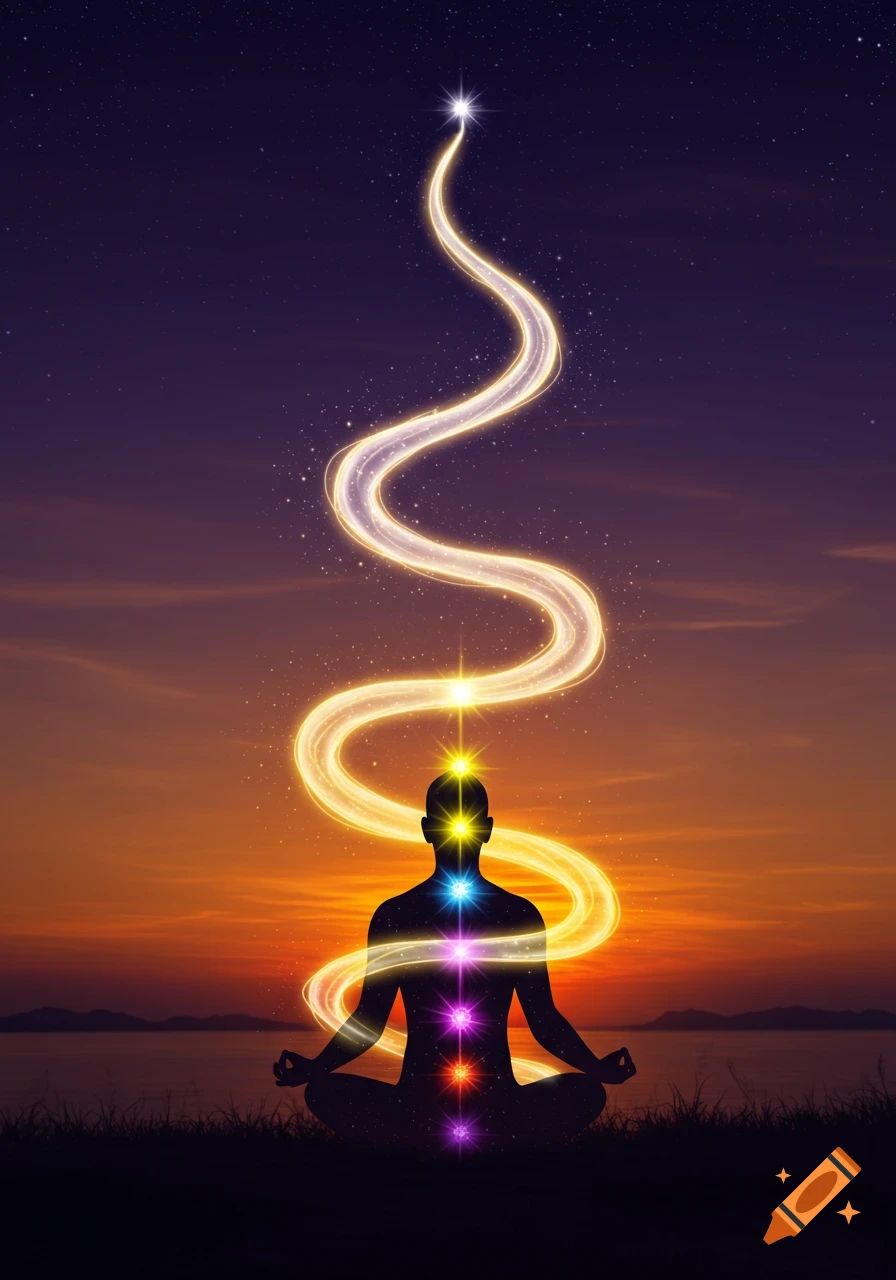
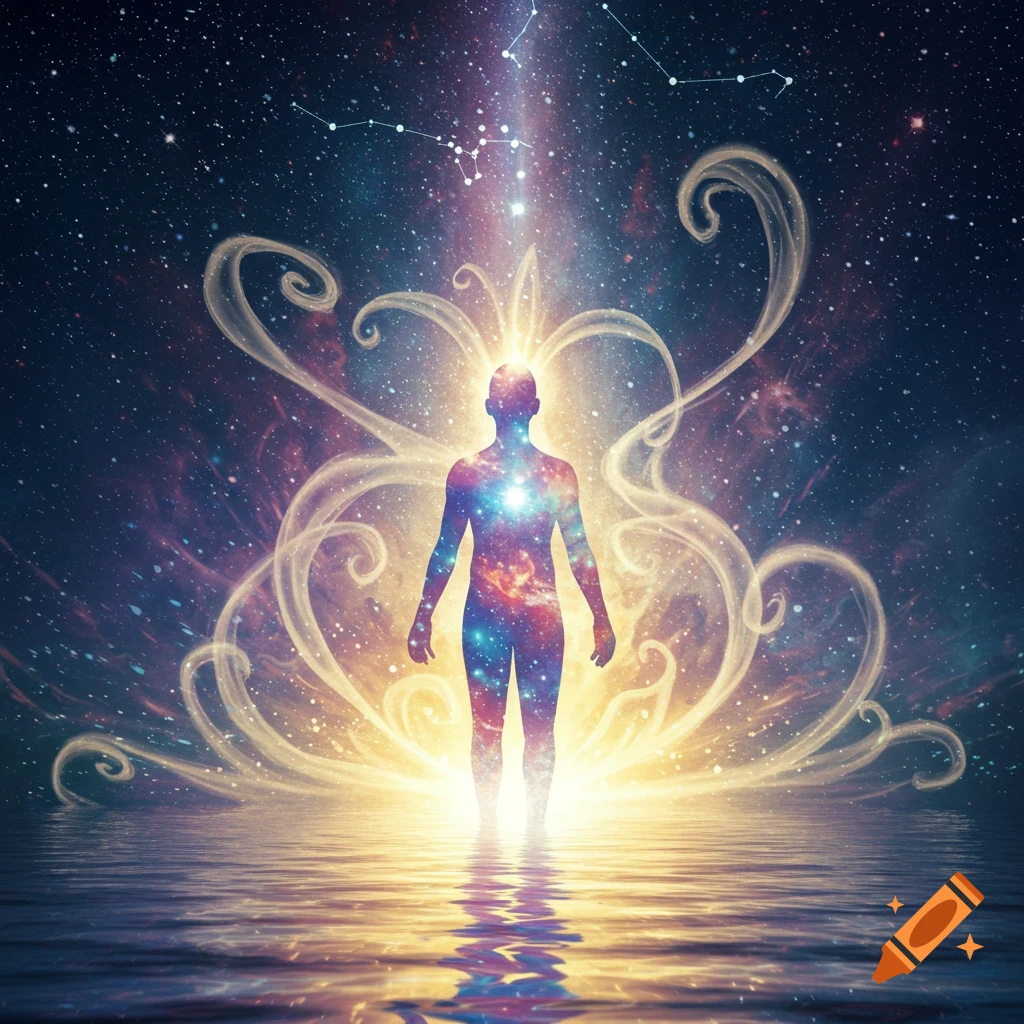
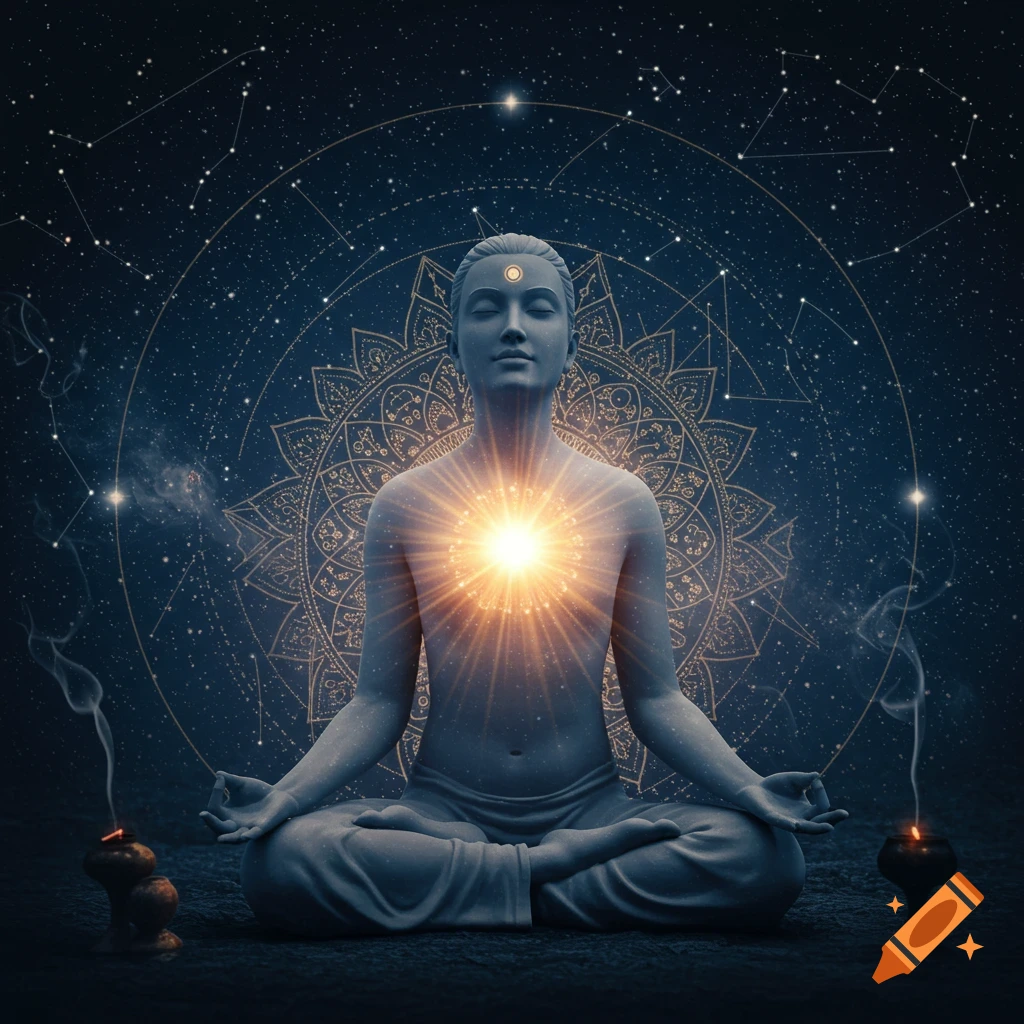
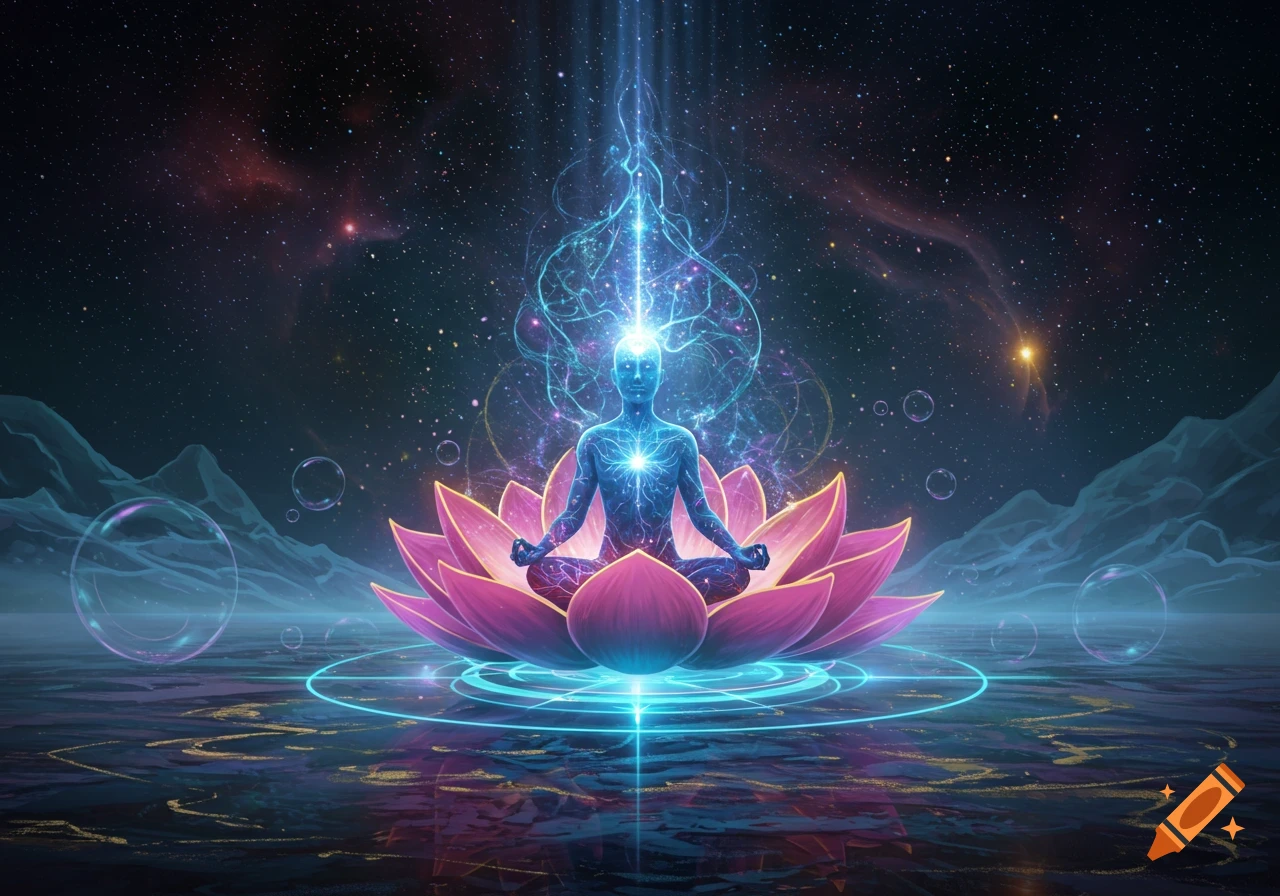
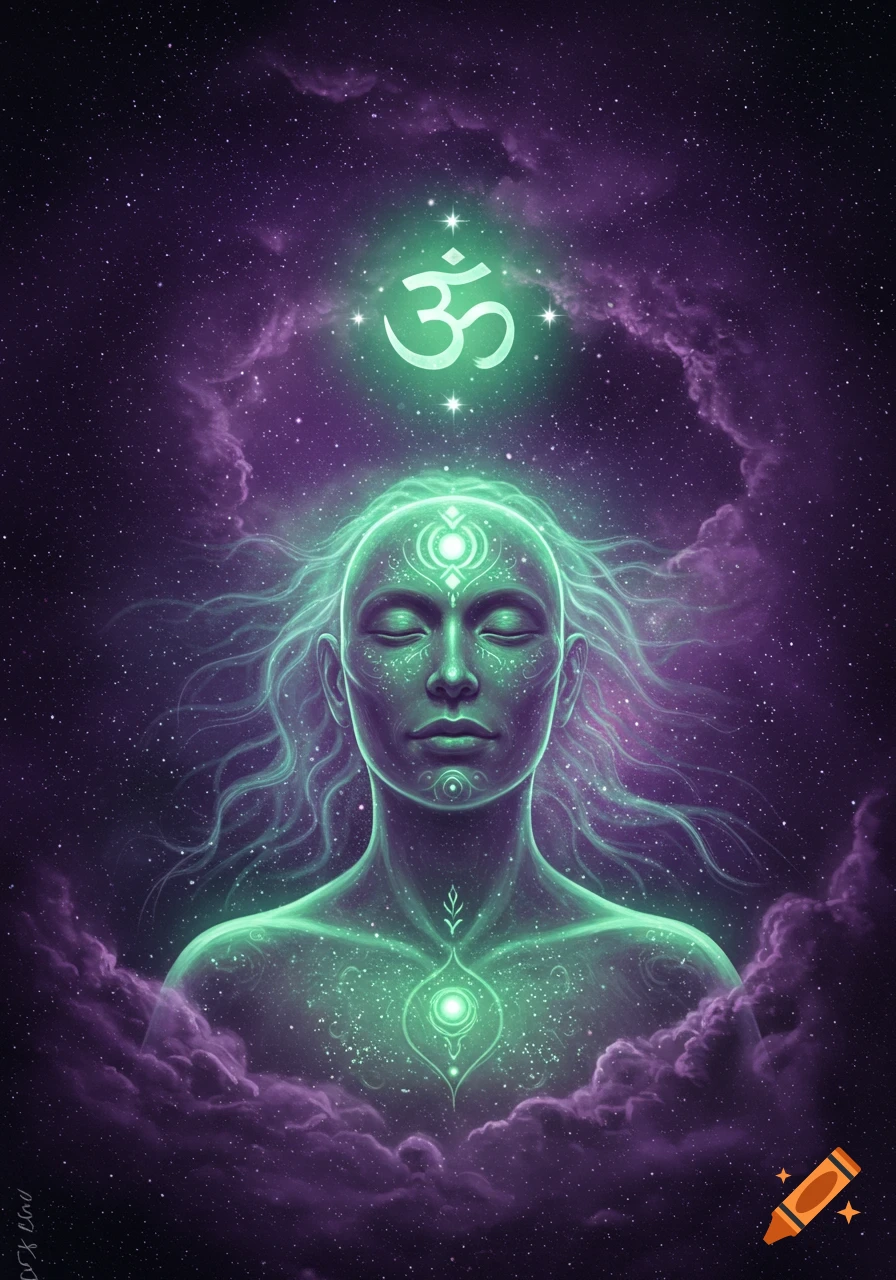
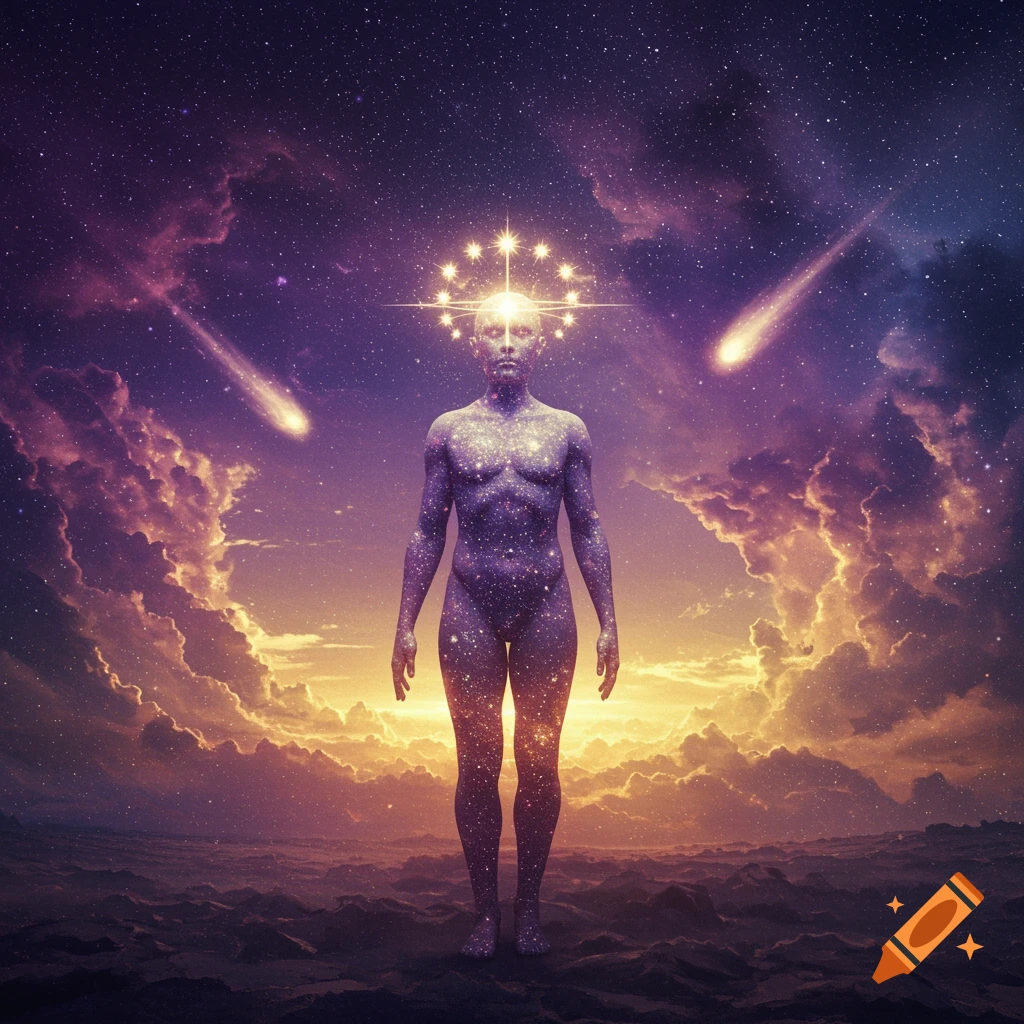
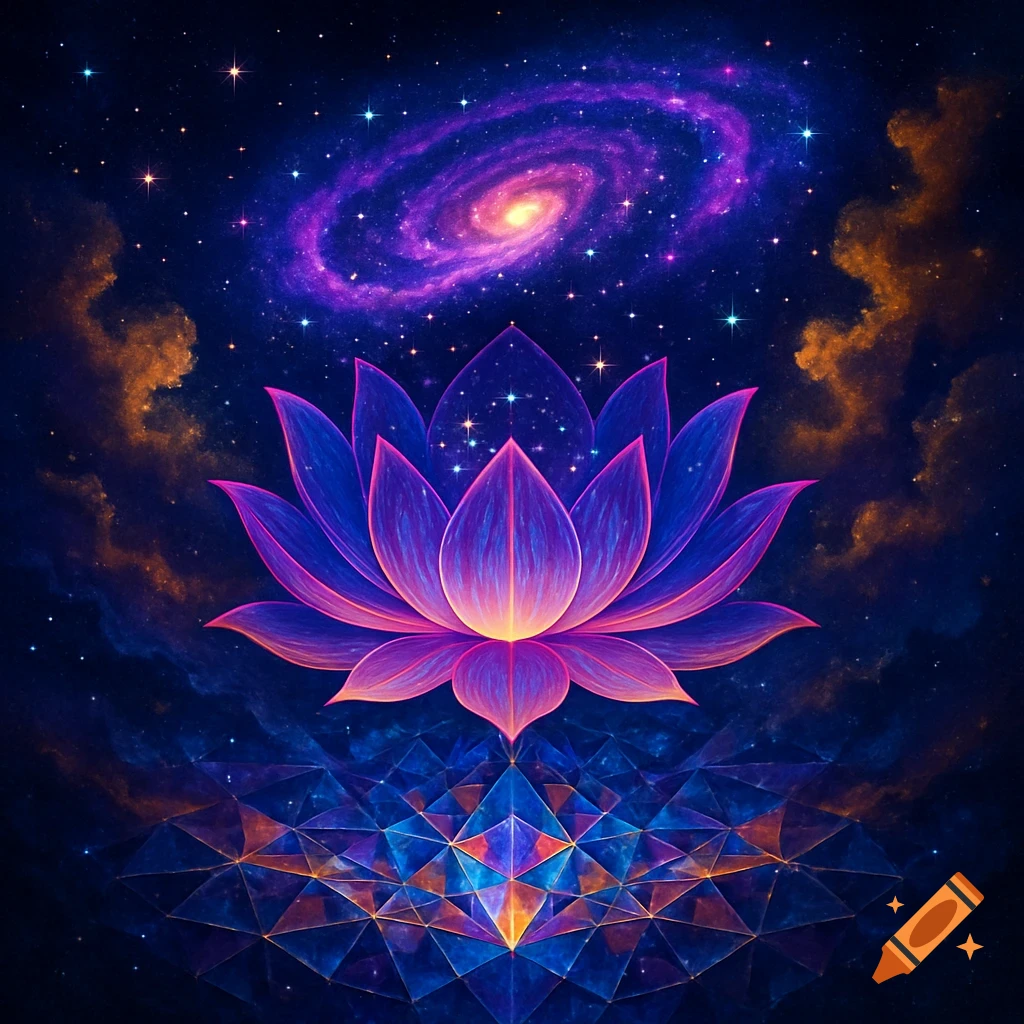
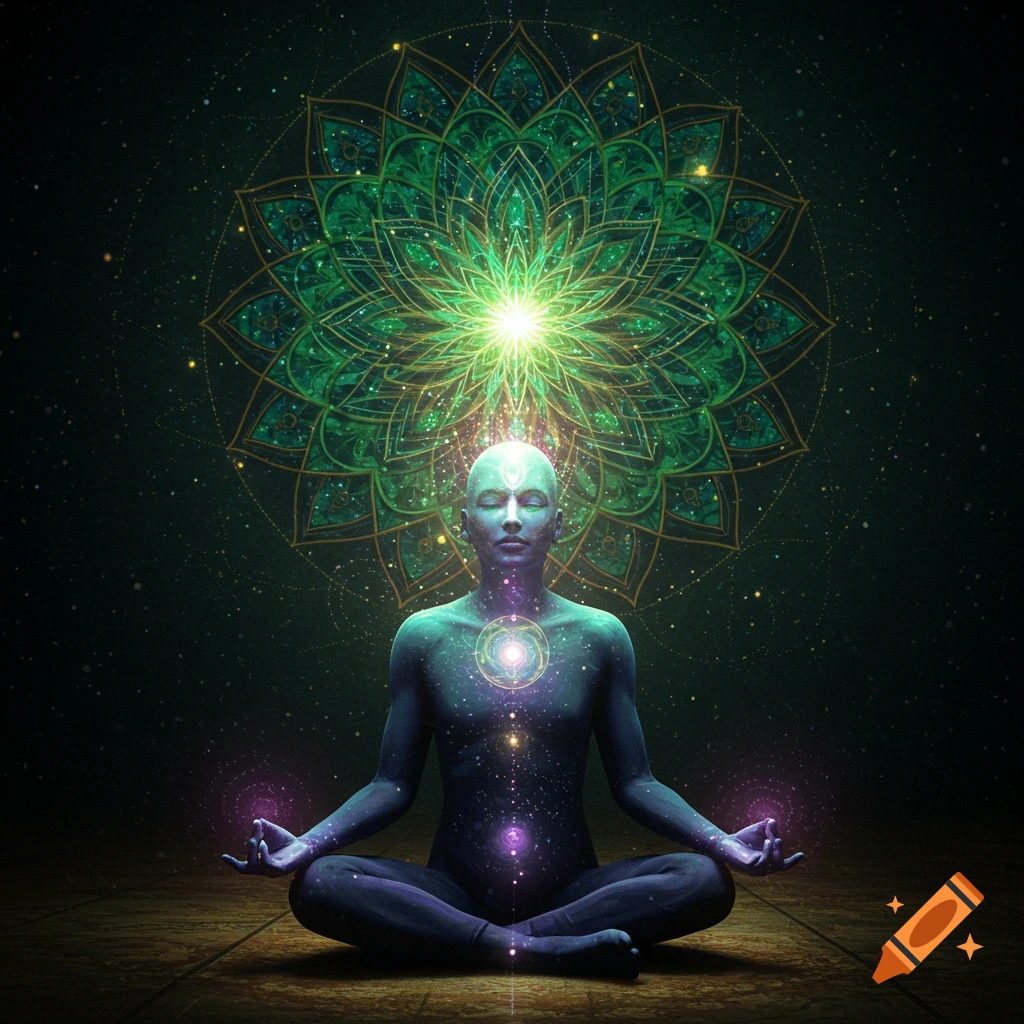
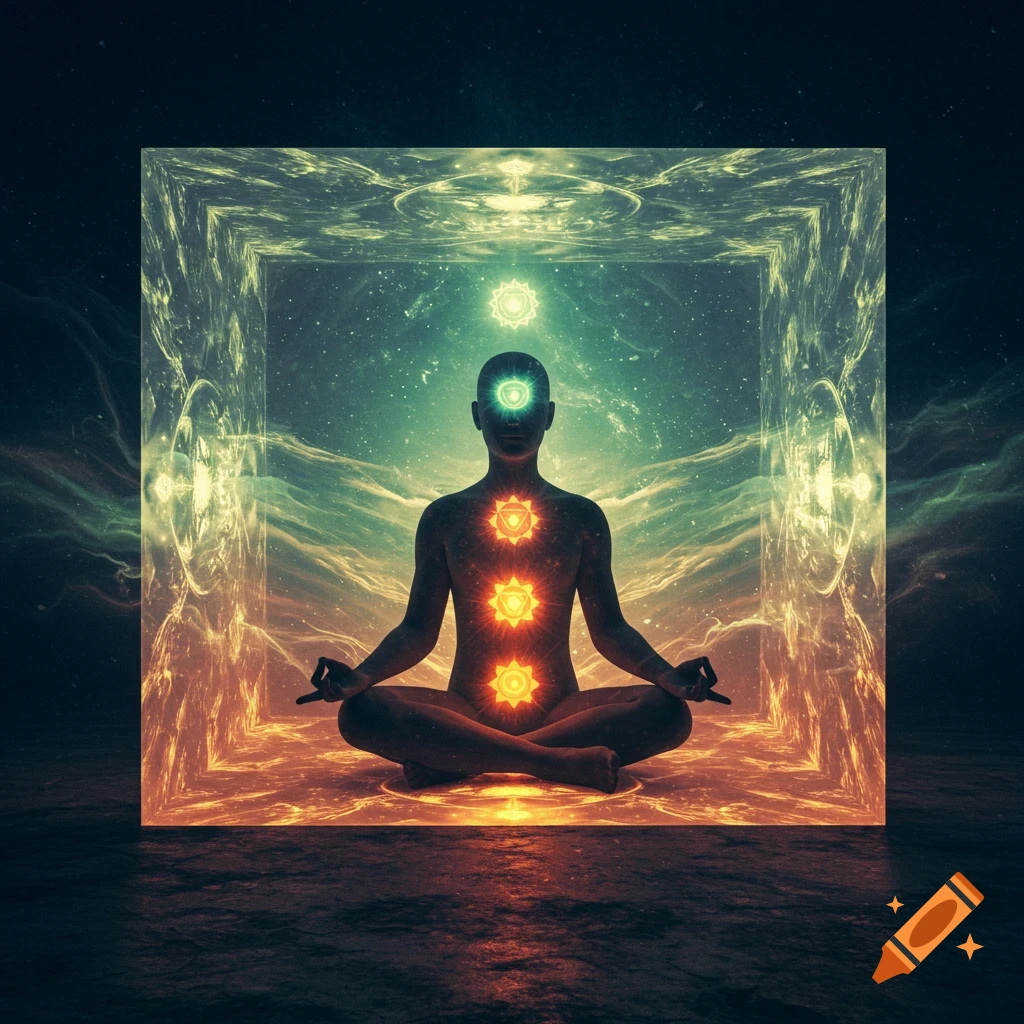
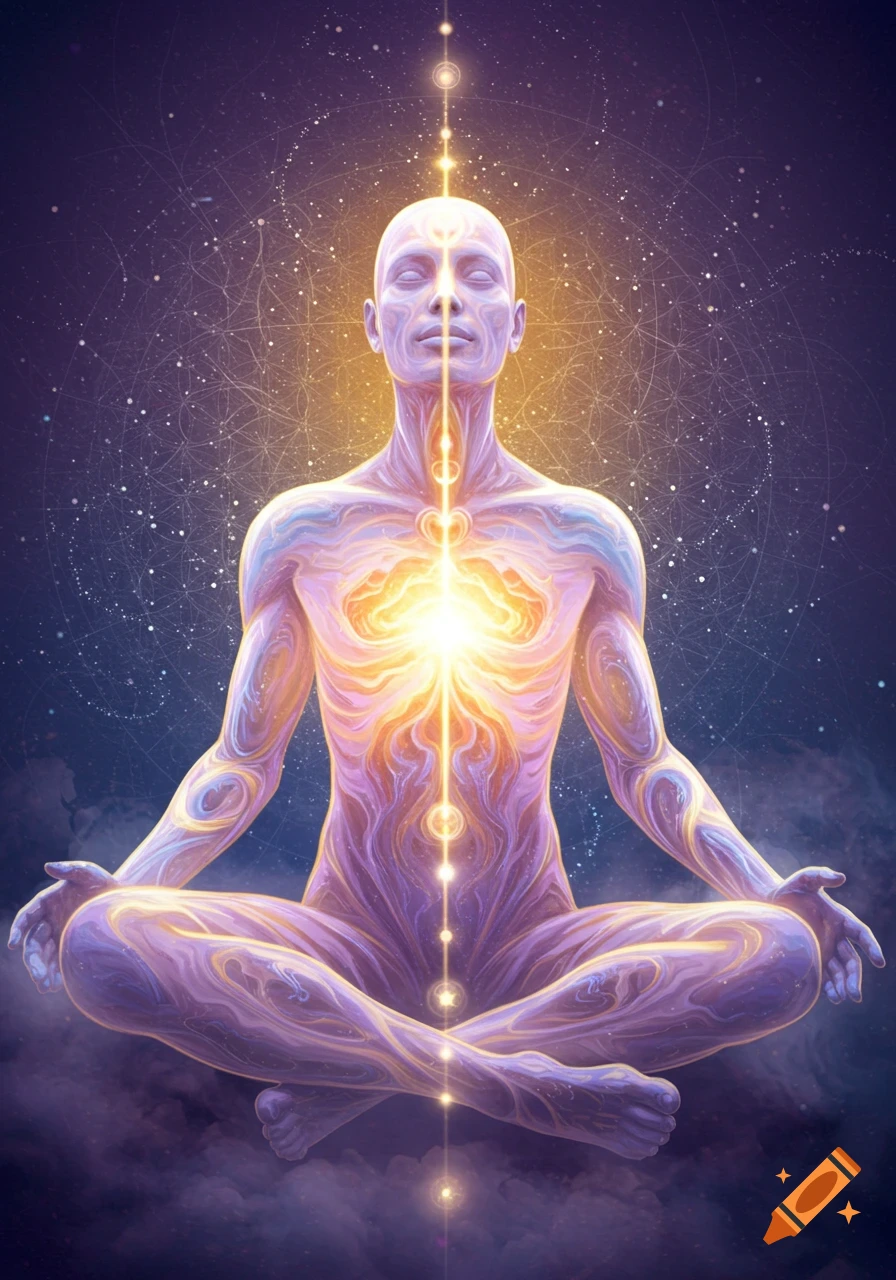
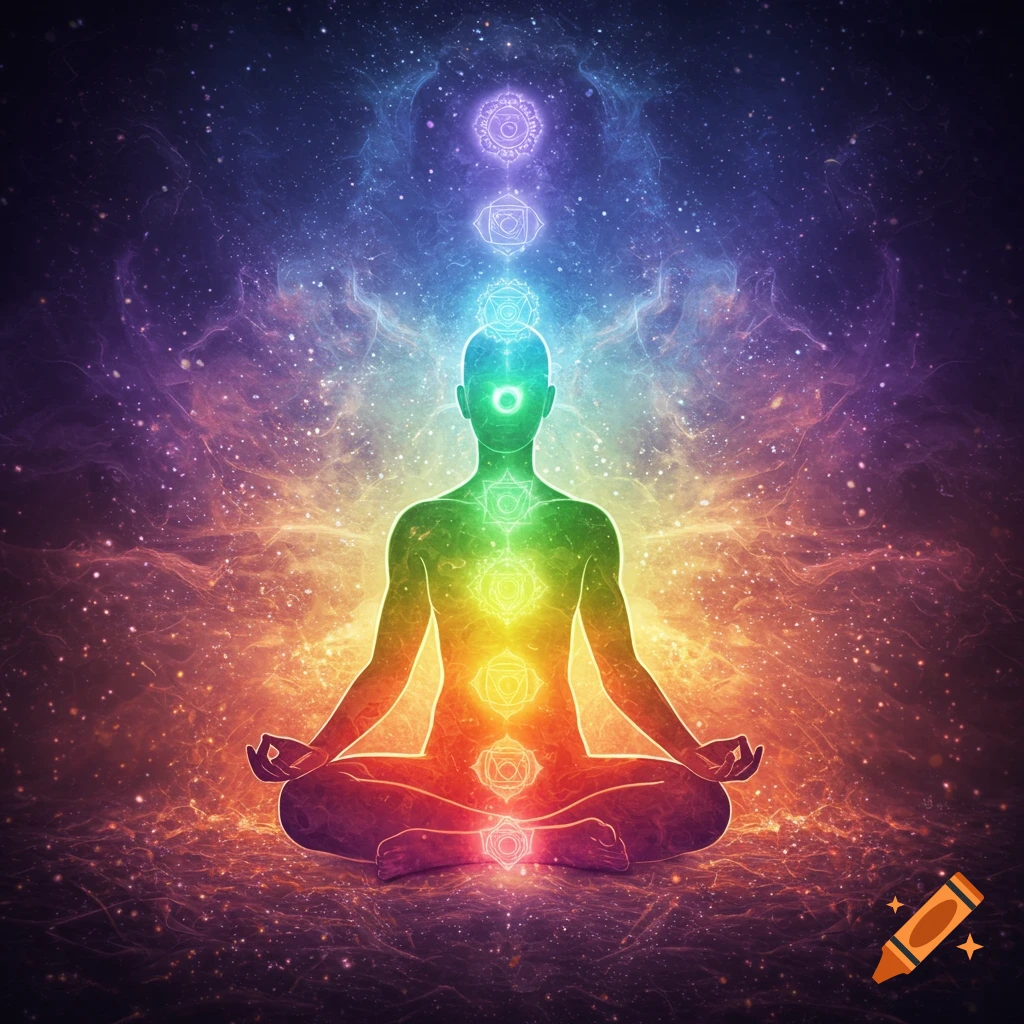
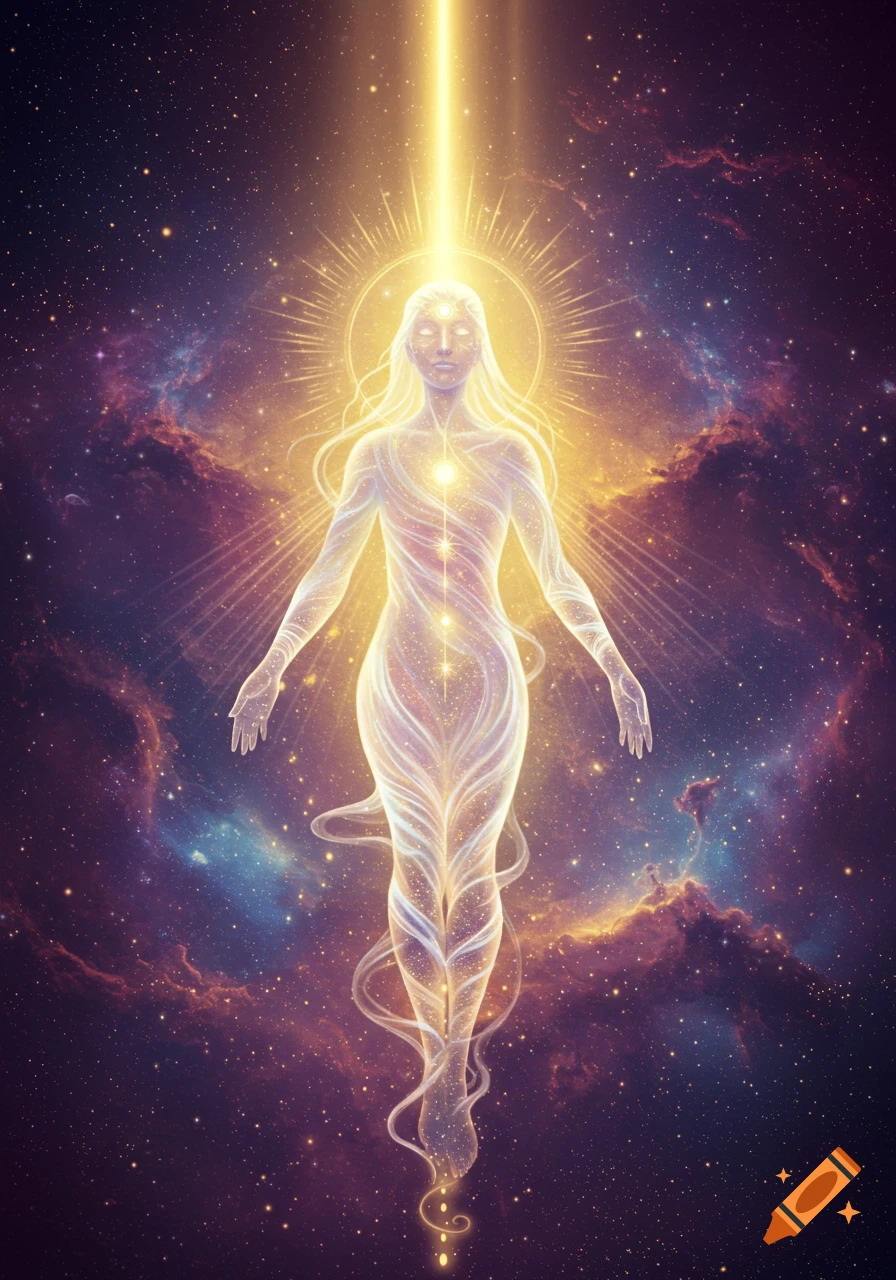
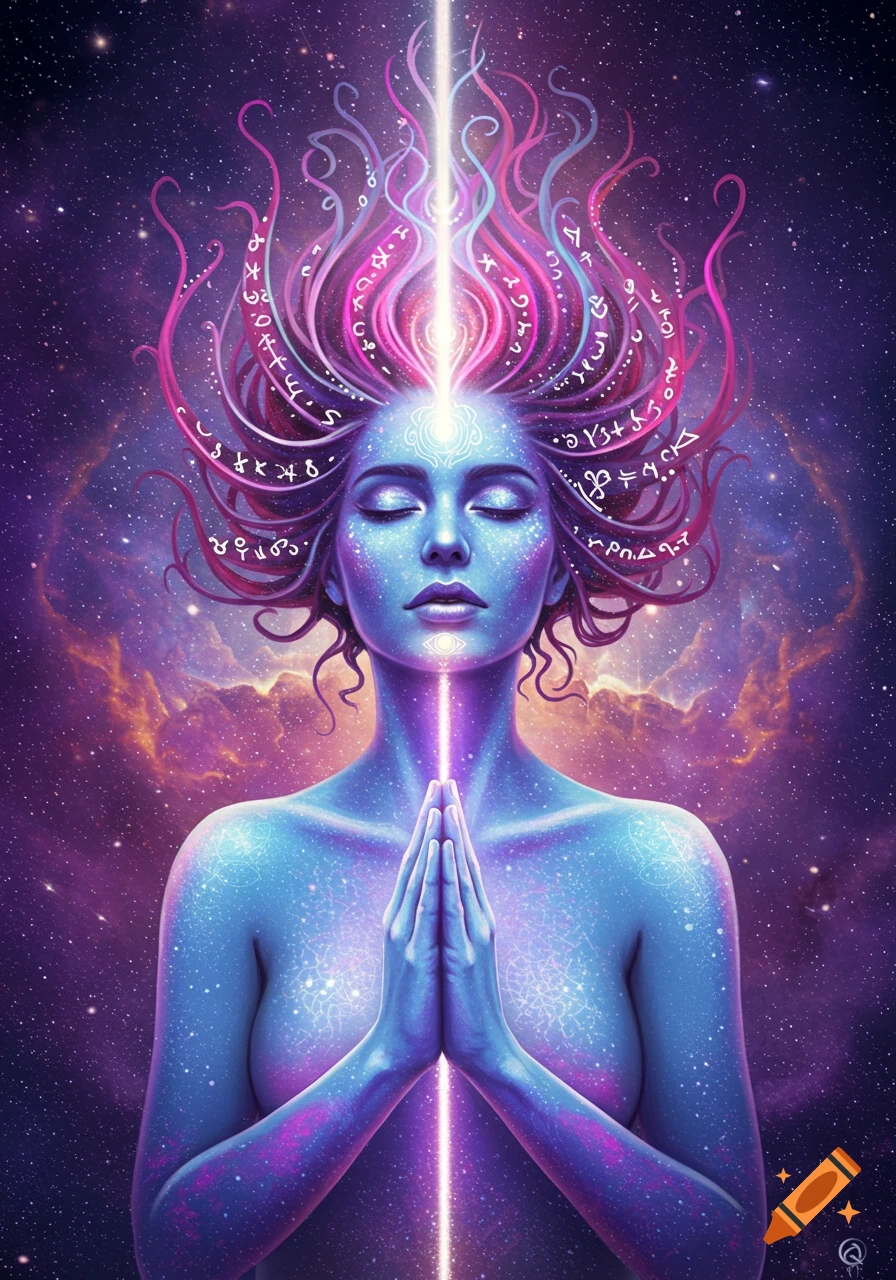
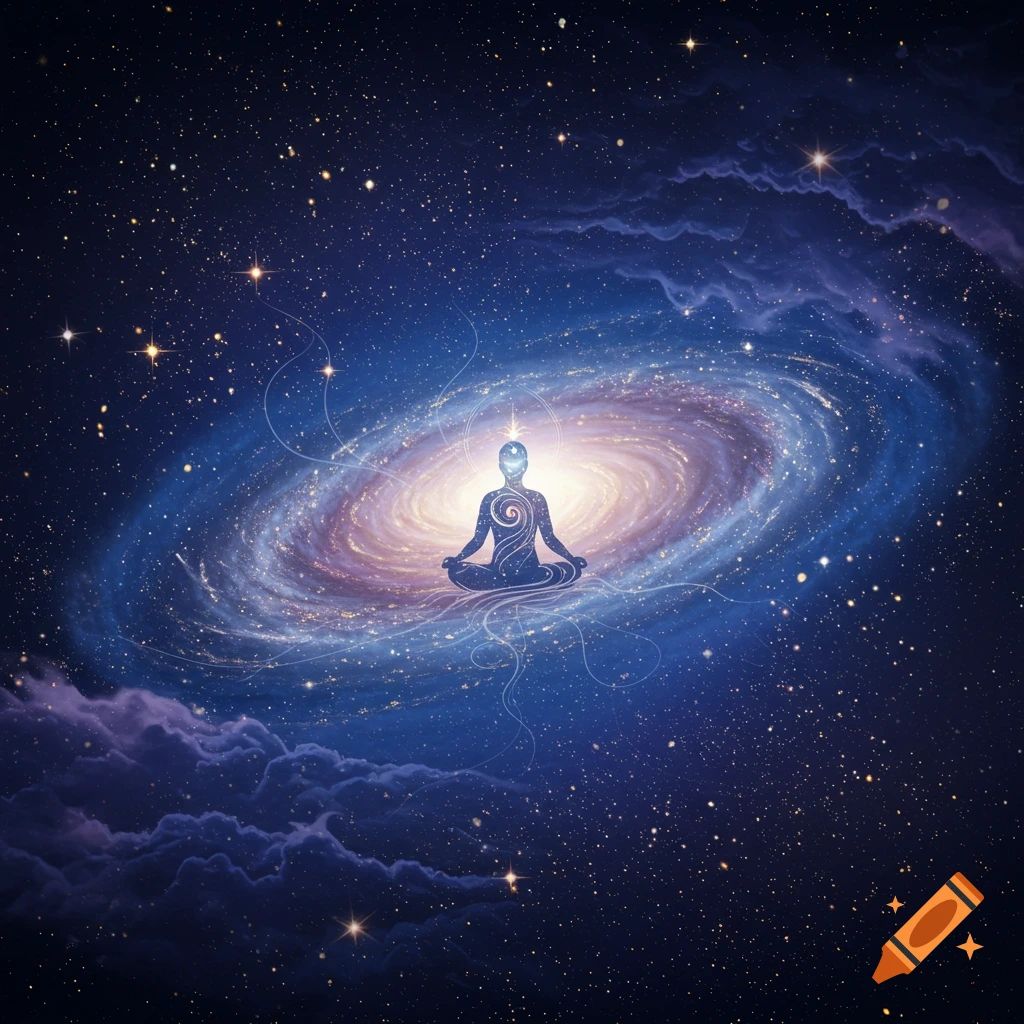
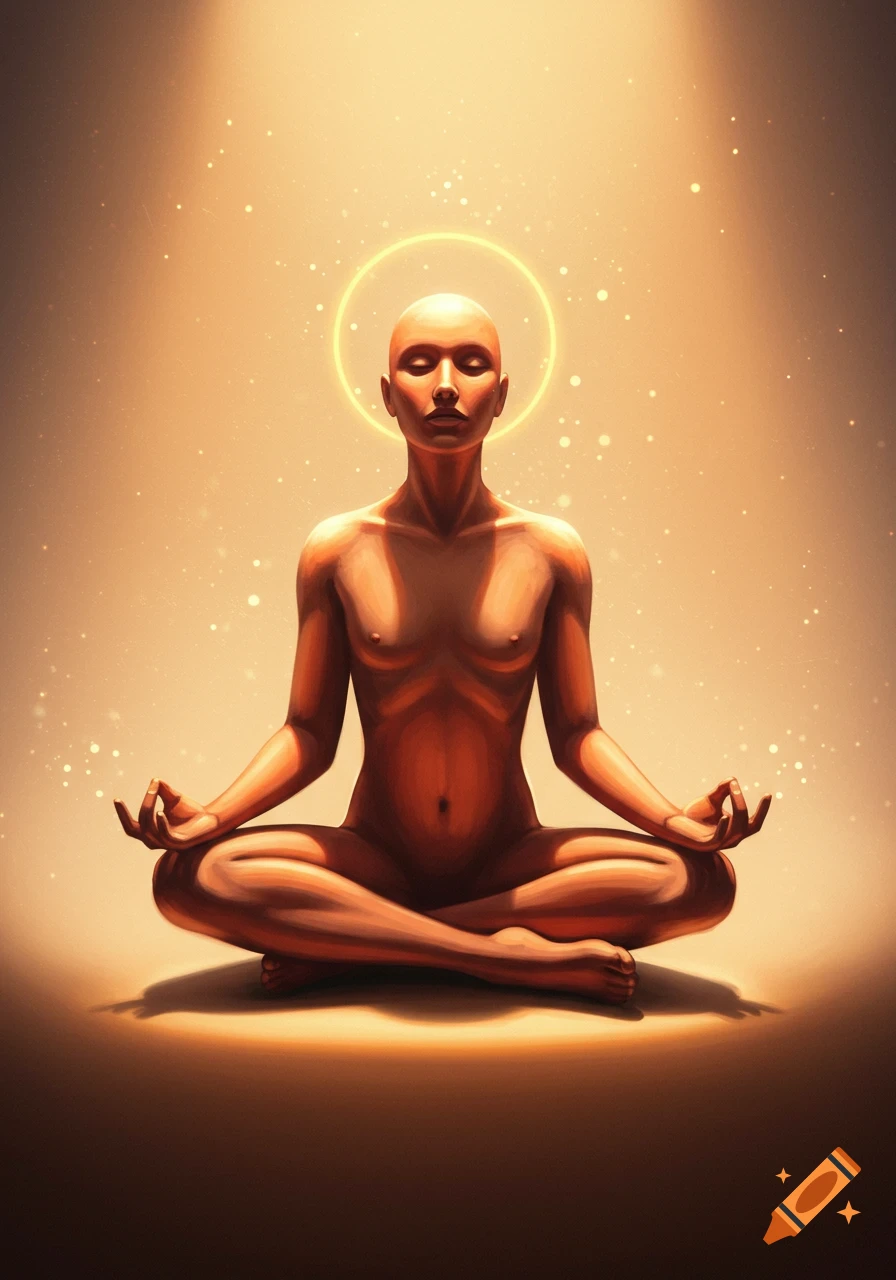
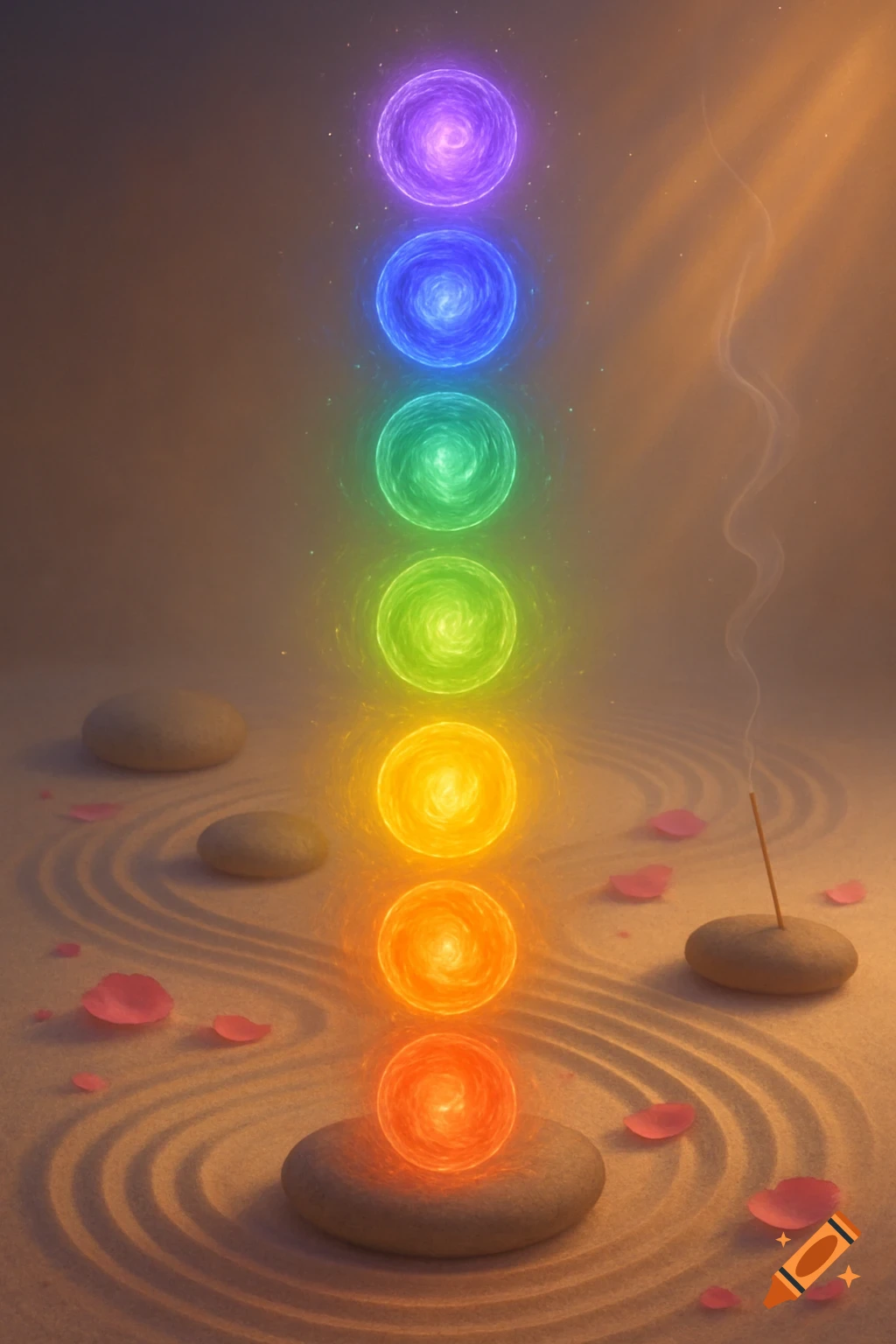
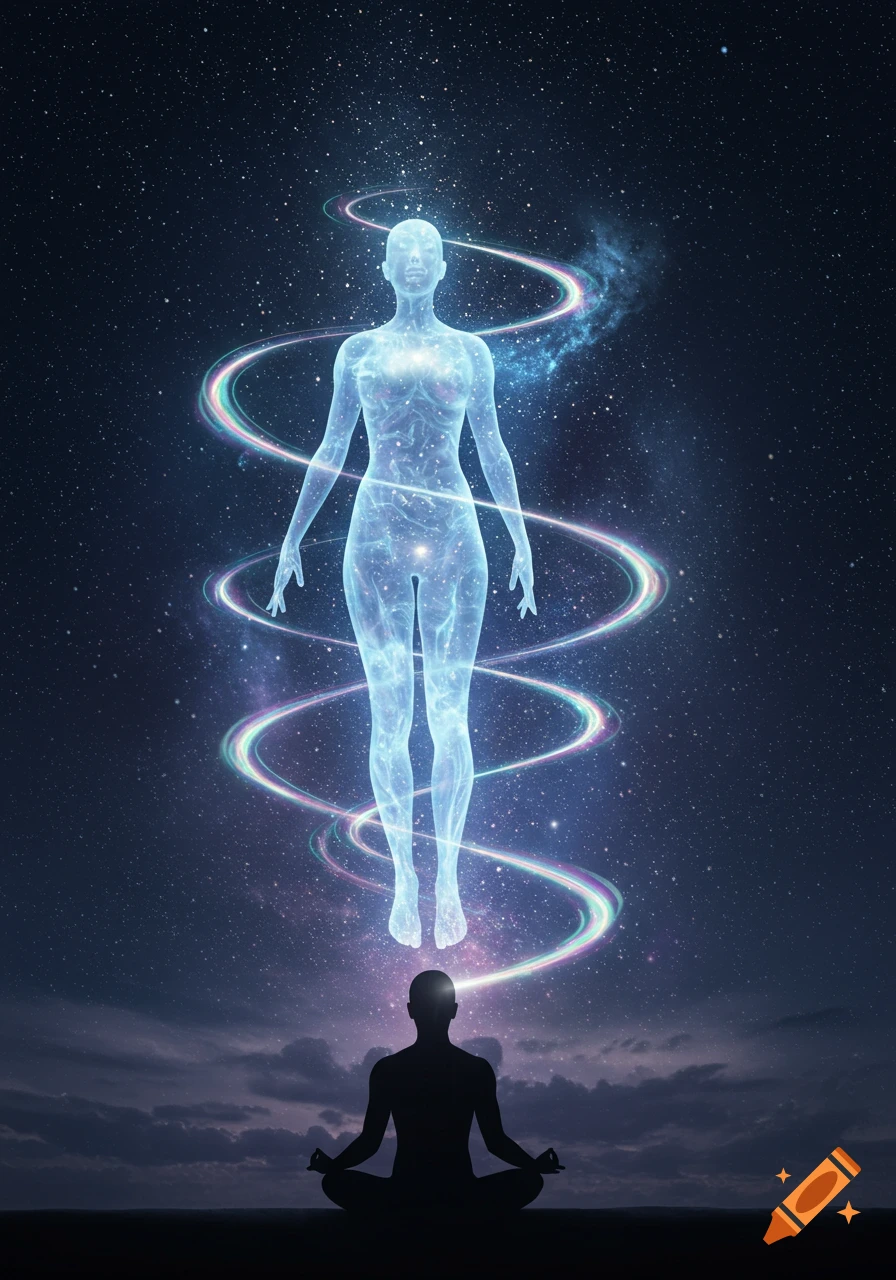
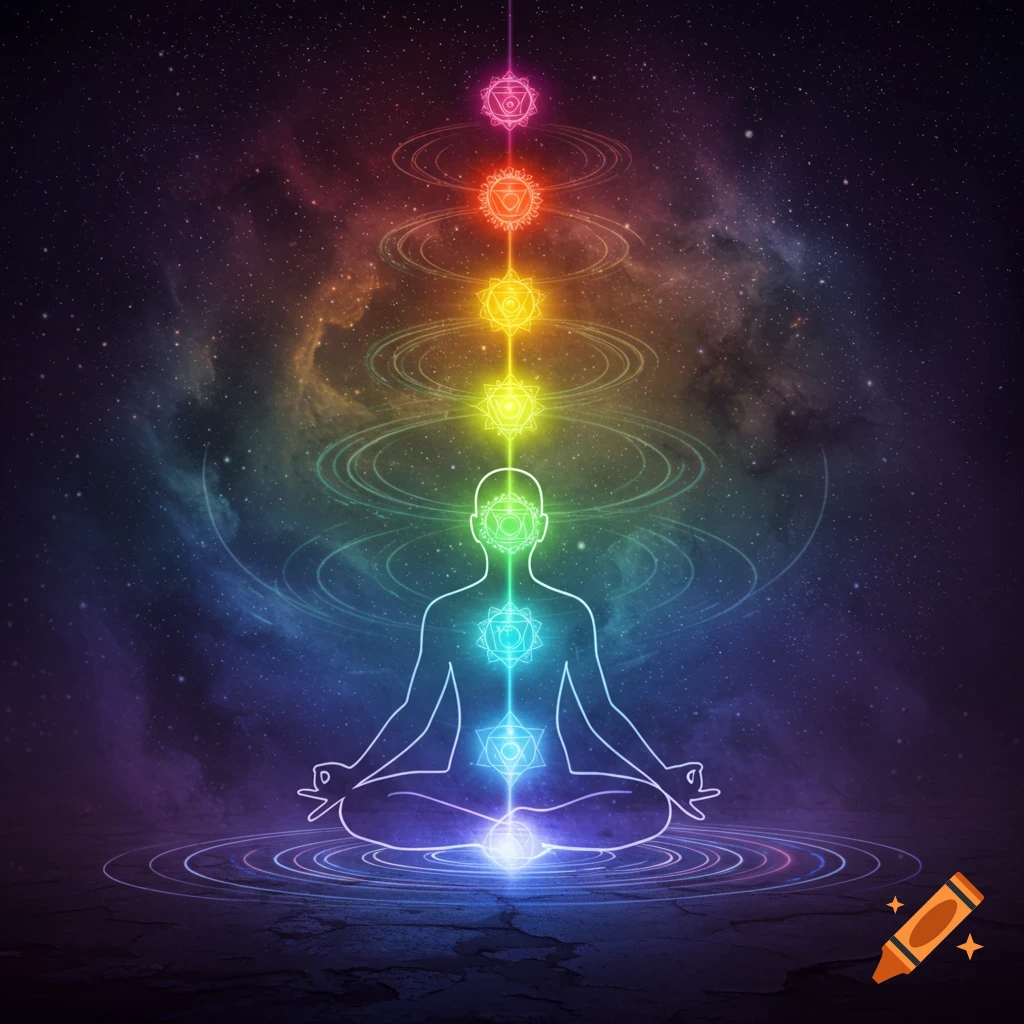
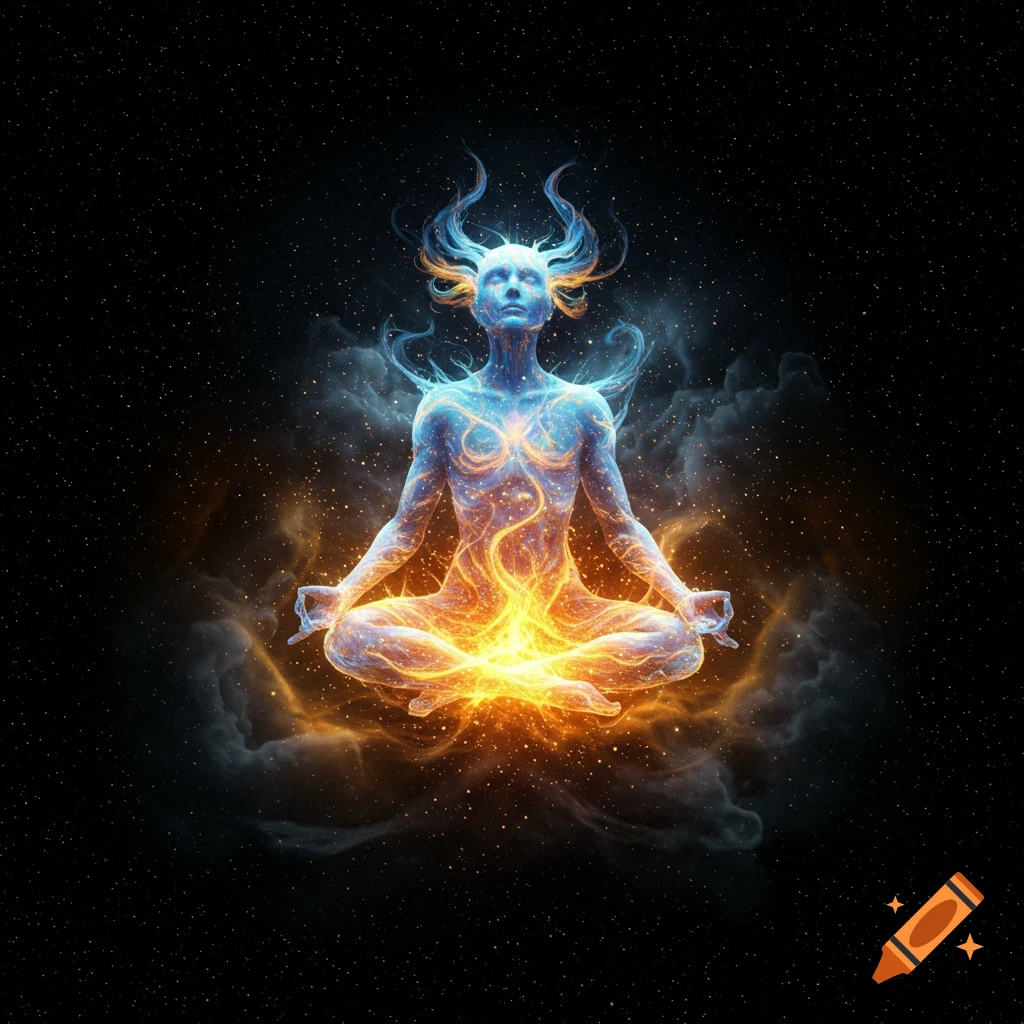
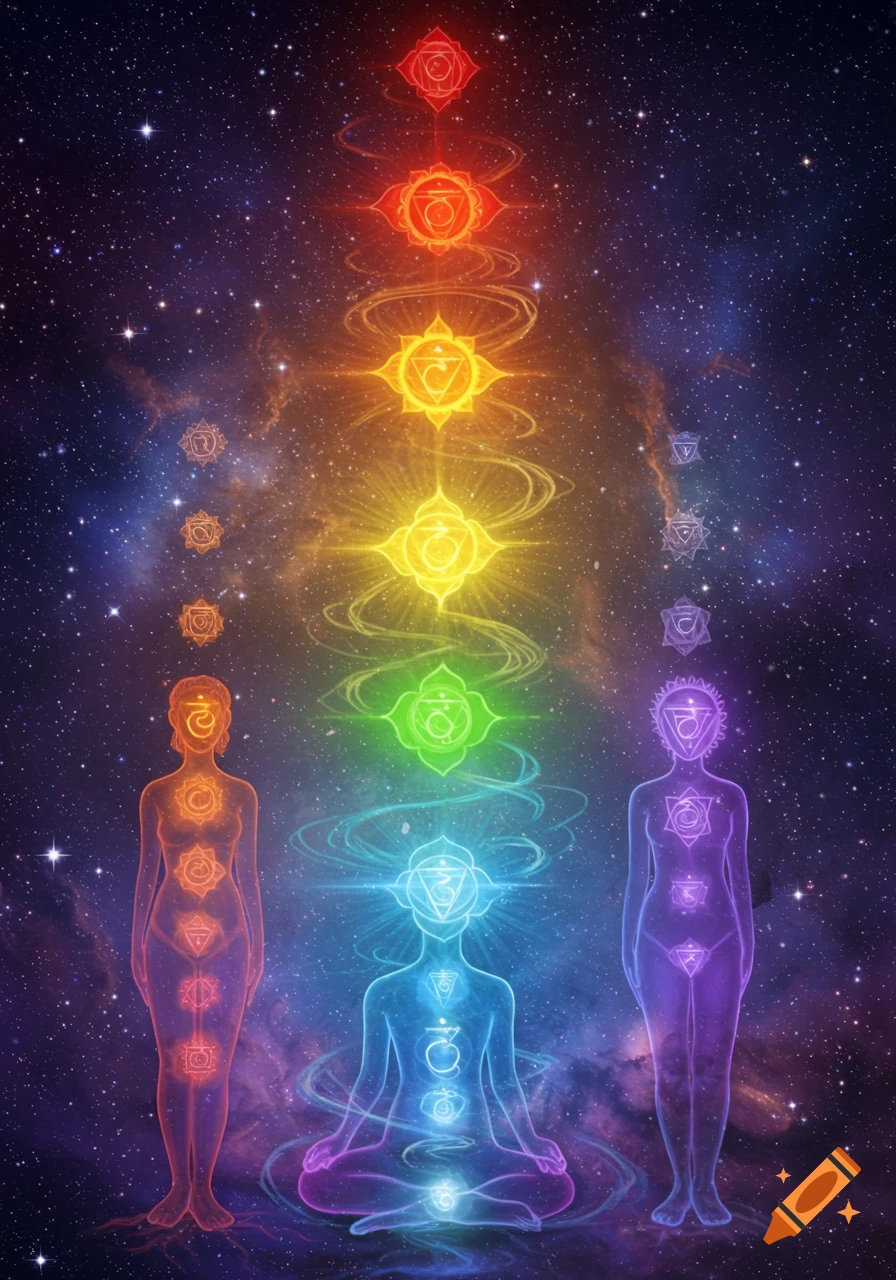
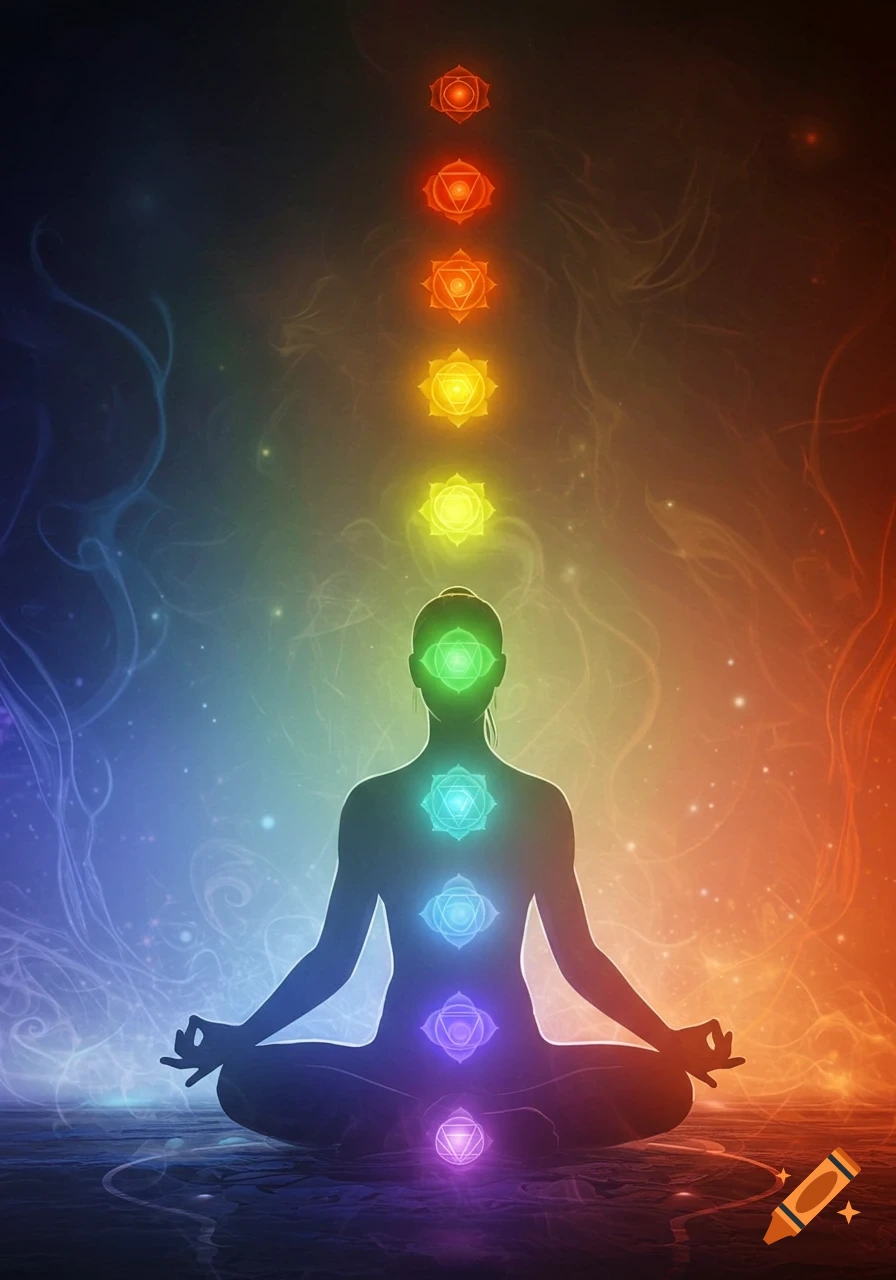
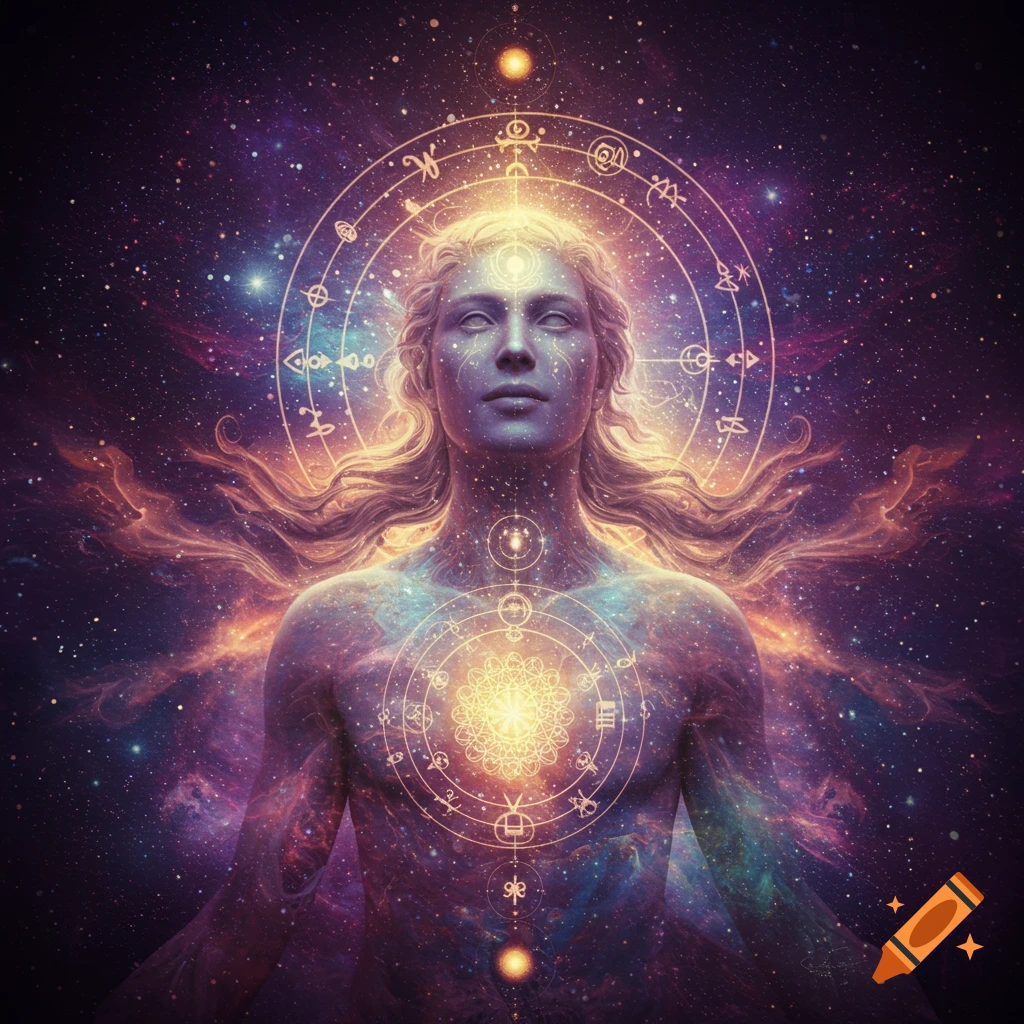
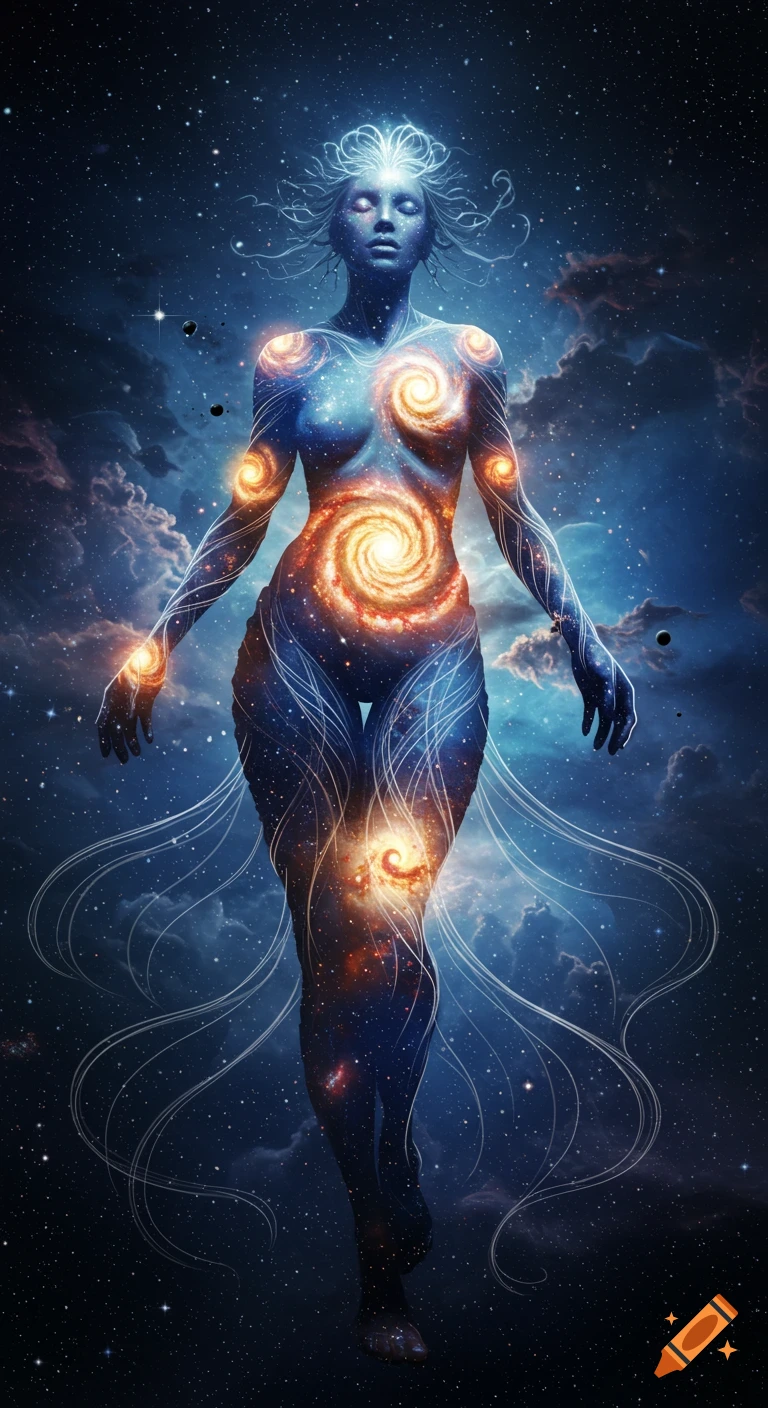
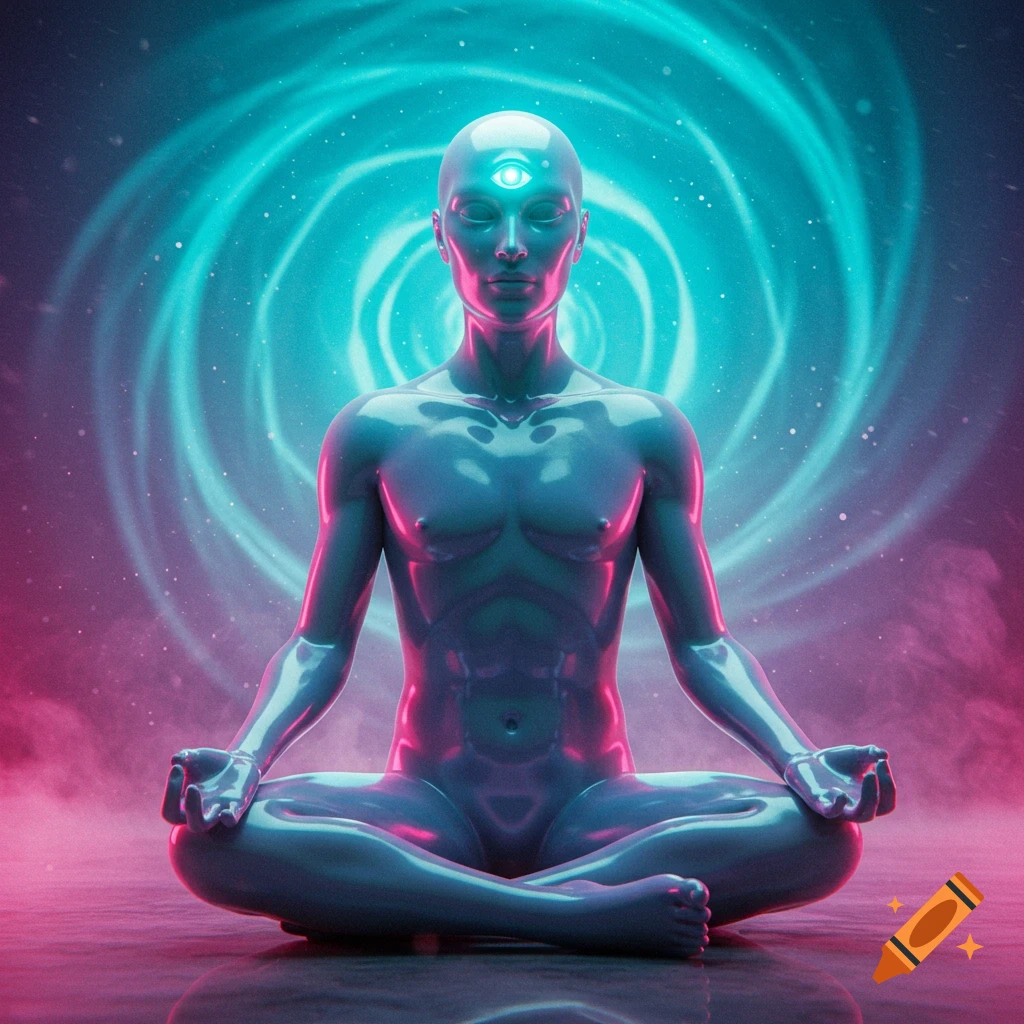
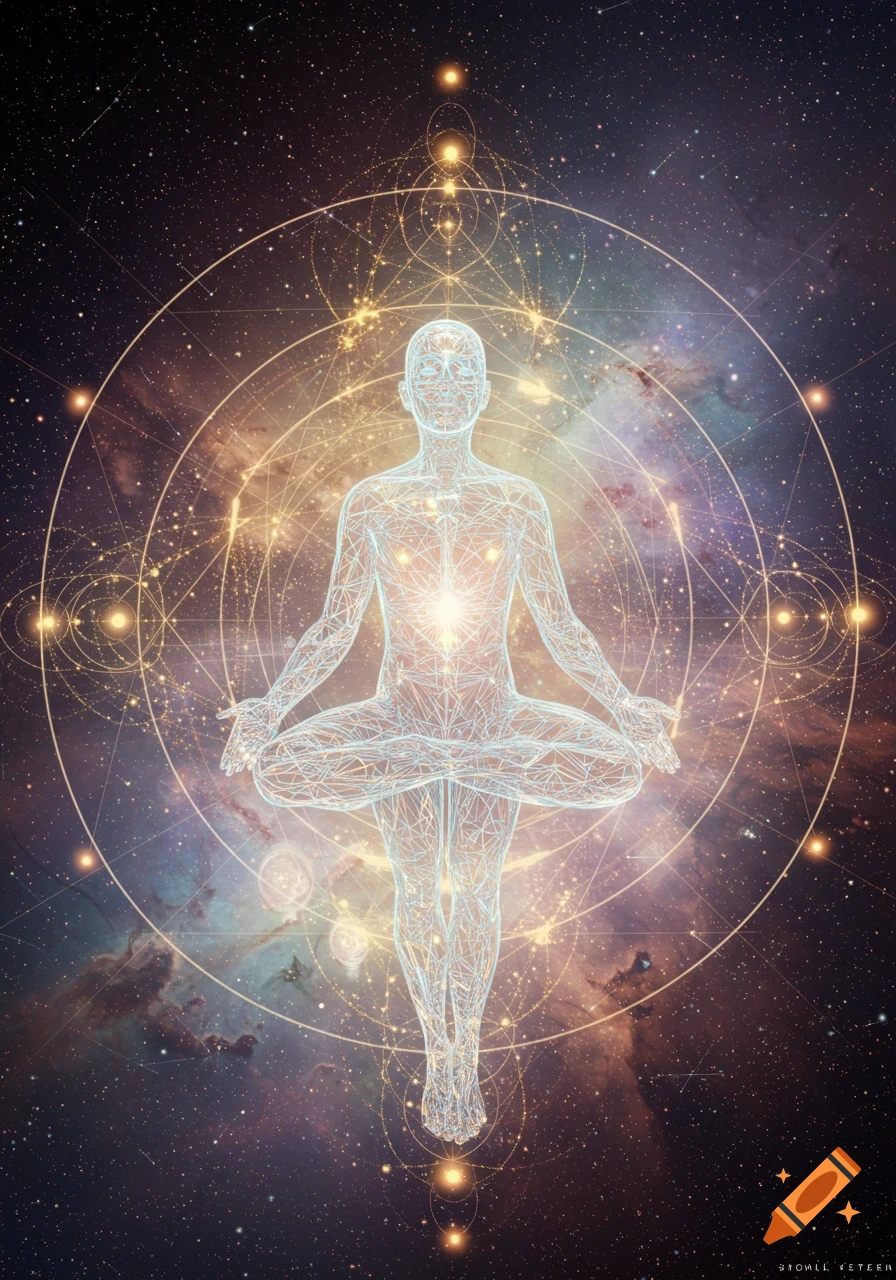
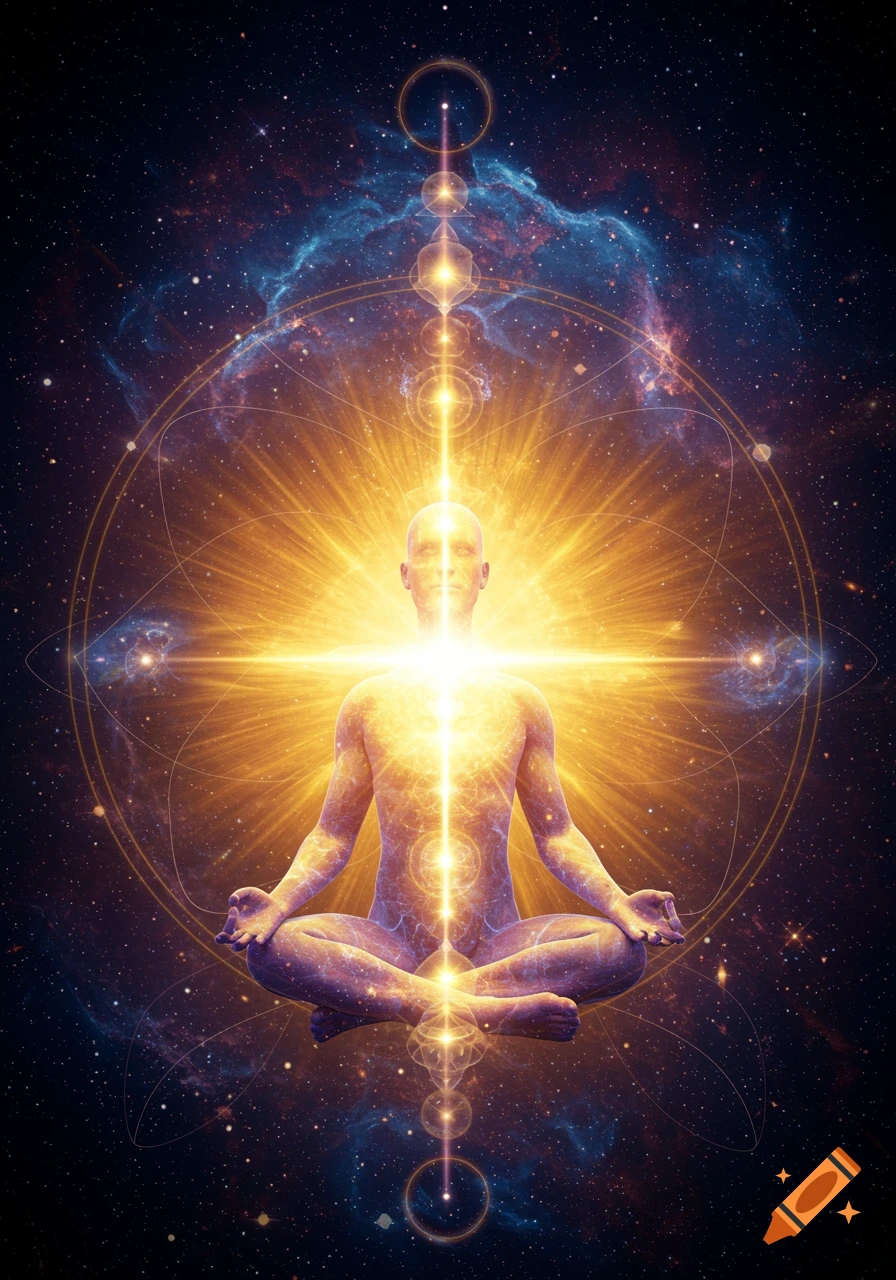
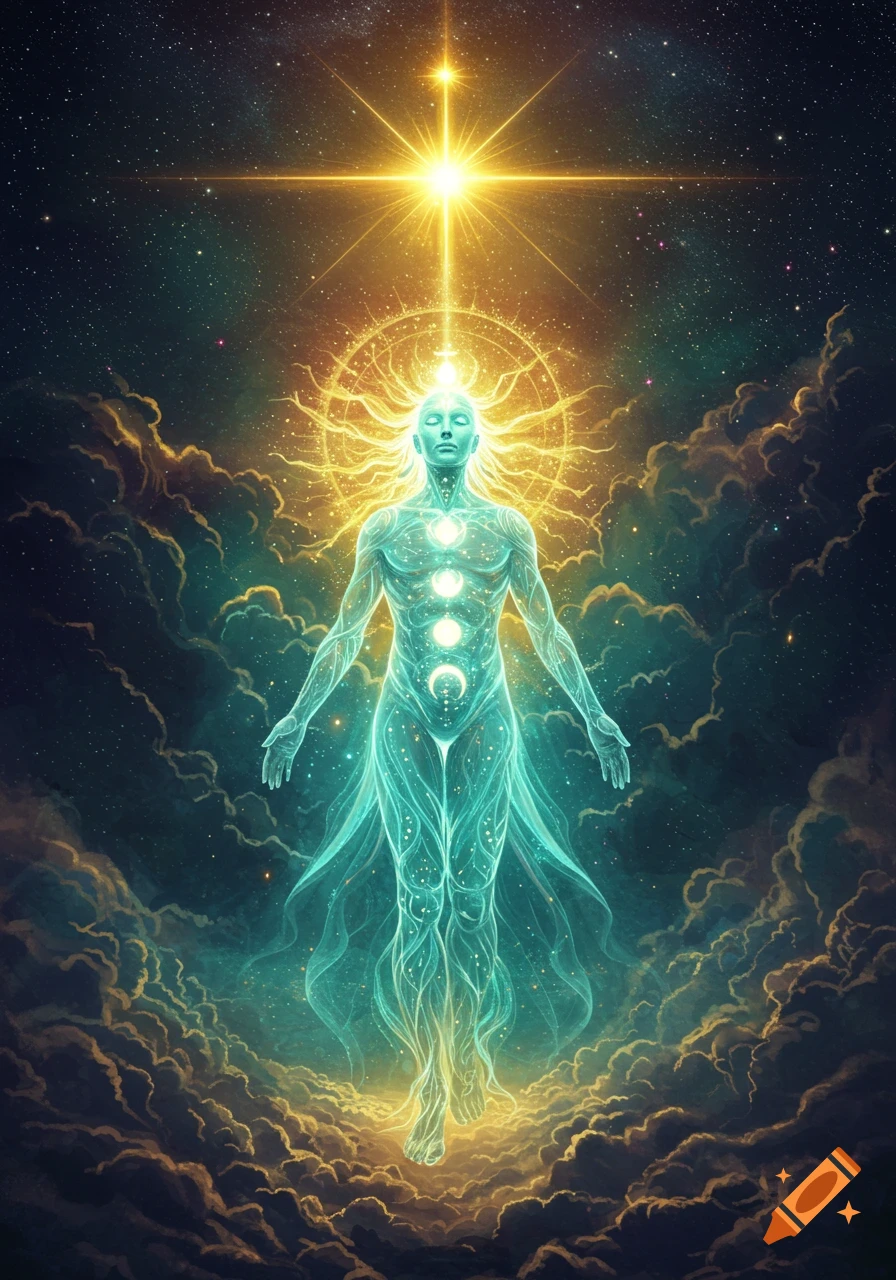
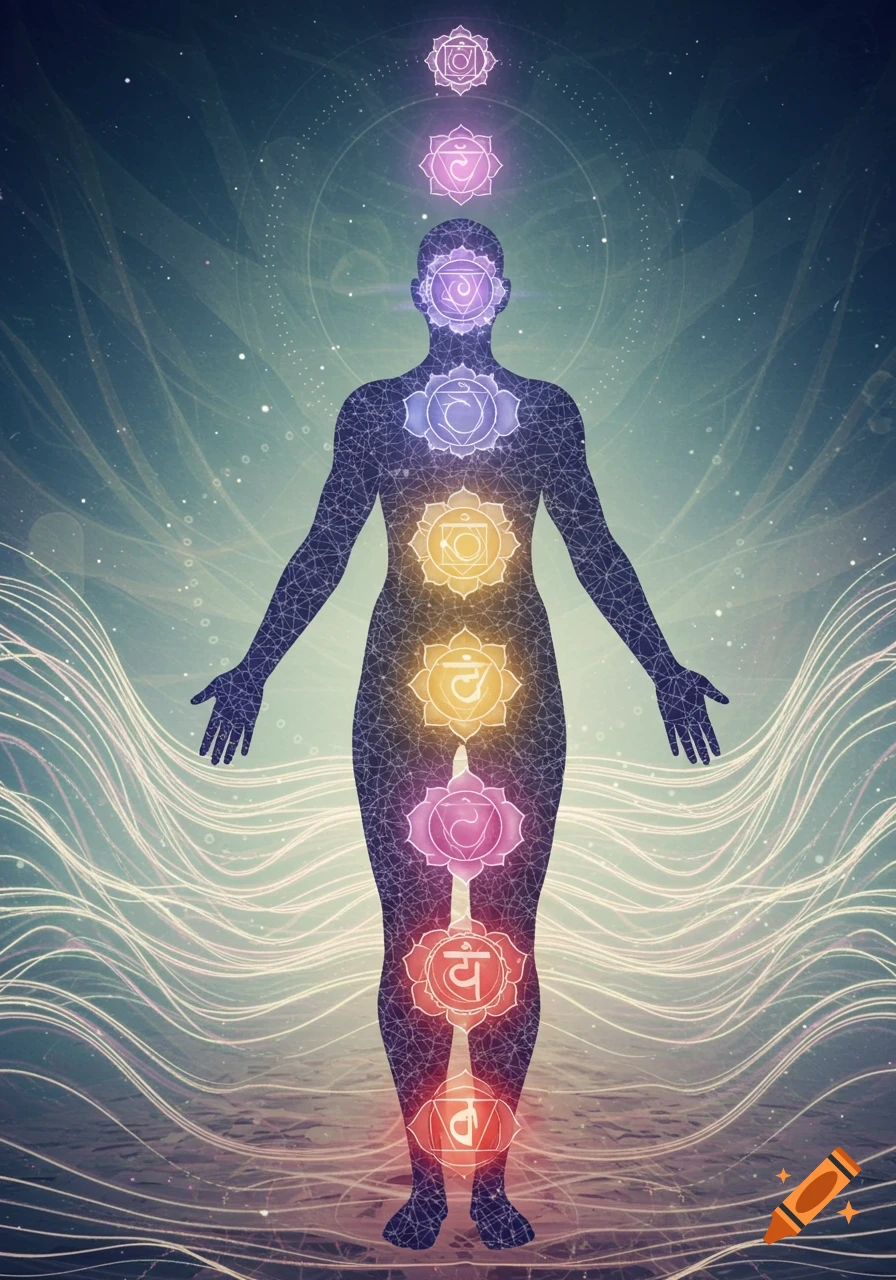
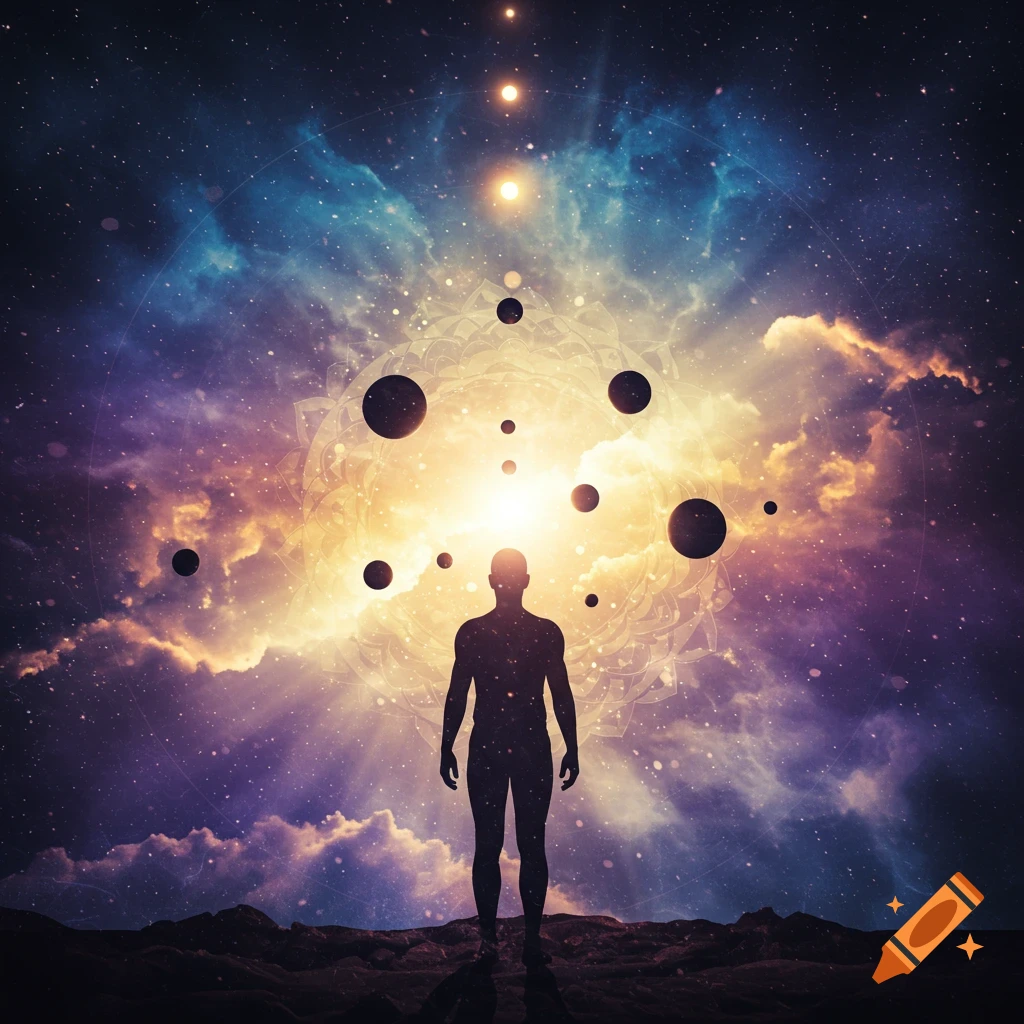
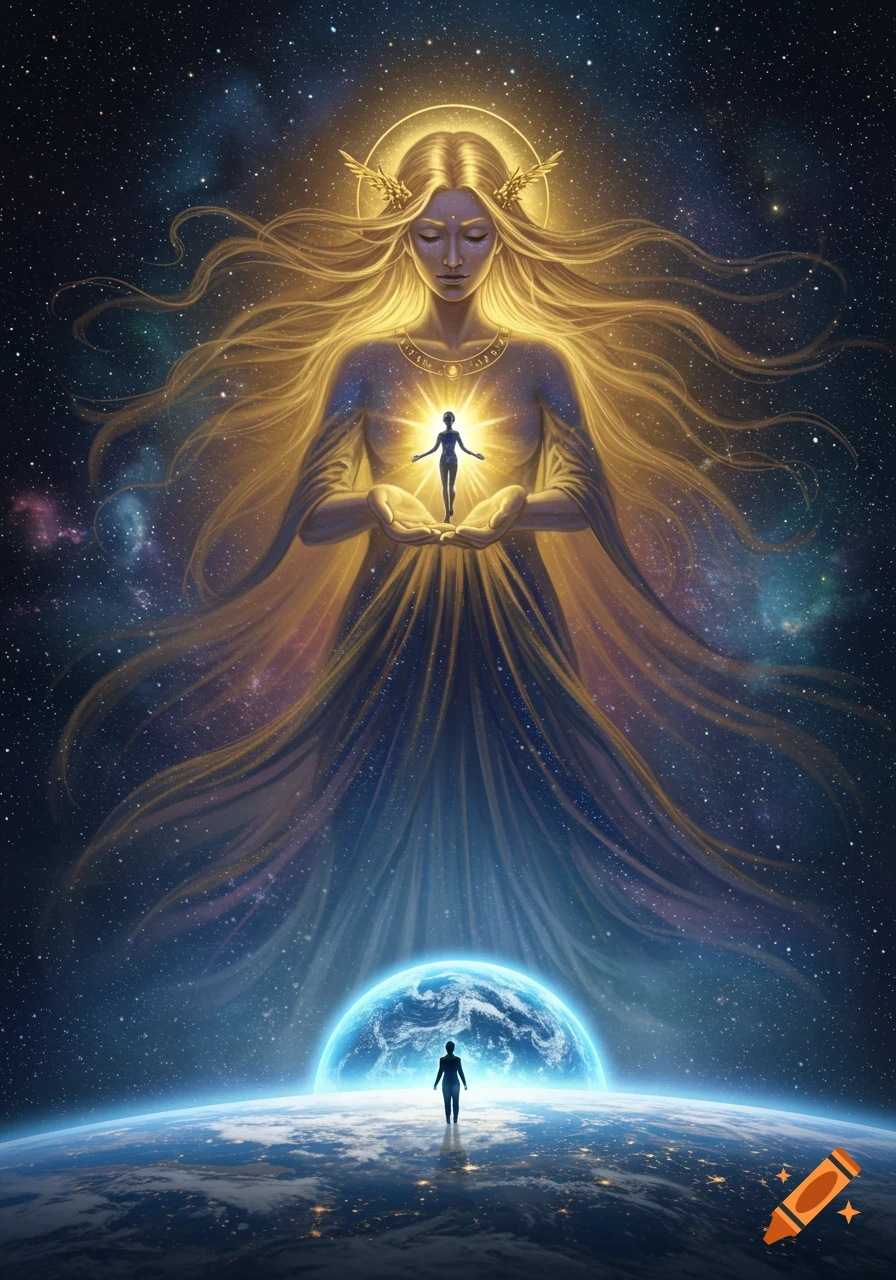
A meditating figure with a rainbow of chakras along its spine, surrounded by a swirling green energy field under a starry cosmic sky.

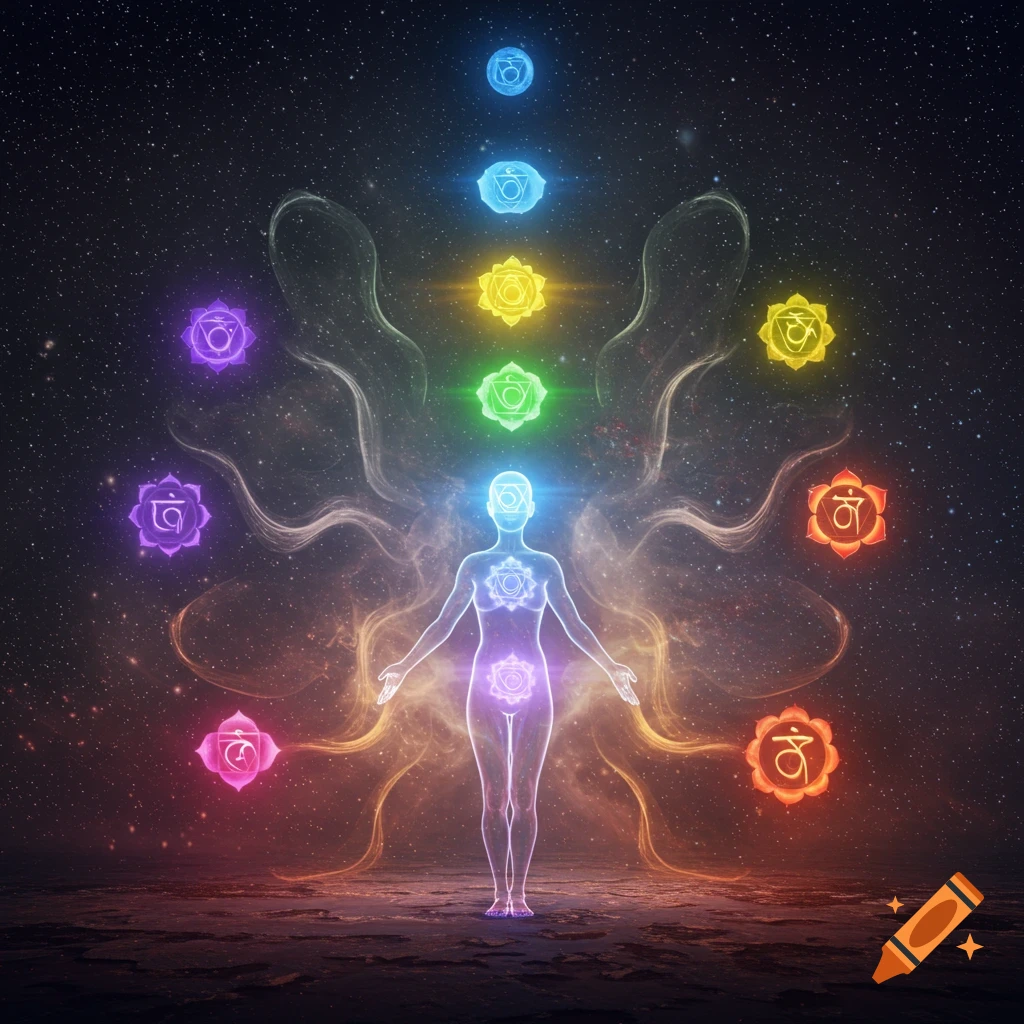
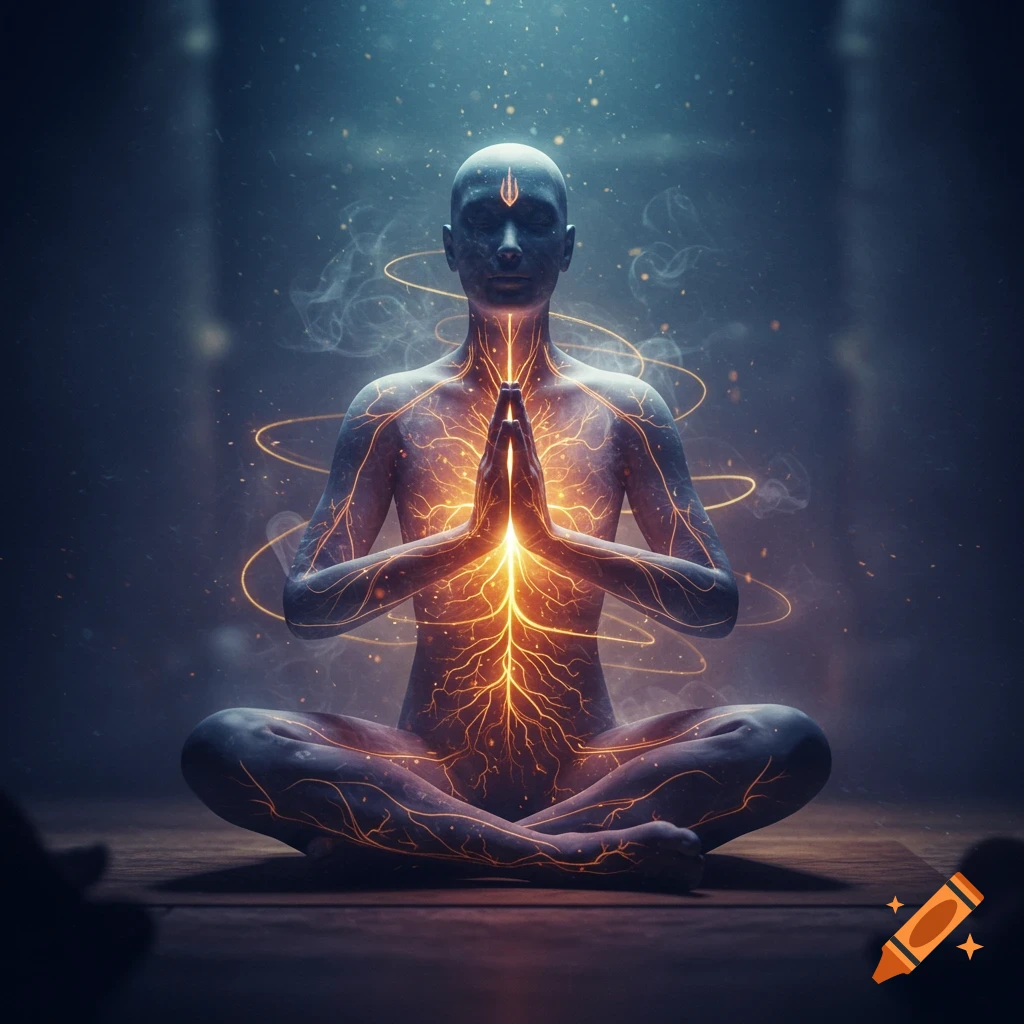
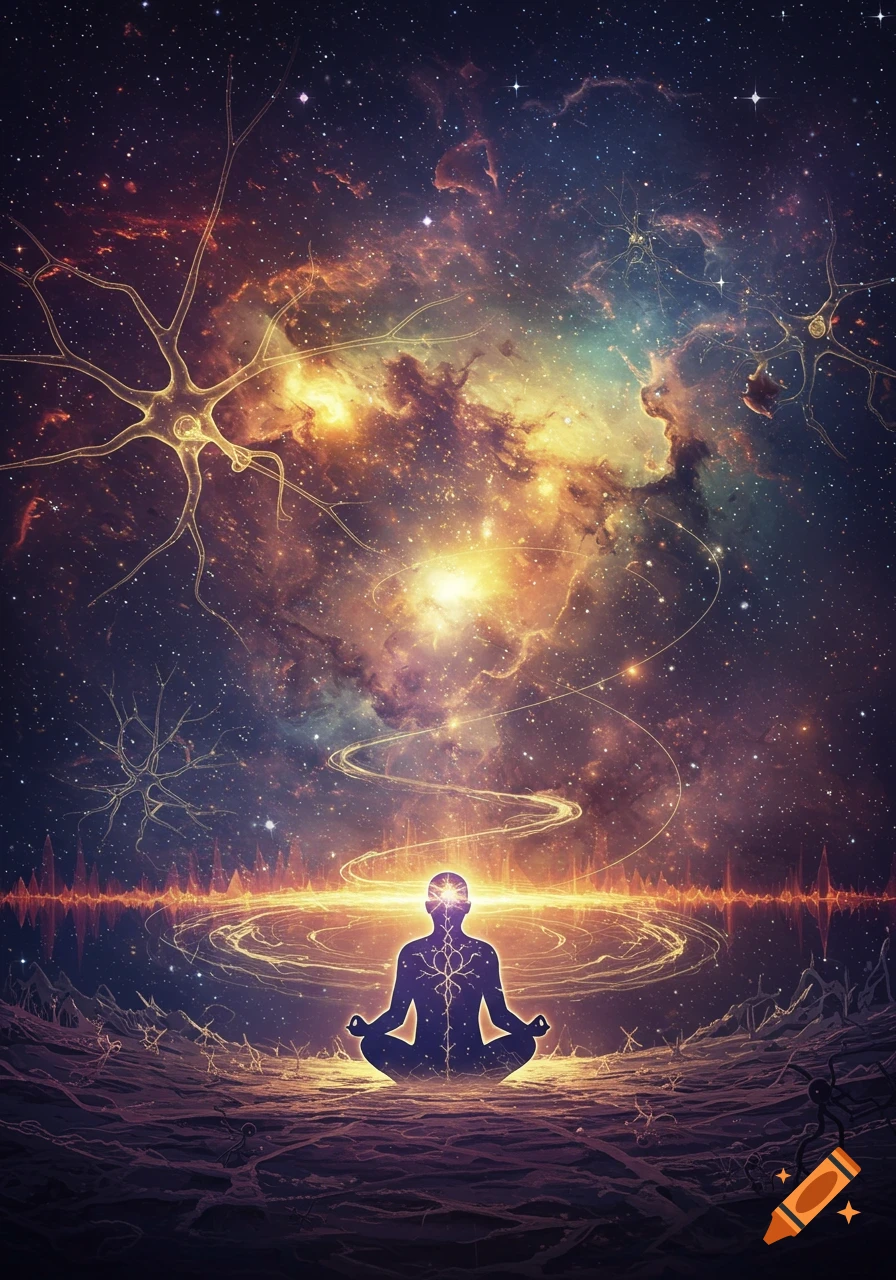
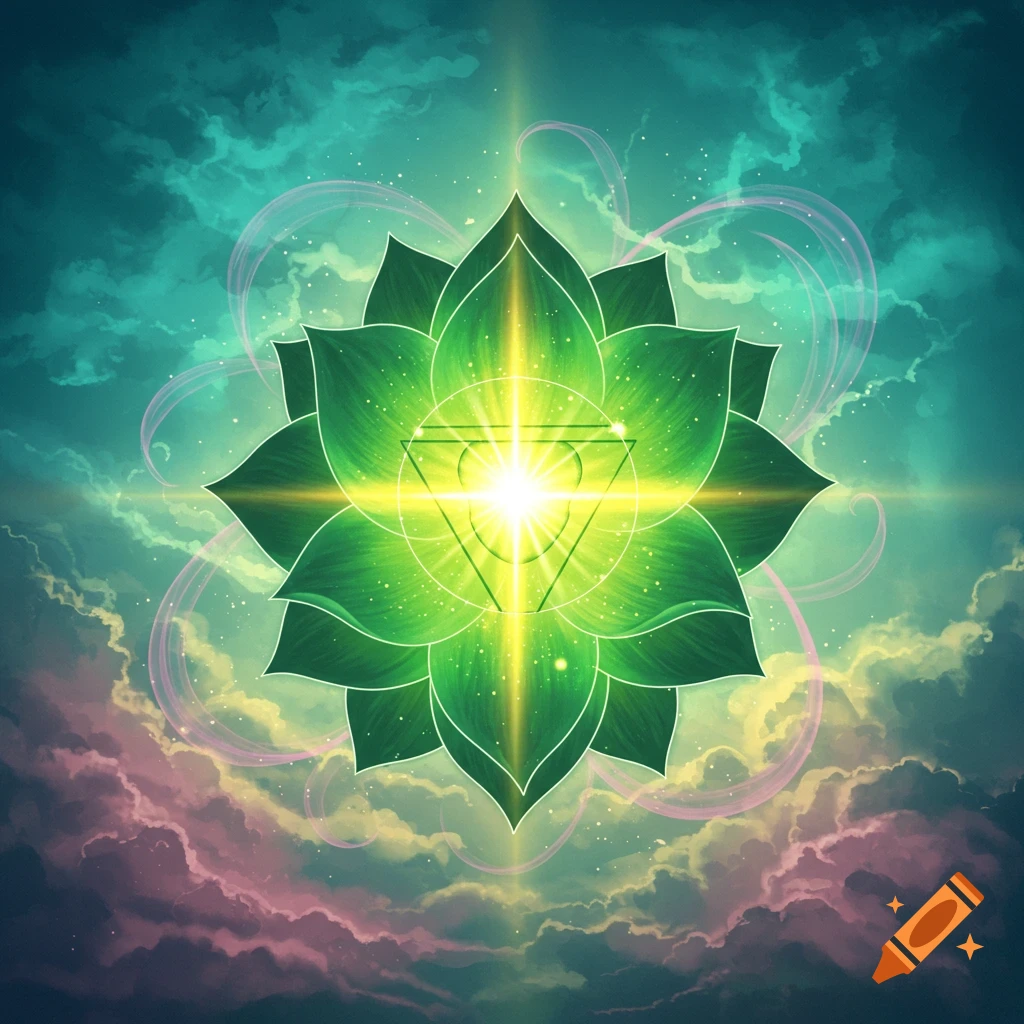
Currently, I can't generate images directly. However, I can guide you on how to create a visual reference for your meditation sessions based on the components we've discussed. ### Visualization Steps for Meditation 1. **Outline the Human Figure**: Start with a simple sketch of a human figure in a meditative pose, perhaps sitting cross-legged. 2. **Draw the Torus Field**: Around the figure, illustrate a toroidal shape in flowing colors to represent the energy field. This can be glowing or shimmering to indicate movement. 3. **Add Chakras**: Represent each chakra along the spine with distinct colors and shapes: - Red for Root Chakra - Orange for Sacral Chakra - Yellow for Solar Plexus Chakra - Green for Heart Chakra - Blue for Throat Chakra - Indigo for Third Eye Chakra - Violet for Crown Chakra 4. **Visualize Connectors**: Use serpentine lines or glowing threads connecting each chakra, illustrating the energy pathways. 5. **Include the Vagus Nerve**: Draw a highlighted line from the brain down through the neck and chest, symbolizing the pathway of the vagus nerve. 6. **Aether Field Representation**: Above the figure, you can depict a celestial or ethereal cloud, representing the aether field, perhaps with soft light and patterns that suggest movement and connection to the universe. ### Tools for Creation - Use drawing software like Adobe Illustrator, Procreate, or even online tools like Canva. - For those comfortable with 3D modeling, programs like Blender or Daz 3D can help Ver mais
More images like this