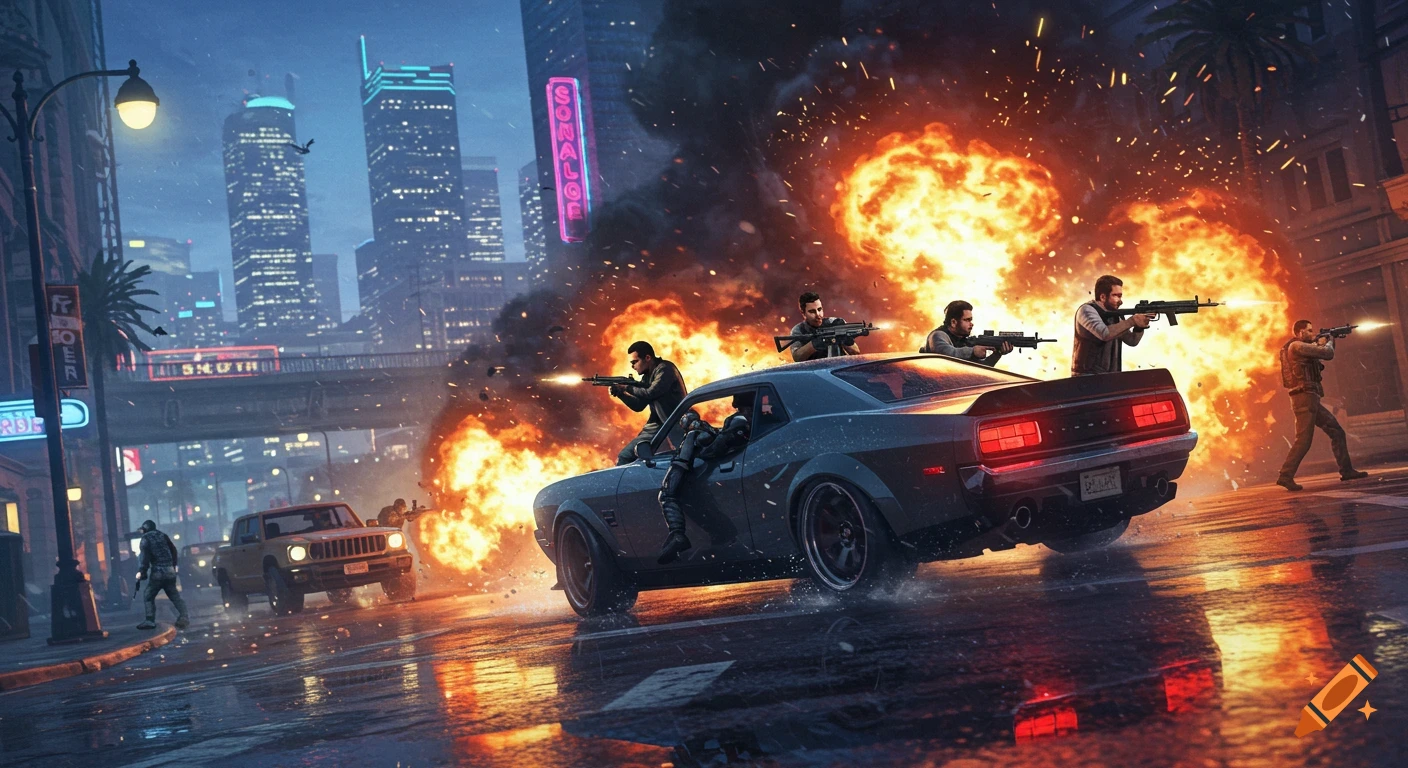
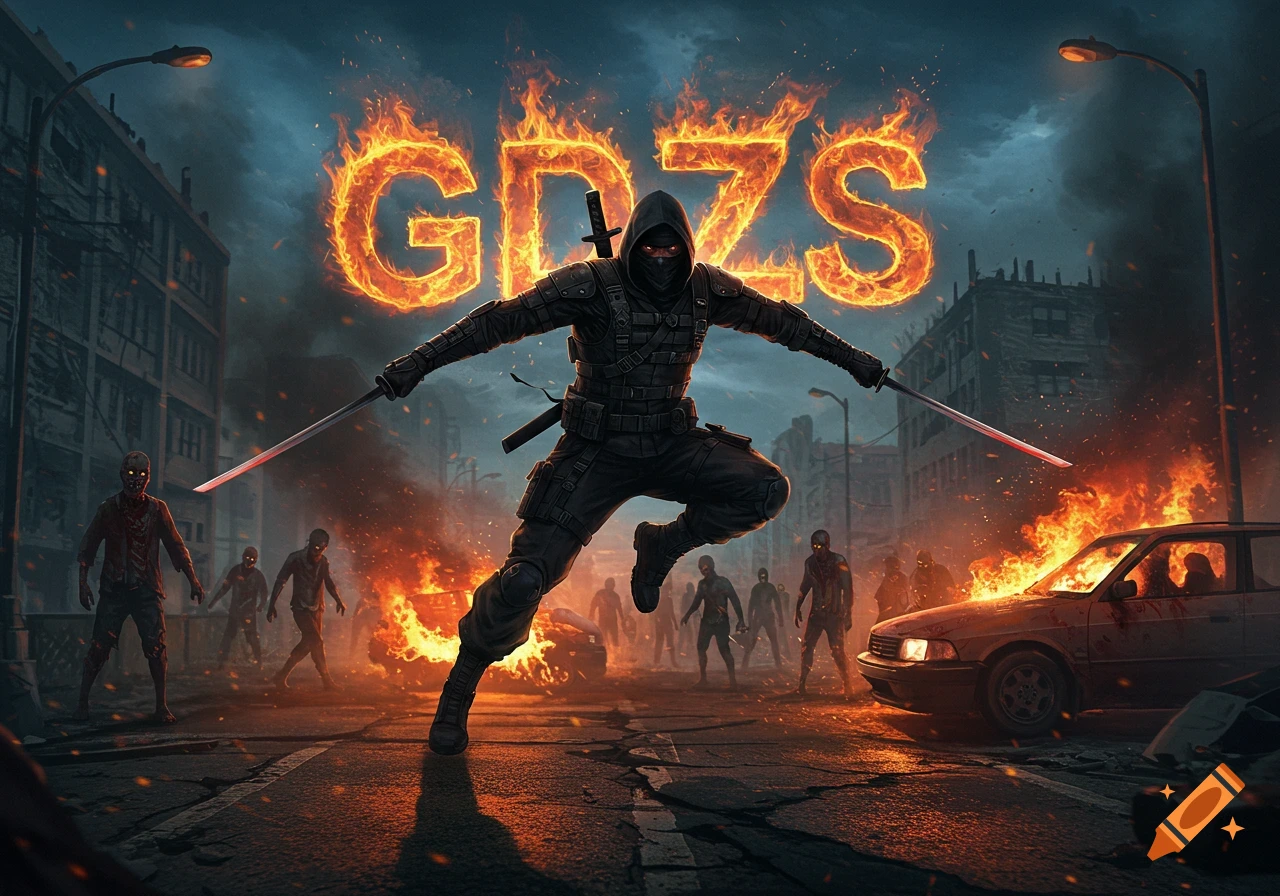
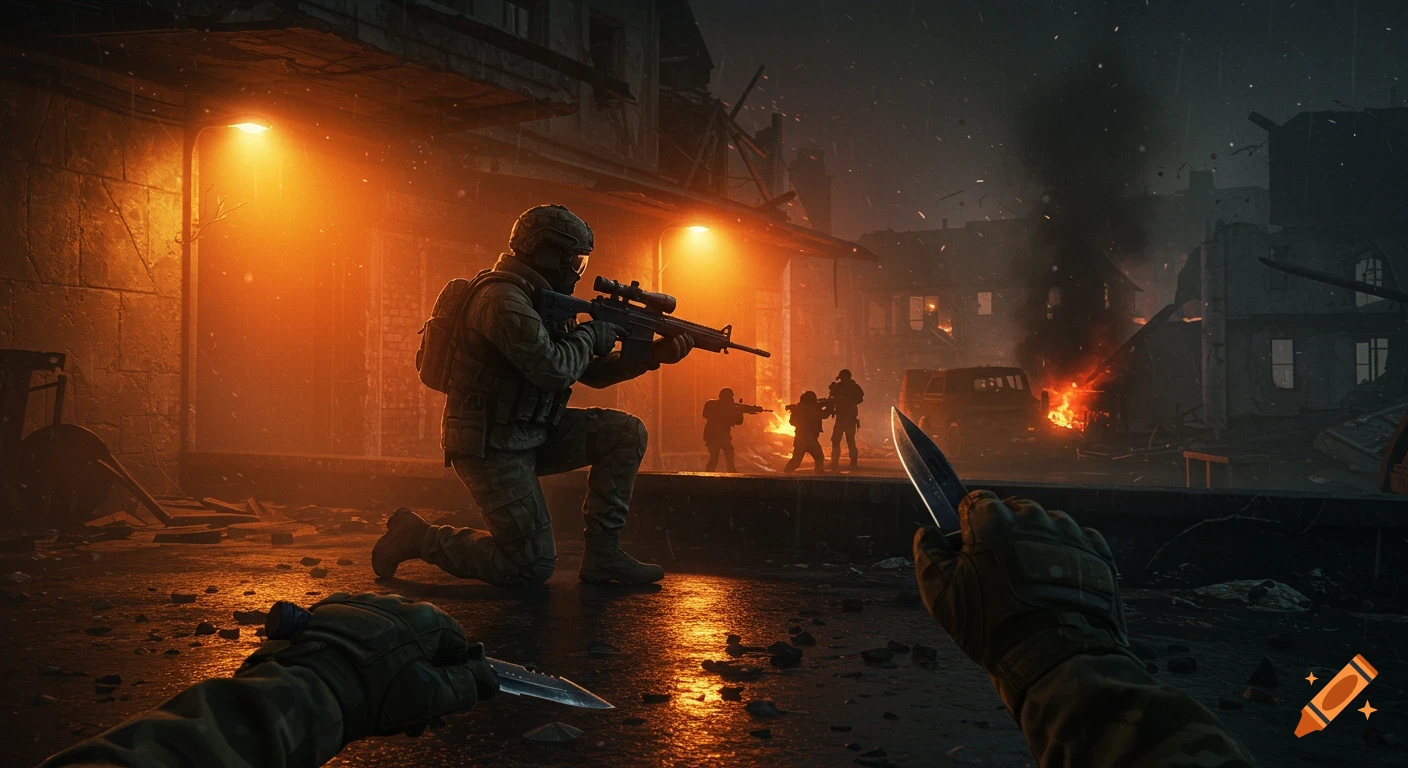
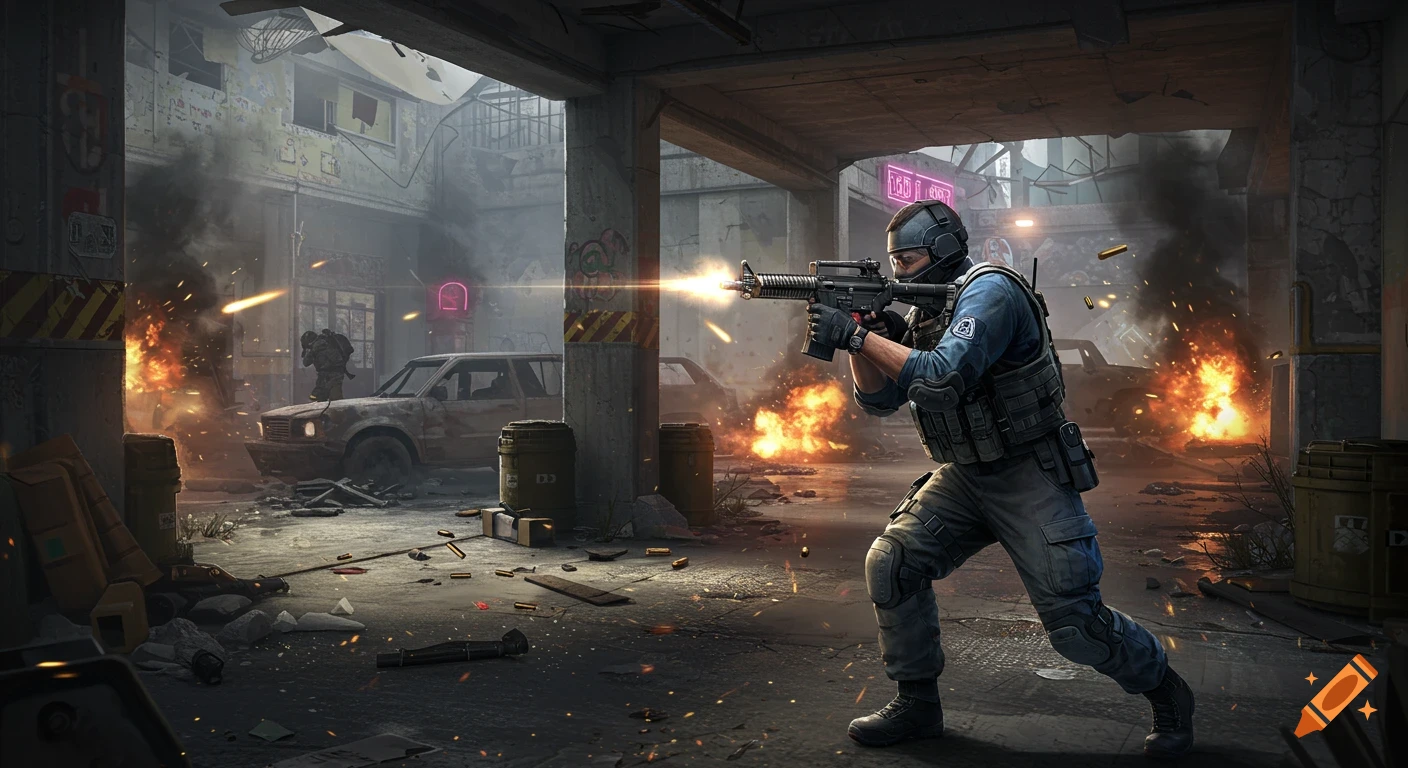
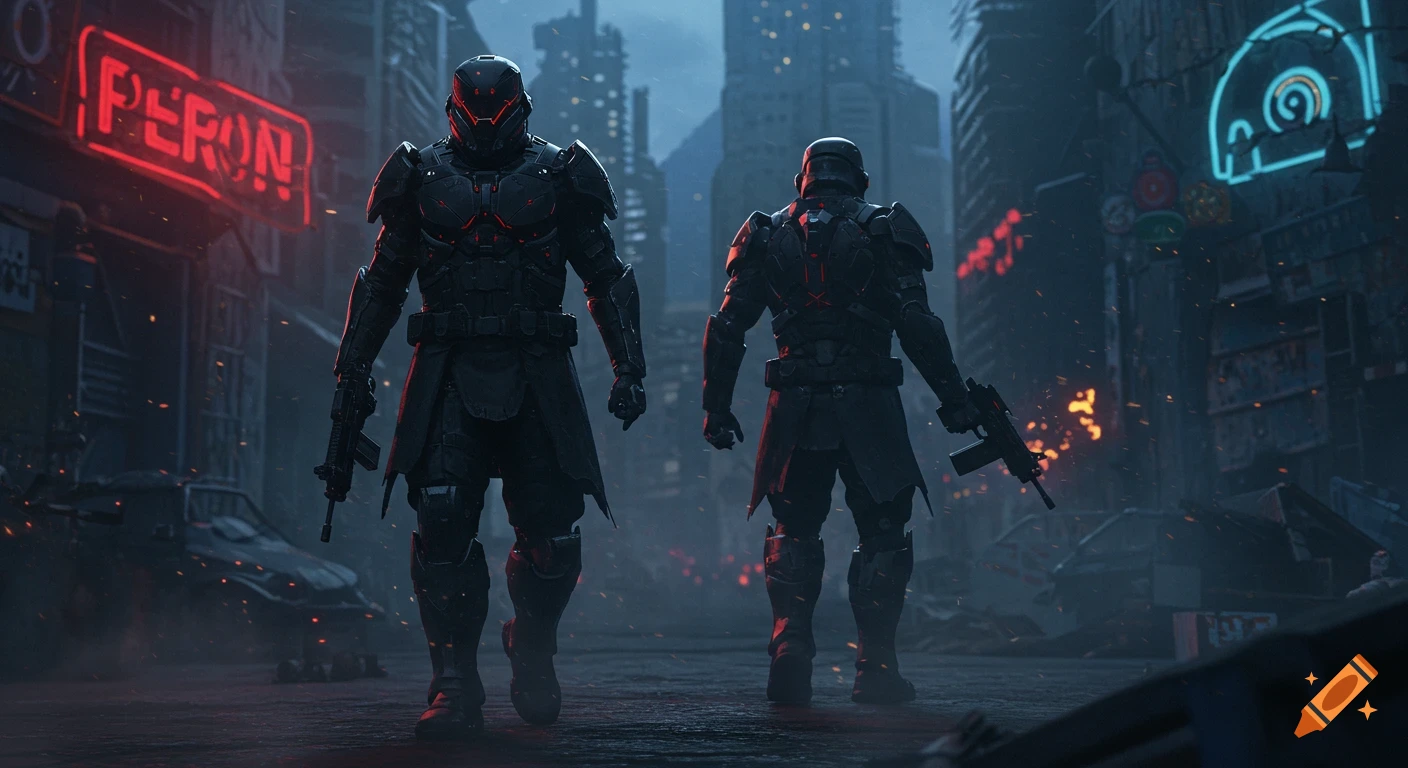
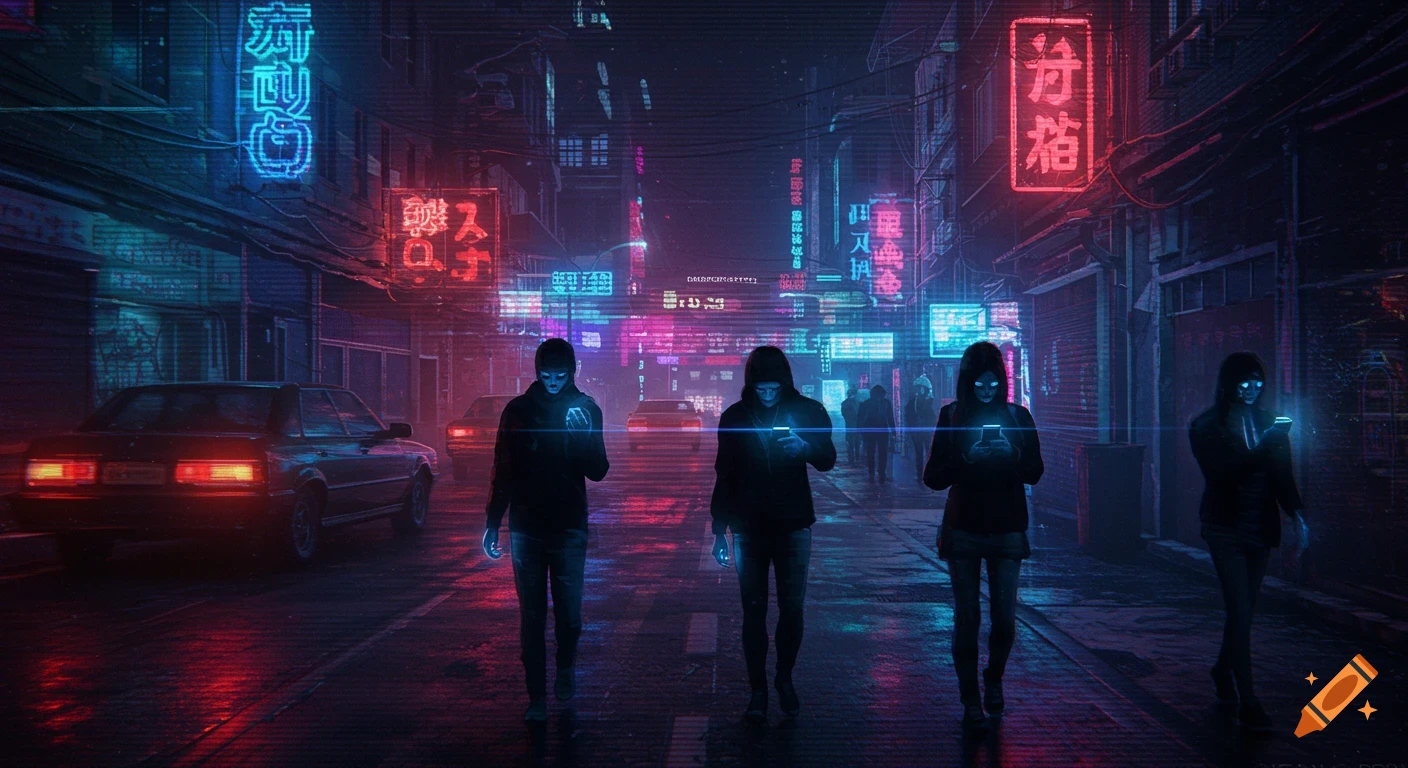
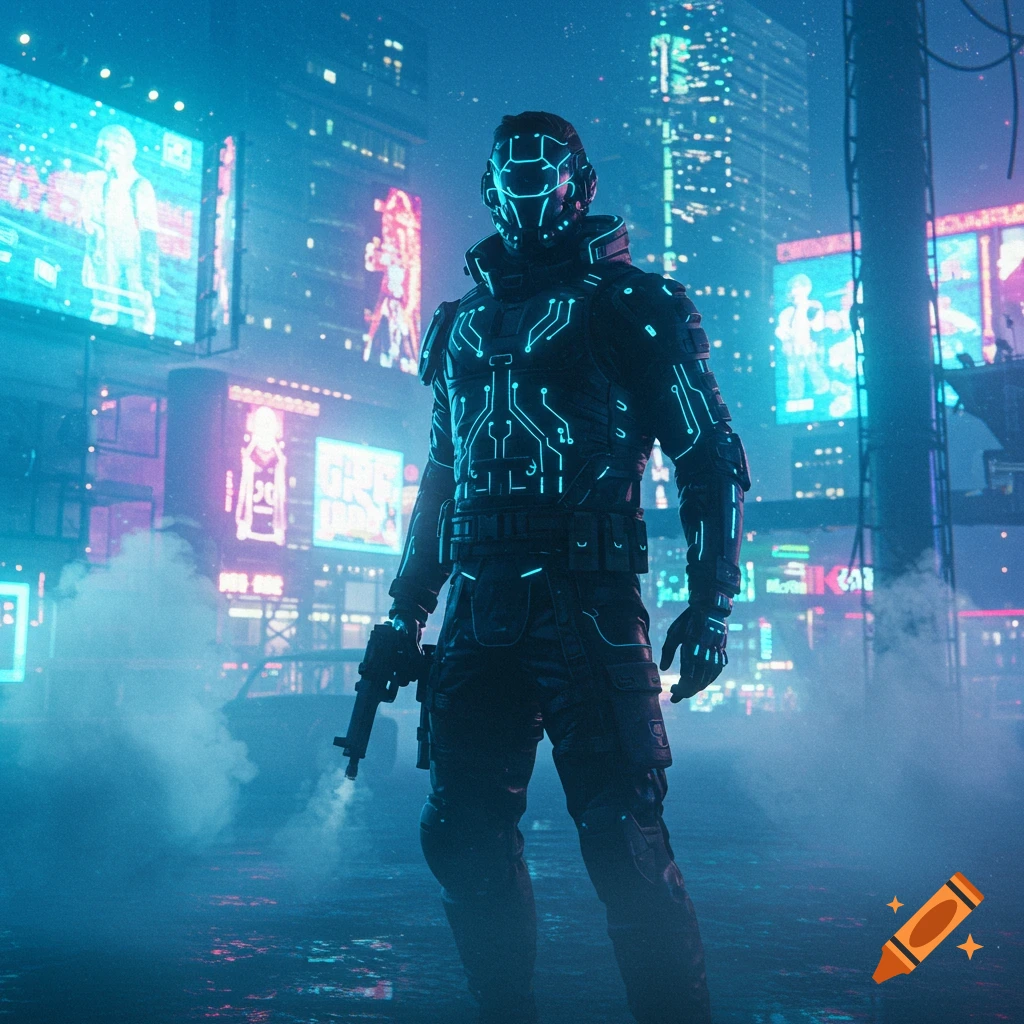
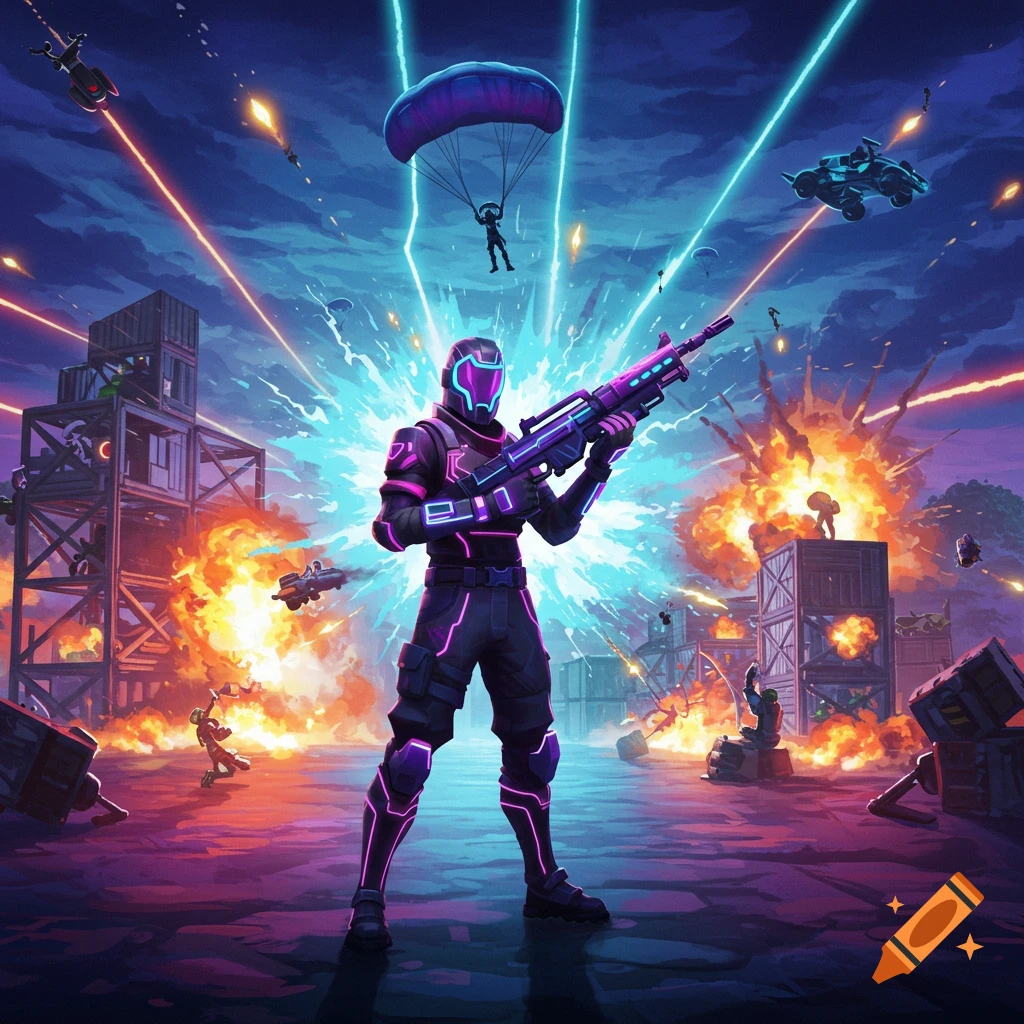
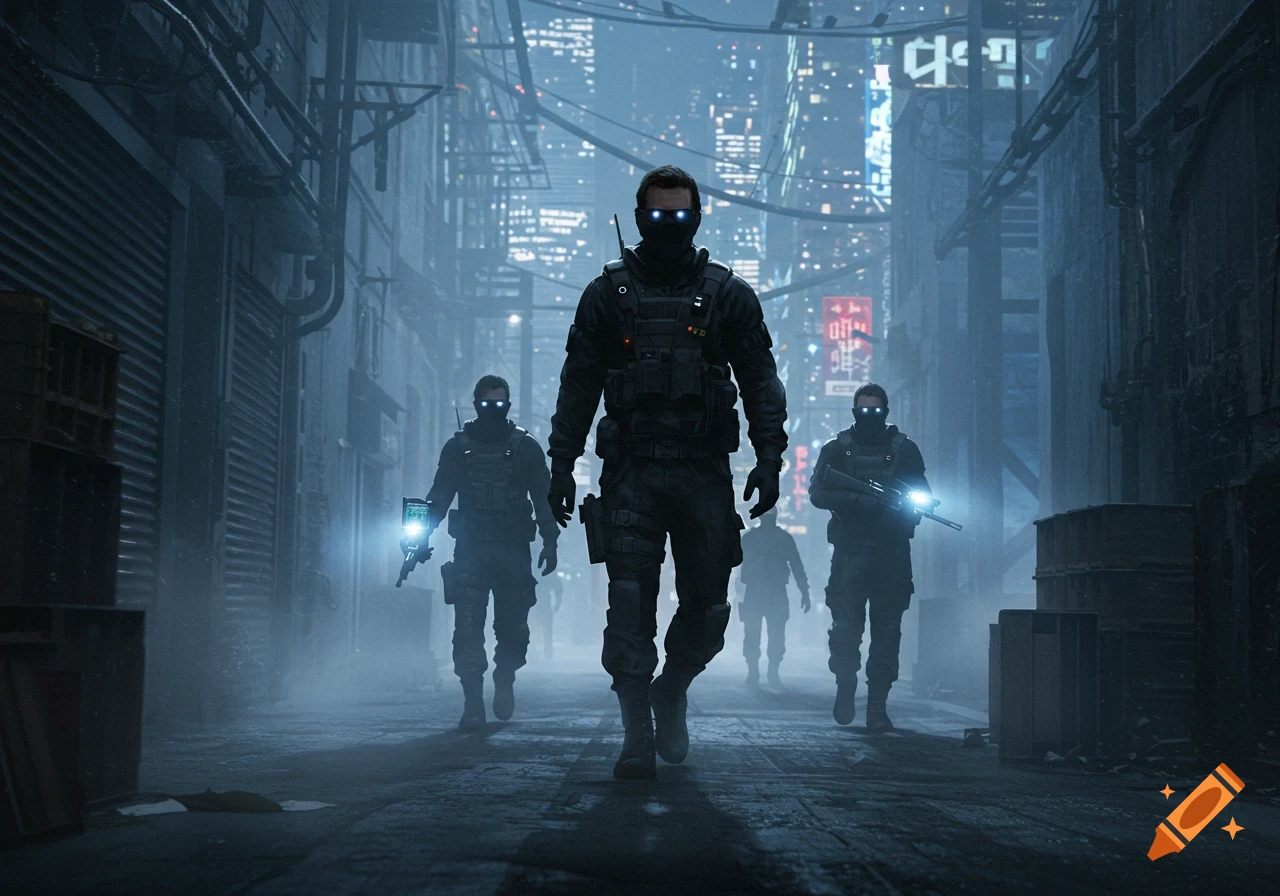
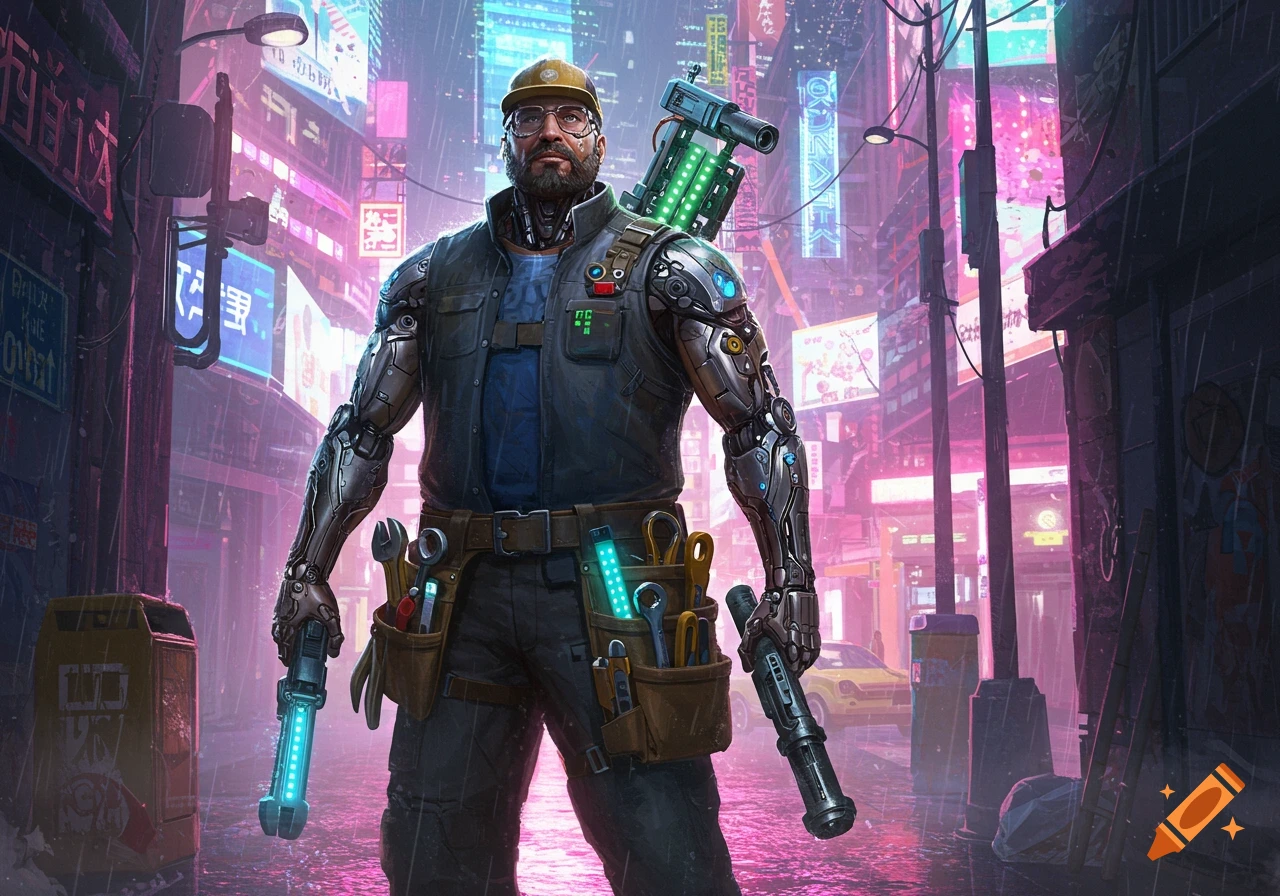
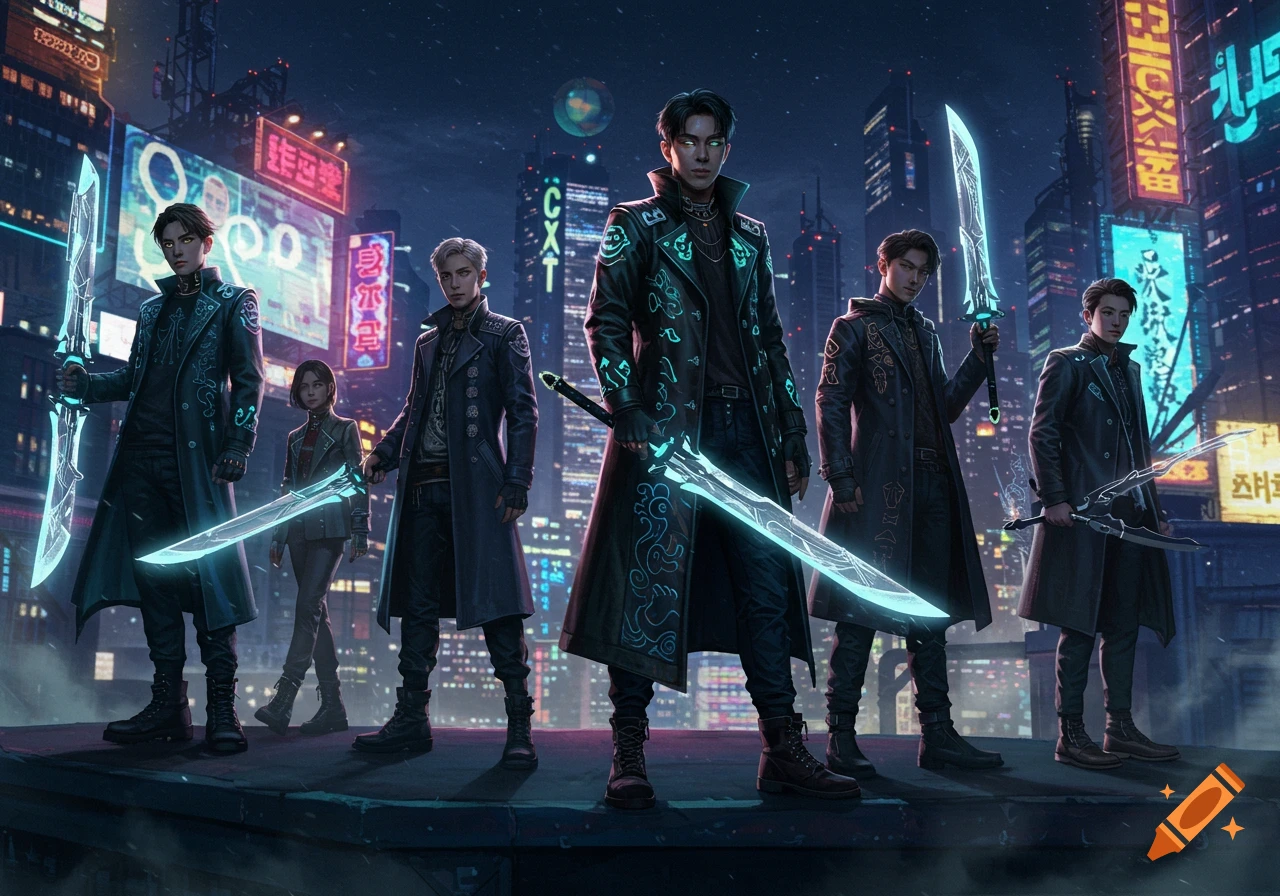
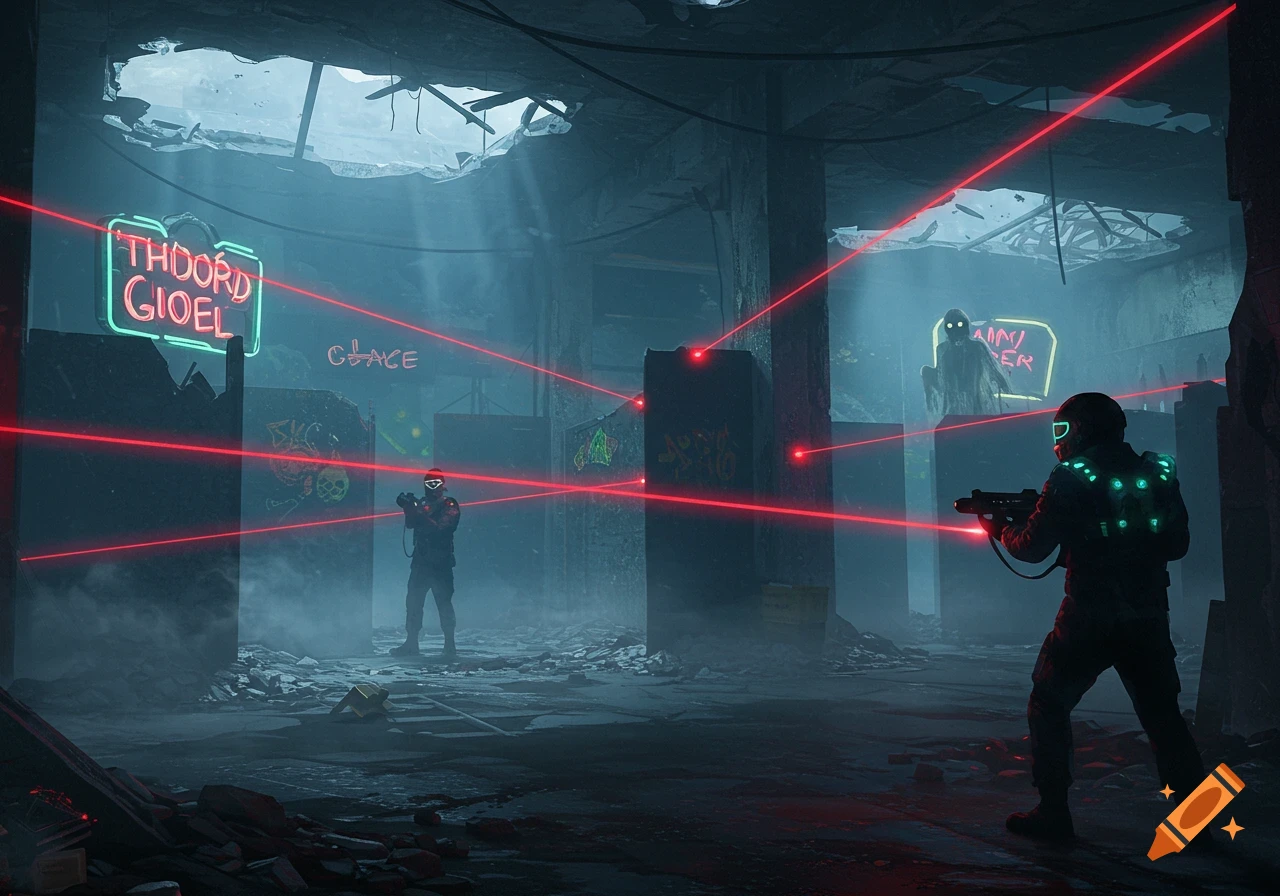
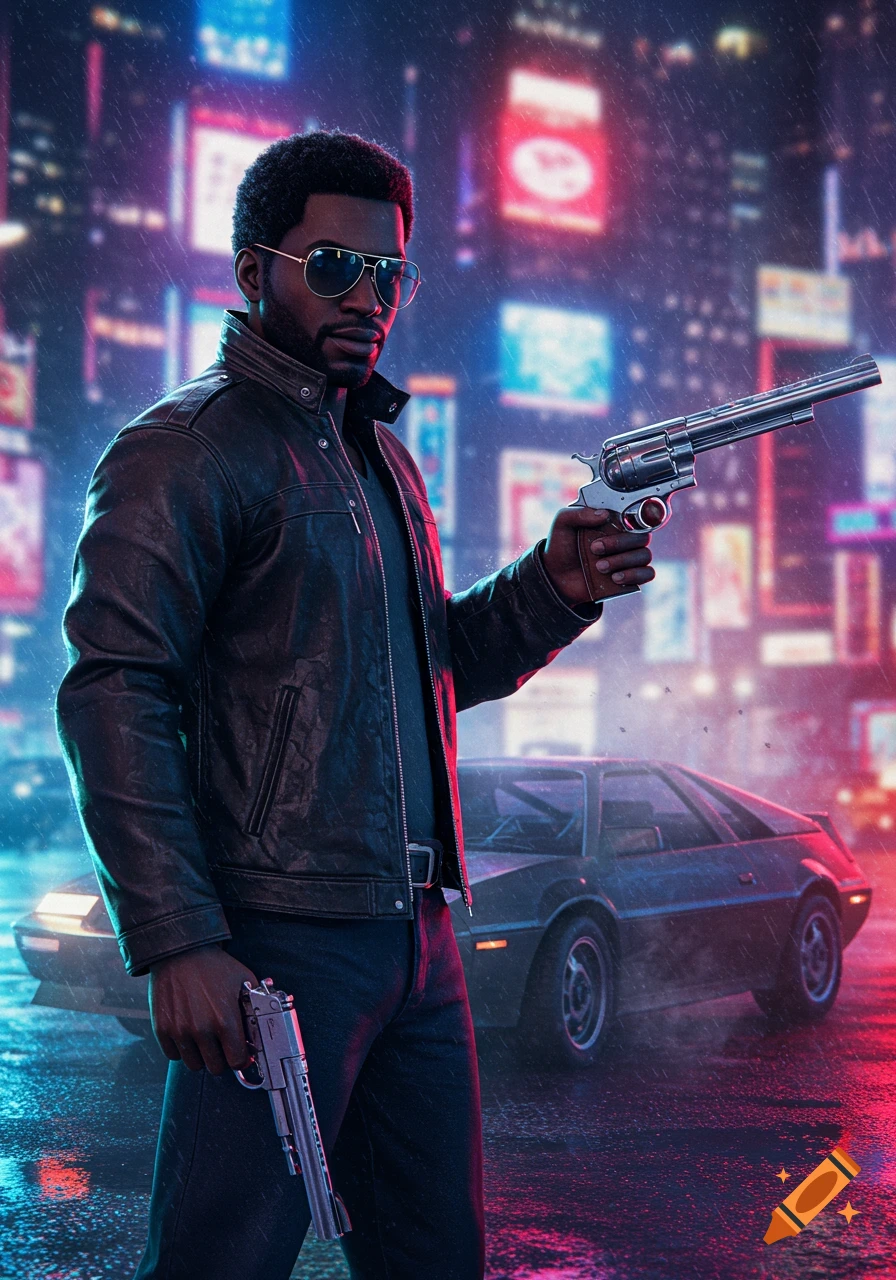
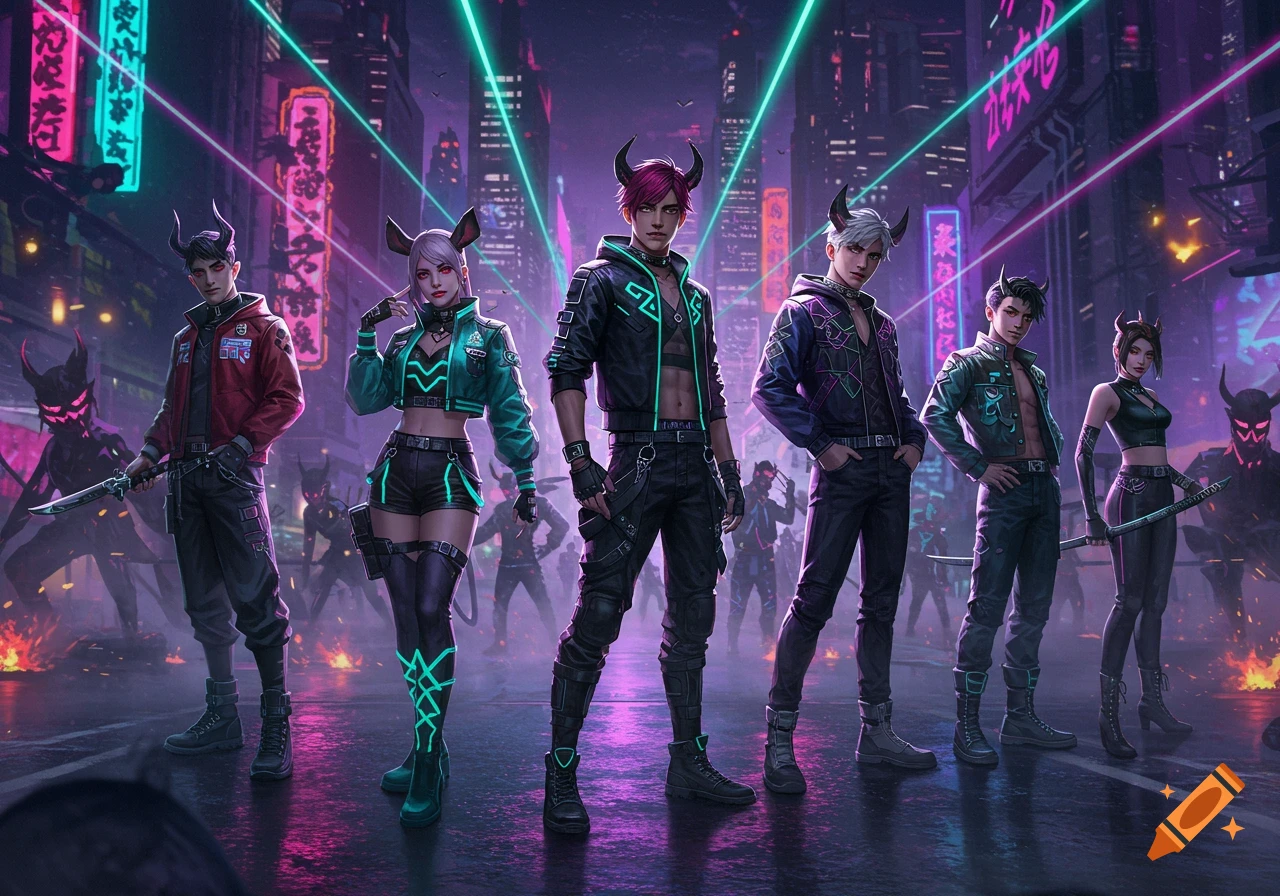
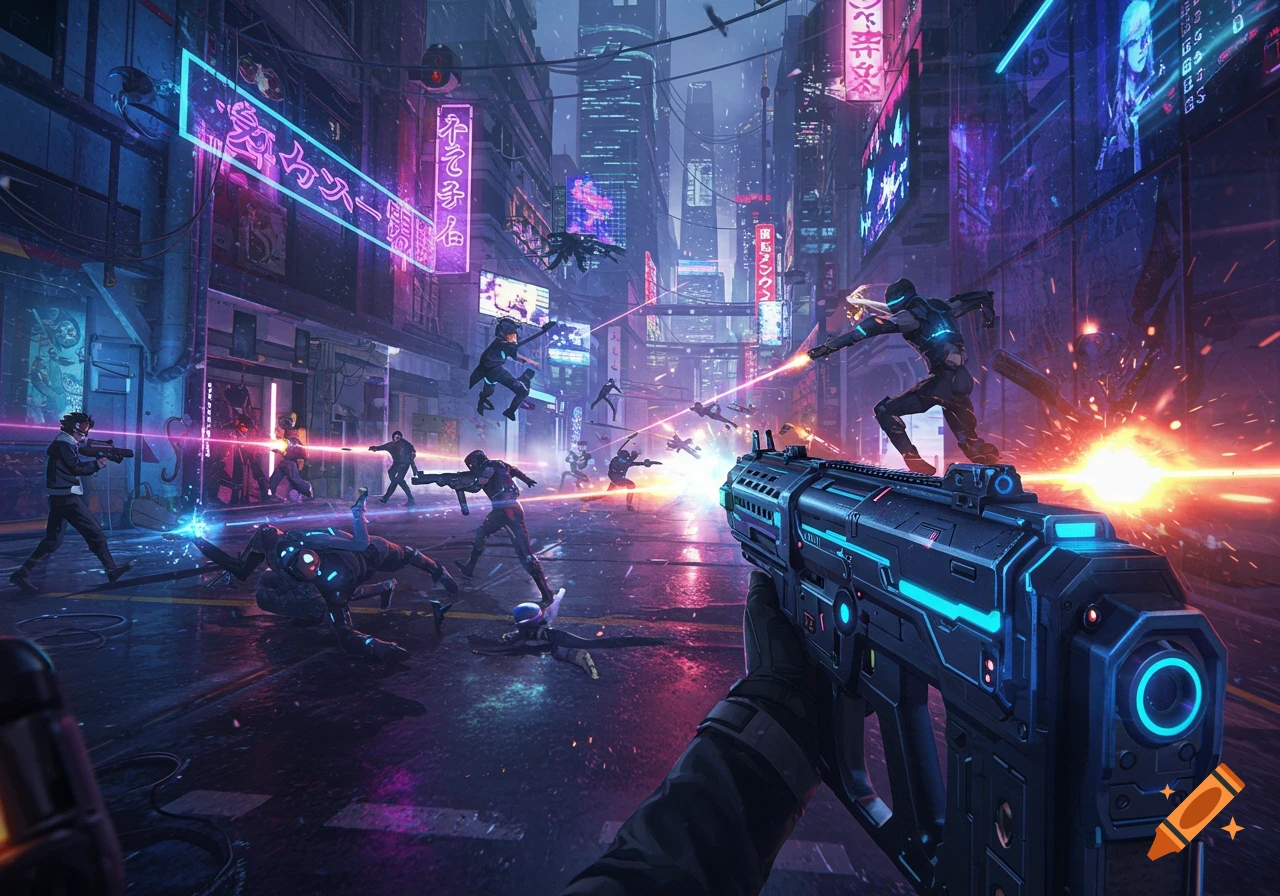
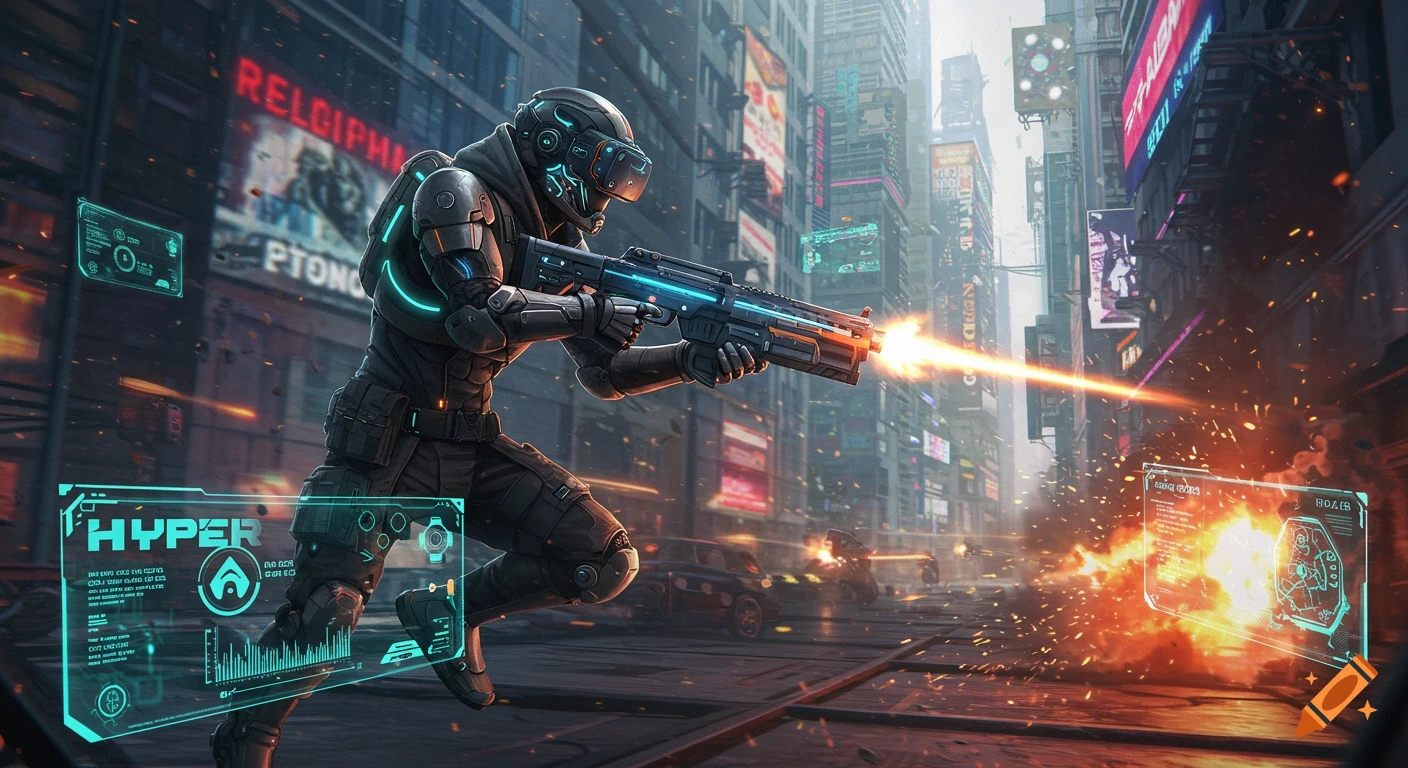
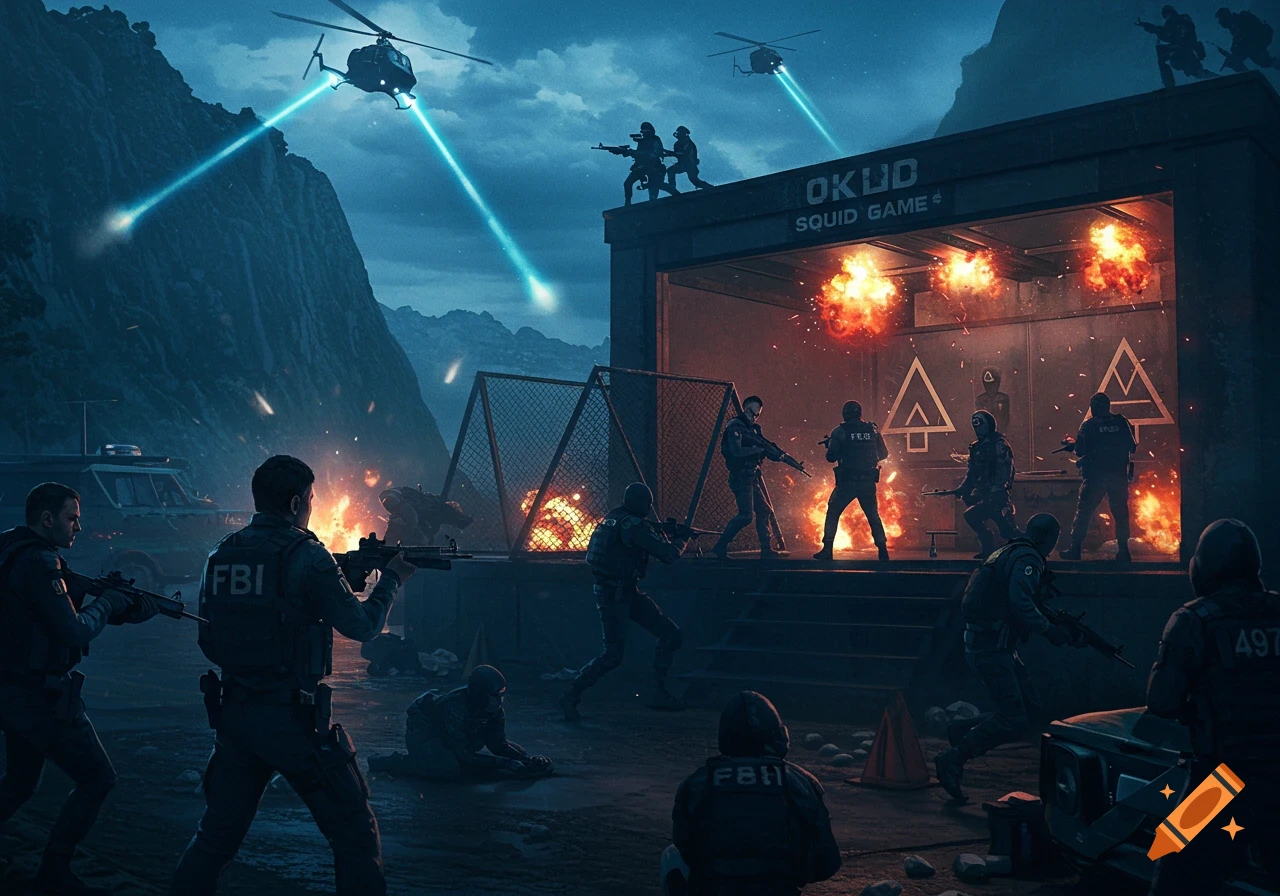
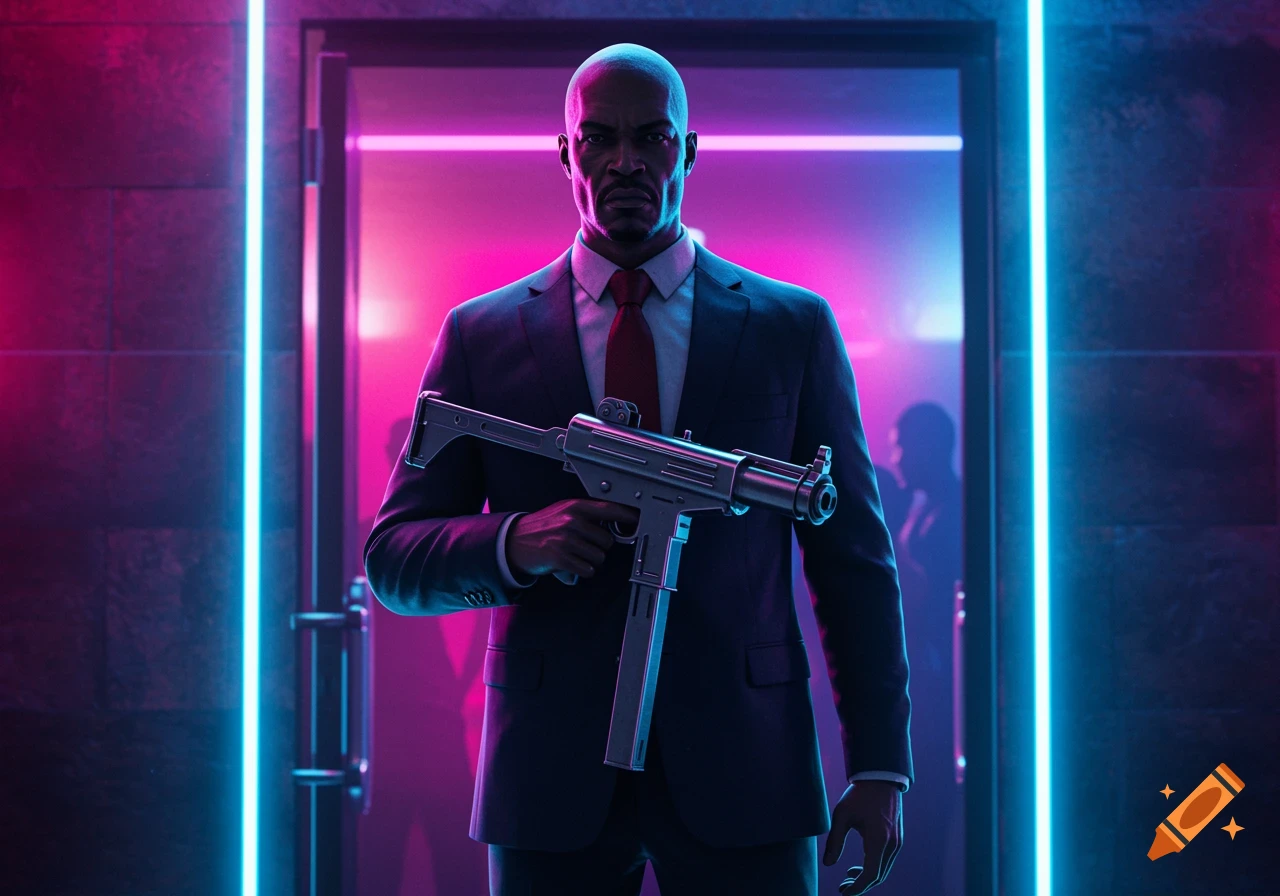
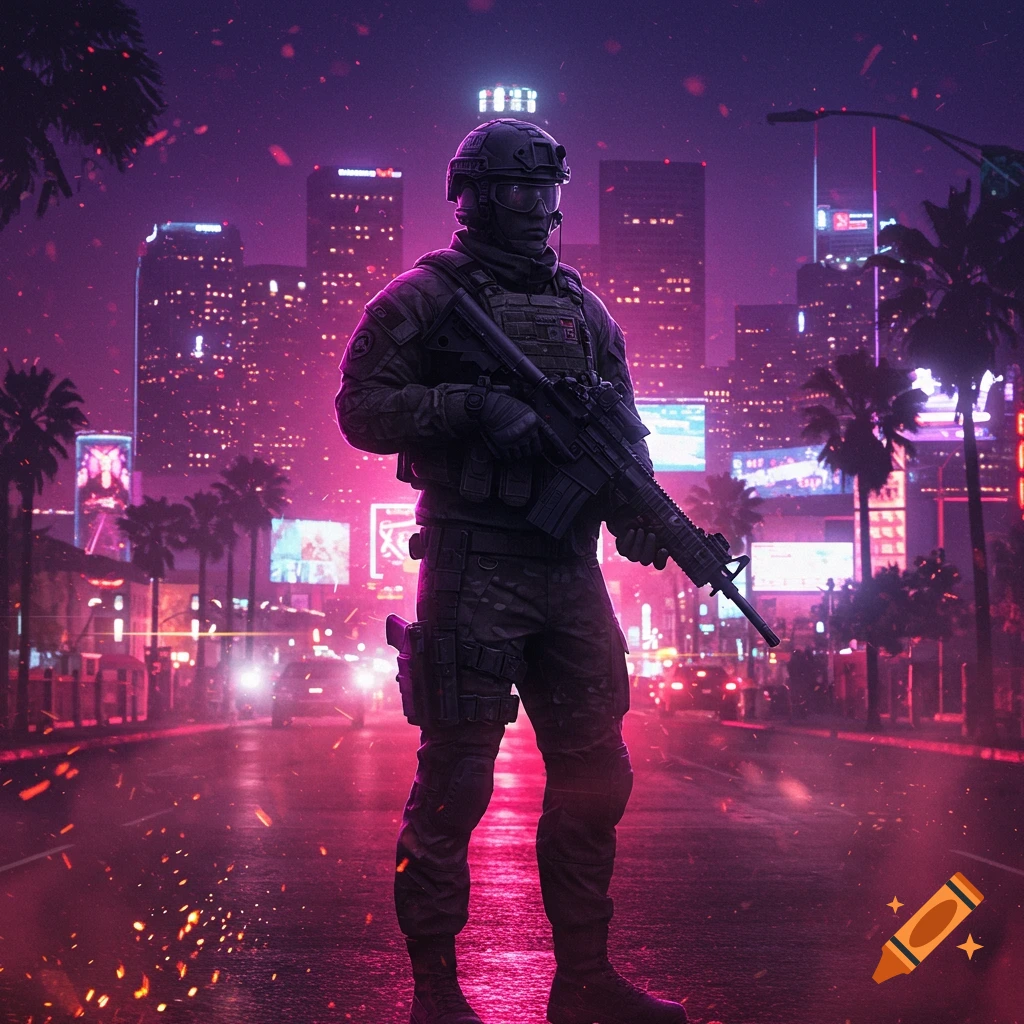
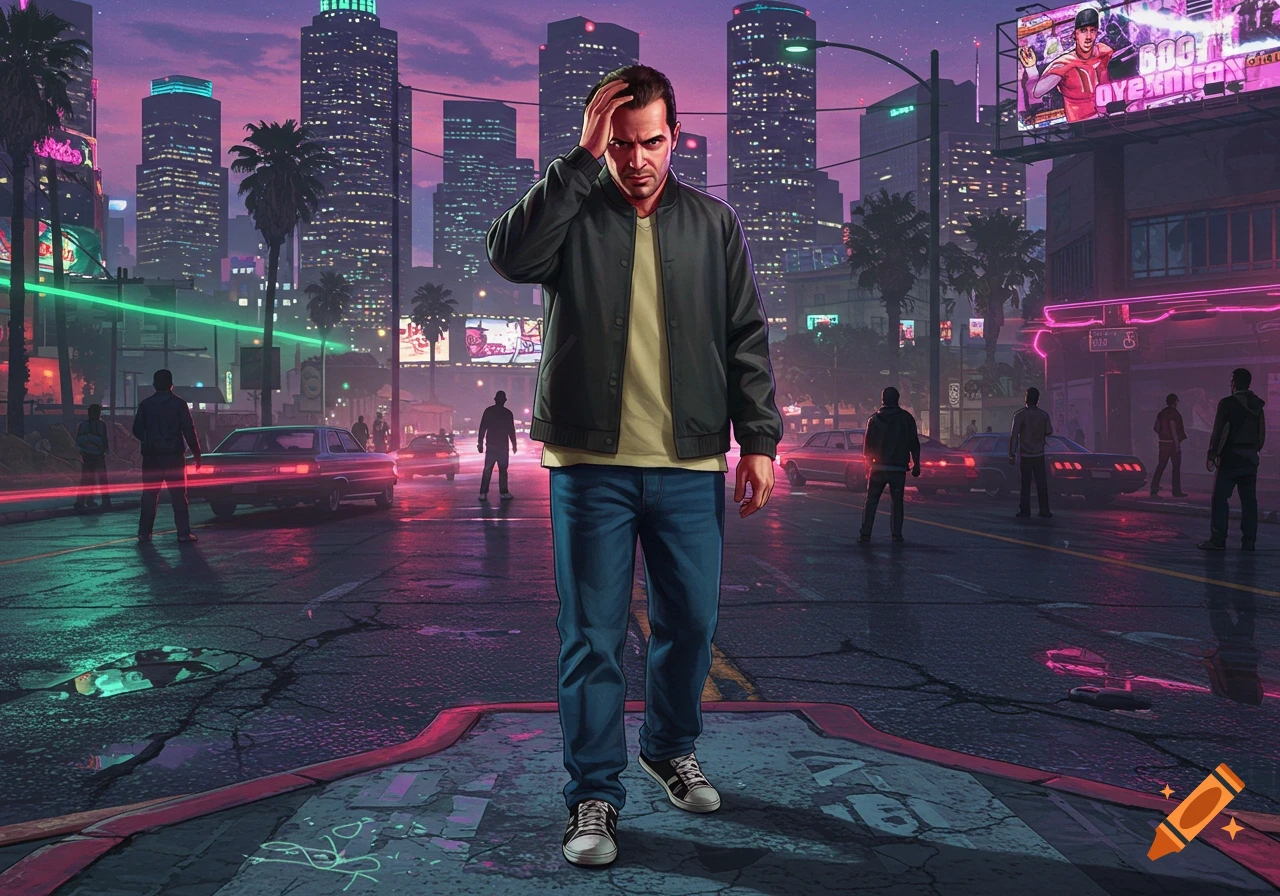
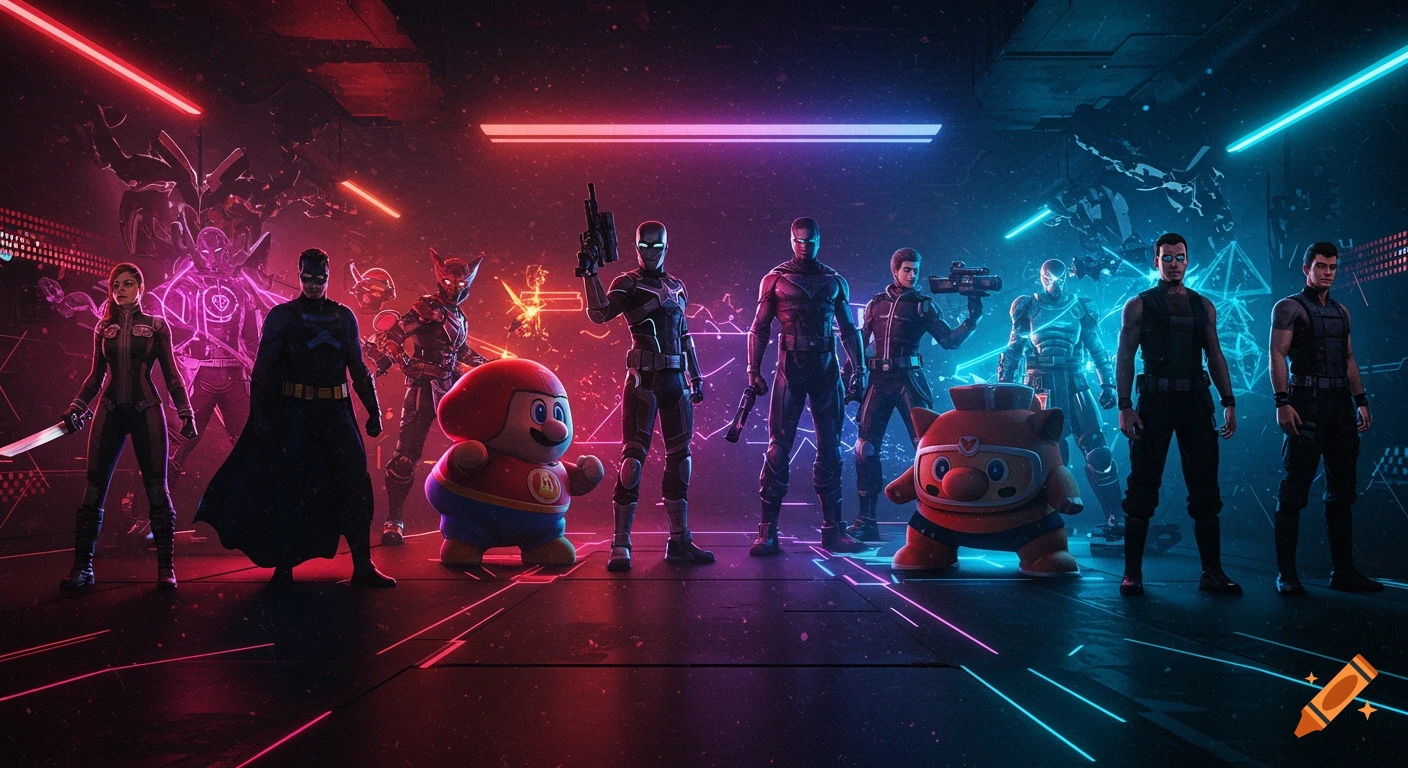
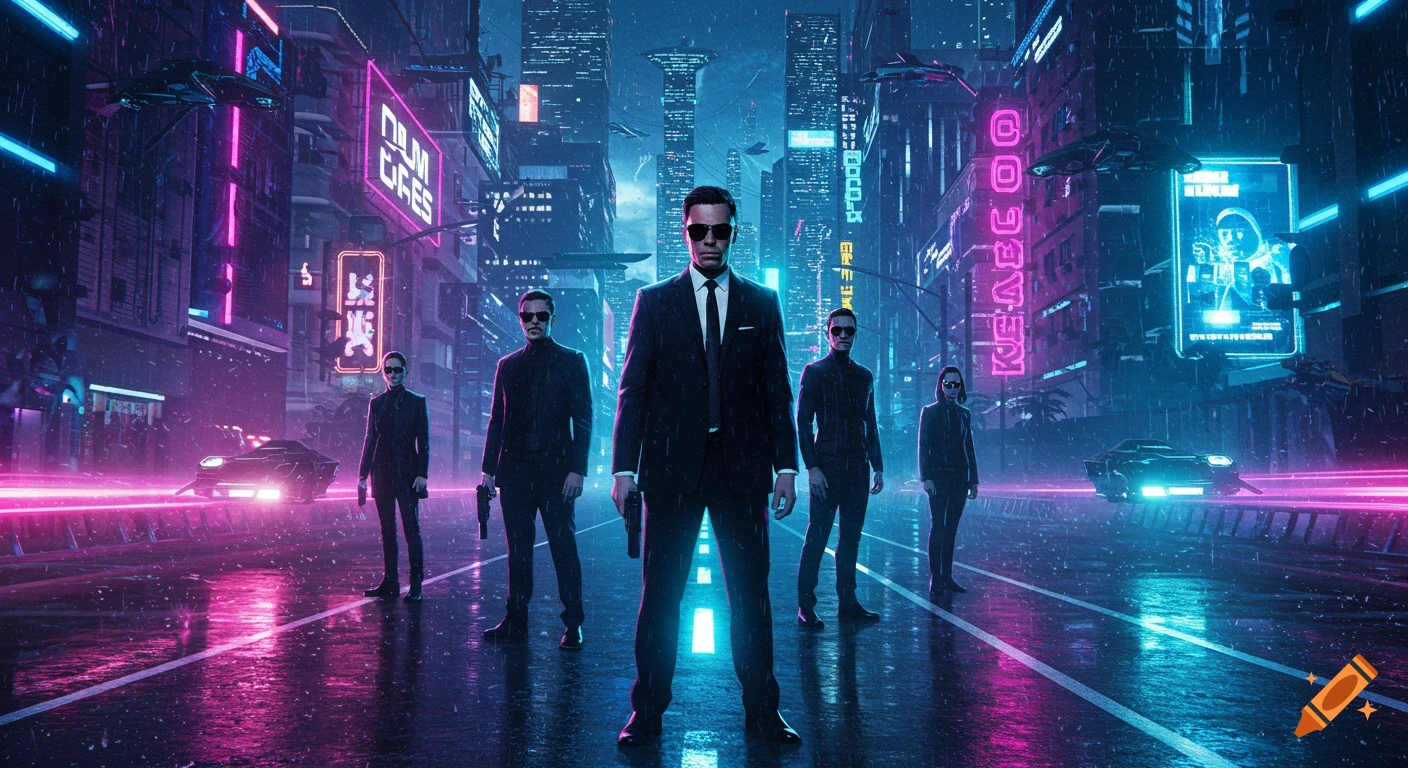
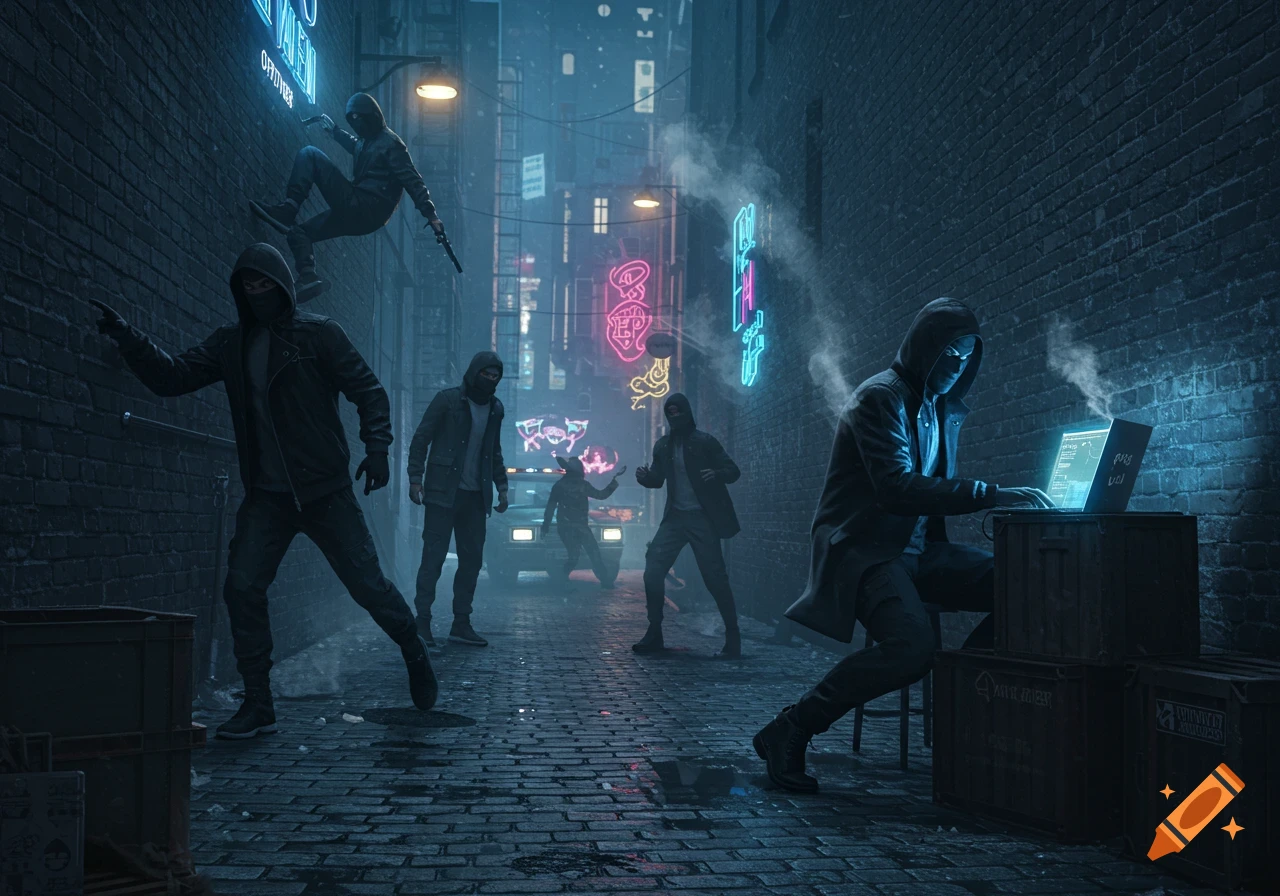
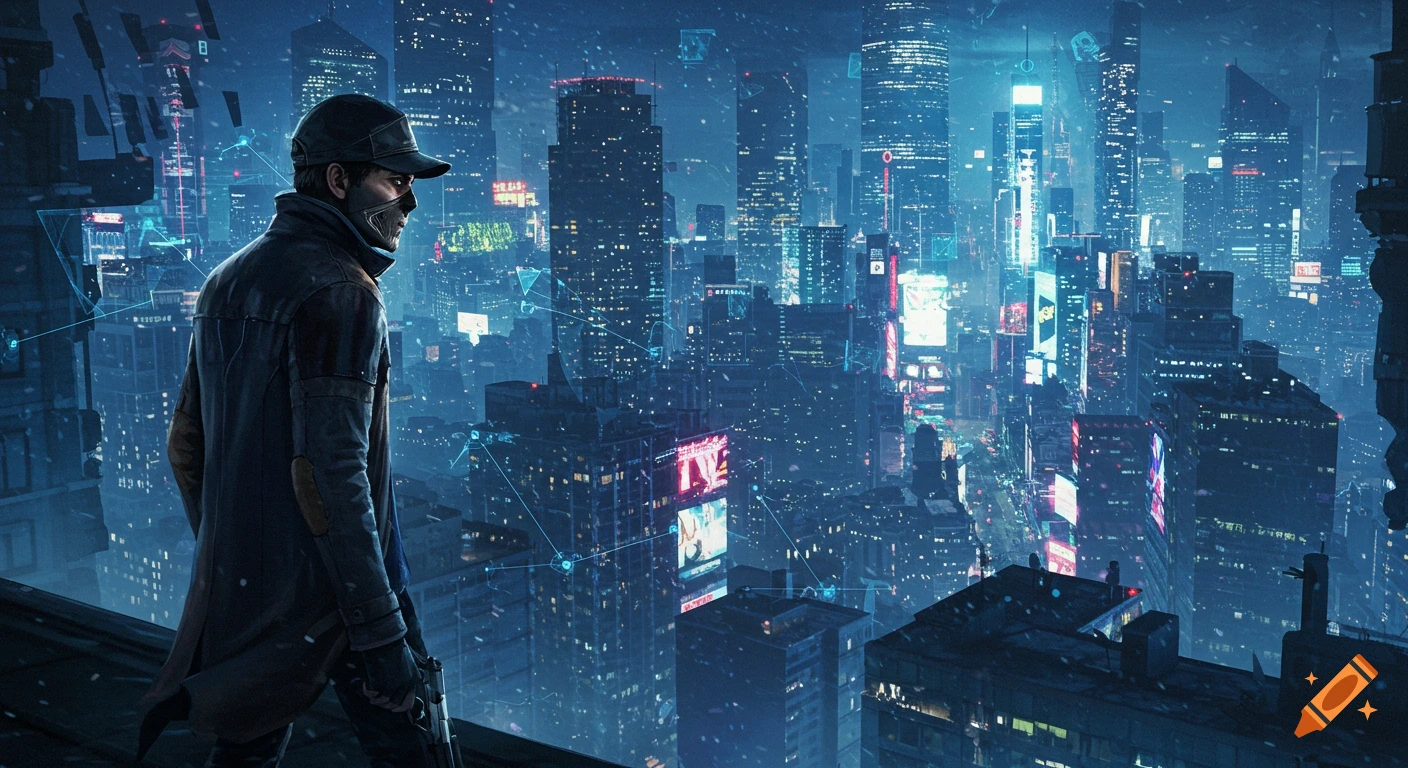
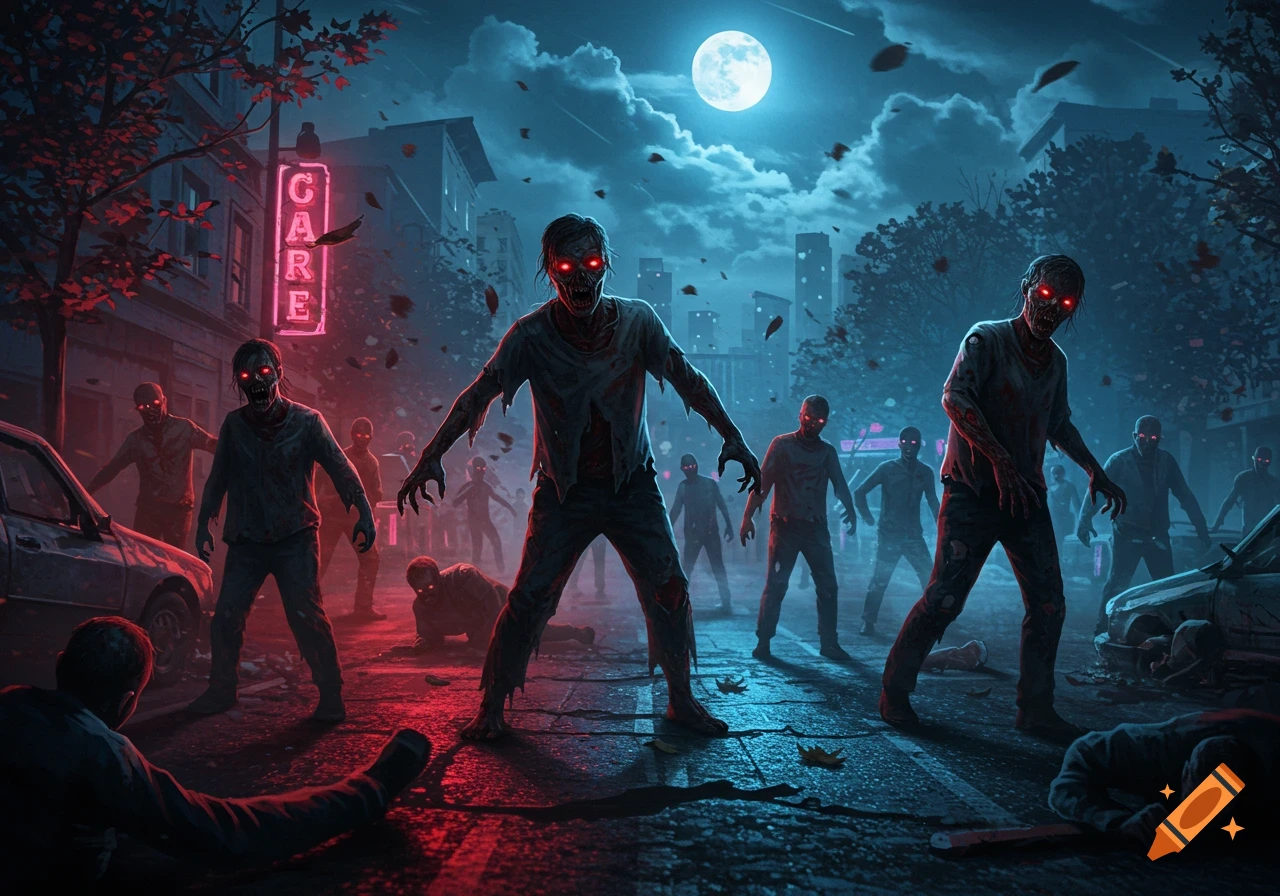
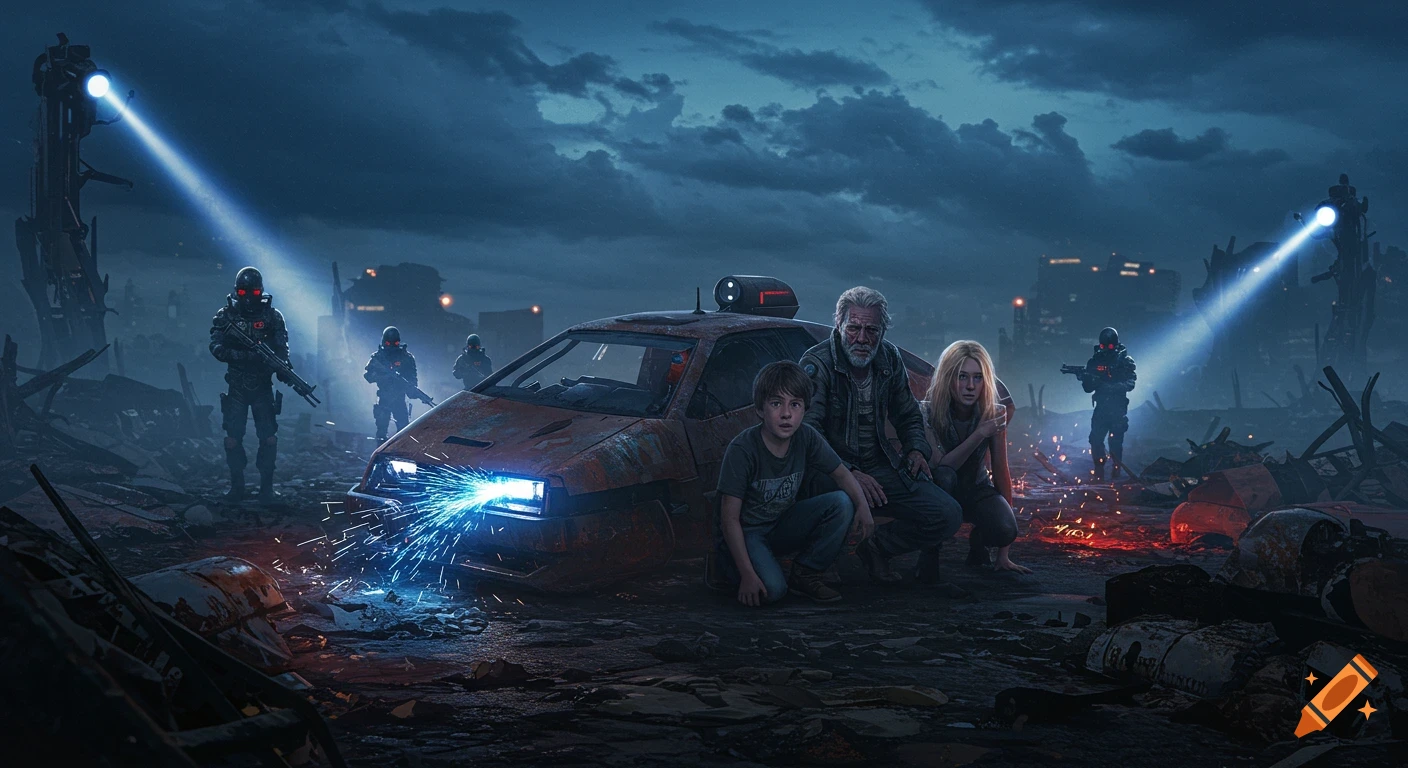
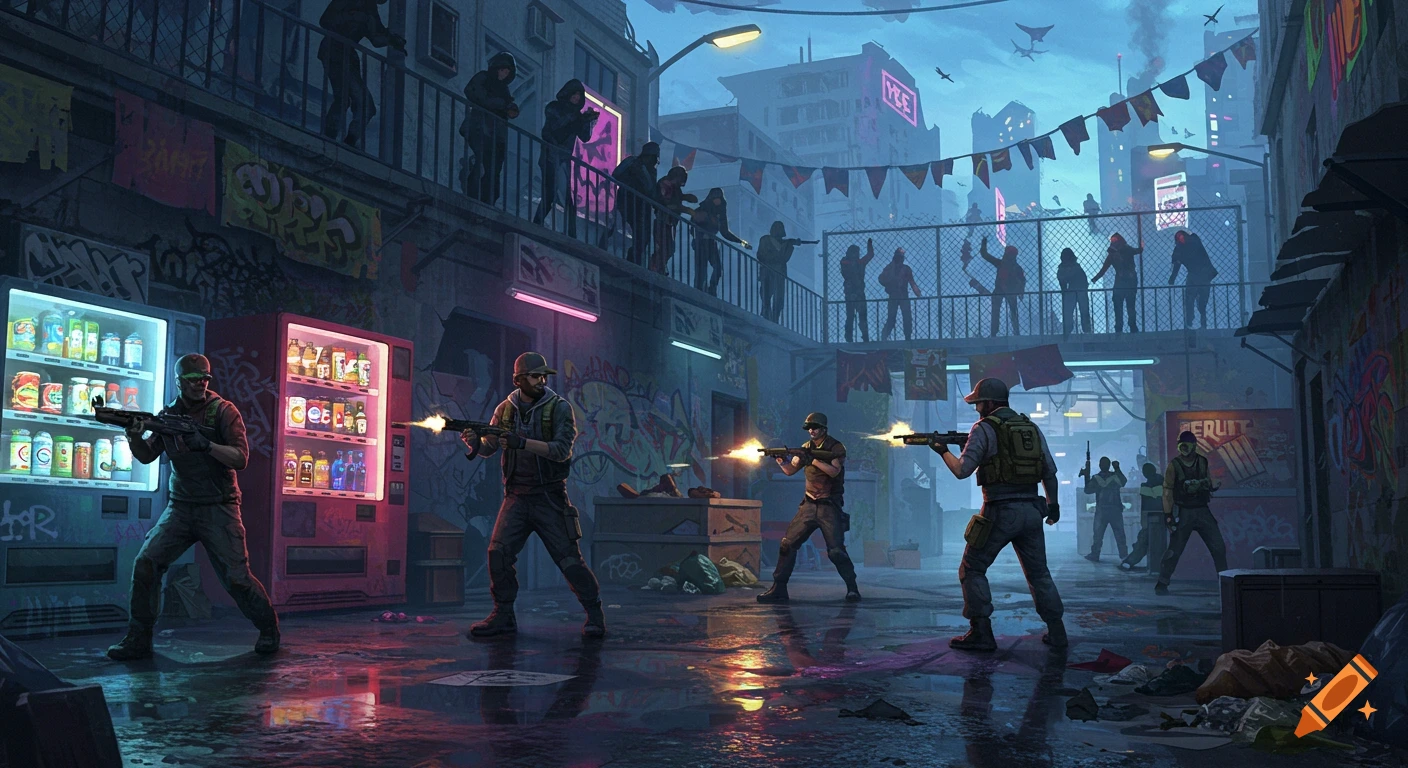
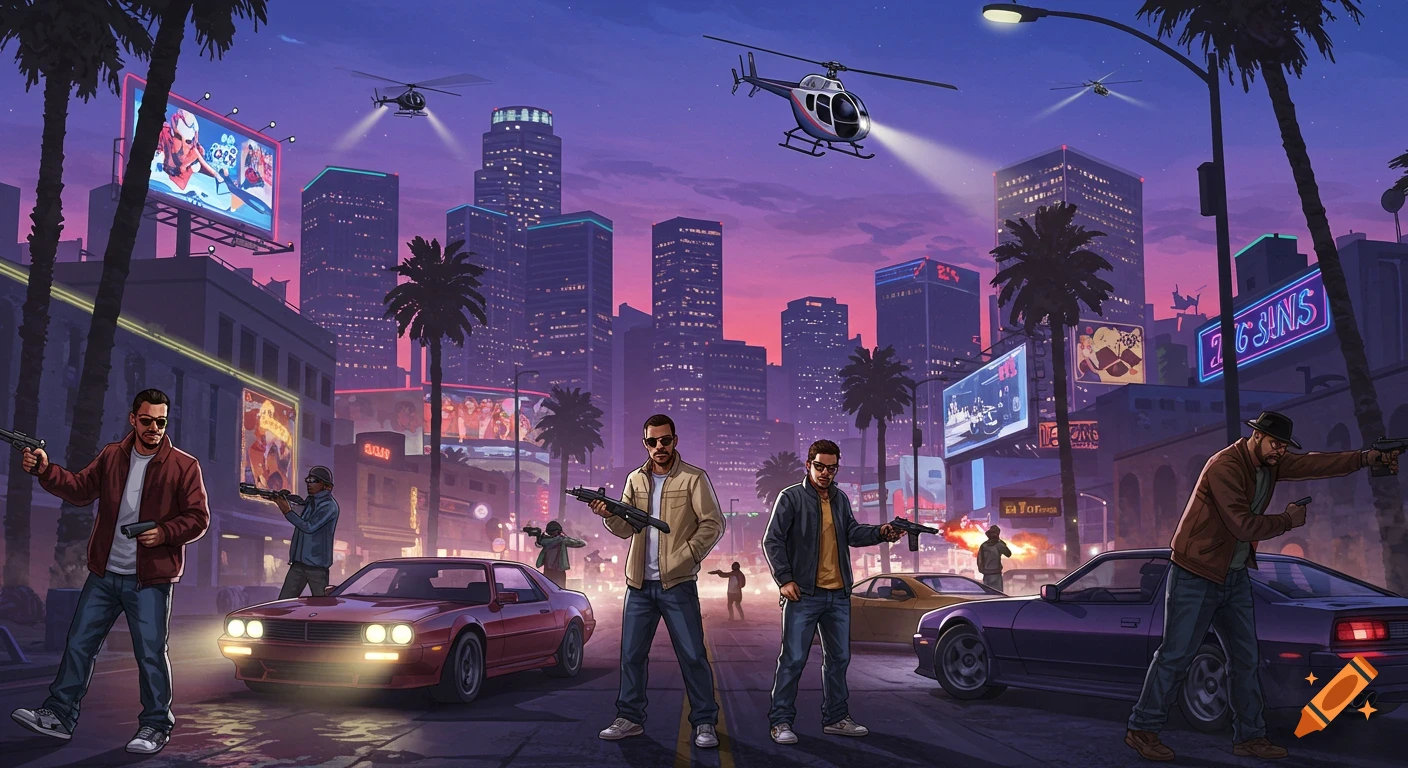
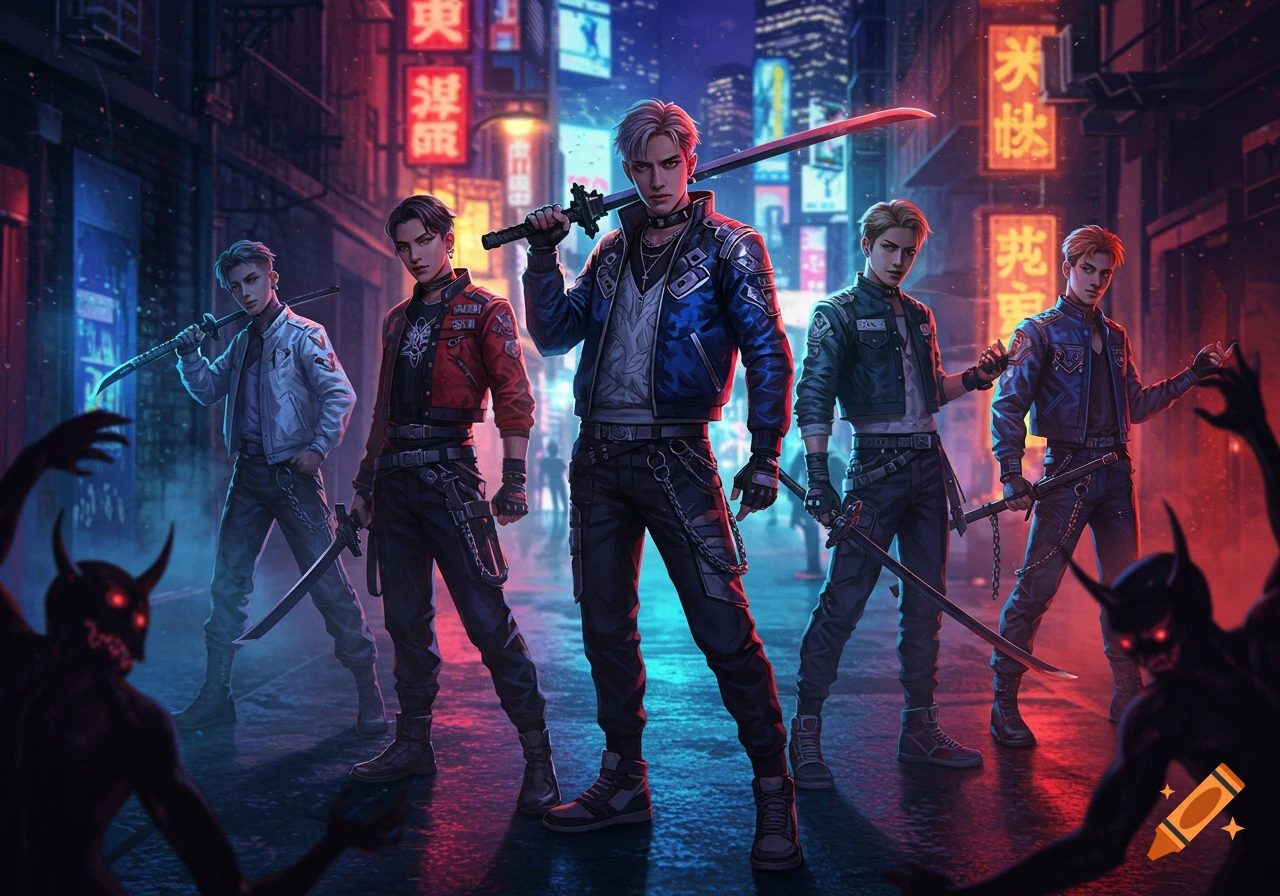
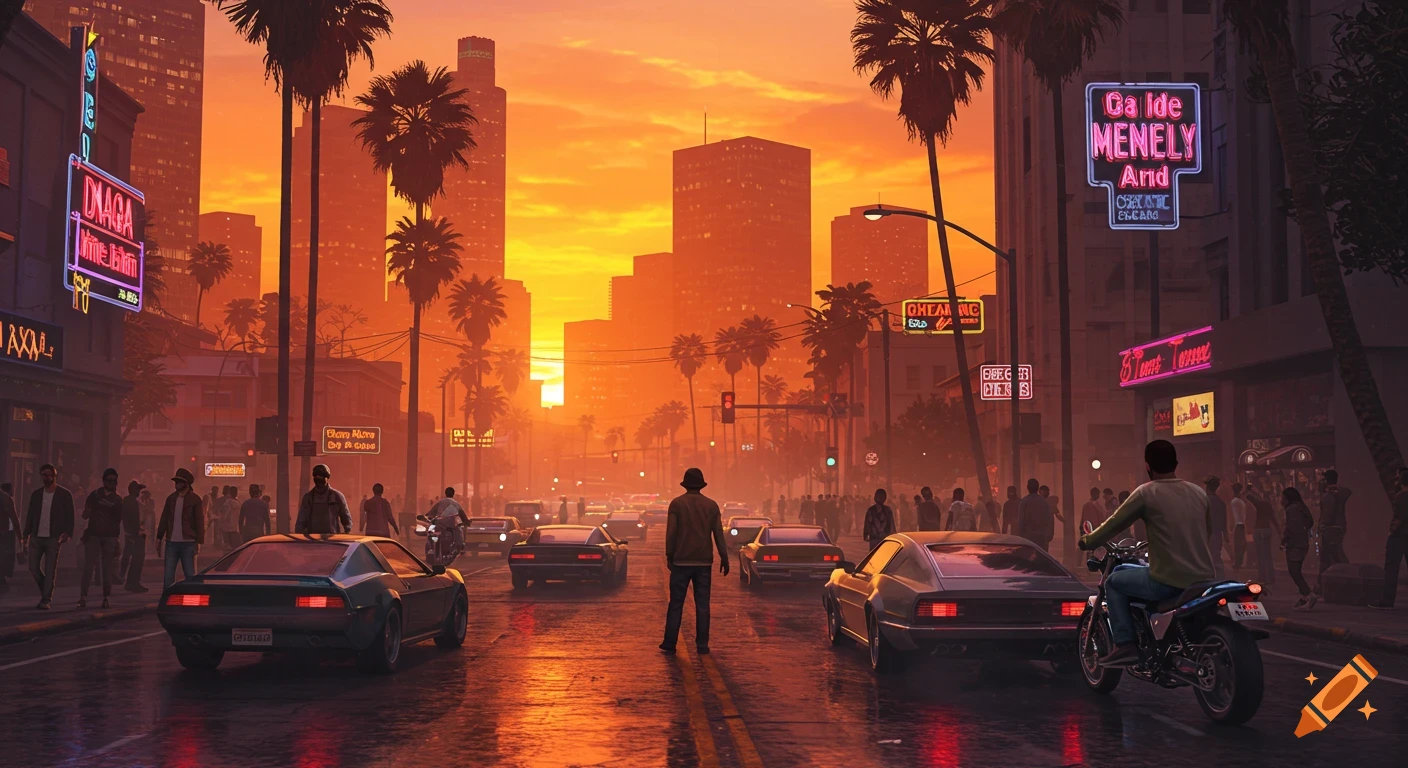
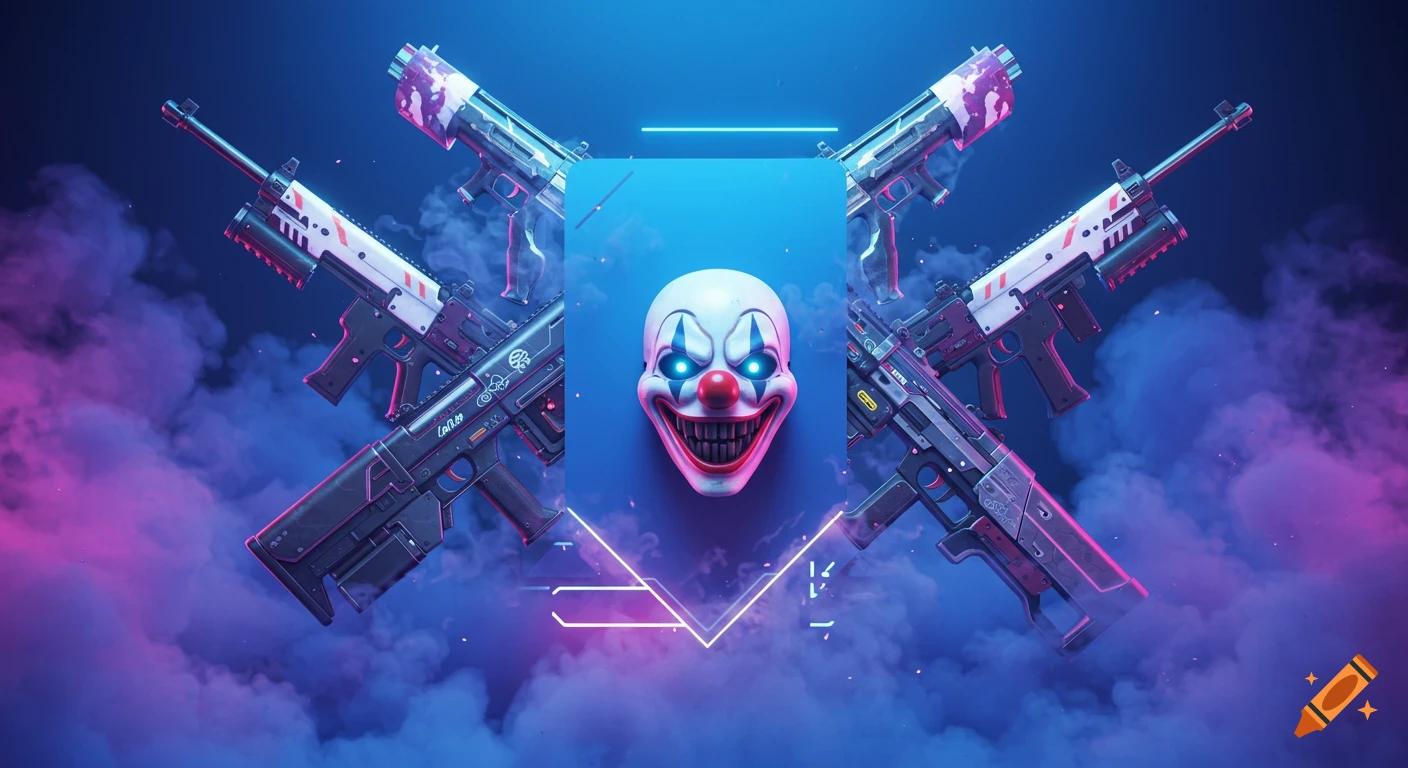
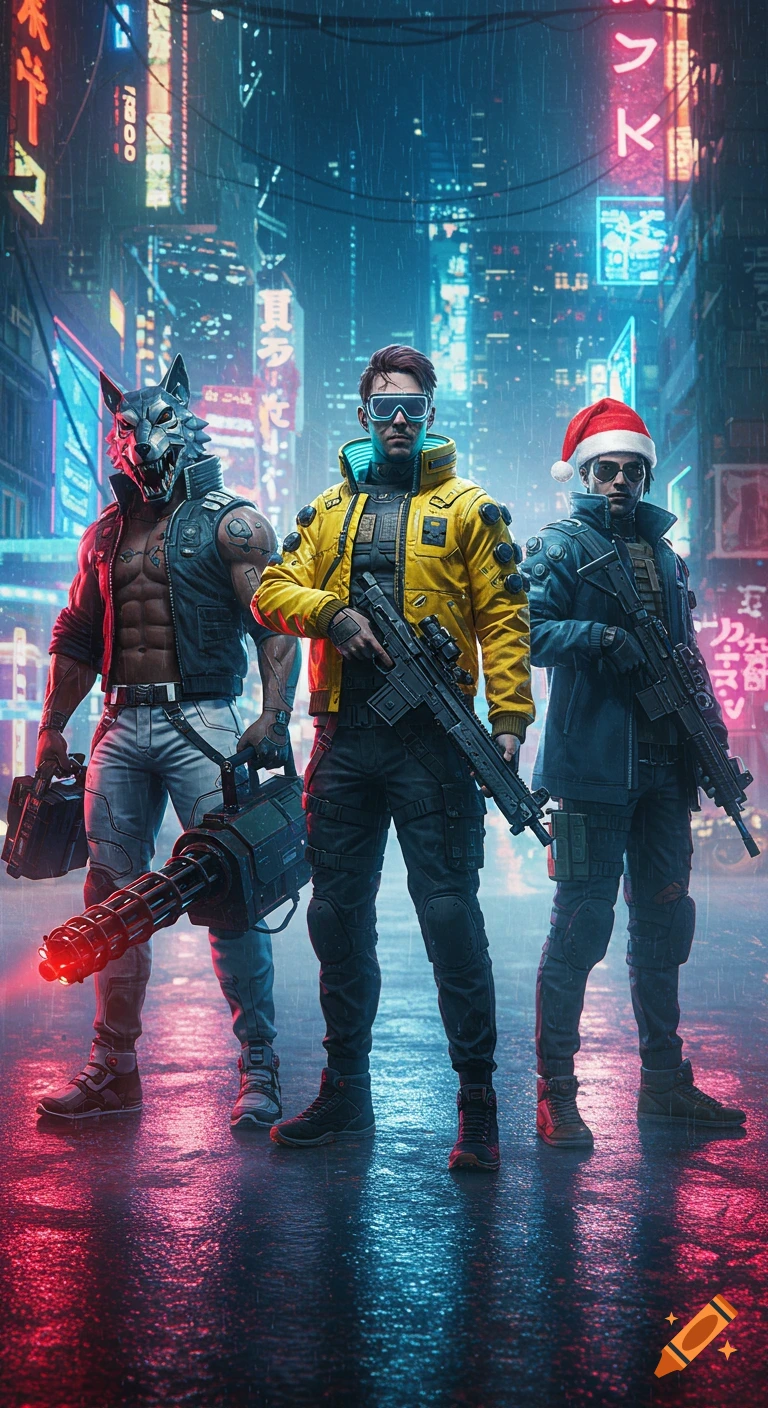
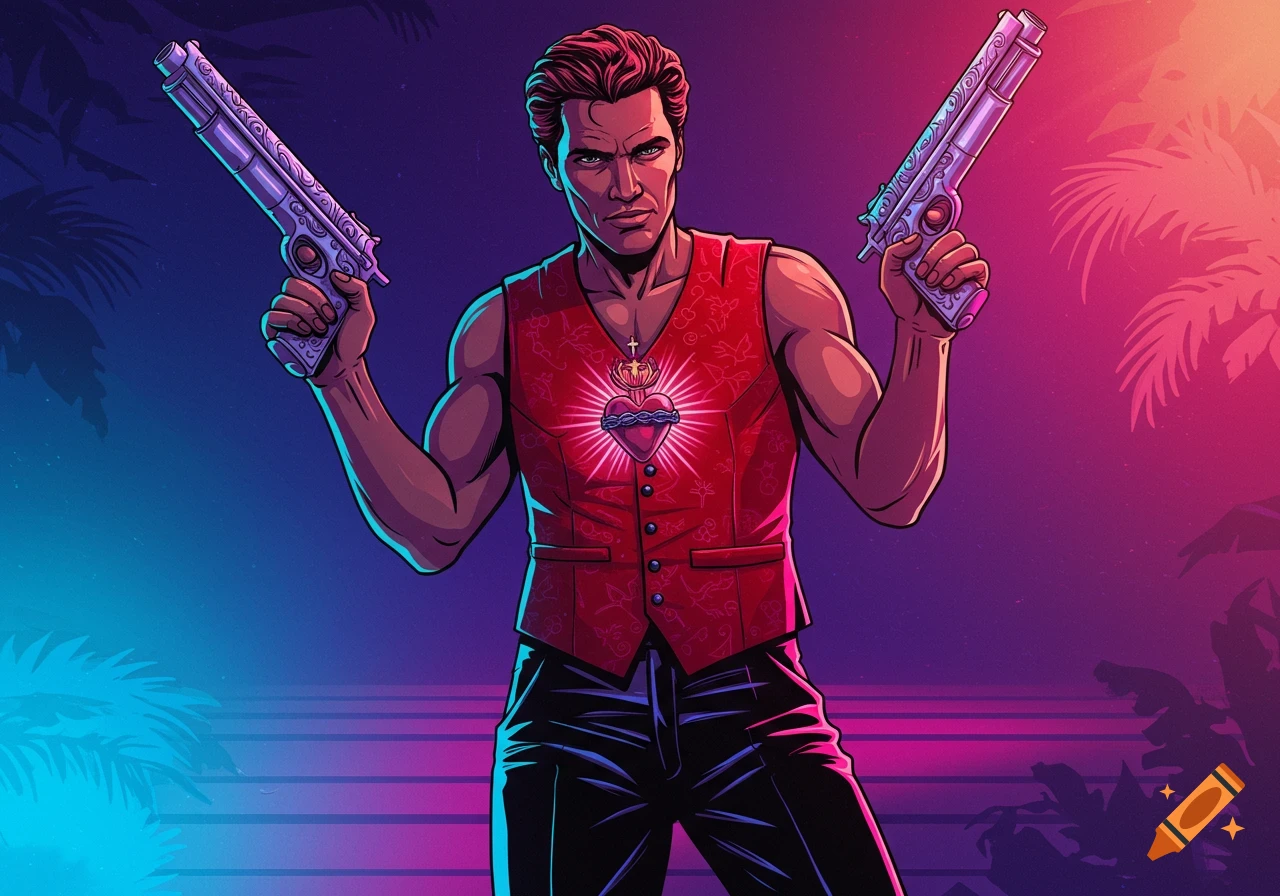
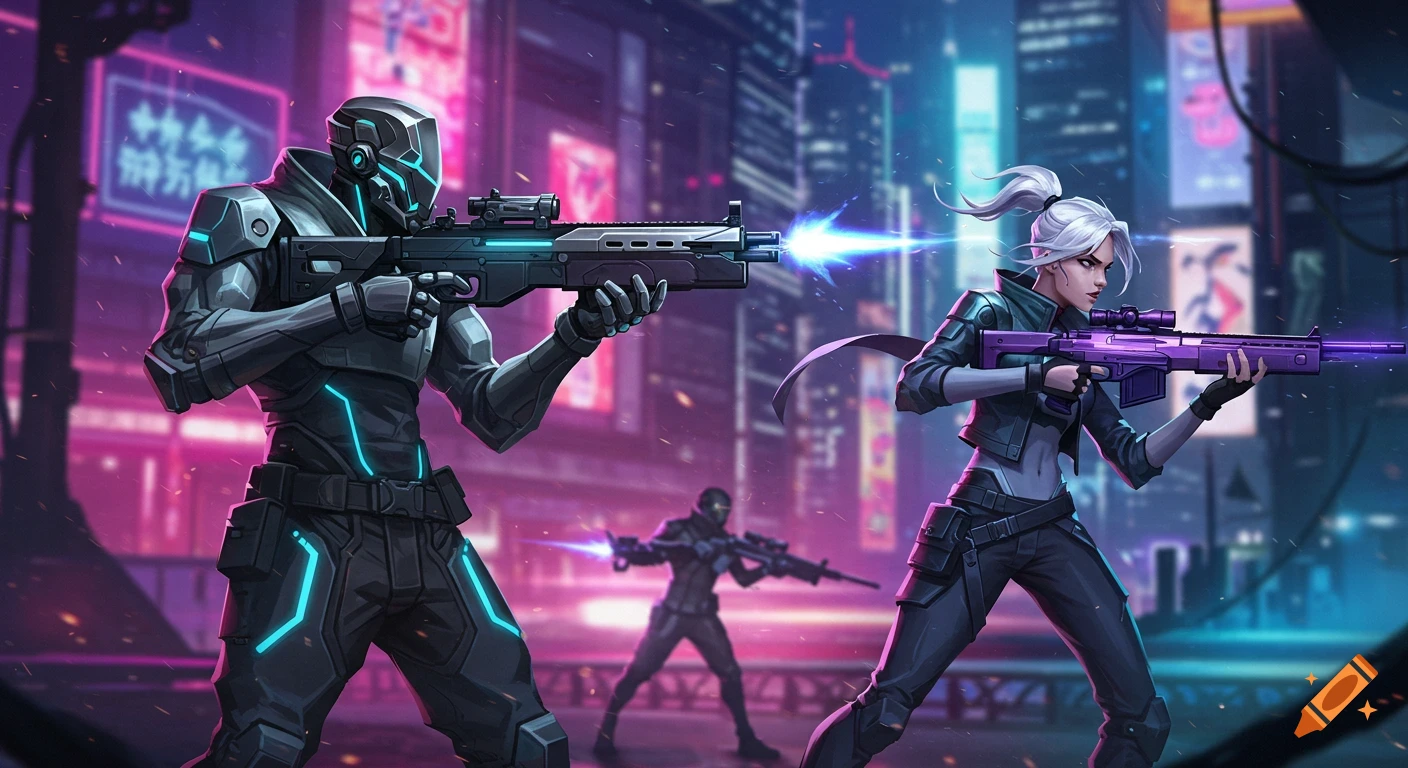
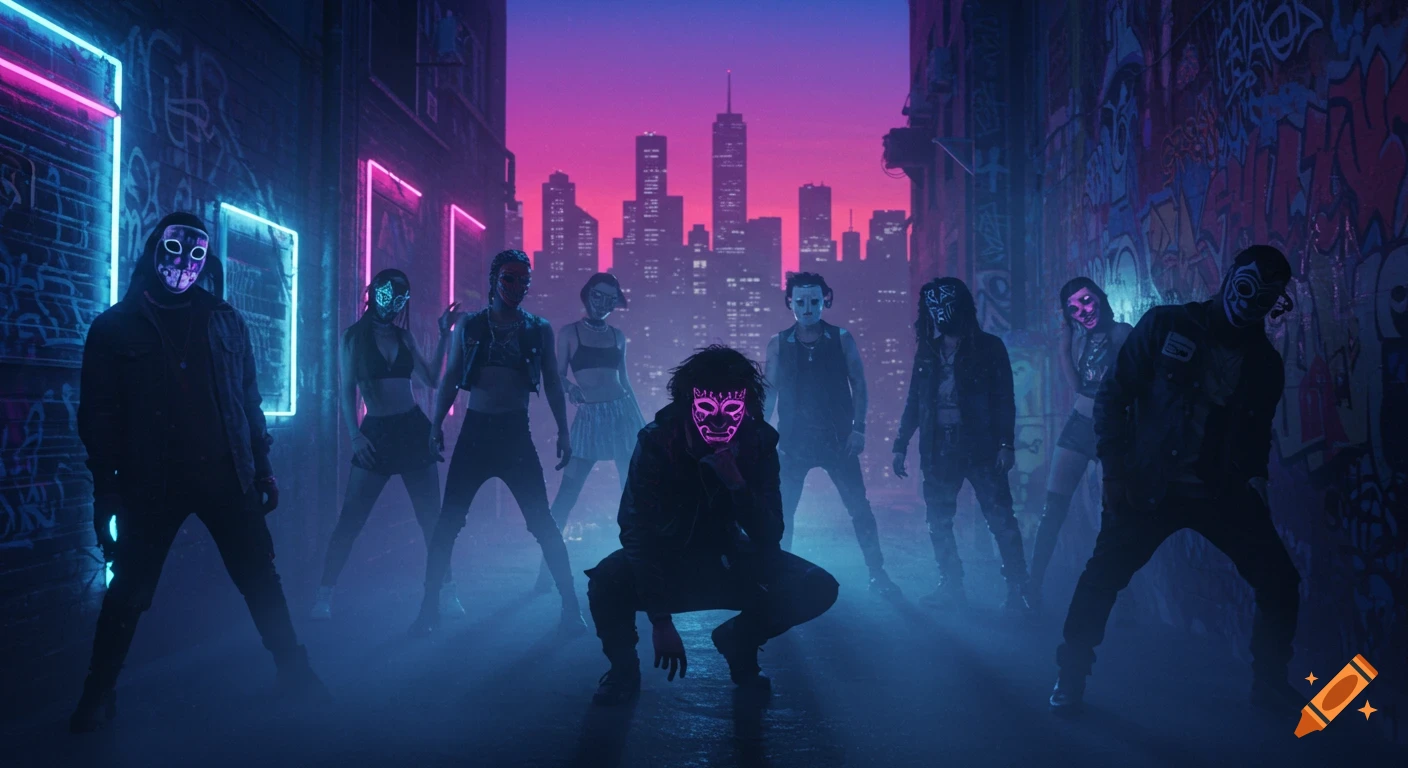
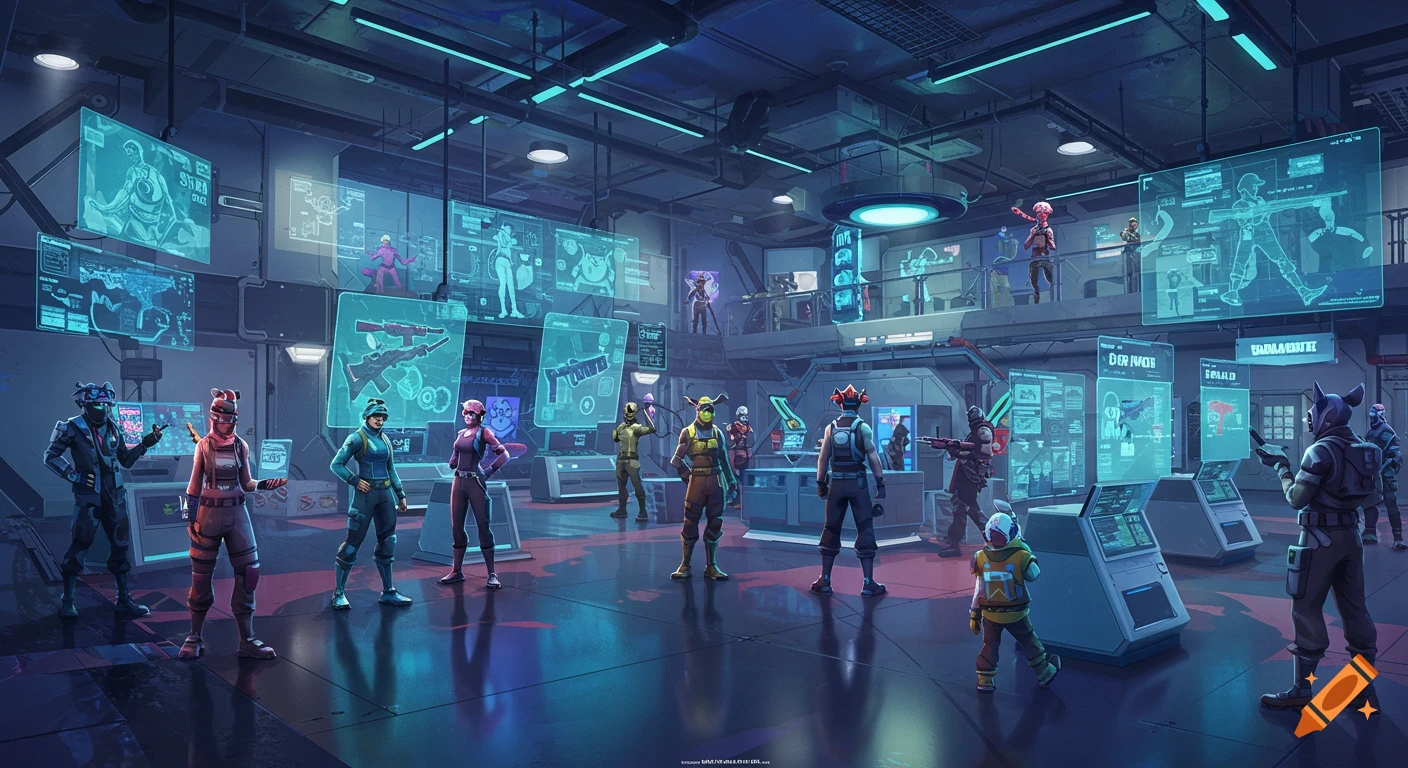
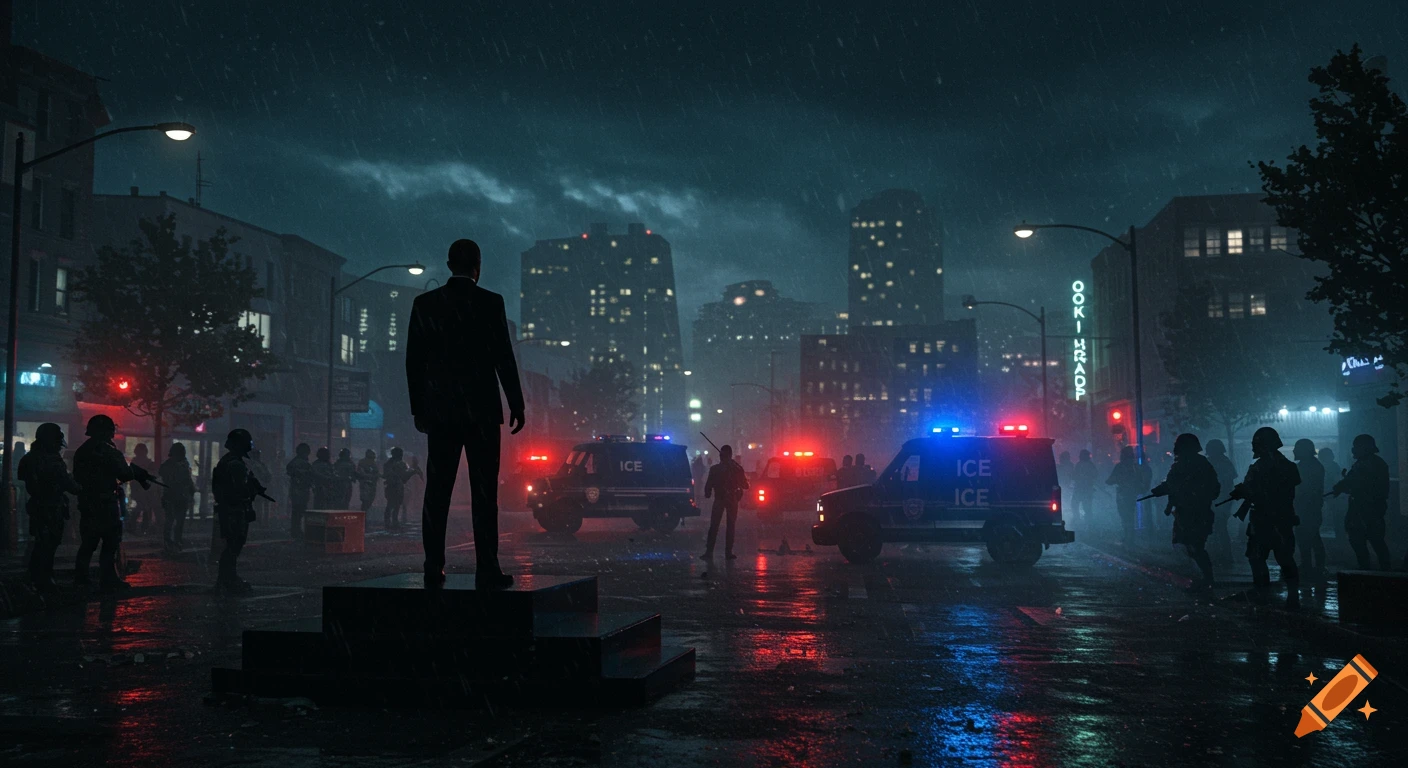
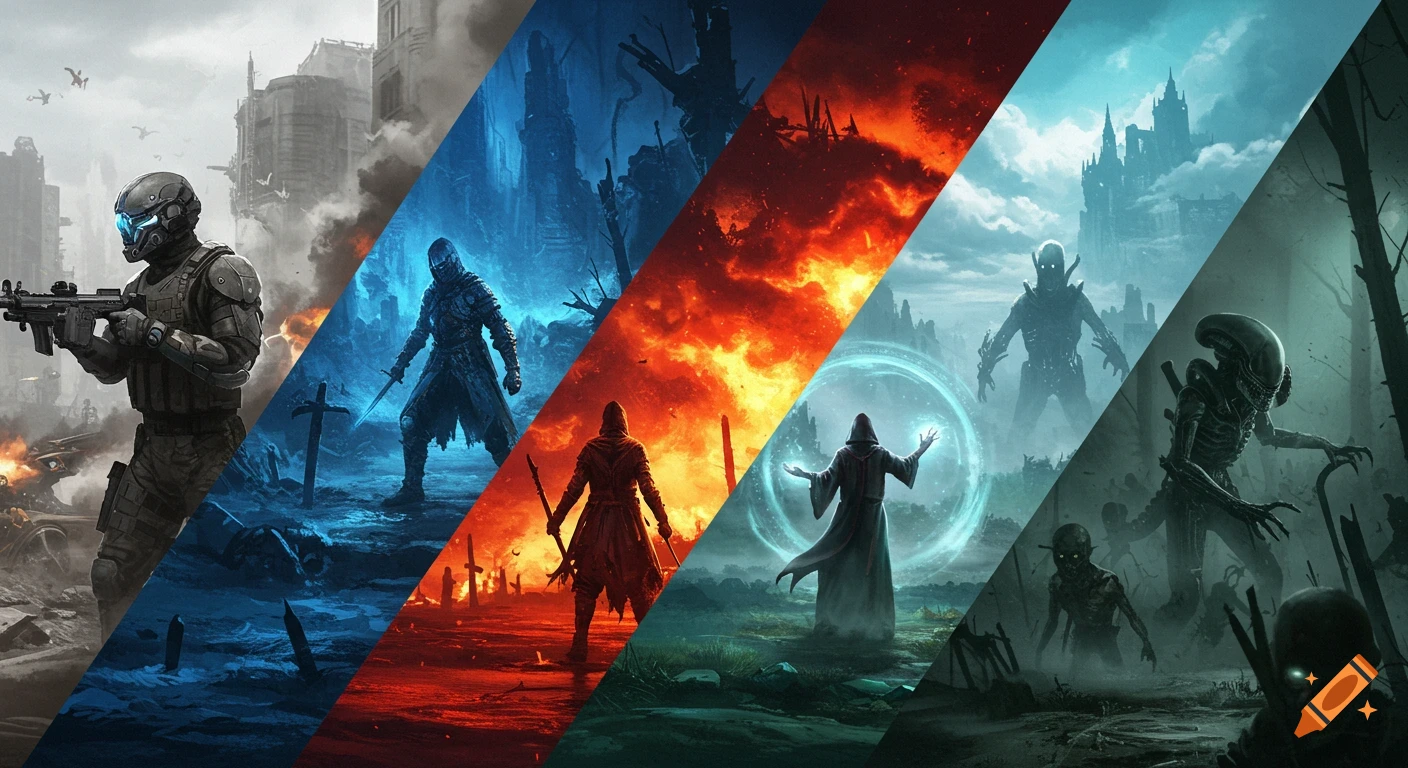
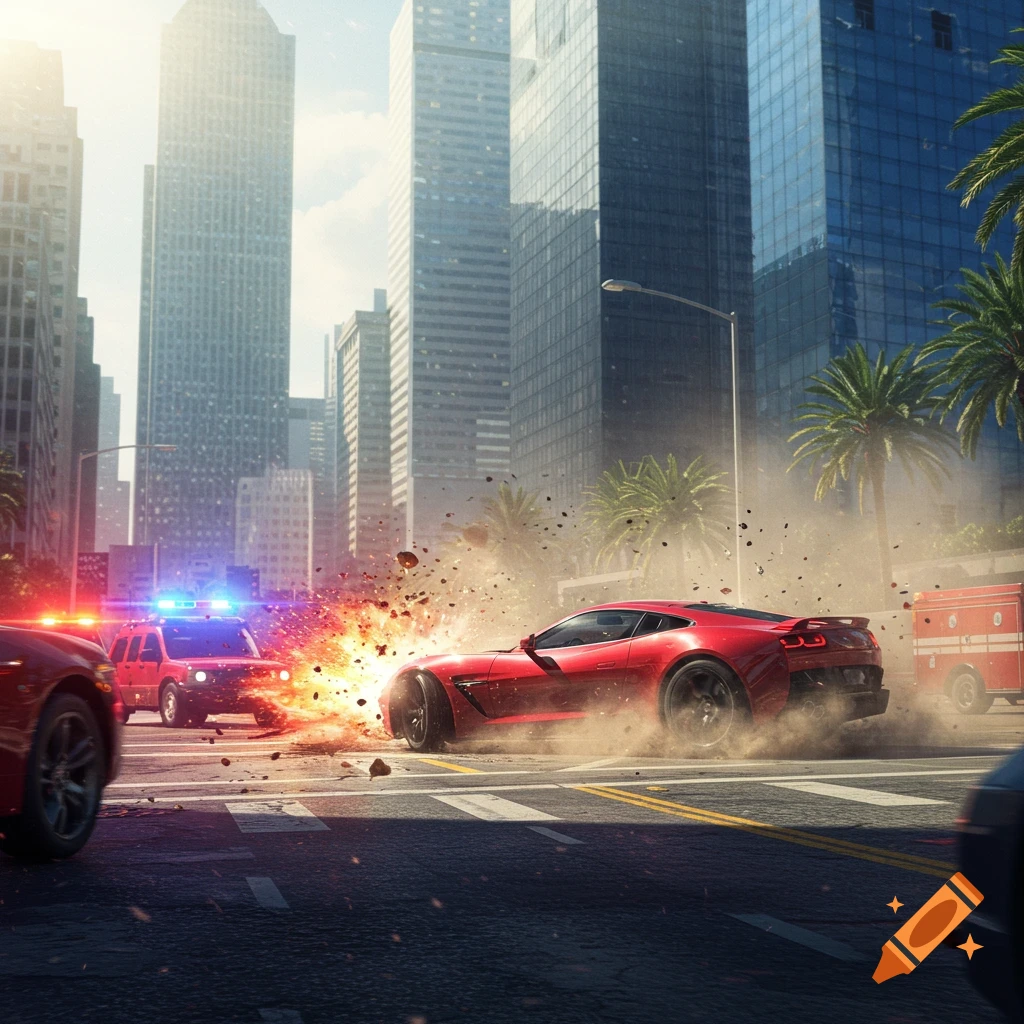
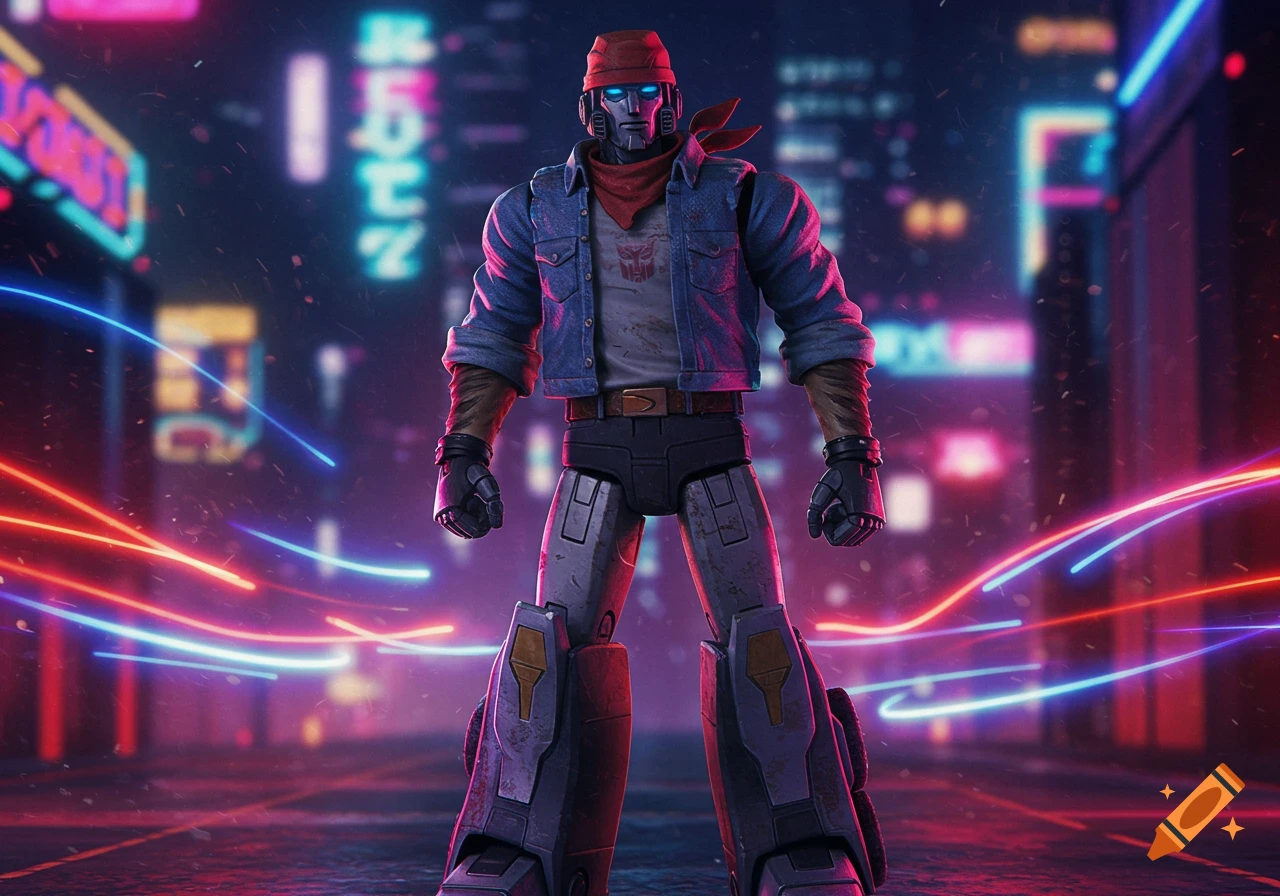
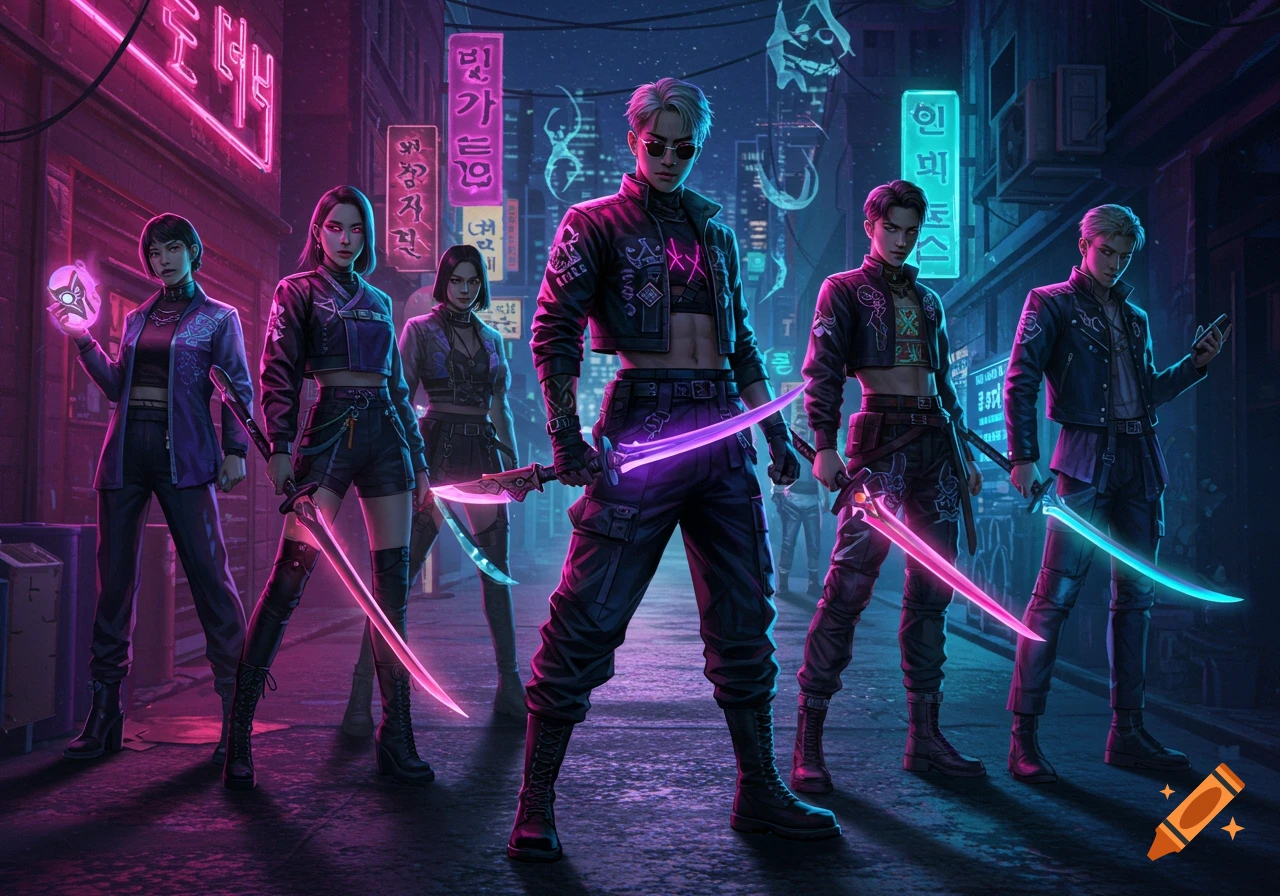
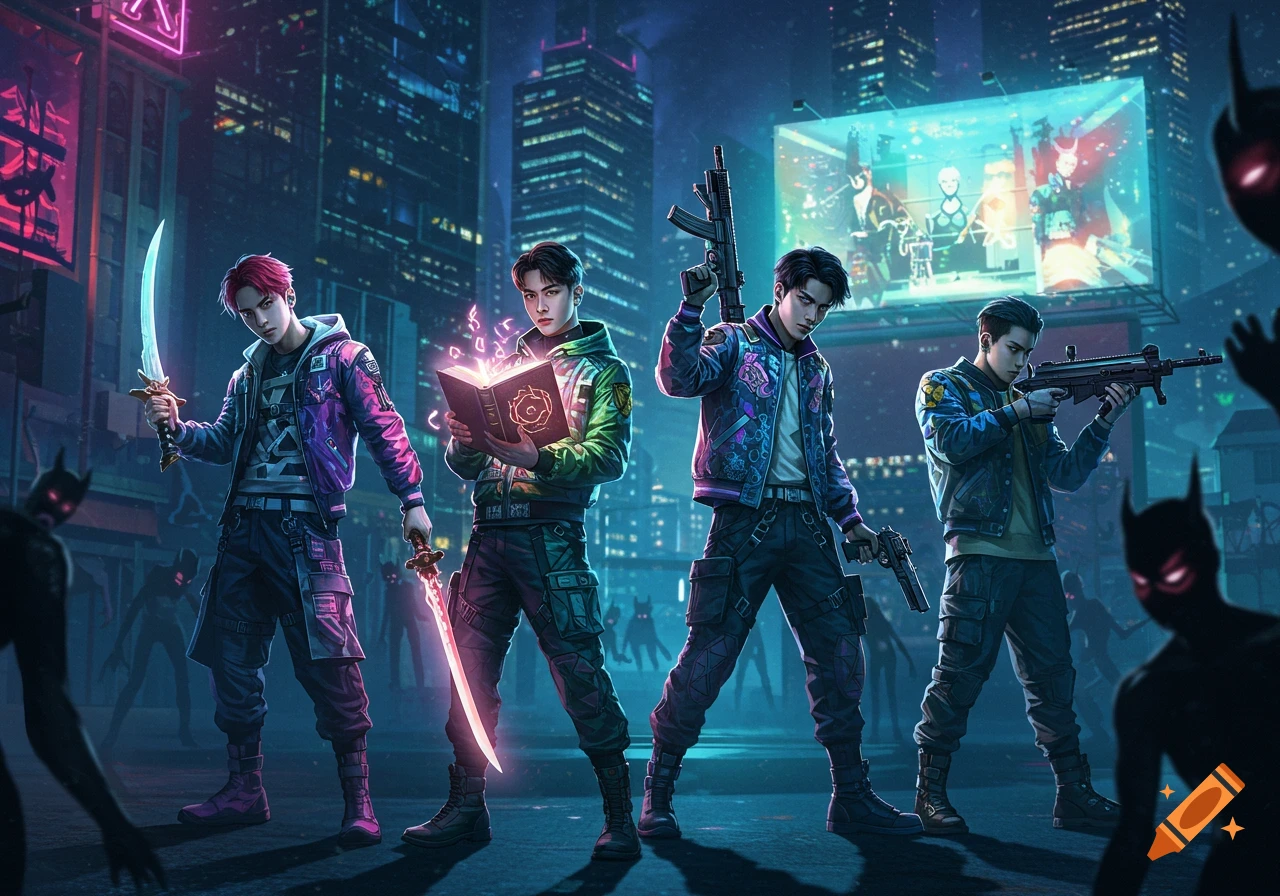
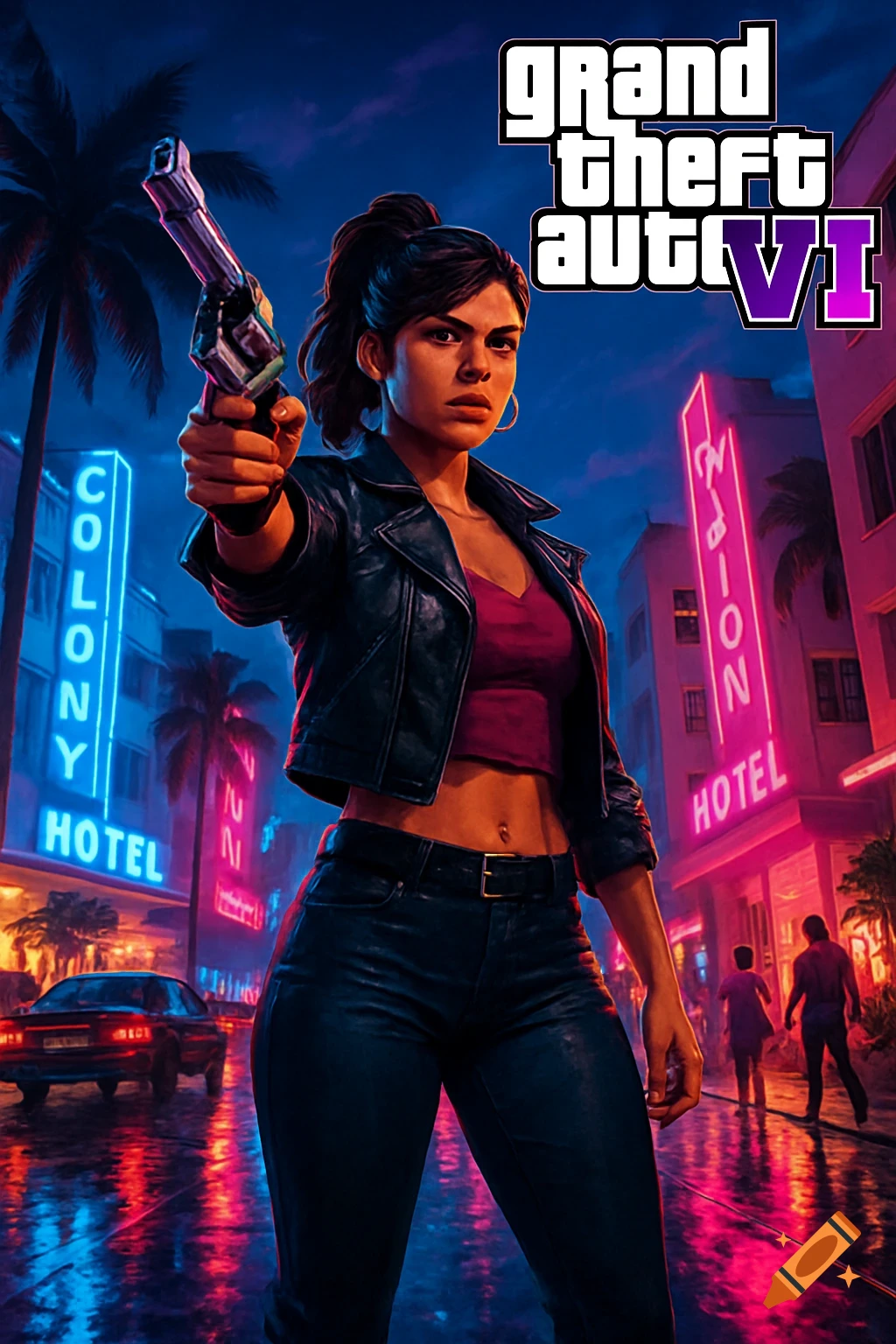
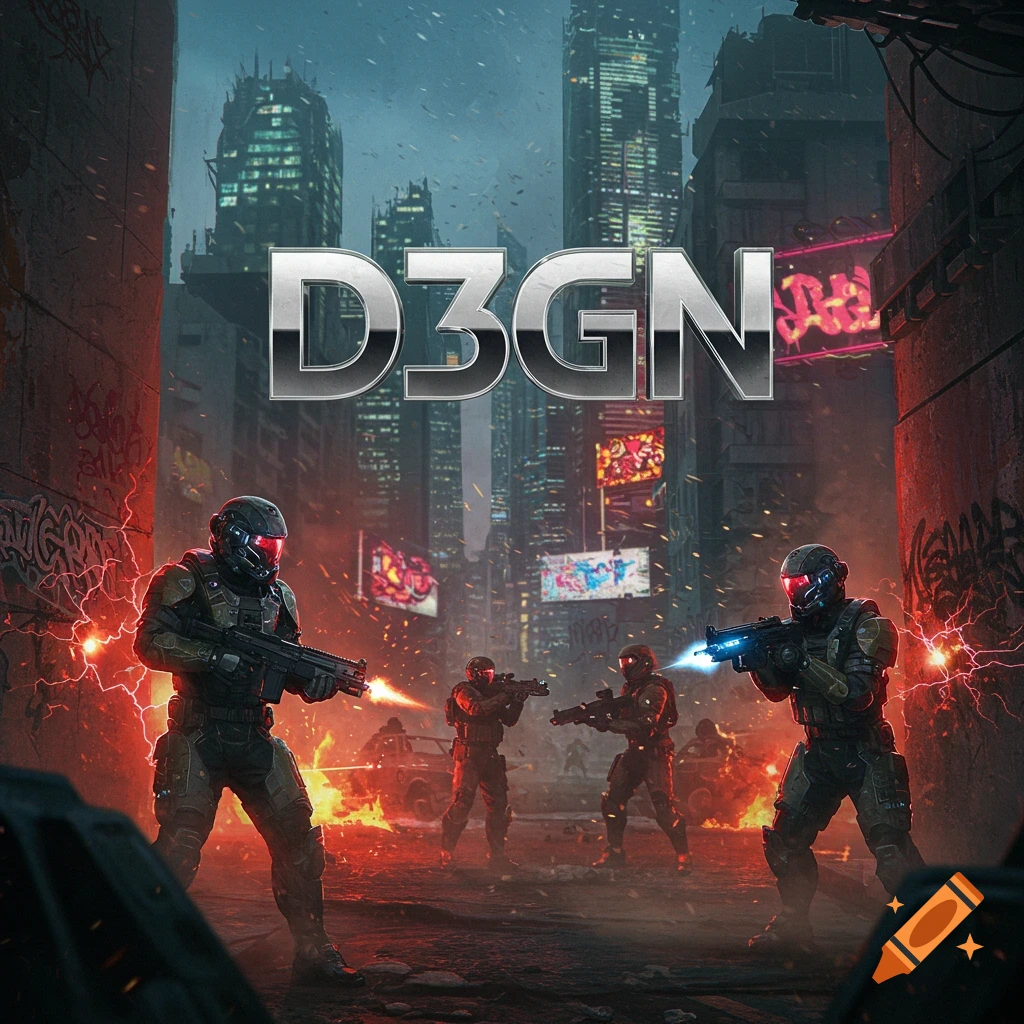
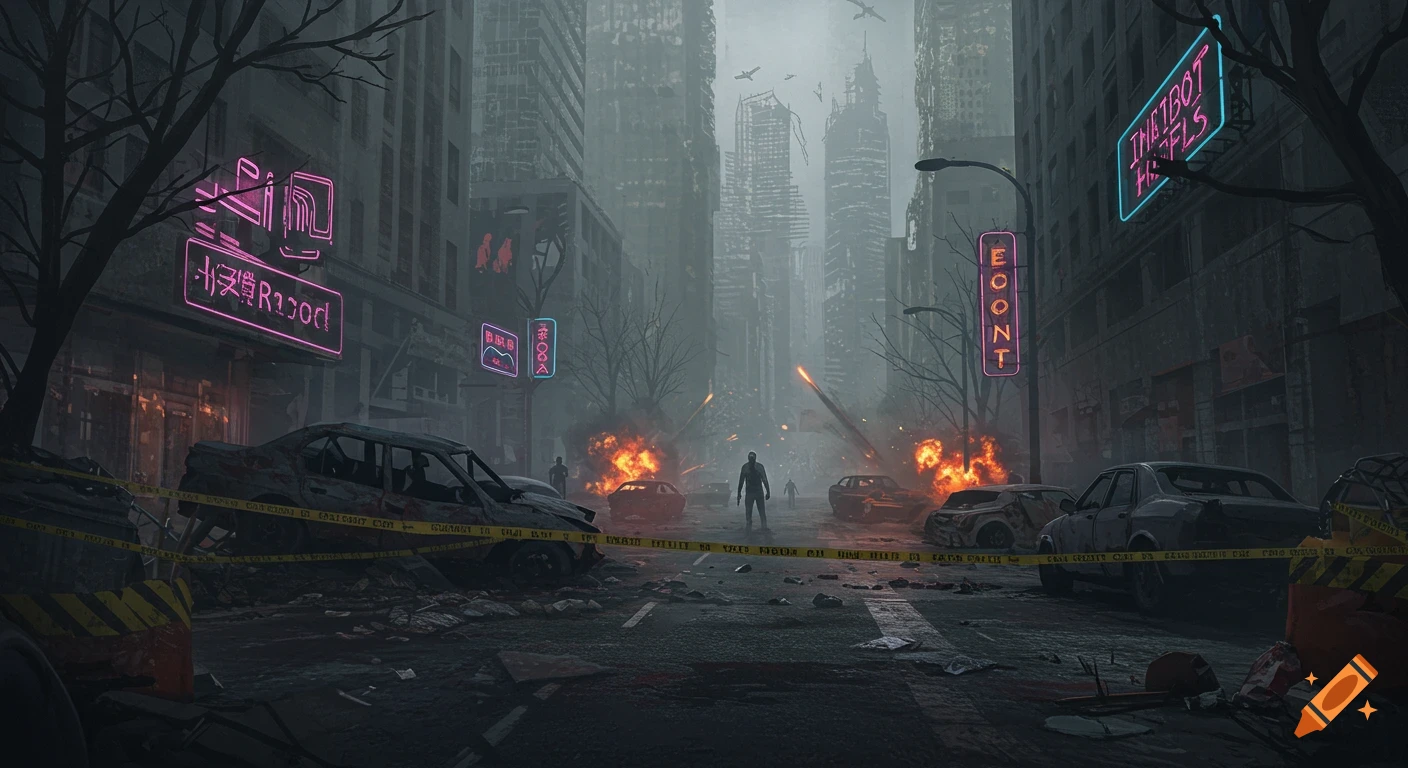
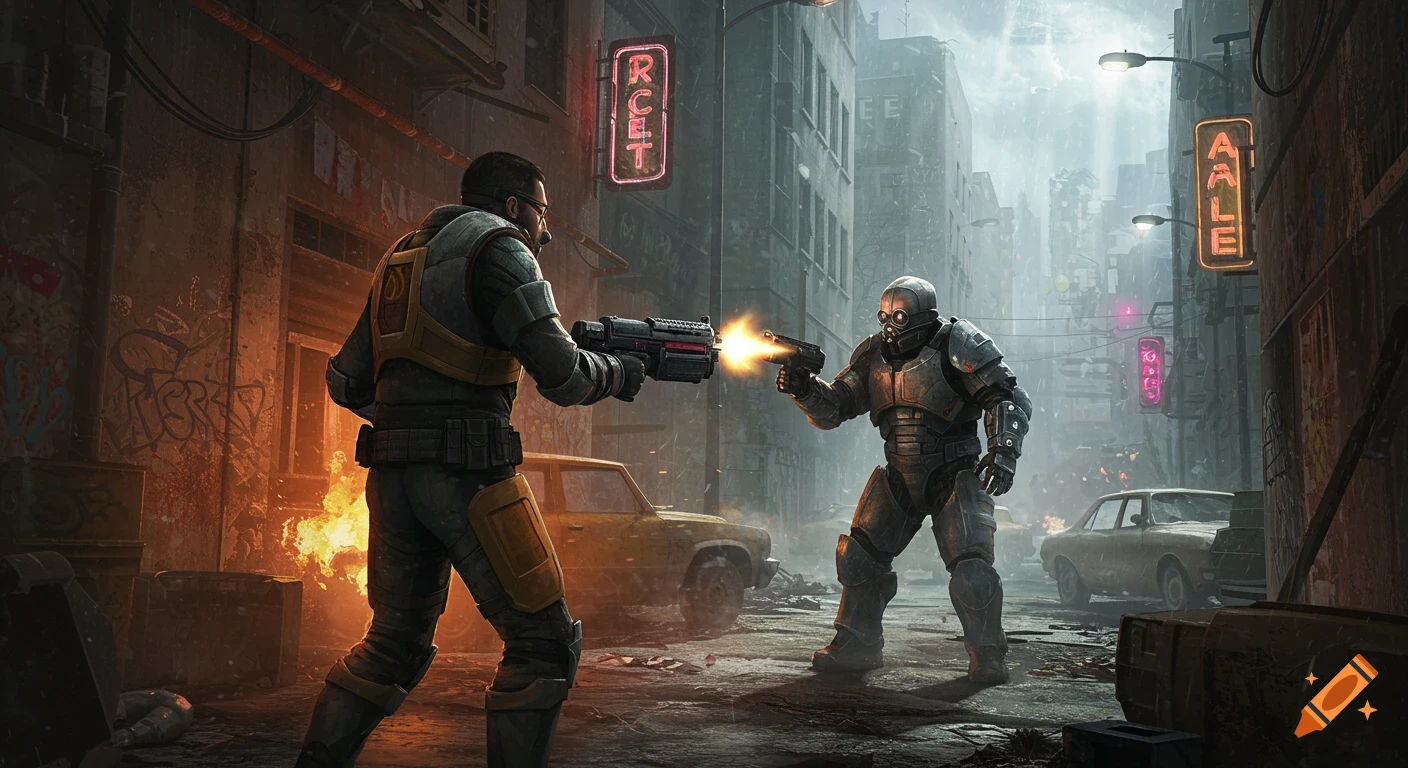
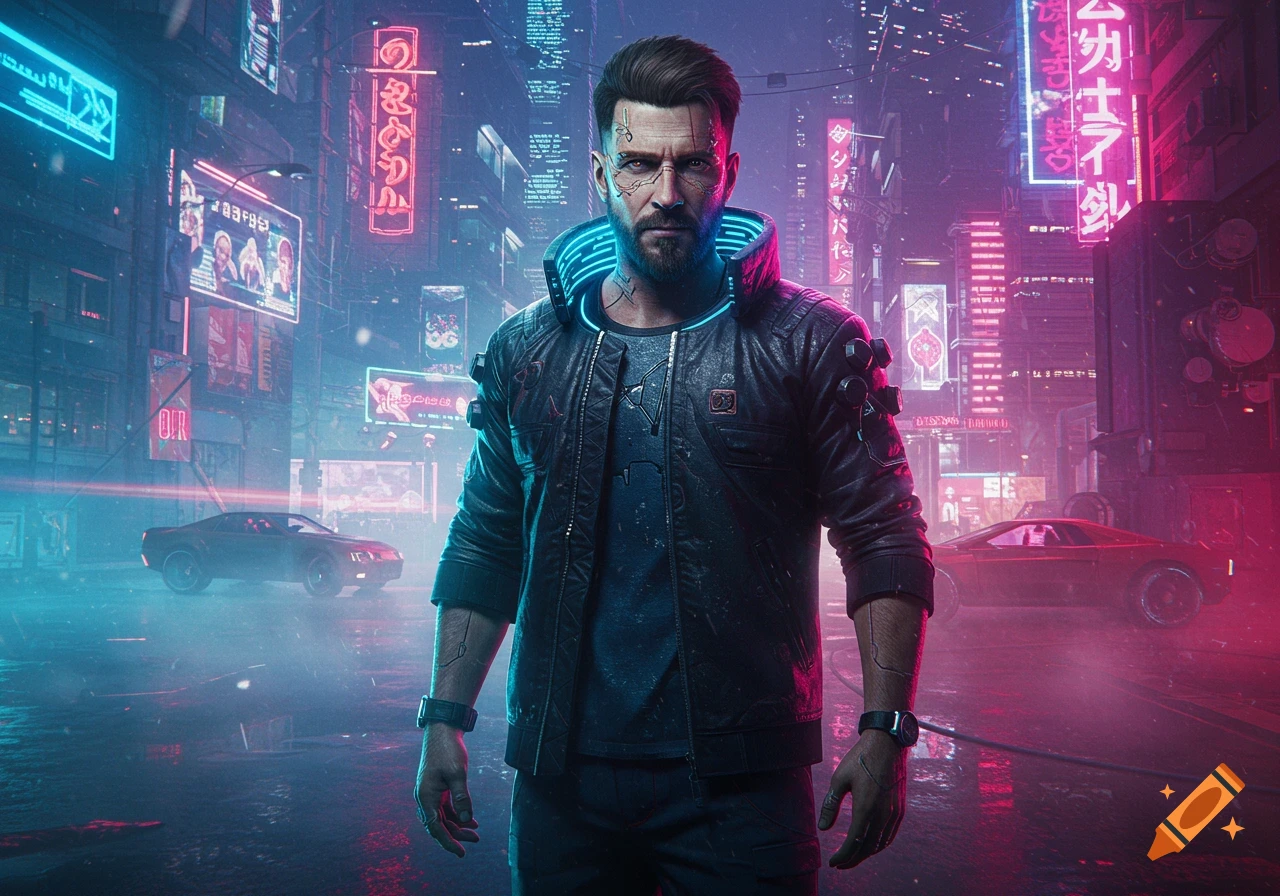
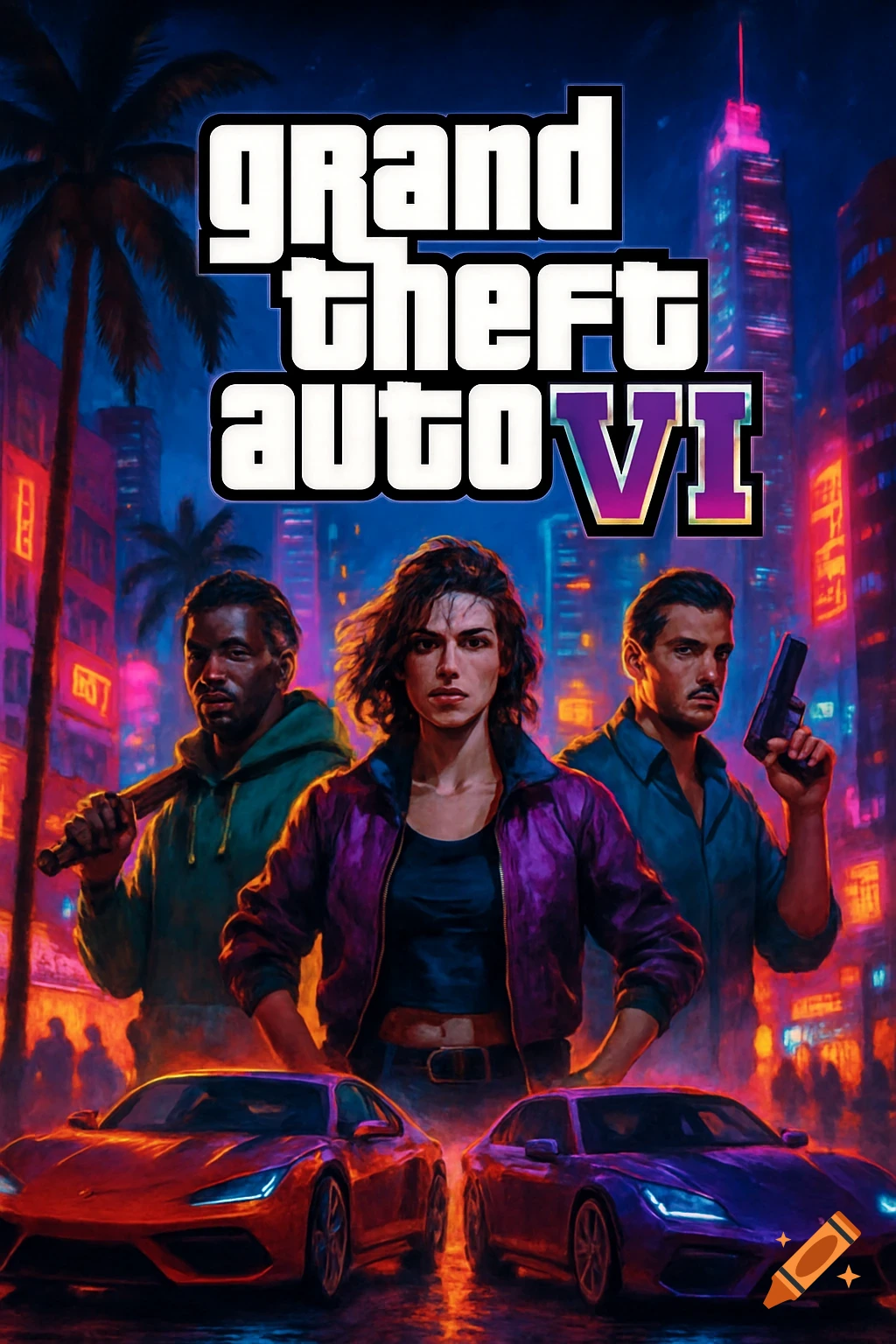
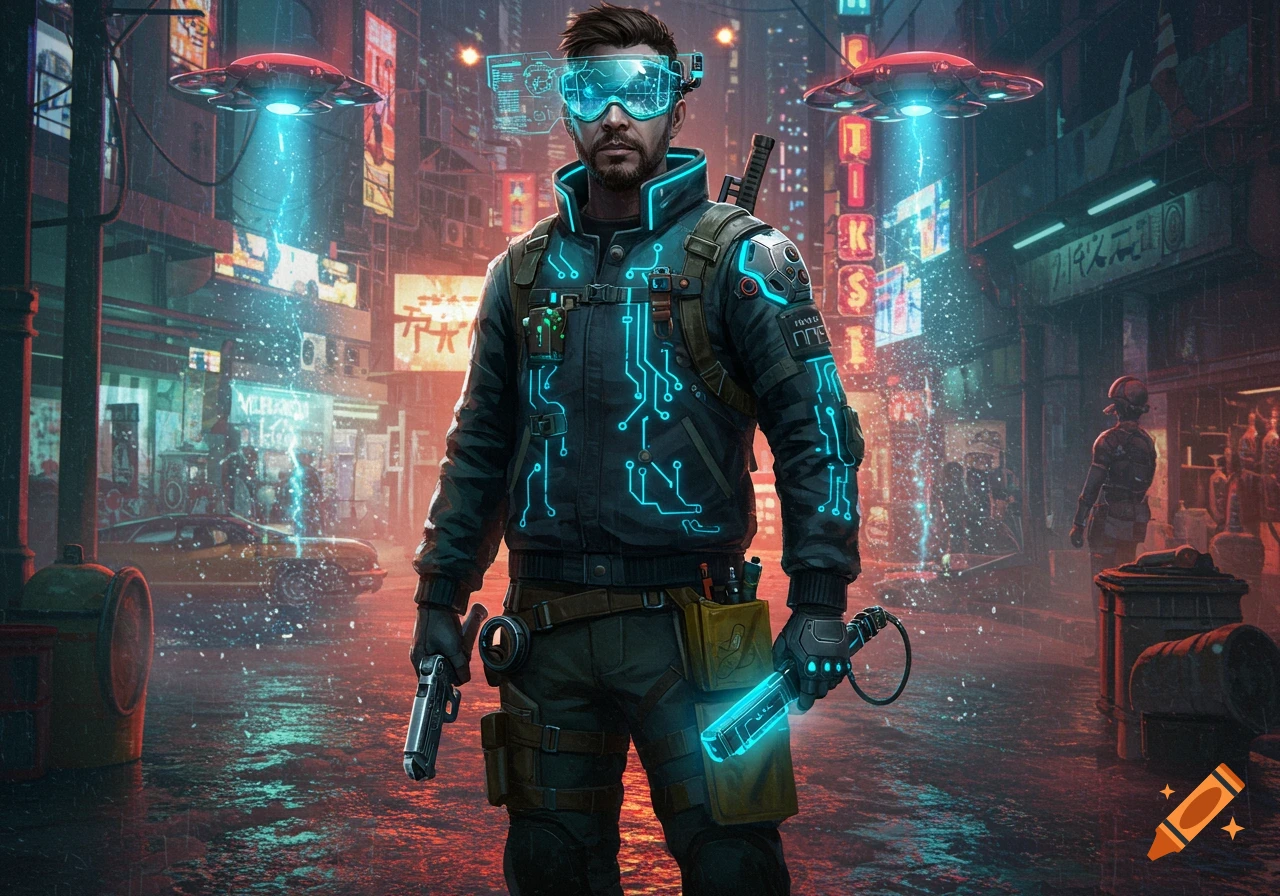
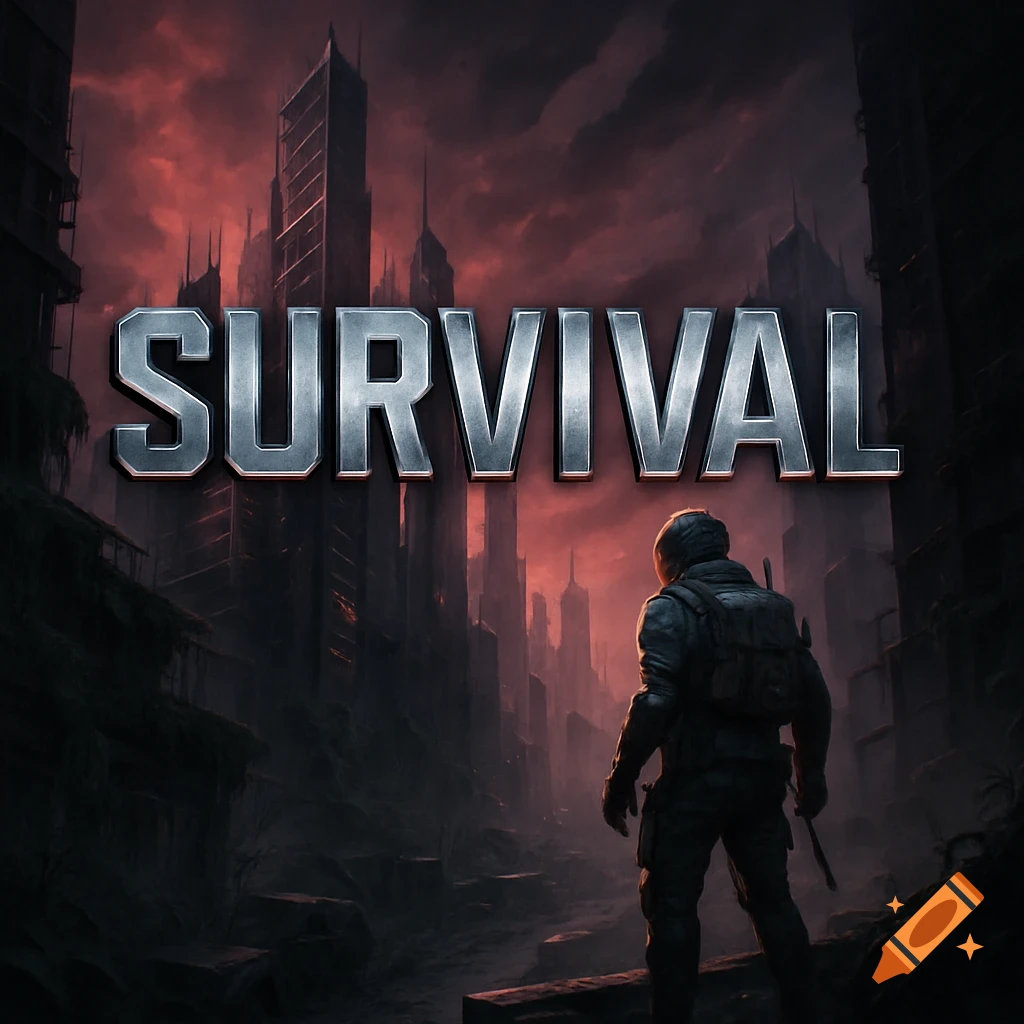
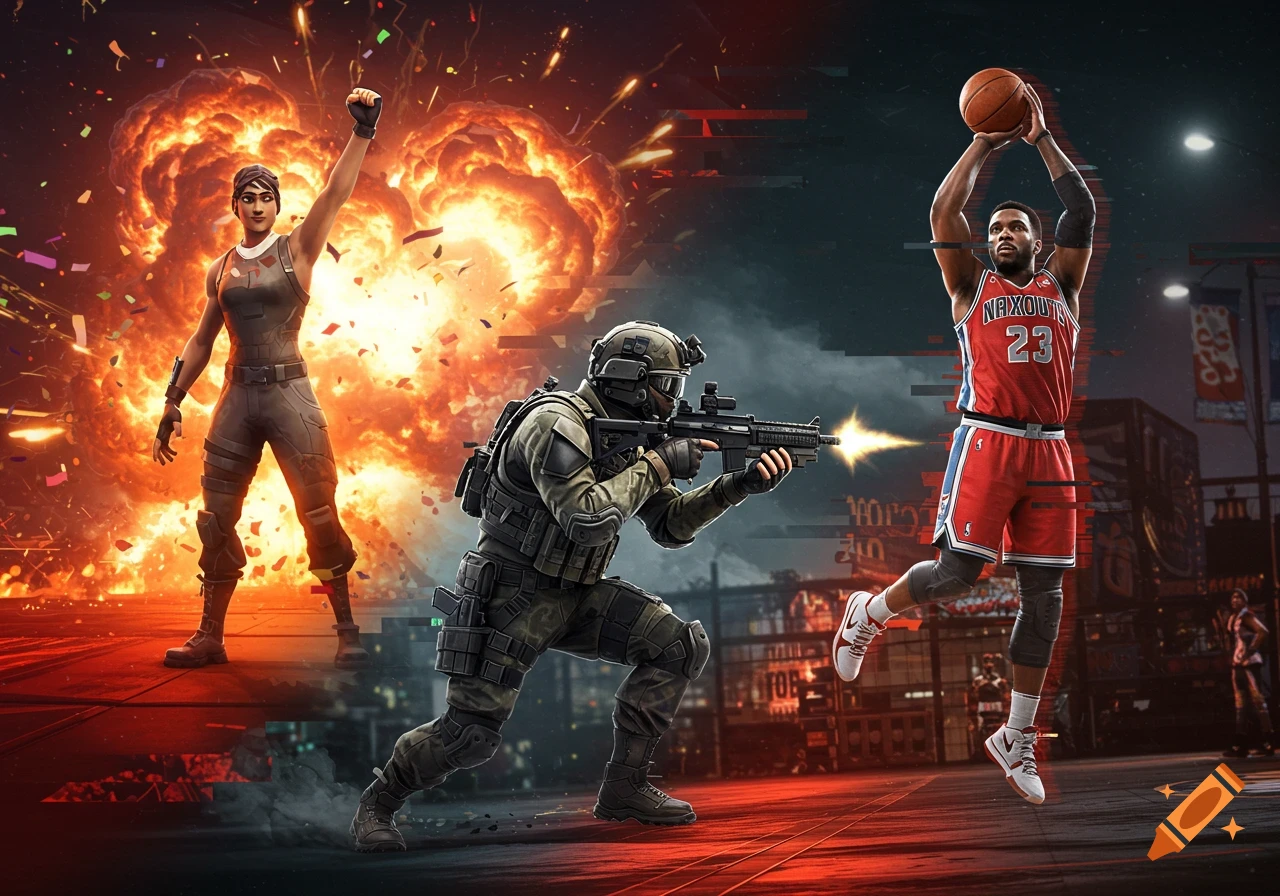
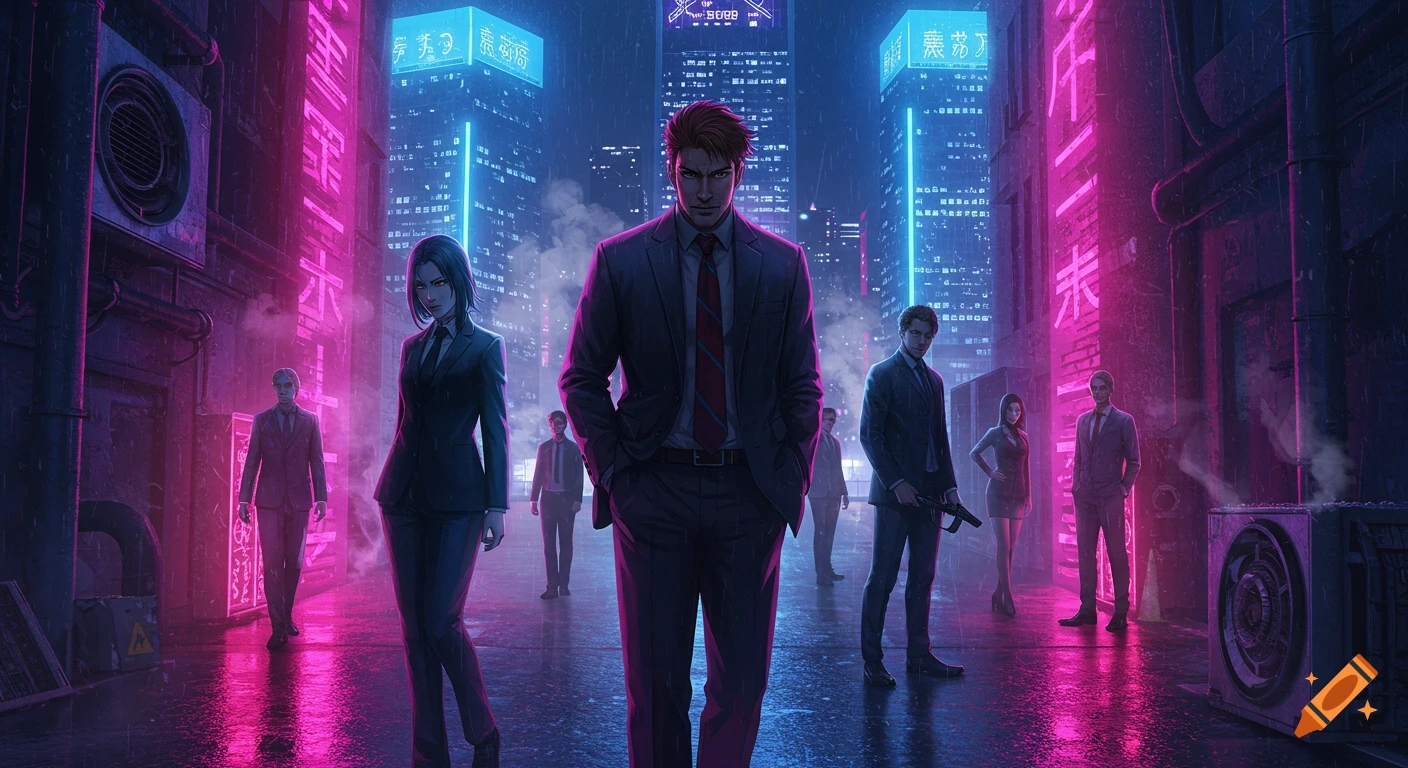
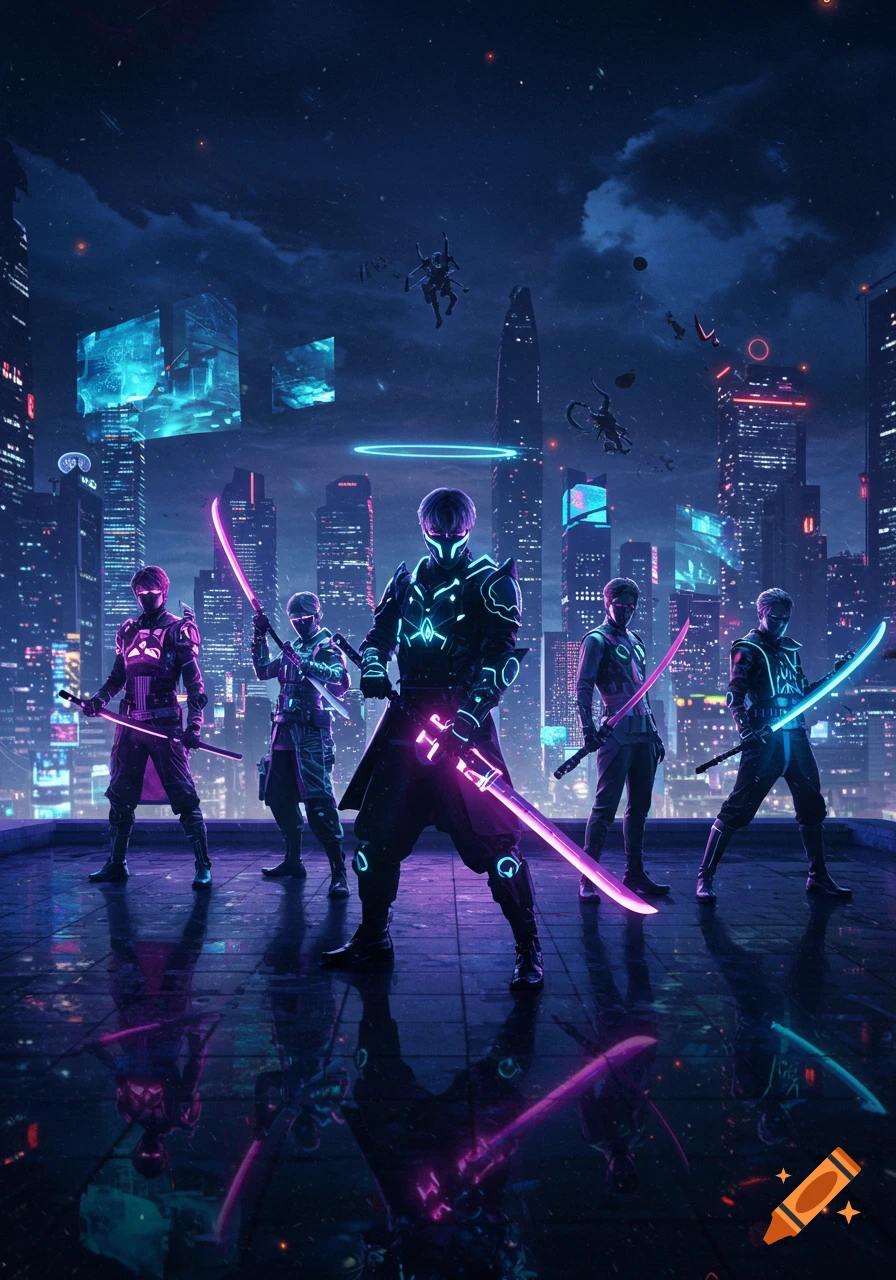
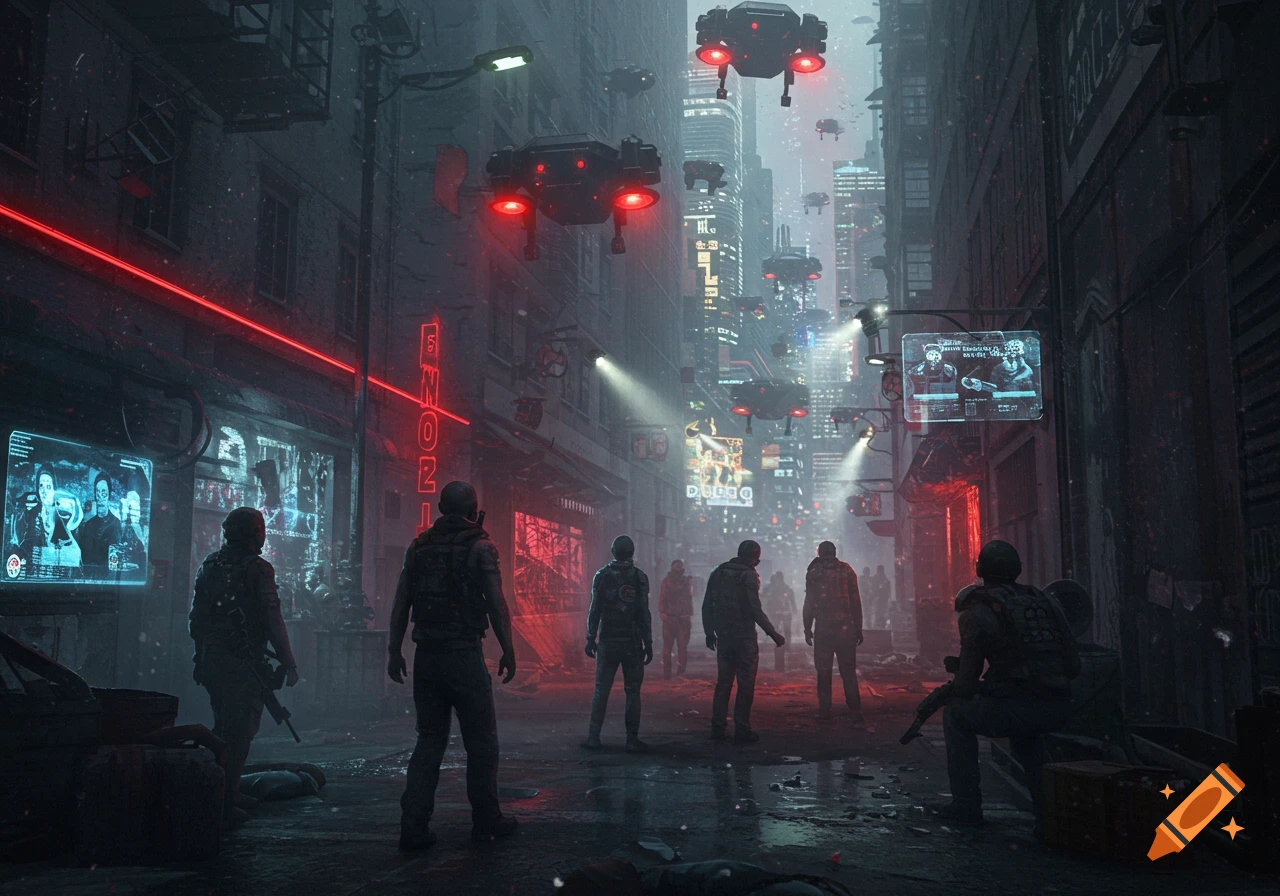
Stylized banner of masked crew members with firearms in a neon-lit city at night, with helicopters and text 'CREW ONLY FFA DEATHMATCH'.

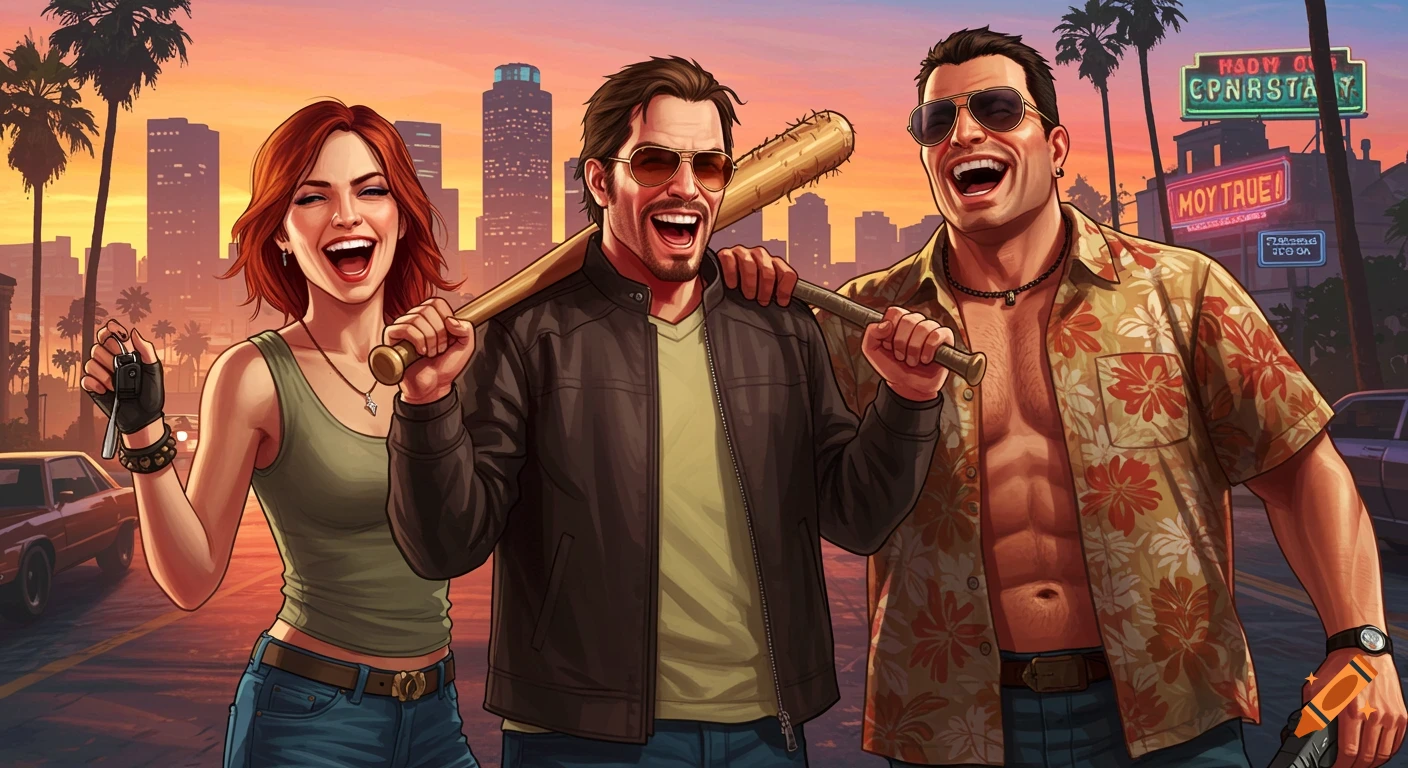
Alright — here’s a full GTA Online–style Discord banner design you can recreate in Canva, Photopea, Photoshop, or any editor while the image tool is locked. --- ### 🎮 **Discord Banner Setup (GTA Online Crew FFA)** **Canvas size (important):** * 1920 × 1080 (safe for Discord banners) * Keep key text centered (middle 60%) --- ## 🌆 Background Use a **night city / Los Santos-style vibe**: * Dark urban skyline with neon glow * Palm trees on the sides * Light rain or haze for atmosphere * Occasional helicopters or aircraft silhouettes * Motion blur or slight “speed streak” effect **Color grading:** * Deep purple shadows * Neon pink highlights * Electric blue accents * High contrast + slight film grain --- ## 🧍 Characters (foreground) Place 2–4 stylized GTA-like characters: * Streetwear / tactical outfits * Masks or bandanas * Holding pistols or SMGs (non-graphic pose, cinematic stance) * One centered slightly forward (main focus) * Add rim lighting (pink/blue glow edges) --- ## 🔥 Main Title Text (center bold) **CREW ONLY FFA DEATHMATCH** Style it like: * Font: *Pricedown*, *Burbank Big Condensed*, or *Anton* * Color: White with neon glow outline (pink + blue dual glow) * Add slight glitch / VHS distortion * Slight tilt or perspective skew for attitude --- ## 🧨 Sub Text (below main title) Smaller, spaced out: **FREE FOR ALL • NO RANDOMS • CREW MEMBERS ONLY** Style: * Thin sans font (Roboto / Montserrat) * Uppercase * Light blue or white with low opacity glow --- ## 🎯 Extra Ver más
More images like this