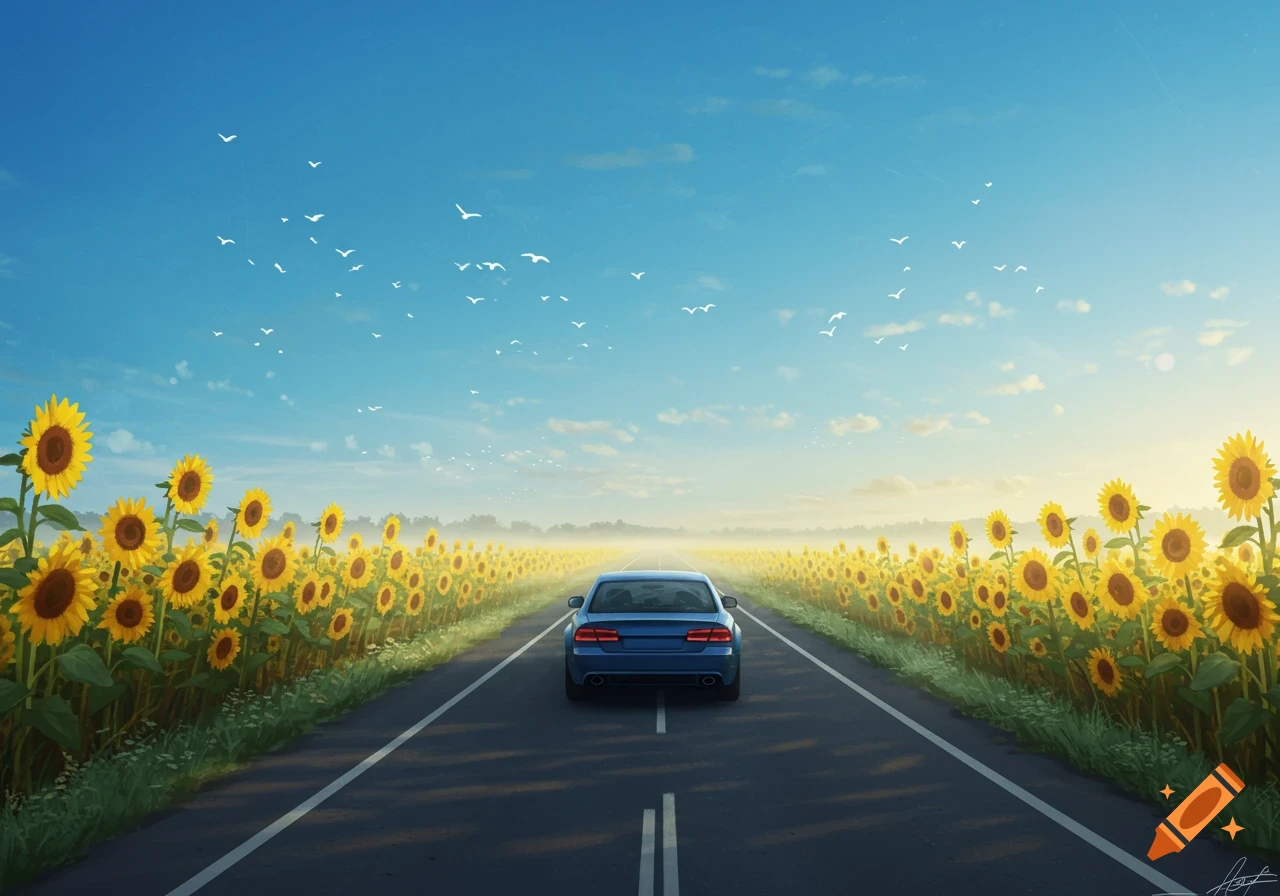
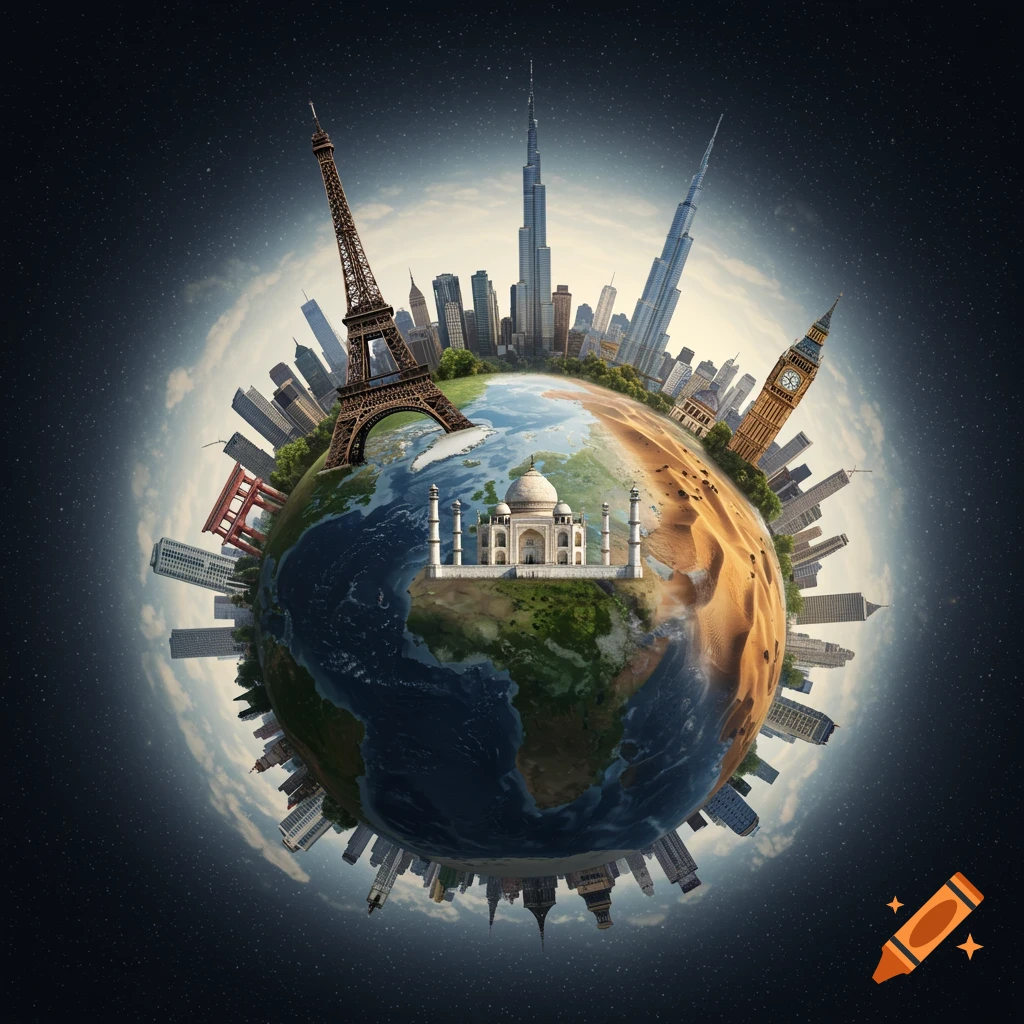
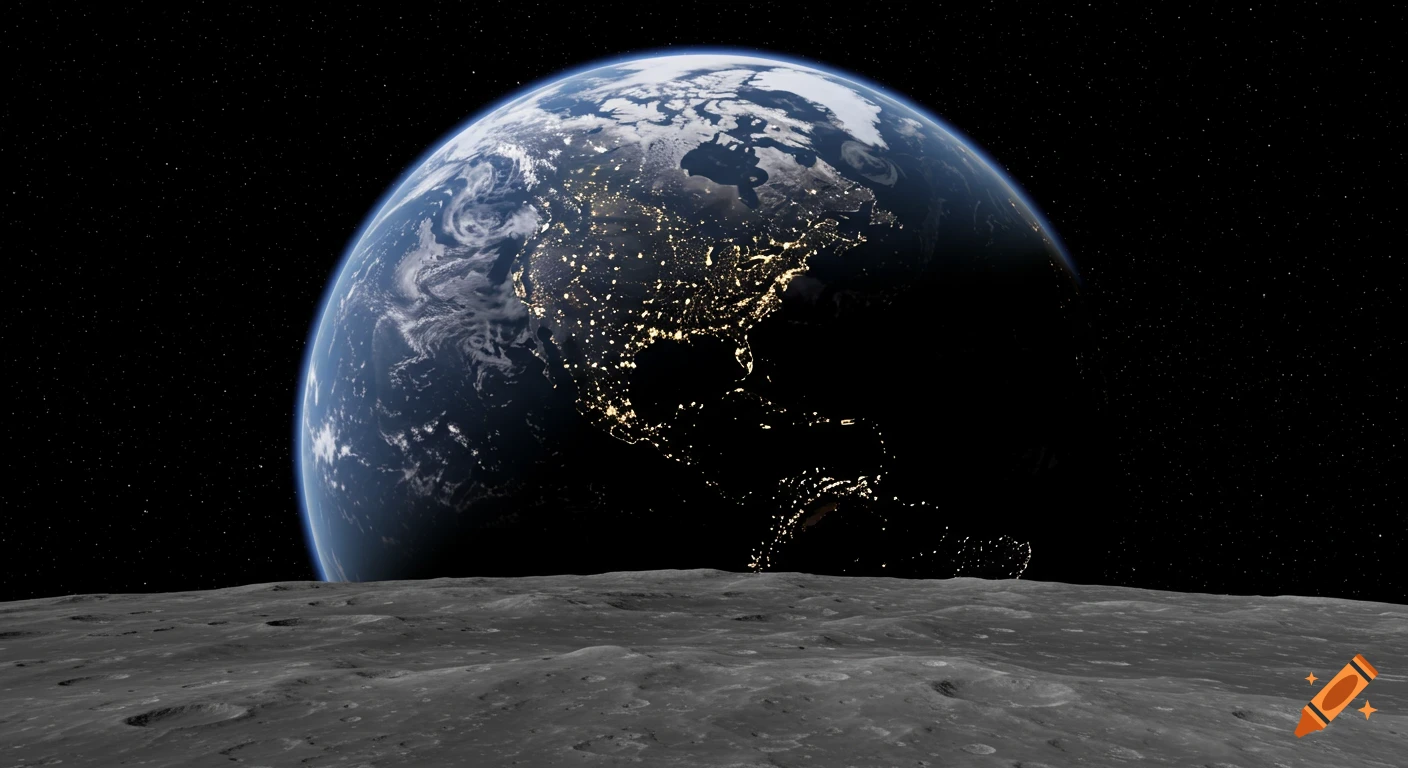
A stylized split image shows a red car driving on a road in a green field under a blue sky on the left, and the planet Earth floating in dark space with green blobs on the right.

import os from PIL import Image, ImageDraw # Create output directory output_dir = "generated_images" os.makedirs(output_dir, exist_ok=True) # Define standard dimensions for clean, illustrative diagrams width, height = 800, 500 def create_base_image(bg_color): return Image.new("RGB", (width, height), bg_color) # 1. Car Moving on a Road img1 = create_base_image((135, 206, 235)) # Sky Blue draw1 = ImageDraw.Draw(img1) draw1.rectangle([0, 300, 800, 500], fill=(100, 100, 100)) # Grey road draw1.rectangle([0, 450, 800, 500], fill=(34, 139, 34)) # Green grass for x in range(50, 800, 150): draw1.rectangle([x, 390, x+70, 400], fill=(255, 255, 0)) # Yellow dashes # Draw Car draw1.rectangle([250, 220, 500, 320], fill=(220, 20, 60)) # Red body draw1.rectangle([300, 160, 450, 220], fill=(173, 216, 230)) # Windows draw1.ellipse([280, 300, 340, 360], fill=(0, 0, 0)) # Wheel 1 draw1.ellipse([410, 300, 470, 360], fill=(0, 0, 0)) # Wheel 2 # Motion lines draw1.line([220, 240, 180, 240], fill=(255, 255, 255), width=5) draw1.line([210, 270, 170, 270], fill=(255, 255, 255), width=5) img1.save(os.path.join(output_dir, "car_moving_on_road.png")) # 2. Earth Rotating img2 = create_base_image((10, 10, 25)) # Space dark blue draw2 = ImageDraw.Draw(img2) # Draw Earth draw2.ellipse([250, 100, 550, 400], fill=(30, 144, 255)) # Blue oceans # Continents shapes (abstract) draw2.ellipse([300, 150, 380, 220], fill=(50, 205, 50)) draw2.ellipse([400, 220, 500, 350], fill=(50, 205, 50)) # Axis line Ver más
More images like this