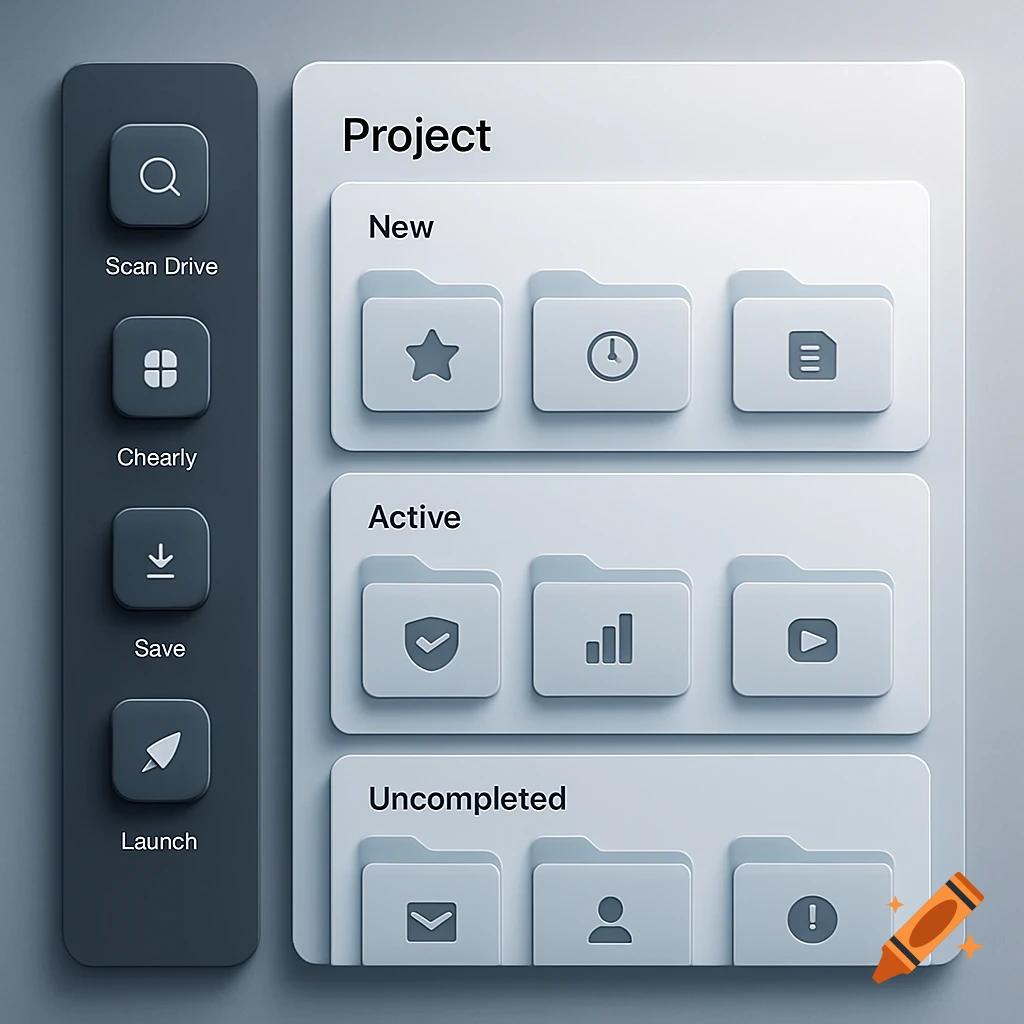
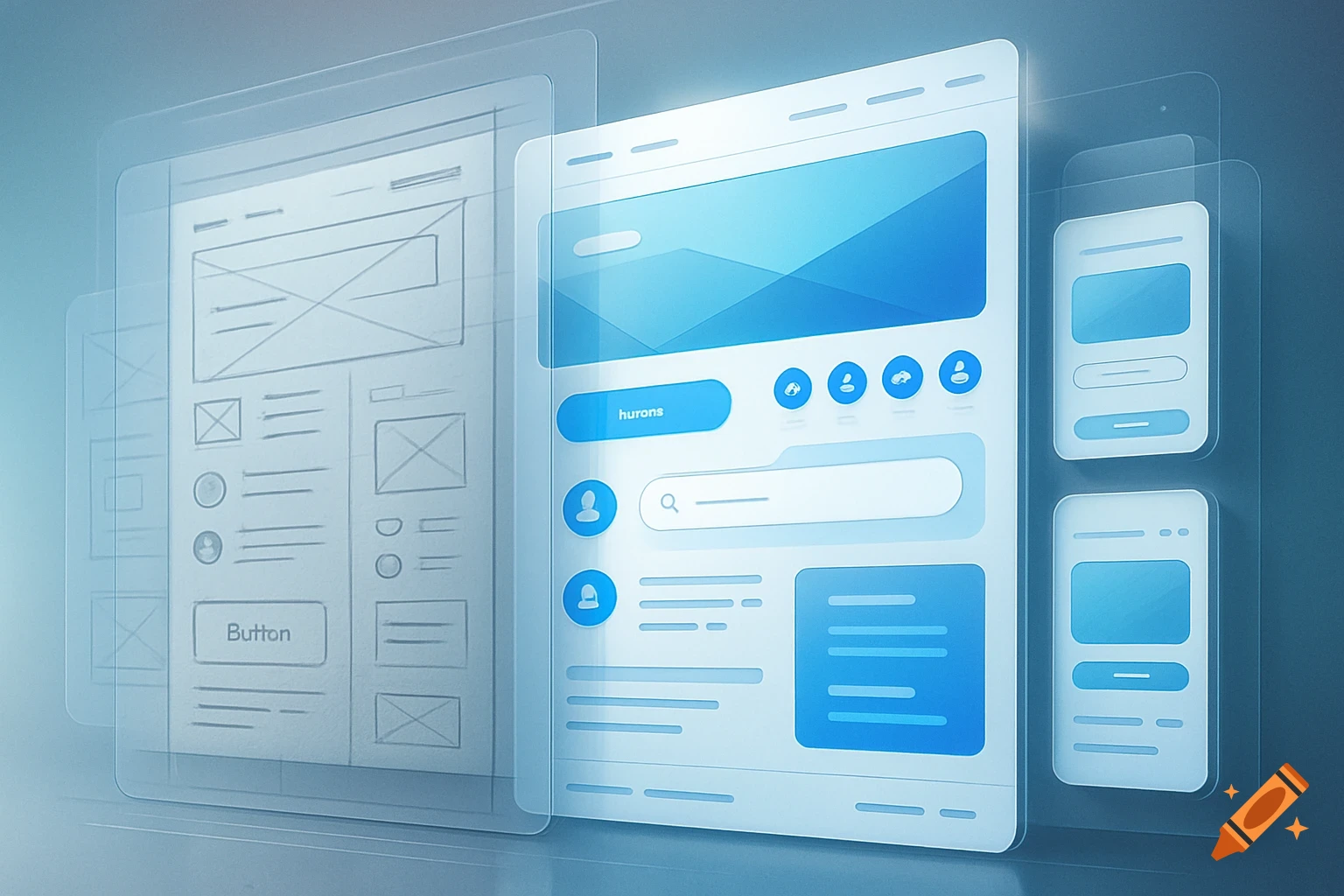
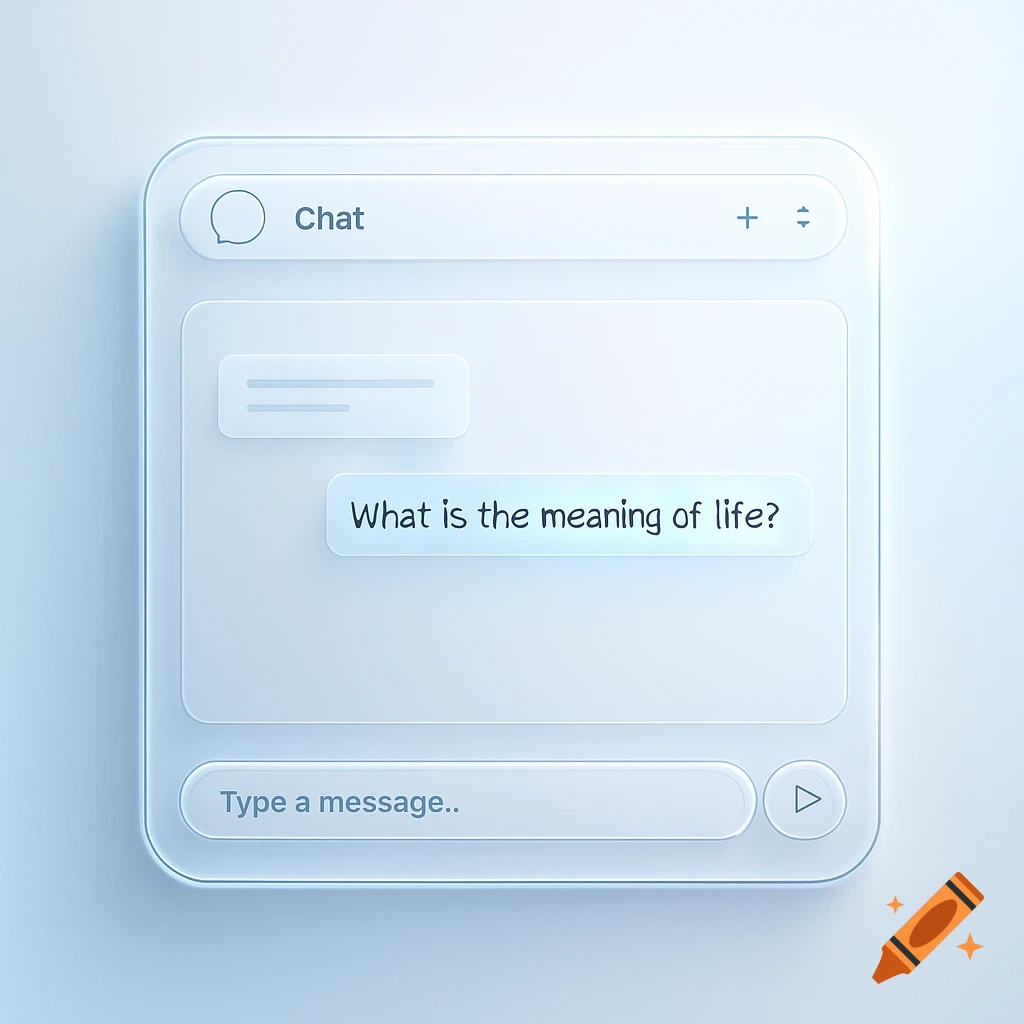
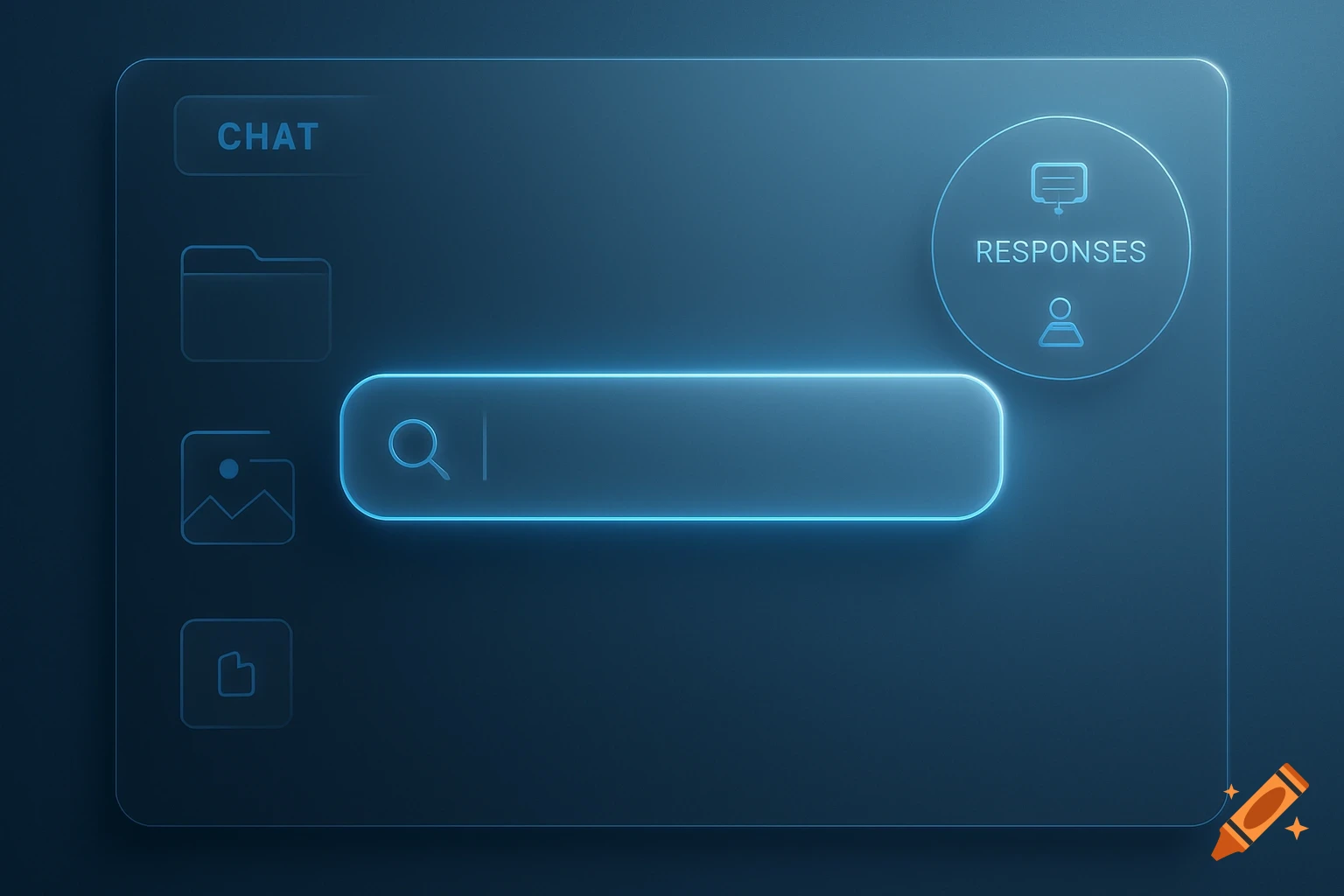
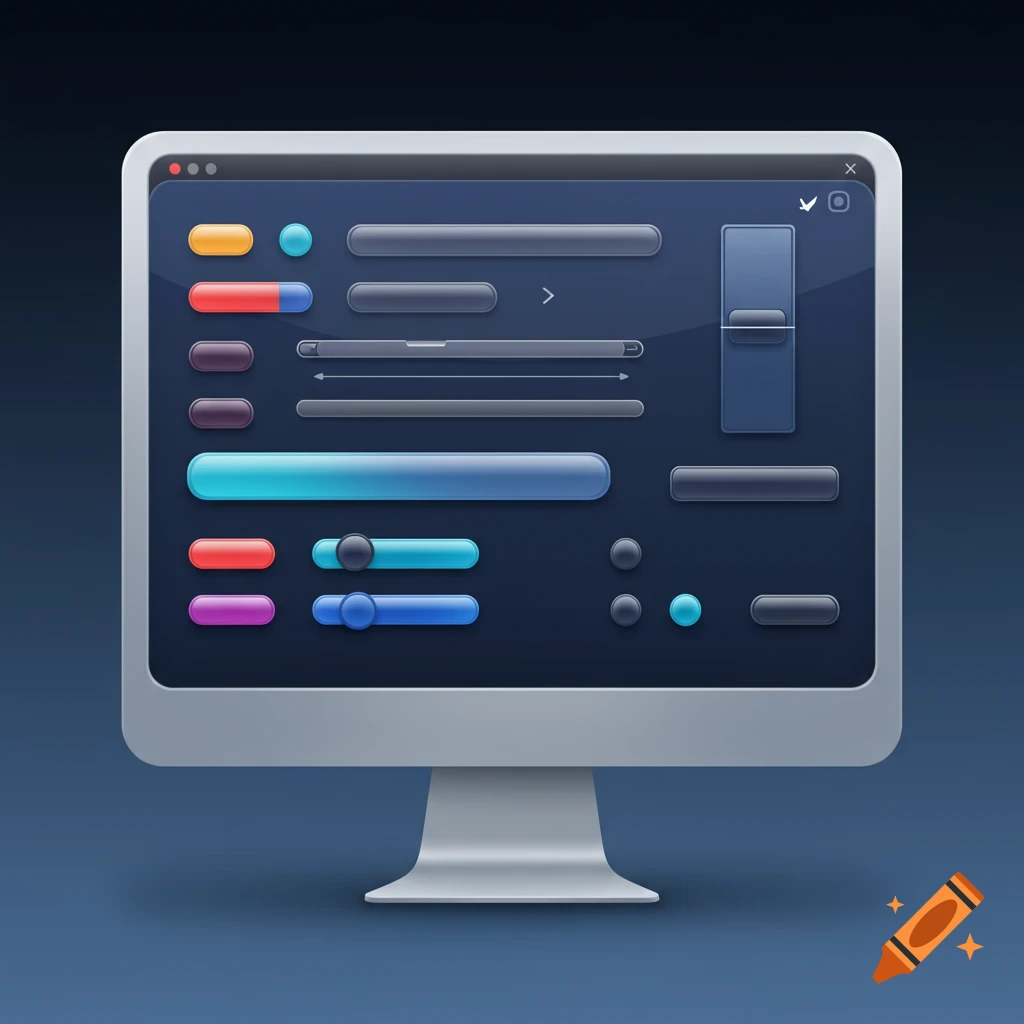
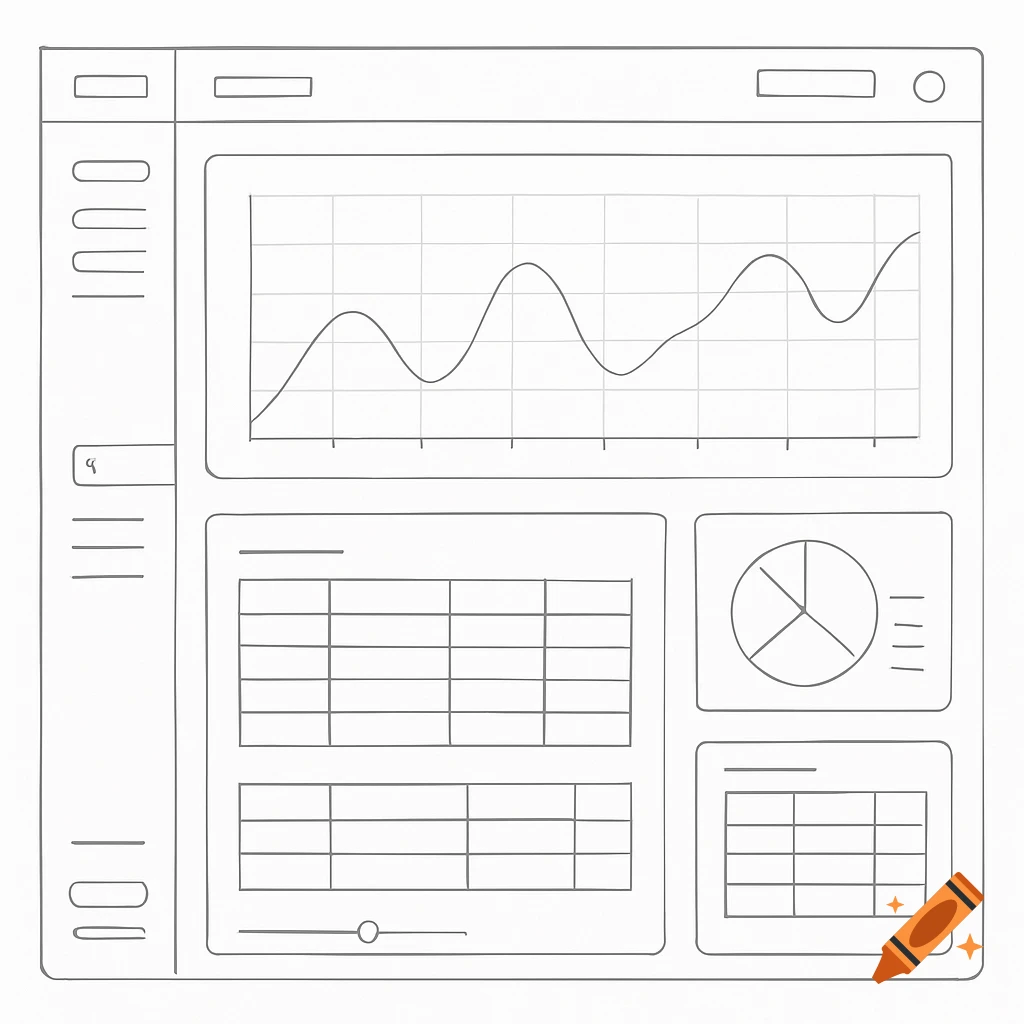
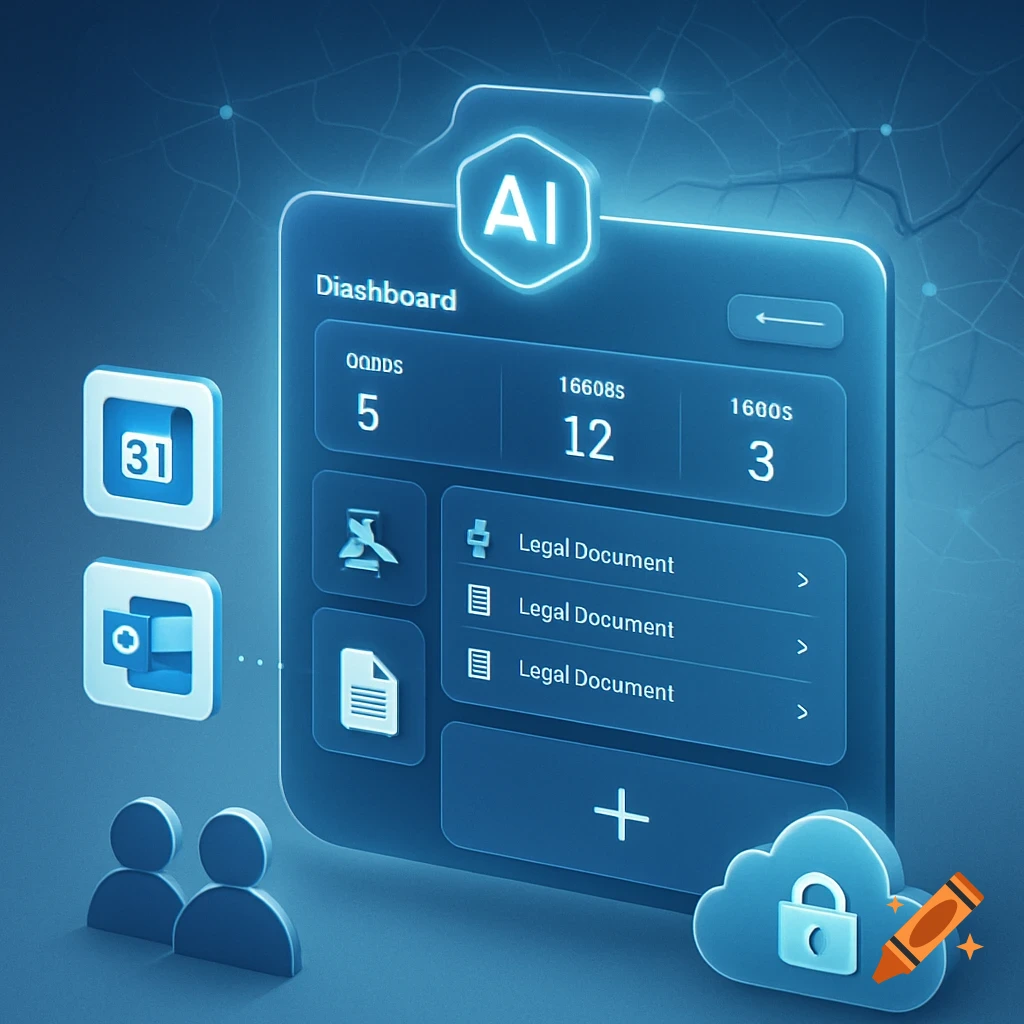
A clean, modern AI assistant application UI design with a chat panel, visual output, and a sidebar for navigation.

Create a clean, modern, professional UI design for an Al assistant application, sketched on lined notebook paper but rendered in crisp vector style. The interface is a window with standard minimize/maximize/close buttons. At the top, a dropdown labeled 'Model' with a downward arrow, next to two small document icons (open/save). On the left, a vertical sidebar with icons: grid (dashboard), target (tasks), chart (analytics), puzzle (plugins), pencil (edit), and at bottom, 'user settings' with a user icon. In the center, a large chat panel labeled 'Chat', with space for conversation history. On the right, a vertical panel labeled 'Visual Output' - blank area ready for charts, graphs, or images. At the bottom, a toolbar with: 'Upload' button, 'Excel' button, 'PowerPoint' button, a '+' button, a '-' button, and a circular 'Run' button labeled with a stylized Ω(III) symbol. All elements are clearly labeled, minimalist, and functional. Use soft shadows, rounded corners, and a light color palette (white background, blue accents). The overall feel should be intuitive, powerful, and ready for real-world use." Ver más
More images like this