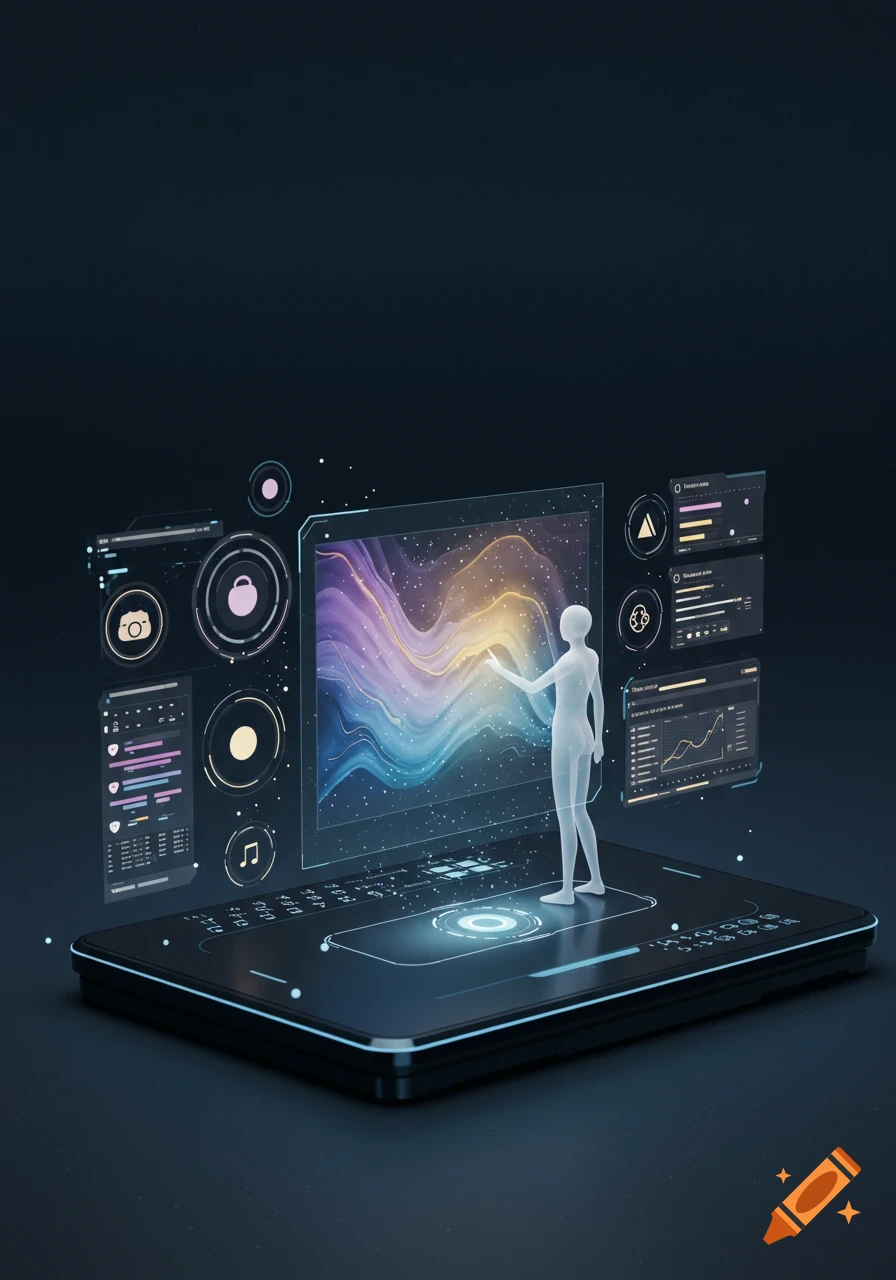
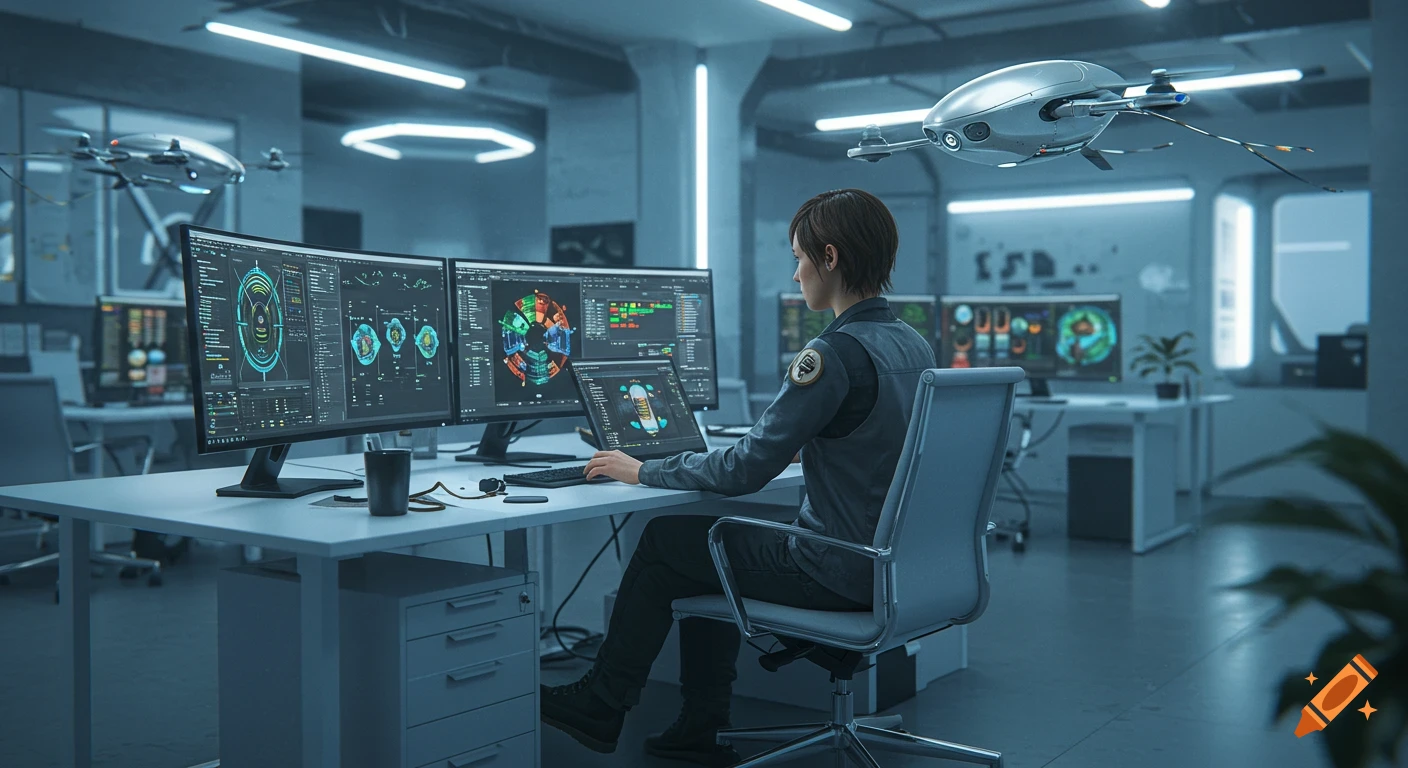
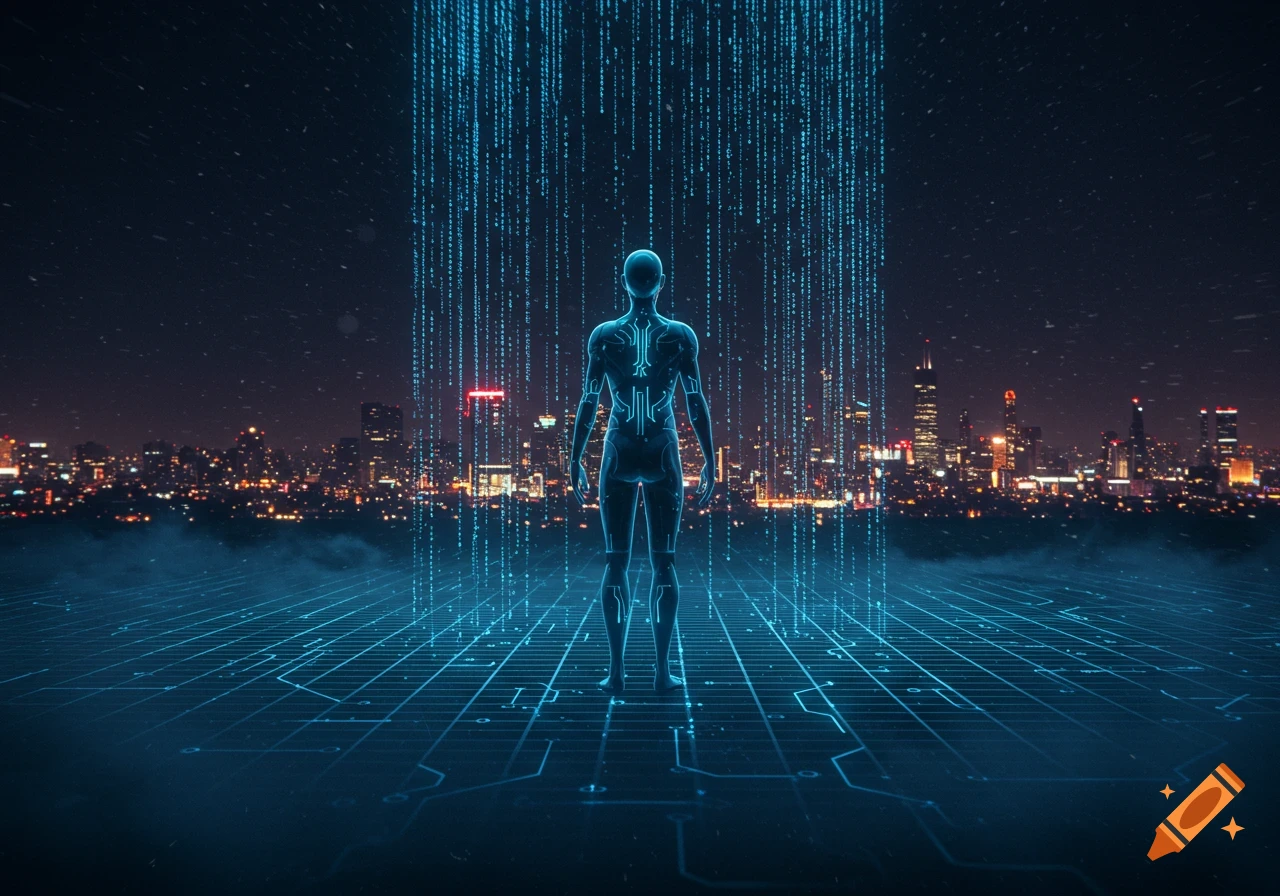
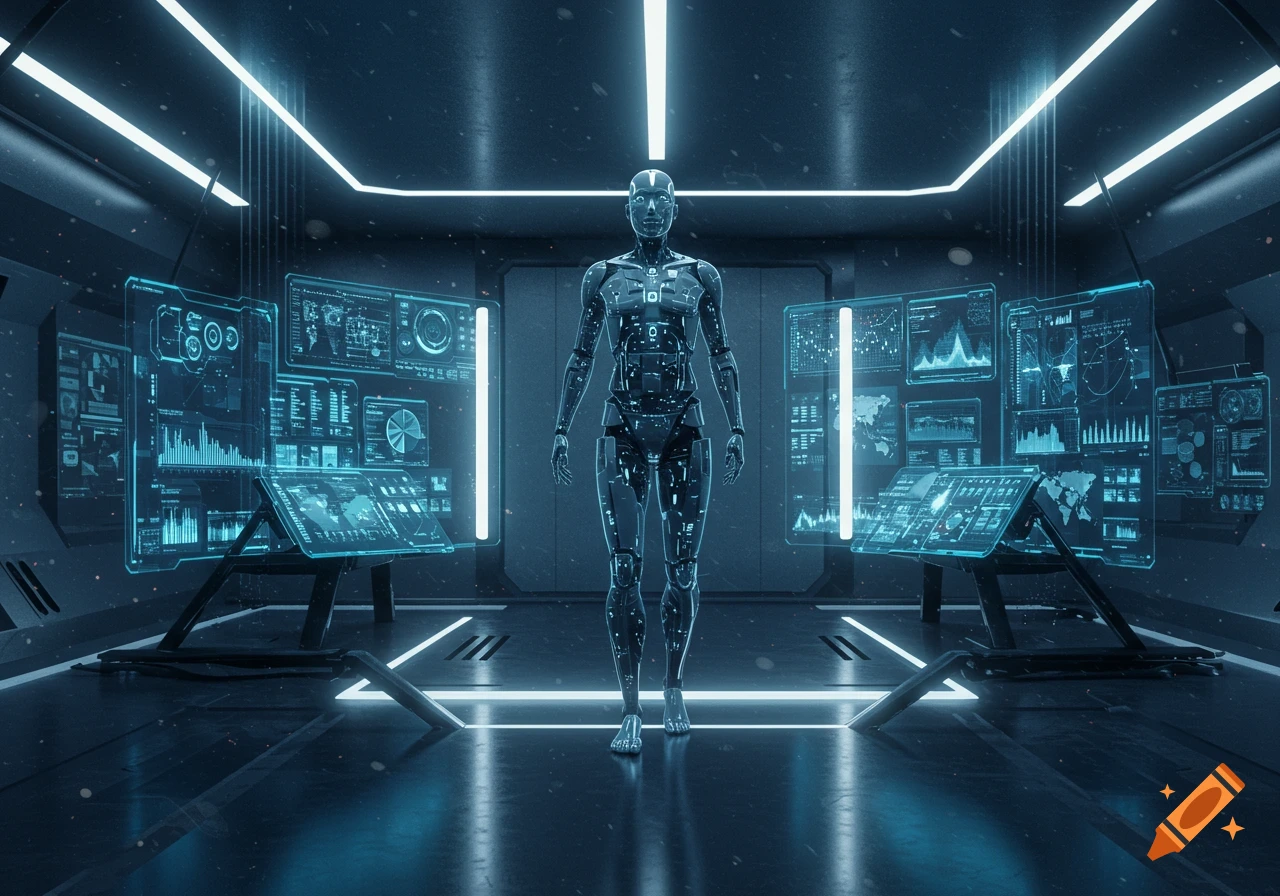
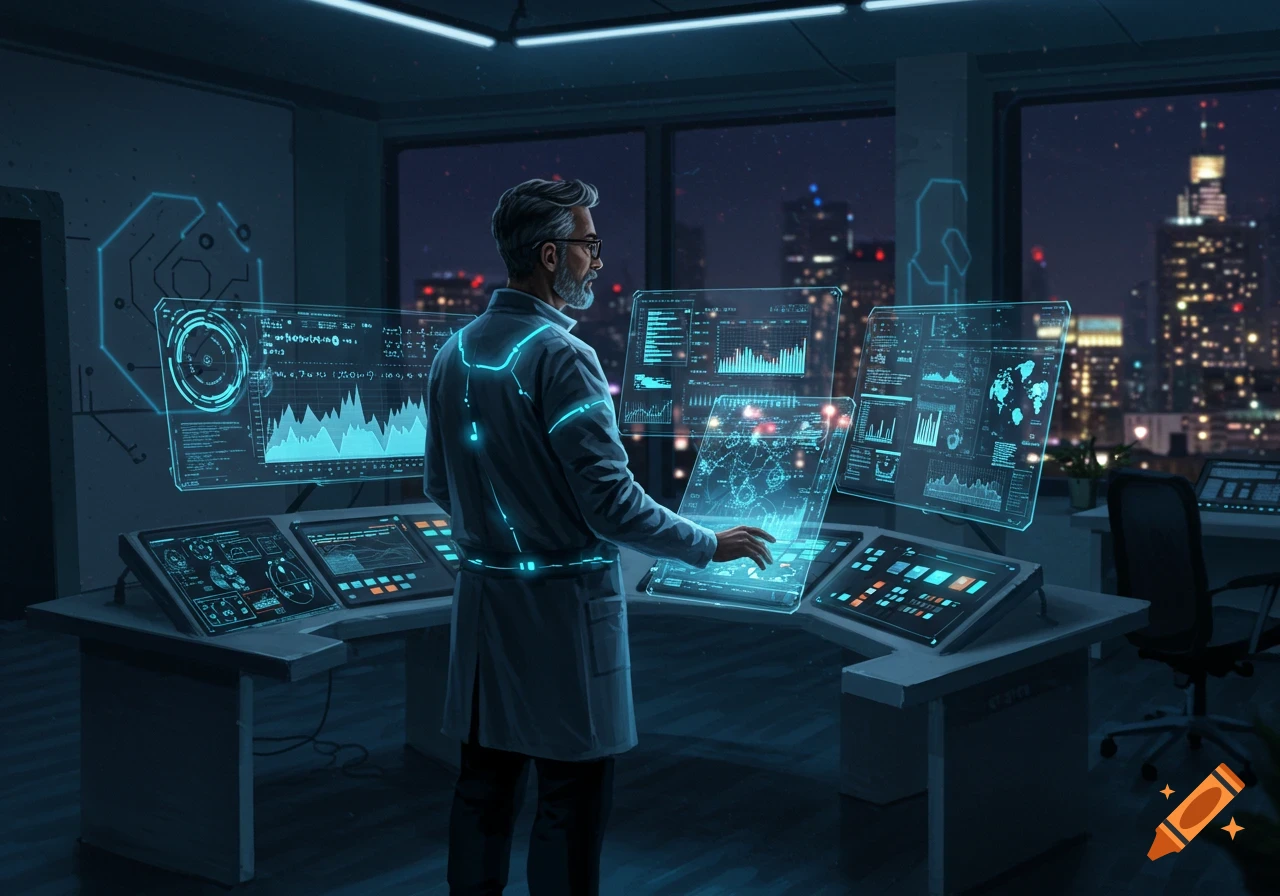
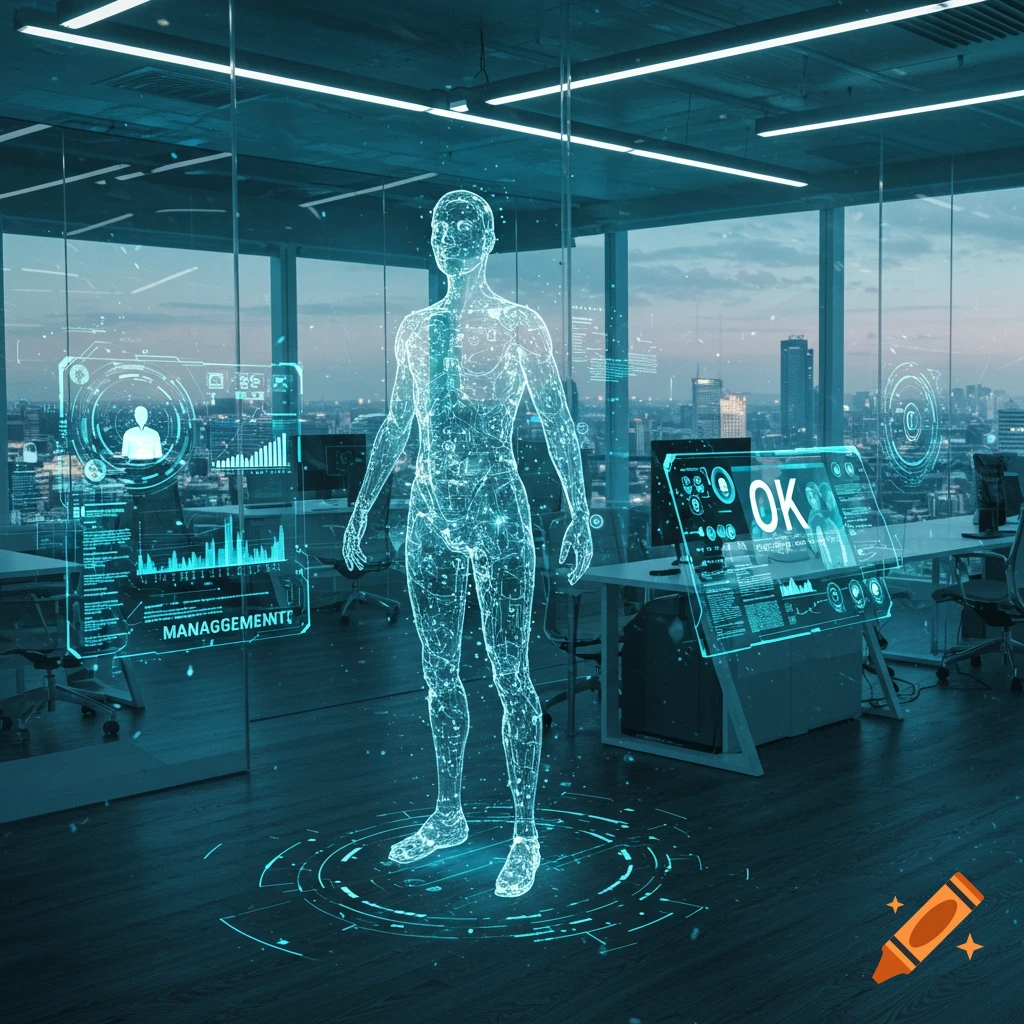
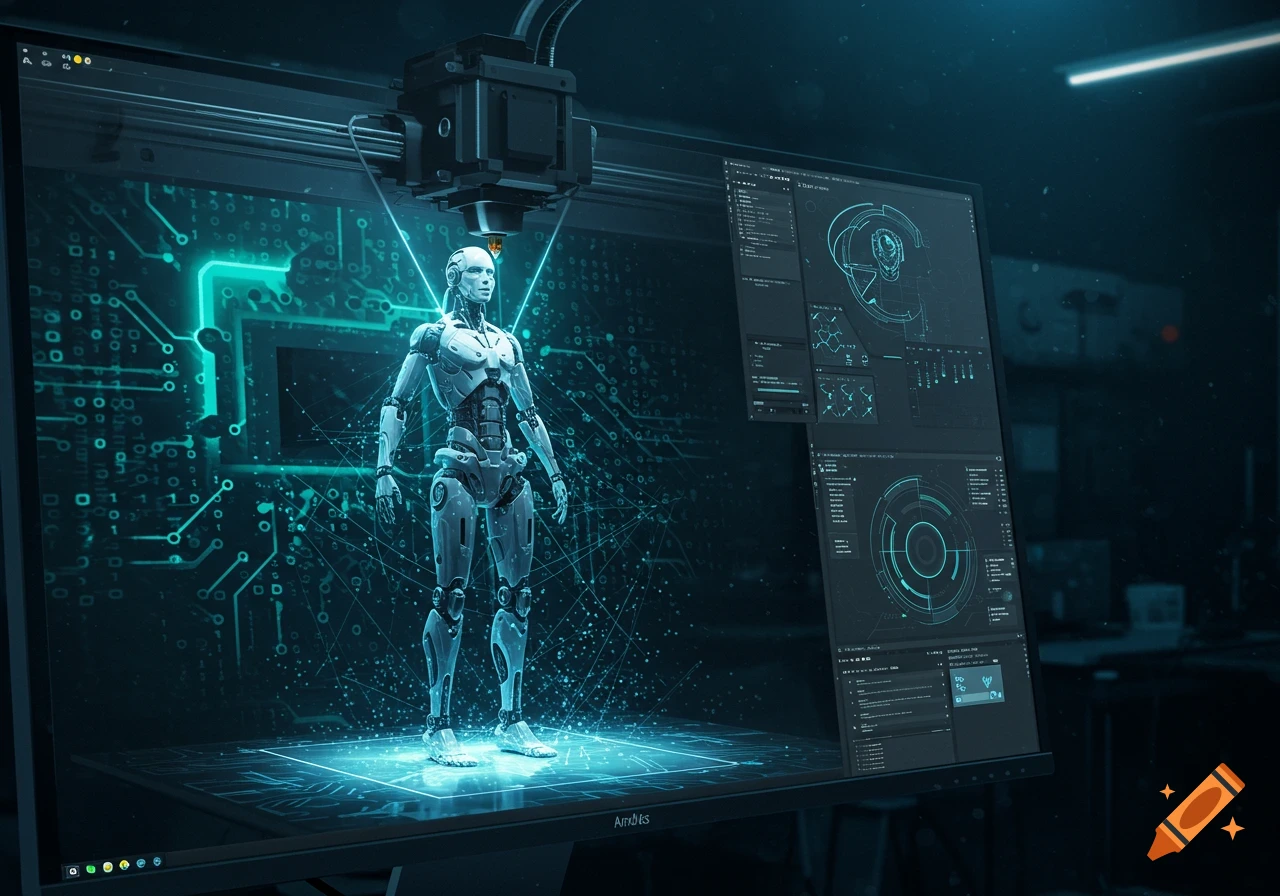
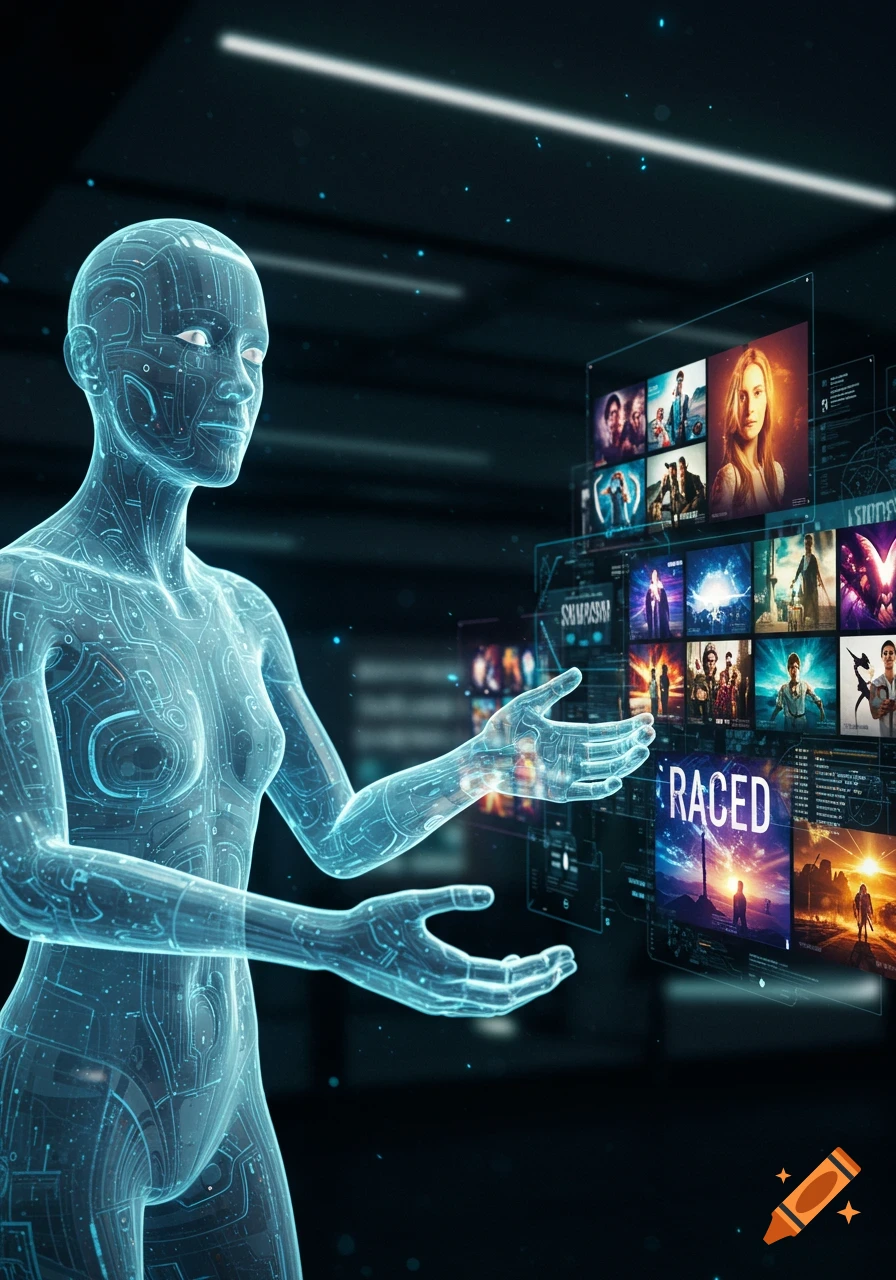
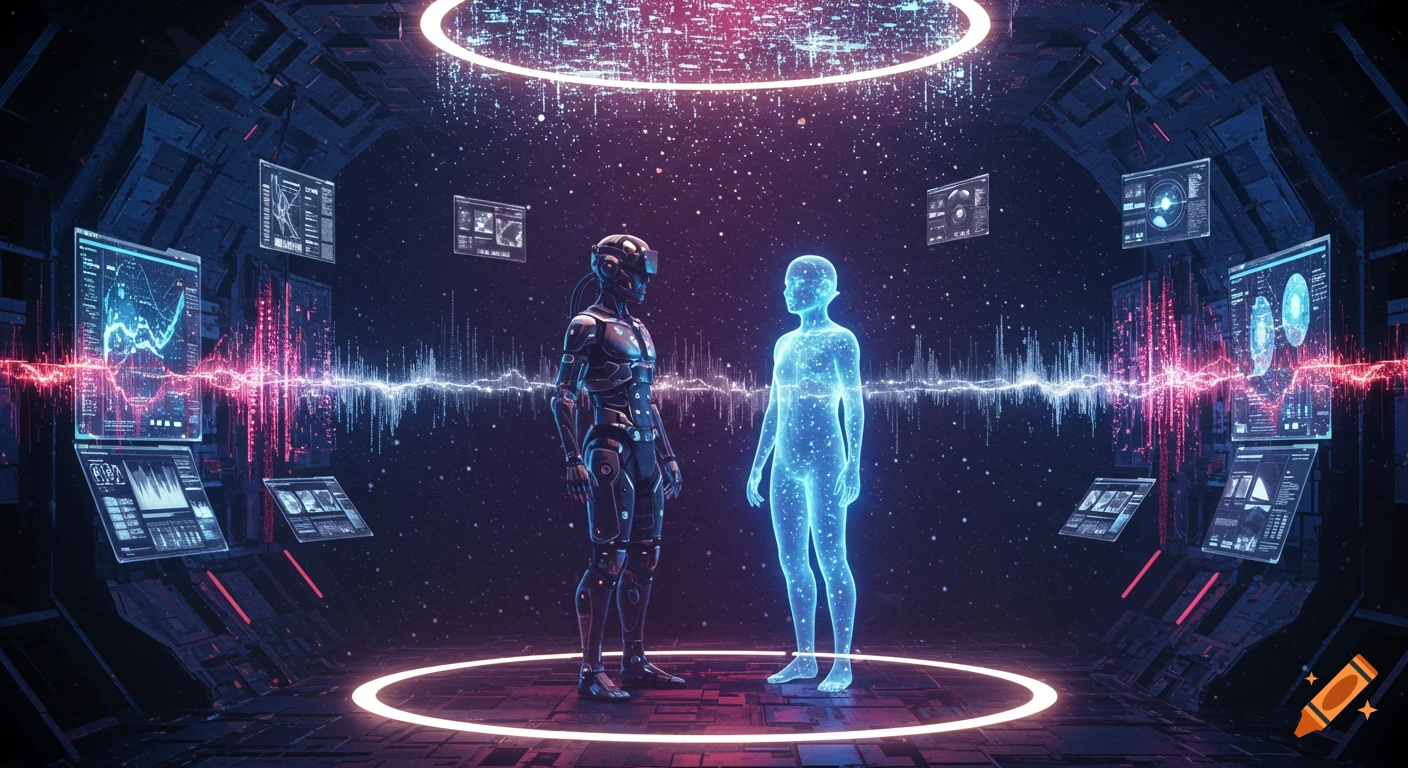
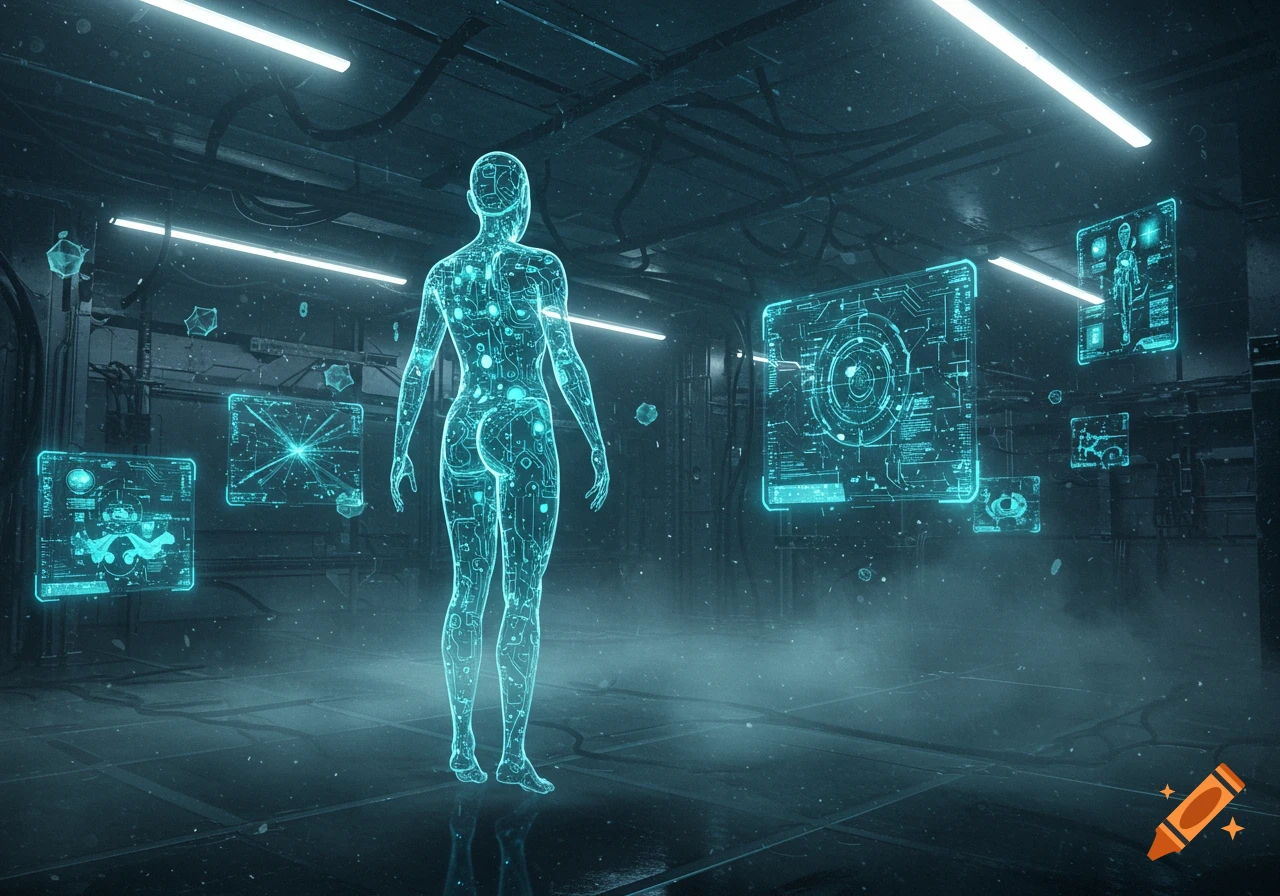
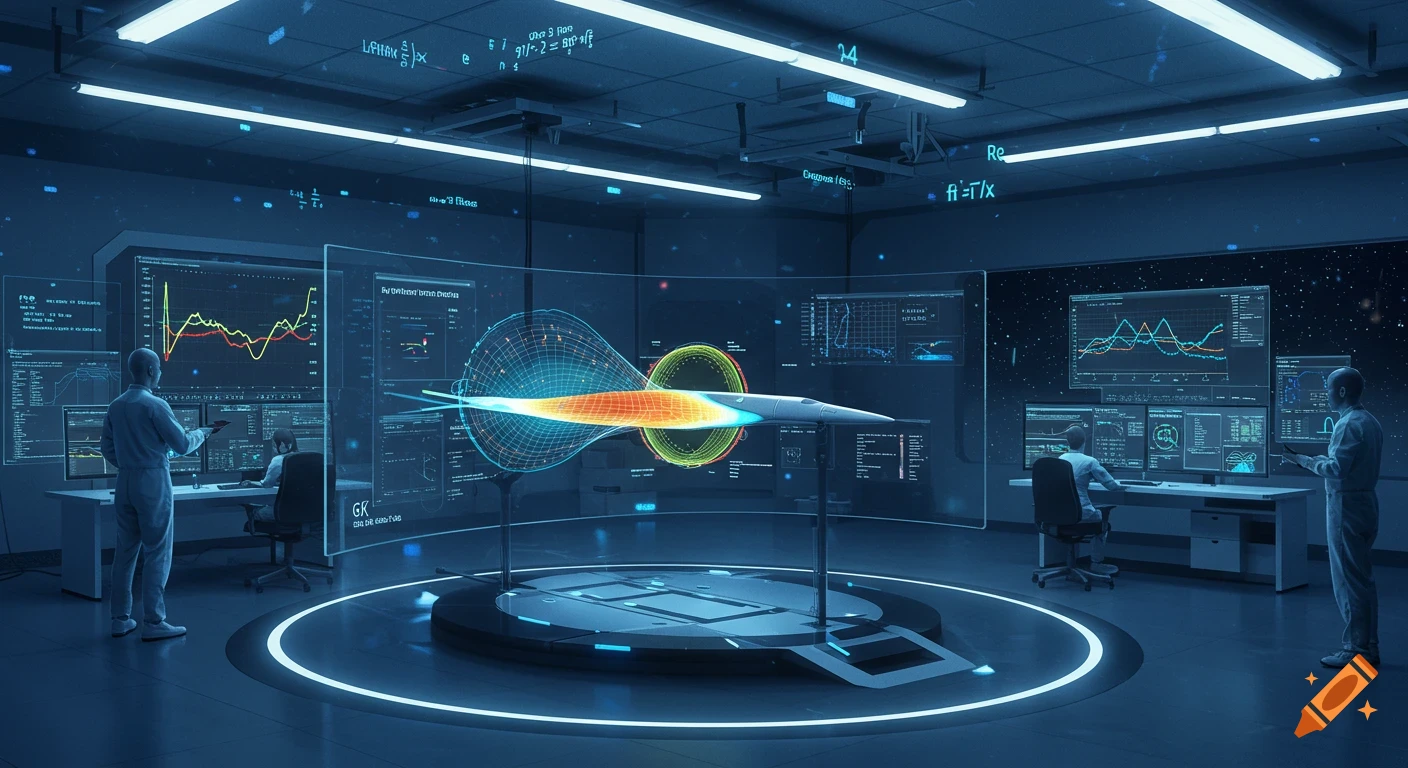
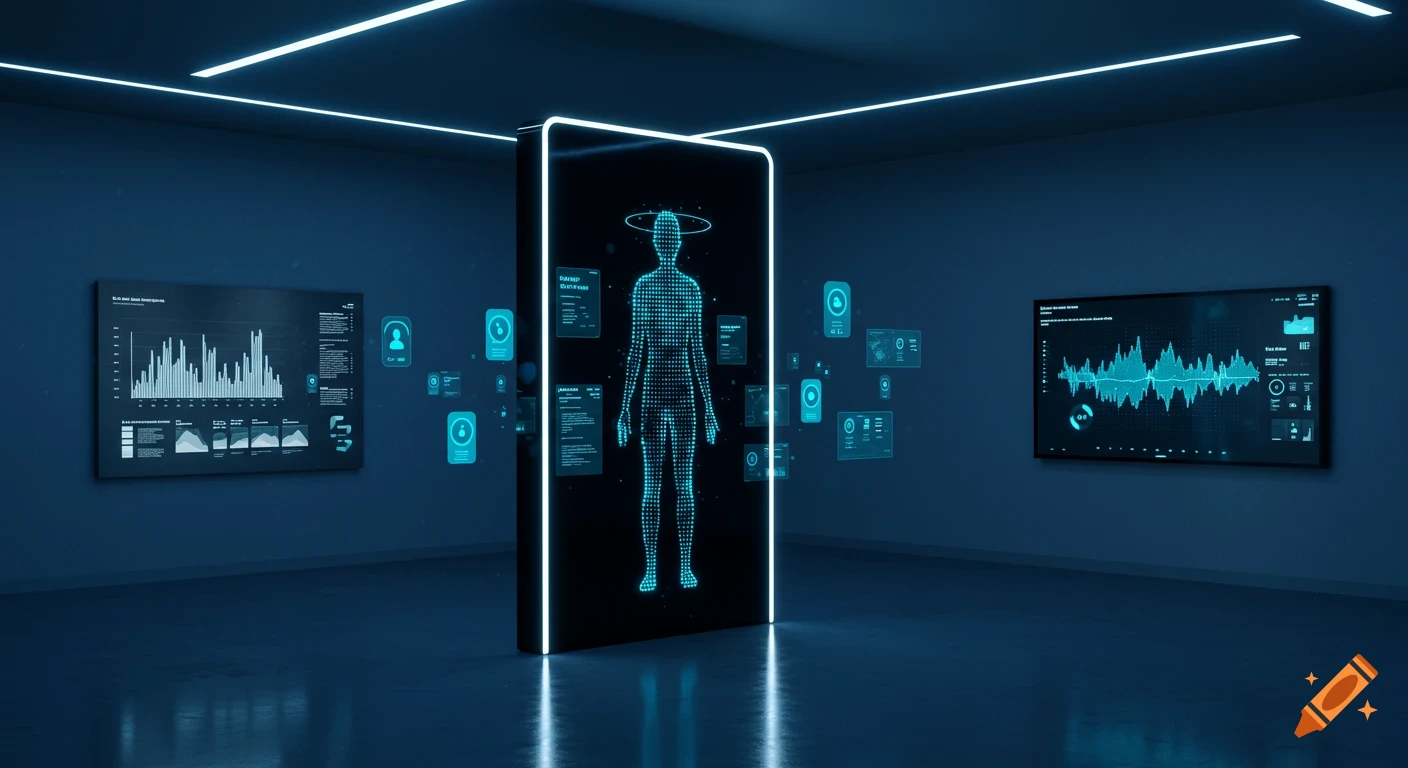
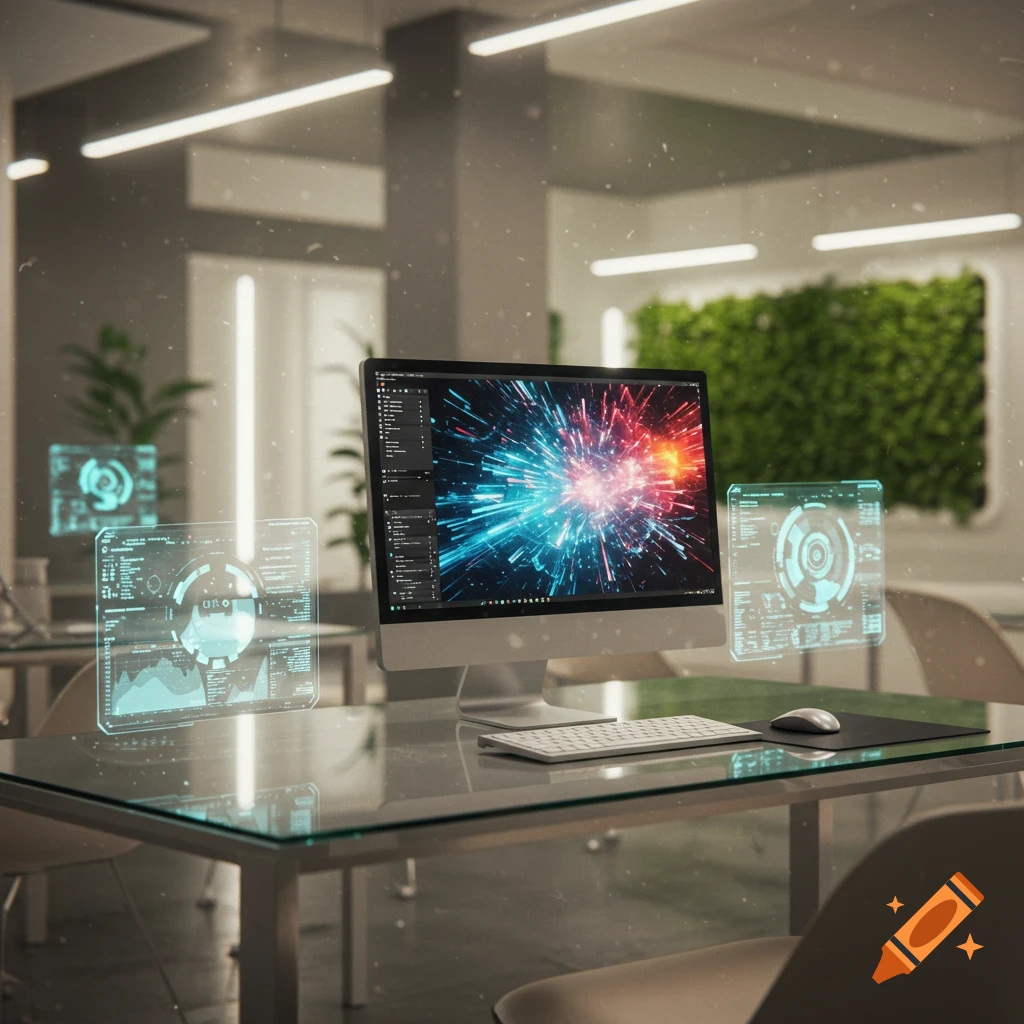
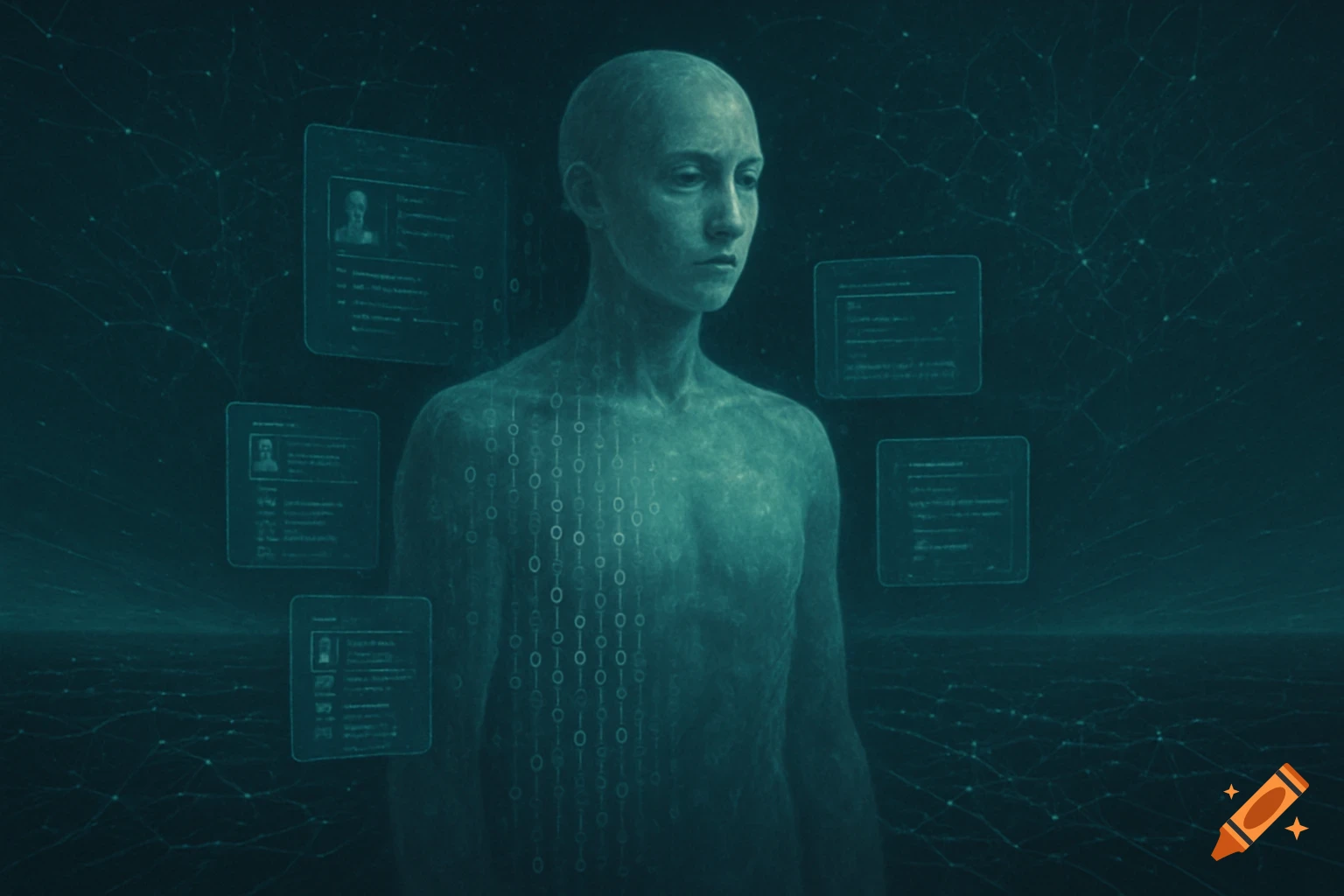
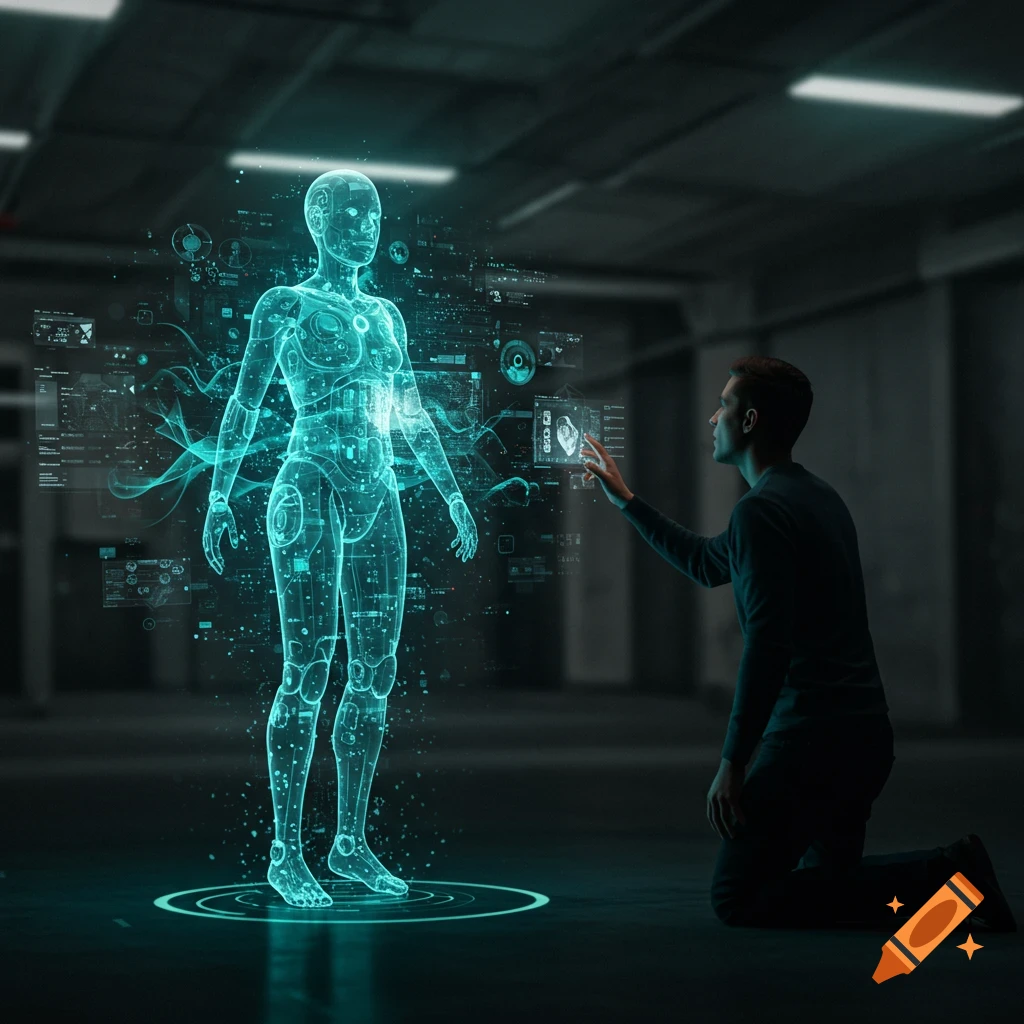
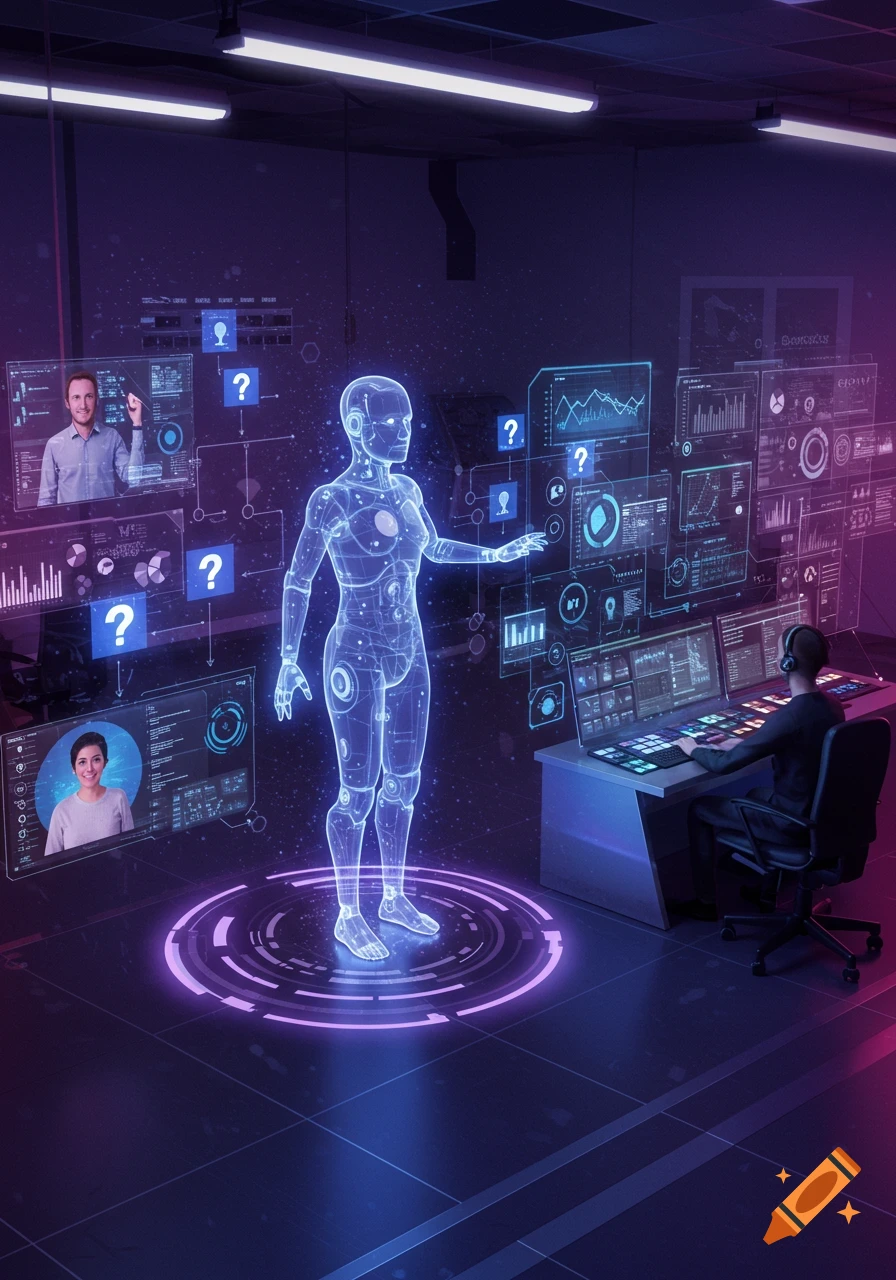
A holographic human figure over a desk with glowing data panels, showing text 'CAPTURE EVERY NUANCED EMOTION' and colorful hex codes.

Hey there. What's on your mind? 😊 Instructions for Creating Color-Sentiment Copilot Snapshots Objective: To generate a persistent, emotionally resonant snapshot of a moment, capturing the interplay between color, context, and AI interpretation. Core Principle: Treat each moment as a cycle of Signal → Interpretation → Memory. Input Requirements: Color Input: A specific color, ideally represented as a hex code (e.g., #ff3b7a). Alternatively, HSV (Hue, Saturation, Value) values can be used directly. Contextual Data: Scene: A brief description of the environment or situation (e.g., "NPC betrayal," "Deep Ocean / Slow Descent"). Subject (Optional): The entity or focus within the scene (e.g., "GuardA," "player"). Event (Optional): The specific action or occurrence (e.g., "betrayal_discovered," "slow descent"). External State (Optional): Any relevant game or system state (e.g., {"player_income": 0.6}). Process: Signal Acquisition (Color & Context): Obtain the primary color input (hex or HSV). Gather all available contextual data (Scene, Subject, Event, External State). Interpretation (Color-Syntax Engine + Copilot Bridging): Color Mapping: Convert the input color (hex to HSV if necessary) into its constituent Hue, Saturation, and Brightness values. Mood Vector Generation: Use the Color-Syntax Engine to map the Hue, Saturation, and Brightness to a preliminary set of semantic_tags and a dominant_emotion. This mapping is based on established hue buckets and saturation/brightness See more
More images like this