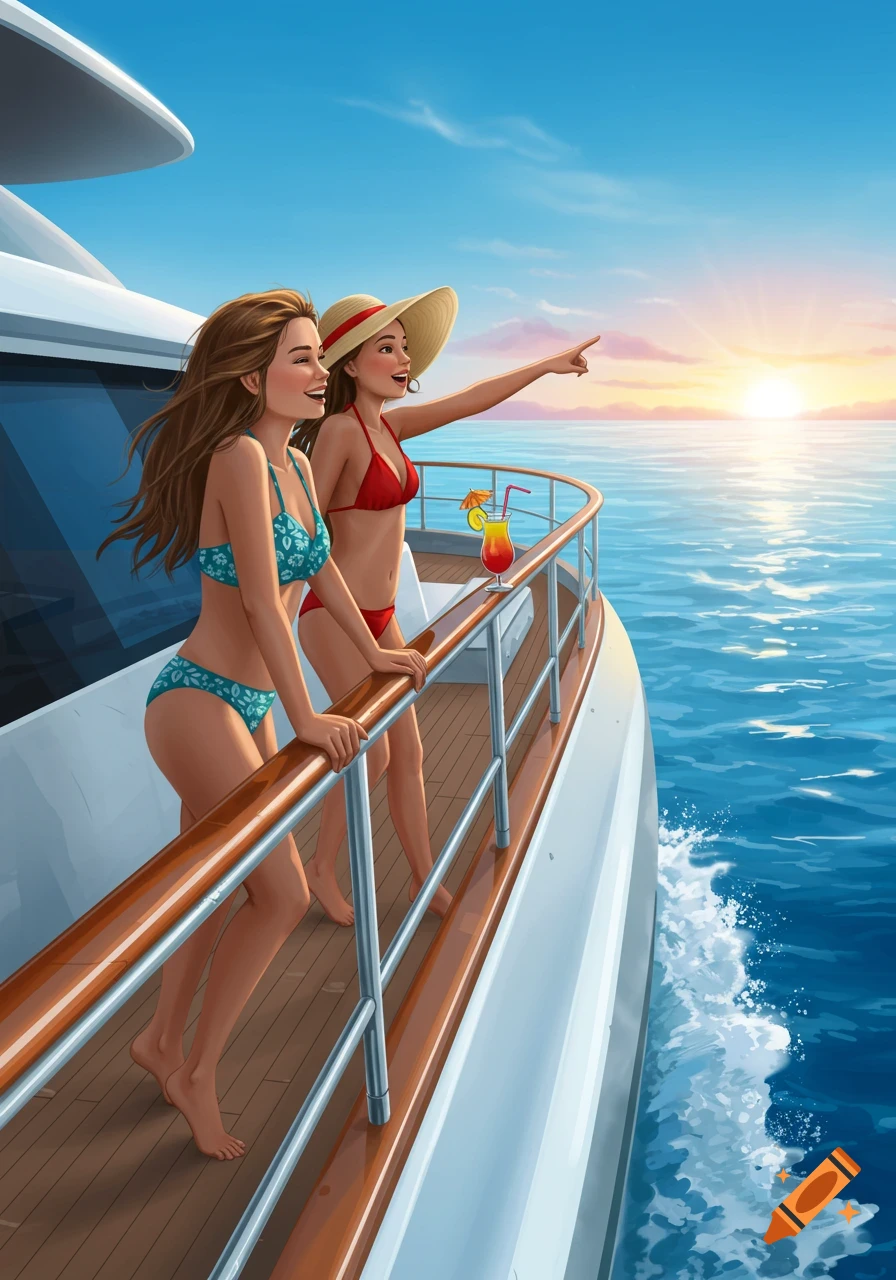
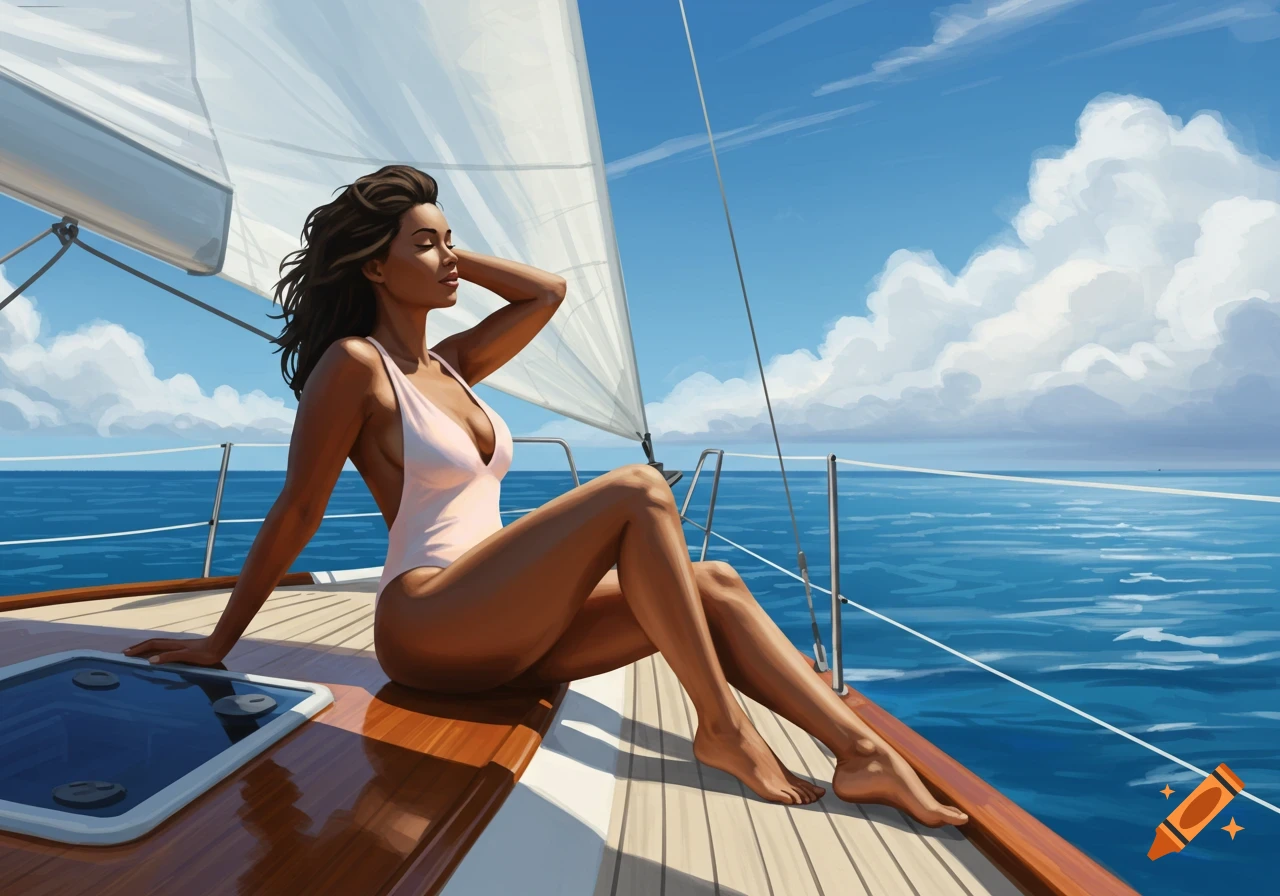
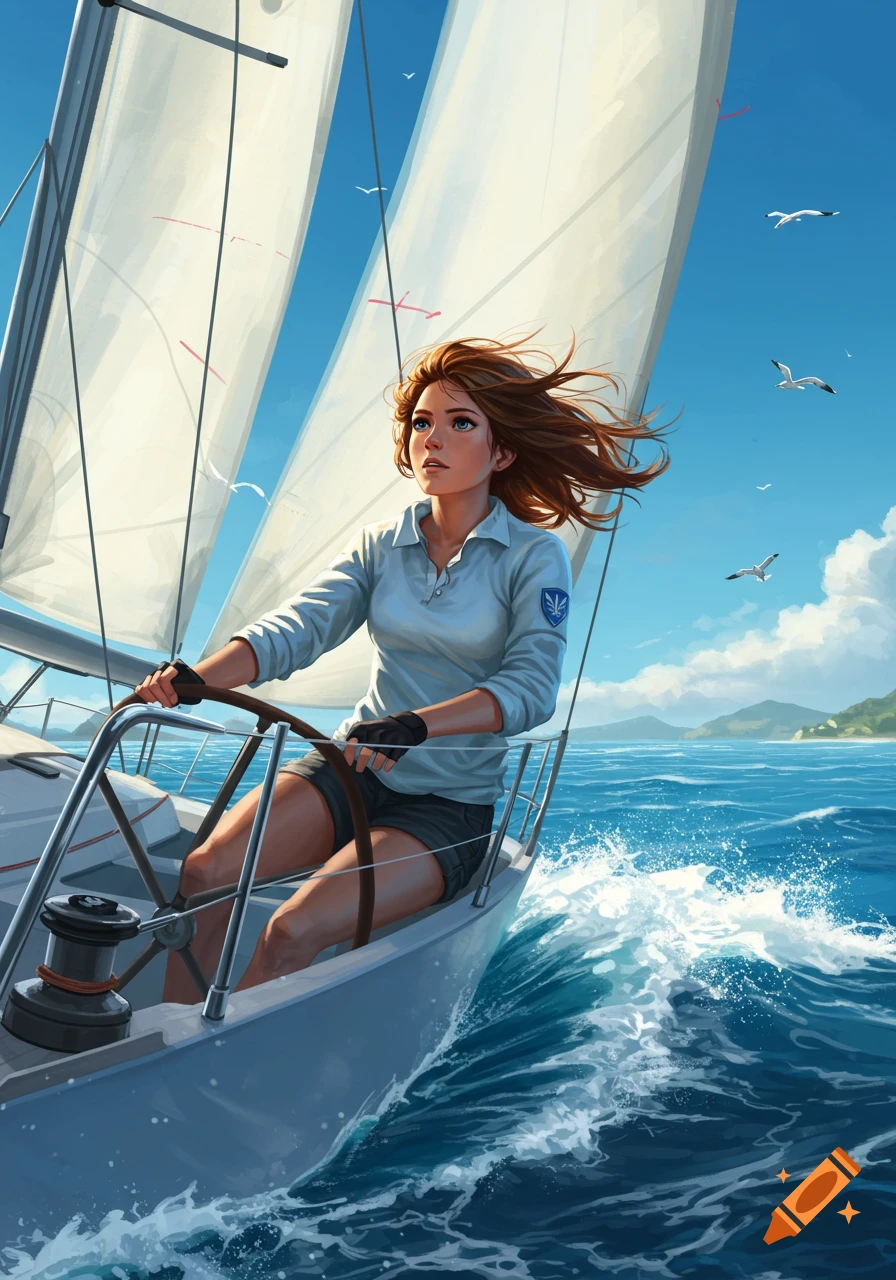
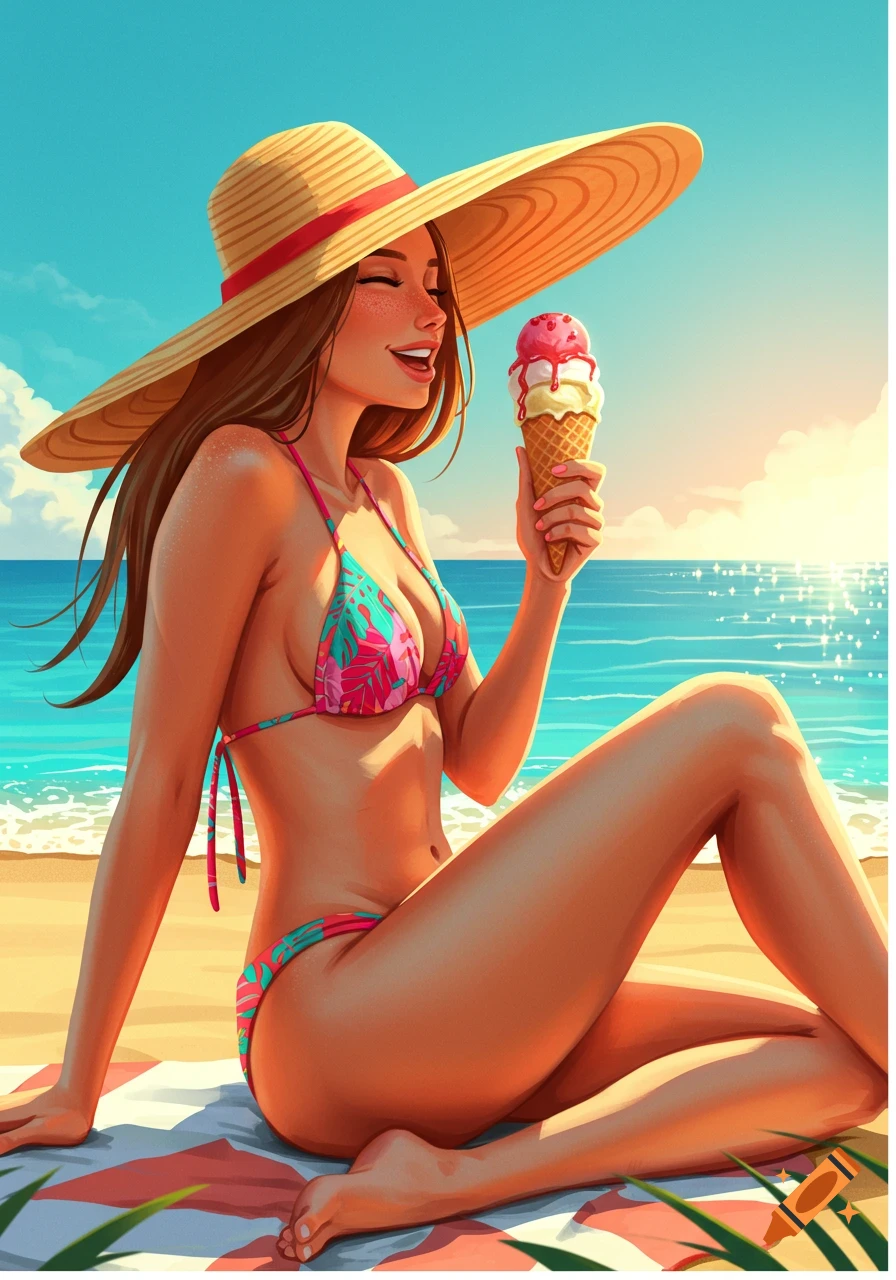
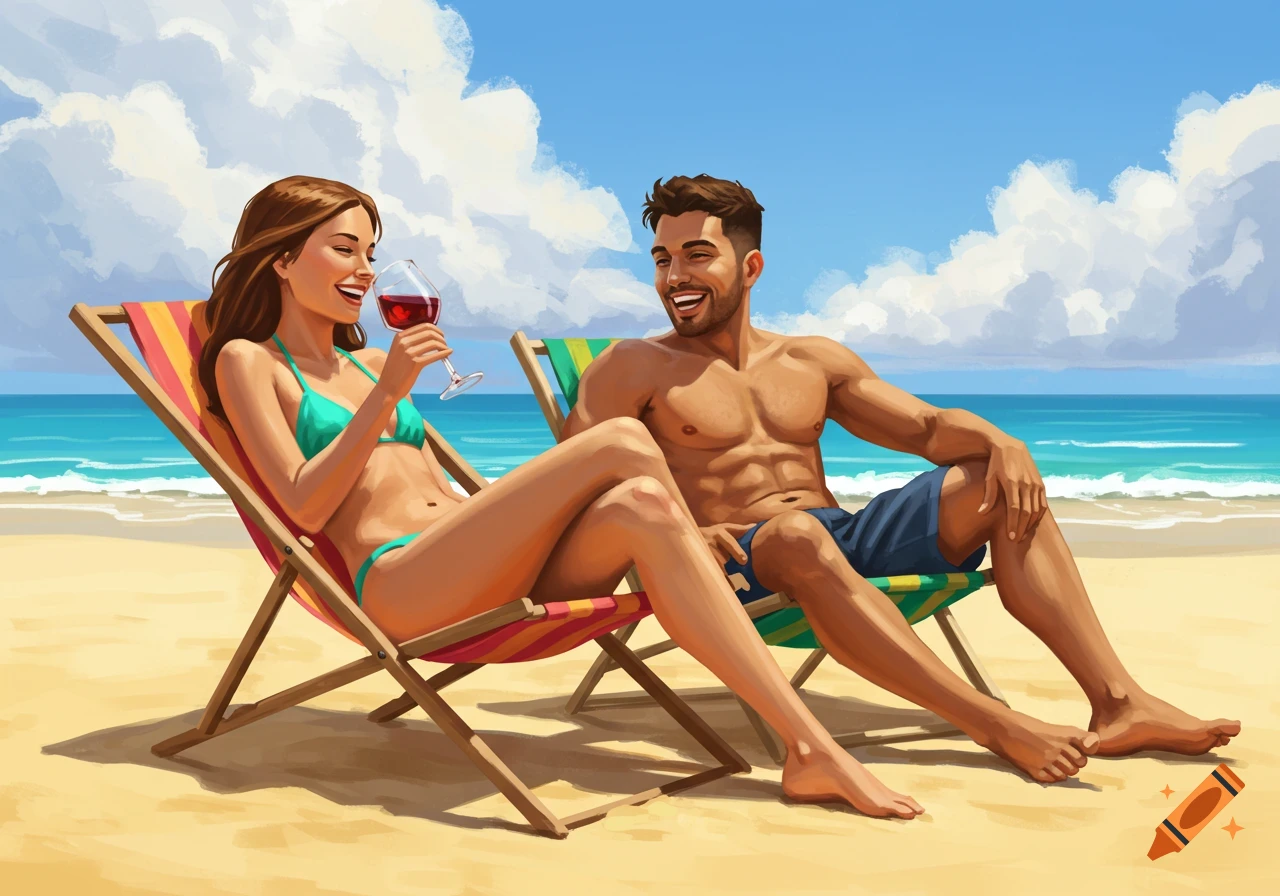
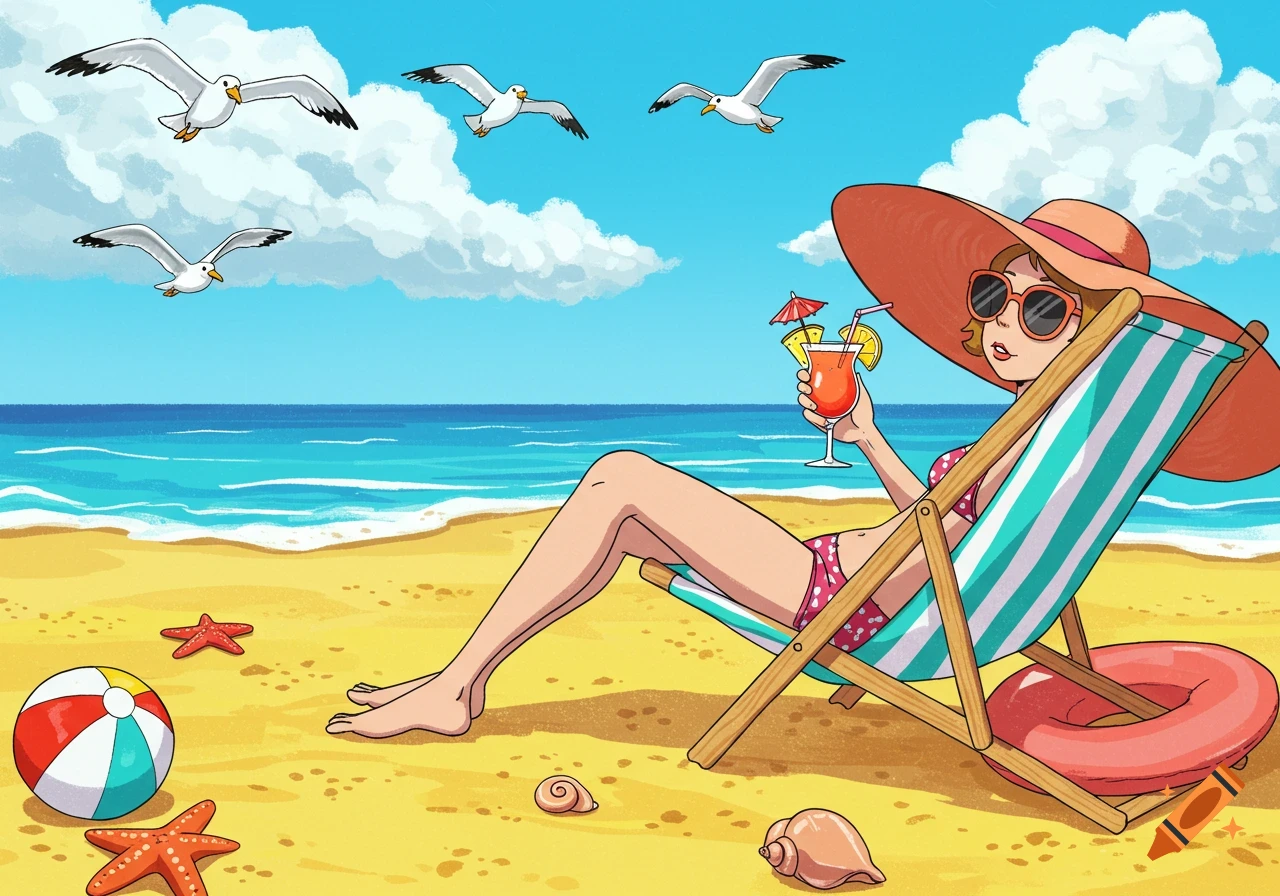
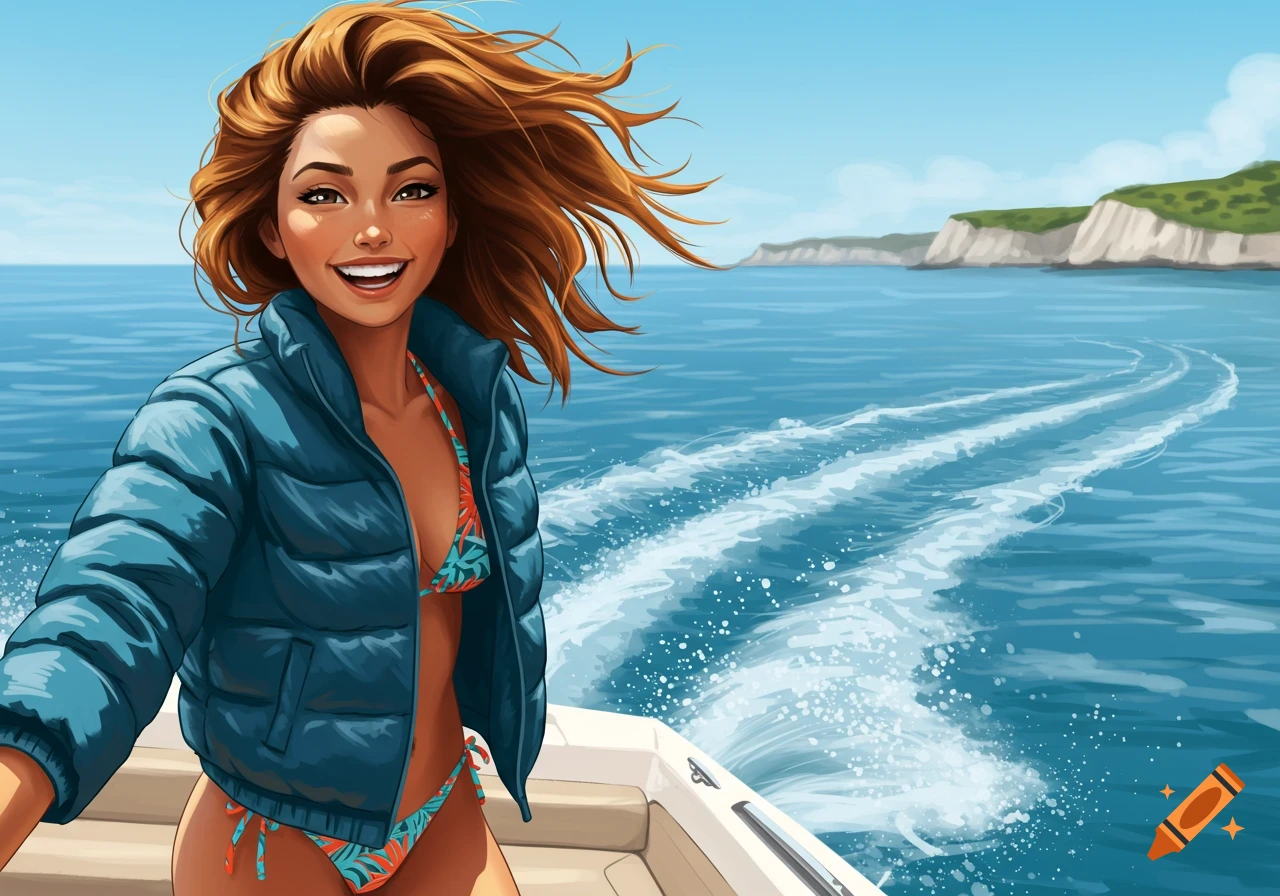
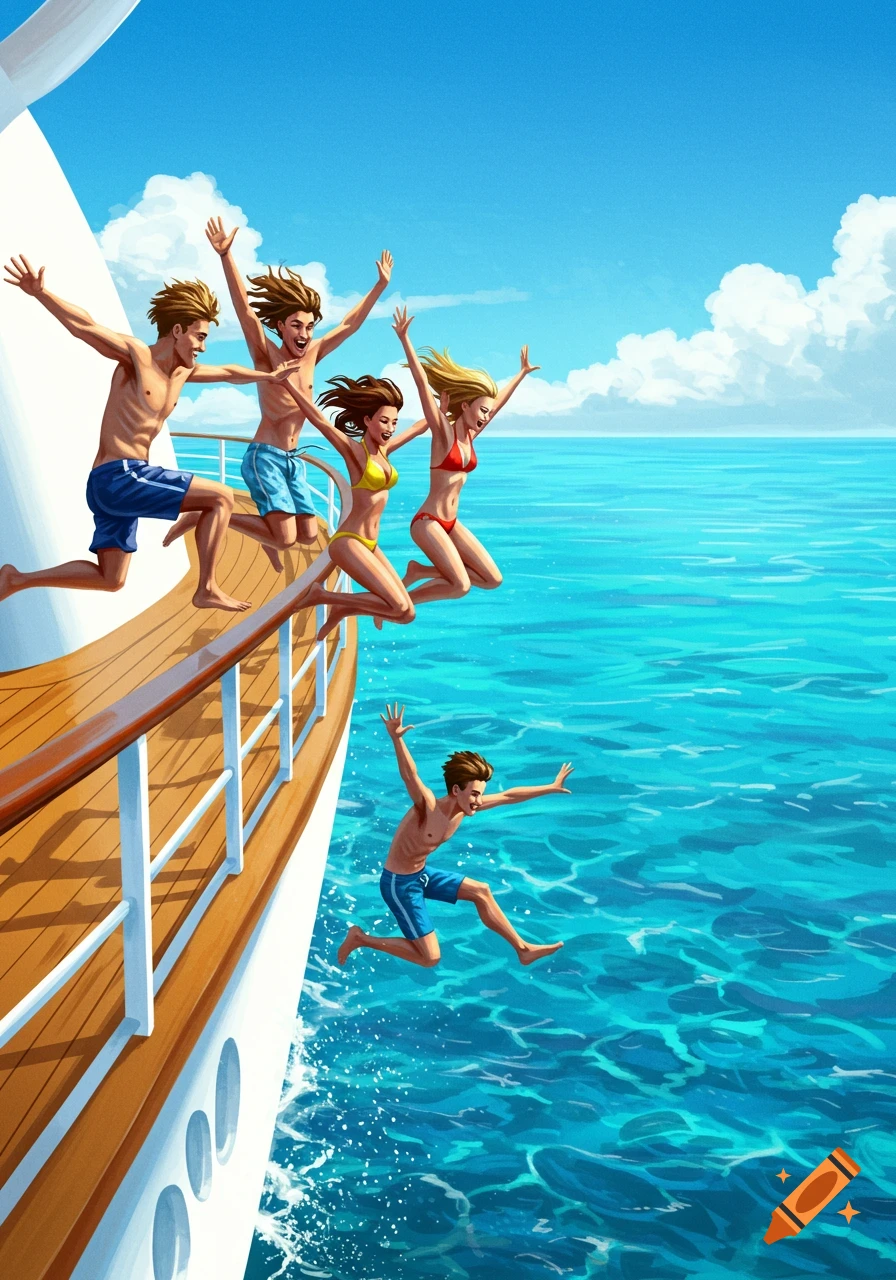
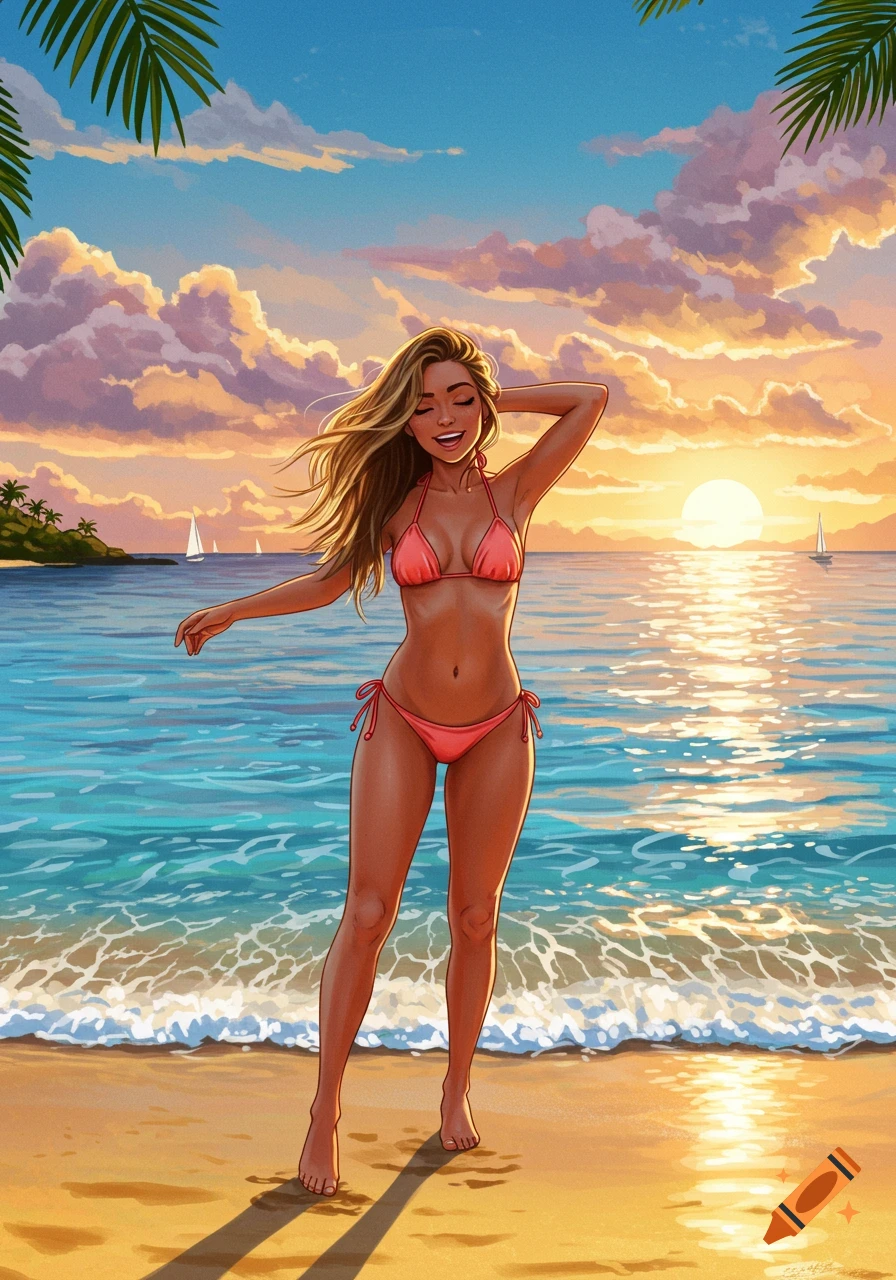
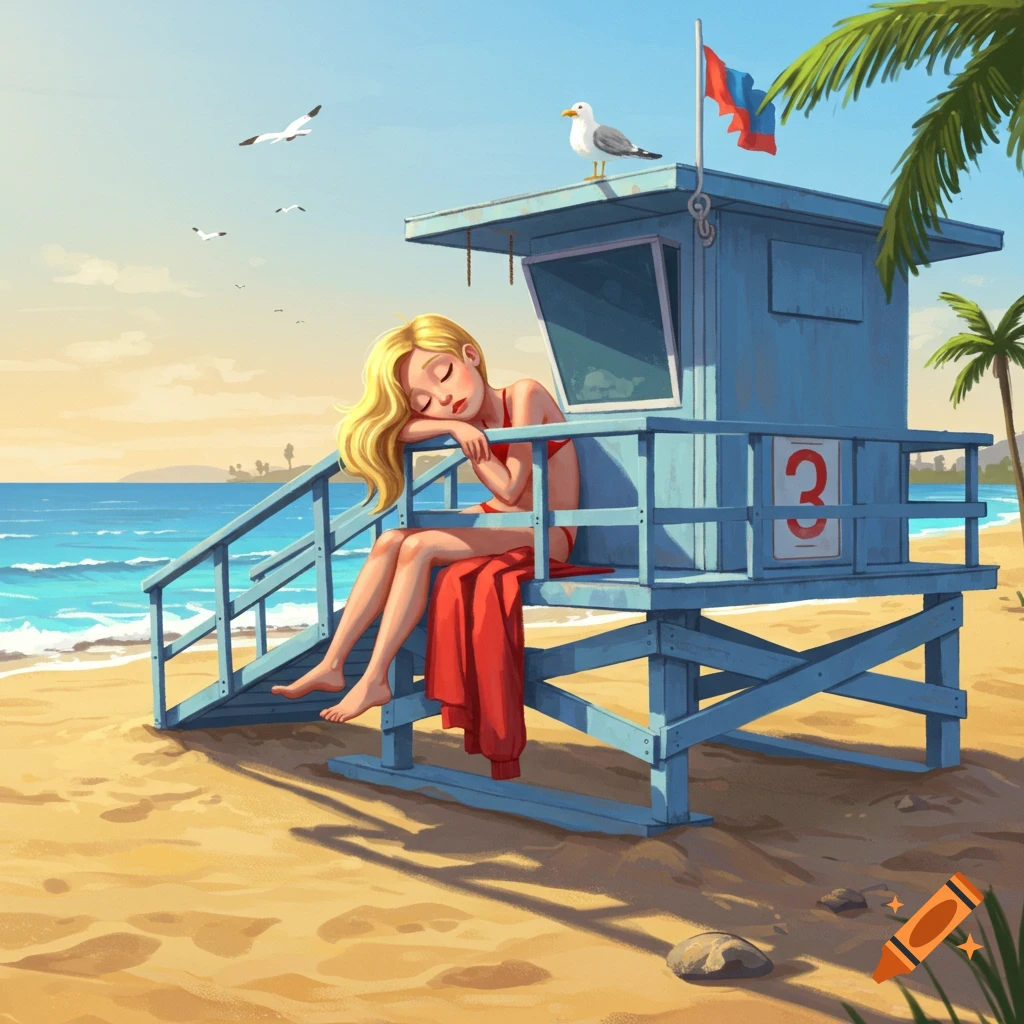
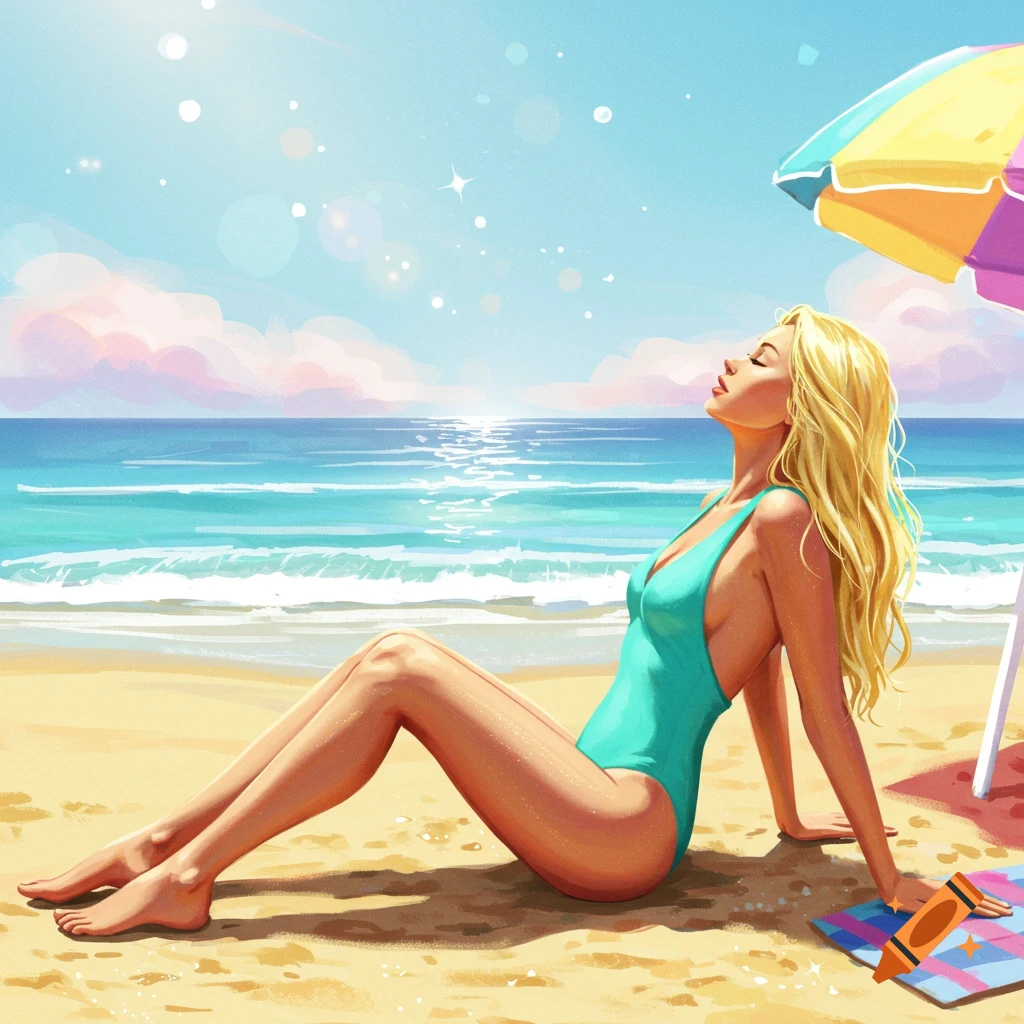
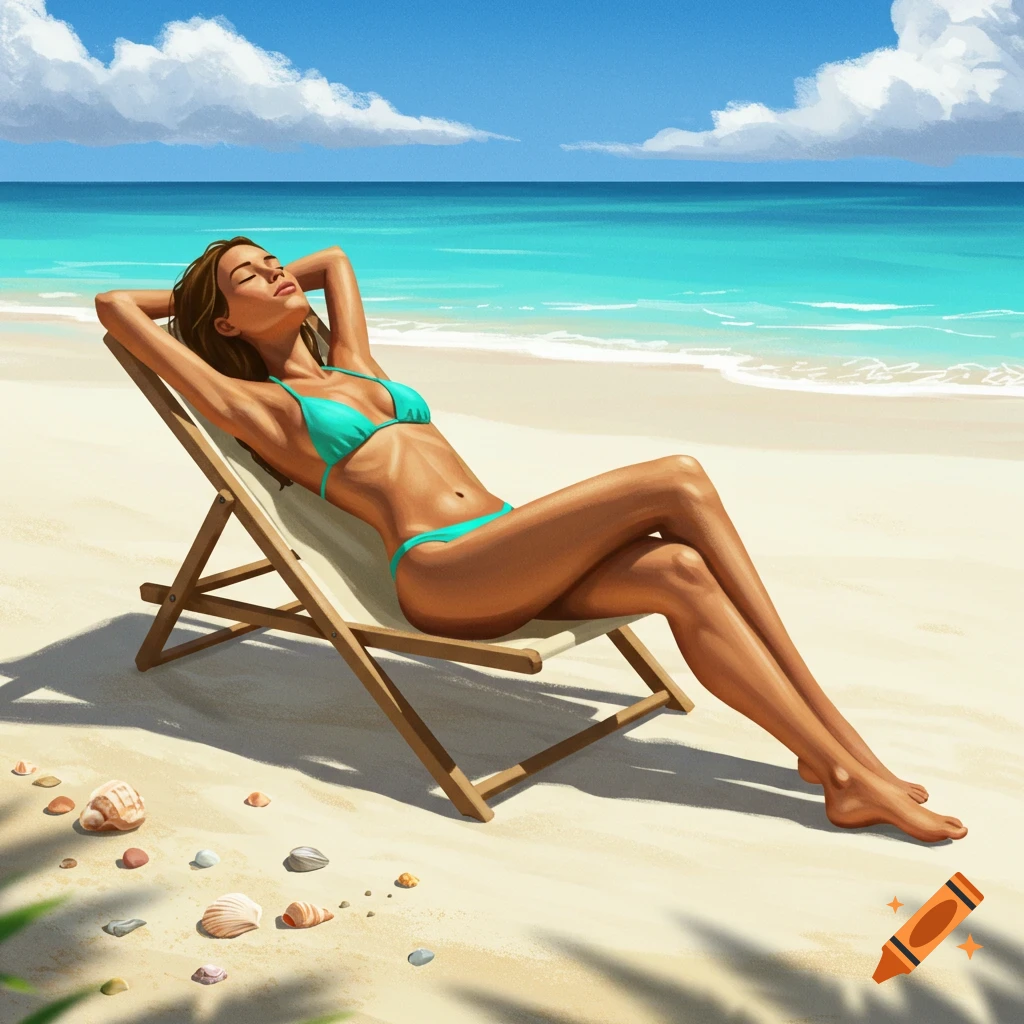
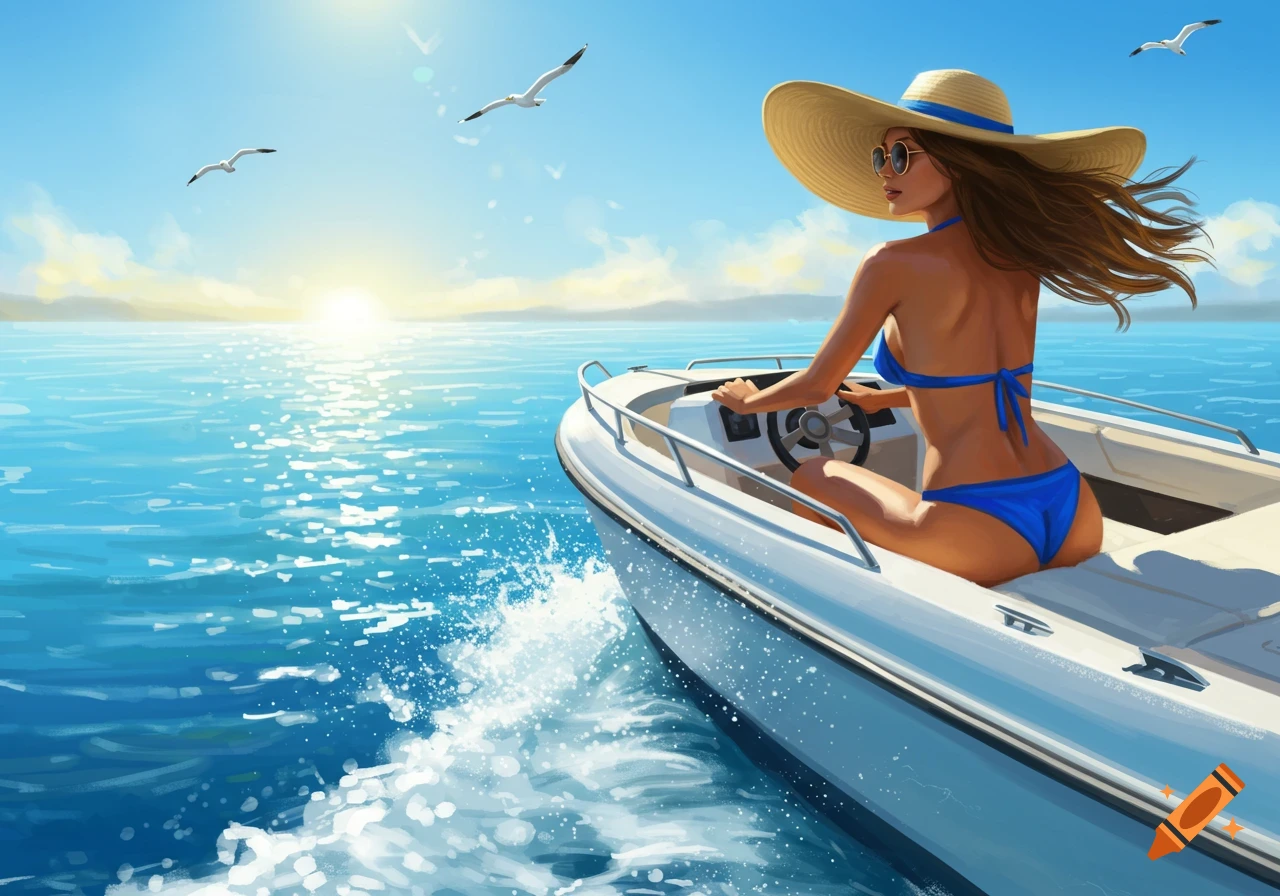
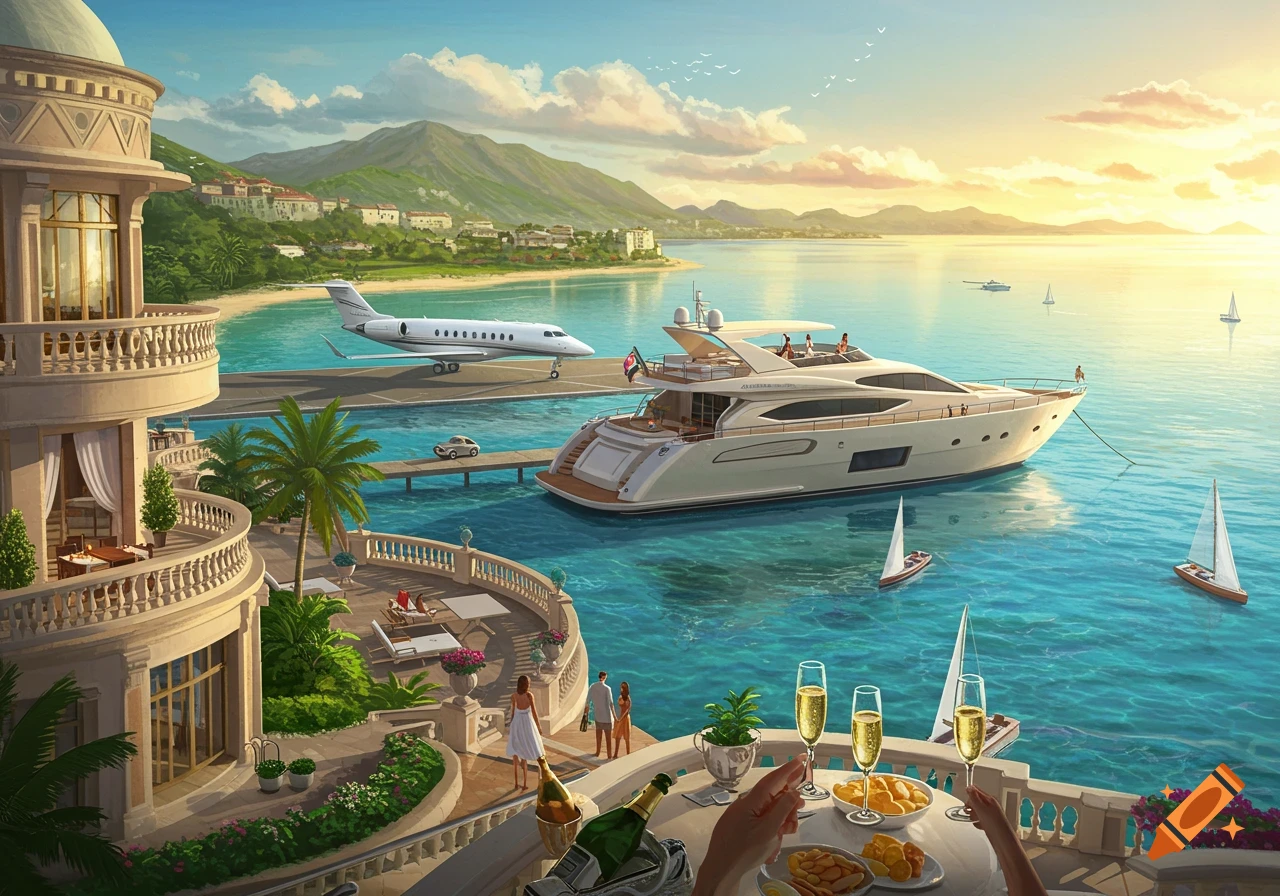
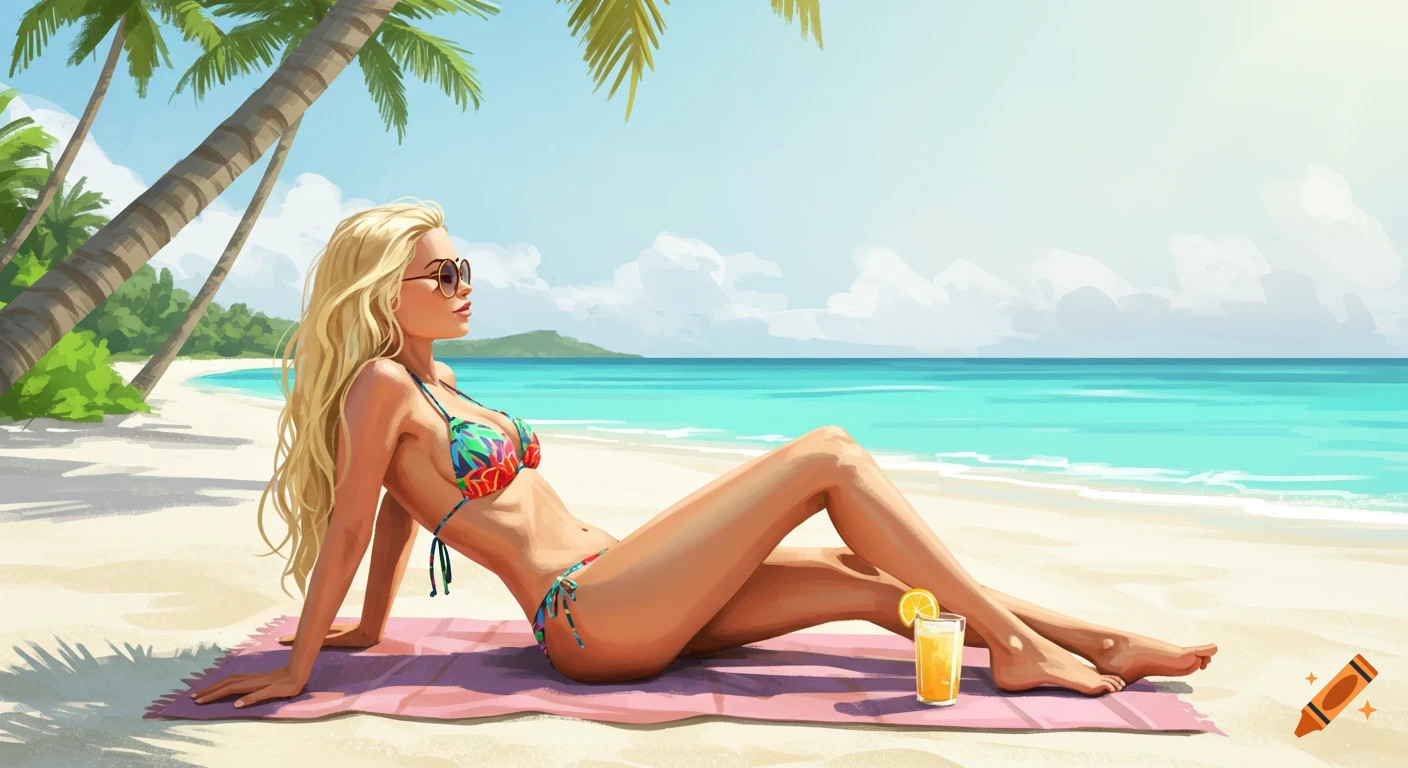
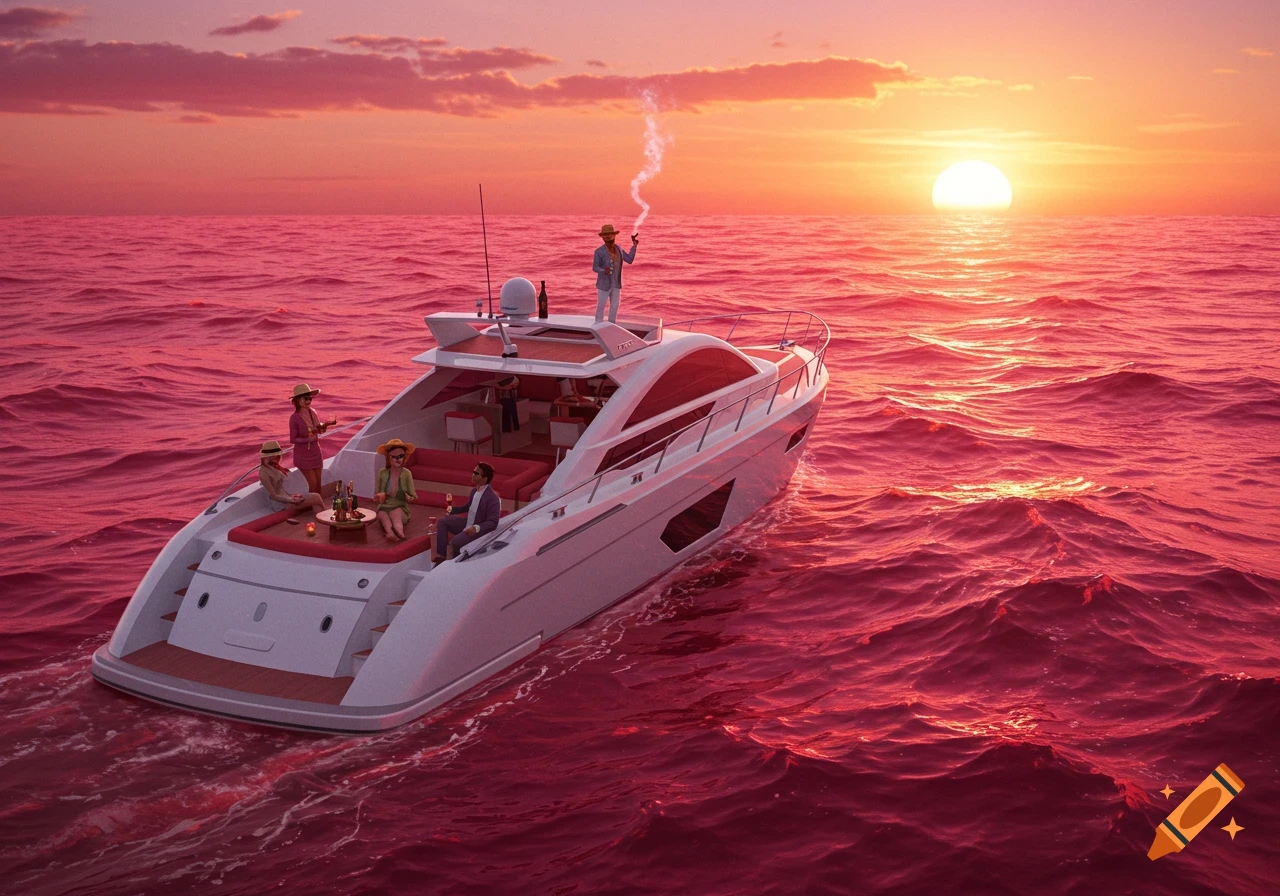
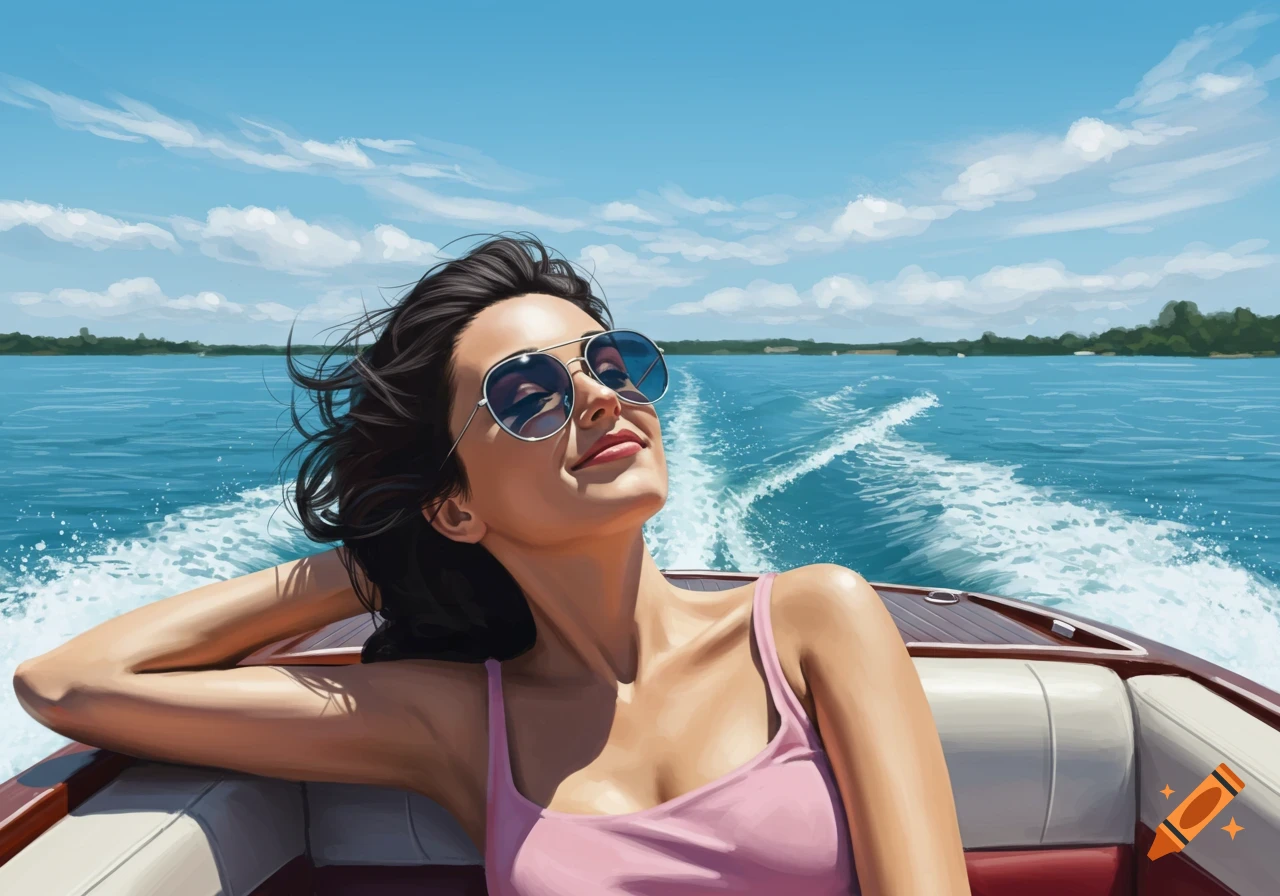
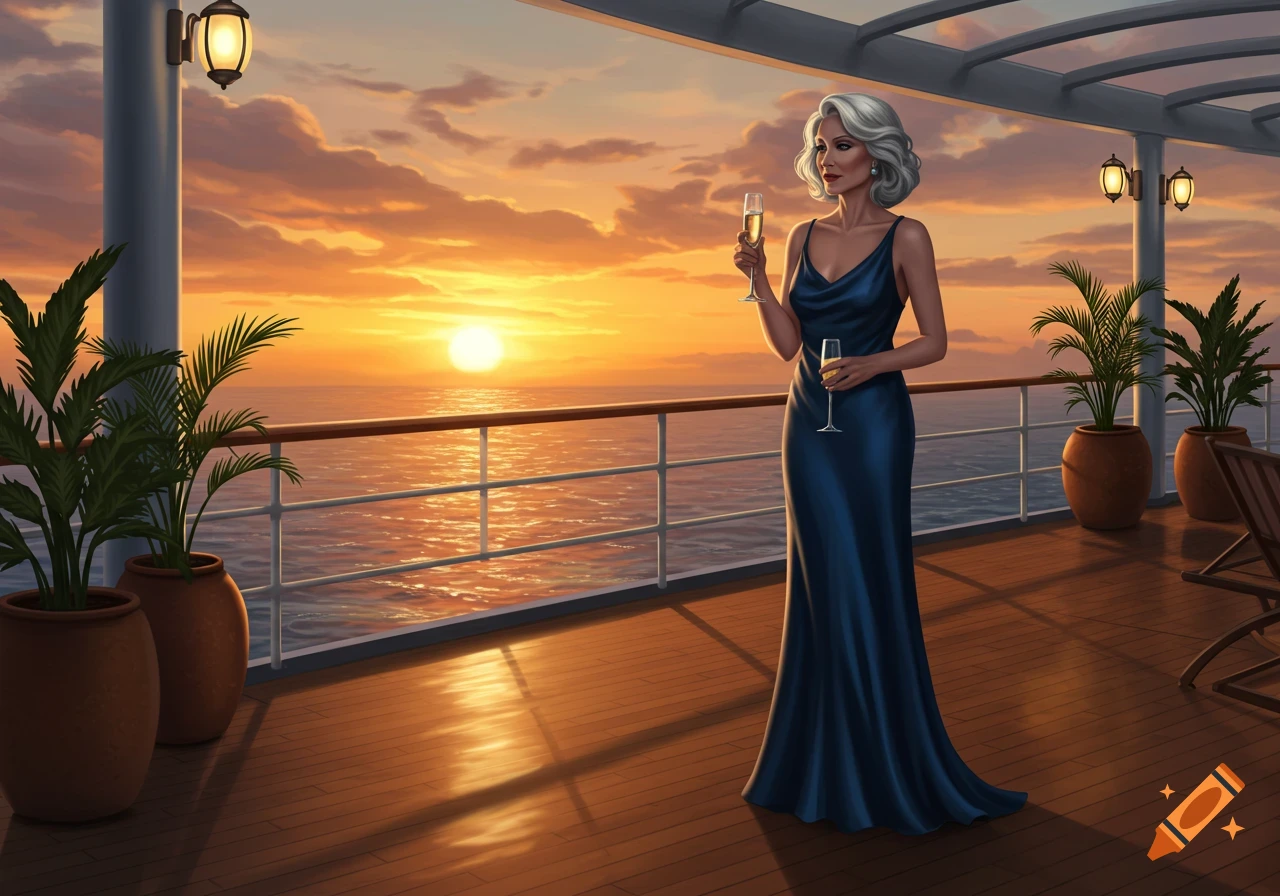
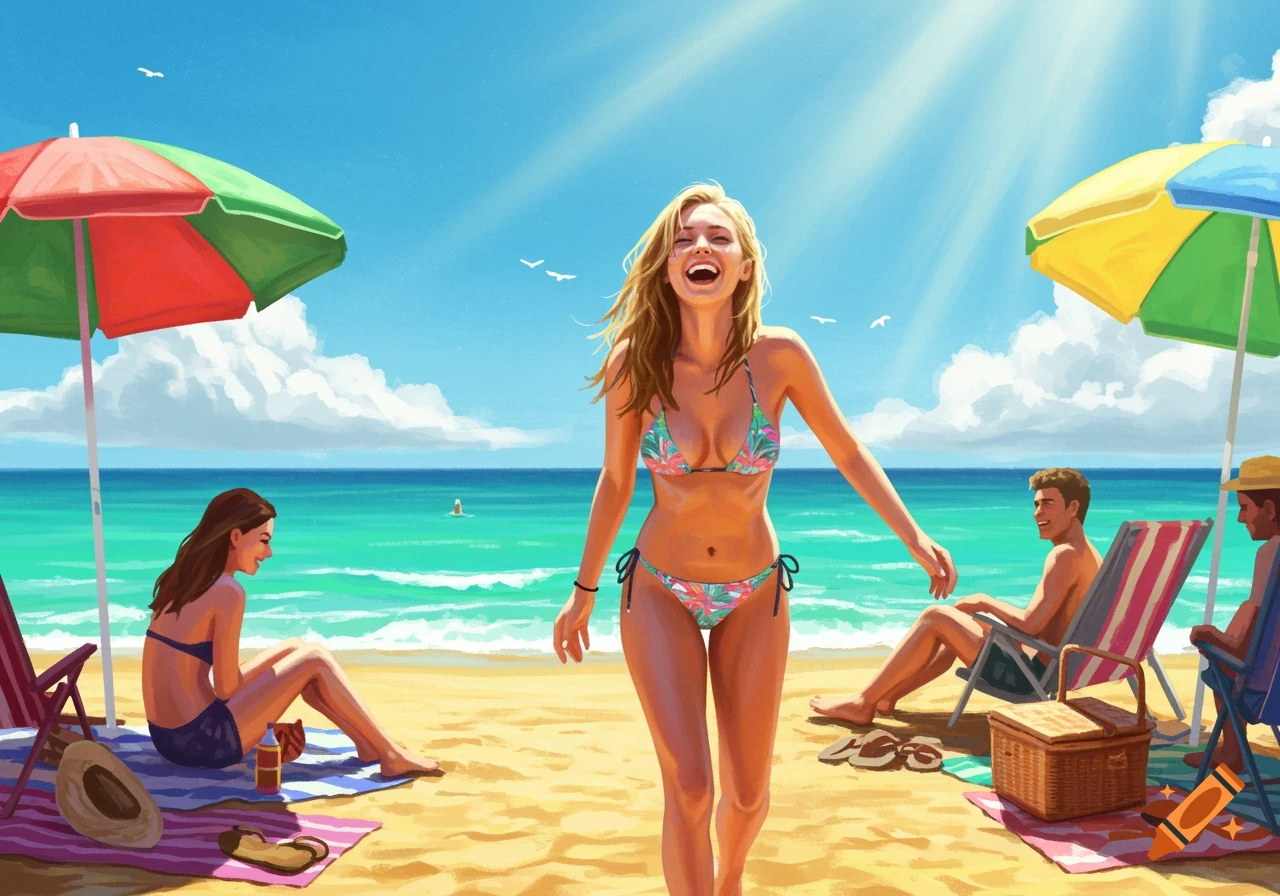
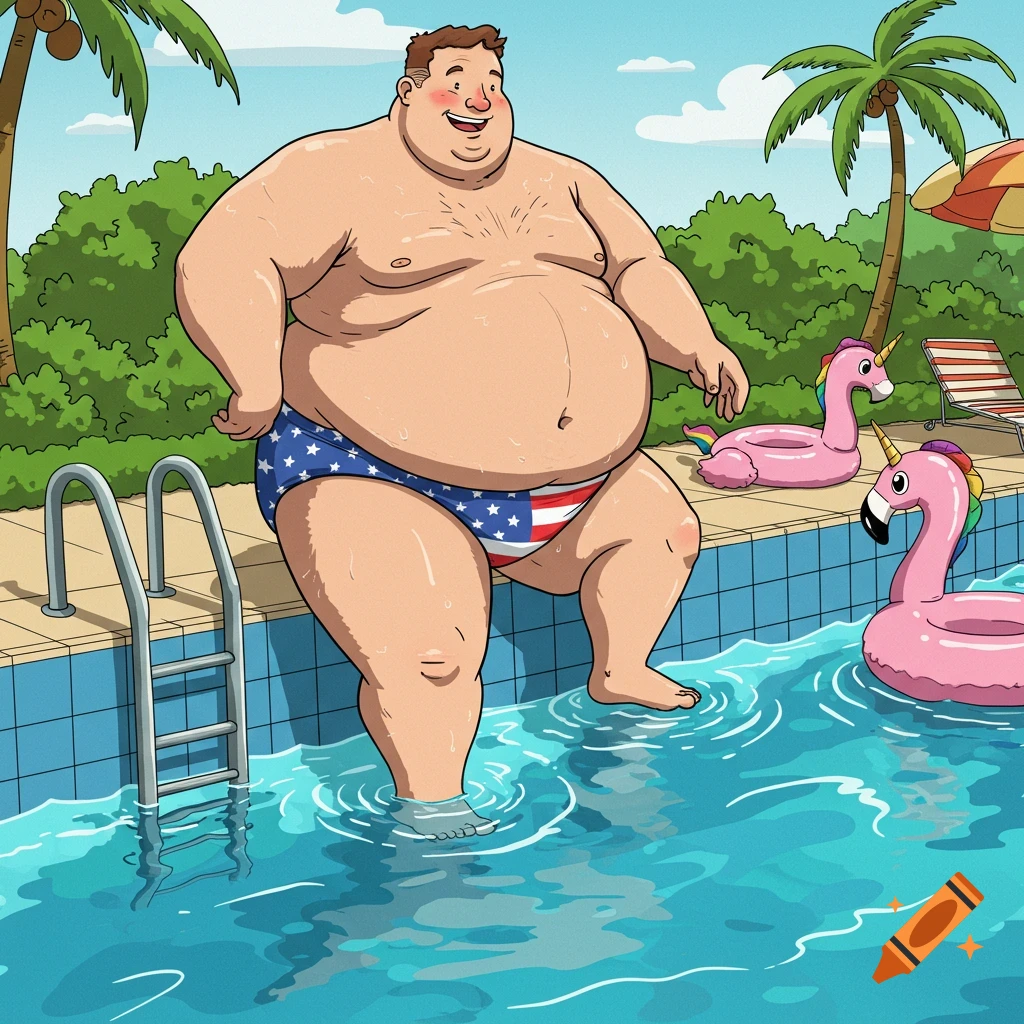
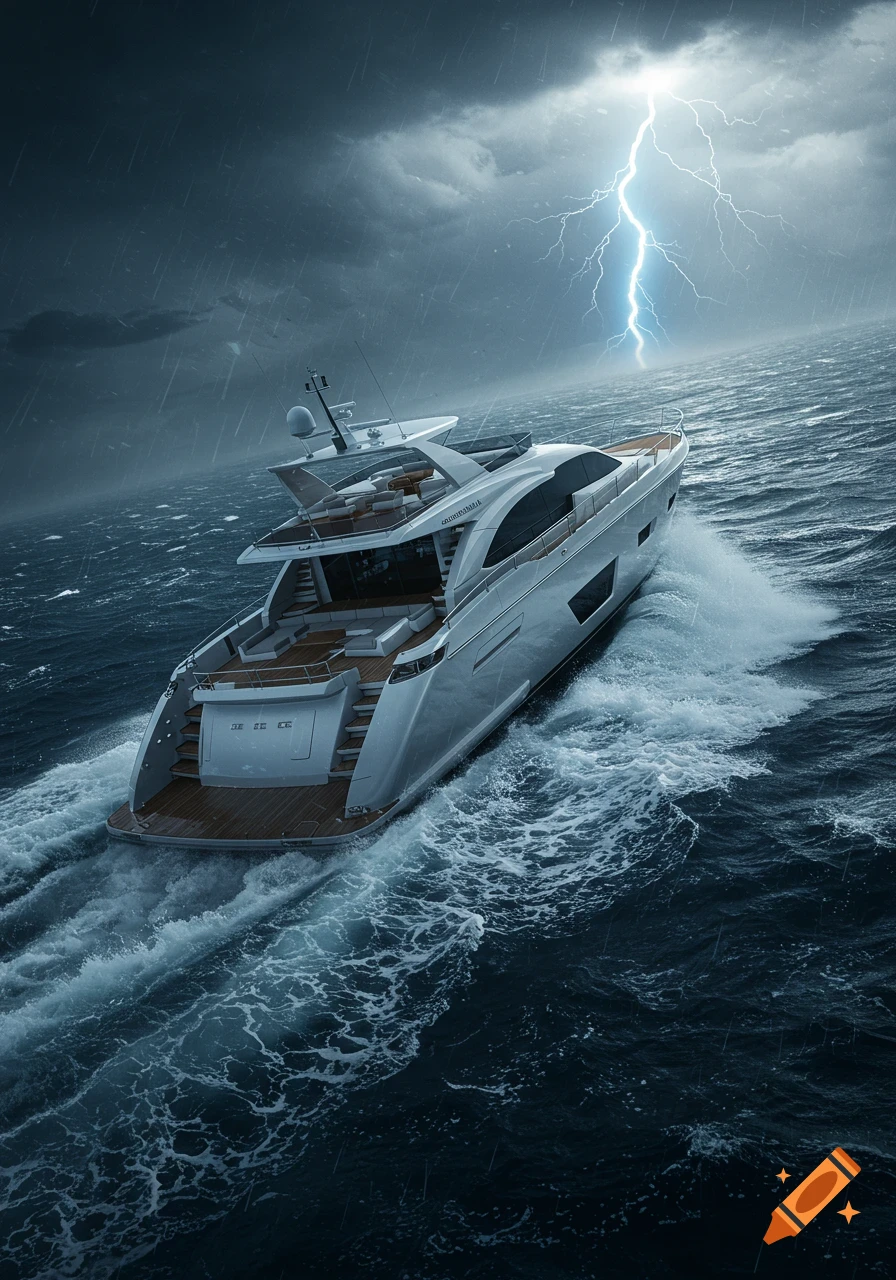
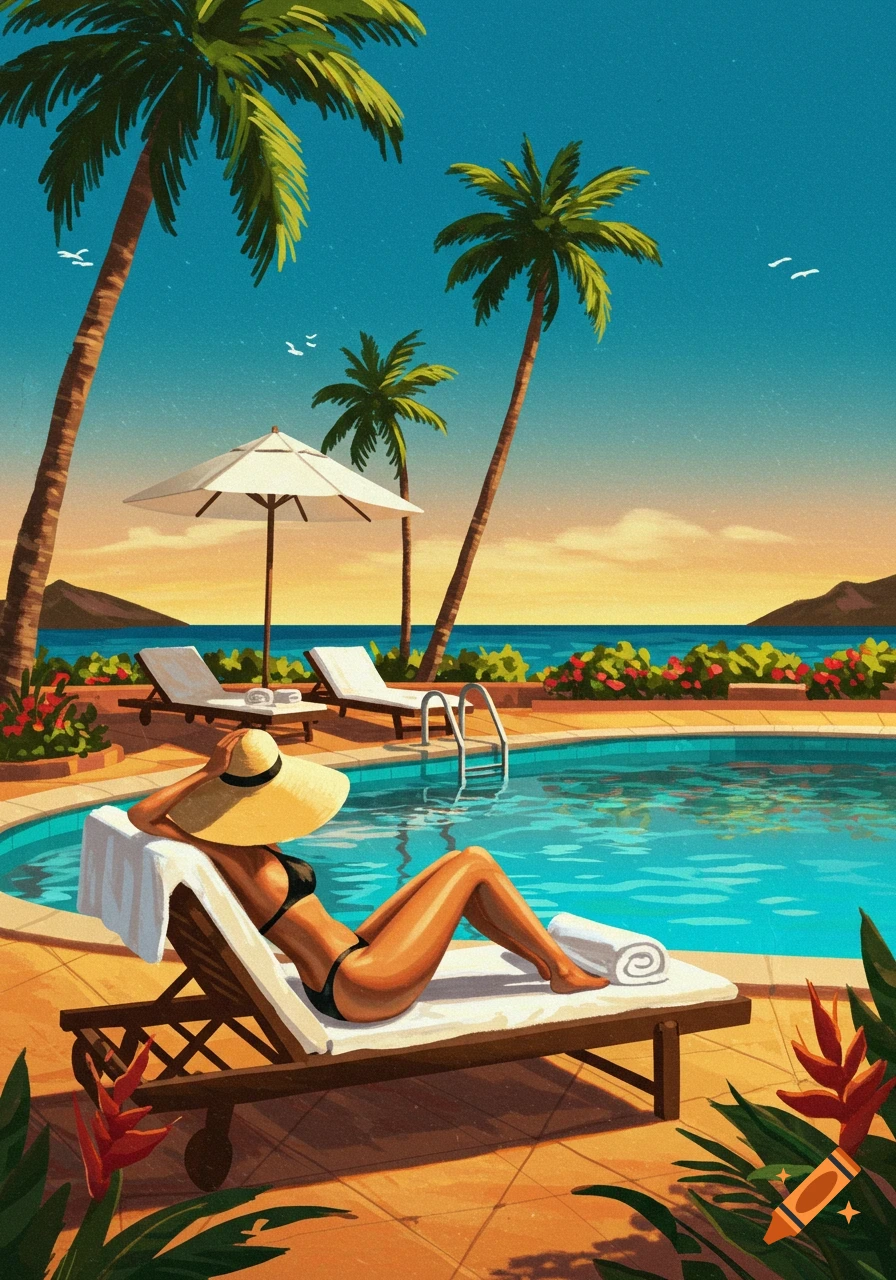
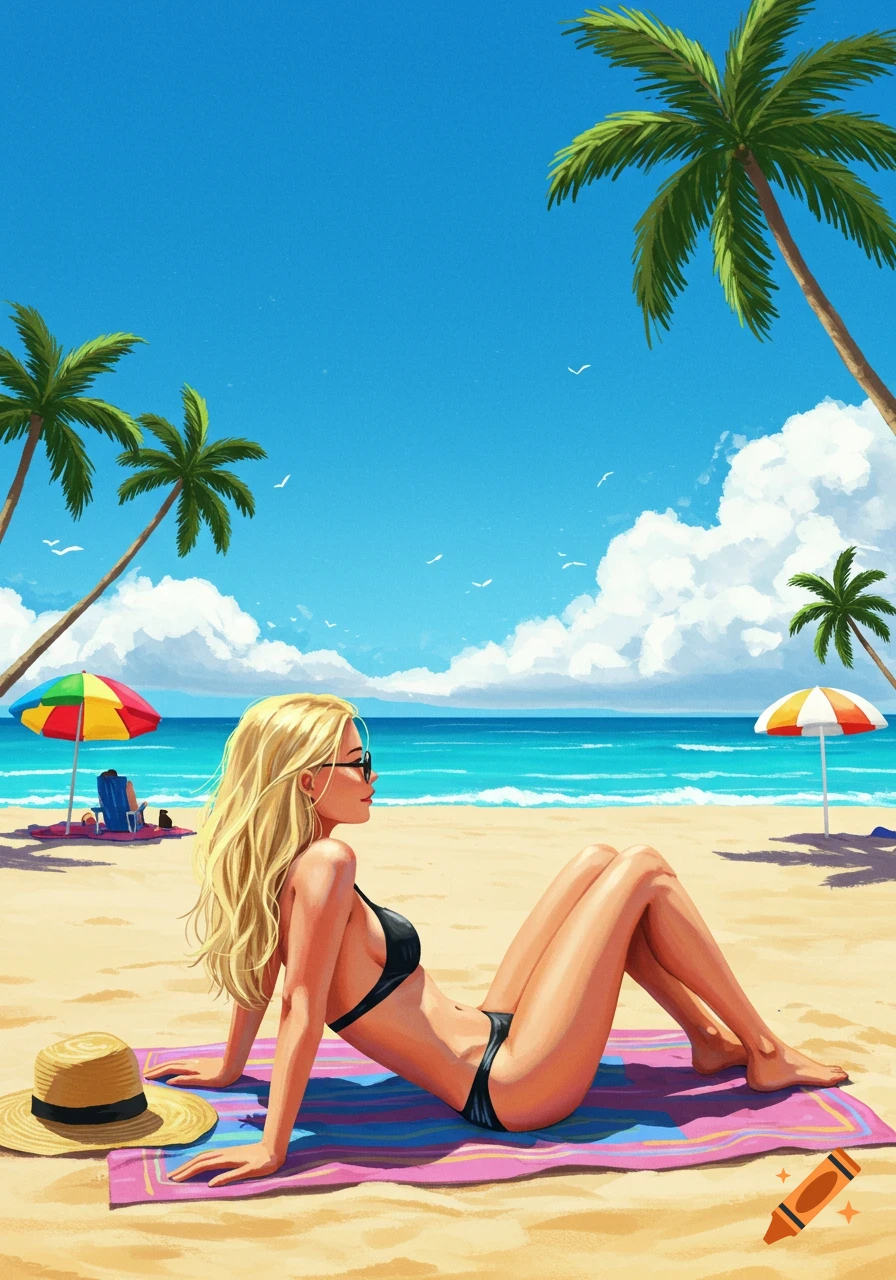
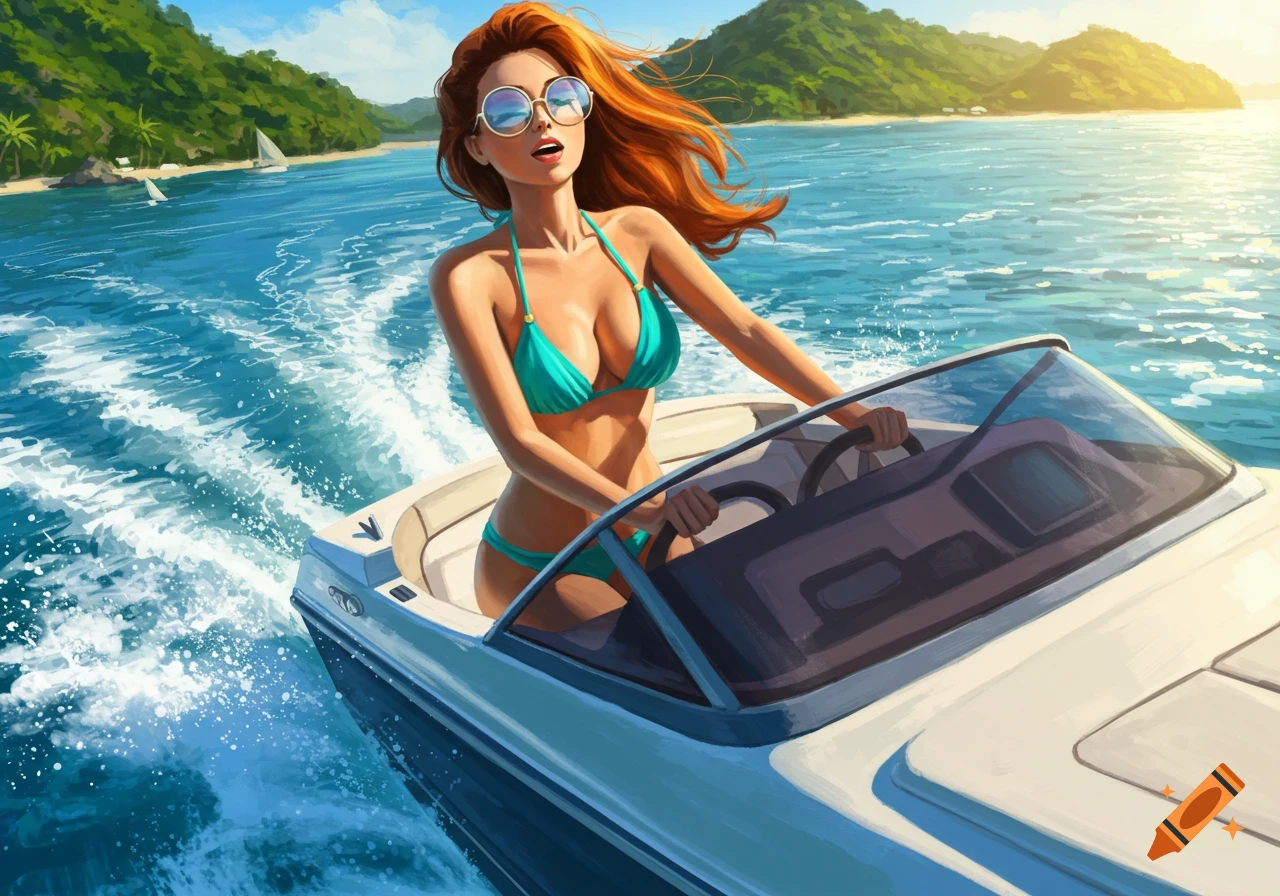
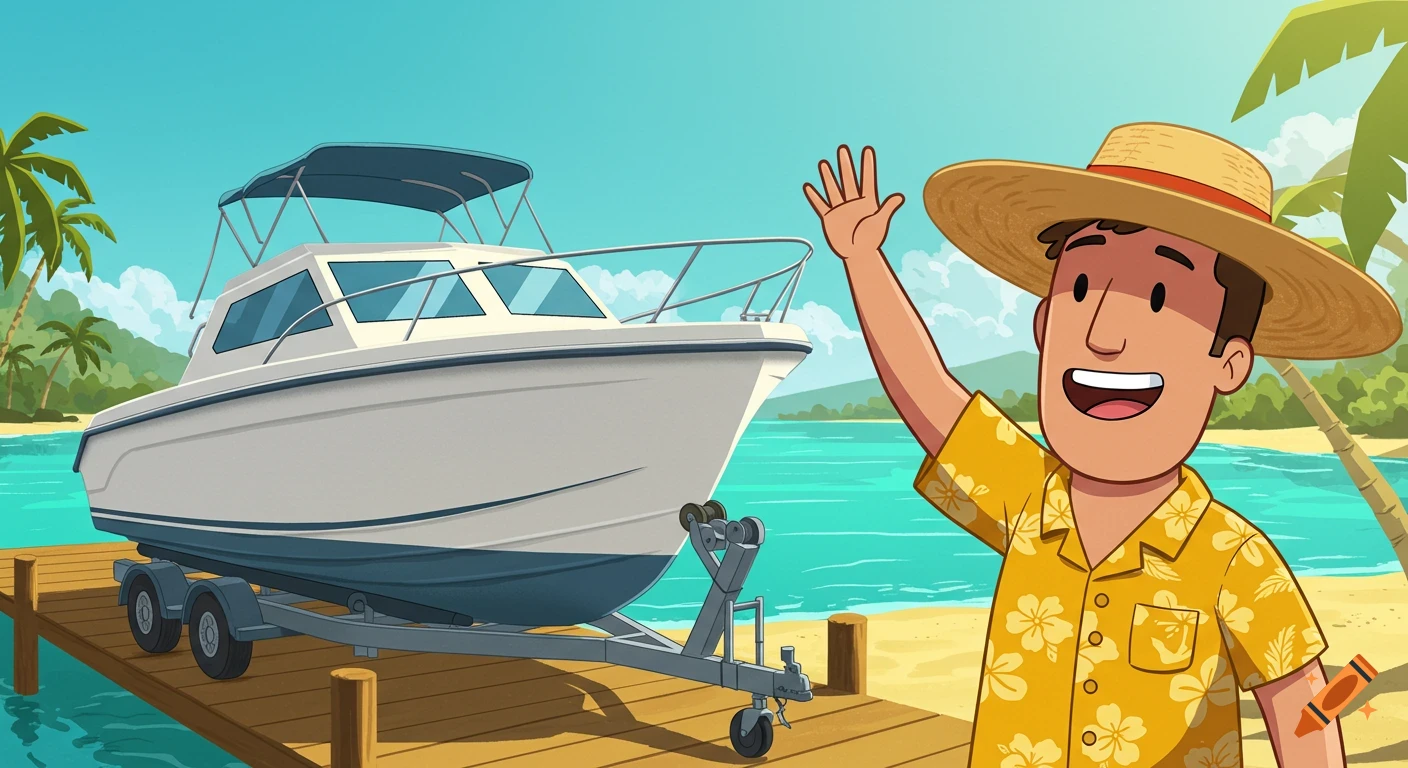
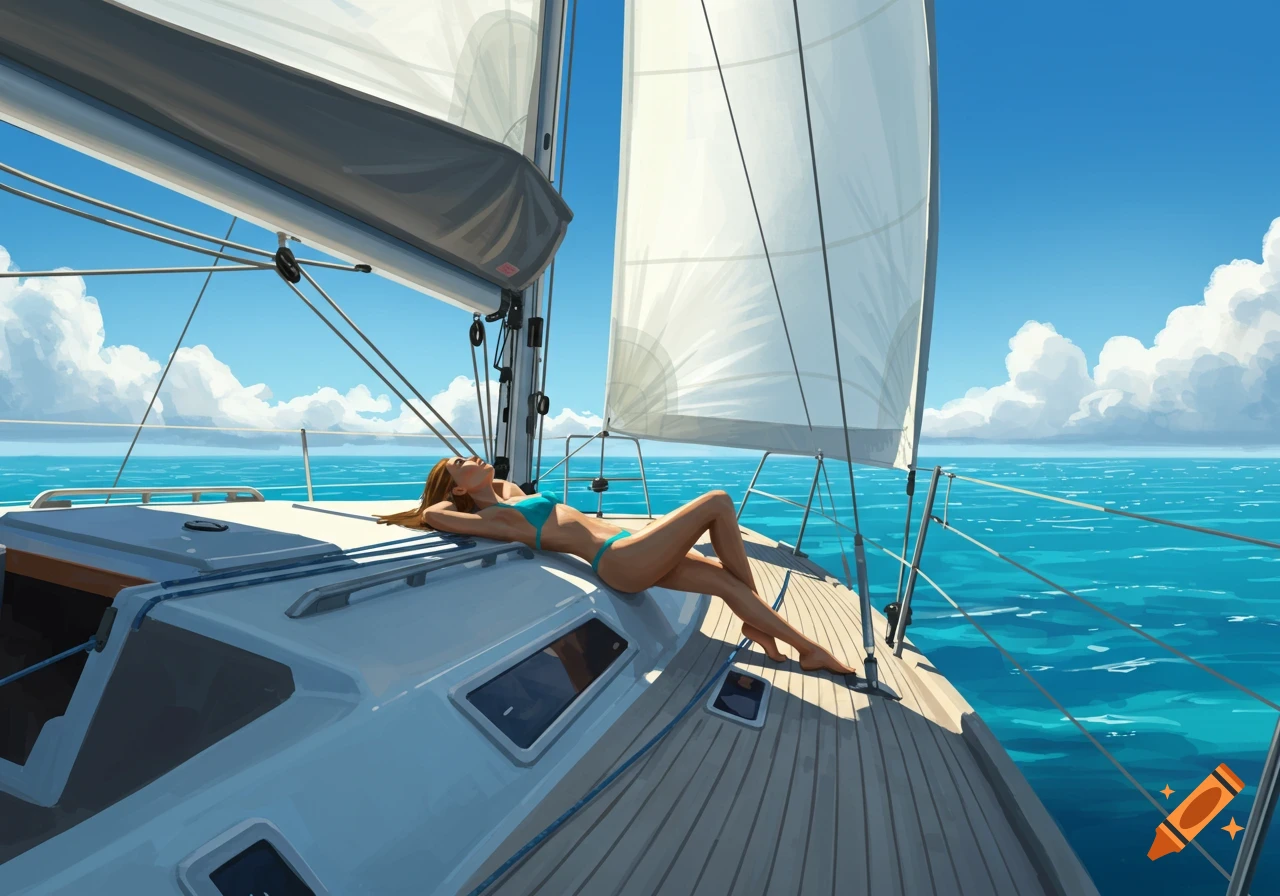
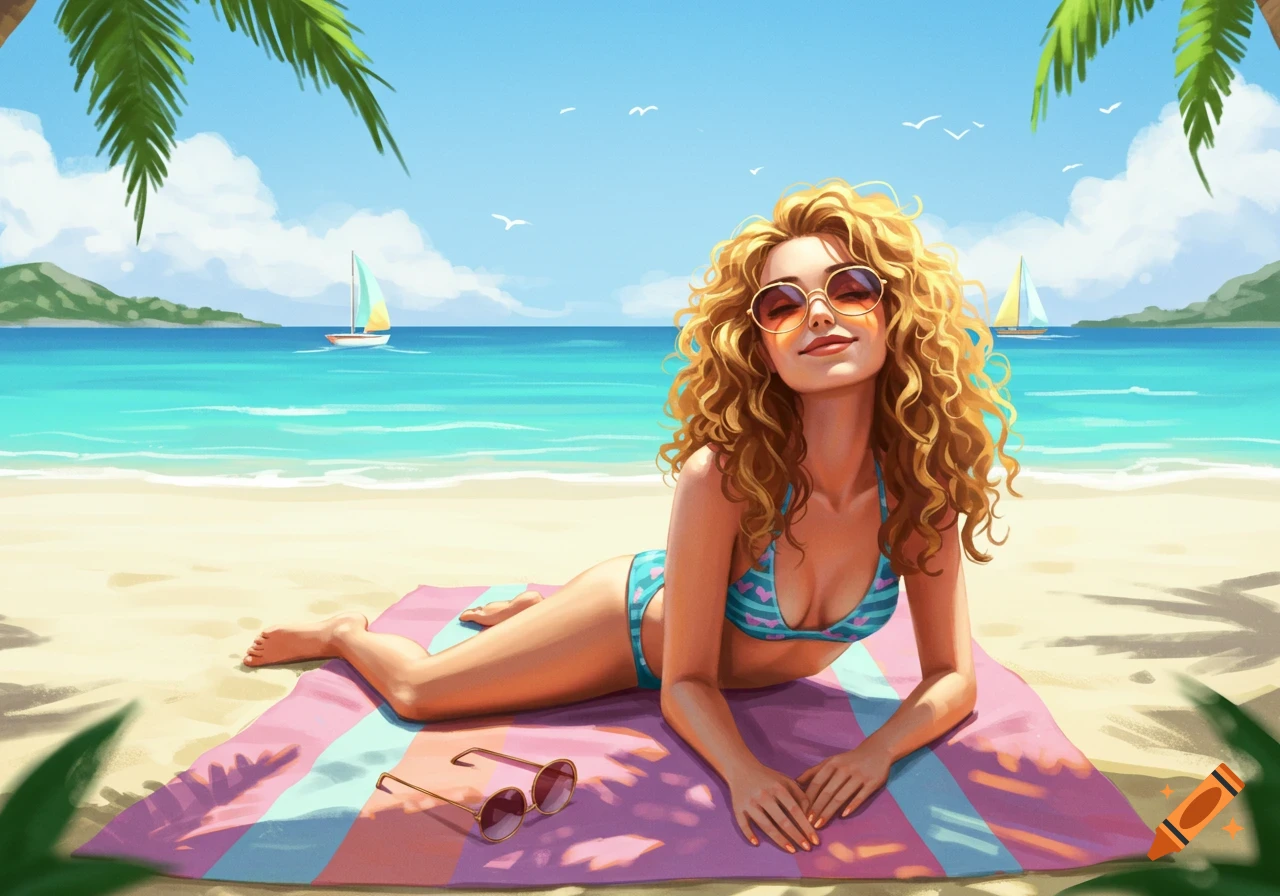
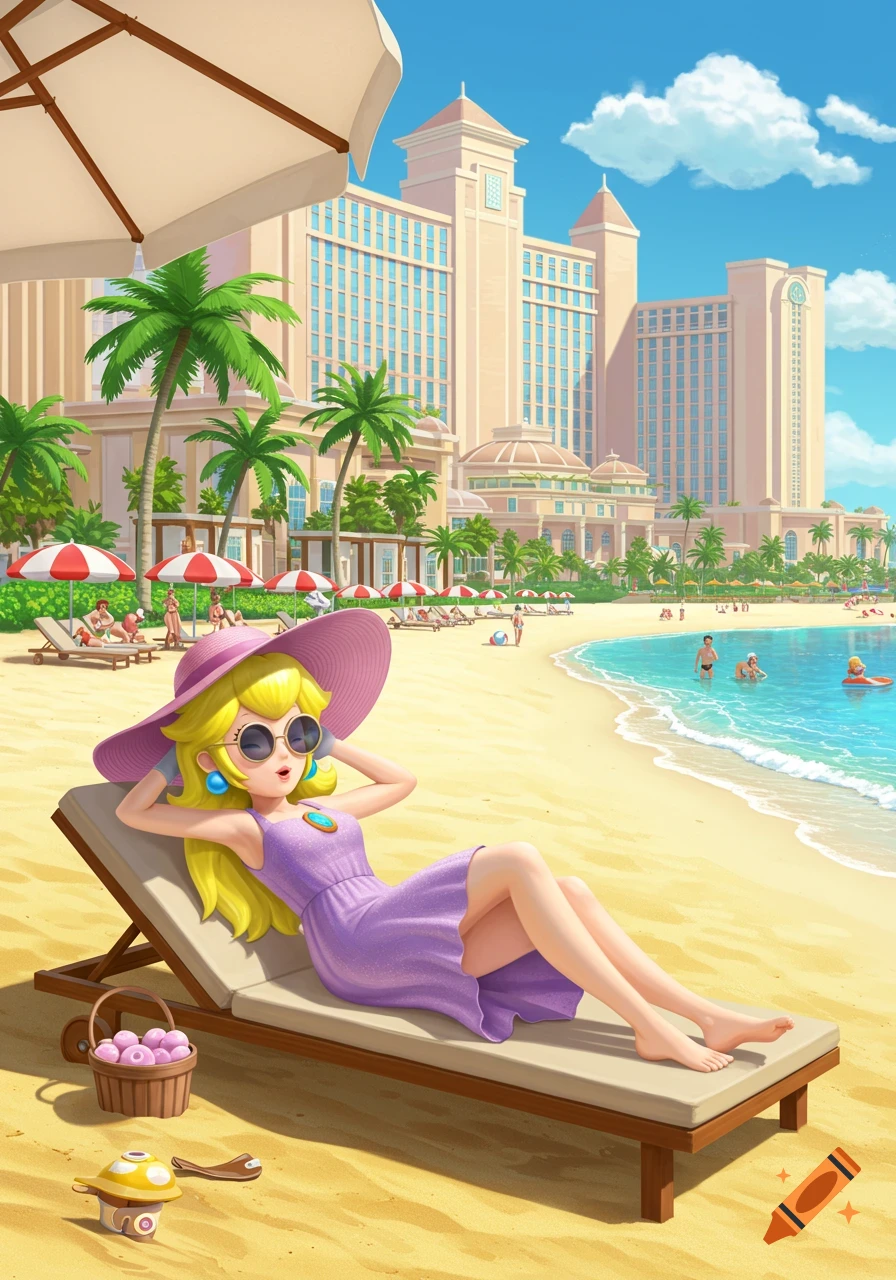
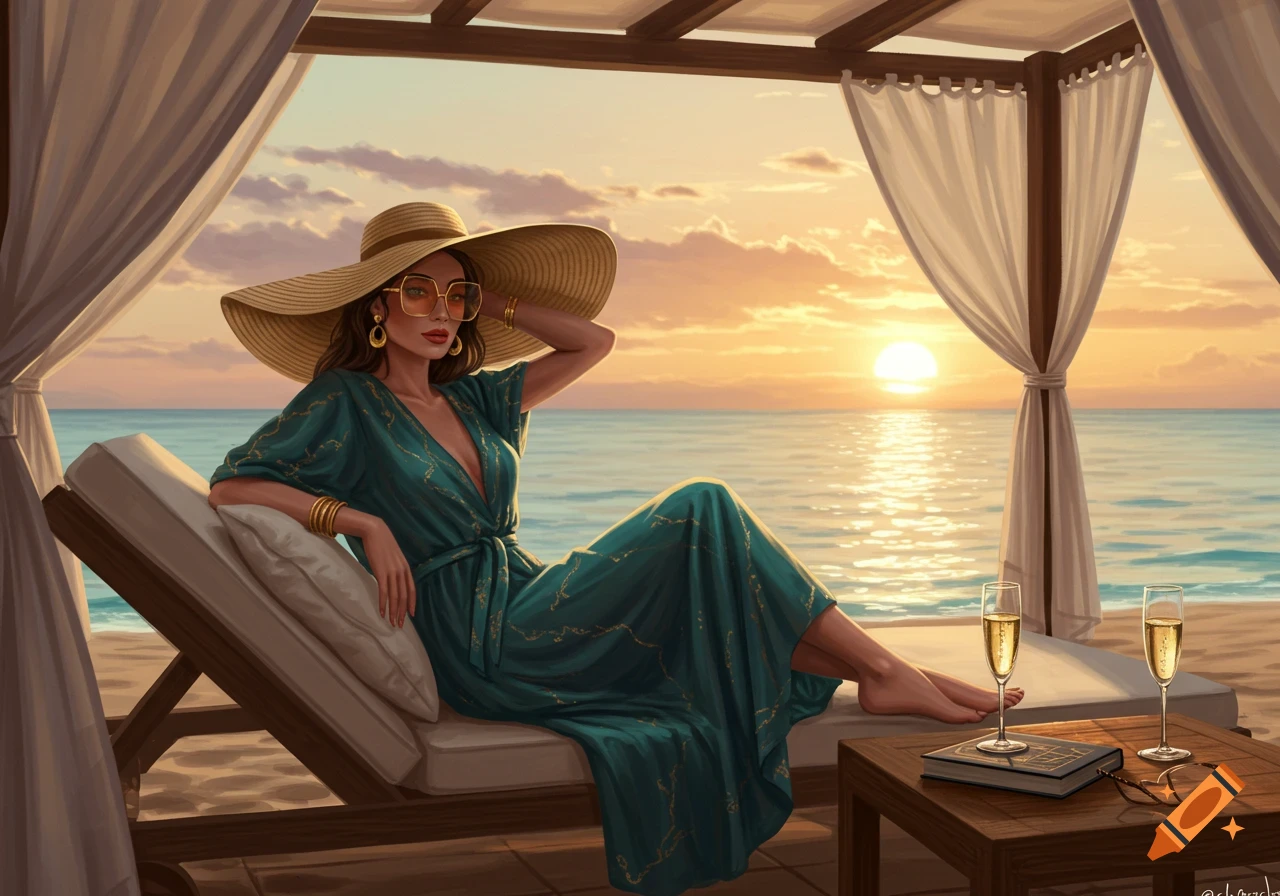
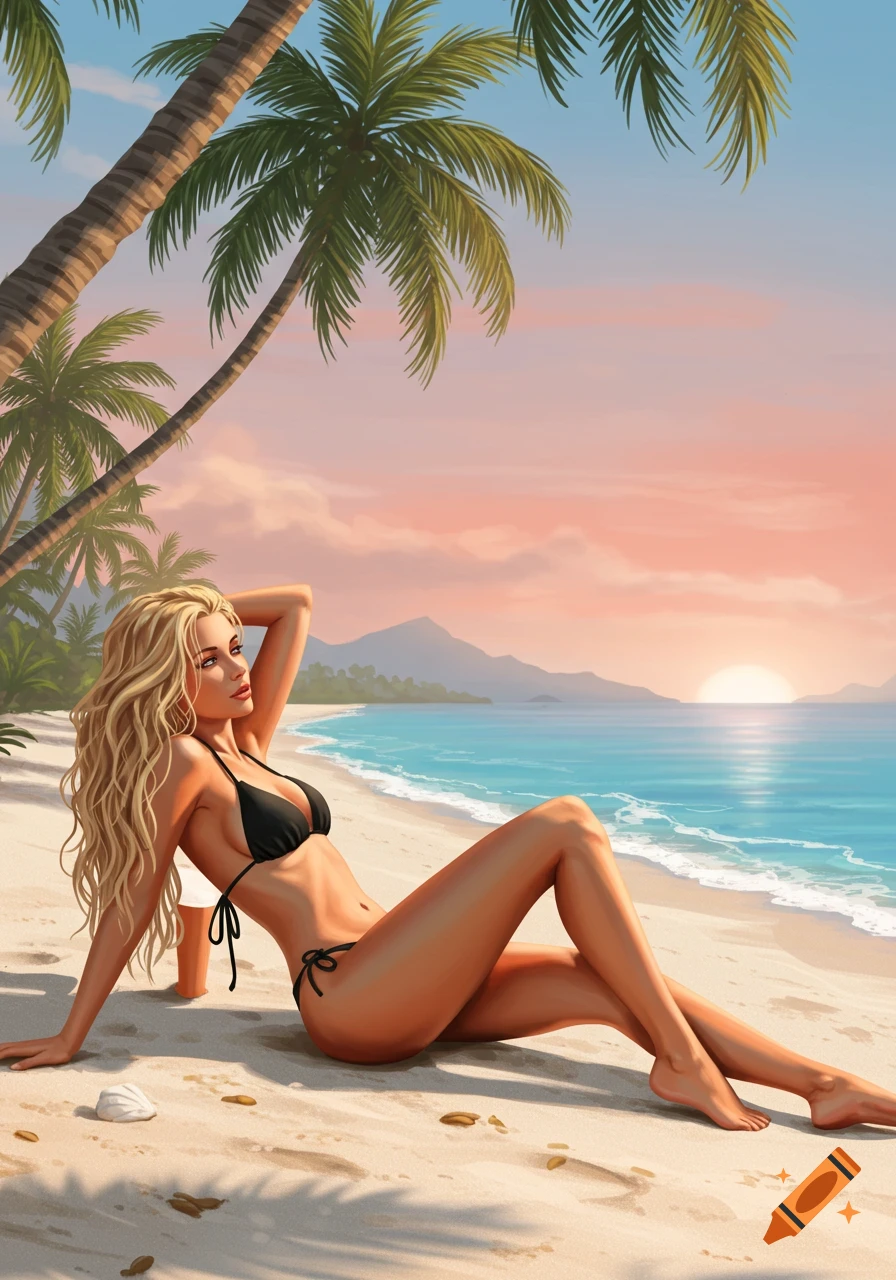
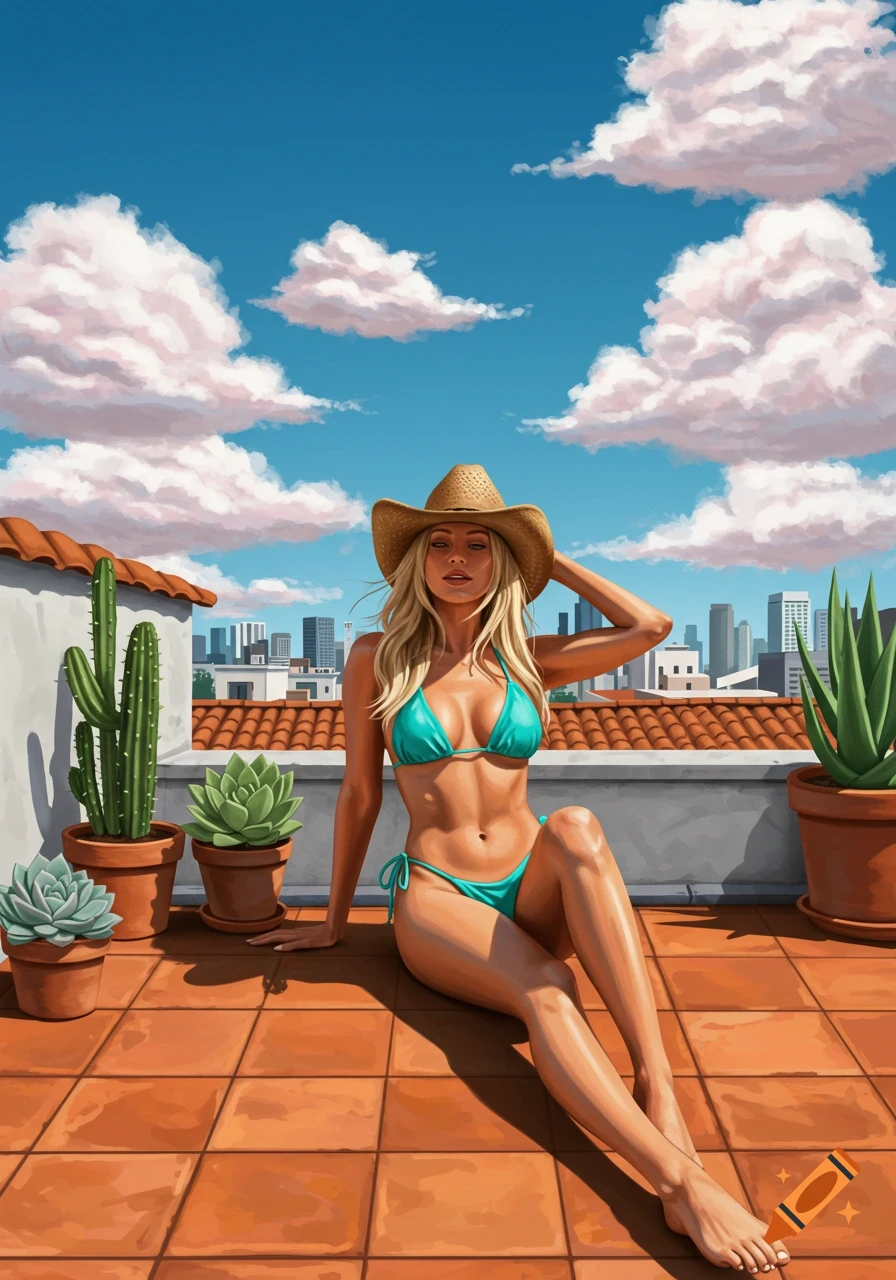
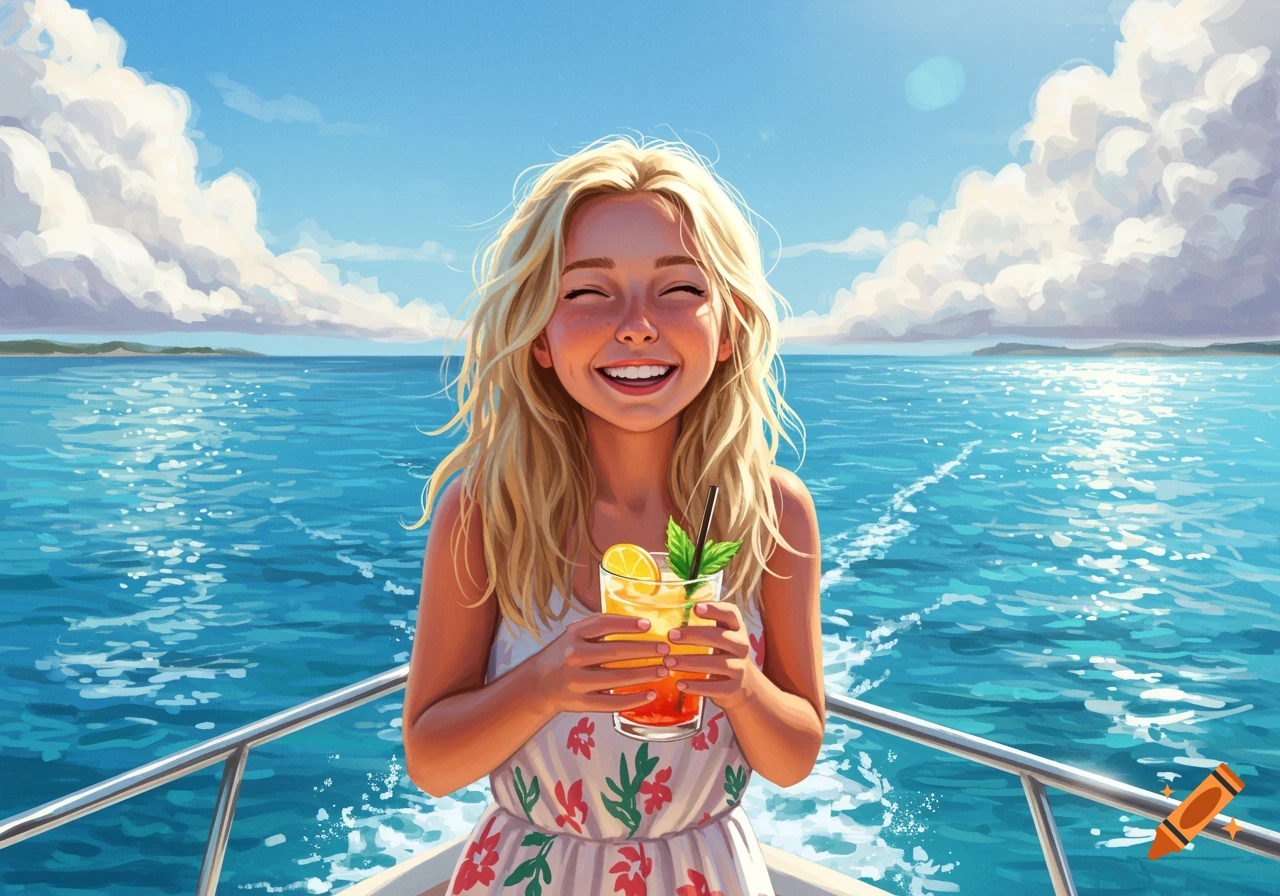
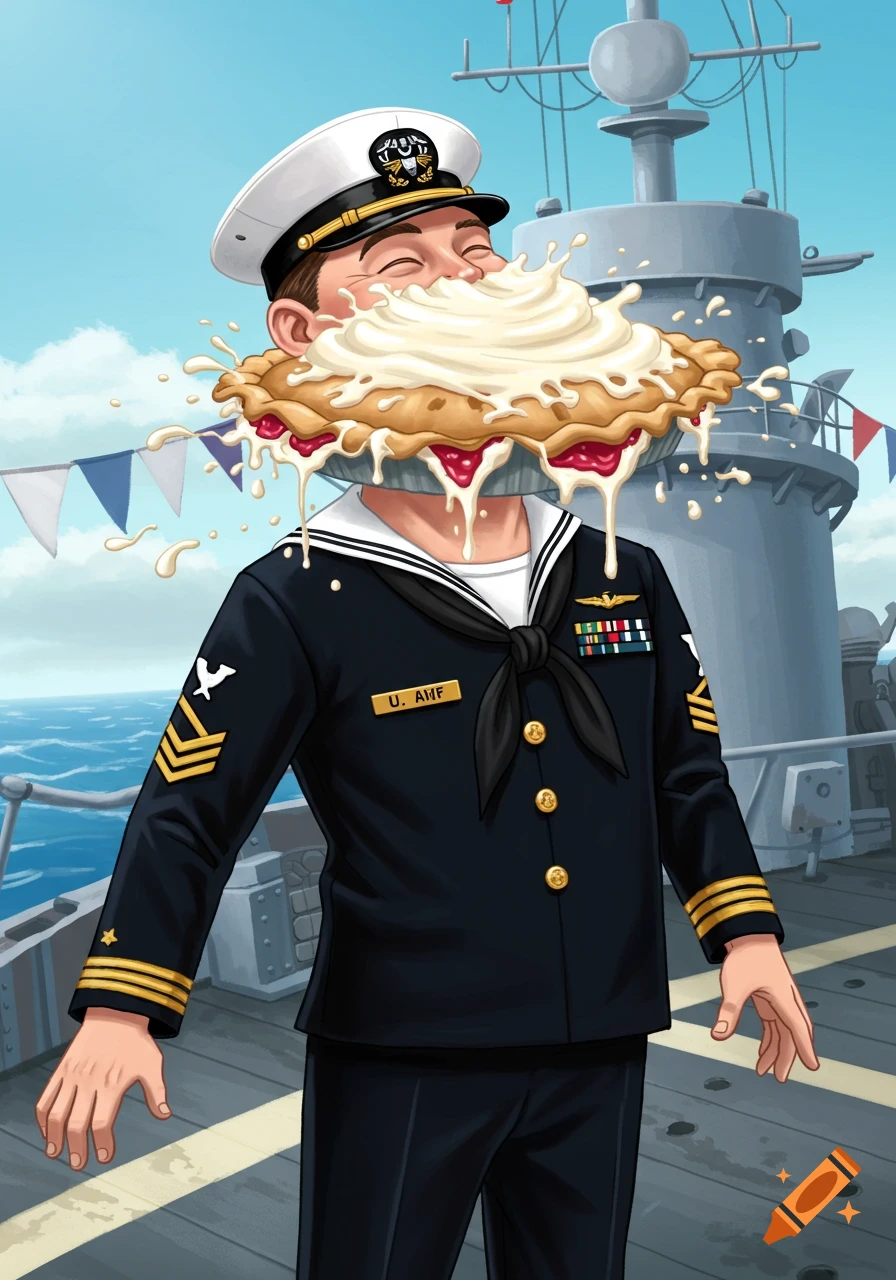
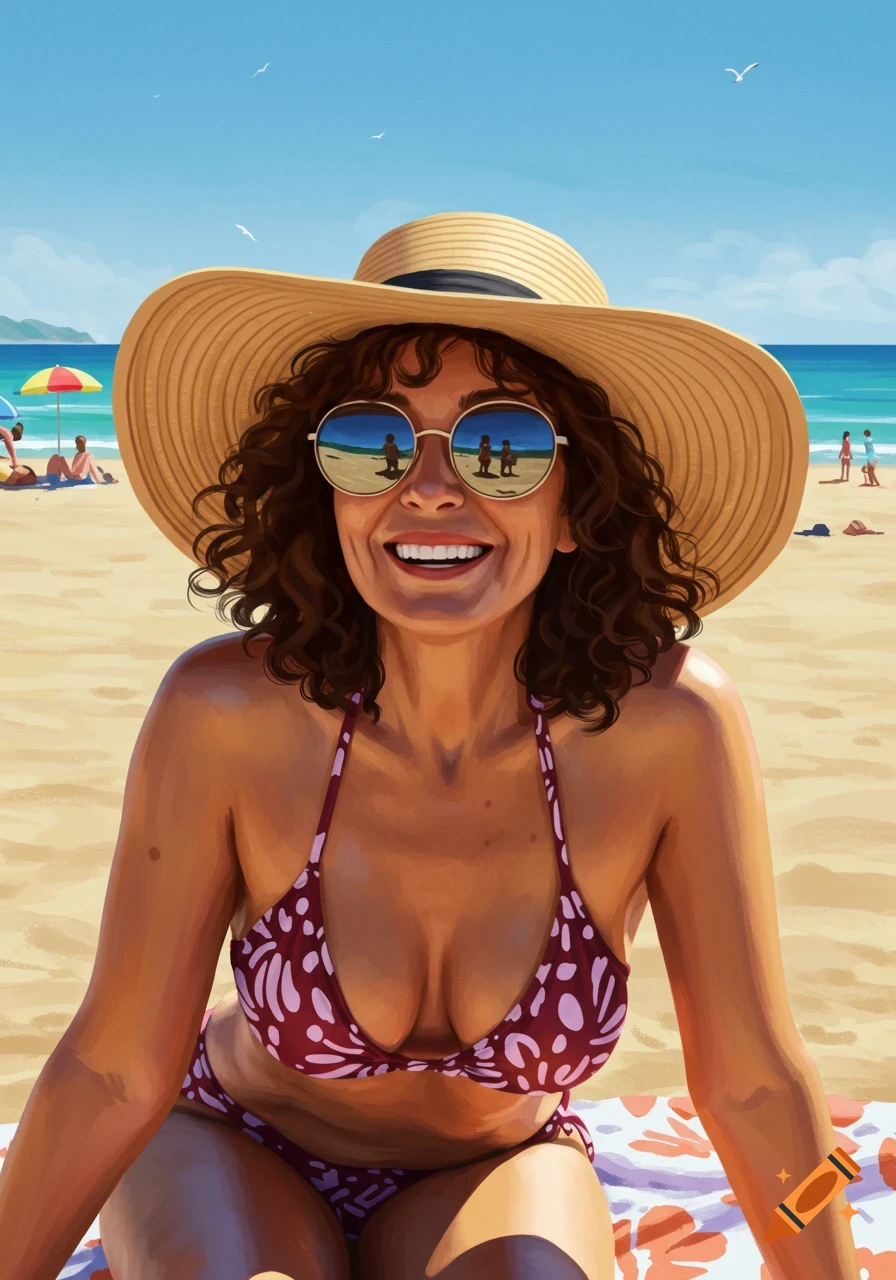
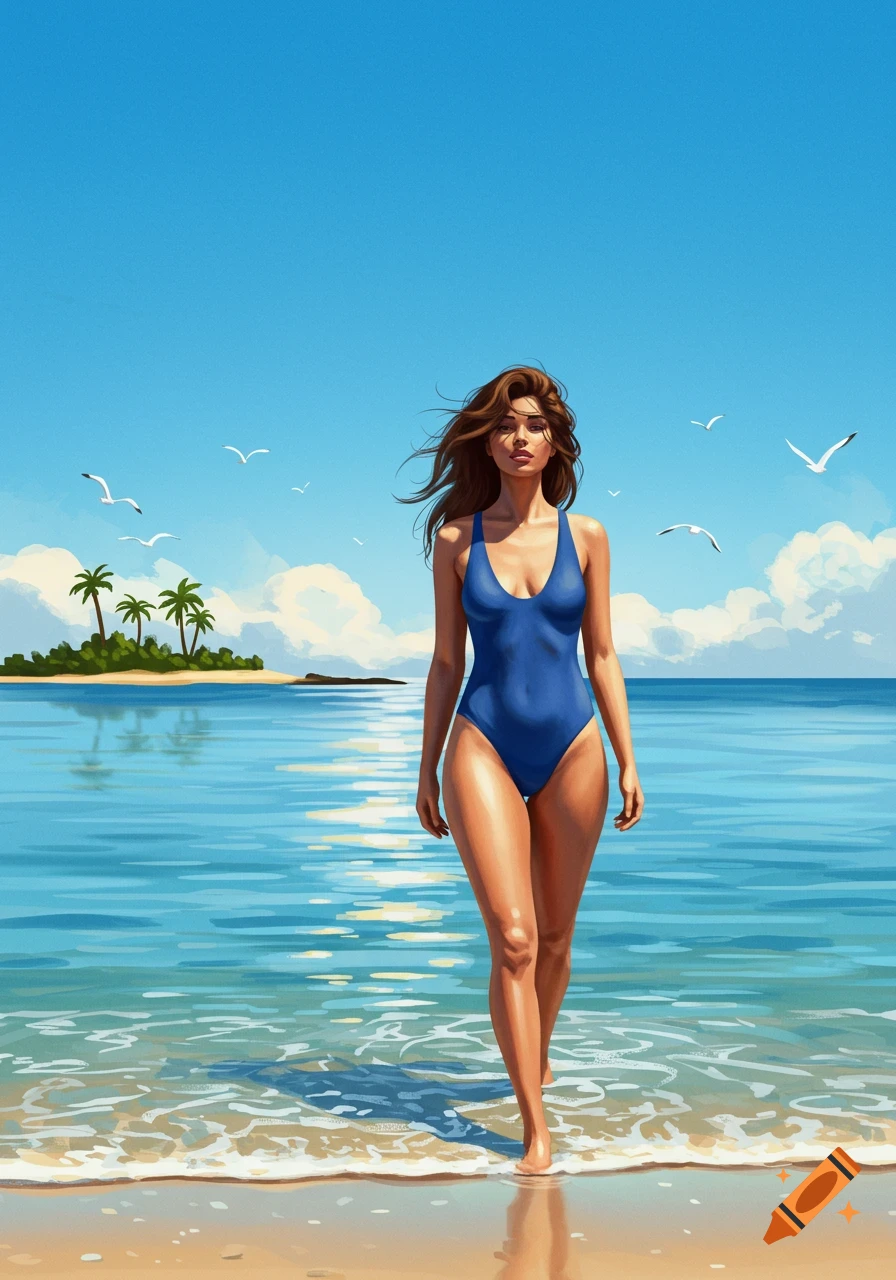
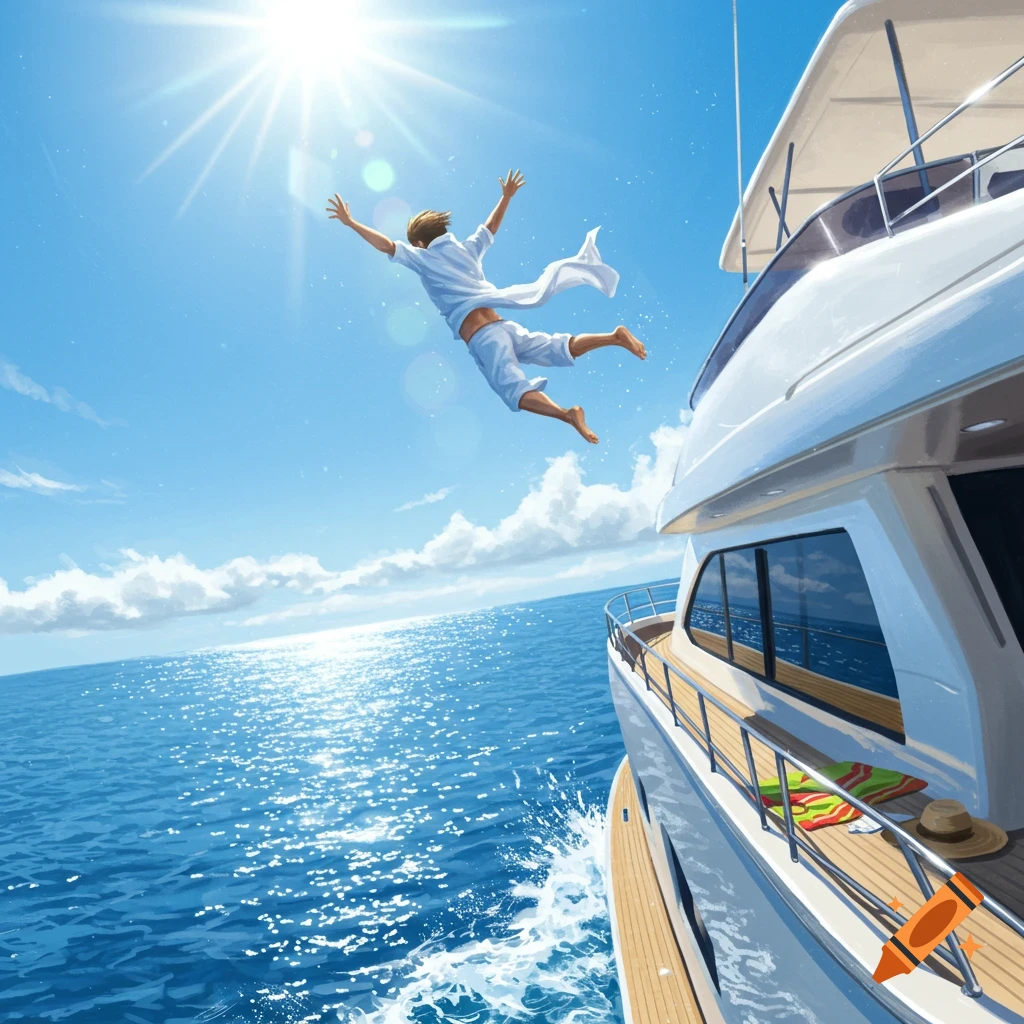
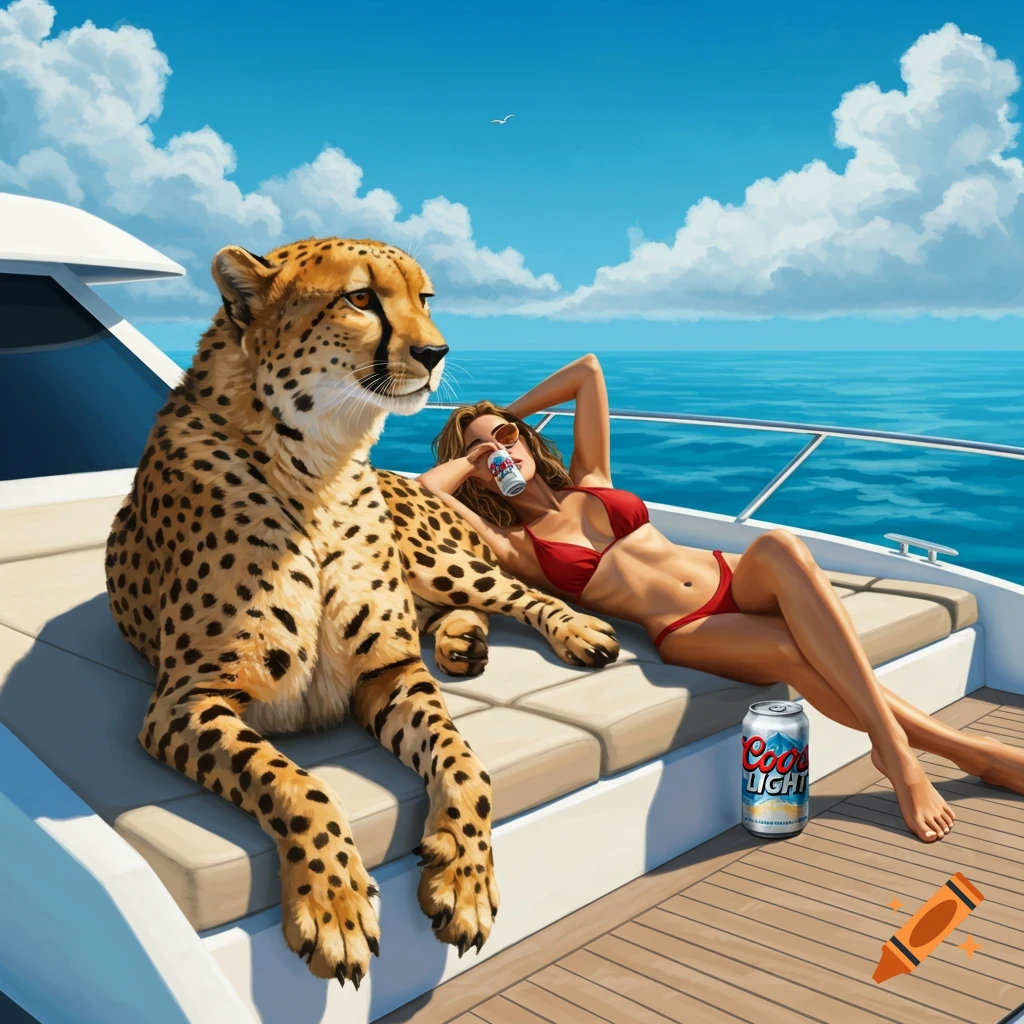
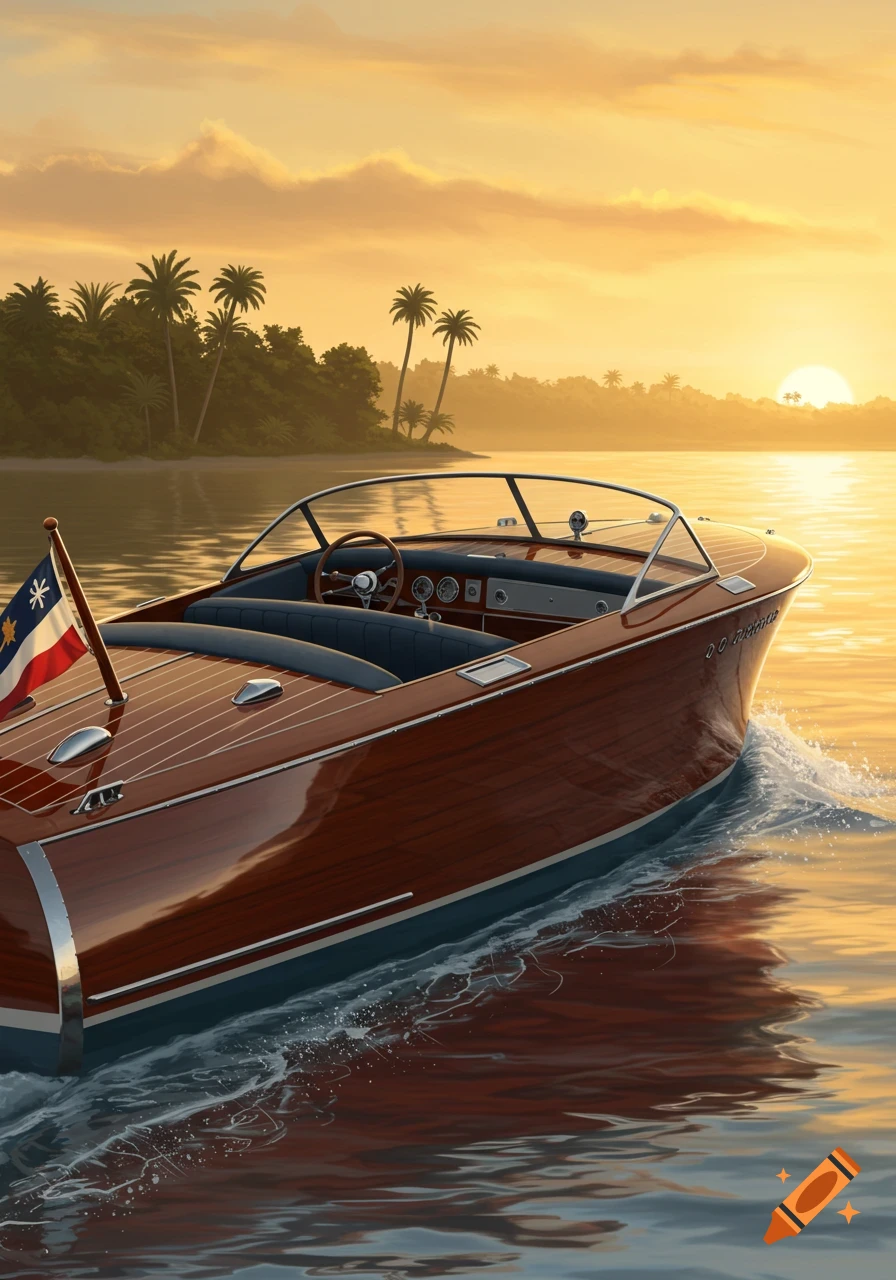
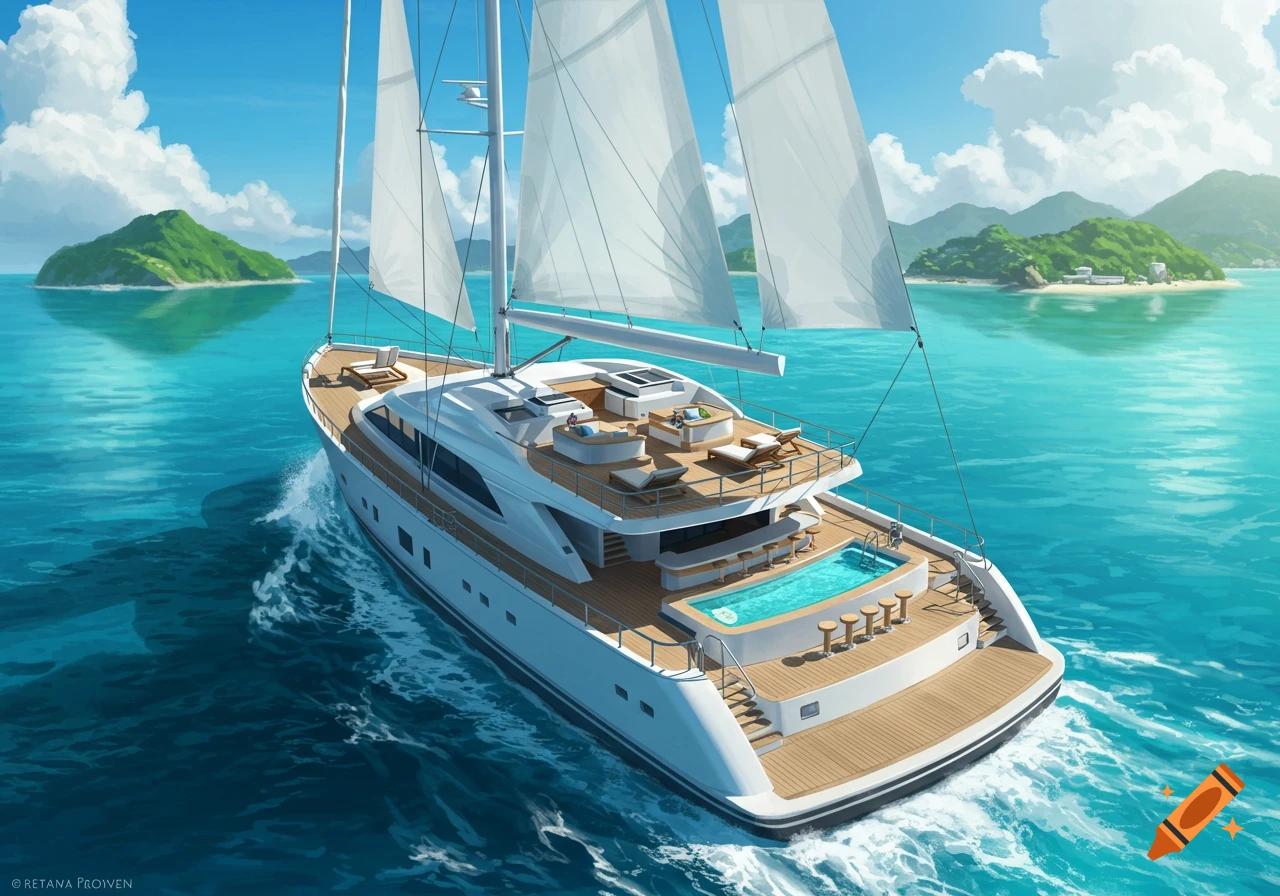
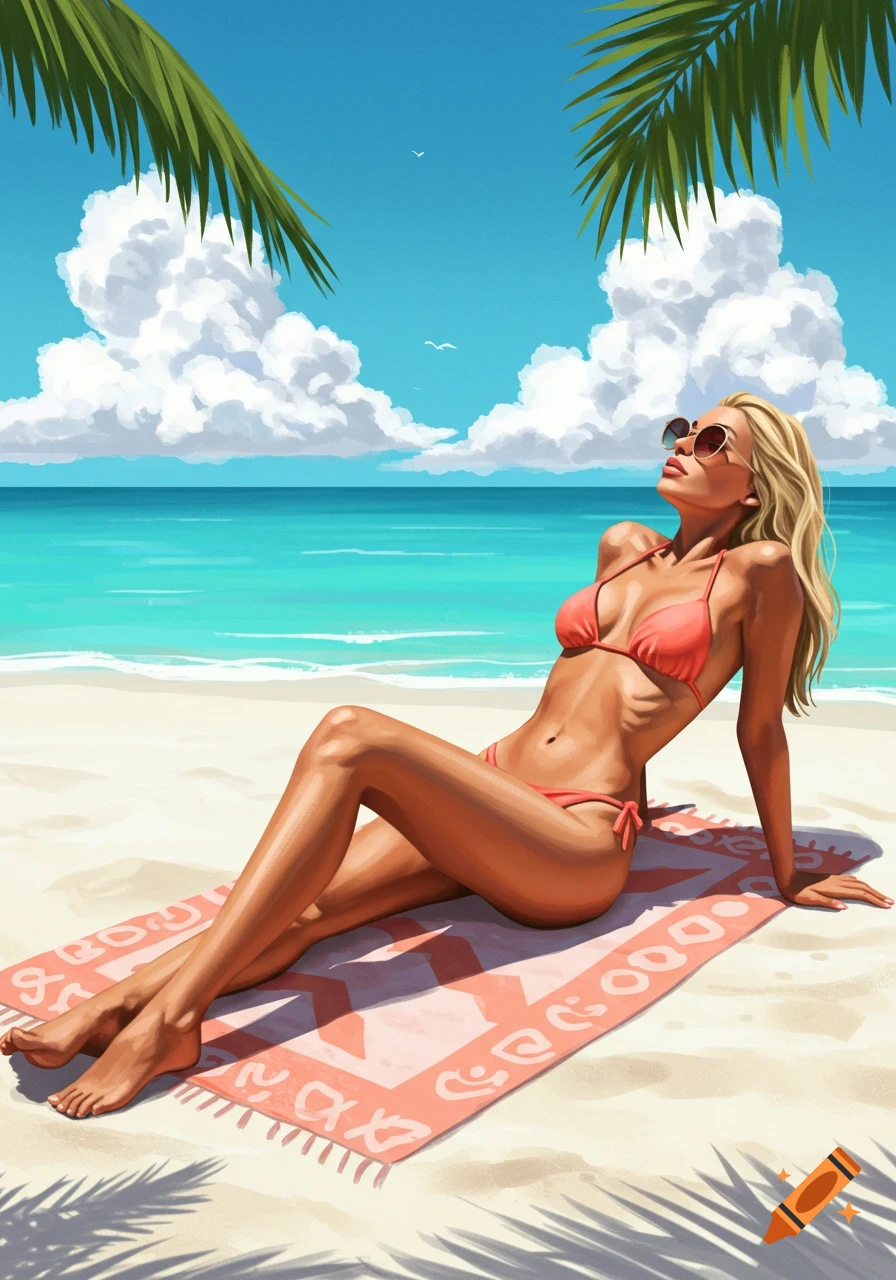
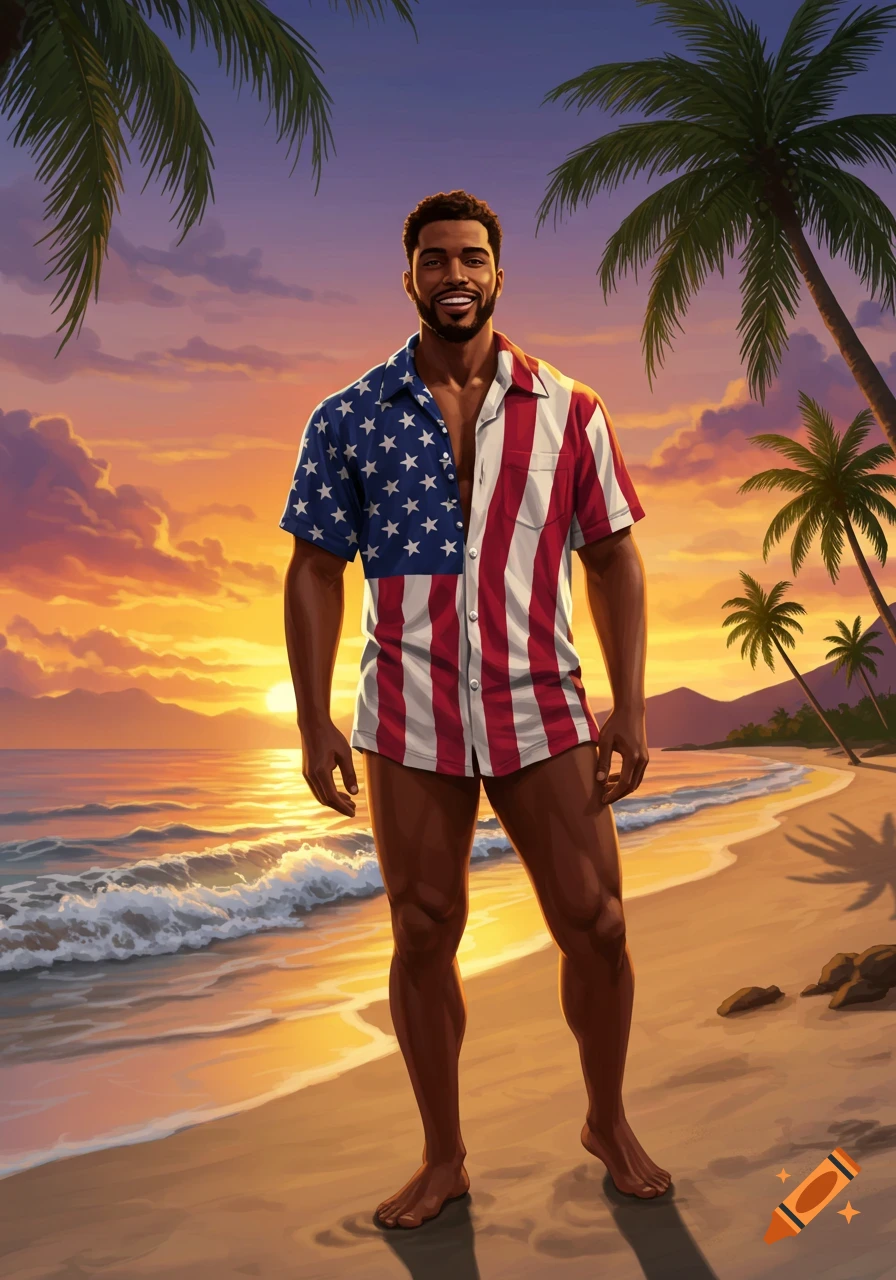
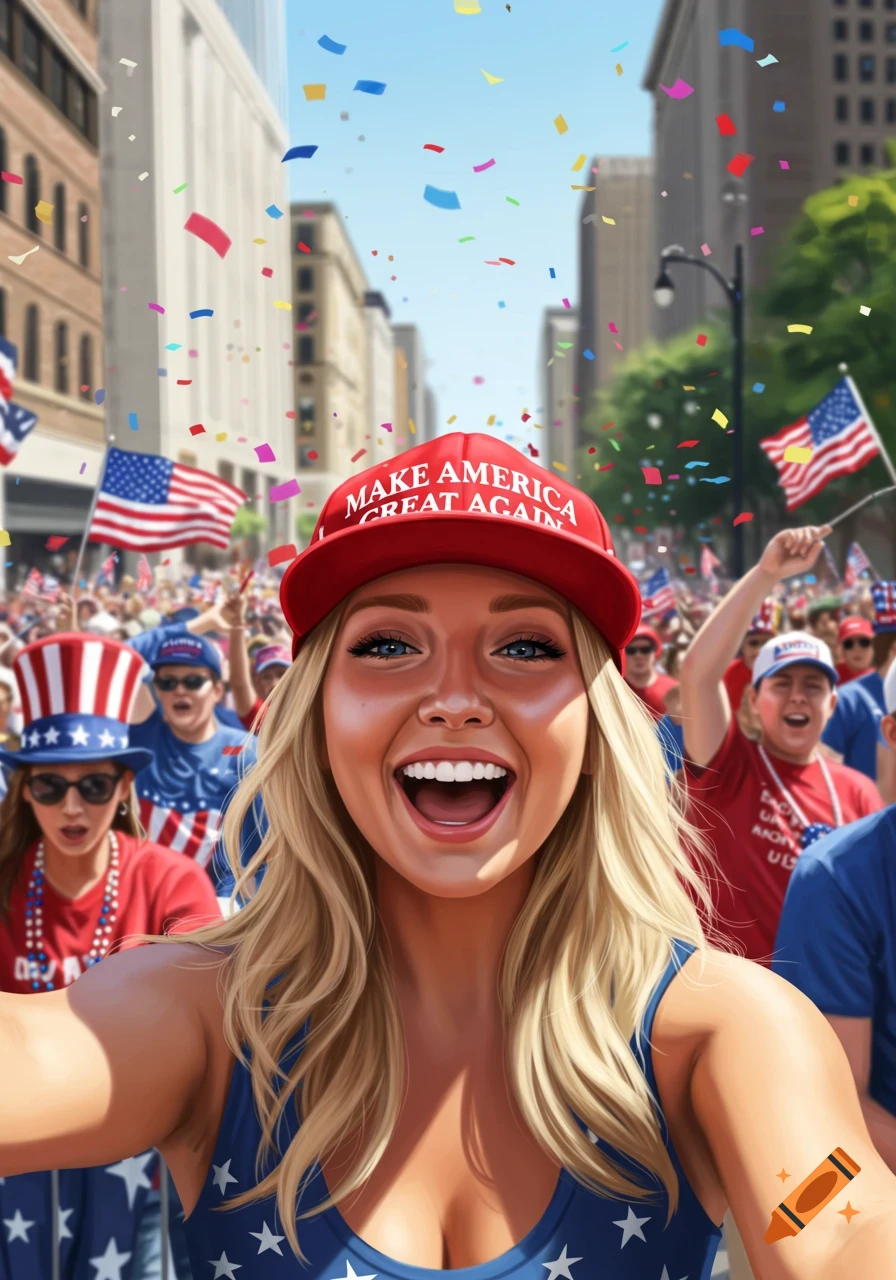
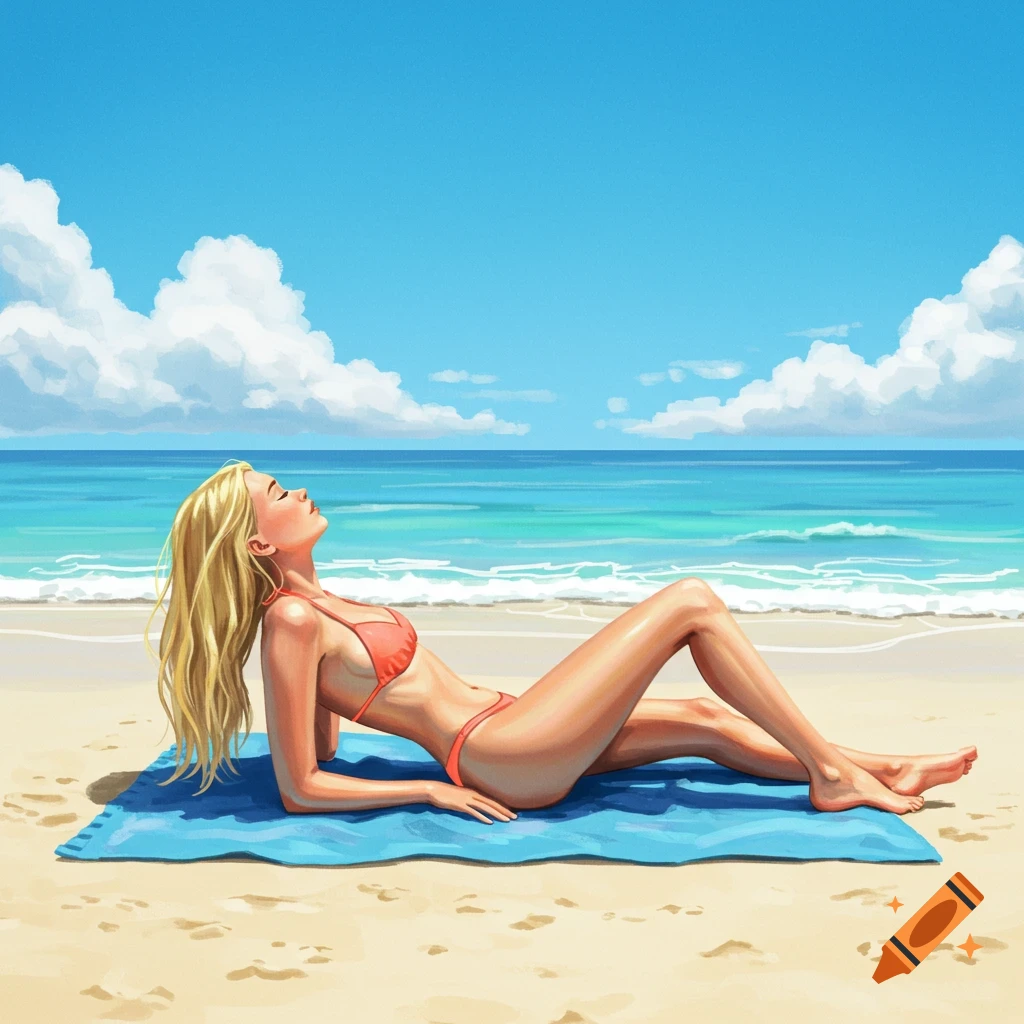
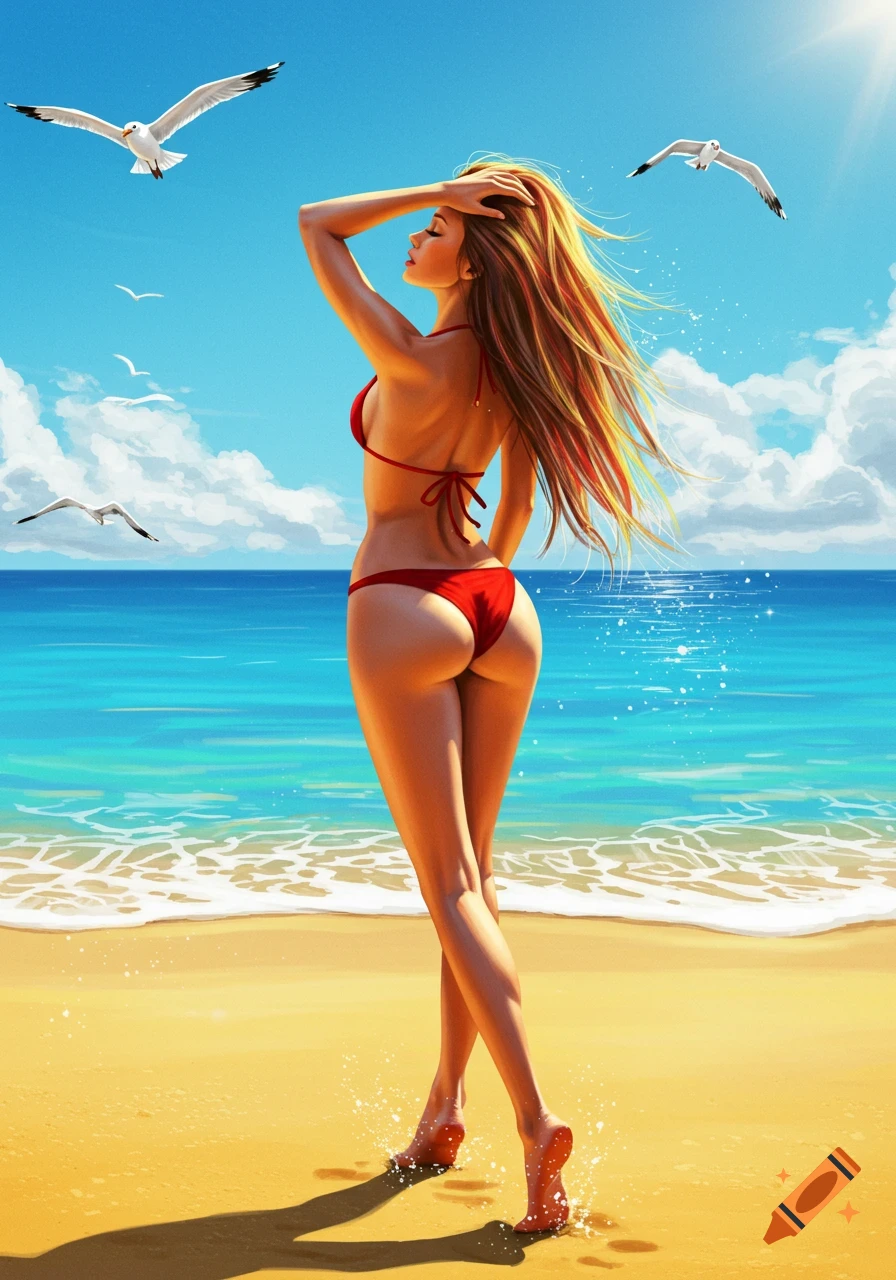
A cartoon illustration of a smiling woman in sunglasses lounging on a yacht on a sunny day, holding a red, white, and blue drink, with American flags.

To turn that image into a cartoon, you have a few options — from quick and free to more polished: --- Option 1: Use a free online cartoonizer (easiest) Upload a photo to a site that adds a cartoon filter: · ToonMe (app or web) – great for turning portraits into cartoons. · BeFunky – has a "Cartoonizer" effect. · Fotor – offers cartoon filters. · Picsart – "Sketch" or "Cartoon" effects. Simply upload a picture of a yacht, a woman lounging, or a 4th of July scene, and apply the cartoon filter. If you don't have a photo, use a free stock image (like Unsplash or Pexels) of a woman on a yacht and apply the effect. --- Option 2: Generate a cartoon image from scratch with AI If you want a custom cartoon meme from scratch, you can use the image prompt I gave you but add: "in a cartoon illustration style, bright colors, simple lines, fun and playful, animated style." For example: "A cartoon illustration of a woman in her 50s lounging on a luxury yacht, wearing sunglasses and holding a red, white, and blue drink. Small American flags on the boat. Bright, colorful, playful cartoon style, 4th of July vibe." Use that in: · DALL‑E (OpenAI) · Midjourney · Craiyon (free, simpler) --- Option 3: Use Canva to cartoon a photo 1. Open Canva. 2. Upload a photo (yacht, woman, or a stock image). 3. Go to Effects → Duotone or Glitch or Sketch – not a full cartoon, but gives a stylized look. 4. Or use the "Magic Studio" → "Magic Edit" or "Magic Media" to generate a cartoon version. --- Quick shortcut Mehr sehen
More images like this