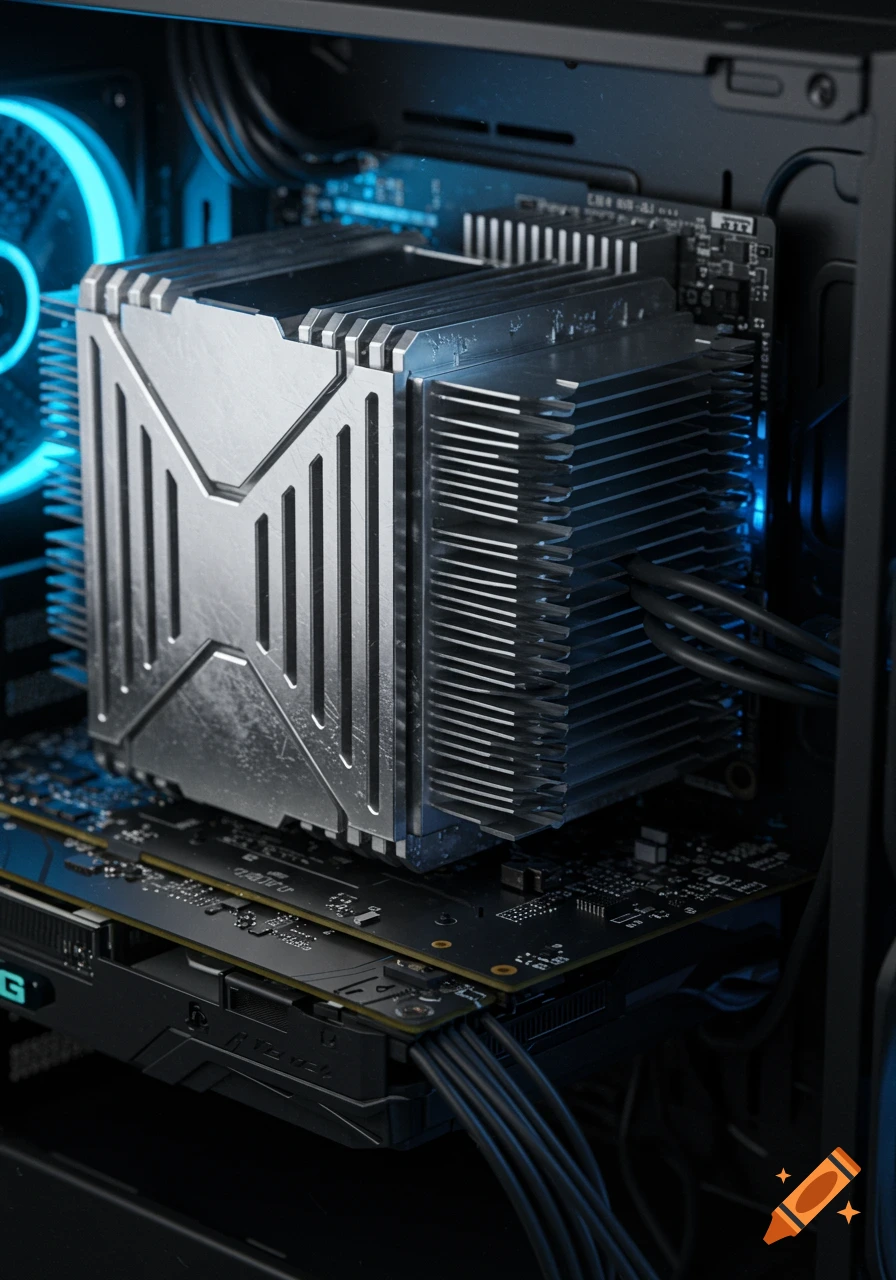
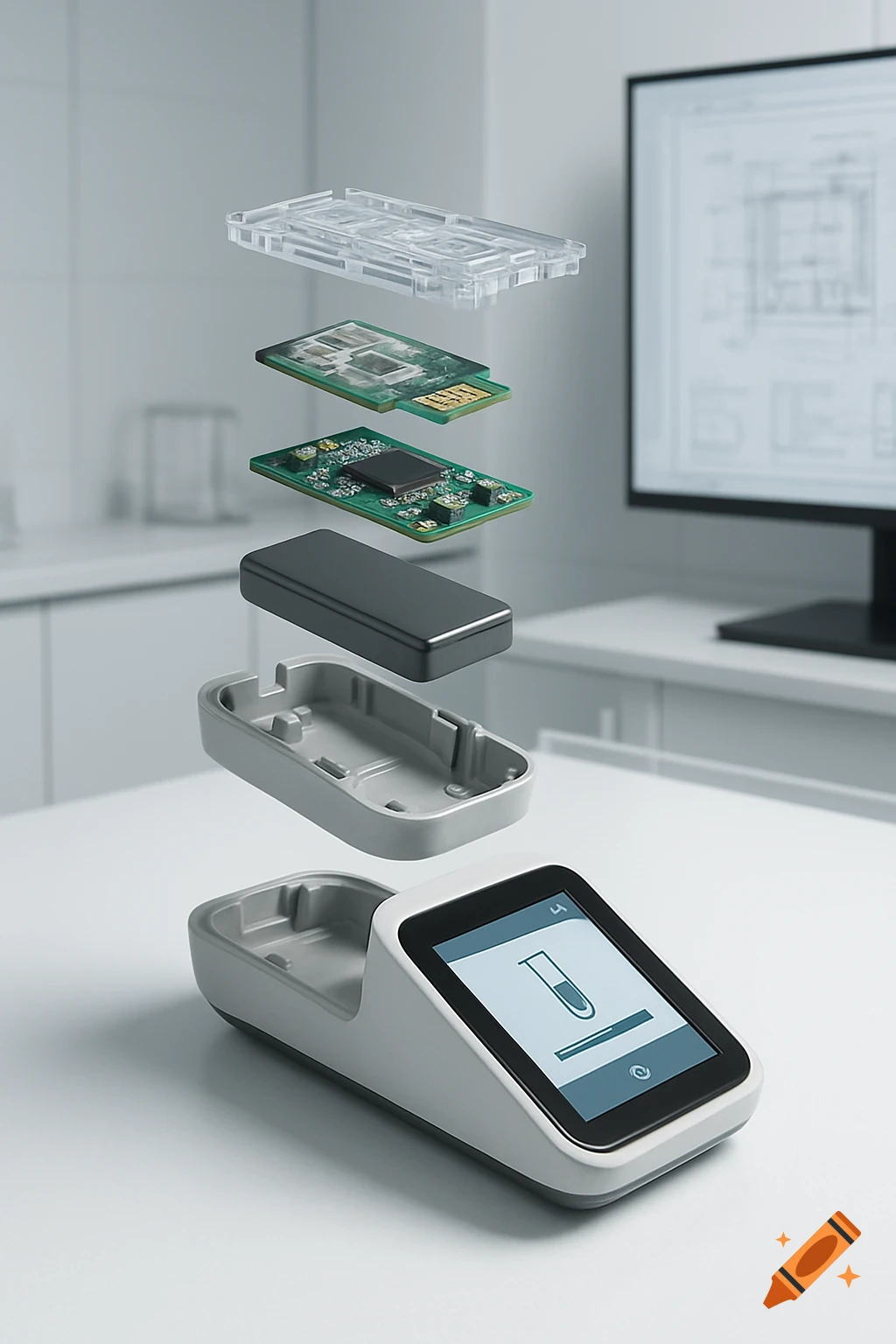
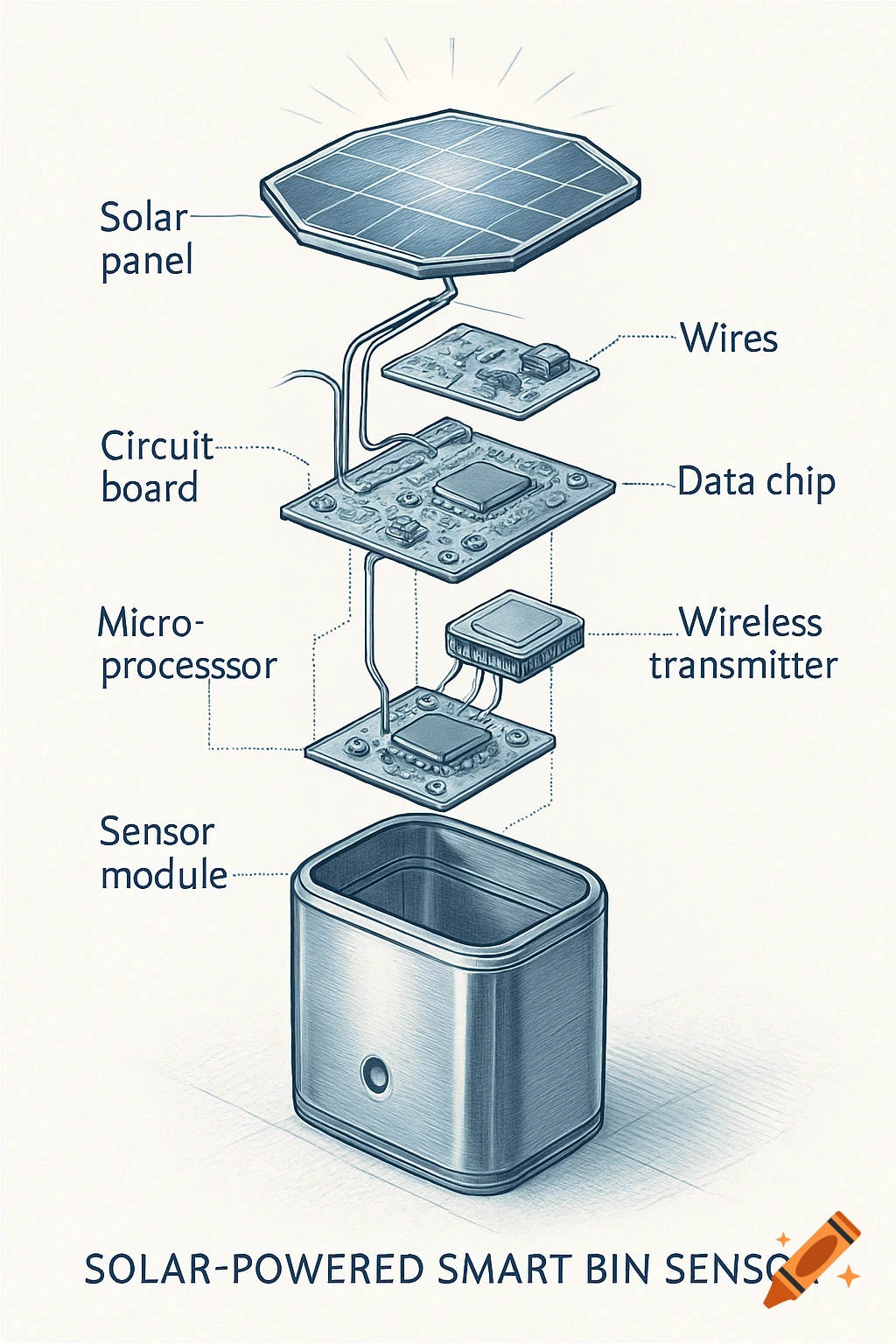
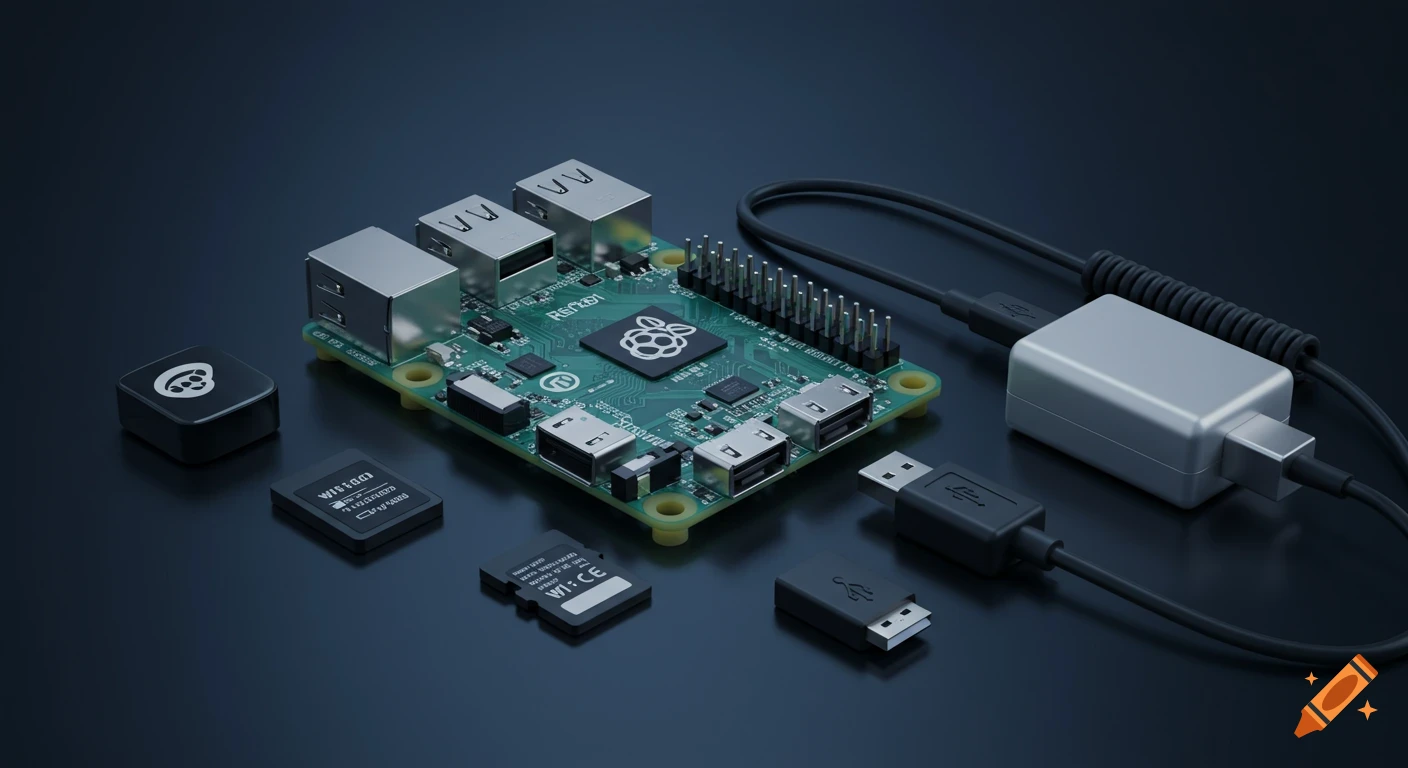
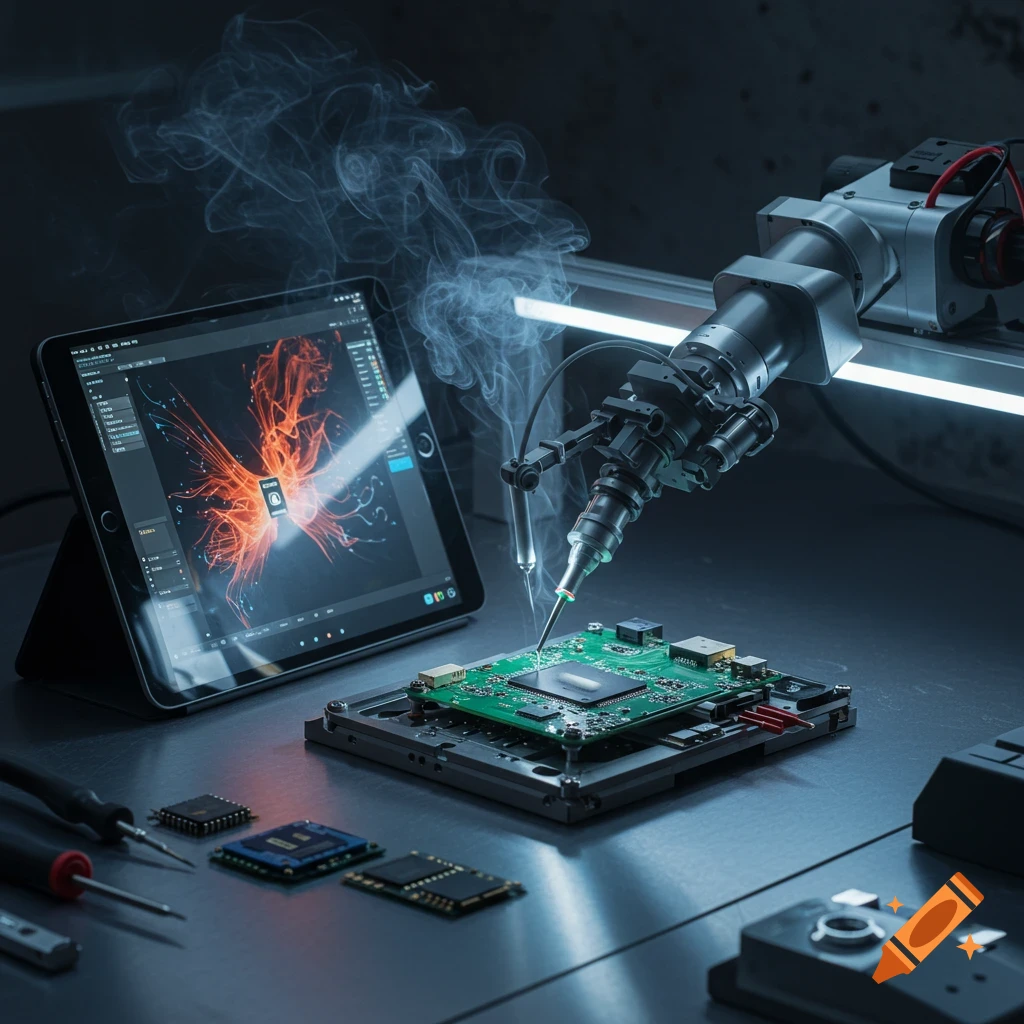
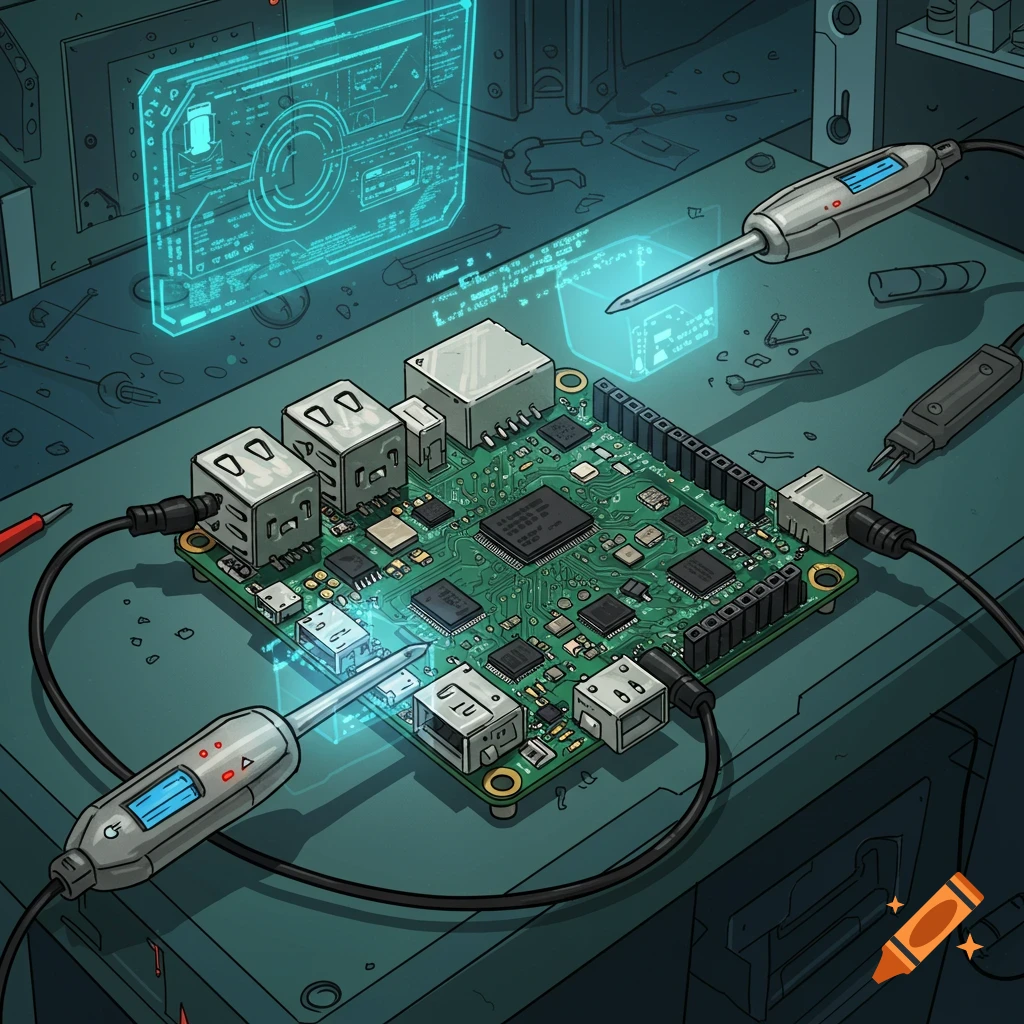
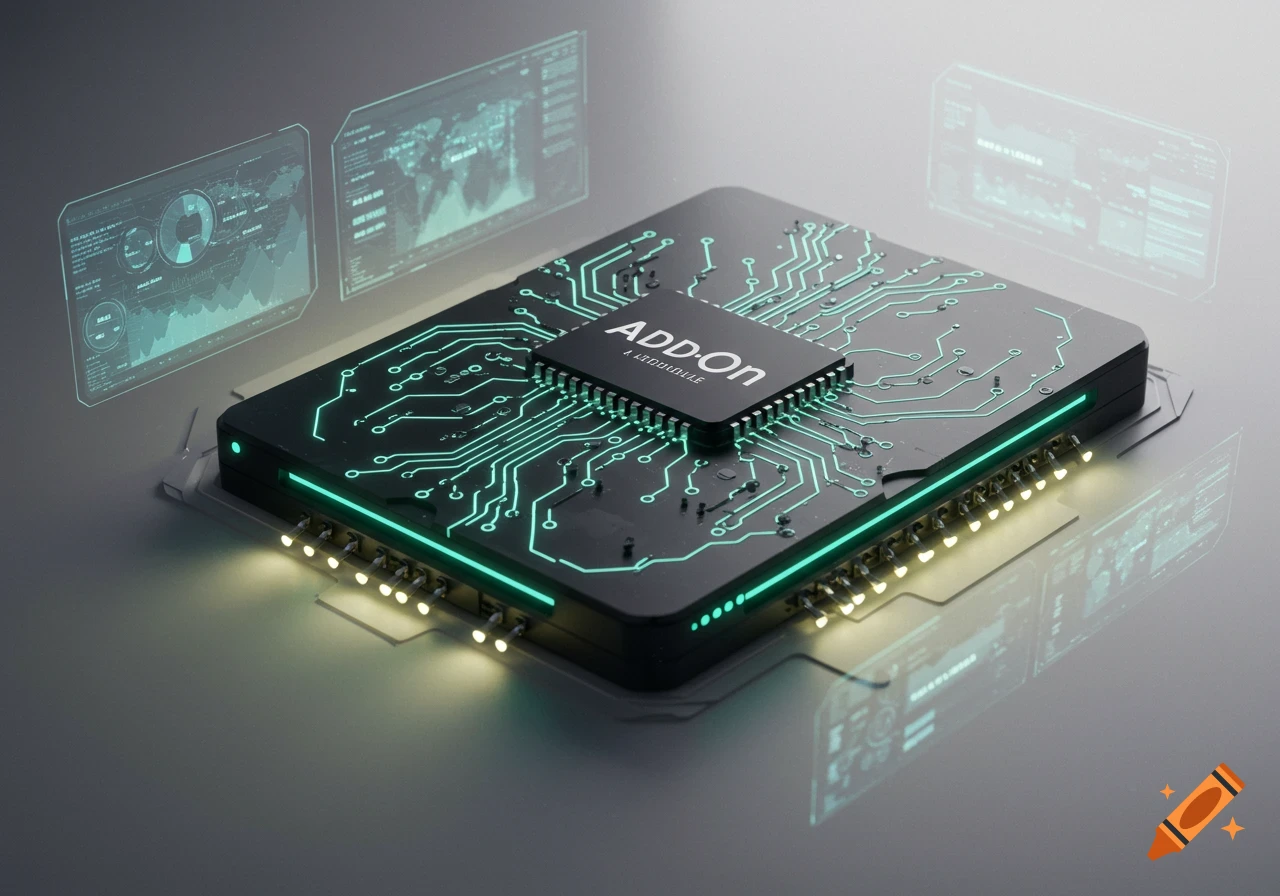
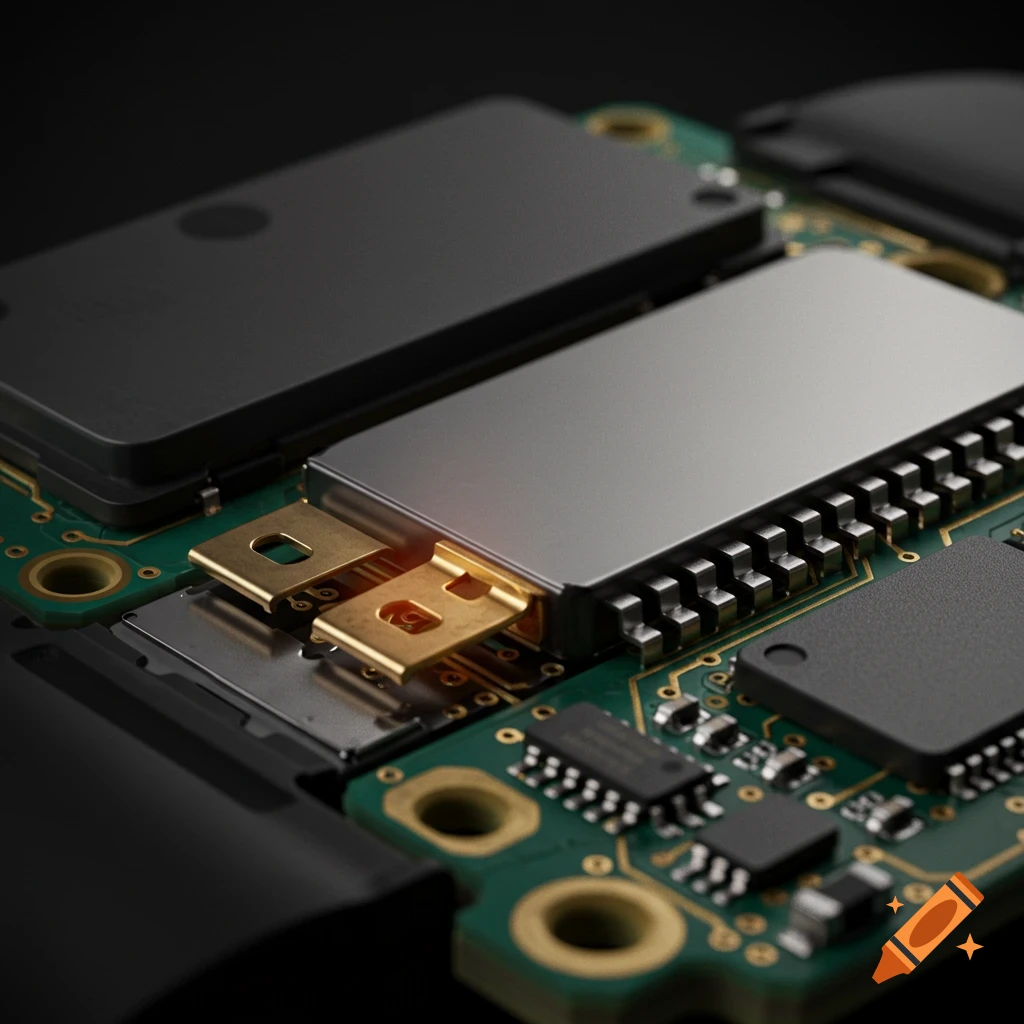
A NanoPi M5 single-board computer next to a small black UFS 2.0 memory chip, with Armbian logo and text overlay.

Create a 16:9 cover image for an embedded engineering blog post. Use the two reference images I uploaded: - The first image is the Armbian logo. Place it in the top-left corner of the frame, preserved exactly as in the reference, no recolouring, no redrawing. - The second image is the FriendlyElec NanoPi M5 single-board computer. Place it as the central hero element, shot at a three-quarter overhead angle with shallow depth of field. Preserve the board's exact PCB colour, component layout, and silkscreen text as shown in the reference. In the right-foreground, place a small black BGA memory chip about 11 by 13 millimetres, lying flat near the board, representing a UFS 2.0 storage module. Faint "UFS 2.0" marking on its top surface. Add the following text overlay, rendered cleanly in a modern geometric sans-serif typeface (Inter, Söhne, or similar): - Headline, large, white with a subtle soft glow, two balanced lines, centred along the lower-left third of the frame: "Native UFS boot lands on the NanoPi M5" - Lead paragraph, smaller, lighter weight, white at 80 percent opacity, set directly below the headline, two short lines: "Armbian's next release boots the NanoPi M5 end-to-end from UFS on a mainline U-Boot. The first RK3576 board in the catalogue to reach this state." All text must be sharp, legible, correctly spelled, with even kerning and proper line breaks. No stray characters, no garbled letters, no duplicate words. Keep the right side of the frame relatively clean so Mehr sehen
More images like this