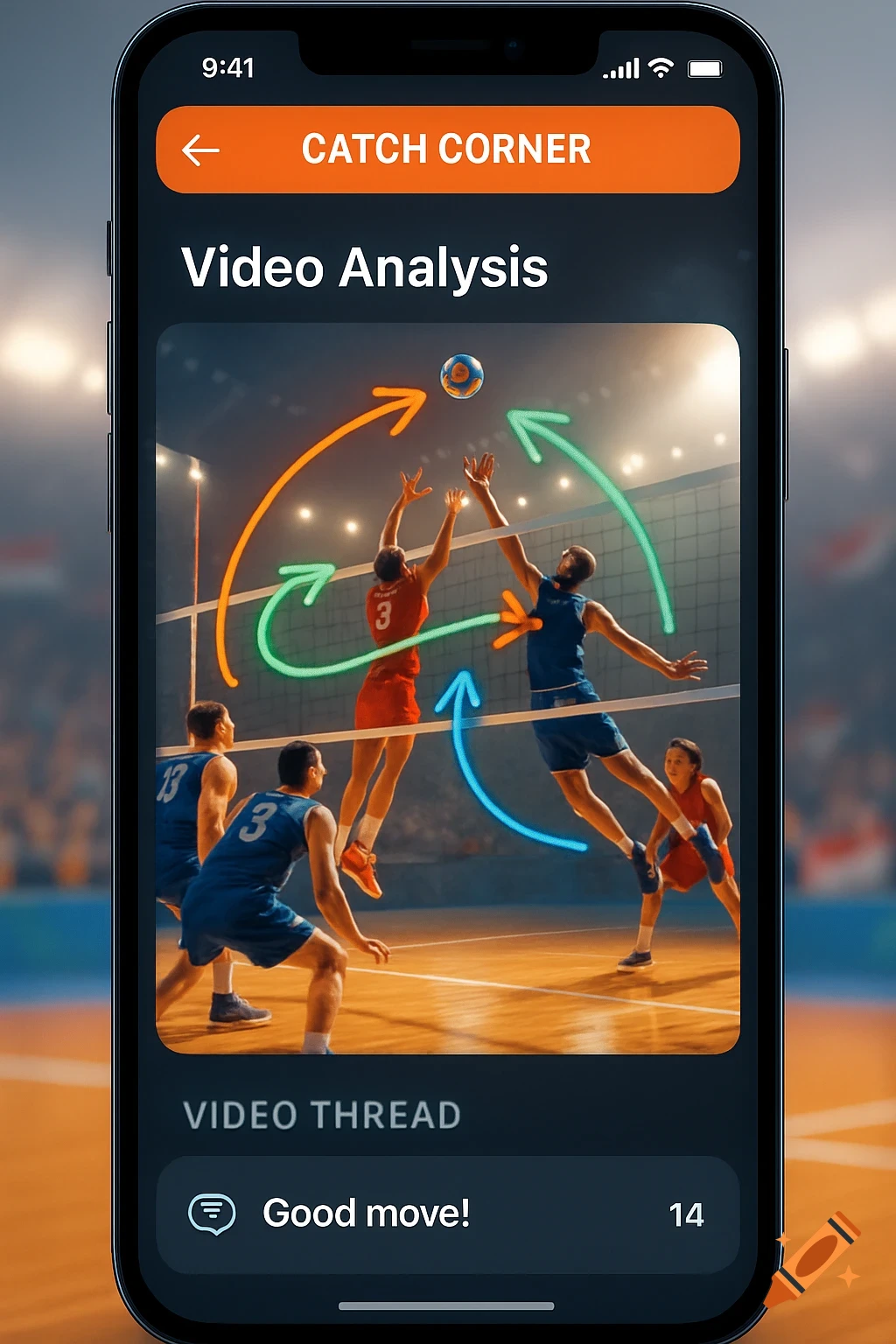
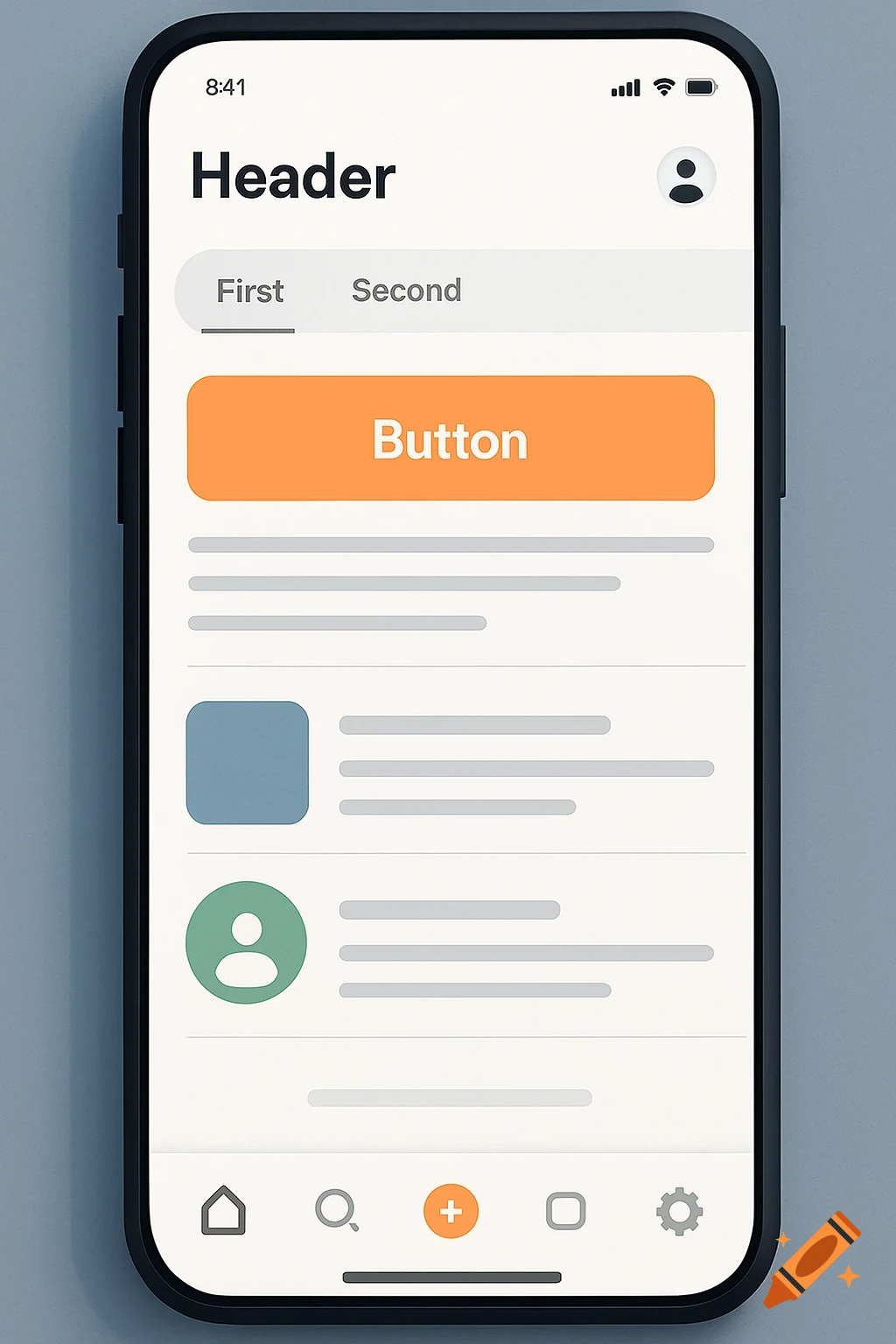
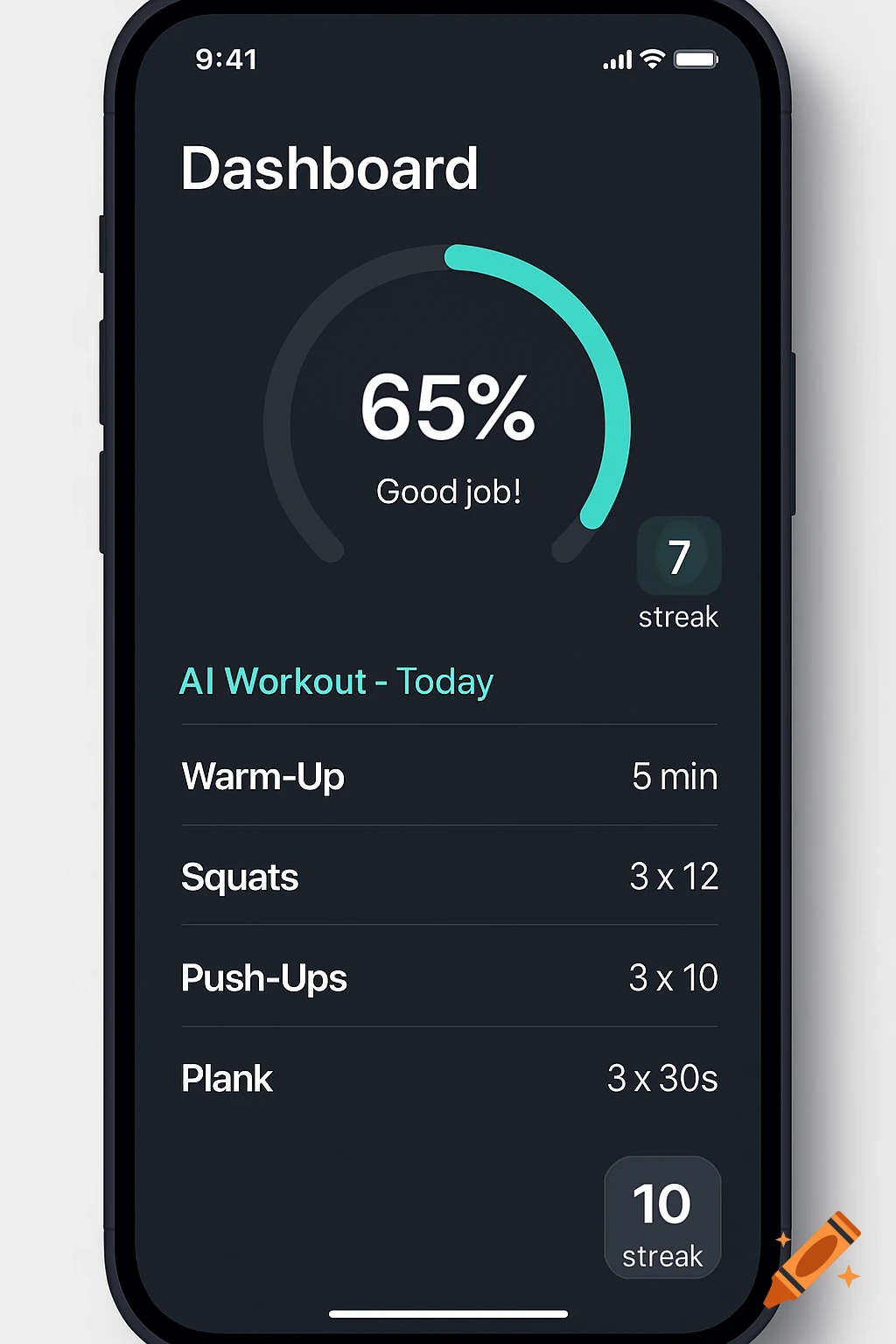
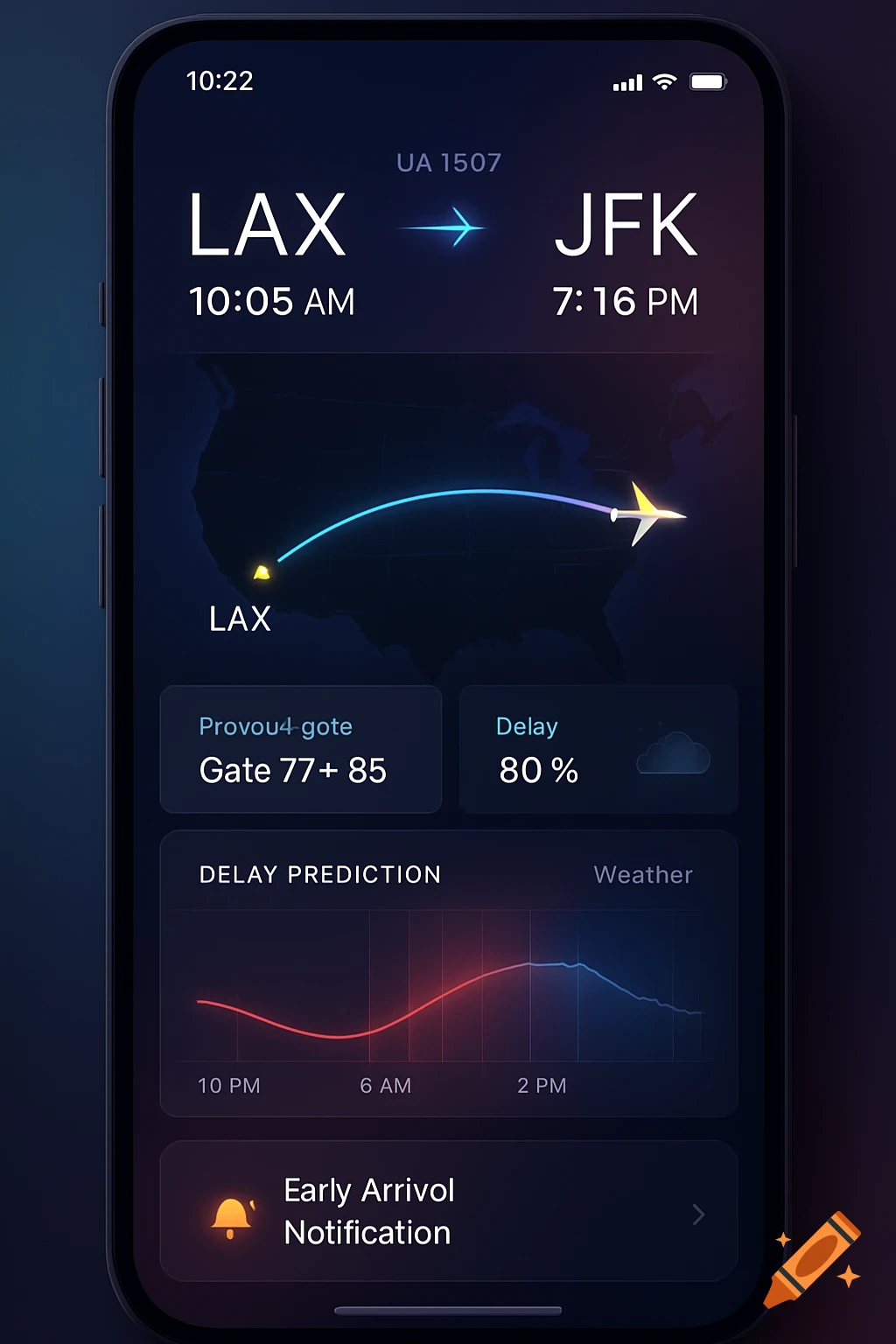
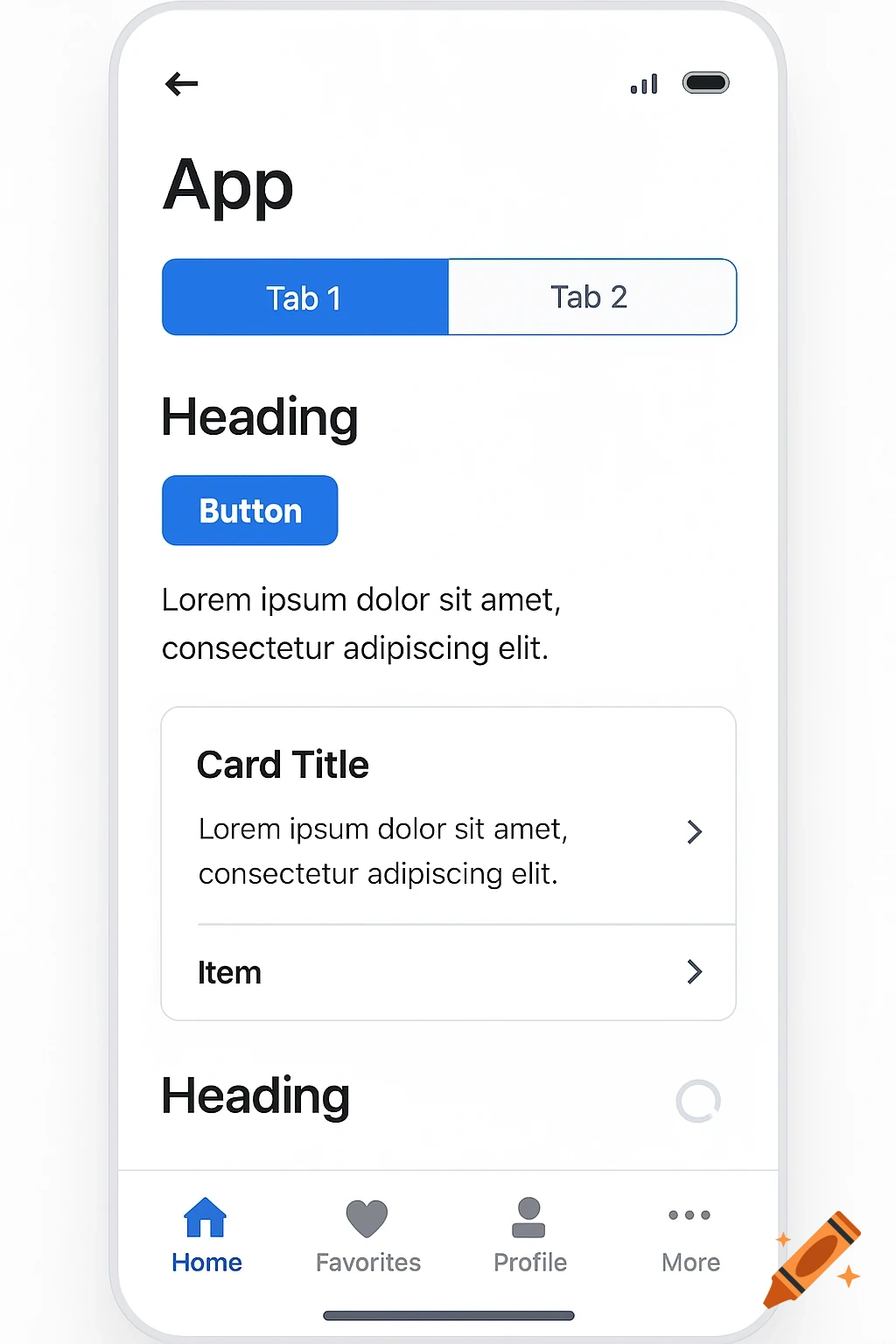
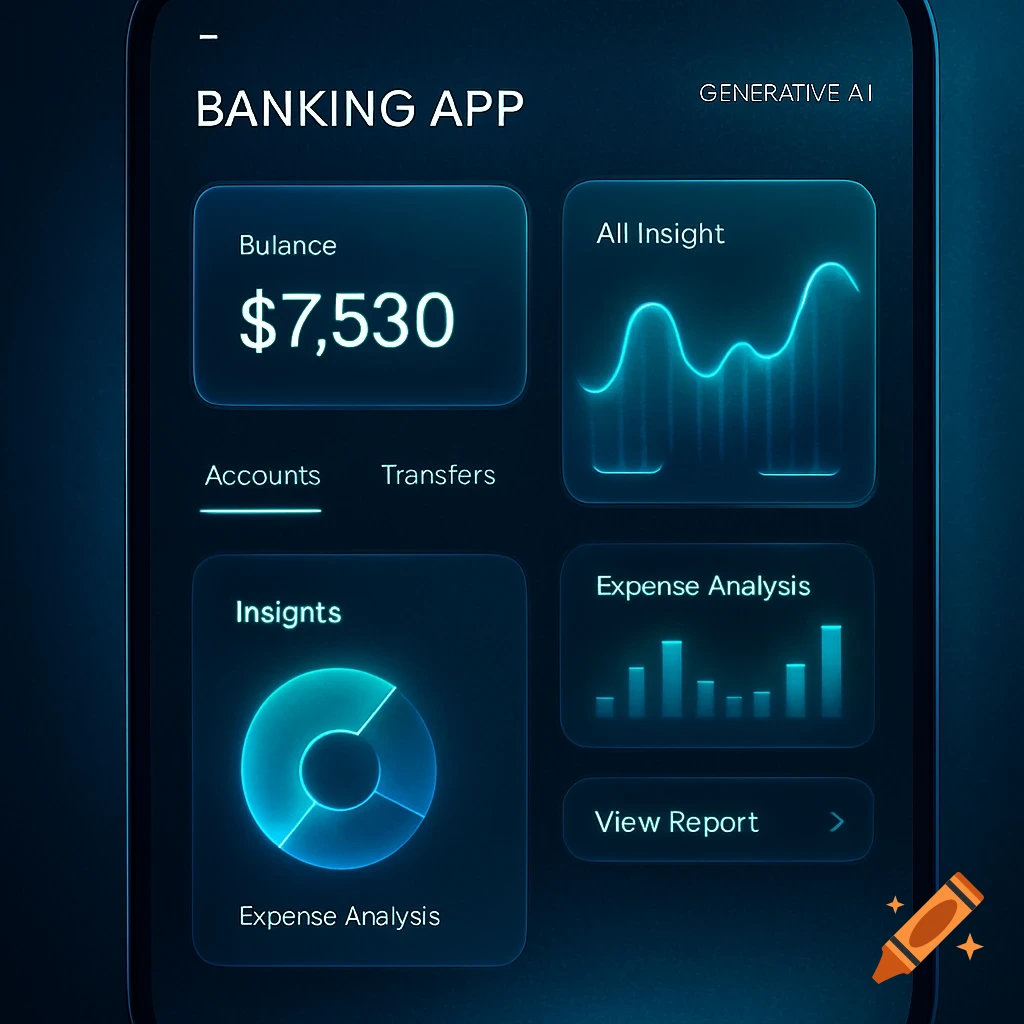
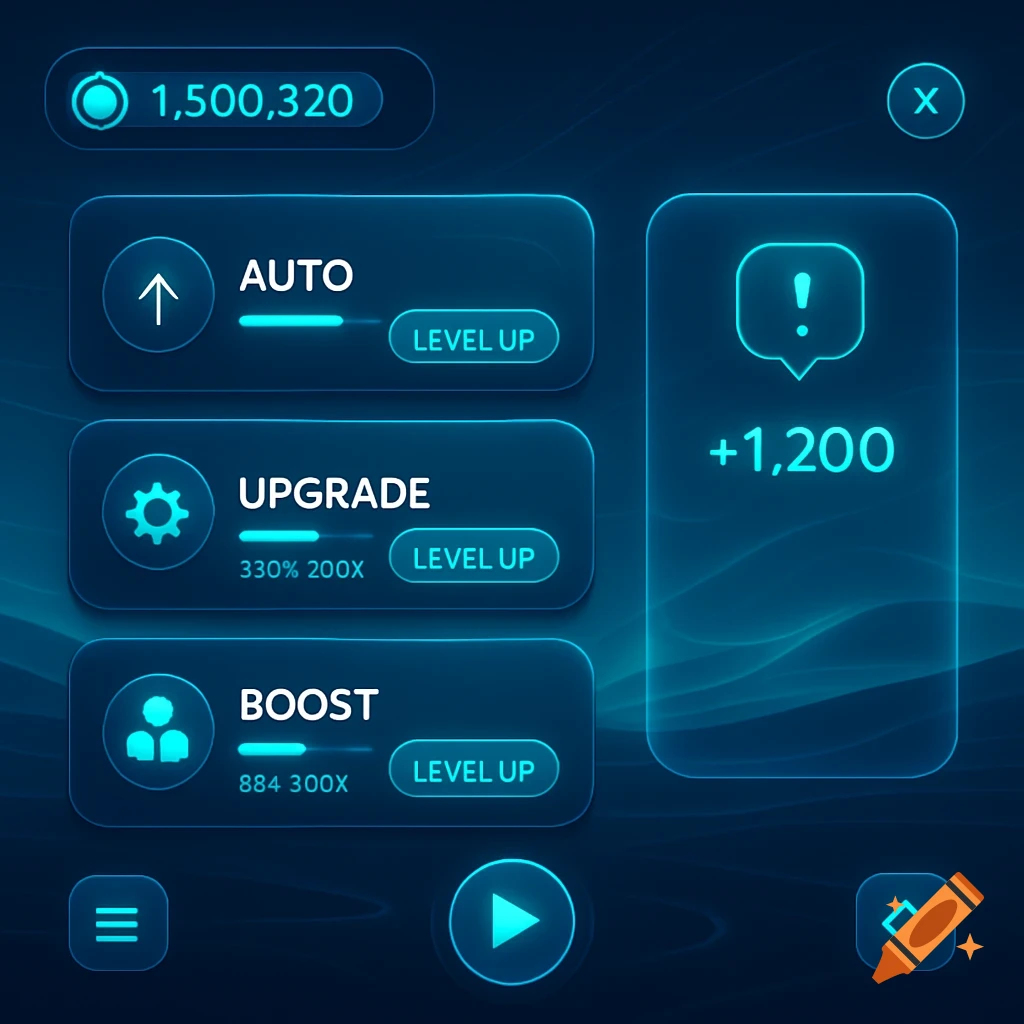
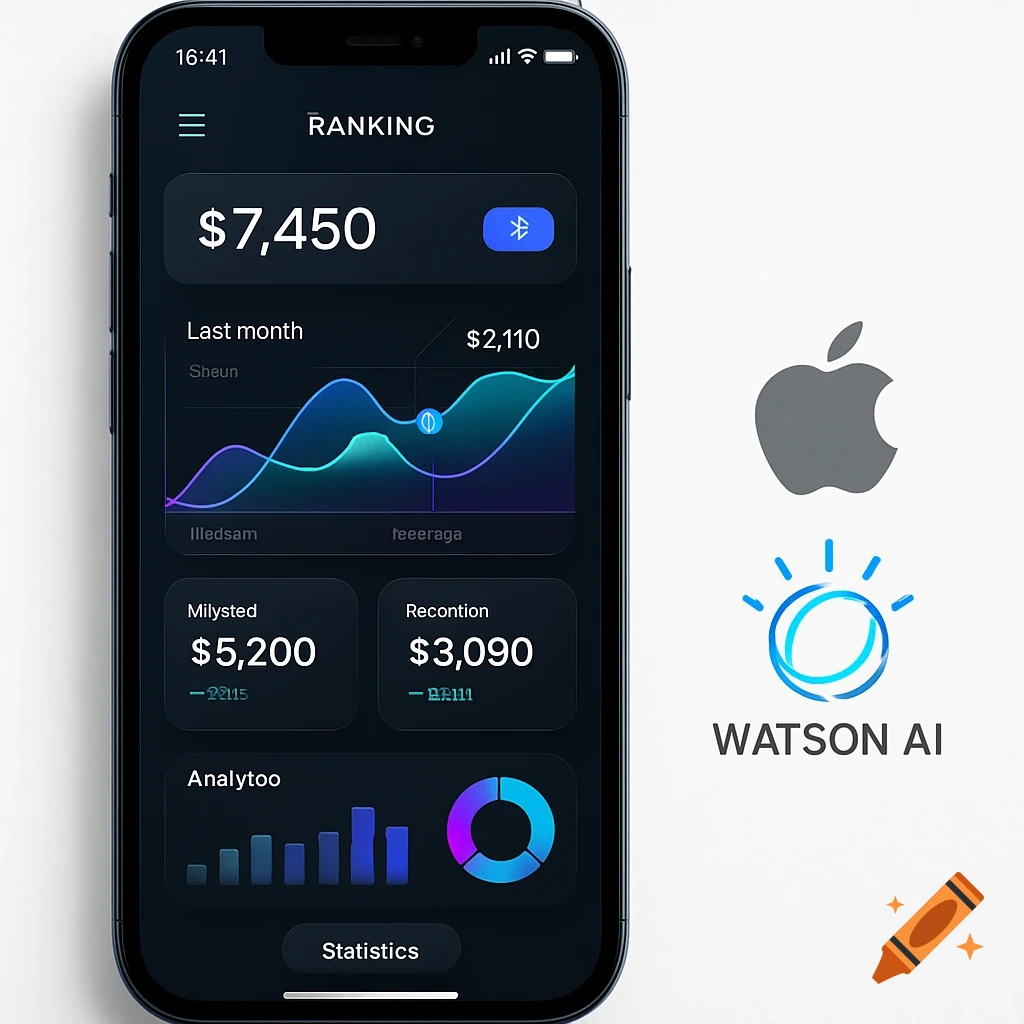
Dark mode mobile app screen mockup for CourtVision basketball app, showing stats, feed, and navigation.

Ok I need you to generate a hyper realistic app home screen layout sketch. Here is the basic concept (should use black and red colors): [🏀 CourtVision Logo] ["AI Refereeing. Smarter Basketball"] [📣 Welcome Widget: brief intro] [📊 Stats Widget: 45 games, 120 fouls] [🎥 Feed Widget: Latest Clip Preview] ------------------------------------------------- ⚙️ Settings | 👤 Profile | 🔴 REF TOOL | 📢 Feed | 📊 Stats ------------------------------------------------- But here is a more detailed summary of how it should look: 🎨 Full Draftbit Build Guide: CourtVision Mockup 1. Create New Screen Click ➡️ Screens Panel ➡️ New Screen ➡️ Choose Blank Screen. Rename it to: HomeScreen. 2. Top Section: Logo + Slogan ➡️ Add a Container: Width: 100% Align Items: Center Margin Top: 20 ➡️ Inside the Container, add: a) Image (for logo): Upload your CourtVision logo (or use a placeholder for now). Size: about 100x100px (you can adjust). b) Text (for slogan): Text: "AI Refereeing. Smarter Basketball" Font Size: 18 Color: White Text Align: Center Margin Top: 8 3. Middle Section: Widgets (Welcome, Stats, Feed) You’ll create 3 Cards (or Containers styled like Cards). ➡️ Add a Container: Flex Direction: Column Align Items: Center Gap: 12 (space between cards) Inside that Container: 🔹 Card 1: Welcome Widget Add Card component Inside the Card, add: Text: "Welcome to CourtVision!" Font Size: 20, Bold, White Text: "Short intro about the app purpose." Font Size: 14, Light Gray Card Background Color: Mehr sehen
More images like this