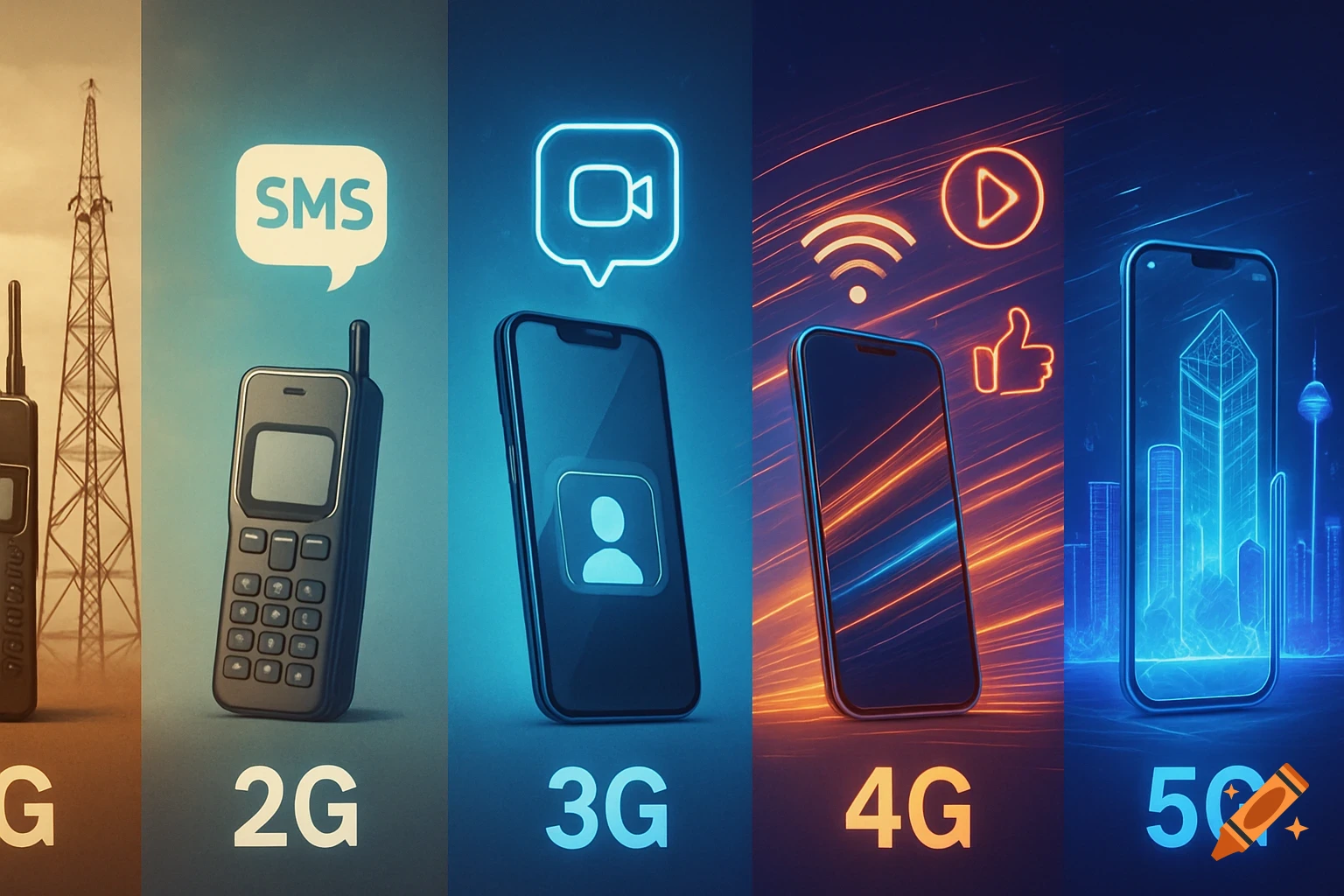
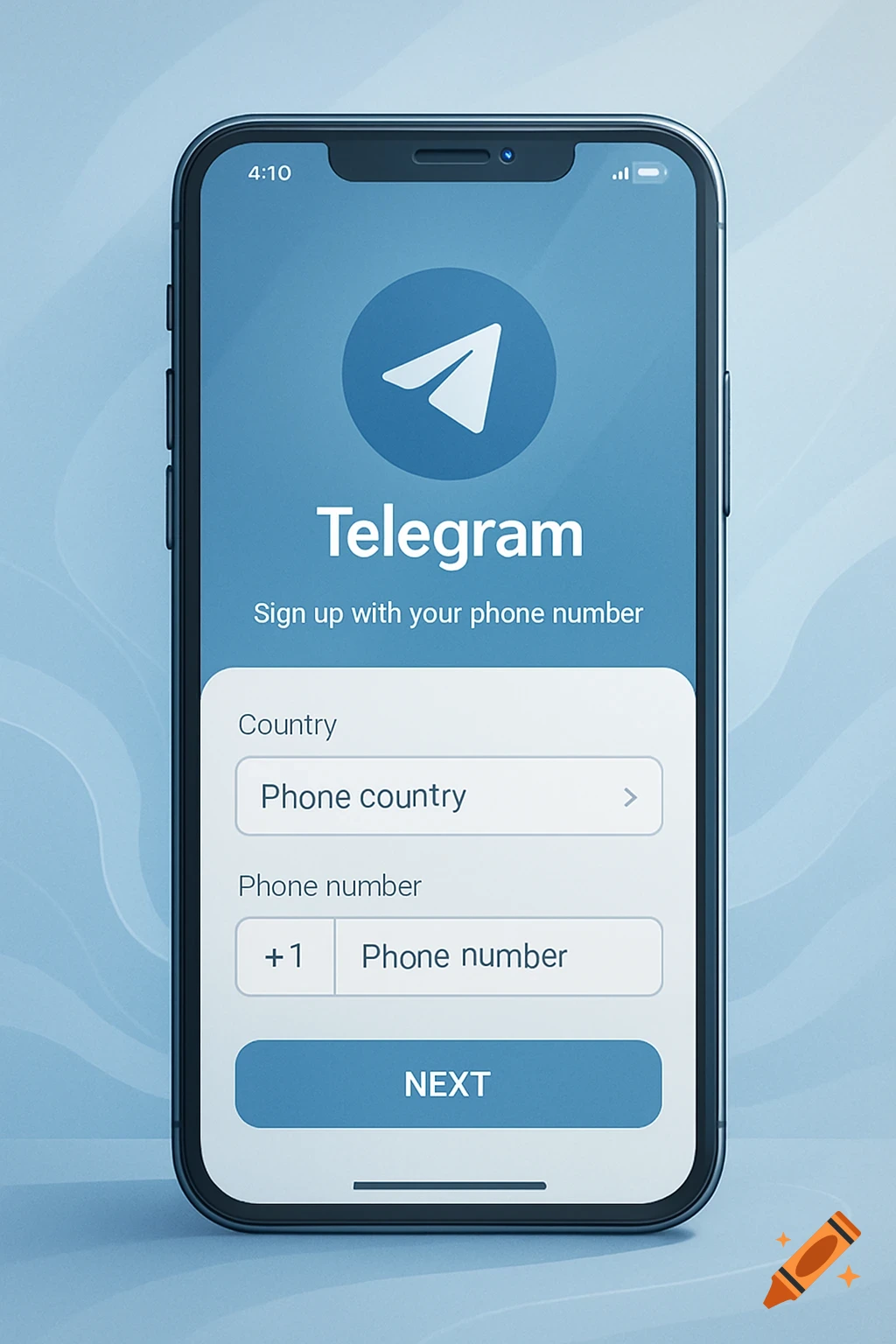
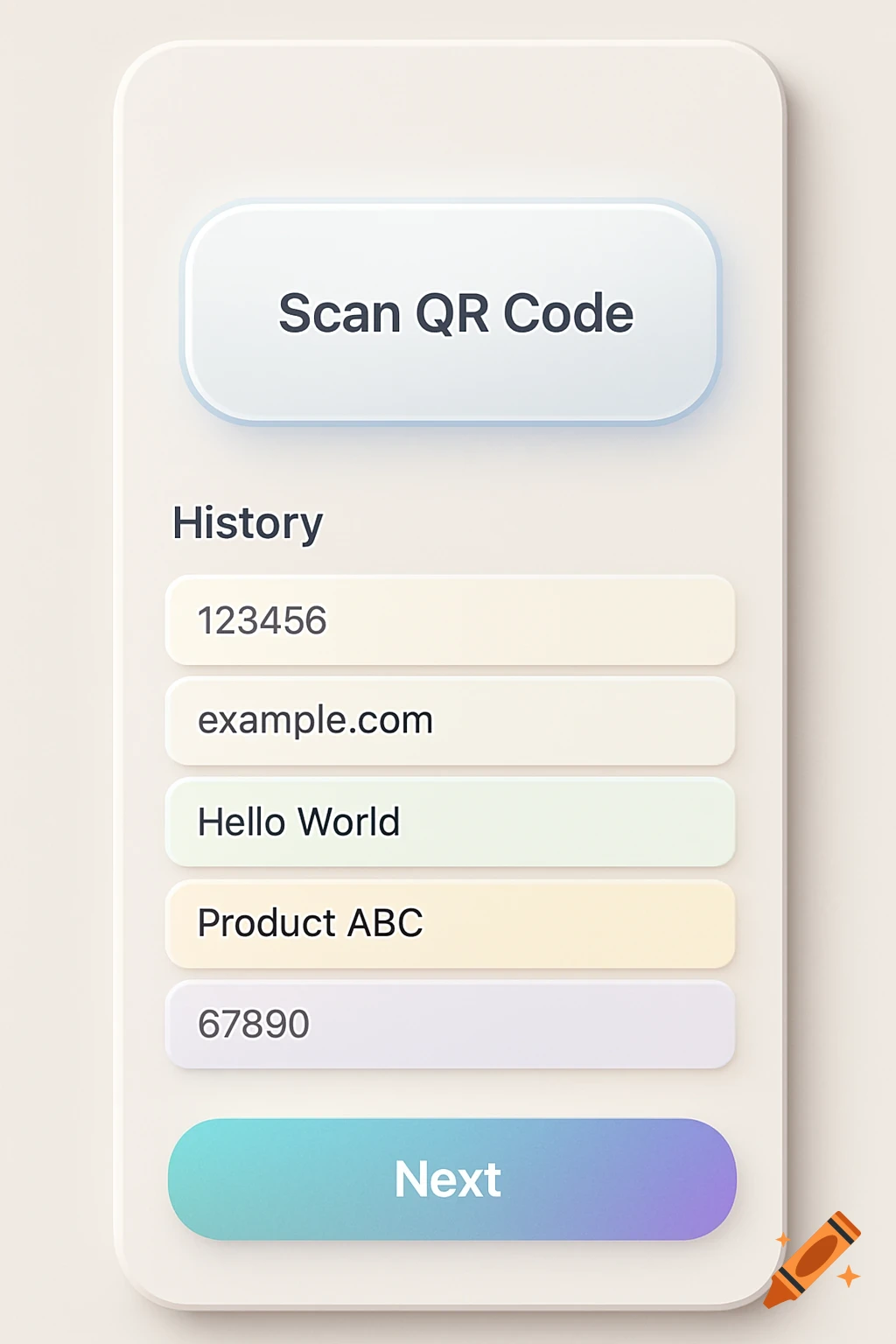
A cartoon-style image showing five steps for Google Pixel 9A phone setup, including tapping the screen, scanning a QR code, entering a pin, accepting terms, and app downloads.

please create me one sheet with images to install our new phone google pixel 9a, do not use words. 1) tap the screen 6 times to activate the camara 2) scan the QR code with the camera 3) when MDM is downloaded login with you email account. 4) enter you new pin code for the phone 5) swipe 2 times left to acknowledge and accept google TOS 6) the MDM will download all app to your phone; and you phone will be ready for use Mehr sehen
More images like this