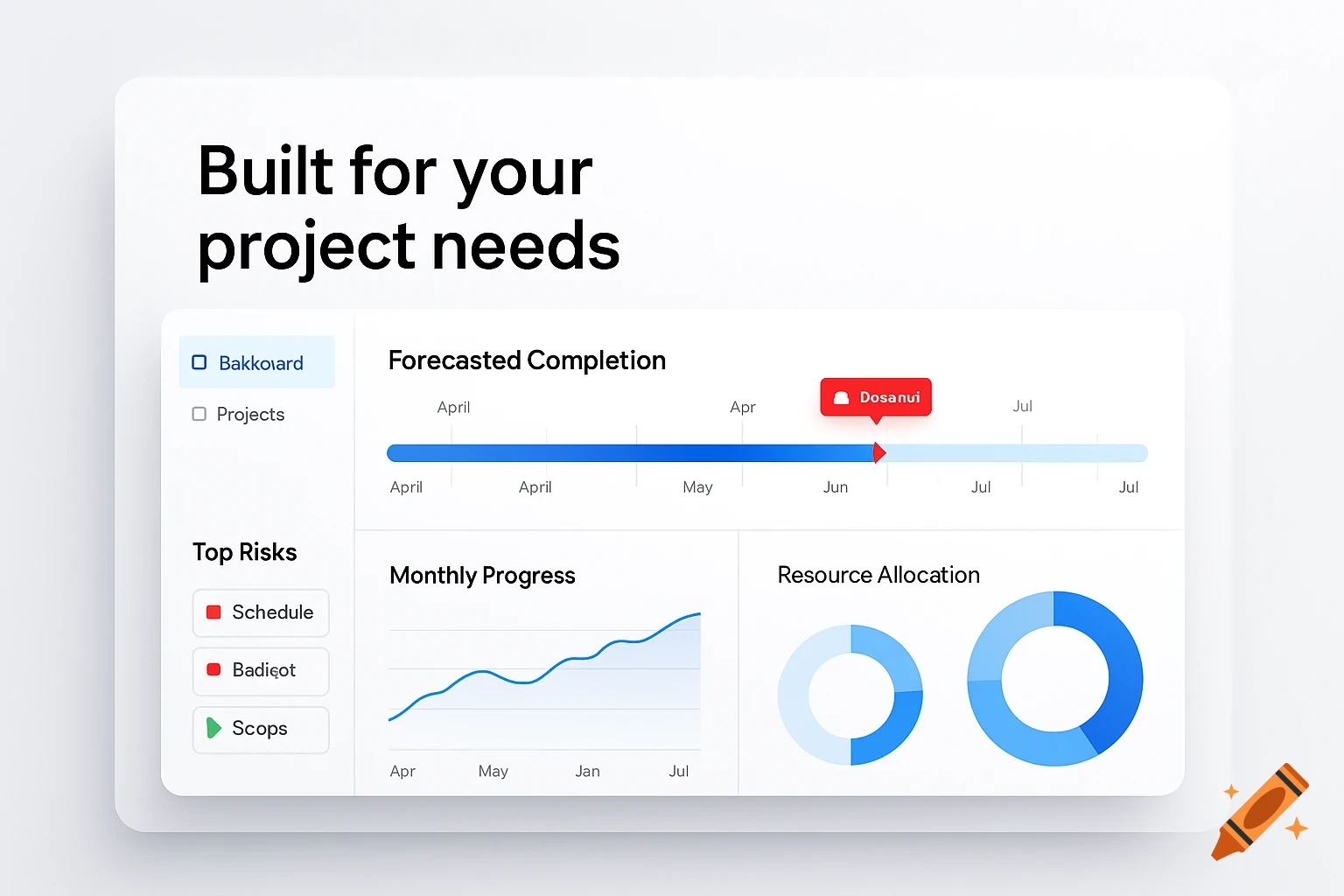
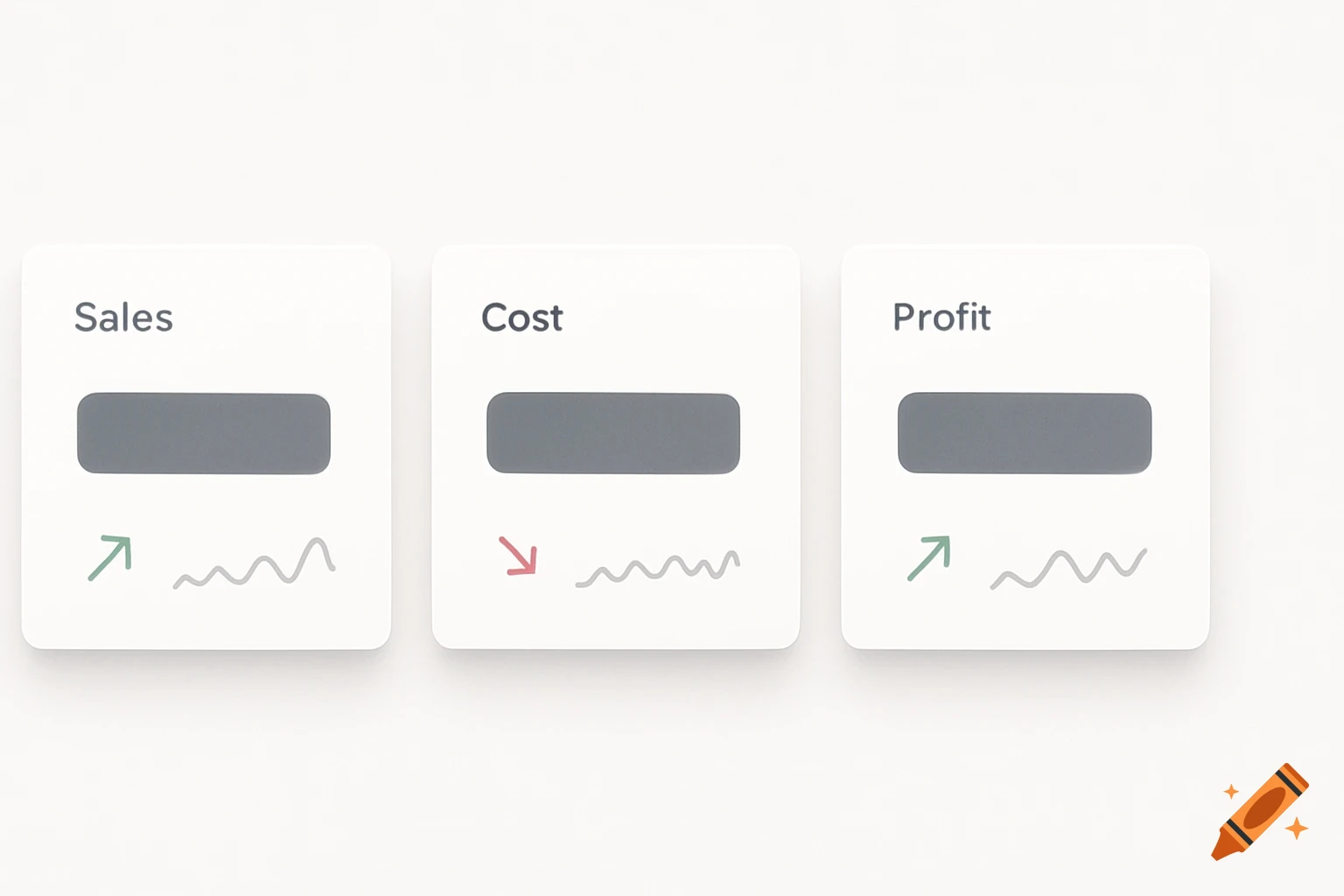
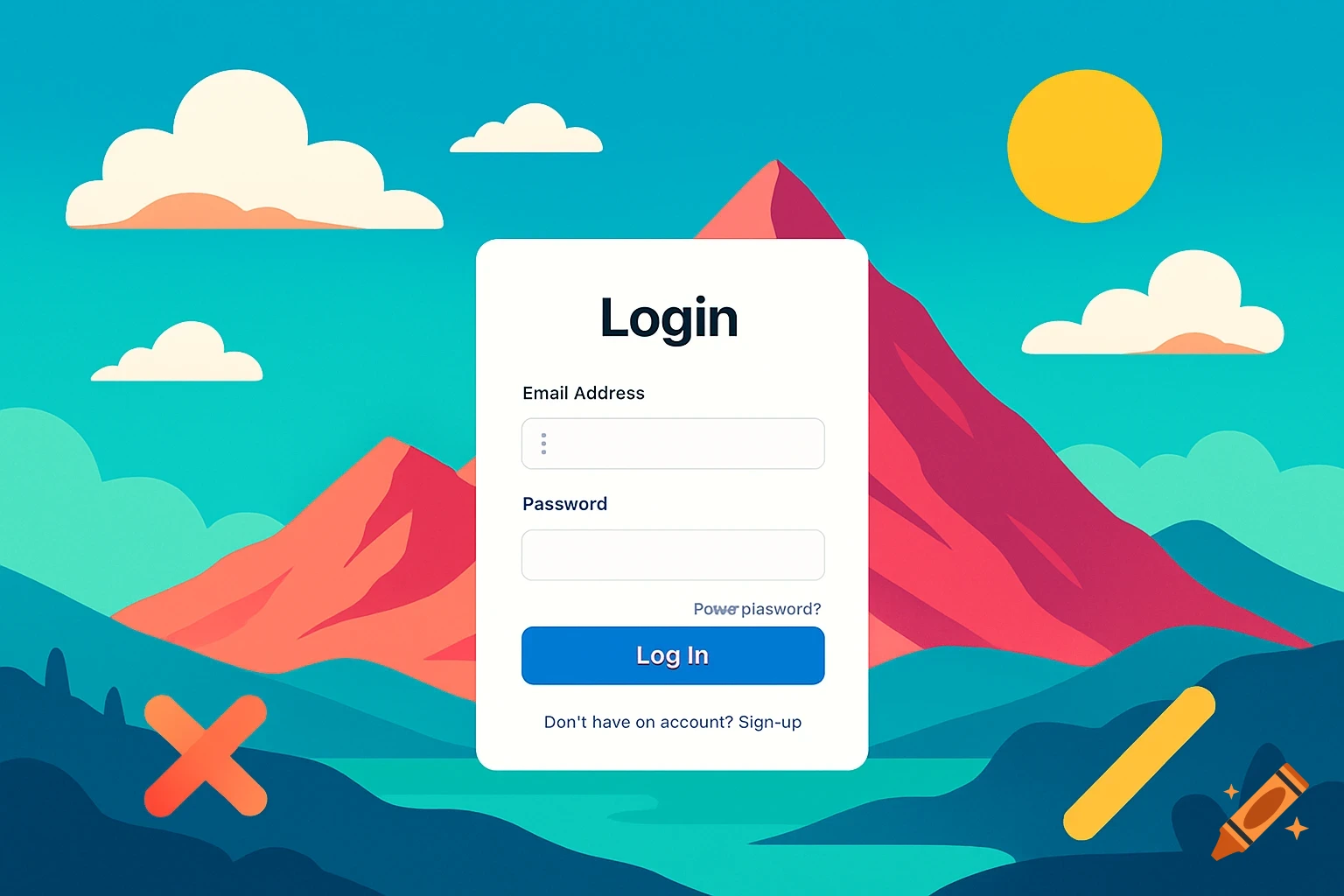
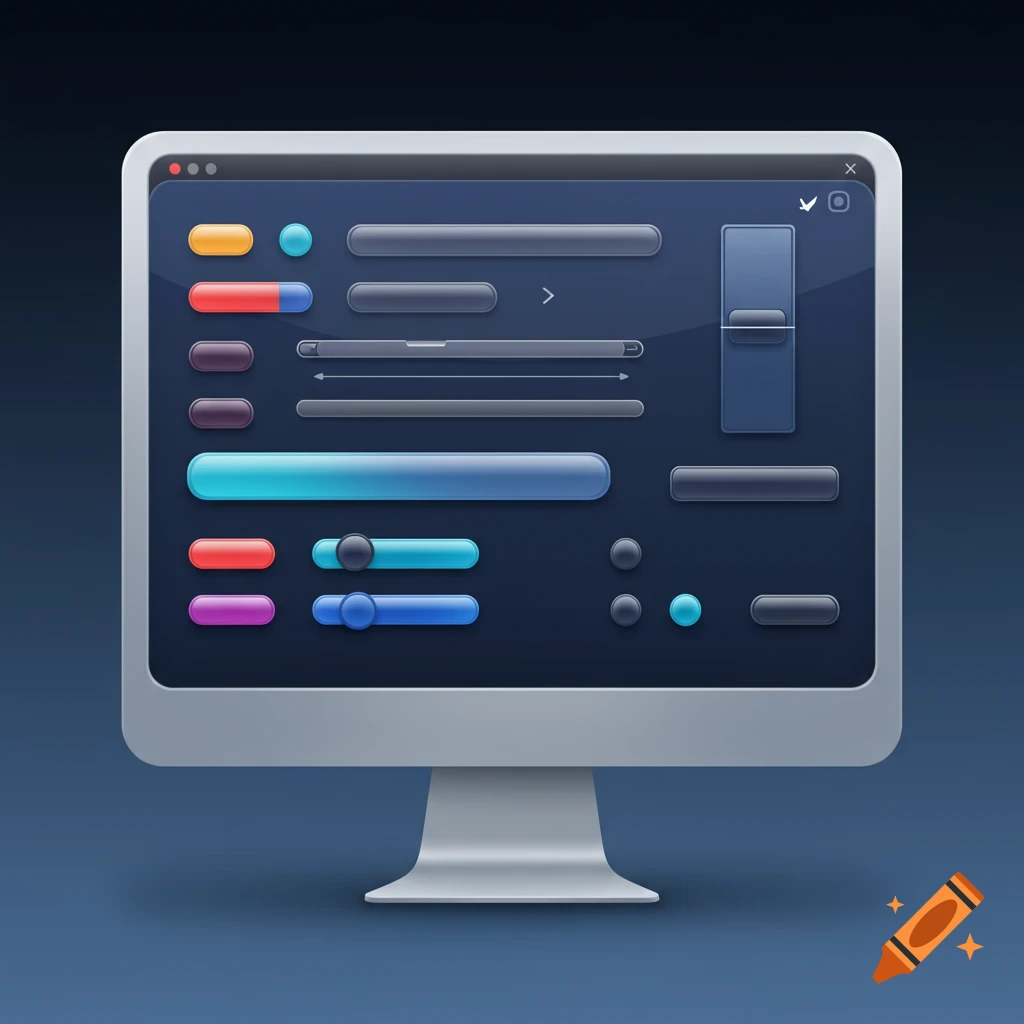
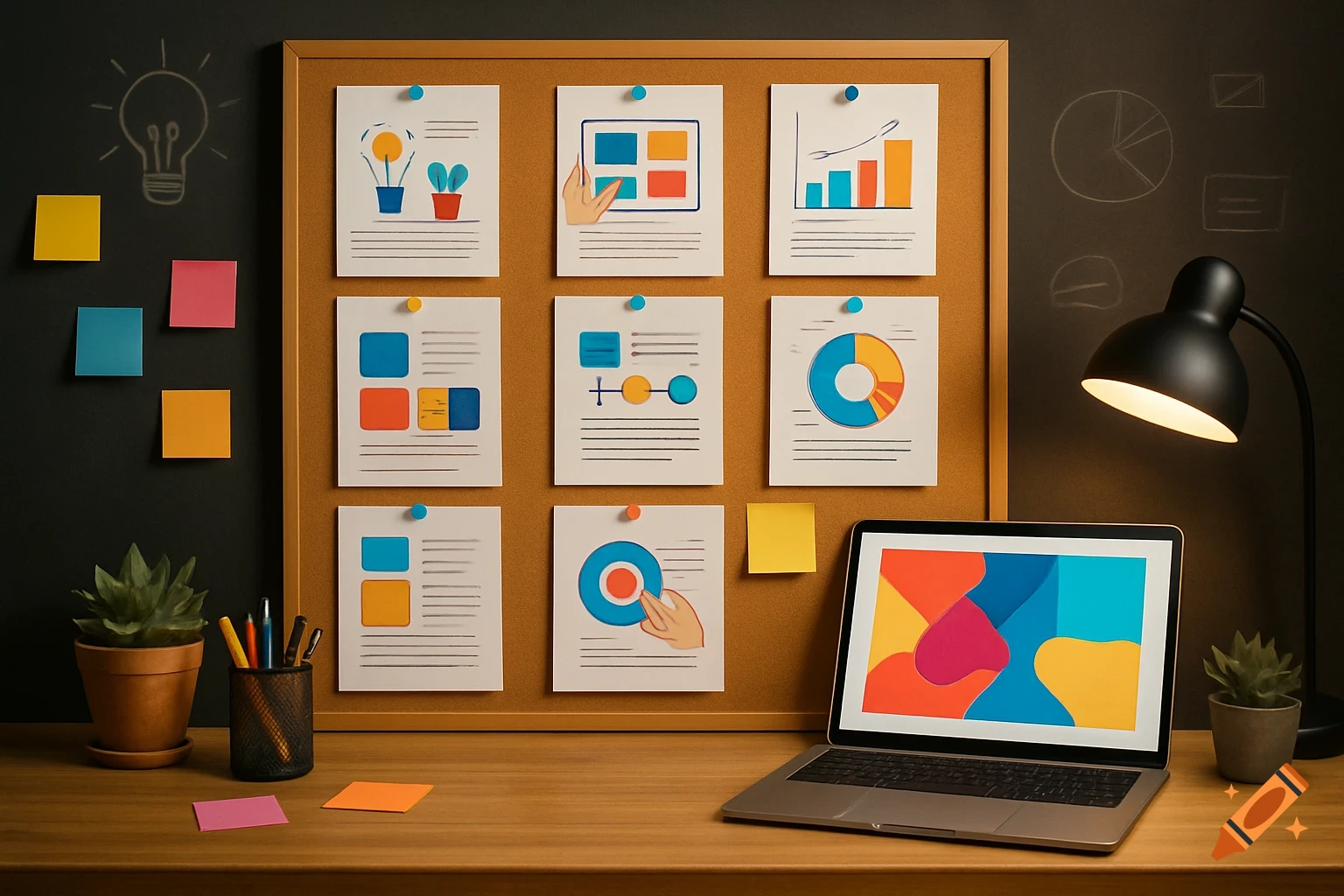
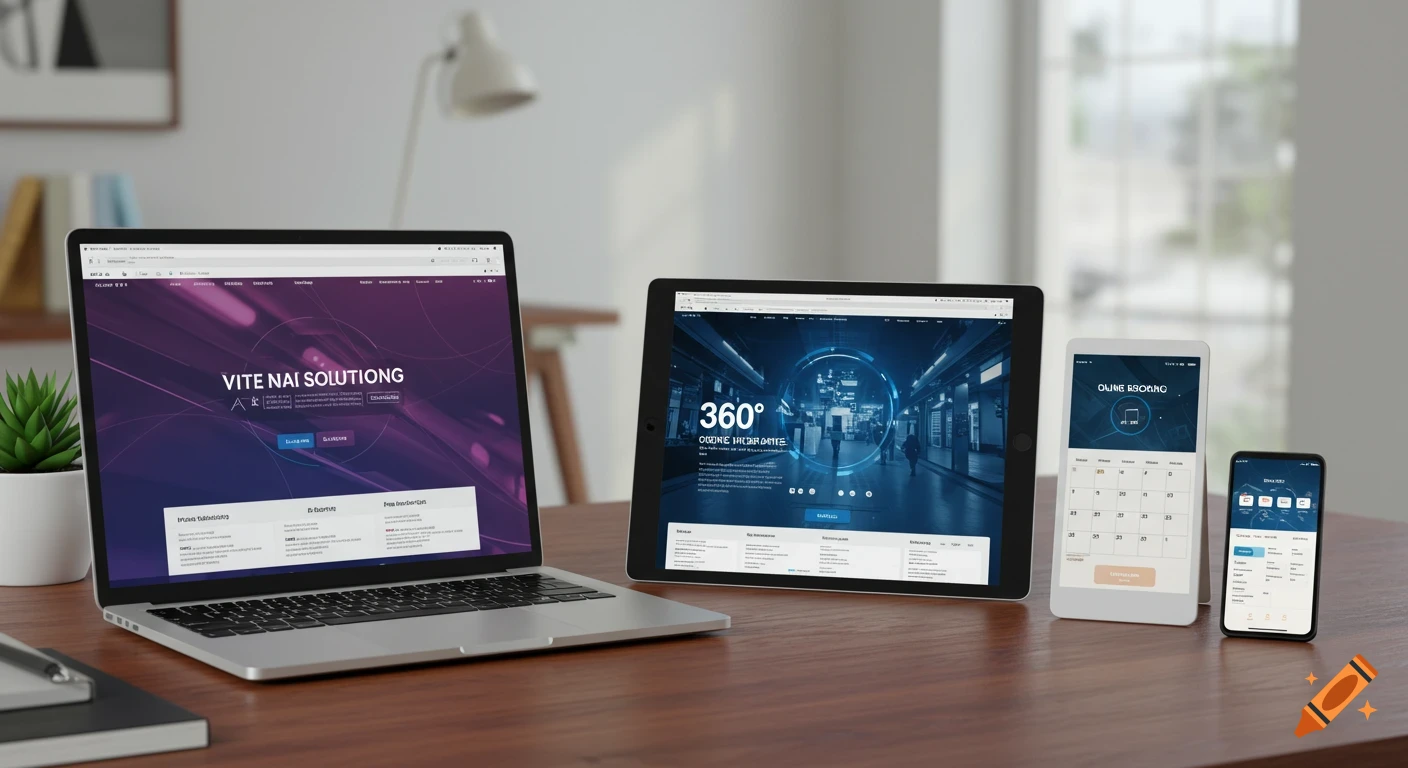
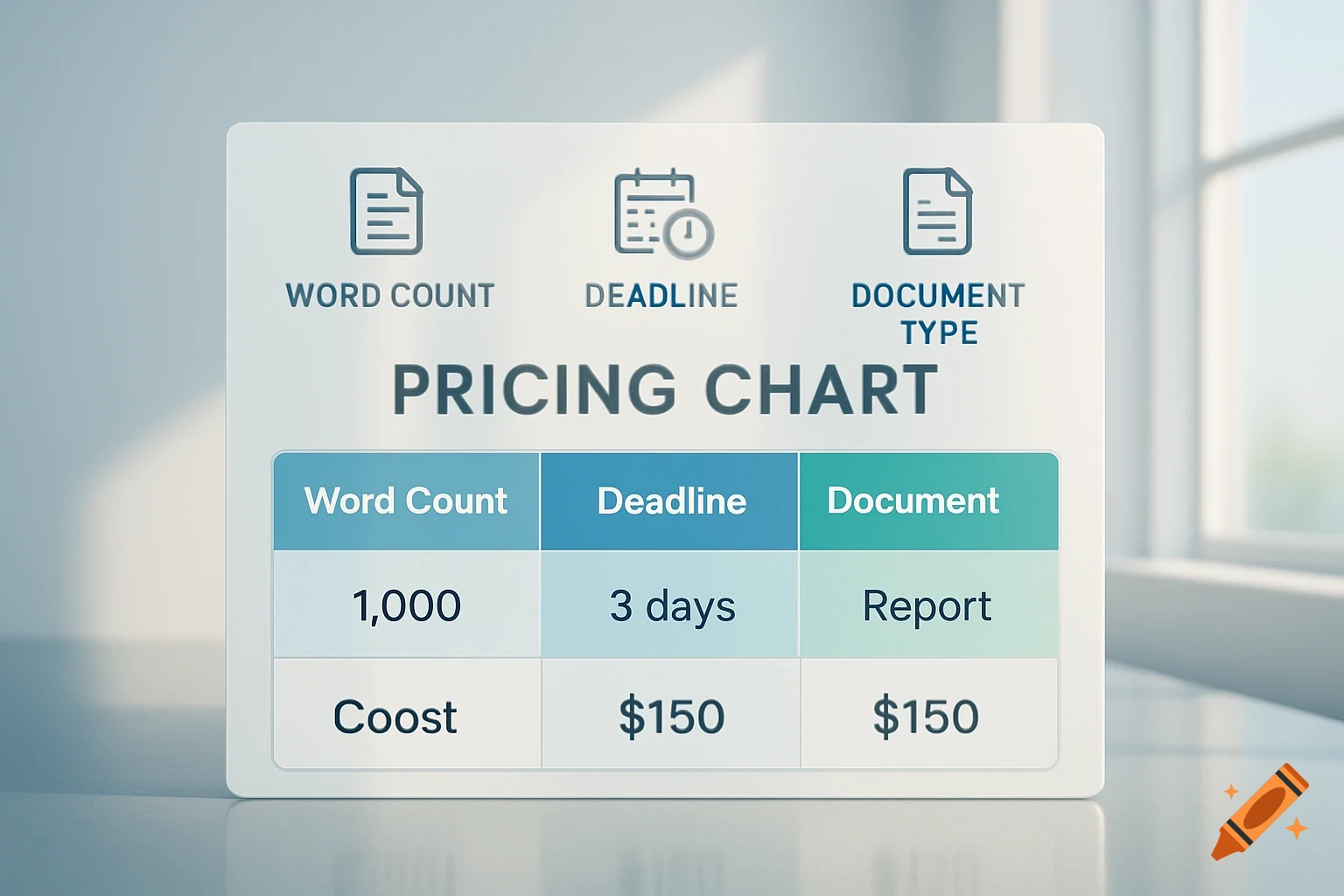
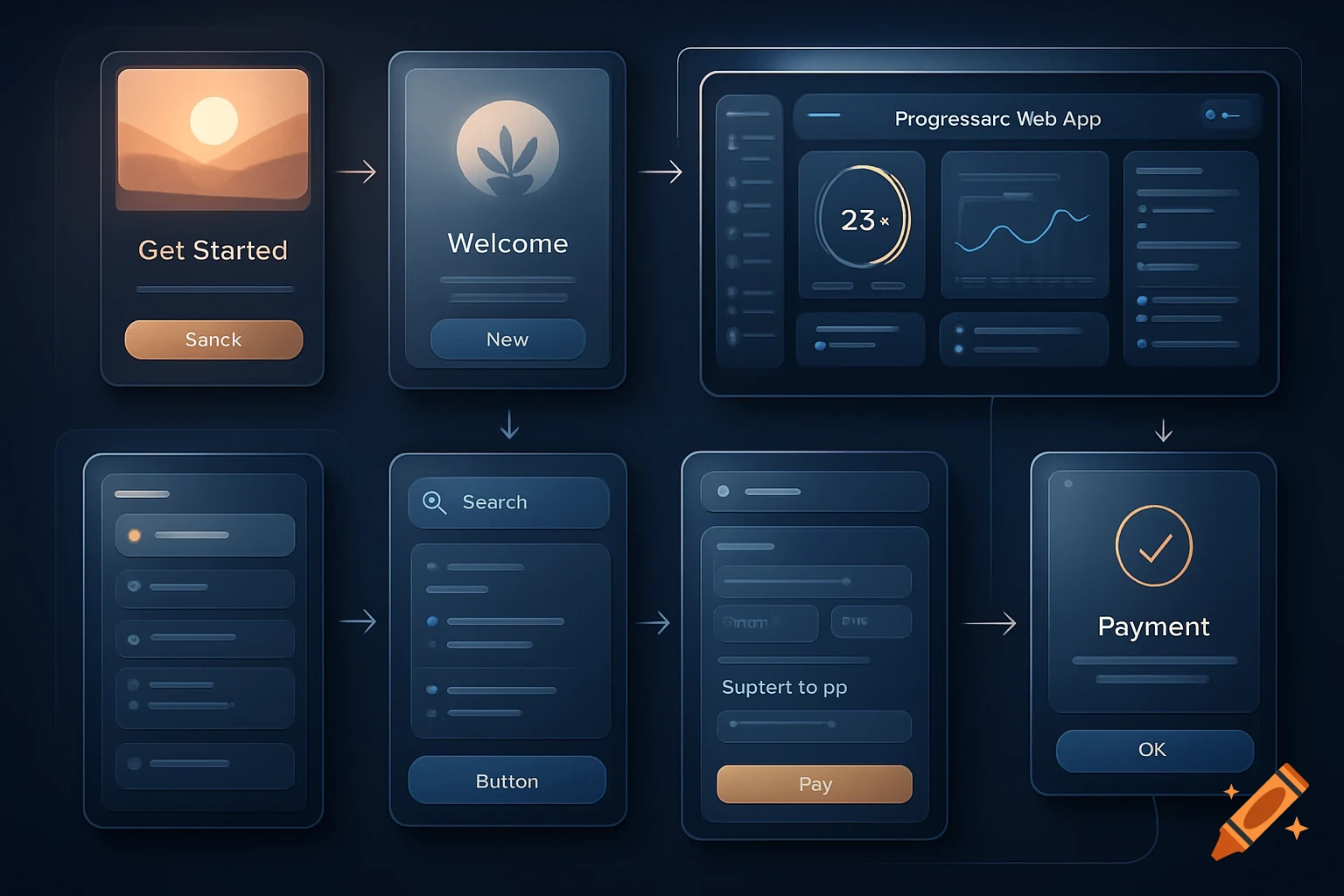
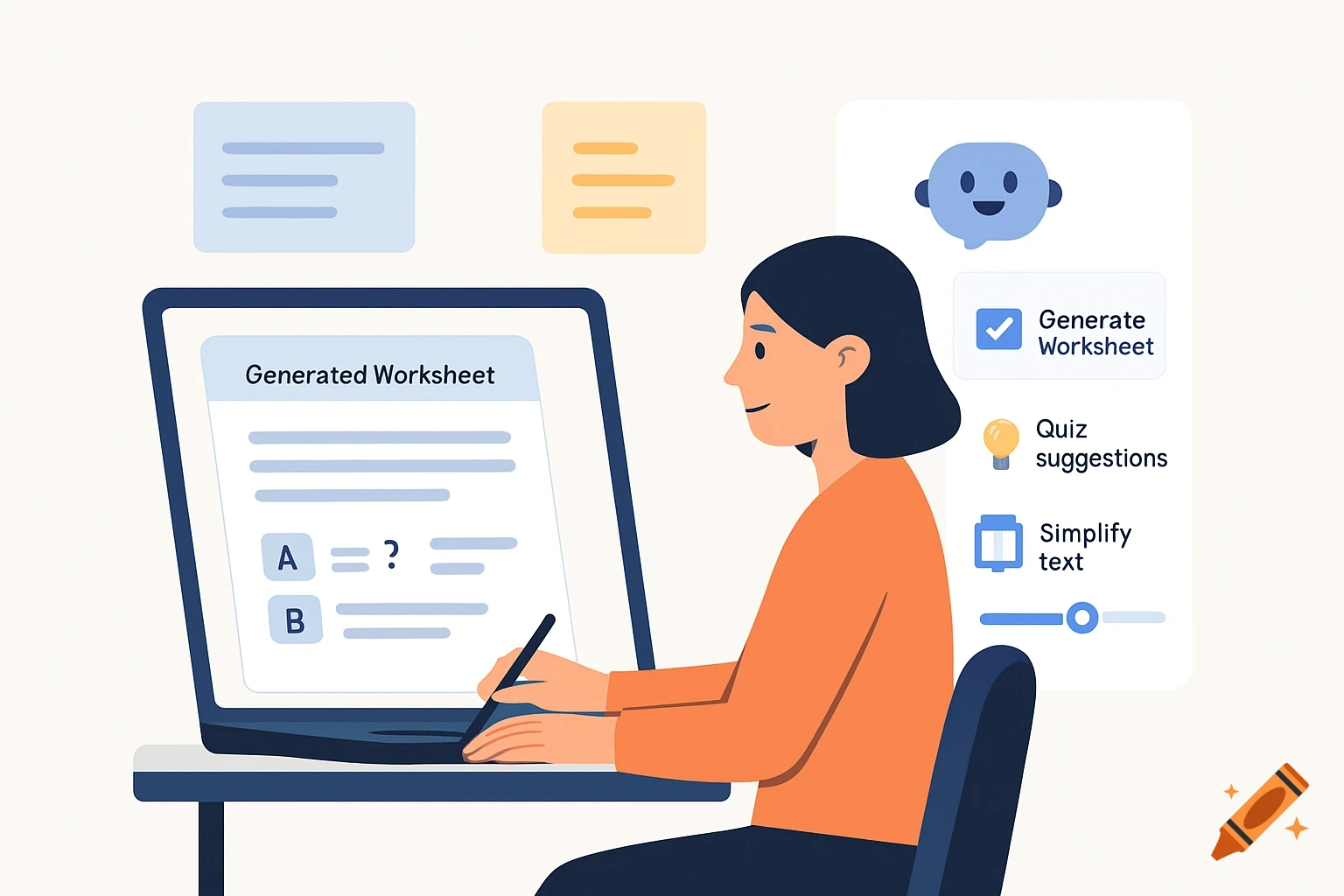
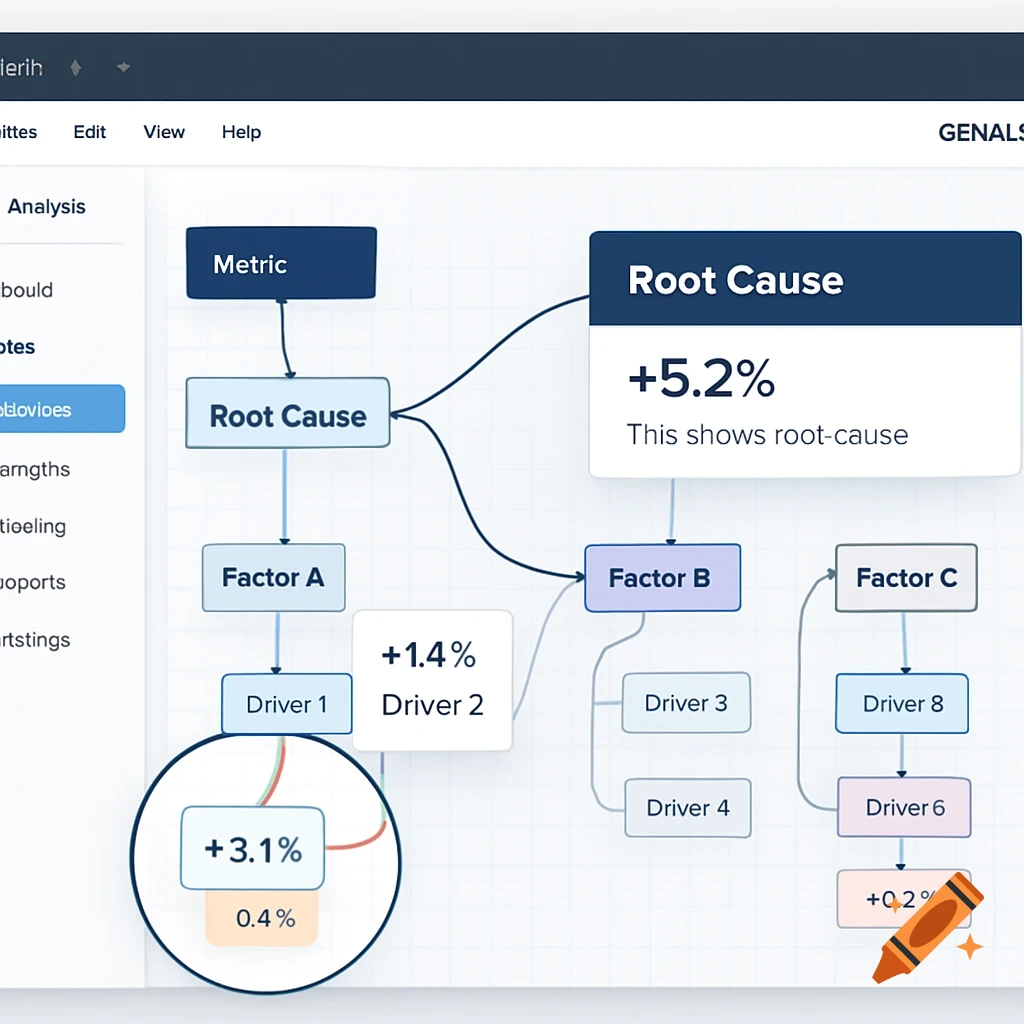
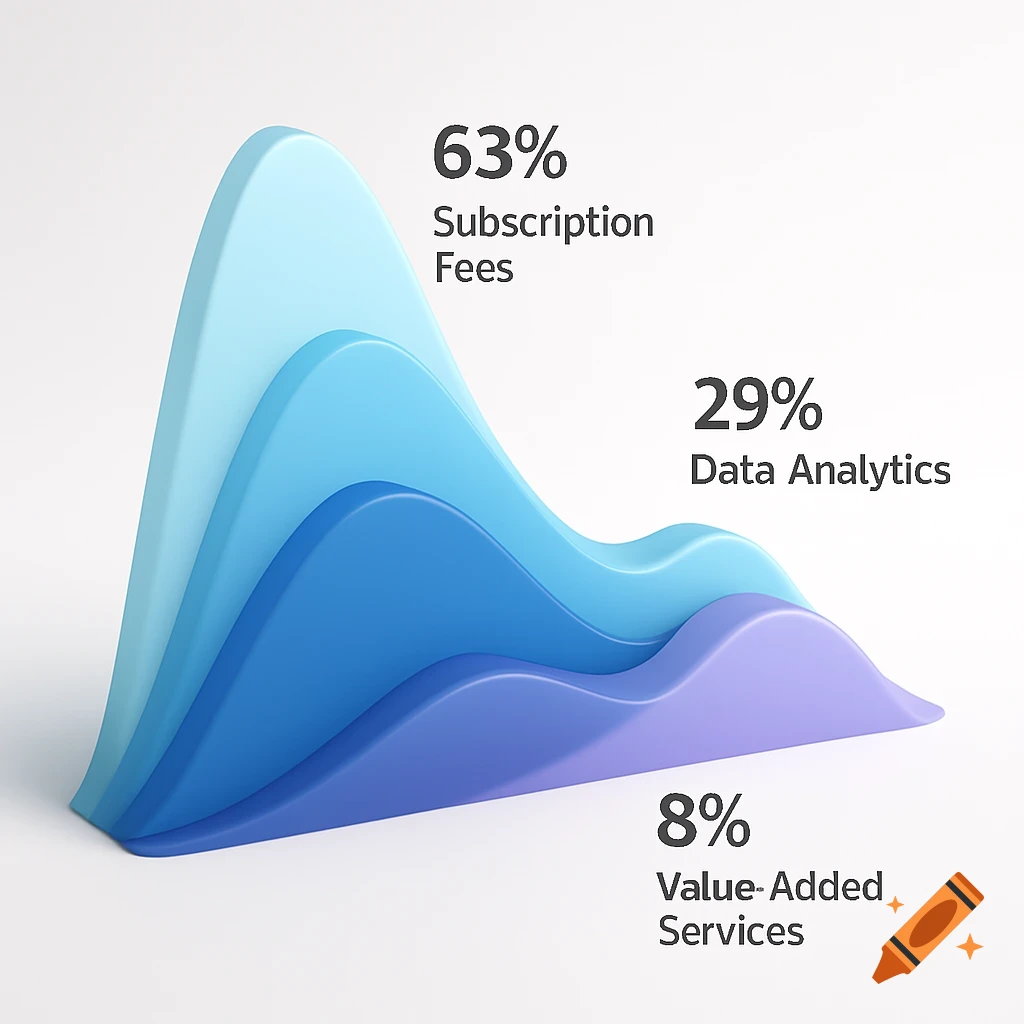
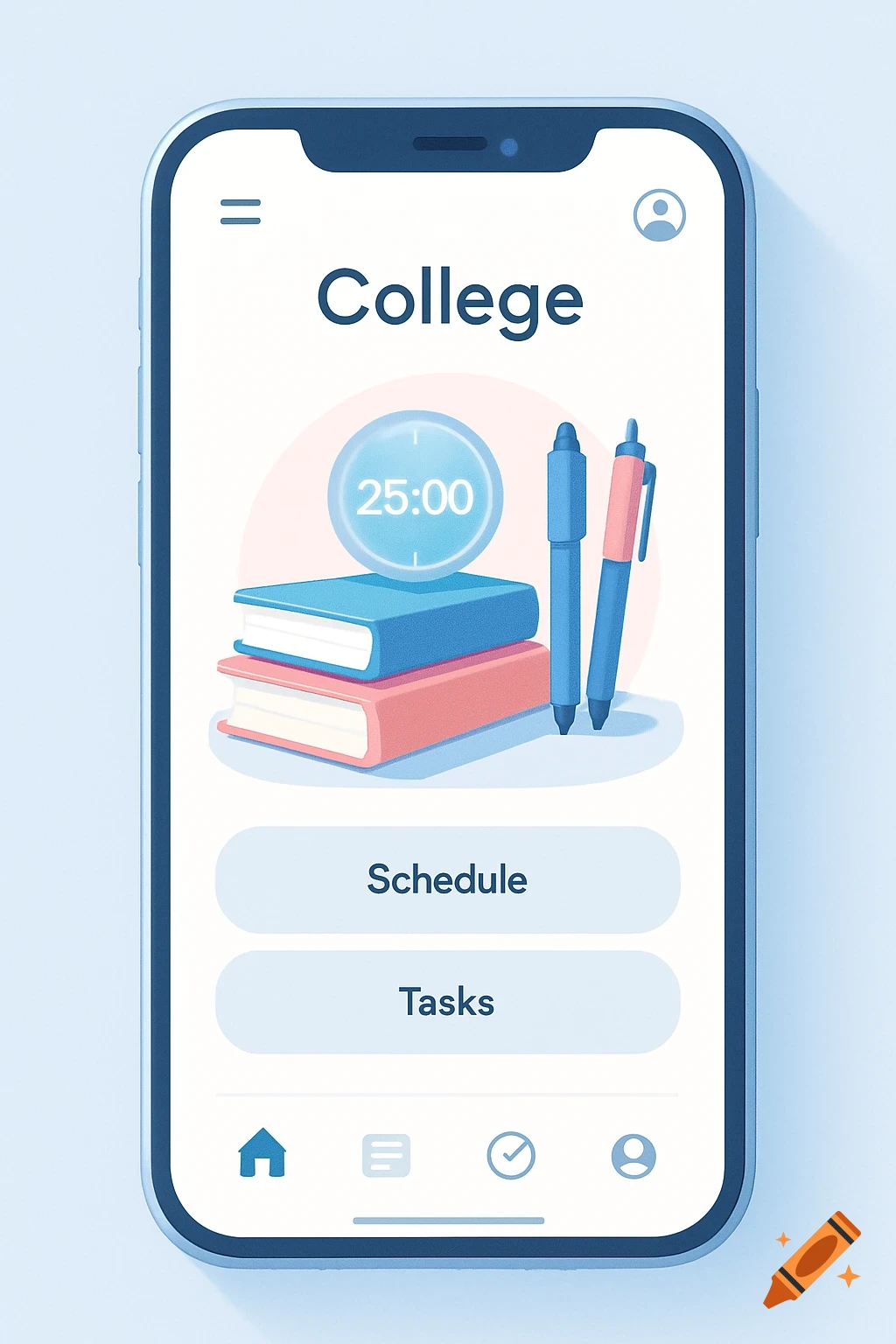
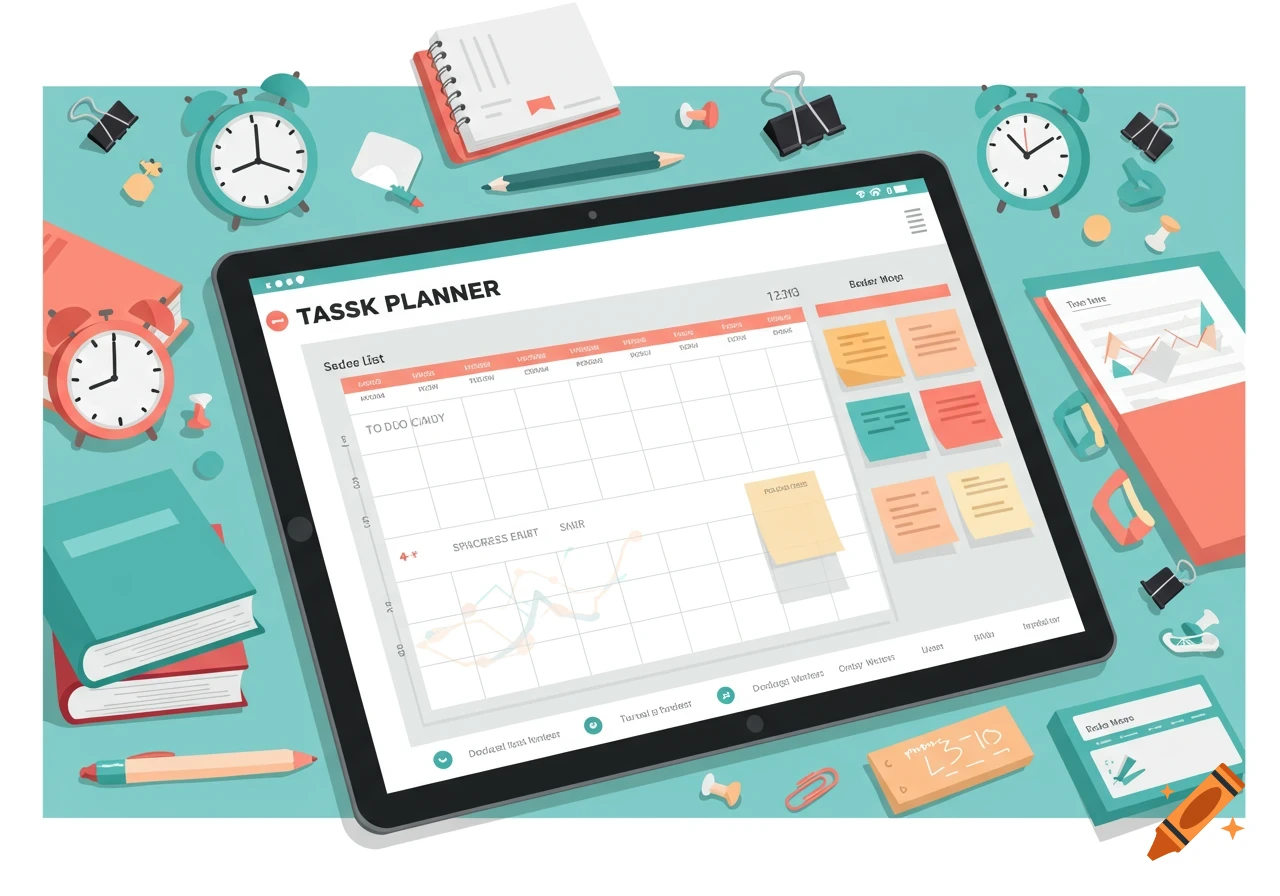
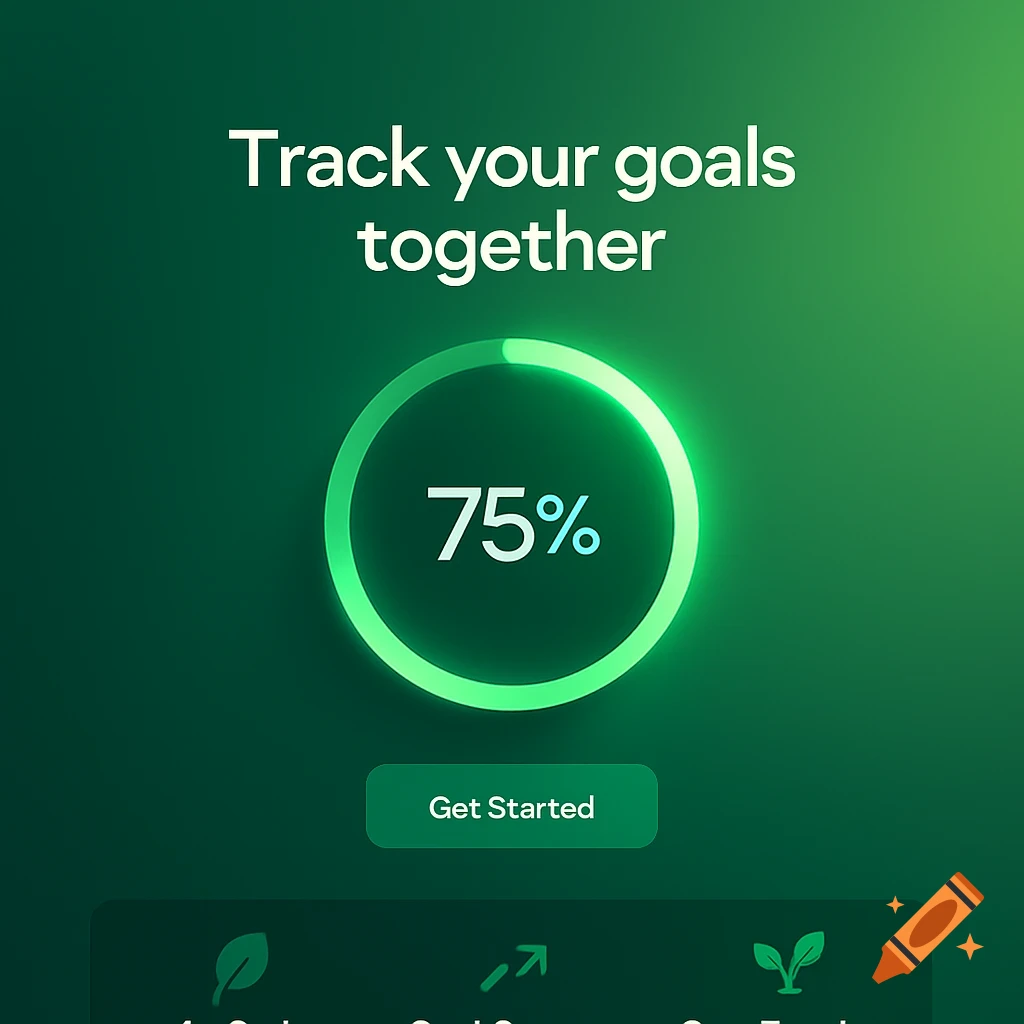
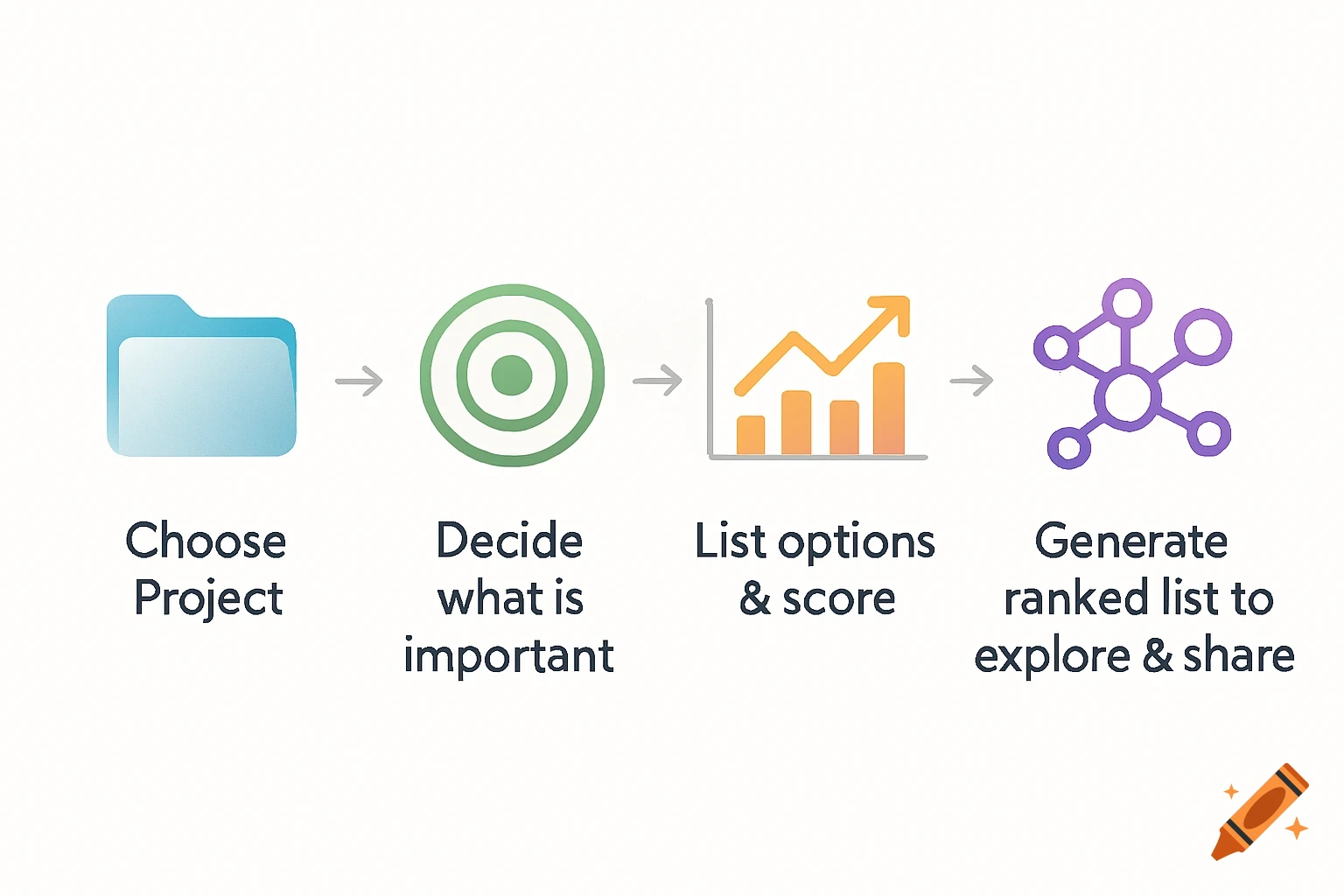
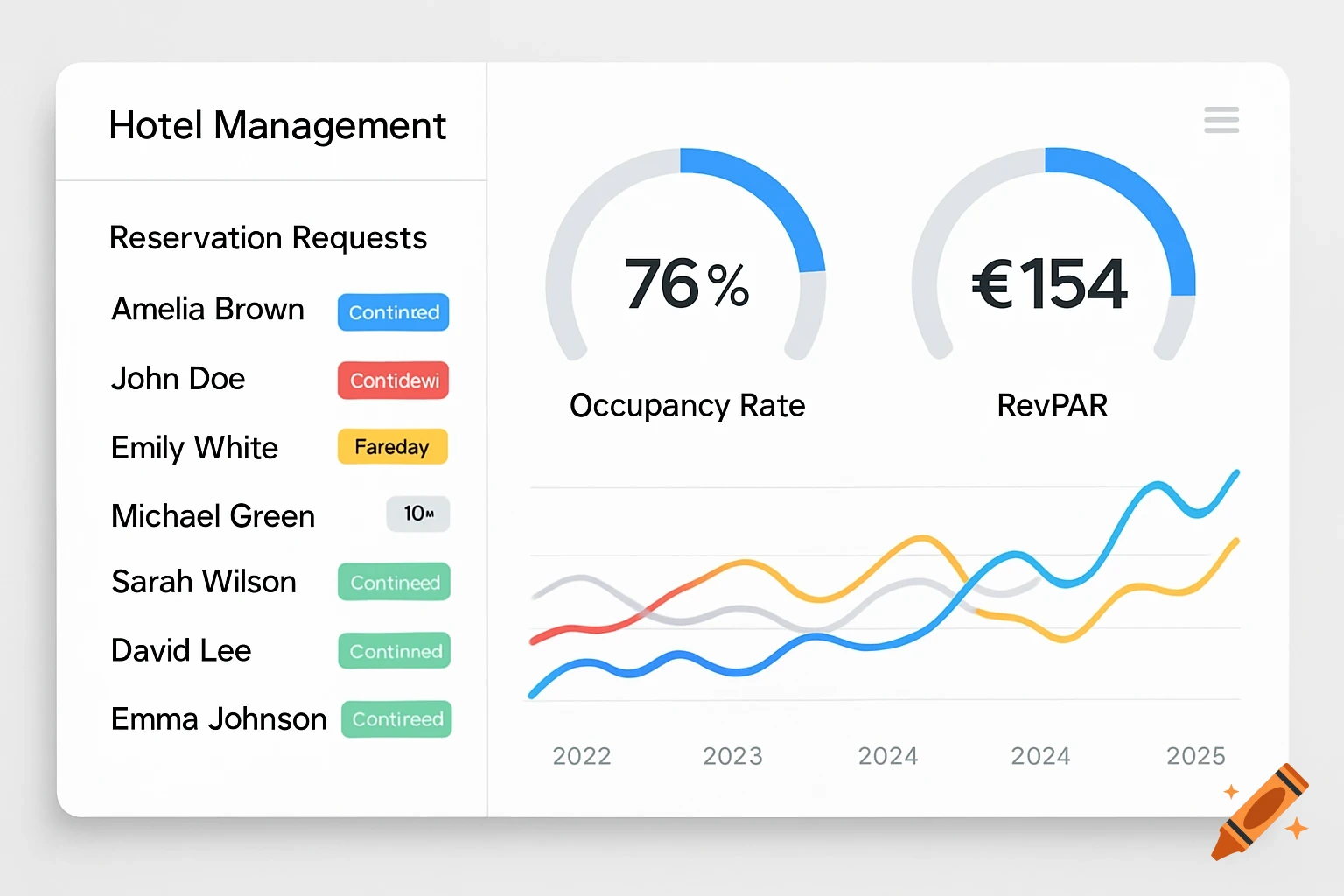
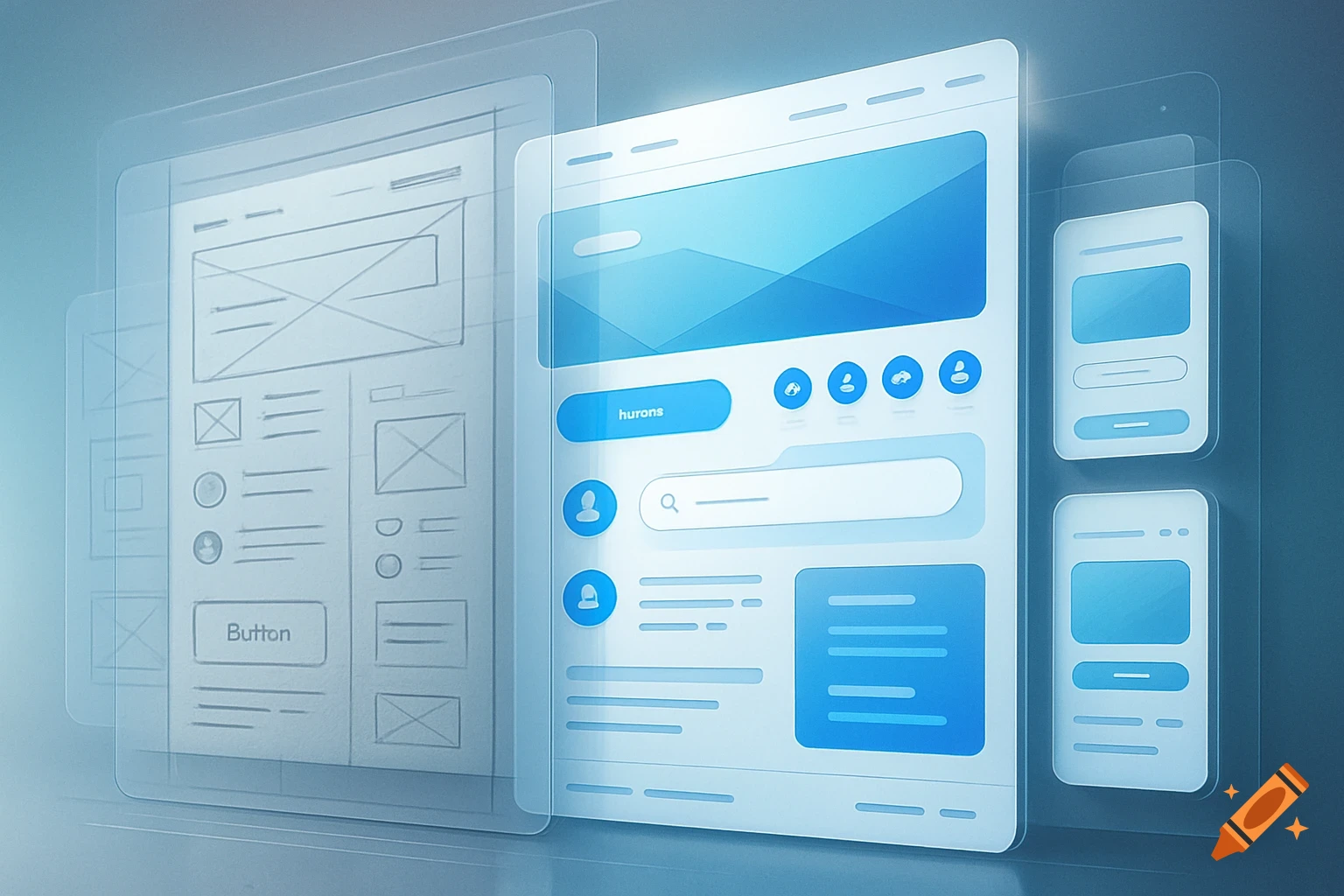
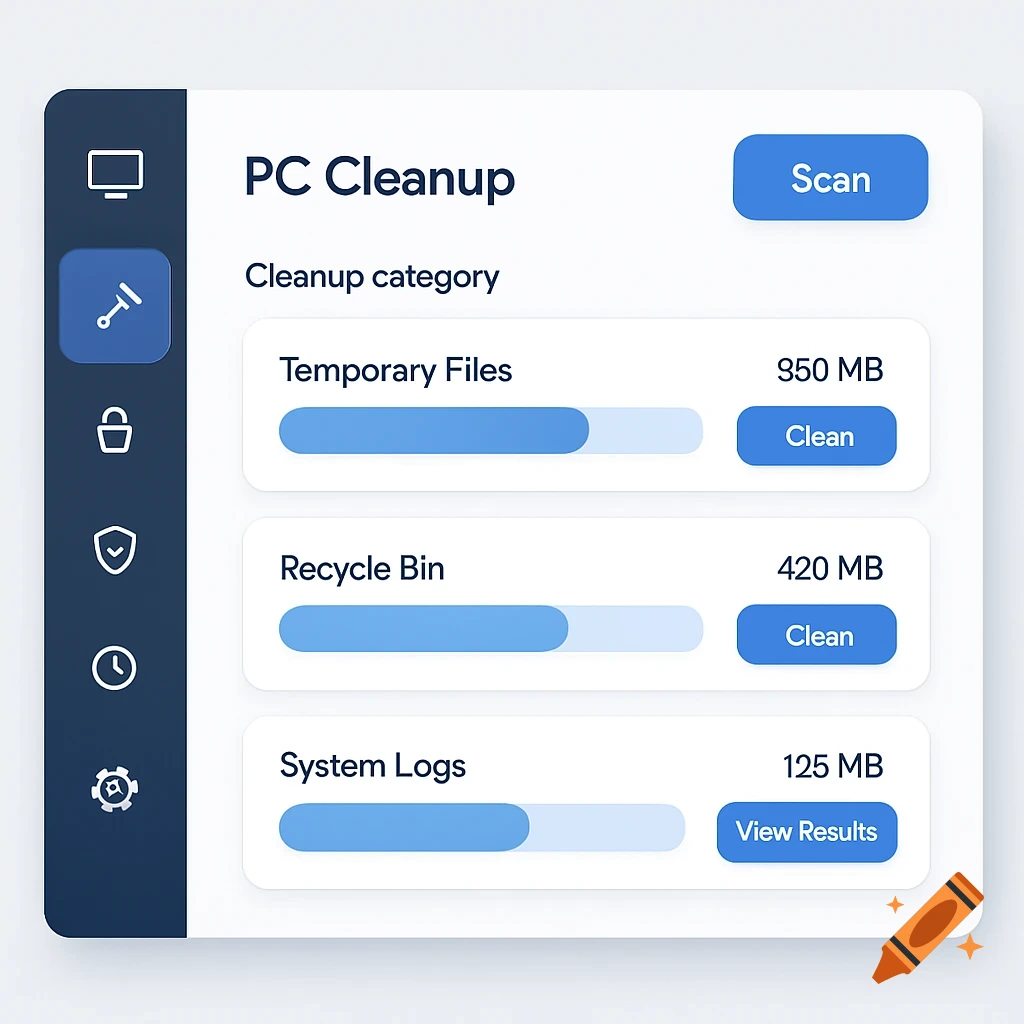
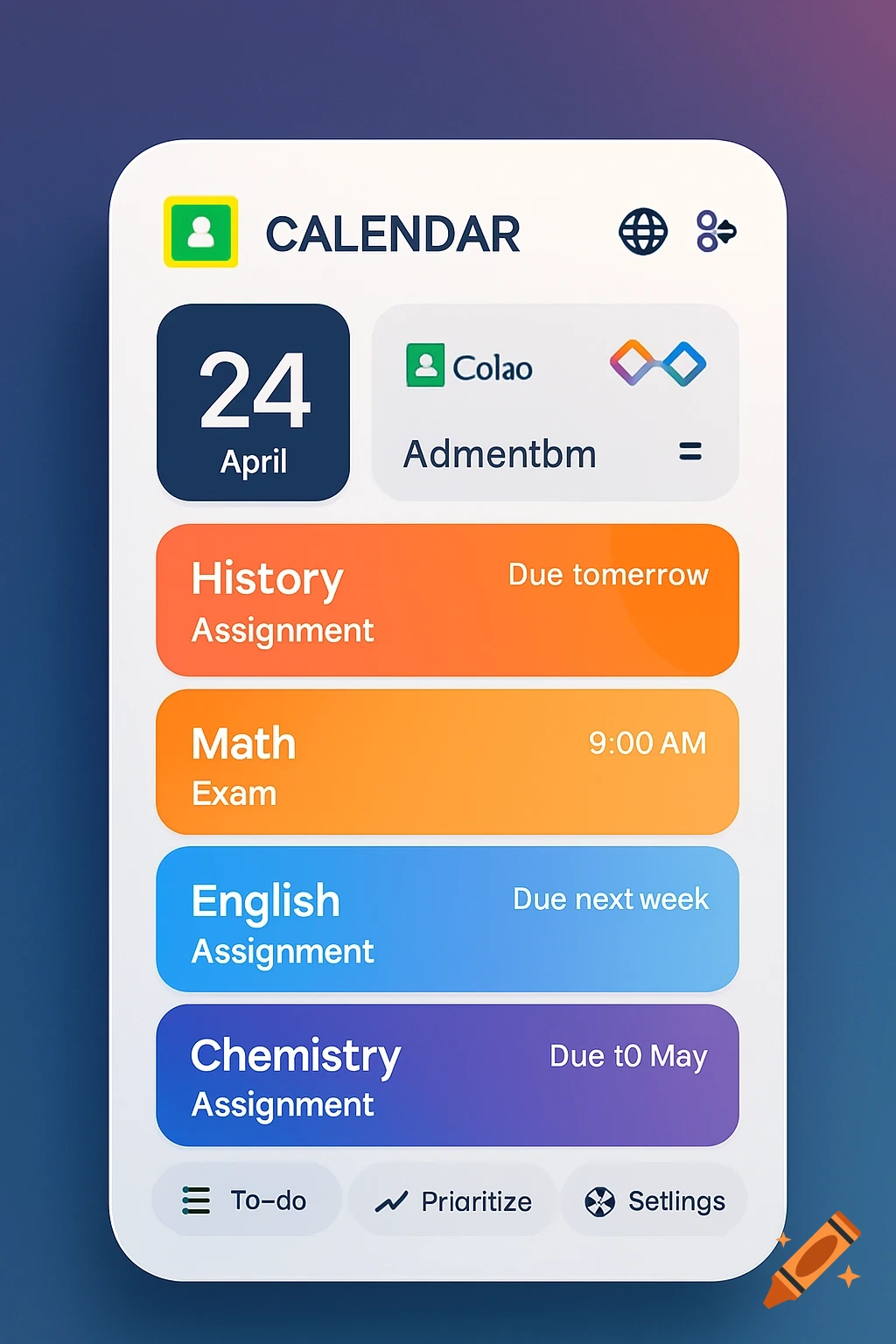
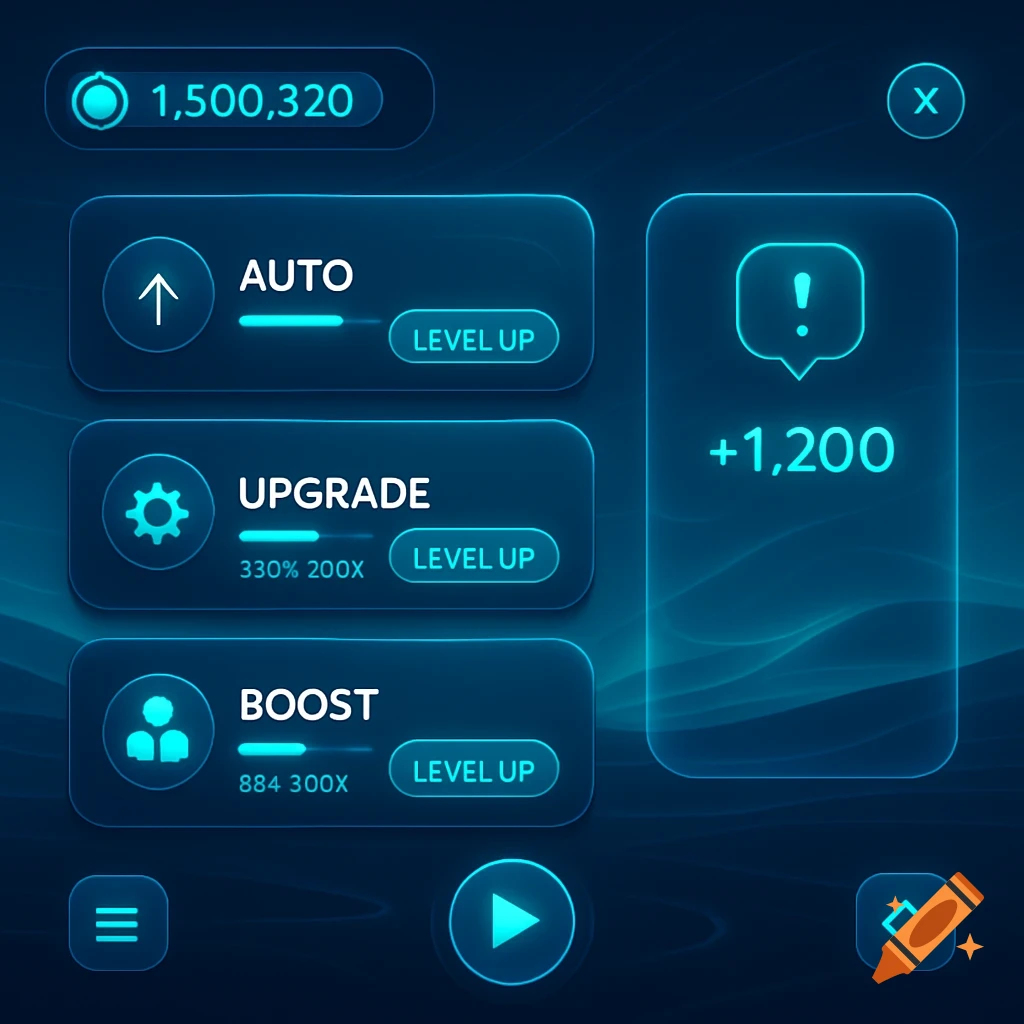
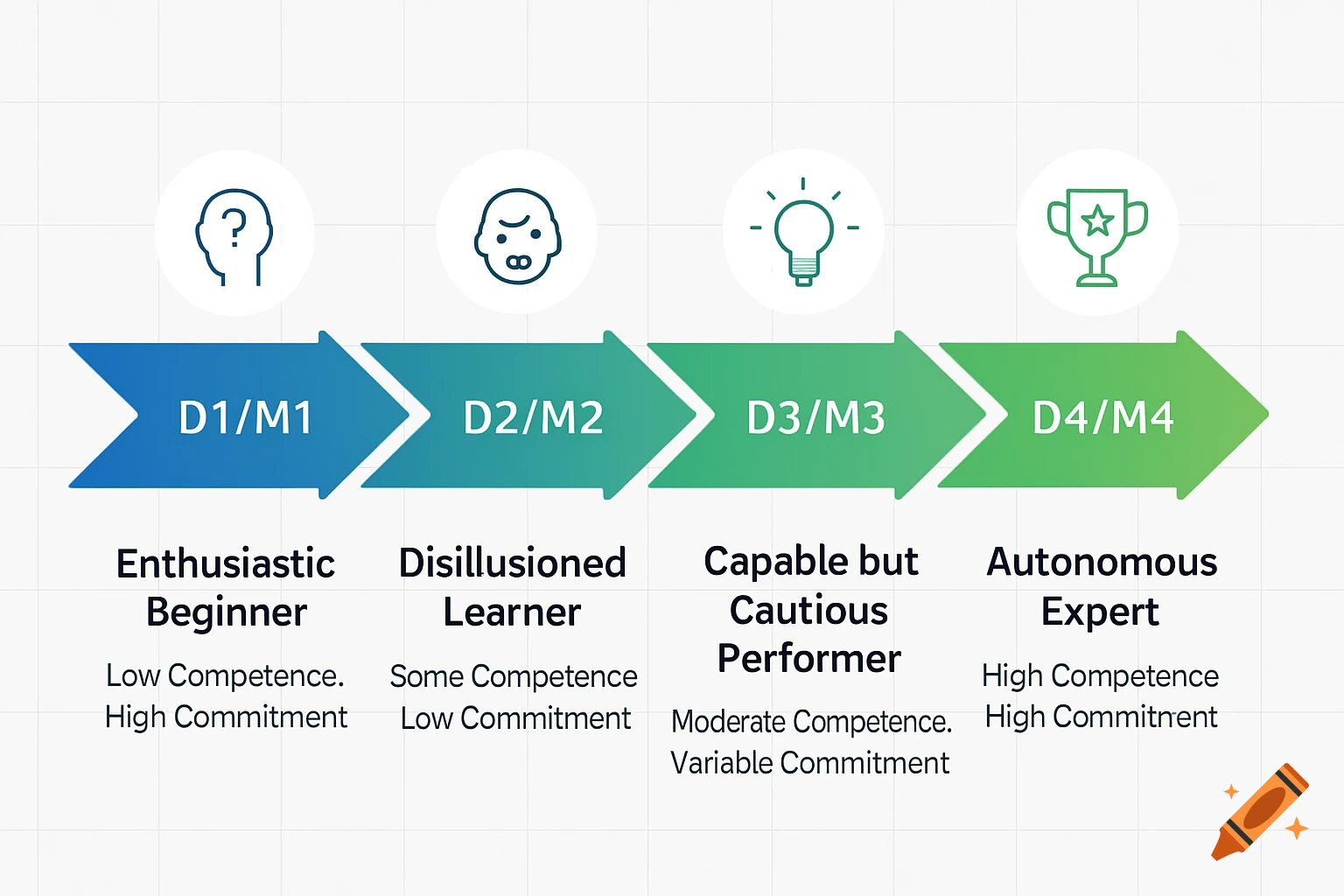
Four screens of a clean, modern educational app dashboard showing home, lessons, practice, progress, and settings tabs with example content.

Design Idea 1: Tab-Based Dashboard Uses tabs at the top: Home, Lessons, Practice, Quiz, Progress, Settings. Home Tab: Shows welcome message, recommended topics, and “Continue Last Lesson” button. Lessons Tab: Displays a list of topics. Clicking a topic opens the lesson with video, worked examples, and practice tasks. Practice Tab: Provides questions and instant feedback with hints. Quiz Tab: Allows users to test their knowledge. Progress Tab: Shows scores, completed topics, and charts. Settings Tab: Lets users toggle relaxed mode, offline mode, and choose interface colors. User Experience: Everything is organized in one place; easy to navigate for users who like to see all options at once. (need to make how will the screens look like but dont make it seen as ai) Mehr sehen
More images like this