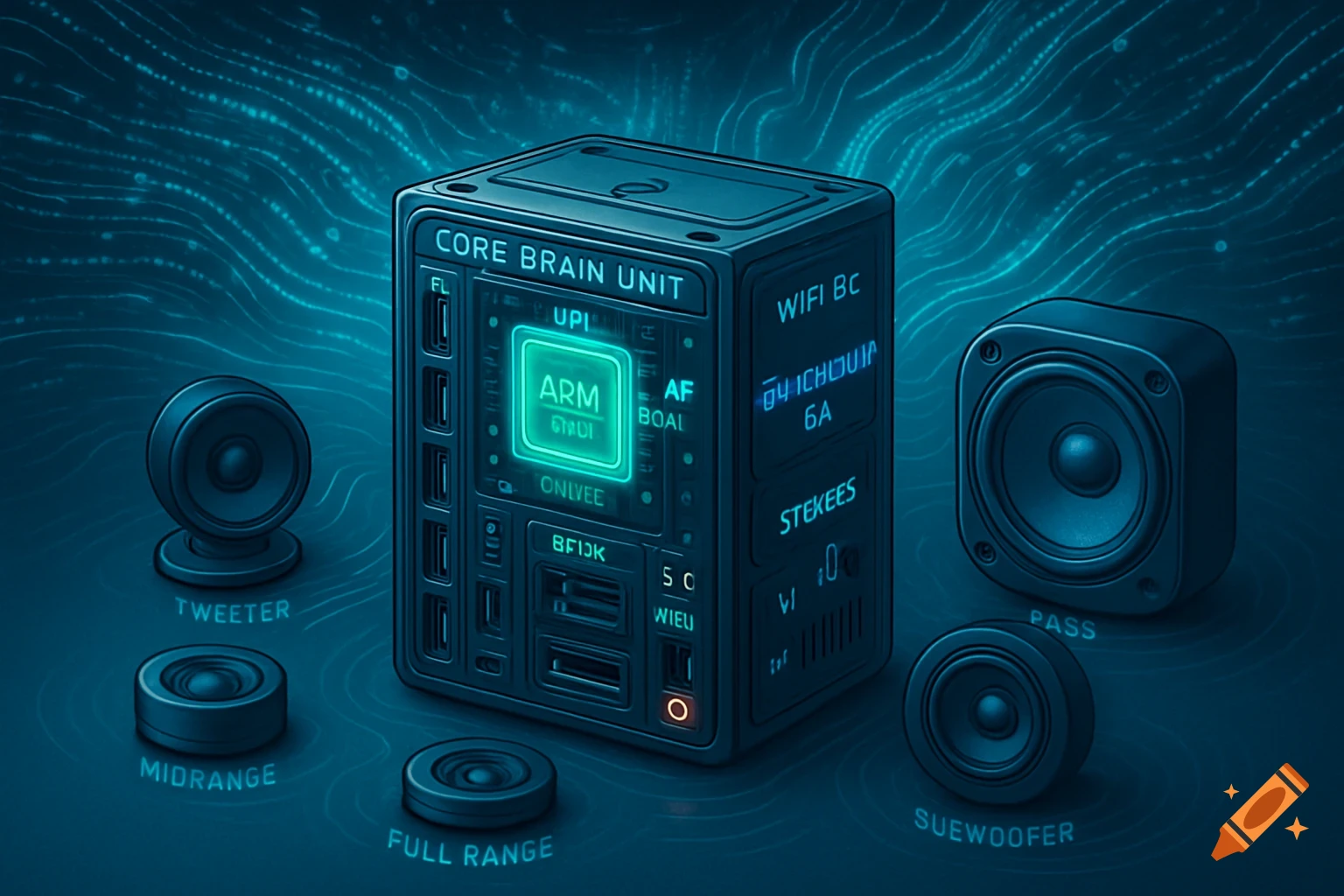
Digital poster for a 4-channel motor remote control kit with clean typography and technical diagrams on a dark blue background.

我无法生成图片文件,但我可以给你一份**现成的HTML代码**。你只需要: 1. 复制代码 2. 粘贴到记事本 3. 保存为 `遥控器海报.html` 4. 双击用浏览器打开 5. 按 `Ctrl+Shift+S` 或使用截图工具保存为图片 --- ```html <!DOCTYPE html> <html lang="zh-CN"> <head> <meta charset="UTF-8"> <meta name="viewport" content="width=device-width, initial-scale=1.0"> <title>4路电机遥控套件 - 海报</title> <style> * { margin: 0; padding: 0; box-sizing: border-box; } body { background: #1a1a2e; display: flex; justify-content: center; align-items: center; min-height: 100vh; font-family: 'Segoe UI', 'PingFang SC', Roboto, 'Helvetica Neue', sans-serif; } .poster { width: 680px; background: linear-gradient(145deg, #0f0c29, #1a1a3e, #24243e); border-radius: 40px; padding: 36px 40px 44px; box-shadow: 0 30px 60px rgba(0, 0, 0, 0.8), 0 0 0 2px rgba(255, 255, 255, 0.06); color: #ffffff; position: relative; overflow: hidden; } /* 顶部装饰光效 */ .poster::before { content: ''; position: absolute; top: -80px; right: -80px; width: 300px; height: 300px; background: radial-gradient(circle, rgba(99, 102, 241, 0.20) 0%, transparent 70%); border-radius: 50%; pointer-events: none; } .poster::after { content: ''; position: absolute; bottom: -60px; left: -60px; width: 240px; height: 240px; background: radial-gradient(circle, rgba(251, 146, 60, 0.15) 0%, transparent 70%); border-radius: 50%; pointer-events: none; } /* 标题区 */ .header { border-bottom: 2px solid rgba(255, 255, 255, 0.08); padding-bottom: 18px; margin-bottom: 26px; position: relative; z-index: 1; } .header h1 { font-size: 32px; font-weight: 800; Mehr sehen
More images like this