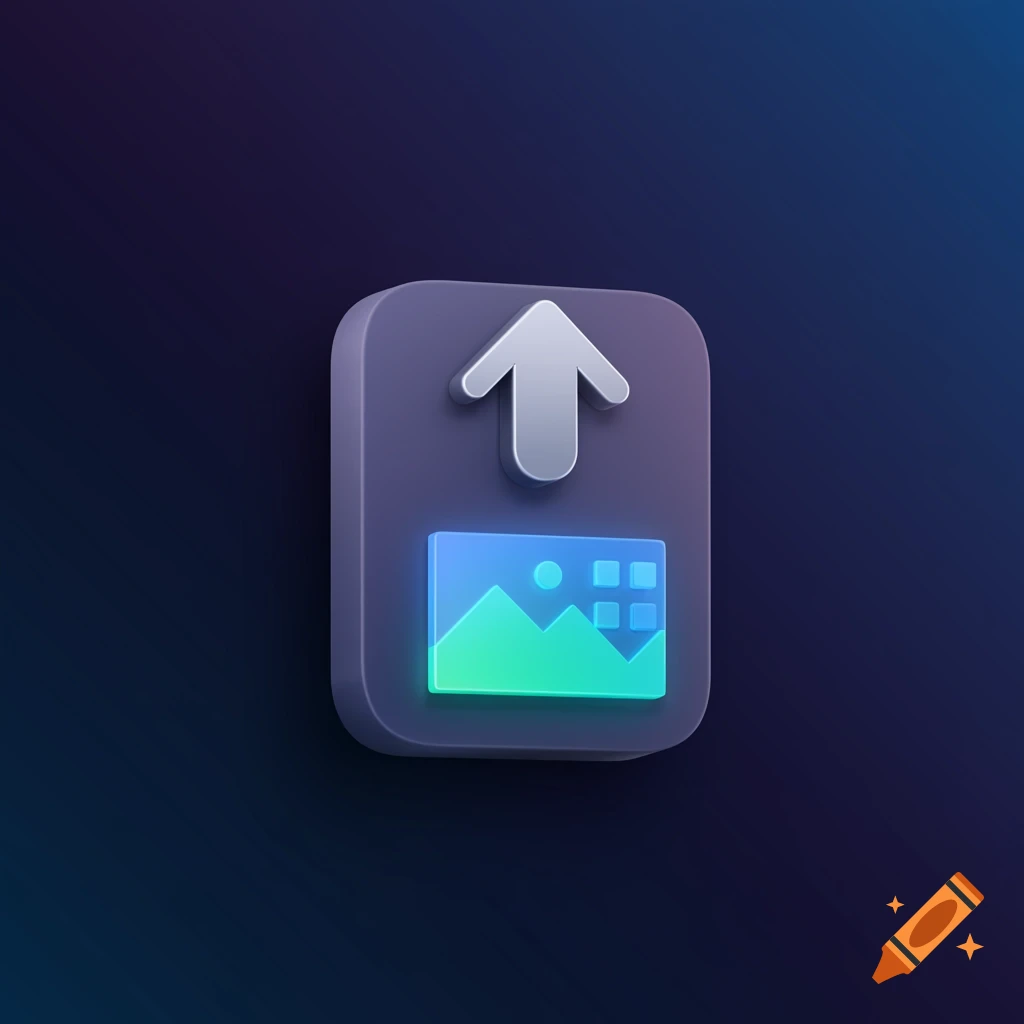
Professional UI design concept for Bleepa File Uploader with dark blue background

Professional UI Design Concept for Bleepa 1. Header • Background Color: Dark blue or navy. • Title: "Bleepa File Uploader" (Large, bold font, white text). • Subtitle: "Easily upload your videos and PDFs" (Medium font, light gray text). 2. Upload Section • Upload Button: • A large, rounded button with a gradient (e.g., blue to teal) labeled "Upload File" (with an icon of a cloud and an upward arrow). • Hover effect: Button slightly enlarges and changes to a lighter shade. • File Type Indicator: • Below the button, in smaller font: "Supported formats: .mp4, .pdf" (light gray text). 3. Drag-and-Drop Area • Drag-and-Drop Box: • A dashed border box (e.g., 400x200 pixels) with a light background color (e.g., light gray). • Inside the box: "Drag & drop your files here or click to browse" (centered text). • Icon of a file being dragged. 4. File Preview Section (After Upload) • Preview Box: • A small box (e.g., 200x200 pixels) that appears after a file is uploaded. • If a video is uploaded Mehr sehen
More images like this