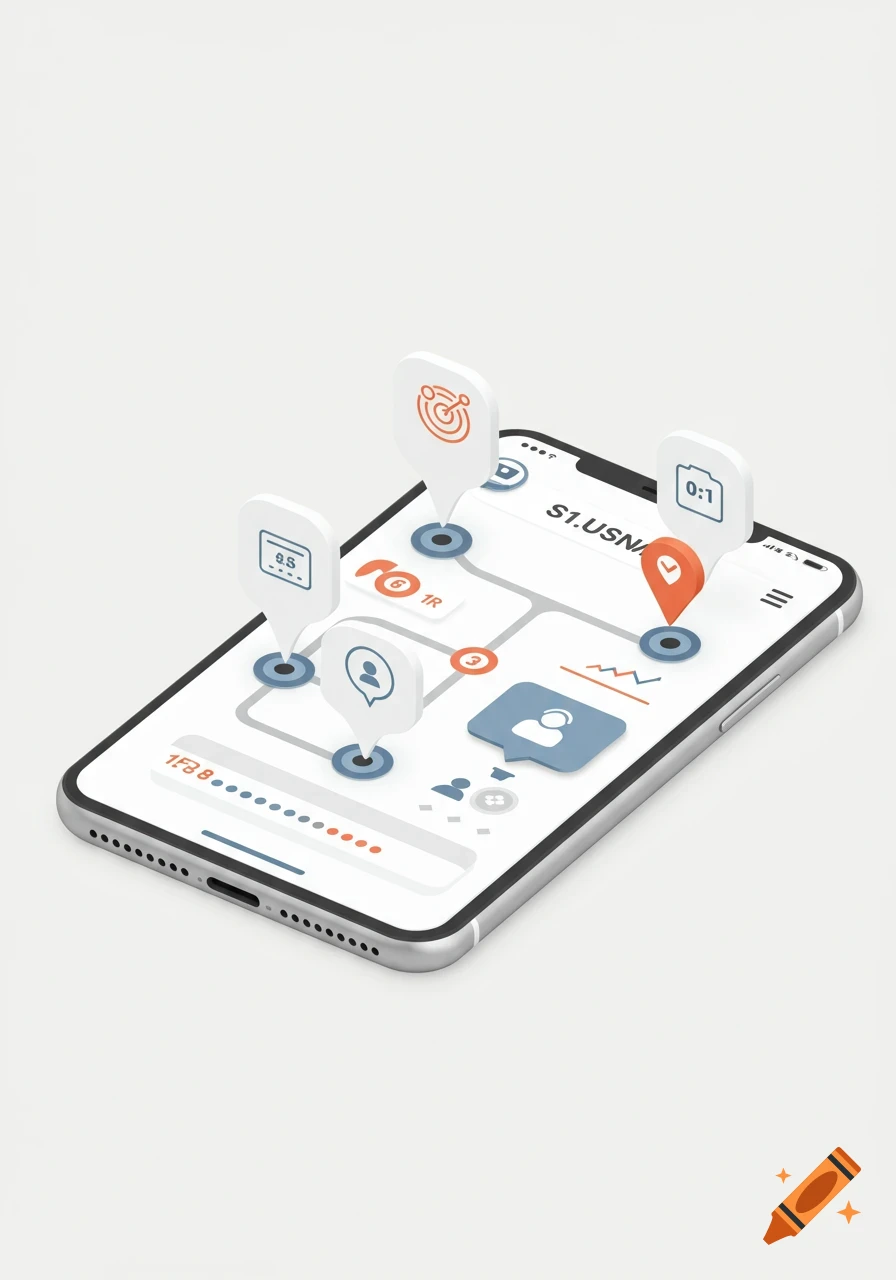
HYDROlert app home screen showing water usage tracking and emergency notifications
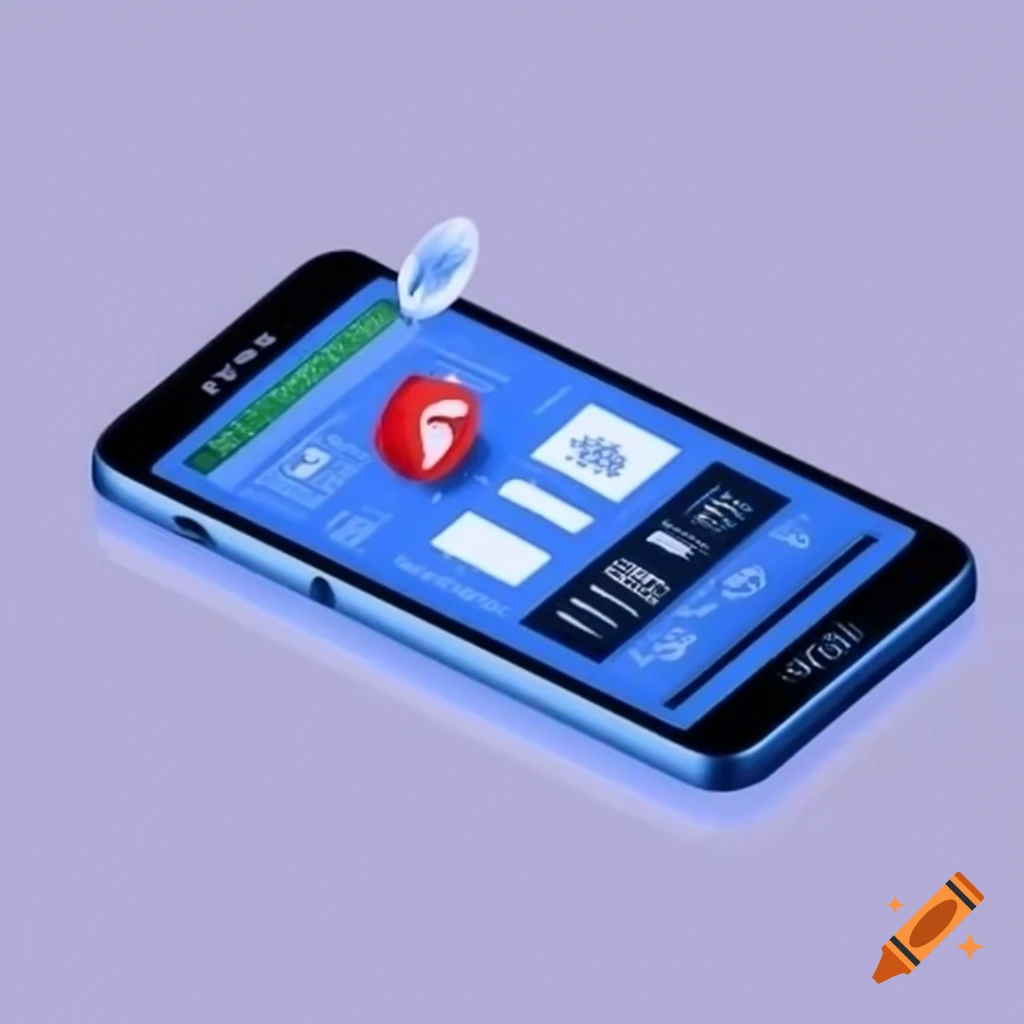
On a phone, the HYDROlert app starts with the home screen, which shows users a dashboard with water usage tracking and current EMERGENCY notifications. Users can access emergency notifications in real time by tapping the "Alerts" icon. To monitor their water consumption, they choose the "Water Usage" option, where they can record their usage and see graphs showing usage patterns. Safe evacuation routes and current risks can be found using the "Safety Map" function. They can also modify their personal information and preferences using the profile symbol, and a "Help" or "Feedback" button offers a way to report problems or offer suggestions. Users may successfully interact with the app to improve their safety and properly monitor their water usage thanks to these simplified navigation procedures Mehr sehen
More images like this