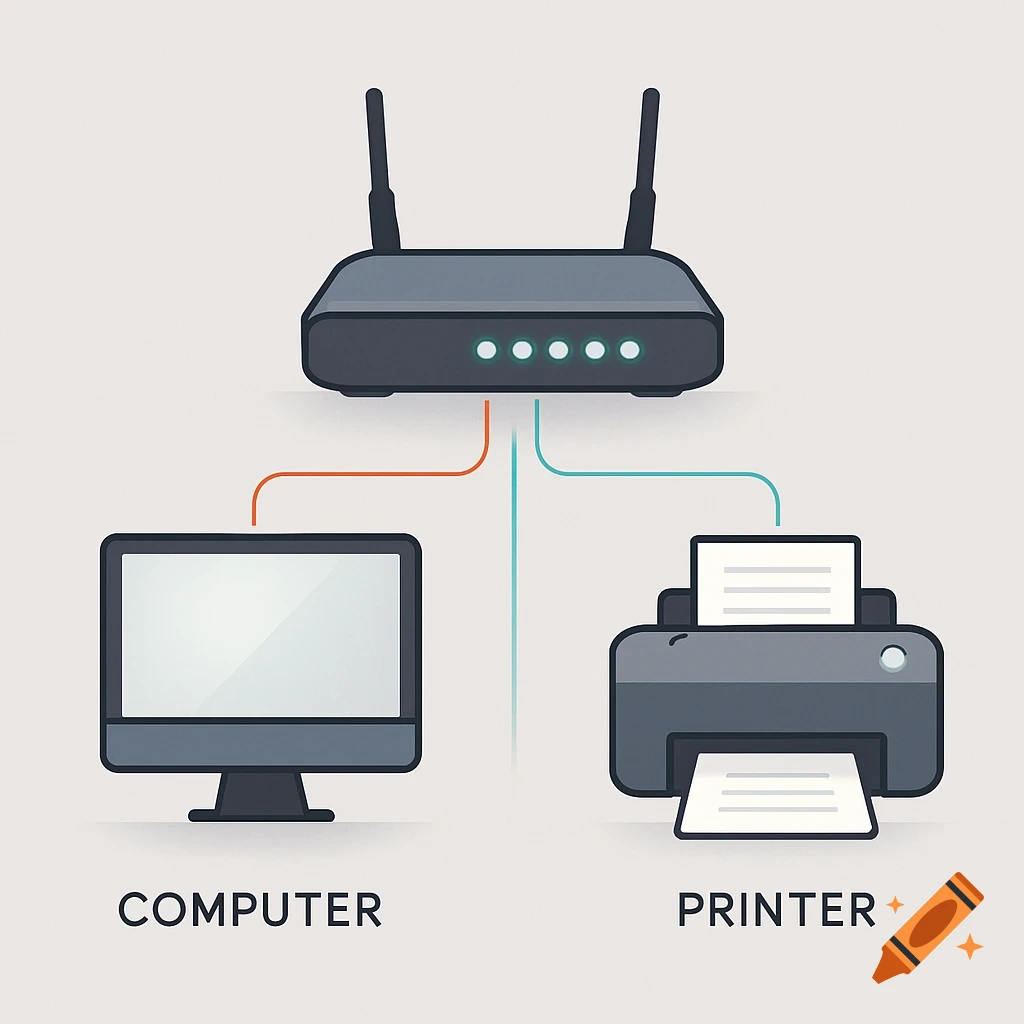
A network diagram showing an ADSL modem connected to a router, which is then connected to a PBX device, against a white background.

Create a clean, professional network diagram on a white background. Show: - One ADSL modem with 4 LAN ports clearly labeled LAN1, LAN2, LAN3, LAN4. - One router with 1 WAN port labeled WAN and 4 LAN ports labeled LAN1, LAN2, LAN3, LAN4. - One PBX device with 1 Ethernet port labeled LAN. Connections must be EXACTLY as follows: 1. Draw ONE Ethernet cable from Modem LAN1 to Router WAN. 2. Draw ONE Ethernet cable from Router LAN1 to PBX LAN. Cable rules: - Use standard black Ethernet cables (no colors). - Cables must be thick and clearly visible. - RJ45 connectors must be visibly inserted into the exact labeled ports. - The cable must touch and enter the port opening. - No extra cables. - No missing cables. - No crossed cables. - No overlapping cables. - No curved cables. - Use straight 90-degree angle cable paths only. - The start and end of each cable must be clearly visible. Important: - Do NOT connect LAN to LAN between modem and router. - Do NOT connect WAN to WAN. - Only the two specified connections are allowed. - Show the ports clearly and zoomed enough to see the cable insertion. Use realistic device icons and a simple technical diagram style. Mehr sehen
More images like this